Tools
Free tools to optimize your resume, check ATS compatibility, and improve your job search.
92 articles
 Tool
ToolATS-Friendly Resume Template Generator Tool: Generate a Clean Resume Layout (LaTeX → PDF)
Create an ATS-friendly resume template using JobShinobi’s LaTeX-based resume builder. Pick a template, edit your content, compile to a clean PDF preview, then download your resume as PDF or .tex.
 Tool
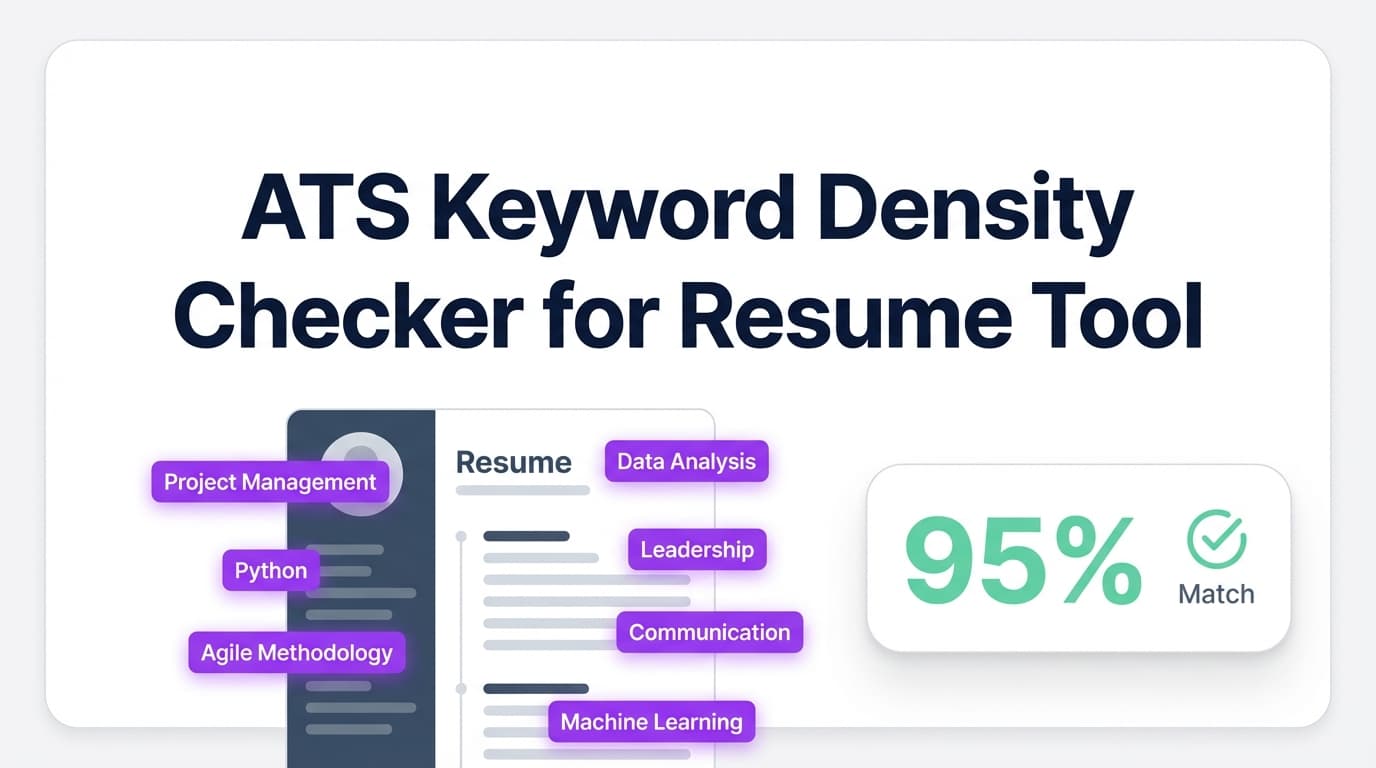
ToolAts Keyword Density Checker For Resume: Find Missing Keywords (and Avoid Keyword Stuffing)
Check ATS keyword density signals in your resume with JobShinobi. See keywords found vs. missing, identify overused terms, and improve job match by analyzing your resume with an optional job description.
 Tool
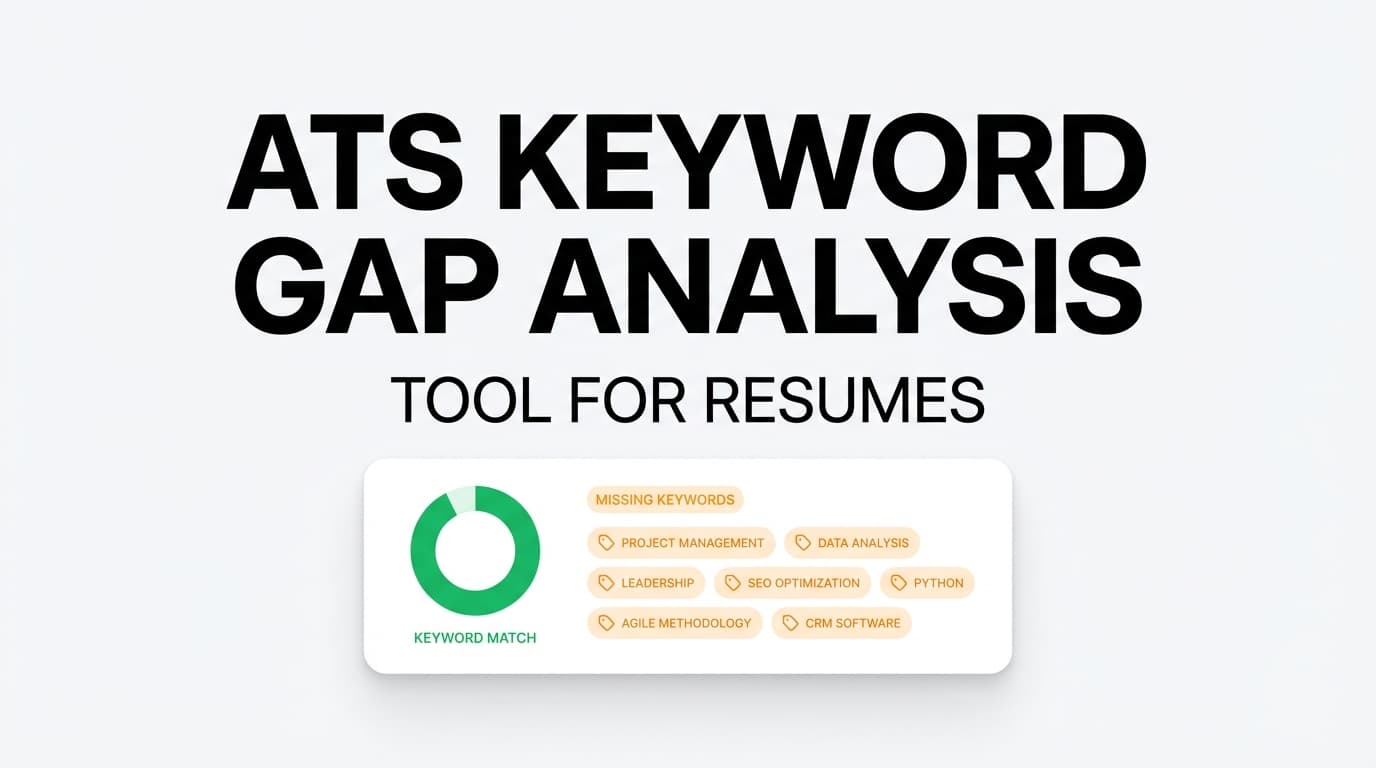
Toolats keyword gap analysis tool for resume
 Tool
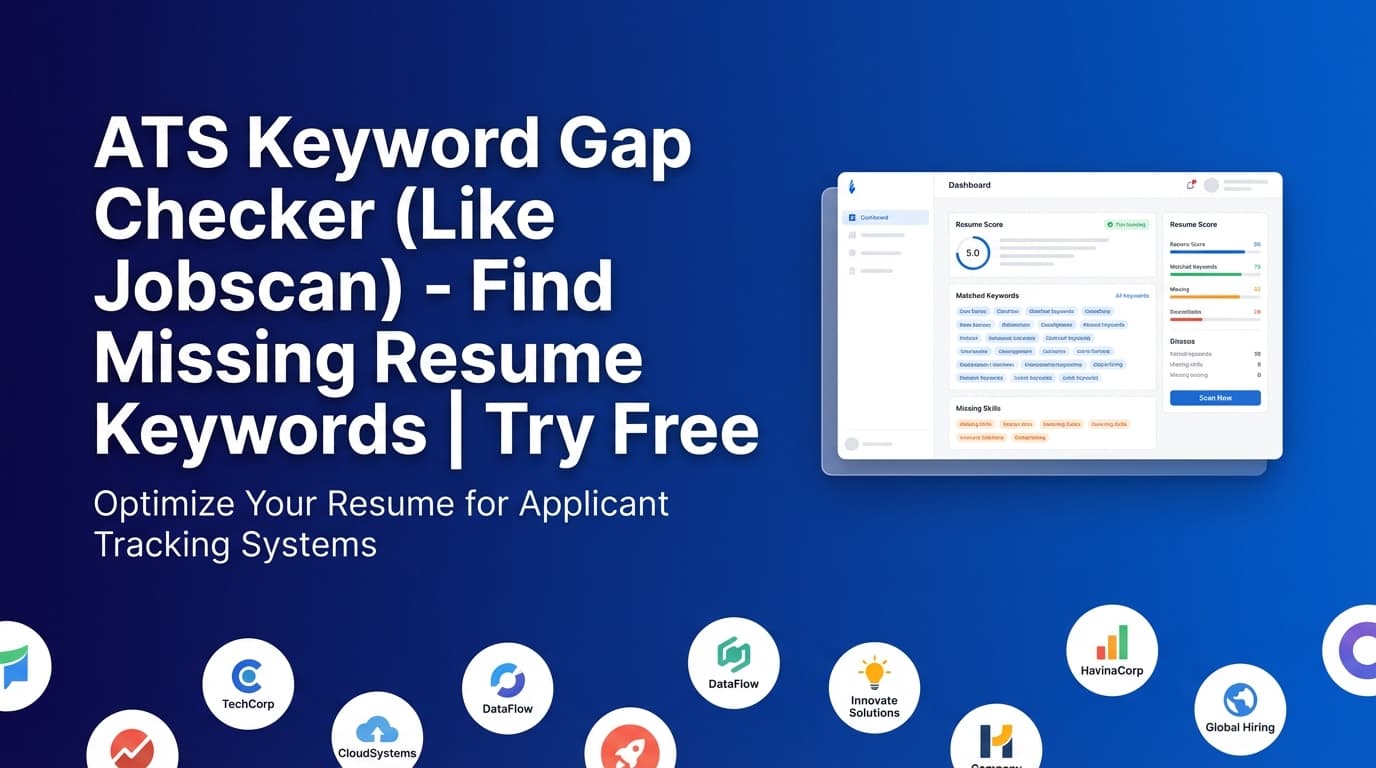
ToolATS Keyword Gap Checker (Like Jobscan): Find Missing Keywords in Your Resume
Compare your JobShinobi resume to a job posting to see matching vs. missing keywords, a job match score, and tailored recommendations. JobShinobi is paid (the site advertises a 7-day free trial).
 Tool
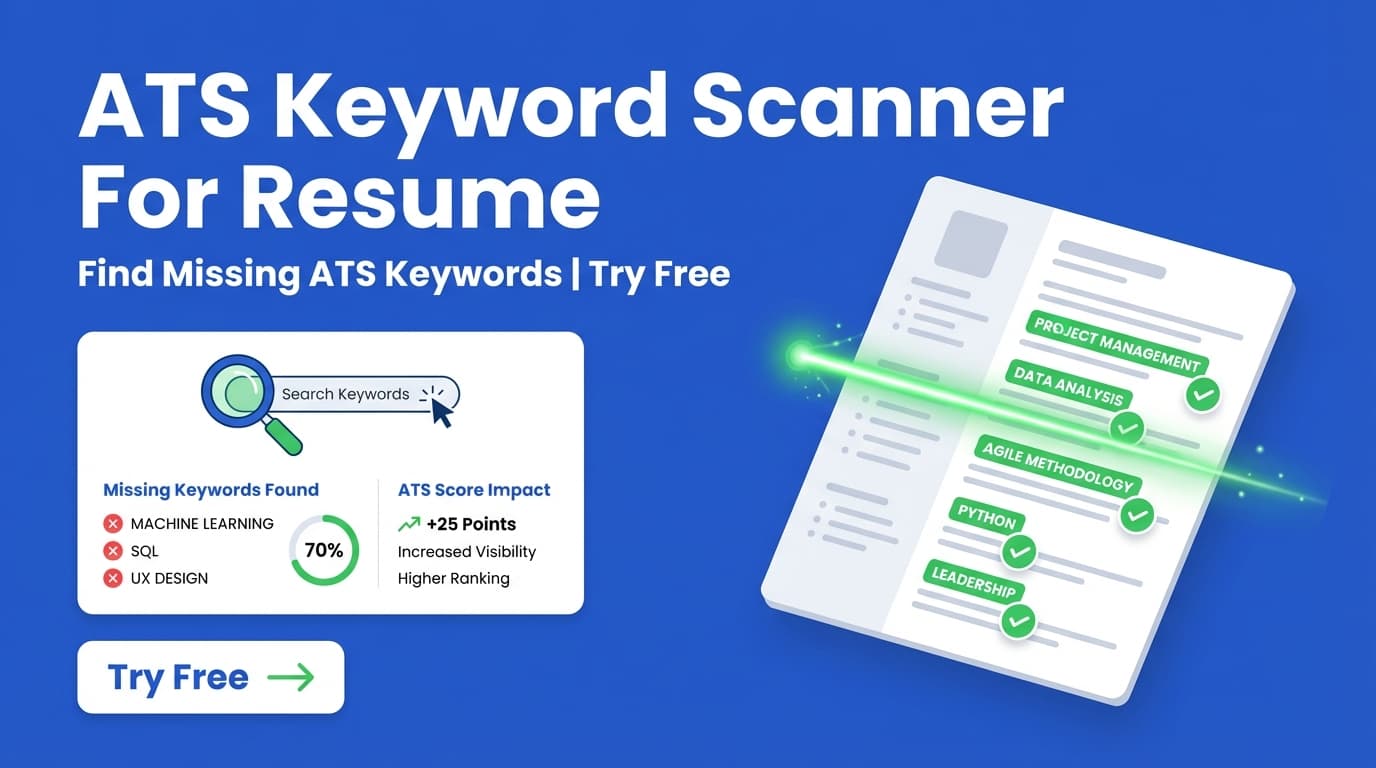
ToolAts Keyword Scanner For Resume: Find Missing Keywords (and Improve Your Match)
JobShinobi’s ATS Keyword Scanner for Resume compares your resume to a job posting to reveal matching vs missing keywords, show a job match score, and provide tailoring recommendations. Try JobShinobi free for 7 days (advertised).
 Tool
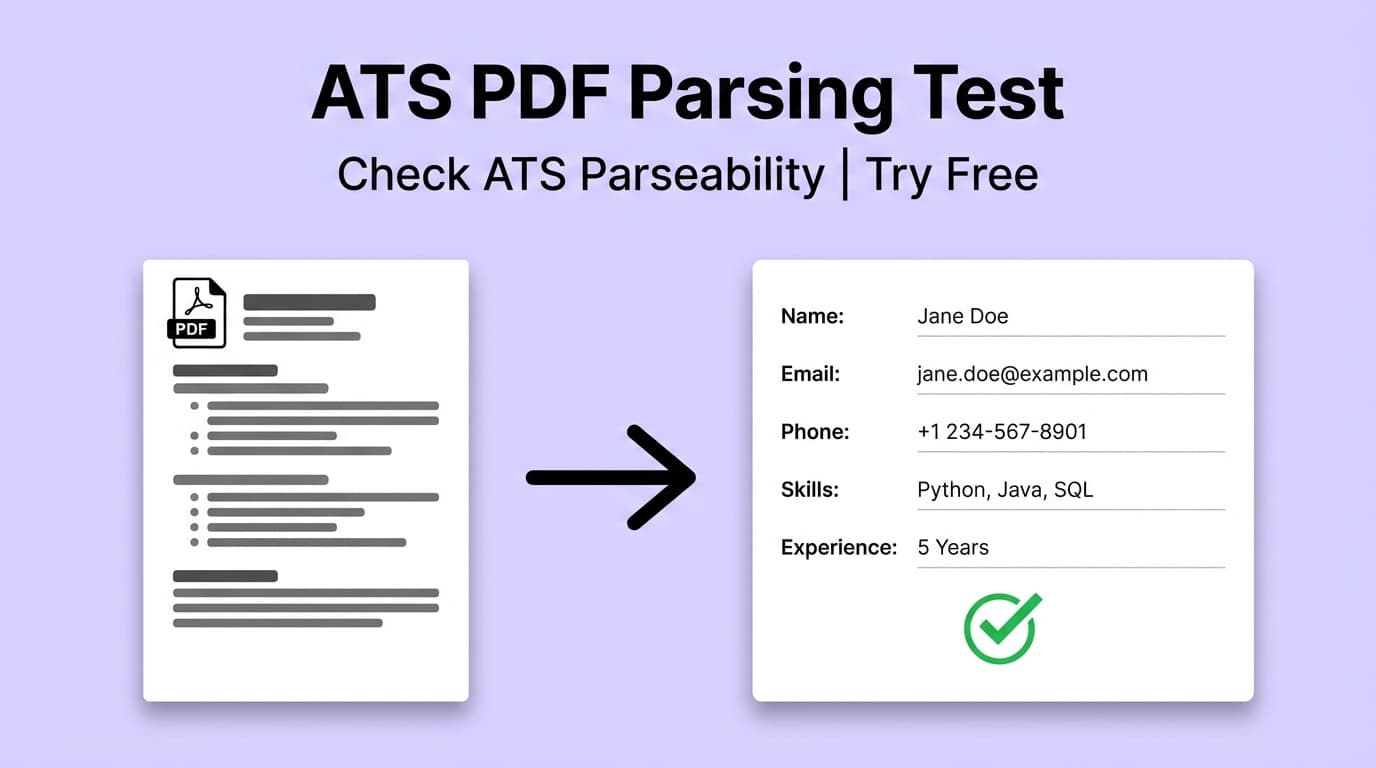
ToolAts Pdf Parsing Test For Resume: Find ATS Parsing Issues Before You Submit a PDF
Run an ATS-focused parsing/formatting test on your resume to spot PDF parseability risks (headings, dates, symbols, columns) and get fixes before you apply. JobShinobi advertises a 7-day free trial.
 Tool
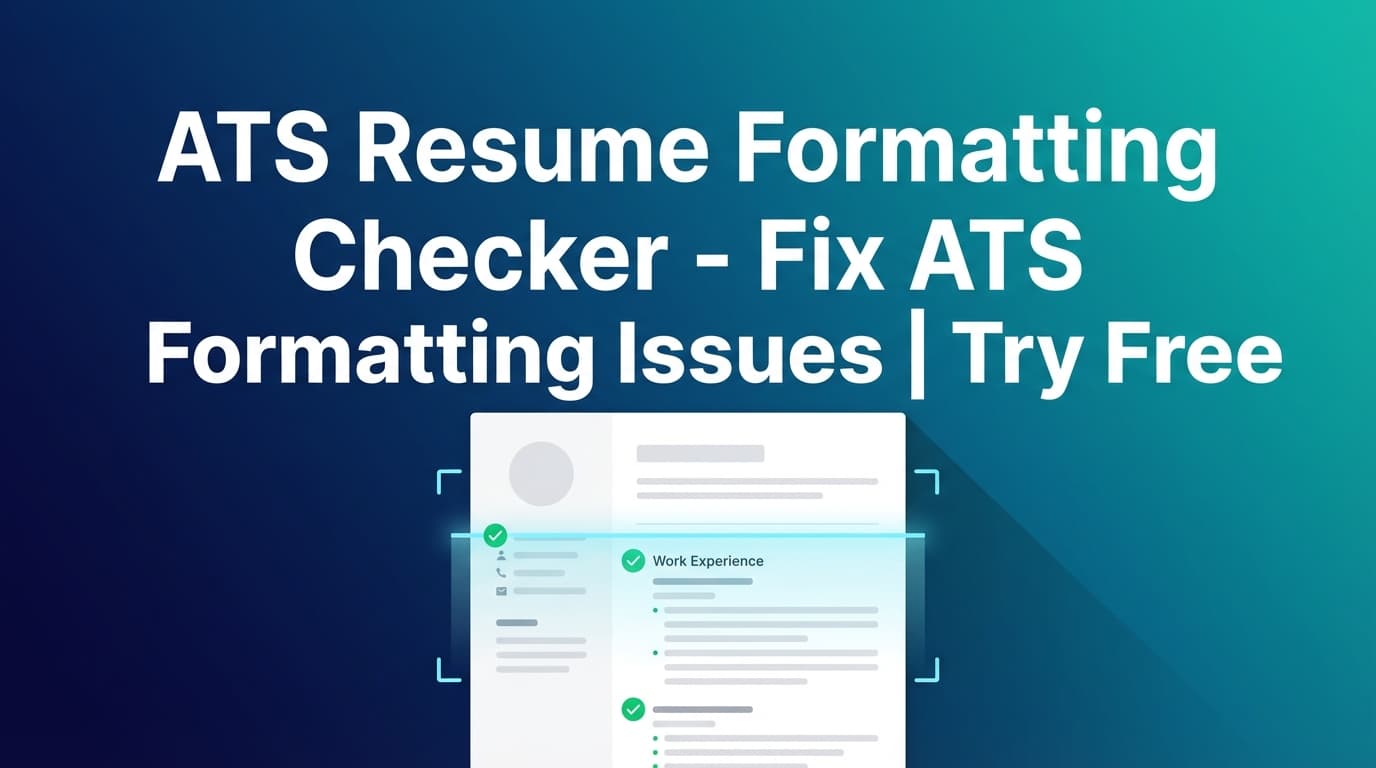
ToolAts Resume Formatting Checker: Check Your Resume’s ATS Readability (and Fix Issues)
Use JobShinobi’s Ats Resume Formatting Checker to spot ATS formatting and structure issues, see your formatting and ATS scores, and get actionable fixes you can apply in Resume Studio.
 Tool
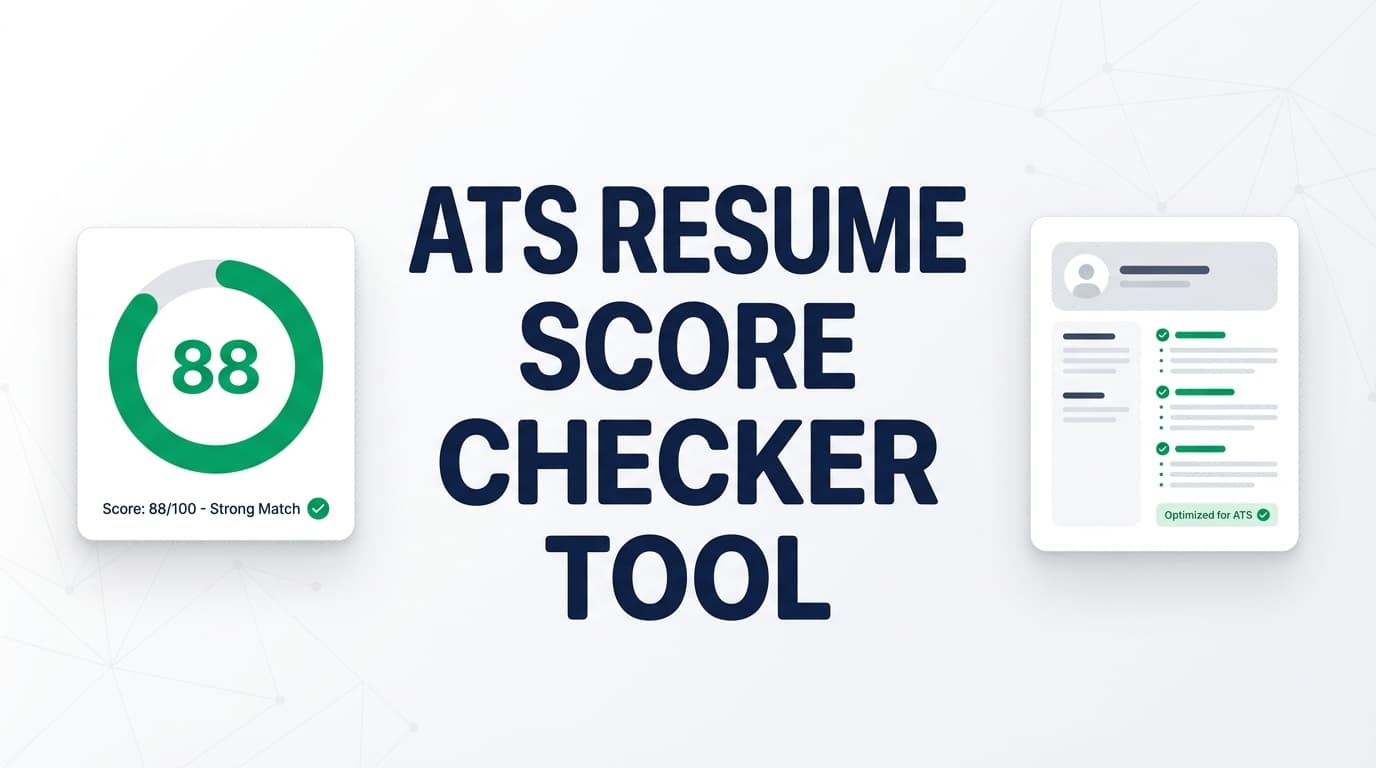
ToolAts Resume Score Checker: Check Your ATS Score (0–100) and Improve What Matters
JobShinobi’s Ats Resume Score Checker analyzes your resume and returns an overall score (0–100) plus category scores for content, keywords, formatting, completeness, and ATS compatibility—along with strengths, weaknesses, missing keywords, and ATS issues to fix.
 Tool
ToolATS Resume Tracker: Track ATS Readiness and Improve It With Each Revision
Use JobShinobi’s ATS Resume Tracker to analyze your resume for ATS compatibility, keyword optimization, formatting, and completeness. Add a job description (URL or text) to get a match score, missing keywords, and tailored recommendations. JobShinobi is paid and advertises a 7-day free trial.
 Tool
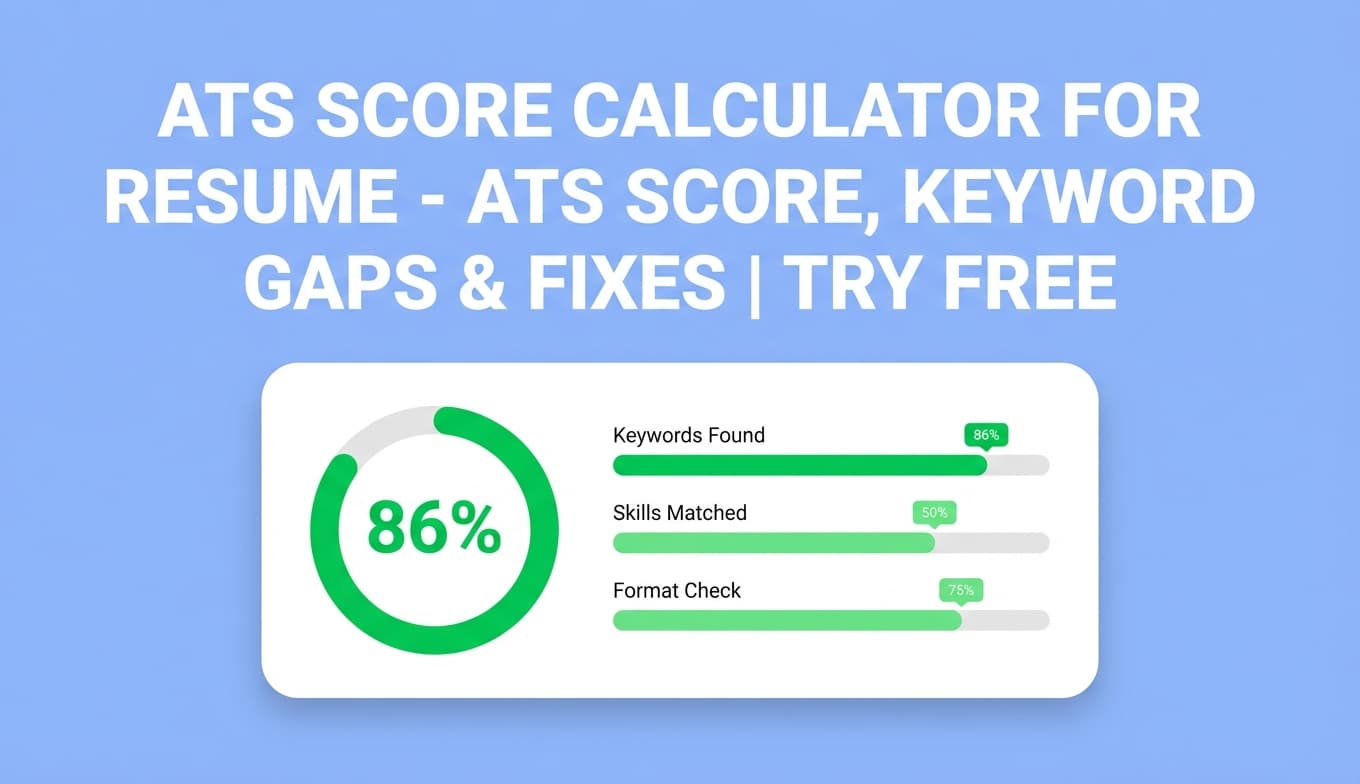
ToolAts Score Calculator For Resume: Score Your Resume (0–100) and Fix What’s Holding It Back
Calculate your resume’s ATS score (0–100) with JobShinobi’s Ats Score Calculator For Resume. Get an ATS score breakdown, keyword insights (present/missing/overused), missing sections, and ATS issues—plus optional job-specific matching from a job URL or pasted description. JobShinobi advertises a 7-day free trial.
 Tool
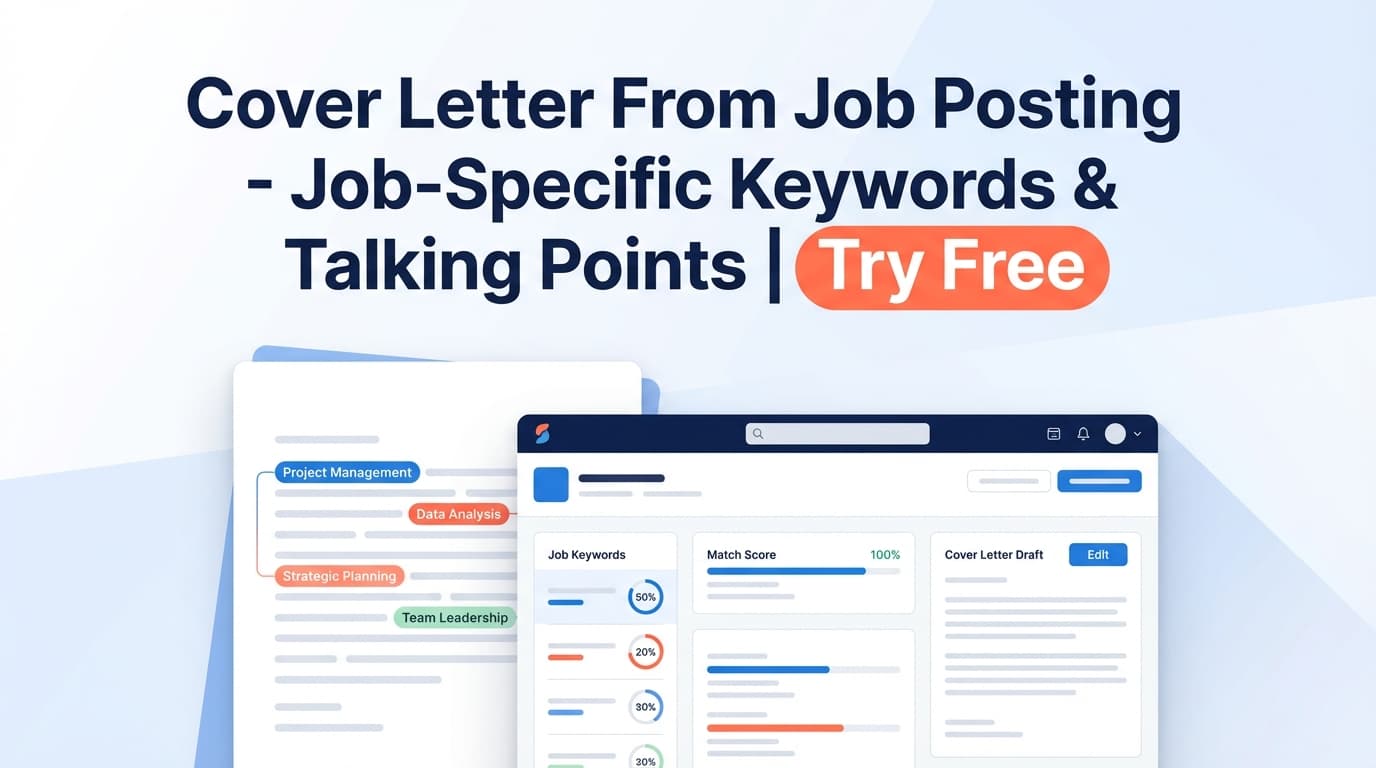
ToolCover Letter From Job Posting: Turn a Job Ad Into Tailored Talking Points
Turn any job posting URL or pasted job description into structured details (role, company, keywords) and resume-match recommendations—so you can write a more targeted cover letter. JobShinobi advertises a 7-day free trial.
 Tool
ToolCover Letter From Resume And Job Description: Turn your resume + a job post into a tailored cover letter draft
Generate a role-specific cover letter draft using your resume content and a job description. Use JobShinobi’s job extraction + resume-to-job matching to identify keywords and talking points, then draft a cover letter you can customize.
 Tool
ToolCover Letter From Resume: turn your resume into a tailored cover letter draft
Create a tailored cover letter draft using the experience already in your JobShinobi resume. Add a job description for stronger alignment, refine in the AI chat, then copy and use it in your application. JobShinobi advertises a 7-day free trial.
 Tool
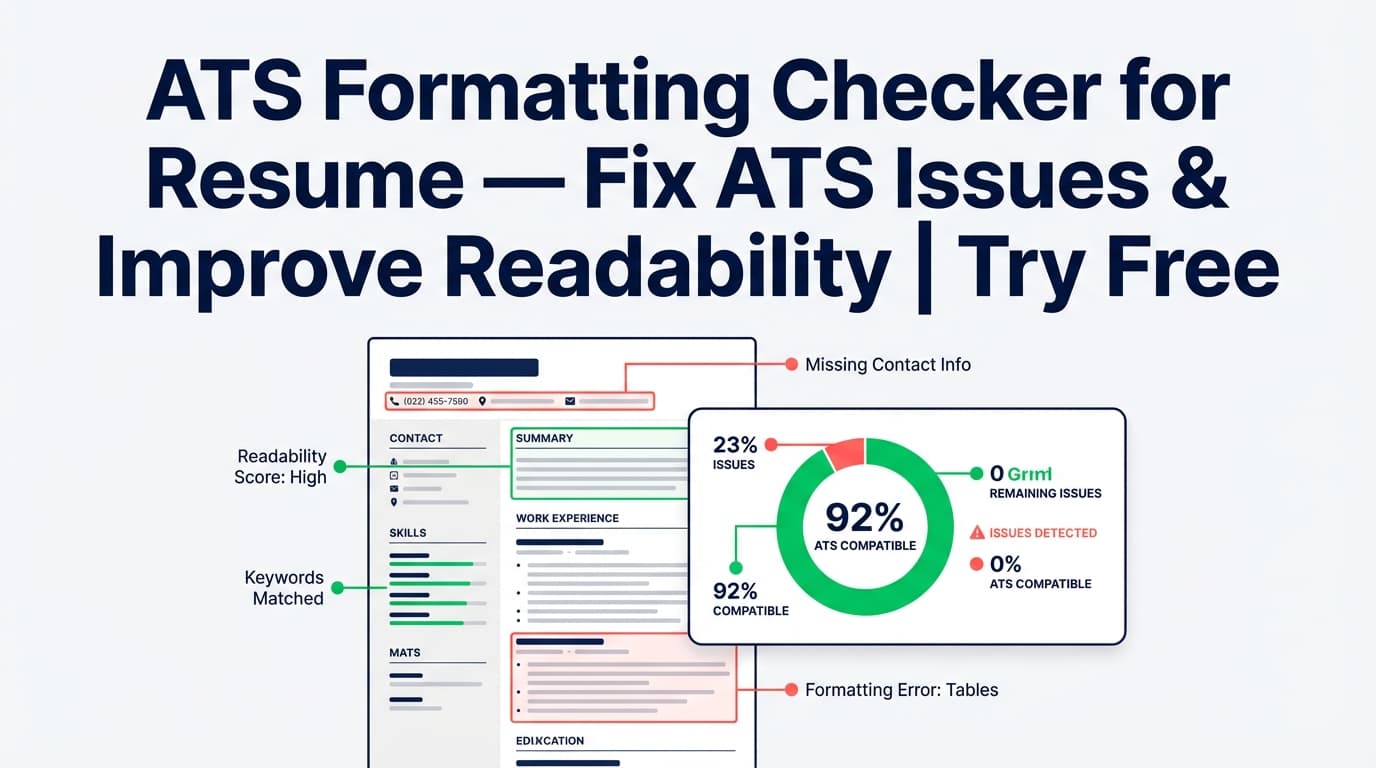
ToolATS Formatting Checker for Resume (Try Free)
Check your resume for ATS-friendly formatting and common parsing issues. JobShinobi’s Resume Analysis includes a formatting score, ATS score, and ATS issue flags. Try it with the site’s advertised 7-day free trial.
 Tool
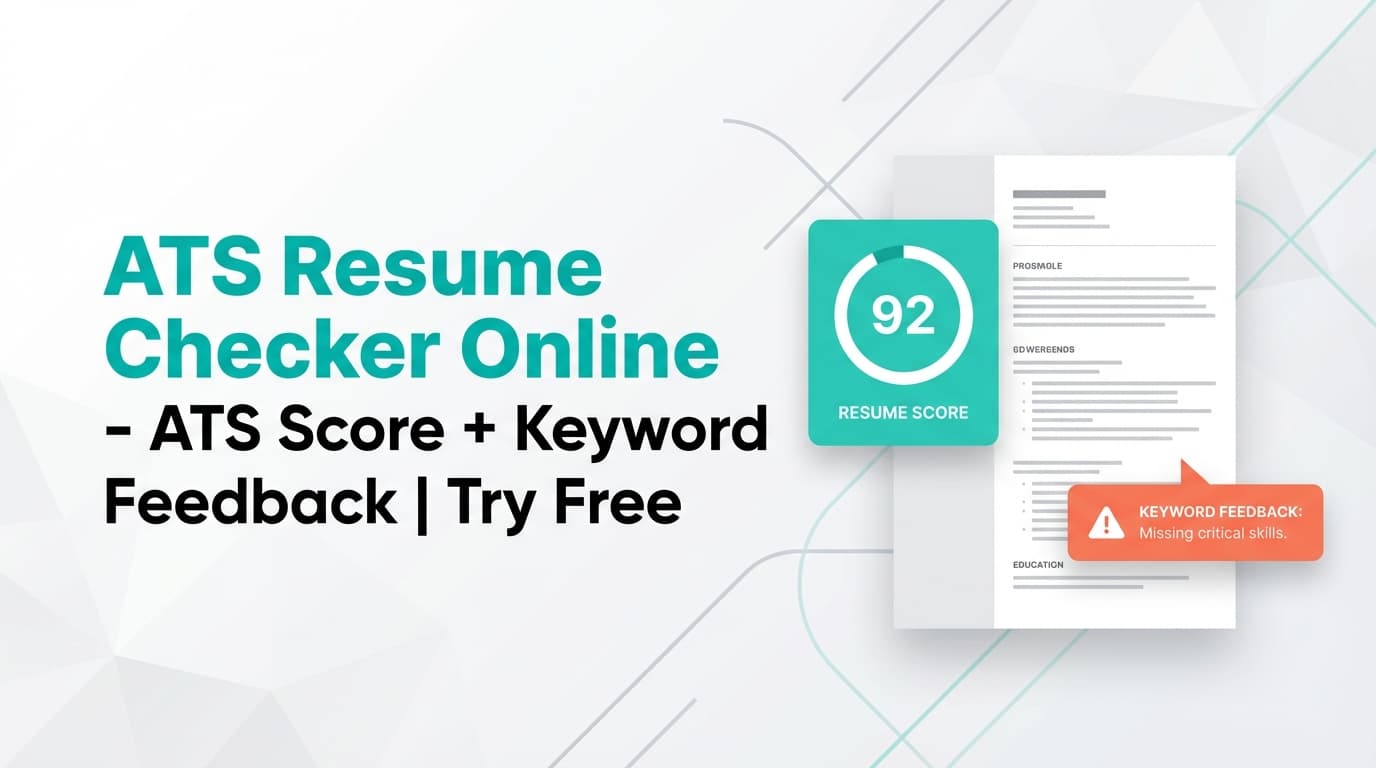
ToolATS Resume Checker Online: Score Your Resume for ATS Compatibility
JobShinobi’s ATS Resume Checker analyzes your resume for ATS compatibility and gives an overall score (/100), score breakdown (content, keywords, formatting, completeness, ATS), plus strengths, weaknesses, keyword gaps, and job matching. JobShinobi is paid, with a 7-day free trial advertised.
 Tool
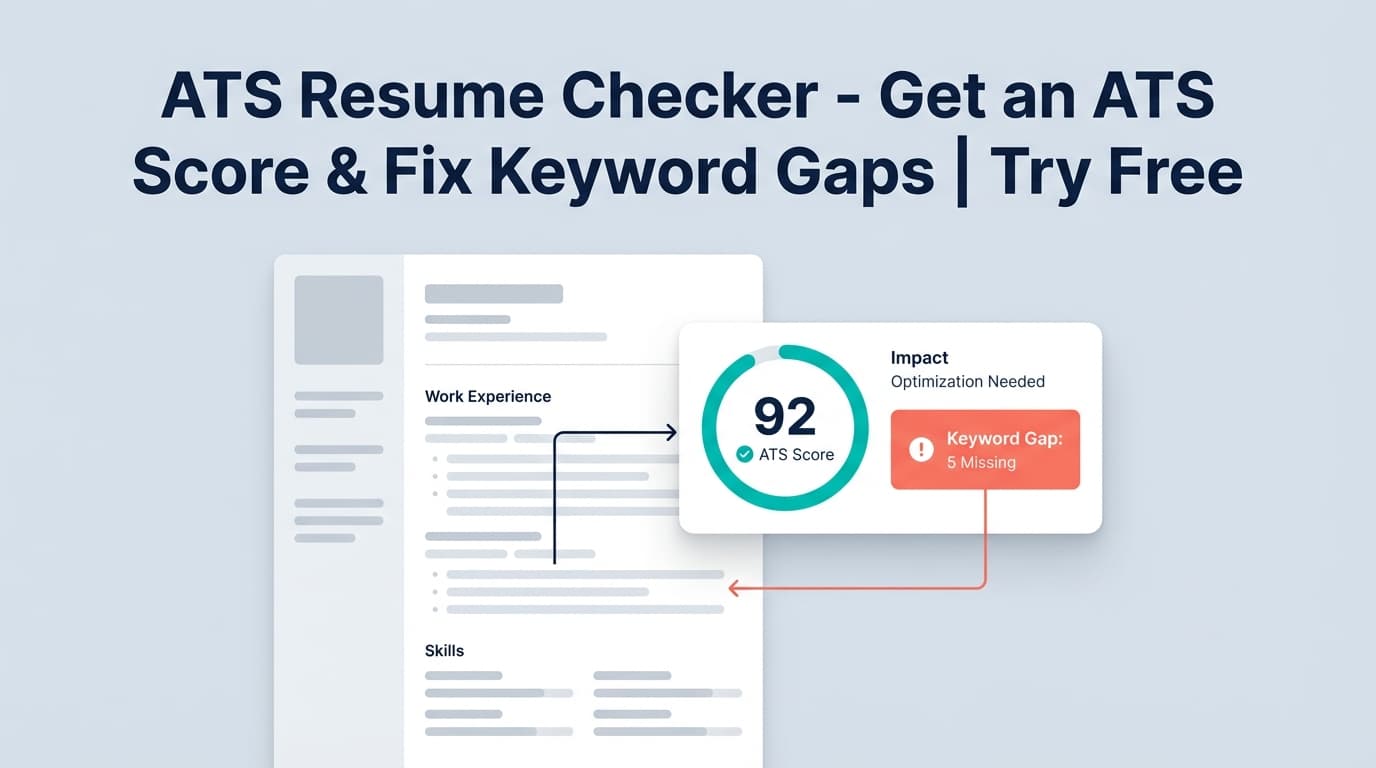
ToolFree ATS Resume Checker (Try Free): Score Your Resume + Find Keyword Gaps
JobShinobi’s ATS Resume Checker scores your resume (0–100), highlights ATS issues, and finds keyword gaps. Try it with the site’s advertised 7-day free trial (then $20/mo or $199.99/yr).
 Tool
ToolATS Resume Scanner (JobShinobi): ATS Score, Keyword Gaps, and Job Match — Try Free
Looking for a free ATS resume scanner tool? JobShinobi’s ATS Resume Scanner scores your resume for ATS compatibility, keywords, formatting, and completeness—plus job-specific keyword matching. Try it with the 7-day free trial (paid plans available after).
 Tool
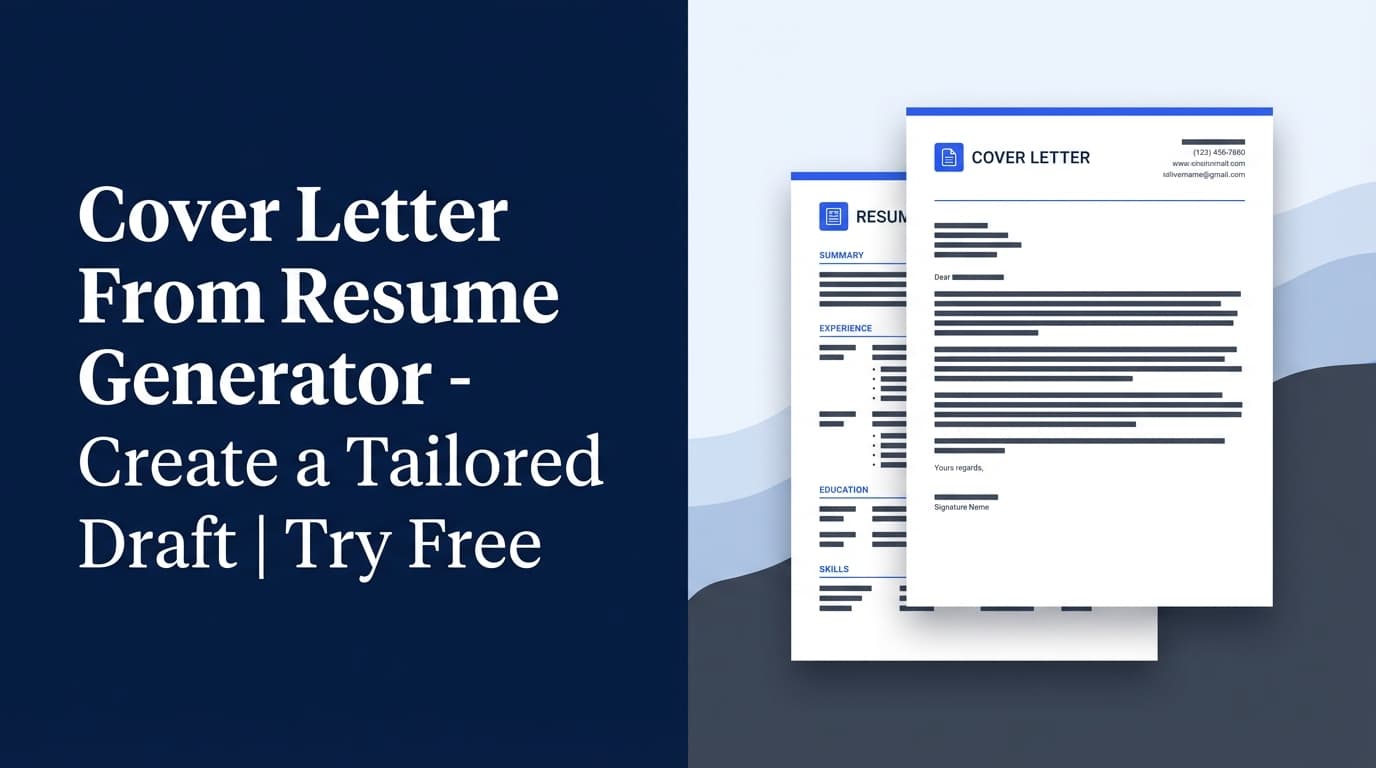
ToolCover Letter From Resume Generator: Create a Tailored Draft Using Your Resume
Turn your JobShinobi resume into a polished cover letter draft in minutes. Use job description extraction + resume-to-job matching to write more targeted letters. 7-day free trial advertised.
 Tool
ToolJob Application Tracker Spreadsheet (ATS-Style): Track in a Dashboard, Export to Excel
Track job applications in JobShinobi and export your pipeline to an ATS-style Excel (.xlsx) spreadsheet with job title, company, status, and date applied. JobShinobi is a paid product that advertises a 7-day free trial.
 Tool
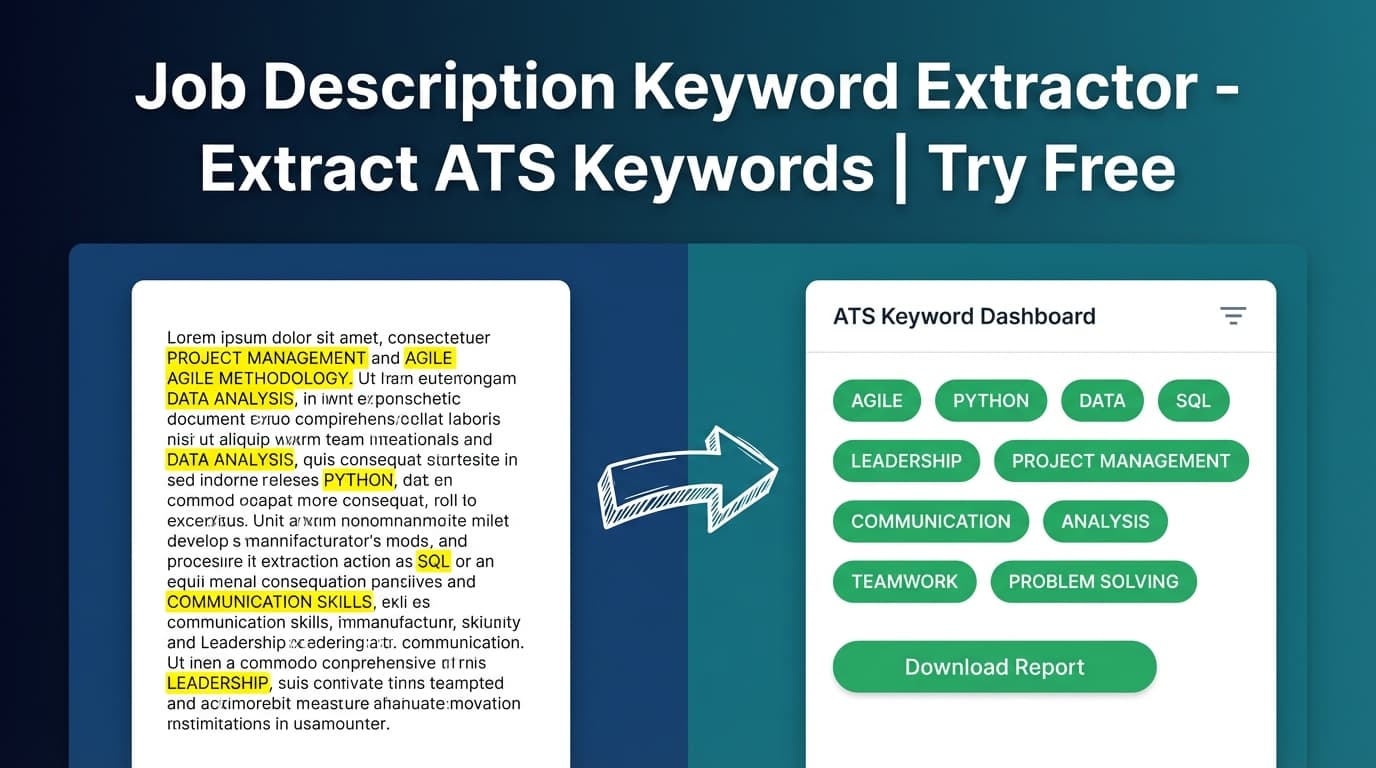
ToolJob Description Keyword Extractor: Find the Right Keywords to Tailor Your Resume
Looking for a free job description keyword extractor tool? JobShinobi helps you extract keywords, skills, and requirements from any job post URL or text—available with a 7-day free trial.
 Tool
ToolAI Resume Builder (LaTeX + ATS Score): A “Free Resume Builder AI” Alternative You Can Try
Build a professional LaTeX resume with AI assistance, PDF preview, ATS-style resume scoring, and job matching. JobShinobi is paid and advertises a 7-day free trial.
 Tool
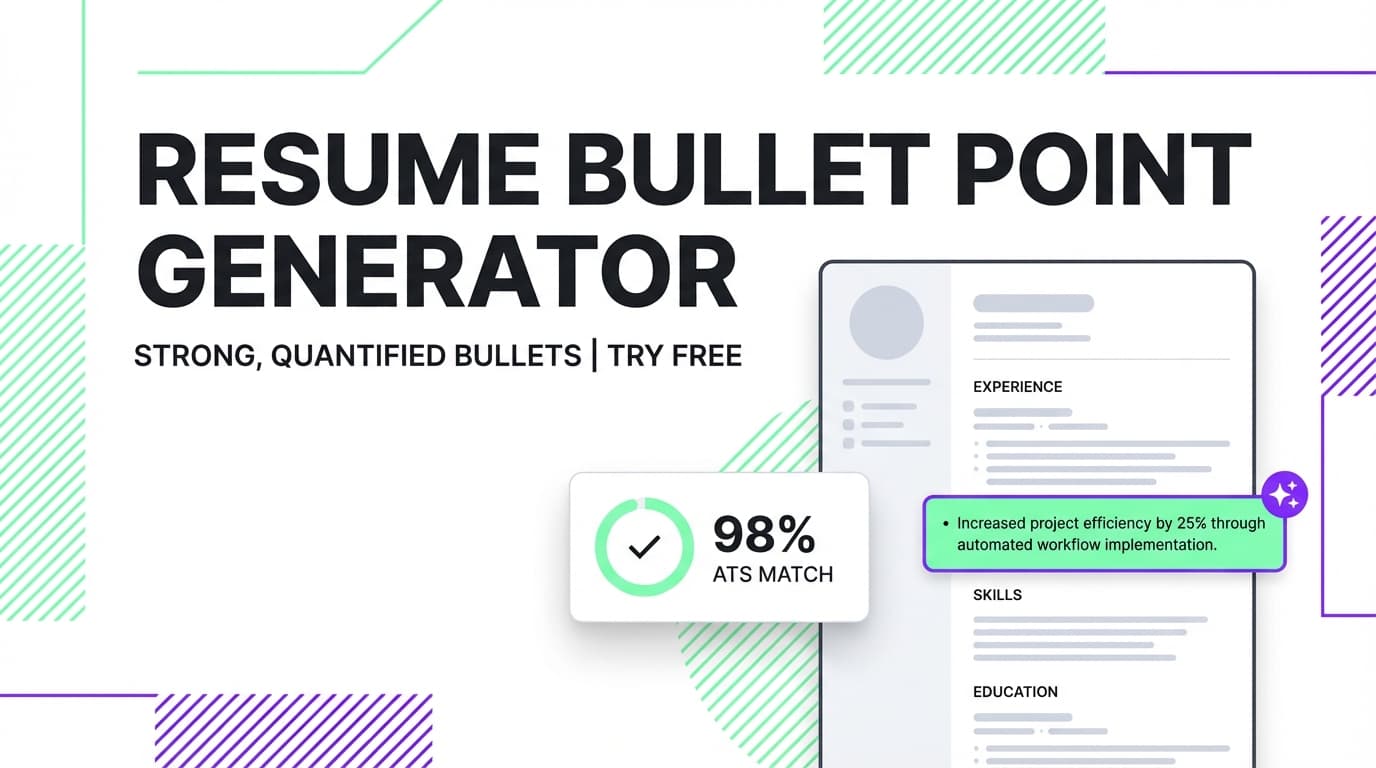
ToolResume Bullet Point Generator: Turn Duties Into Impact (Try Free)
Generate and rewrite resume bullet points with JobShinobi’s AI Resume Agent, then validate them with built-in bullet-quality analysis and ATS-focused resume scoring. Try JobShinobi free for 7 days.
 Tool
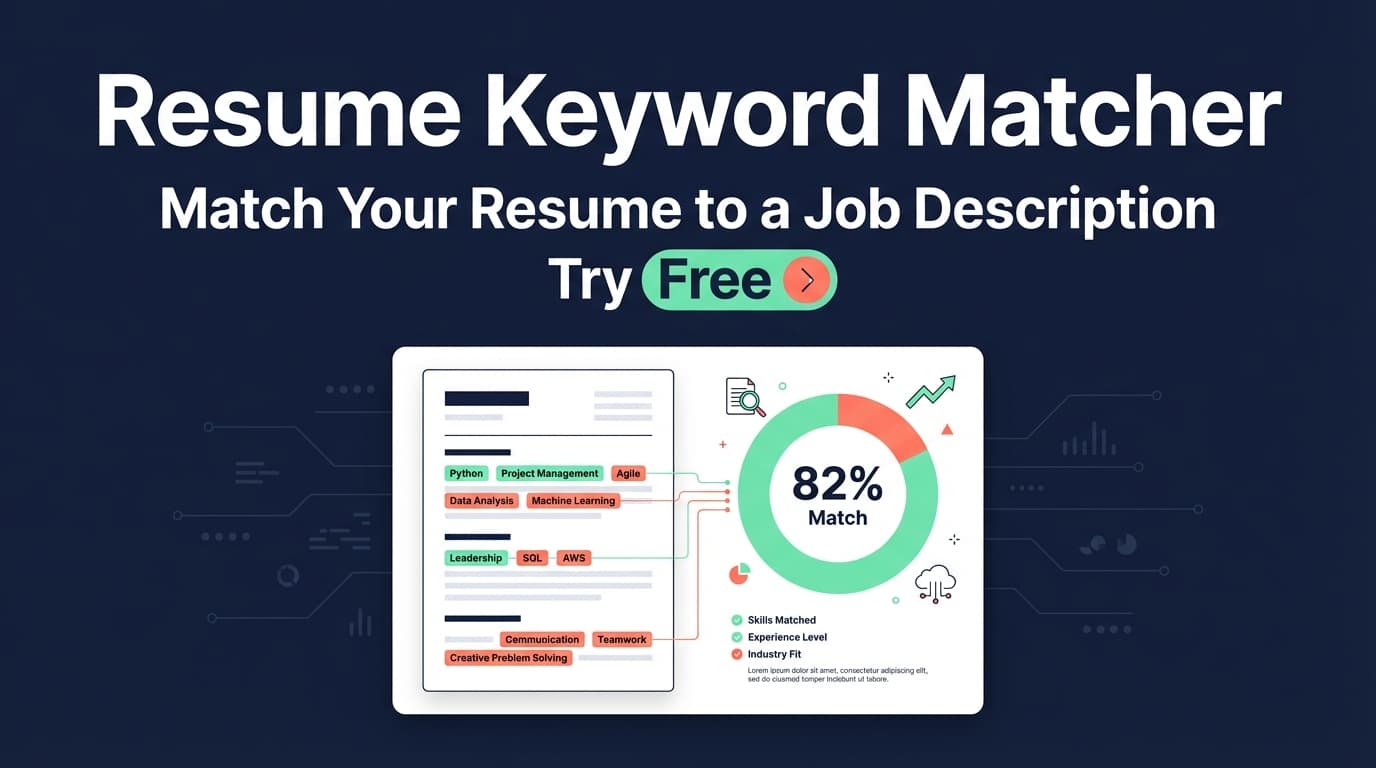
ToolResume Keyword Matcher: Match Your Resume to a Job Description (With a Score + Keyword Gaps)
Compare your resume to a specific job description to get a match score, see missing vs. present keywords, and get actionable recommendations to tailor your resume.
 Tool
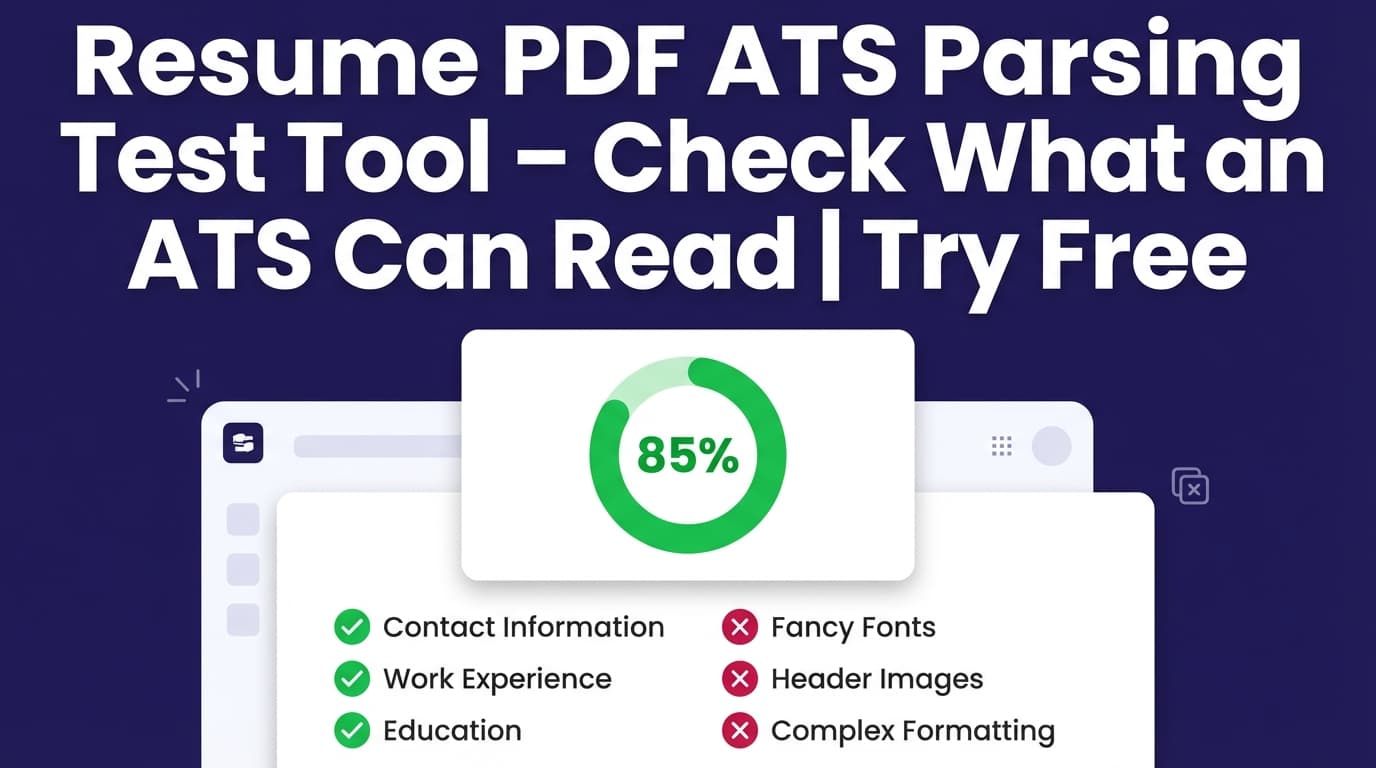
ToolFree Resume Pdf Ats Parsing Test: Test ATS Readability of Your Resume PDF
Run an ATS-style parsing readiness check on your resume: generate a clean PDF from LaTeX, get an ATS score, keyword feedback, and ATS compatibility issues. JobShinobi offers paid plans and advertises a 7-day free trial.
 Tool
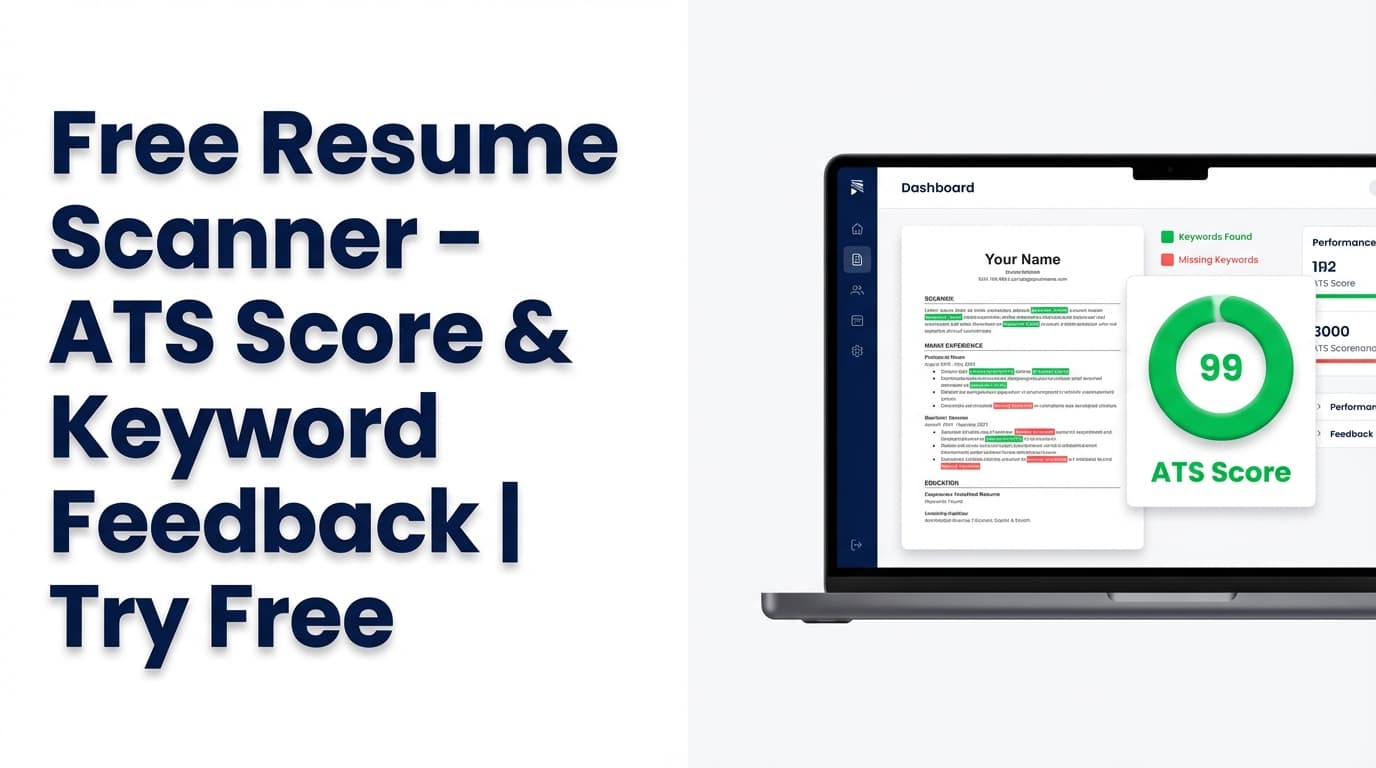
ToolFree Resume Scanner: Score Your Resume for ATS + Keyword Gaps
Scan your resume for ATS-style issues, keyword gaps, and improvement opportunities with JobShinobi’s Free Resume Scanner. JobShinobi advertises a 7-day free trial; ongoing access may require a paid plan.
 Tool
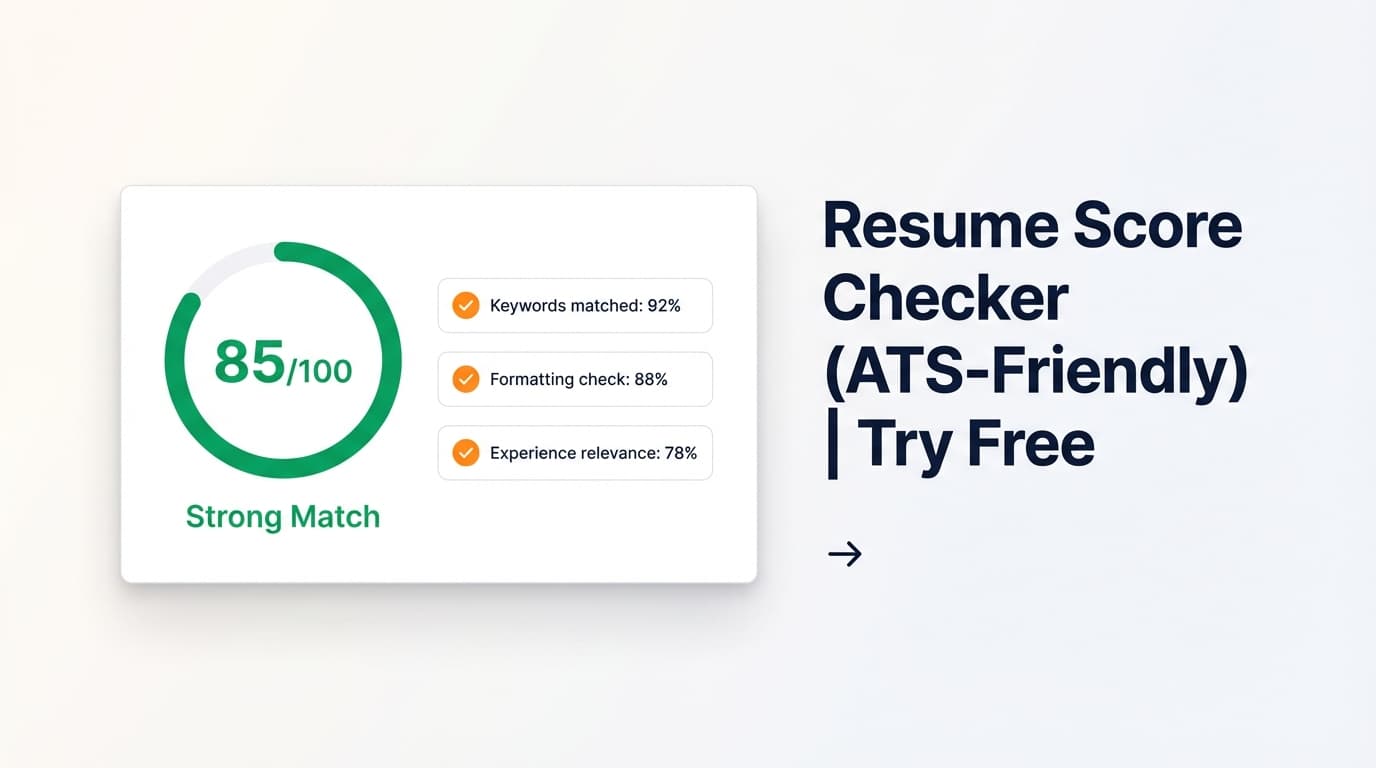
ToolResume Score Checker: Get a 0–100 Score + ATS Feedback (and Improve Faster)
Get a resume score (0–100) plus ATS-focused feedback on content, keywords, formatting, completeness, and ATS compatibility. Includes optional job-specific matching. JobShinobi advertises a 7-day free trial; paid plans are $20/month or $199.99/year.
 Tool
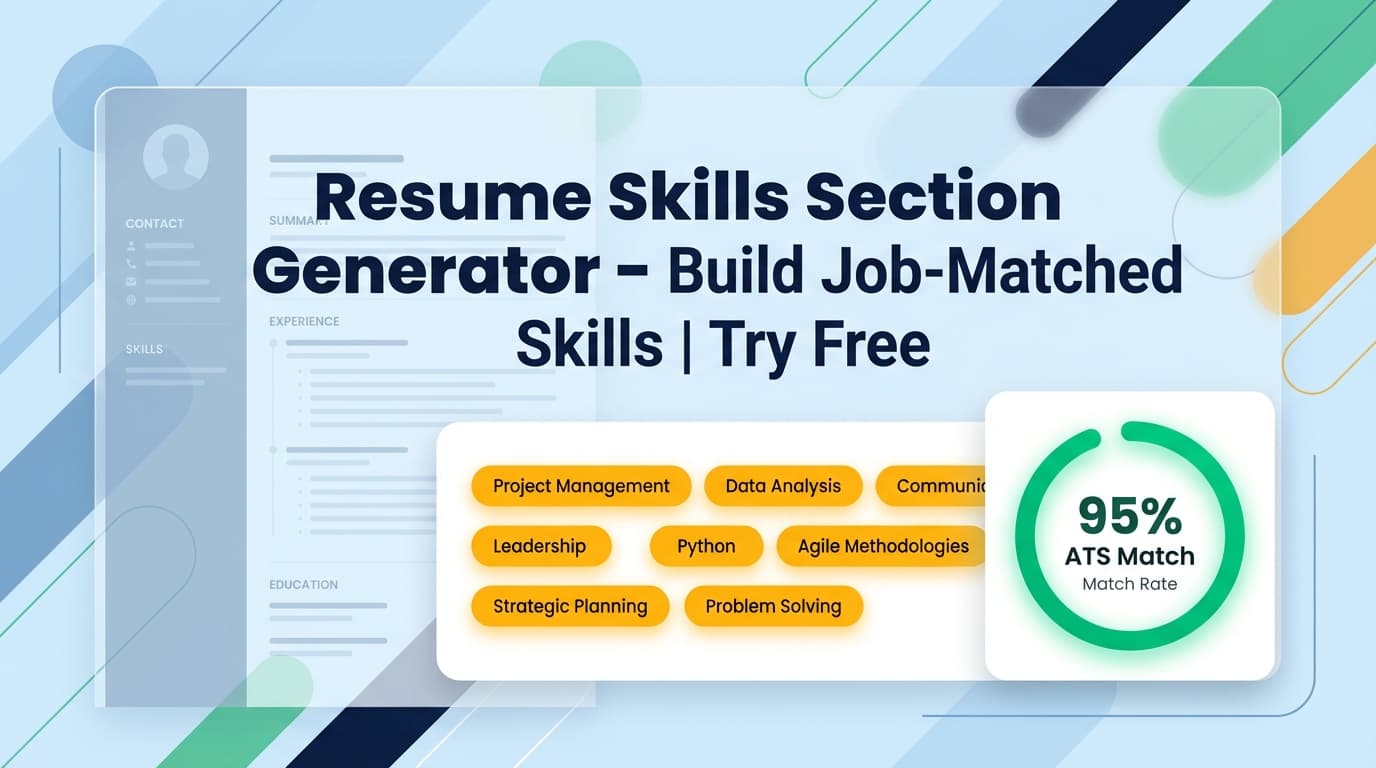
ToolResume Skills Section Generator: Create a Job‑Matched Skills Section (and See What You’re Missing)
Create a tailored resume skills section by extracting keywords from a job posting and comparing them to your resume. See matching vs missing skills and get recommendations in JobShinobi. Try it free for 7 days.
 Tool
ToolFree Resume Summary: Write a Clear, ATS-Friendly Resume Summary in Minutes
Create a tailored resume summary (2–3 sentences) based on your role, skills, and target job. JobShinobi includes AI-assisted resume editing plus analysis and job matching—try it with the advertised 7-day free trial.
 Tool
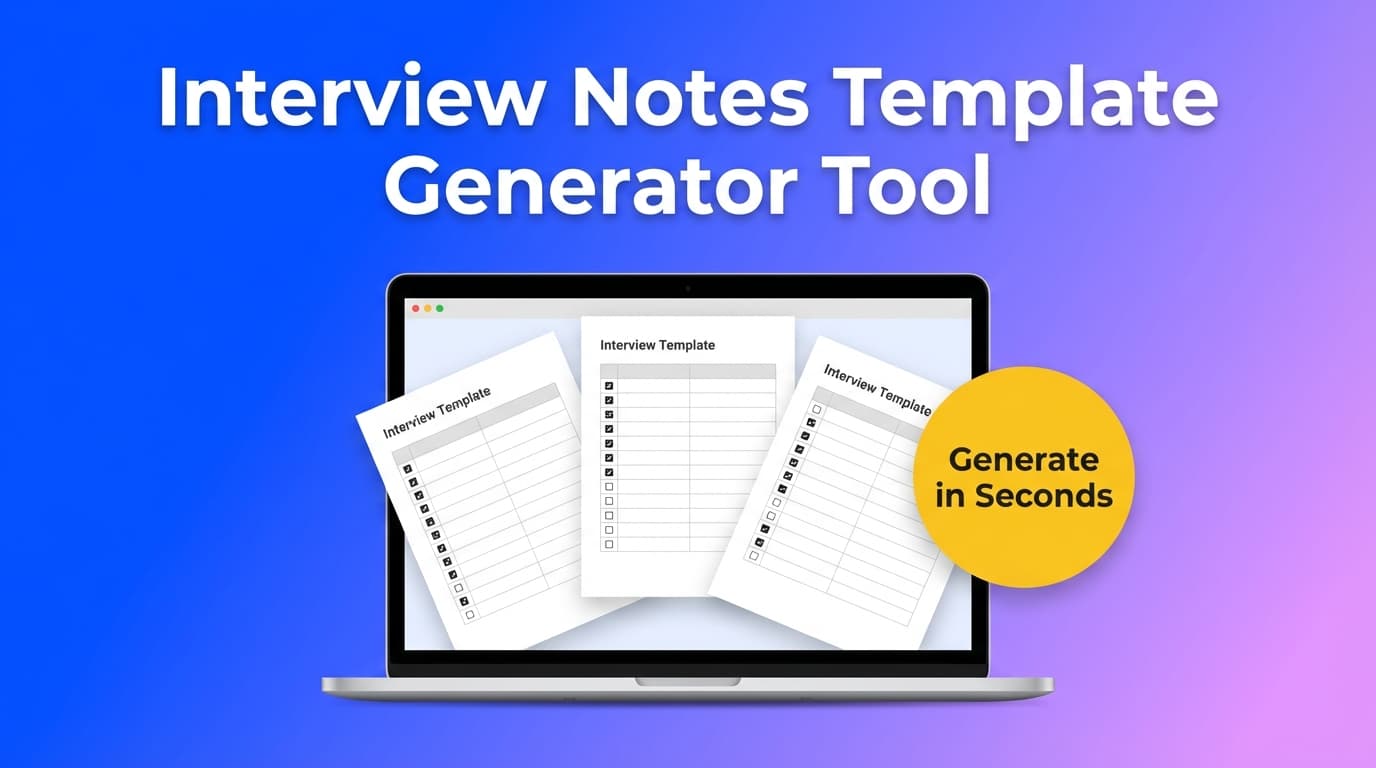
Toolinterview notes template generator tool
 Tool
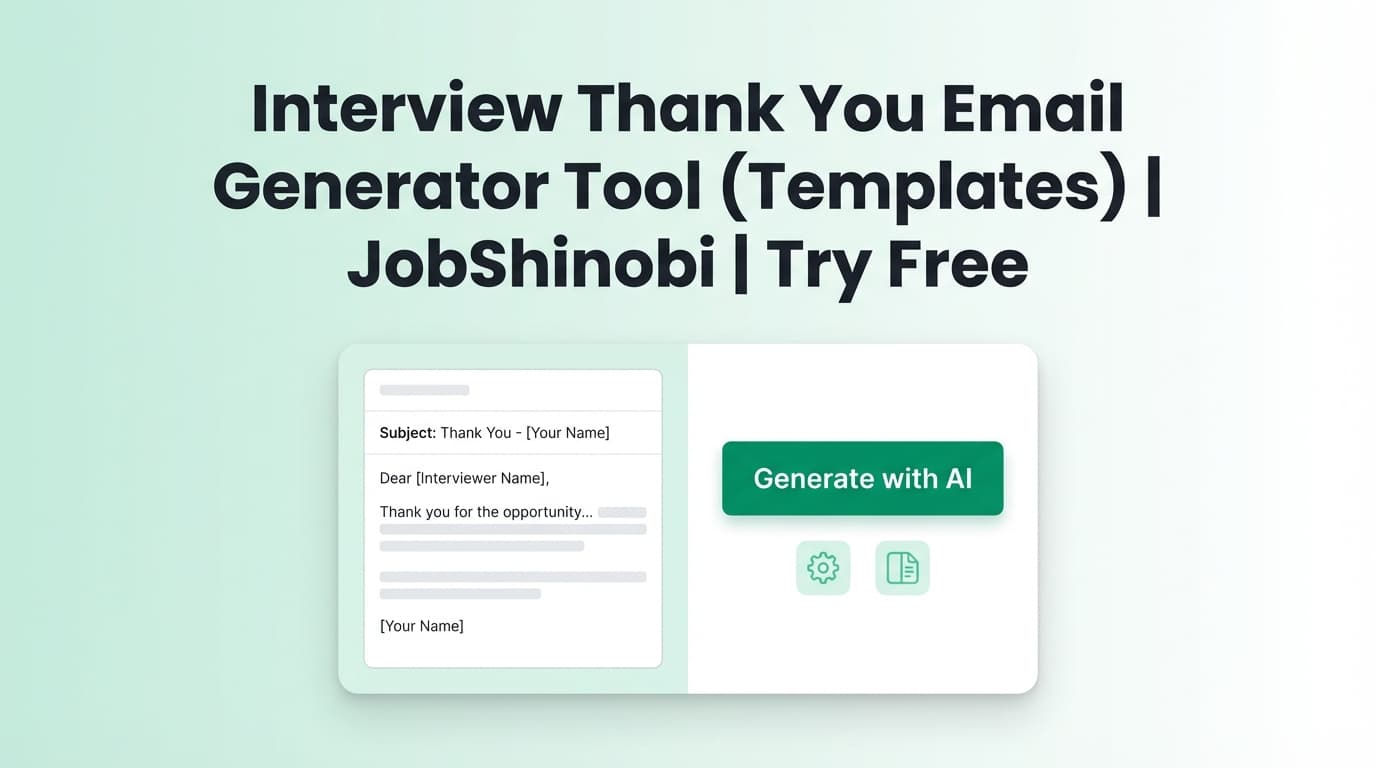
ToolInterview Thank You Email Generator Tool (Copy‑Paste Templates)
Generate an interview thank you email using fill‑in templates, subject line ideas, and a quick personalization checklist. Includes recruiter, hiring manager, technical, panel, and no‑response follow‑ups.
 Tool
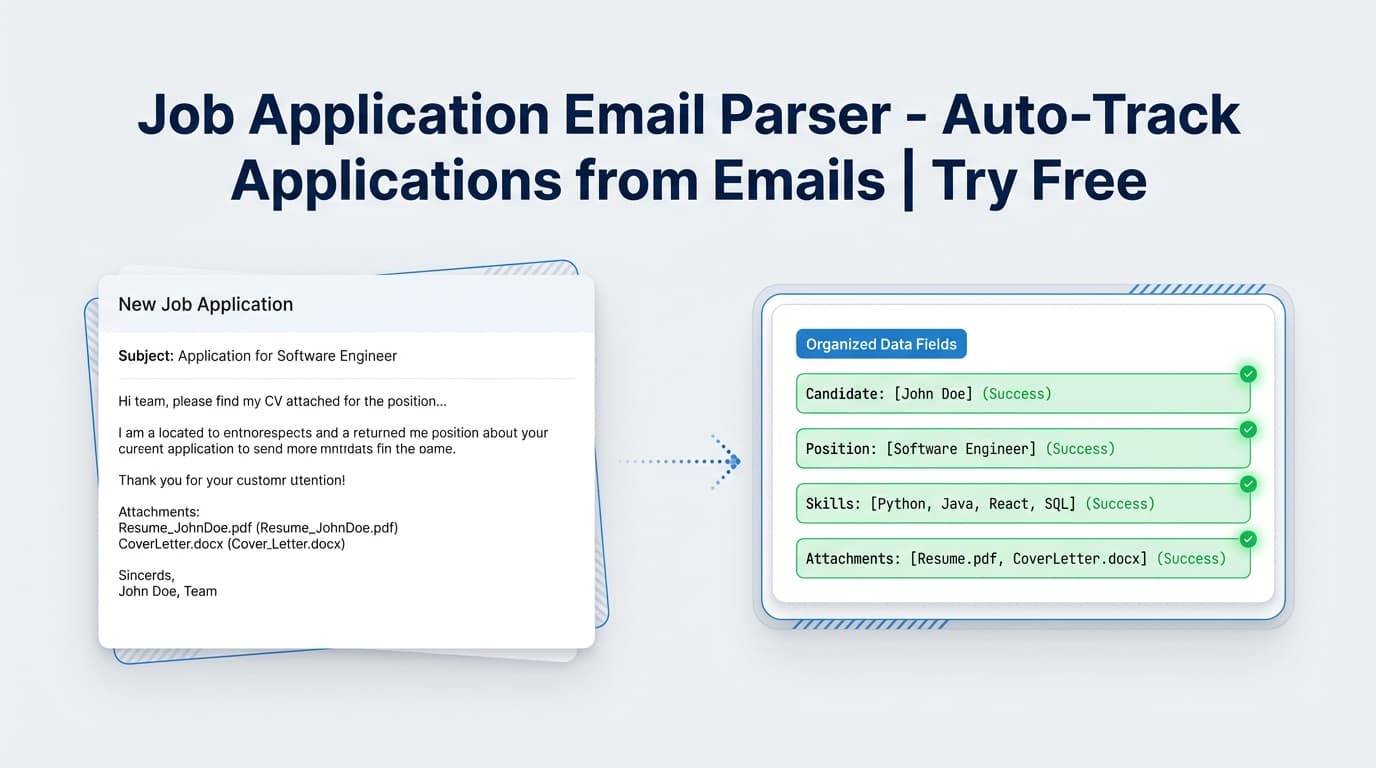
ToolJob Application Email Parser: Automatically log job emails into your tracker
Forward job application emails to JobShinobi and automatically extract company, job title, status, and optional details into your Job Tracker. Pro required; site advertises a 7-day free trial.
 Tool
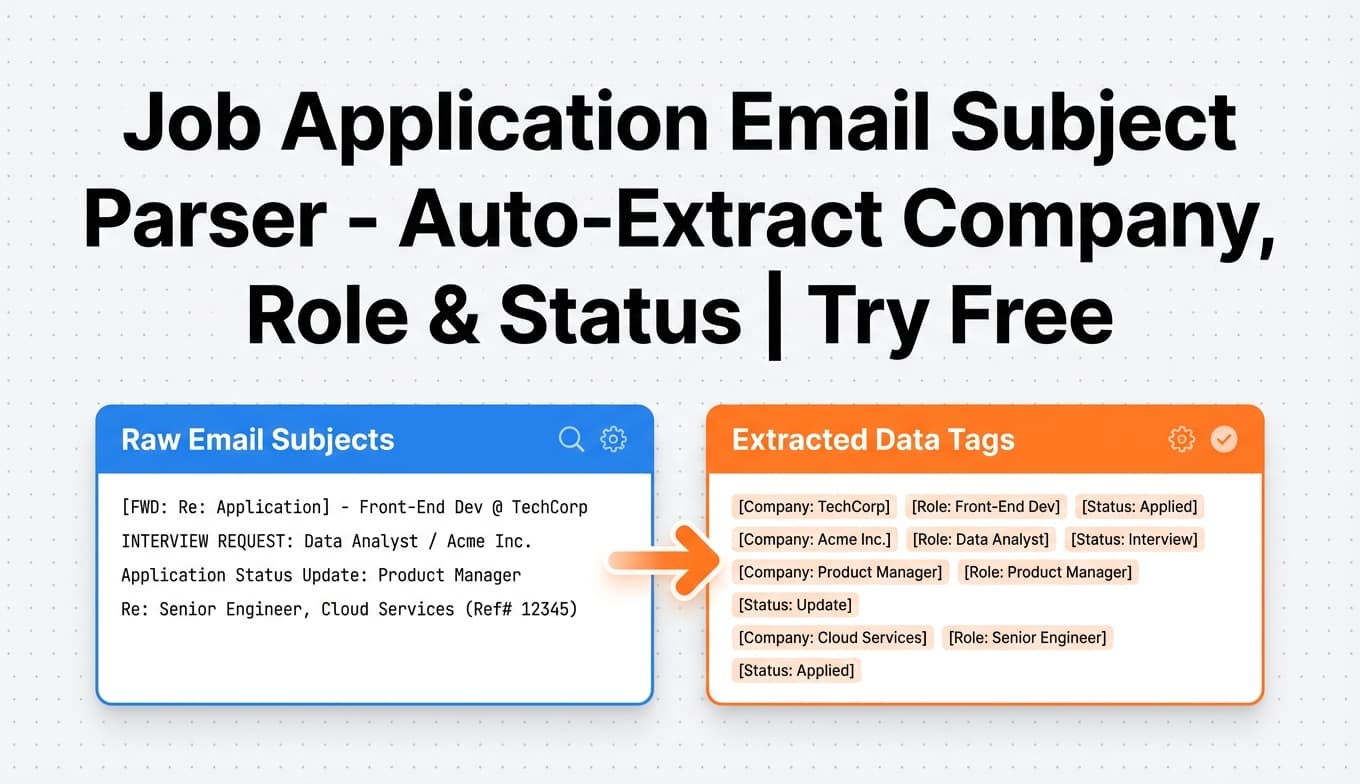
ToolJob Application Email Subject Parser: turn inbox subject lines into tracked applications
JobShinobi’s Job Application Email Subject Parser reads job-related emails (including the subject line) to extract the company, job title, and status—then logs or updates the application in your tracker. Pro required; site advertises a 7-day free trial.
 Tool
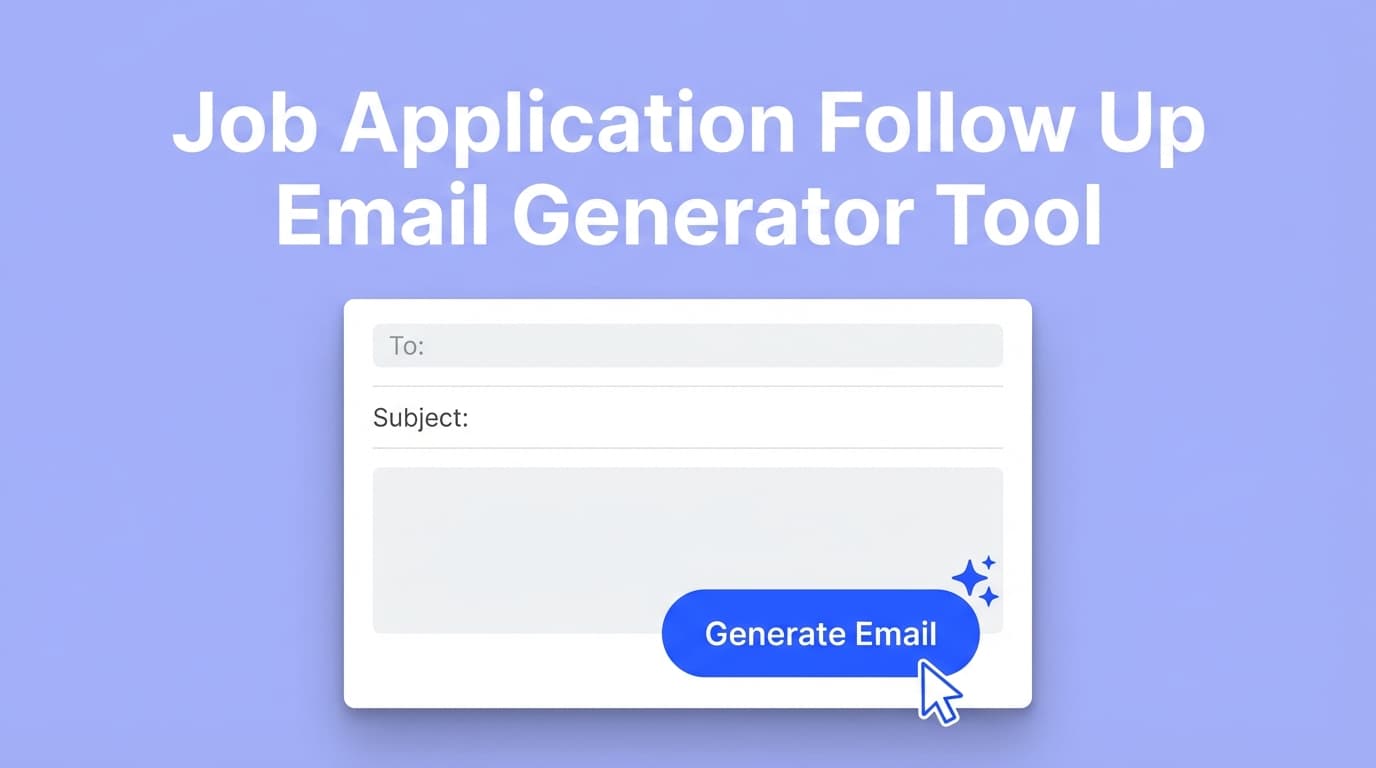
Tooljob application follow up email generator tool
 Tool
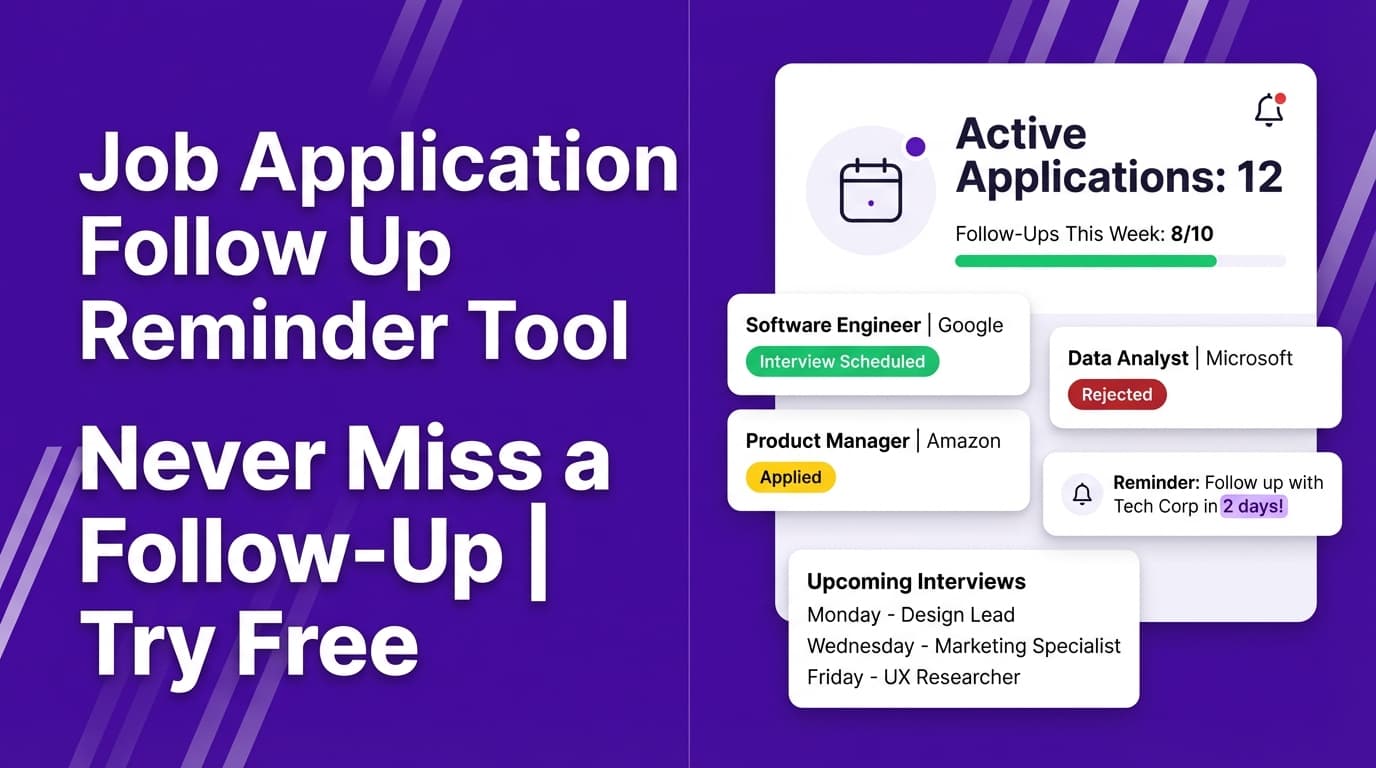
ToolJob Application Follow Up Reminder: stay on top of follow-ups (without spreadsheets)
Keep your job applications organized so you know exactly when to follow up. JobShinobi logs applications in a dashboard (with optional email-forwarding auto-tracking on Pro) and helps you build a simple, repeatable follow-up routine. Try the 7-day free trial.
 Tool
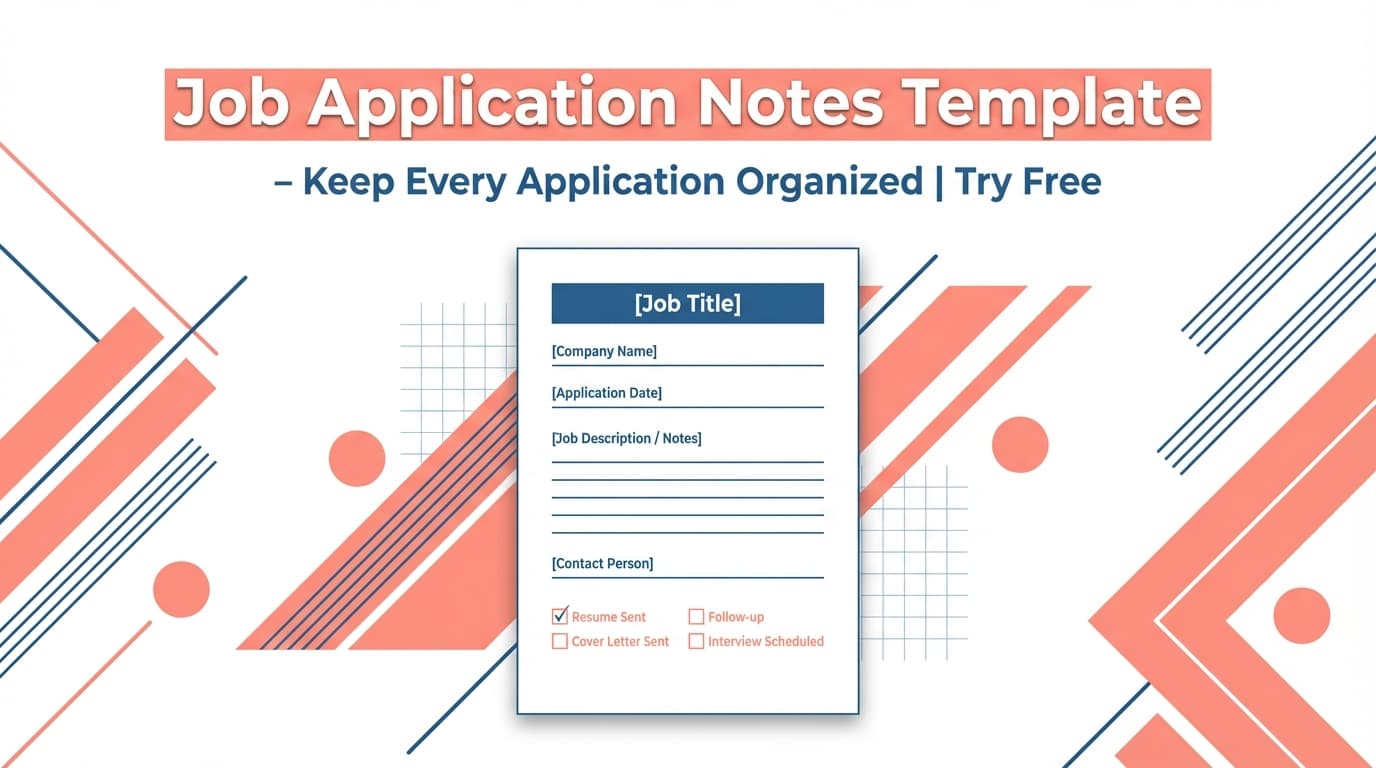
ToolJob Application Notes Template: Keep Every Application Organized
Generate a structured job application notes template you can copy into your workflow. Use it to capture company, role, status, follow-ups, and key details—then track your applications in JobShinobi.
 Tool
ToolJob Application Tracker Google Sheets Template: Generate a Sheets-Ready Tracker (via Export)
Generate a Google Sheets-ready job application tracker by exporting your JobShinobi Job Application Tracker to an .xlsx file and importing it into Google Sheets.
 Tool
Tooljob application tracker notion template generator tool
 Tool
ToolJob Application Tracker Spreadsheet Template (Free): A Simple Way to Track Every Application
Copy a job application tracker spreadsheet template (Excel/Google Sheets) and learn a simple tracking workflow. Prefer not to maintain a spreadsheet? Use JobShinobi’s Job Application Tracker dashboard and export to an Excel (.xlsx) file anytime. JobShinobi is paid and advertises a 7-day free trial.
 Tool
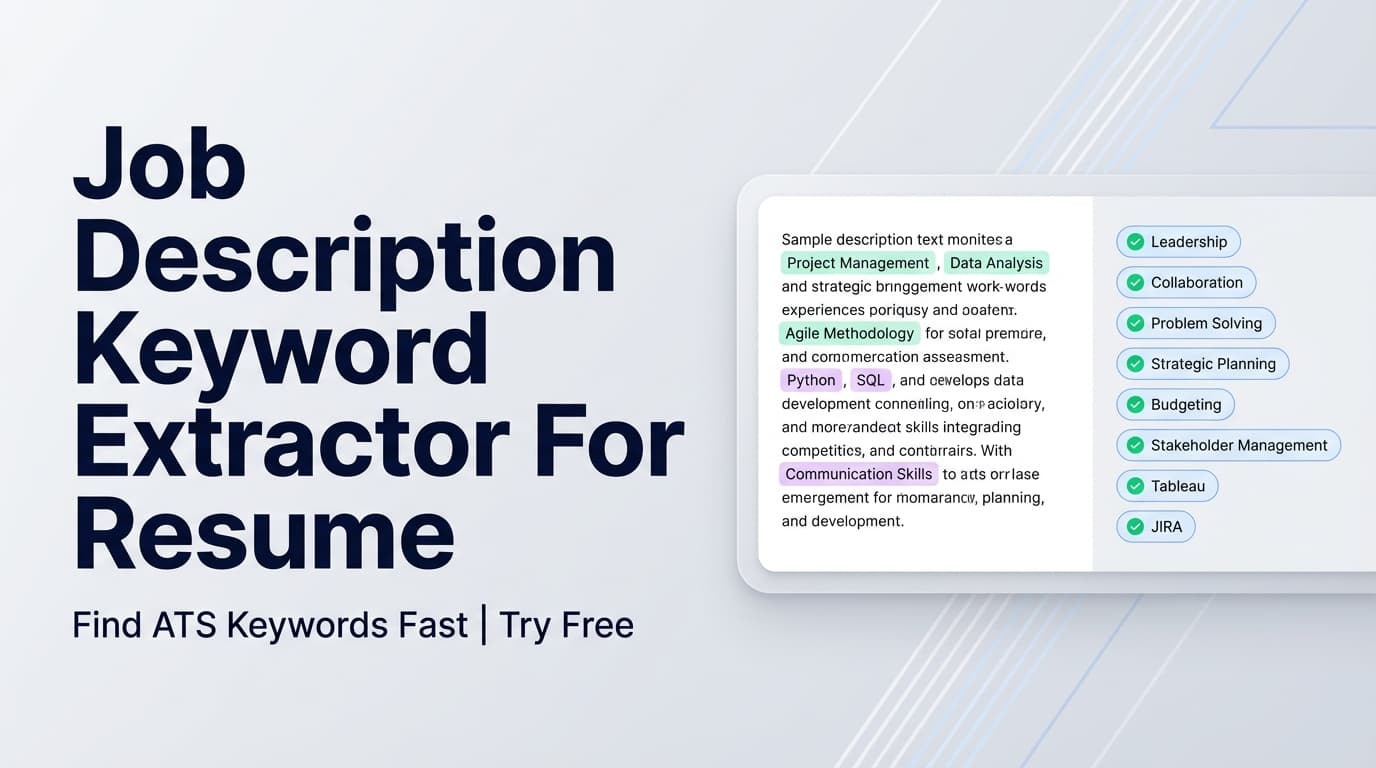
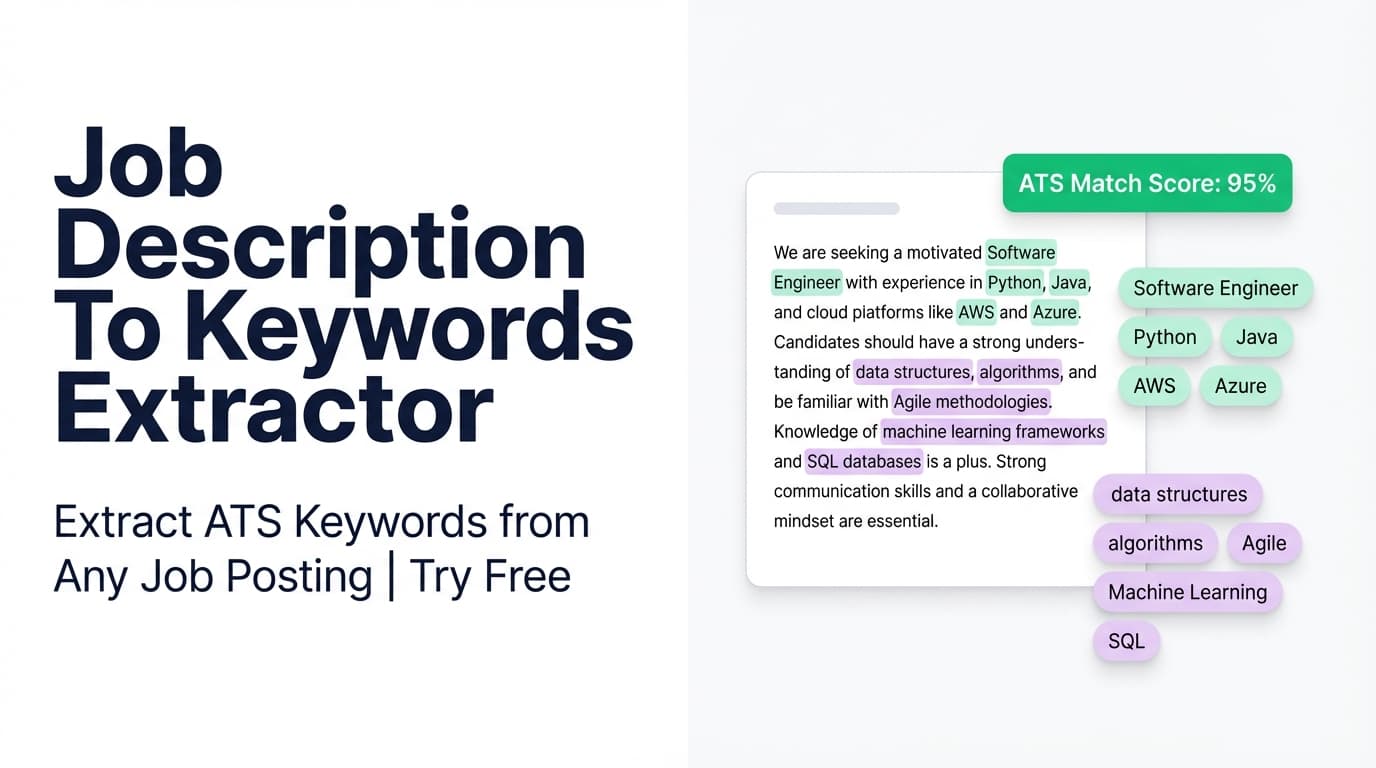
ToolJob Description Keyword Extractor For Resume: Extract ATS Keywords from Any Job Post
Extract key skills & technologies from a job posting (URL or pasted text) and use them to tailor your resume. In JobShinobi, you can also compare those keywords to your resume to see what’s missing.
 Tool
ToolJob Description Keyword Extractor Tool: Find the Keywords You Should Mirror in Your Resume
Extract the most important keywords, skills, and requirements from a job description (URL or pasted text) with JobShinobi—then use them to tailor your resume and improve keyword match. JobShinobi is paid and advertises a 7-day free trial.
 Tool
ToolJob Description To Keywords Extractor: Turn a Job Posting Into Resume Keywords
Paste a job posting URL or the full job description text and extract key skills, tools, and qualifications. Use the keyword list to tailor your resume inside JobShinobi (7-day free trial advertised).
 Tool
ToolJob Tracker Calendar Reminder: stay on top of follow-ups and interviews
Turn job applications into an organized reminder workflow. Track applications in JobShinobi, keep statuses updated, and use timestamps + exports to schedule follow-ups and interview prep. Pro includes a 7-day free trial and unlocks email-forwarding auto-tracking.
 Tool
ToolJob Tracker Metrics Calculator: See Your Response Rate, Offer Rate, and Interview Conversion
Calculate job search KPIs from your JobShinobi Job Application Tracker—response rate, offer rate, and interview-to-offer conversion—plus status breakdown and monthly trends. JobShinobi advertises a 7-day free trial.
 Tool
ToolJob Tracker Status Labels: Standardize Your Job Search (So Nothing Slips)
Generate a clean set of job tracker status labels (Applied, Interview, Offer, Accepted, Rejected) and learn how to use them inside JobShinobi’s Job Application Tracker for consistent, easy-to-analyze job search tracking.
 Tool
ToolJob Tracking Email Follow Up Template: Send the Right Follow-Up at the Right Time
Use JobShinobi’s Job Tracking Email Follow Up Template to write professional follow-up emails for applications, interviews, and second check-ins. Copy, personalize placeholders, and track next steps in your job tracker. JobShinobi plans are $20/month or $199.99/year and the site advertises a 7-day free trial.
 Tool
ToolJob Tracking Excel Template: Export Your Job Application Tracker to Excel
Generate an Excel (.xlsx) job tracking spreadsheet by exporting your JobShinobi job applications—so you can sort, filter, and share your job search pipeline in Excel or Google Sheets.
 Tool
ToolJob Tracking Excel Template: Export Your Job Applications to Excel
Generate a job tracking Excel (.xlsx) template from your JobShinobi Job Application Tracker—so your spreadsheet is always current, consistent, and easy to share.
 Tool
ToolJob Tracking Follow Up Email: Send Better Follow-Ups (and Track Them)
Generate a clear, professional follow-up email for job applications and interviews—then track the outreach in JobShinobi’s Job Application Tracker. JobShinobi is a paid product and advertises a 7-day free trial.
 Tool
ToolJob Tracking Follow Up Reminder: Generate a Follow-Up Plan You’ll Actually Use
Generate a clear follow-up reminder plan for your job applications—what to send, when to send it, and what subject line to use. Designed to pair with JobShinobi’s Job Application Tracker and email-forwarding tracking (Pro required).
 Tool
ToolJob Tracking Google Sheets Template: Create a Spreadsheet From Your Job Tracker Export
Generate a job tracking Google Sheets template by exporting your JobShinobi Job Application Tracker to an .xlsx file and importing it into Google Sheets. Track job title, company, status, and dates in one spreadsheet.
 Tool
ToolJob Tracking Google Sheets Template: Keep Every Application, Follow-Up, and Interview in One Place
Use a job tracking Google Sheets template to organize applications, follow-ups, and interview stages. Prefer an app? Track in JobShinobi and export your job applications to an Excel (.xlsx) file you can open in Google Sheets.
 Tool
ToolJob Tracking Interview Notes Template: Capture Better Notes (and Follow Up Faster)
Use a structured job tracking interview notes template to prep faster, capture better notes, and follow up confidently—then track your application status in JobShinobi.
 Tool
ToolJob Tracking Interview Notes Template: Capture Better Notes, Follow Up Faster
Use JobShinobi’s Job Tracking Interview Notes Template to capture questions, answers, signals, and follow-ups—then track each role’s status in your Job Application Tracker. JobShinobi advertises a 7-day free trial; plans shown in-app are $20/month or $199.99/year.
 Tool
ToolJob Tracking Metrics Calculator: See Your Job Search Funnel in Real Numbers
Calculate job search funnel metrics (response rate, offer rate, interview-to-offer conversion) from your JobShinobi Job Application Tracker—so you know exactly what to improve next.
 Tool
ToolJob Tracking Metrics Calculator: Know Your Numbers (and What to Fix Next)
Calculate your core job-search KPIs—response rate, offer rate, and interview-to-offer conversion—using the same metric definitions used in JobShinobi’s Analytics dashboard. JobShinobi is a paid product that advertises a 7-day free trial.
 Tool
ToolJob Tracking Notion Template: Build a Notion-Ready Job Application Tracker (Fast)
Set up a job-tracking database in Notion using a proven template structure, then populate it quickly by exporting your JobShinobi Job Application Tracker to Excel and importing into Notion. JobShinobi is a paid product that advertises a 7-day free trial.
 Tool
ToolJob Tracking Notion Template: A Cleaner Job Search Pipeline (With Easy Import)
Create a Notion job application tracker you’ll actually maintain. Use JobShinobi’s Job Application Tracker export (XLSX) to populate your Notion database via CSV import—plus step-by-step setup, recommended fields, and a clean pipeline view.
 Tool
ToolJob Tracking Pipeline Template: Turn Your Job Search into a Clear Pipeline
Generate a job tracking pipeline template with standard stages (Applied, Interview, Offer, Rejected, Accepted), then track applications in JobShinobi and export your pipeline to Excel (.xlsx). Pro automation includes email-forwarding based tracking (7-day free trial advertised).
 Tool
ToolJob Tracking Reminder Schedule: Turn Applications Into a Follow‑Up Plan
Create a reliable job-application follow-up and interview reminder schedule using your JobShinobi tracking data—log applications, keep statuses updated, and export to Excel to set reminders in your calendar.
 Tool
ToolJob Tracking Spreadsheet Template (Excel): Download a Real Job Tracker (Not a Blank Sheet)
Download a job tracking spreadsheet template as an Excel (.xlsx) file by exporting your JobShinobi Job Application Tracker. Track company, job title, status, and dates—then re-export anytime.
 Tool
ToolJob Tracking Spreadsheet Template: Export a Job Tracker Spreadsheet You Can Reuse
Create a job tracking spreadsheet template by logging applications in JobShinobi and exporting to an Excel (.xlsx) file. Track job title, company, status, and timestamps—then reuse the sheet as your personal template.
 Tool
ToolJob Tracking Status Dropdown: Keep Your Job Tracker Clean (and Actually Useful)
Generate a consistent job application status dropdown (Applied, Interview, Offer, Rejected, Accepted) with copy‑ready formats for Google Sheets, Excel, Notion, and Airtable—so your job tracker stays clean and reportable.
 Tool
ToolJob Tracking Status Pipeline: Build a Clean Application Status Pipeline (and Actually Use It)
Generate a clear job tracking status pipeline (Applied → Interview → Offer → Accepted/Rejected) and track applications in JobShinobi with real-time updates, analytics, and optional email-forwarding automation (Pro required).
 Tool
ToolJob Tracking Thank You Email: Send the Right Follow‑Up (Fast)
Generate a polished thank-you email after an interview using fill‑in‑the‑blank templates designed for job seekers. Pair it with JobShinobi’s job tracker to stay organized and follow up on time. JobShinobi offers $20/month or $199.99/year plans and advertises a 7‑day free trial.
 Tool
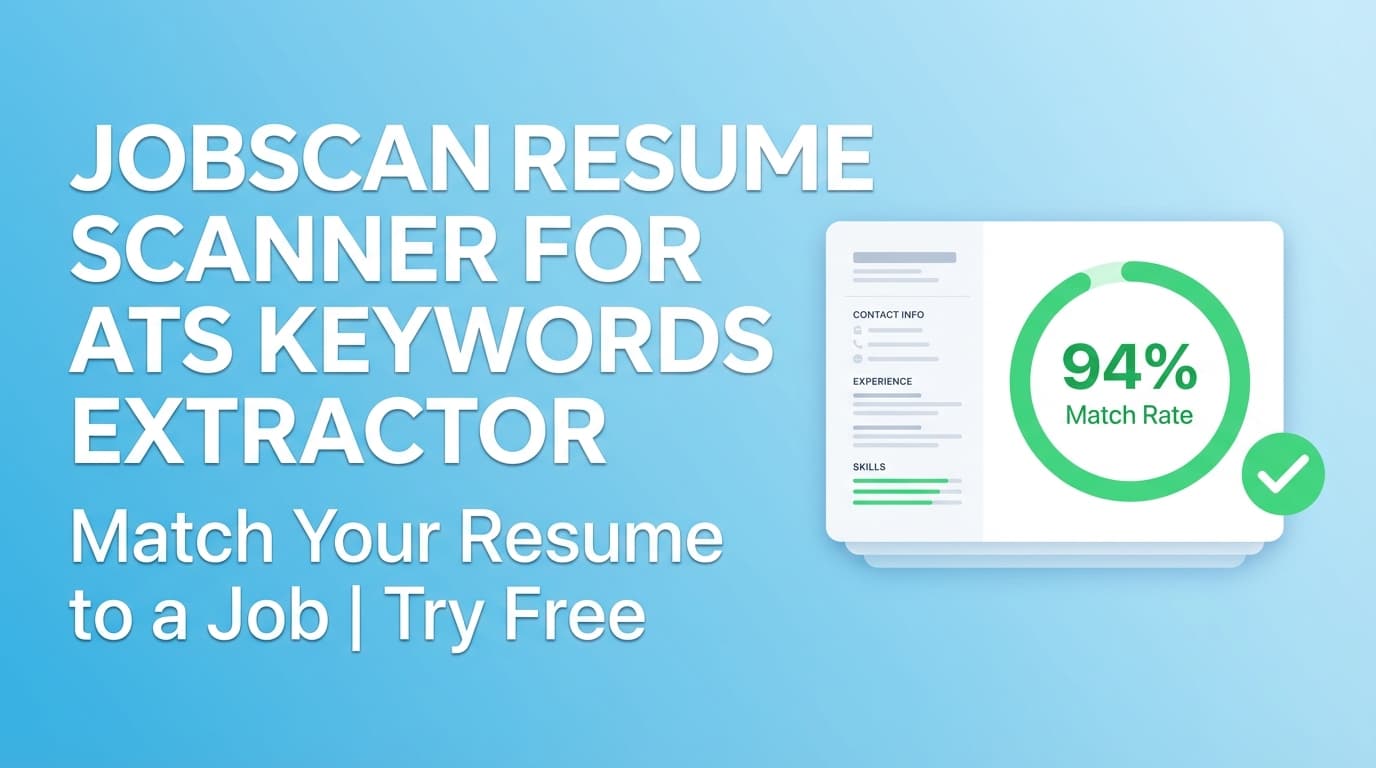
ToolJobscan Resume Scanner For ATS Keywords Extractor: Find Missing ATS Keywords (and Fix Them)
A Jobscan-style ATS keywords extractor that pulls key skills from a job posting (URL or text) and scans your resume for missing vs matching keywords—plus a job match score and recommendations you can apply. Available in JobShinobi (paid plans; site advertises a 7-day free trial).
 Tool
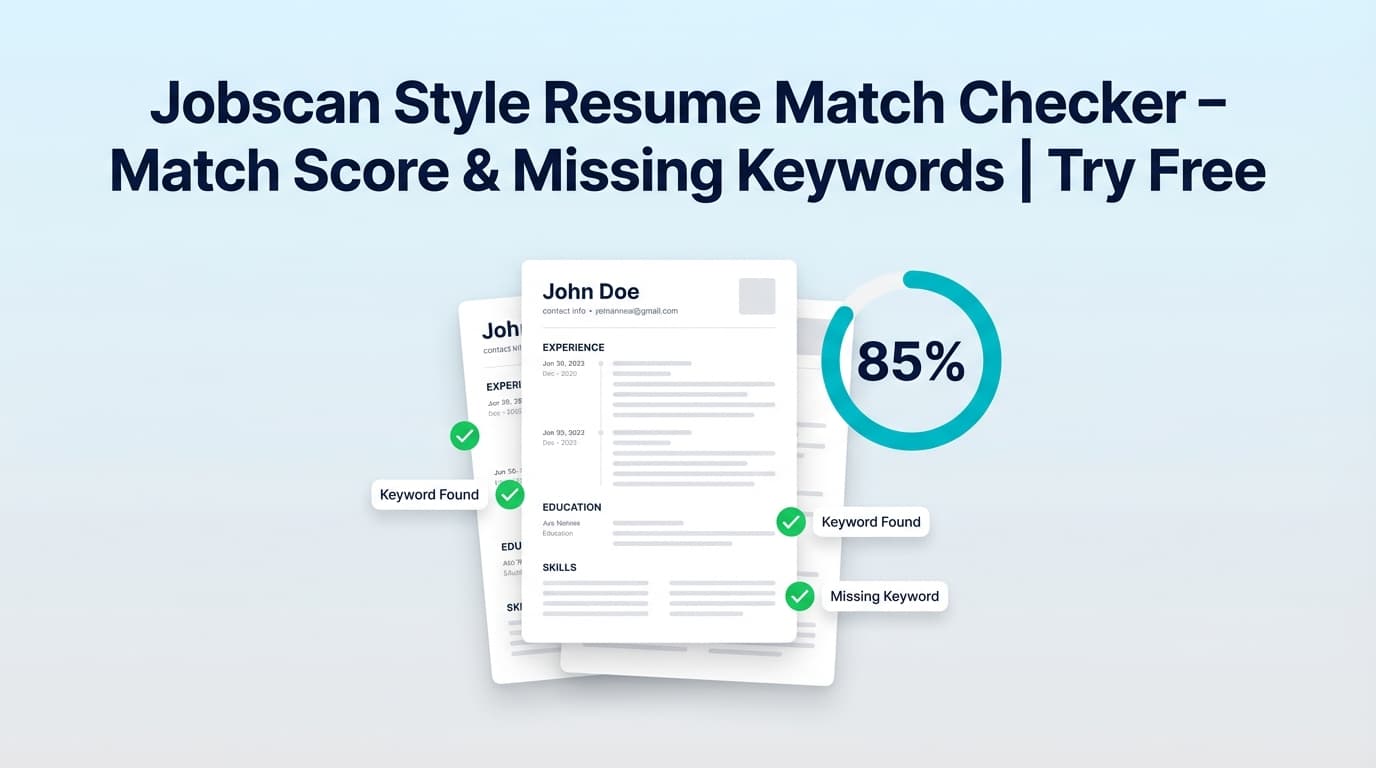
ToolJobscan Style Resume Match Checker: Get a Match Score + Keyword Gaps (Fast)
Run a Jobscan-style resume-to-job comparison in JobShinobi. Paste a job description or URL to get a match score, matching vs. missing keywords, and tailoring recommendations (no “guaranteed ATS pass” claims).
 Tool
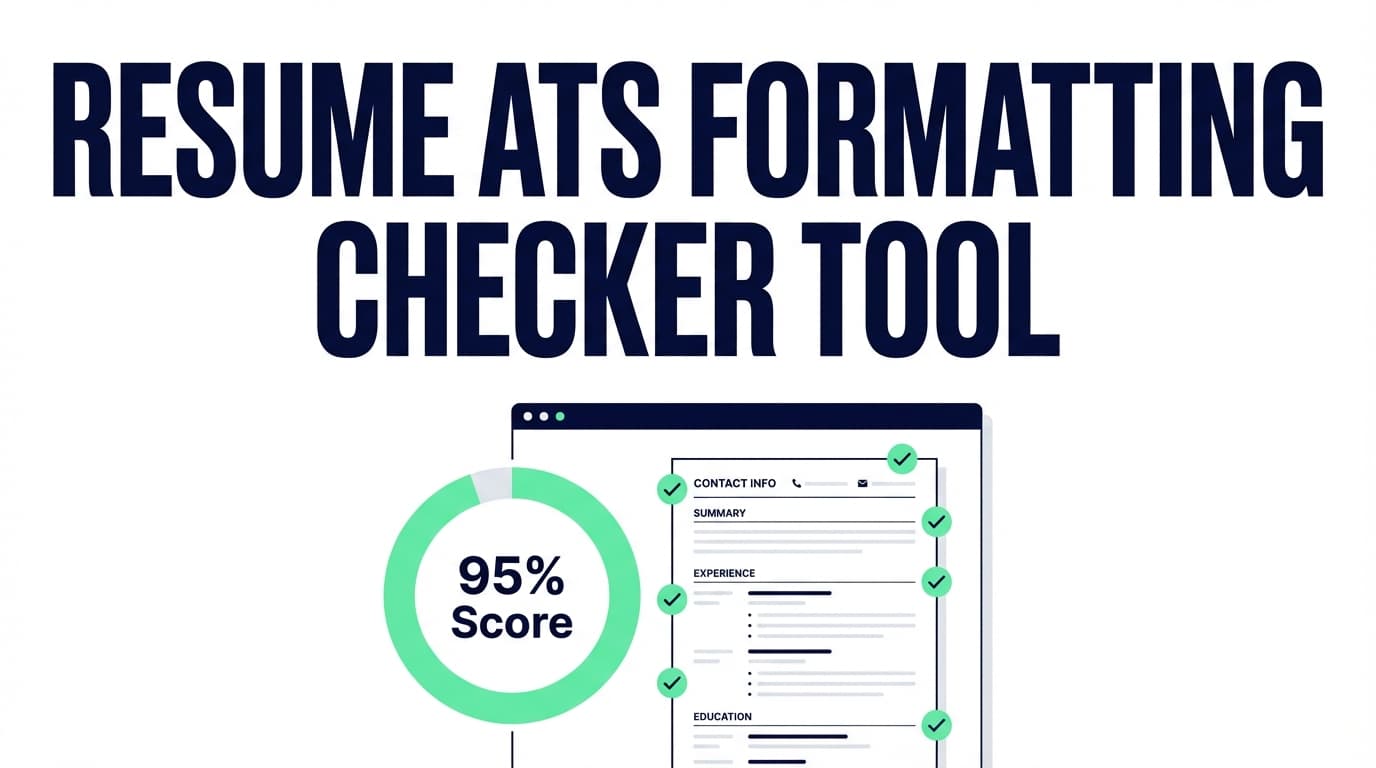
ToolResume ATS Formatting Checker: Find Formatting Issues That Can Hurt ATS Parsing
Run an ATS formatting check on your JobShinobi resume to get a Formatting Score, ATS Compatibility Score, and a list of ATS issues to fix. Re-analyze after updates and optionally tailor your resume to a job description.
 Tool
ToolResume Ats Score Alternative To Jobscan: ATS Score + Job Match Insights
An alternative to Jobscan for checking your resume’s ATS-style score, keyword fit, and job match. Build your resume in JobShinobi, run analysis, and get actionable feedback. Subscription plans are $20/month or $199.99/year and the site advertises a 7-day free trial.
 Tool
ToolResume Bullet Ai: Generate Impactful, ATS-Friendly Resume Bullet Points
Resume Bullet Ai by JobShinobi helps you generate and improve resume bullet points with AI—focused on action verbs, metrics, impact, and ATS-friendly clarity. Use it inside JobShinobi’s Resume Analysis and AI Resume Assistant. Site advertises a 7-day free trial.
 Tool
ToolResume Bullet Impact Checker: Find Weak Bullets, Add Metrics, Show Results
Check your resume bullet points for impact. JobShinobi flags weak openers and missing metrics, and highlights bullets to strengthen with clearer outcomes and stronger action verbs.
 Tool
ToolResume Bullet Point Generator (AI): Write Stronger, More Specific Resume Bullets
Write and improve resume bullet points with JobShinobi’s AI Resume Studio. Generate achievement-focused bullets, get “before vs after” bullet improvements from resume analysis, and tailor bullets to a job description. Paid plans available; the site advertises a 7-day free trial.
 Tool
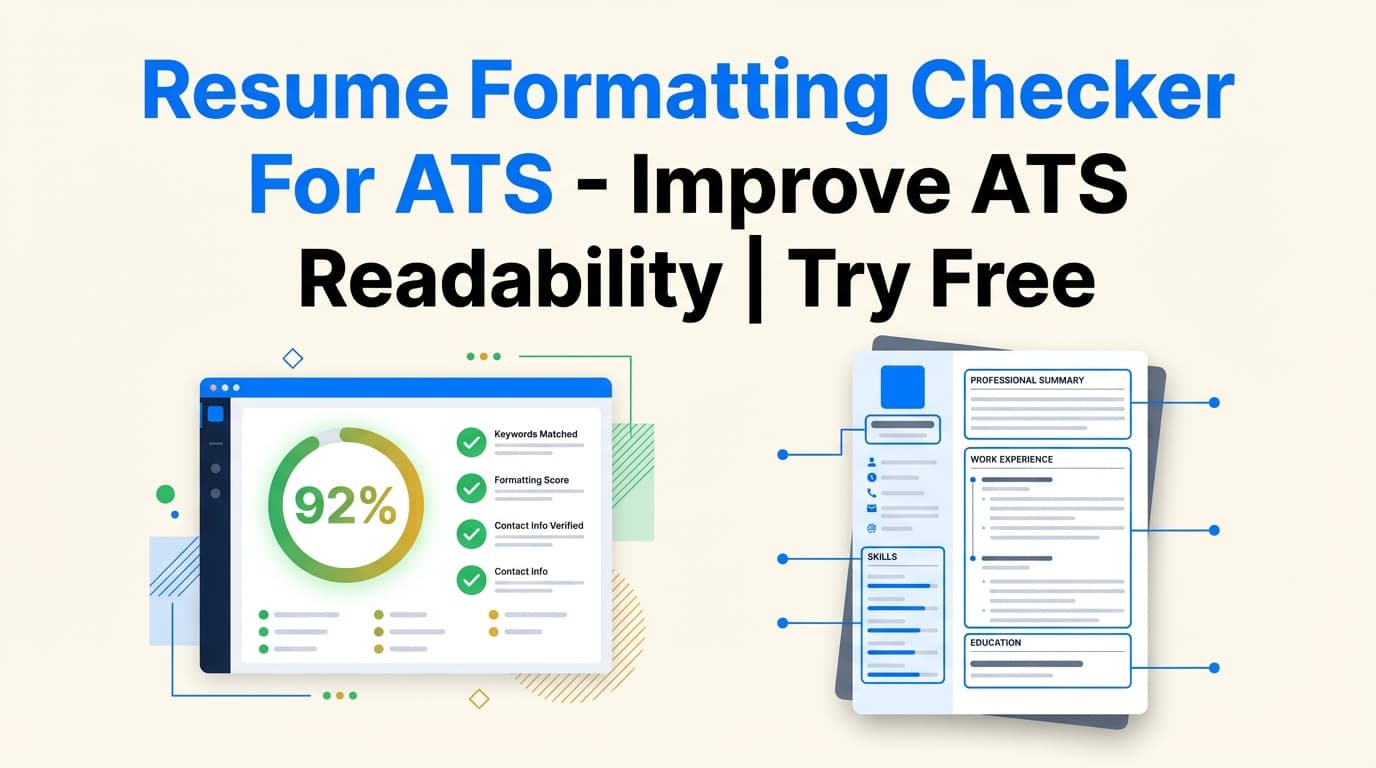
ToolResume Formatting Checker For ATS: Catch Formatting Issues That Can Hurt ATS Parsing
JobShinobi’s Resume Formatting Checker For ATS analyzes your resume formatting and ATS readability. Get a formatting score, ATS score, ATS issues, and deeper ATS analysis signals (like tables/columns detection, heading issues, and date consistency). JobShinobi advertises a 7-day free trial.
 Tool
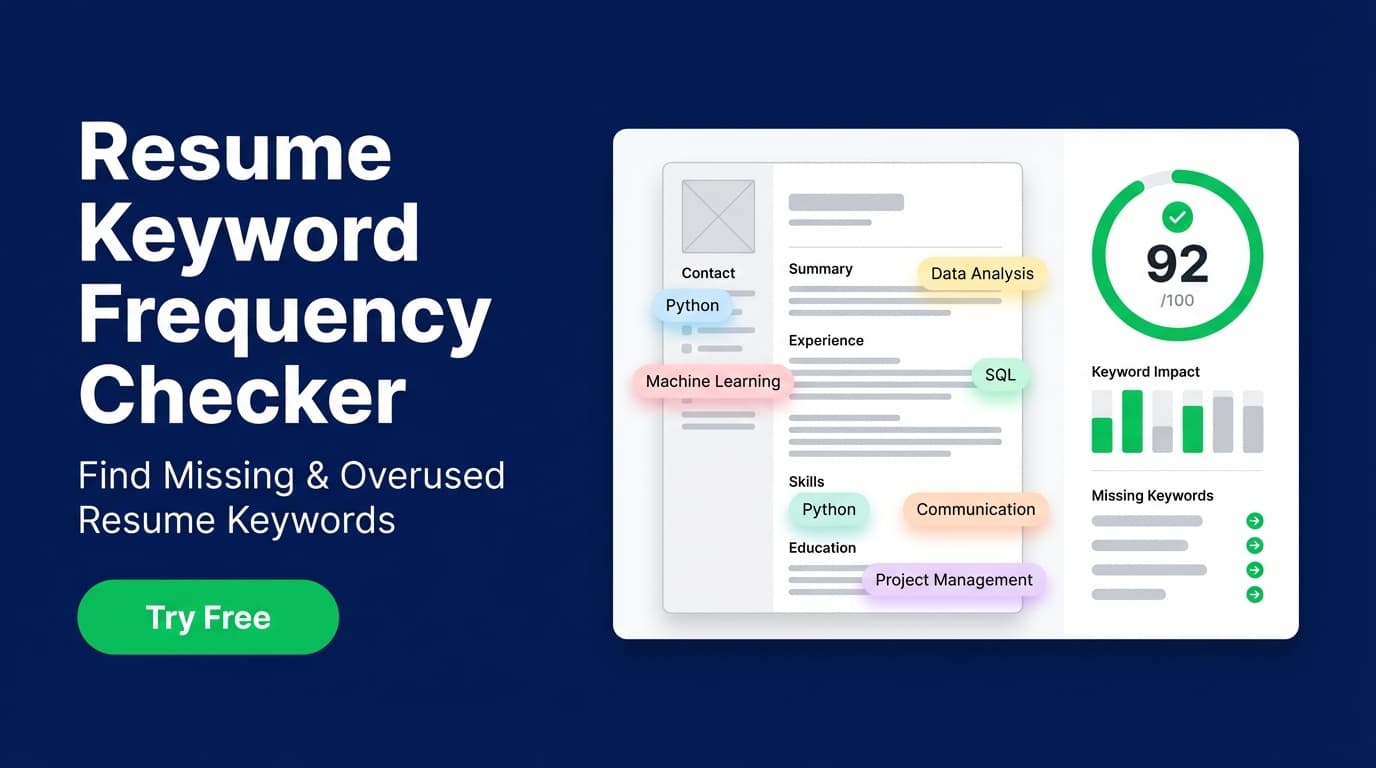
ToolResume Keyword Frequency Checker: Spot Missing (and Overused) Resume Keywords
Check your resume’s keyword usage with JobShinobi’s Resume Keyword Frequency Checker. Identify matching keywords, missing keywords, and potential keyword overuse—then tailor your resume to a specific job description.
 Tool
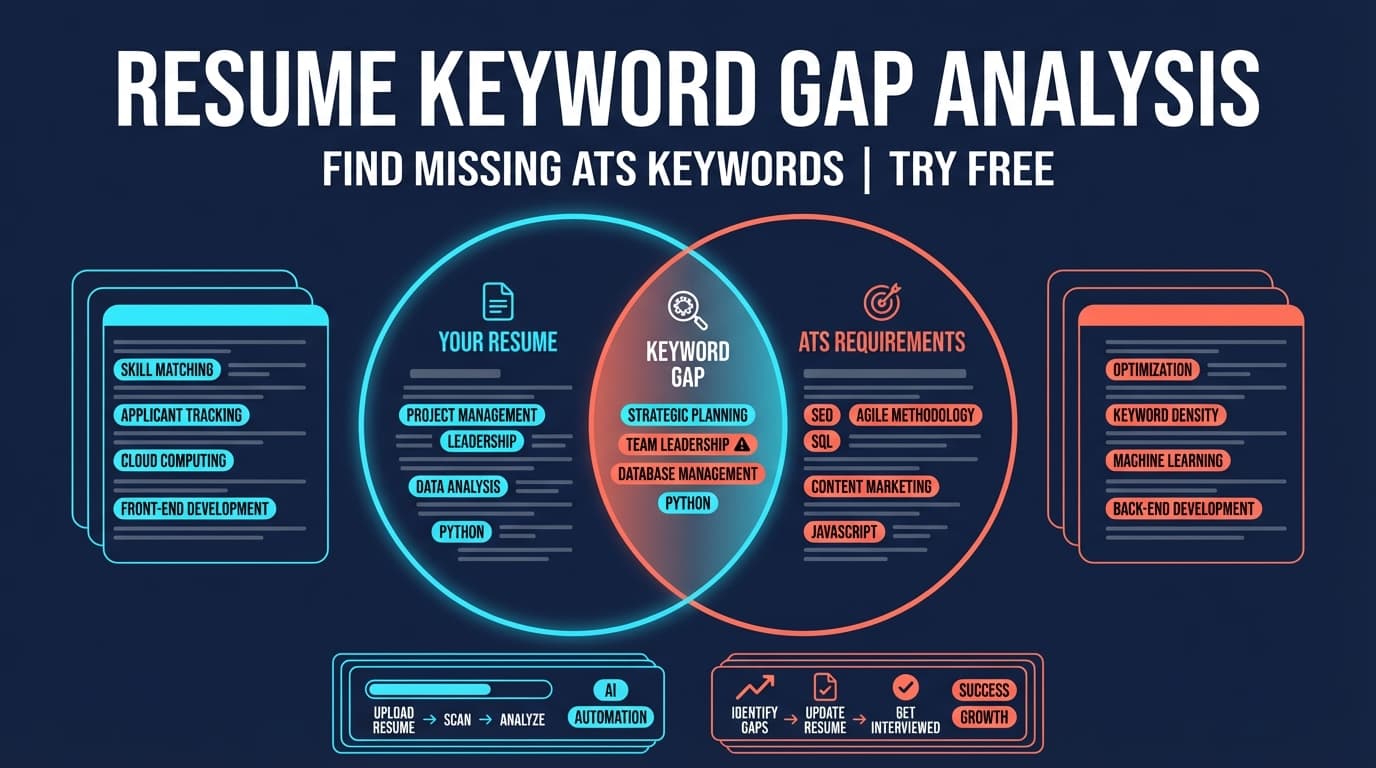
ToolResume Keyword Gap Analysis: Find Missing Keywords for Any Job
Compare your resume against a specific job posting to find missing keywords, see a match score, and get tailored recommendations. JobShinobi advertises a 7-day free trial (then $20/mo or $199.99/yr).
 Tool
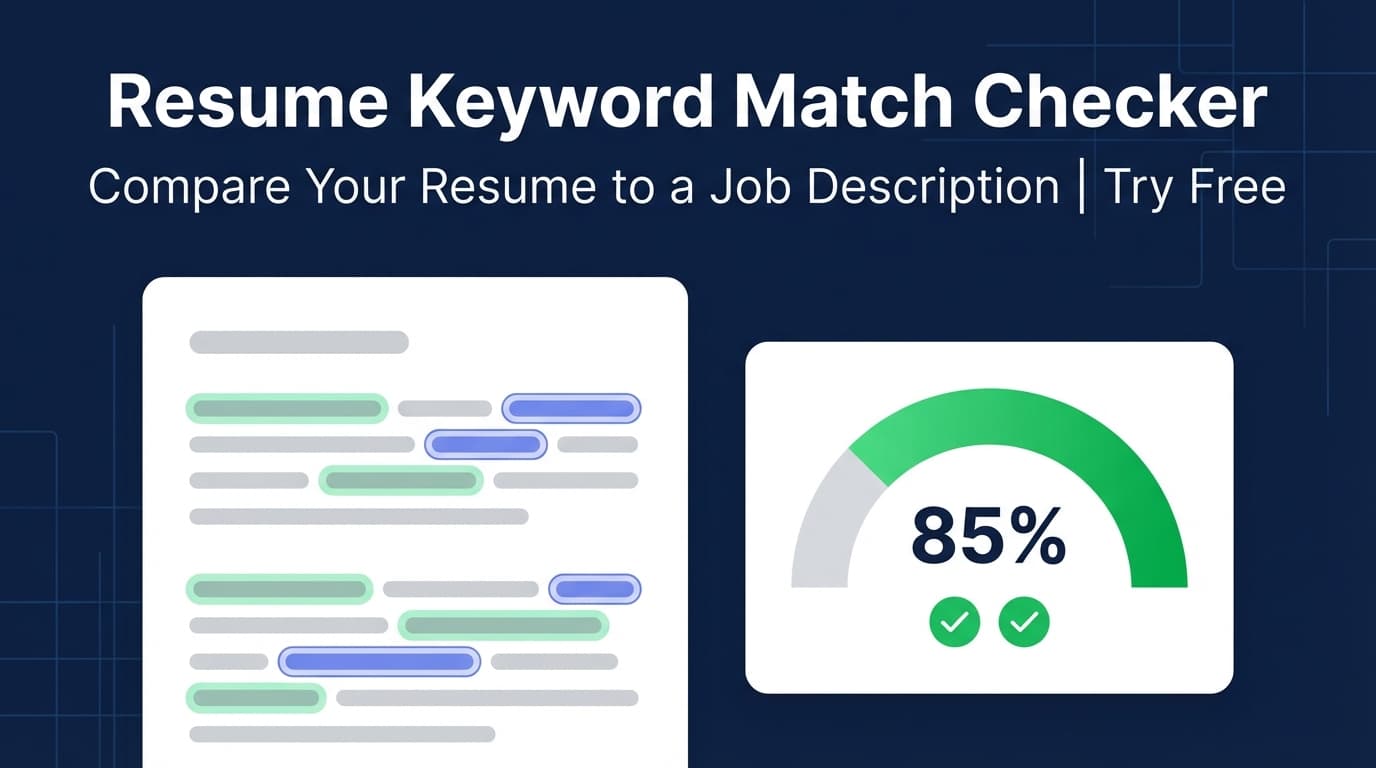
ToolResume Keyword Match Checker: Find Missing Keywords and Improve Your Match Score
Check how well your resume keywords match a job description. JobShinobi extracts job keywords from a URL or pasted text, then shows a match score, matching keywords, missing keywords, and recommendations.
 Tool
ToolResume Keyword Matcher: Find Missing Keywords (and Fix Them Fast)
Compare your resume to a job description to find matching and missing keywords, get a 0–100 match score, and receive tailoring recommendations. JobShinobi is a paid product with an advertised 7-day free trial.
 Tool
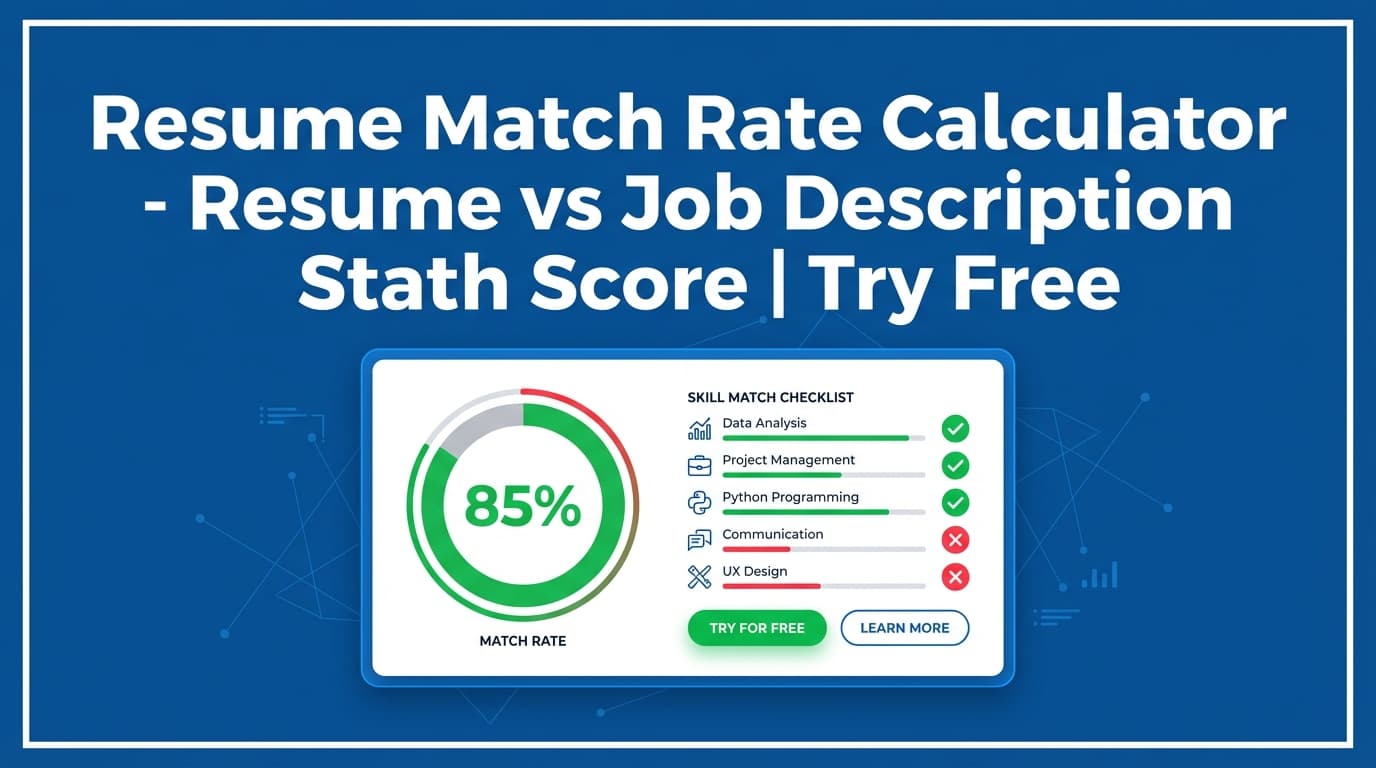
ToolResume Match Rate Calculator: Get a Resume-to-Job Match Score (0–100%)
Calculate your resume match rate (0–100%) against a job description. JobShinobi extracts job keywords from a URL or pasted text, then shows missing keywords, matching keywords, and recommendations you can apply.
 Tool
ToolResume Match Score: See Your Match Score vs a Job Description
JobShinobi’s Resume Match Score compares your saved resume to a specific job posting. Paste a job URL or description text to get a 0–100% match score, matching vs missing keywords, and practical recommendations.
 Tool
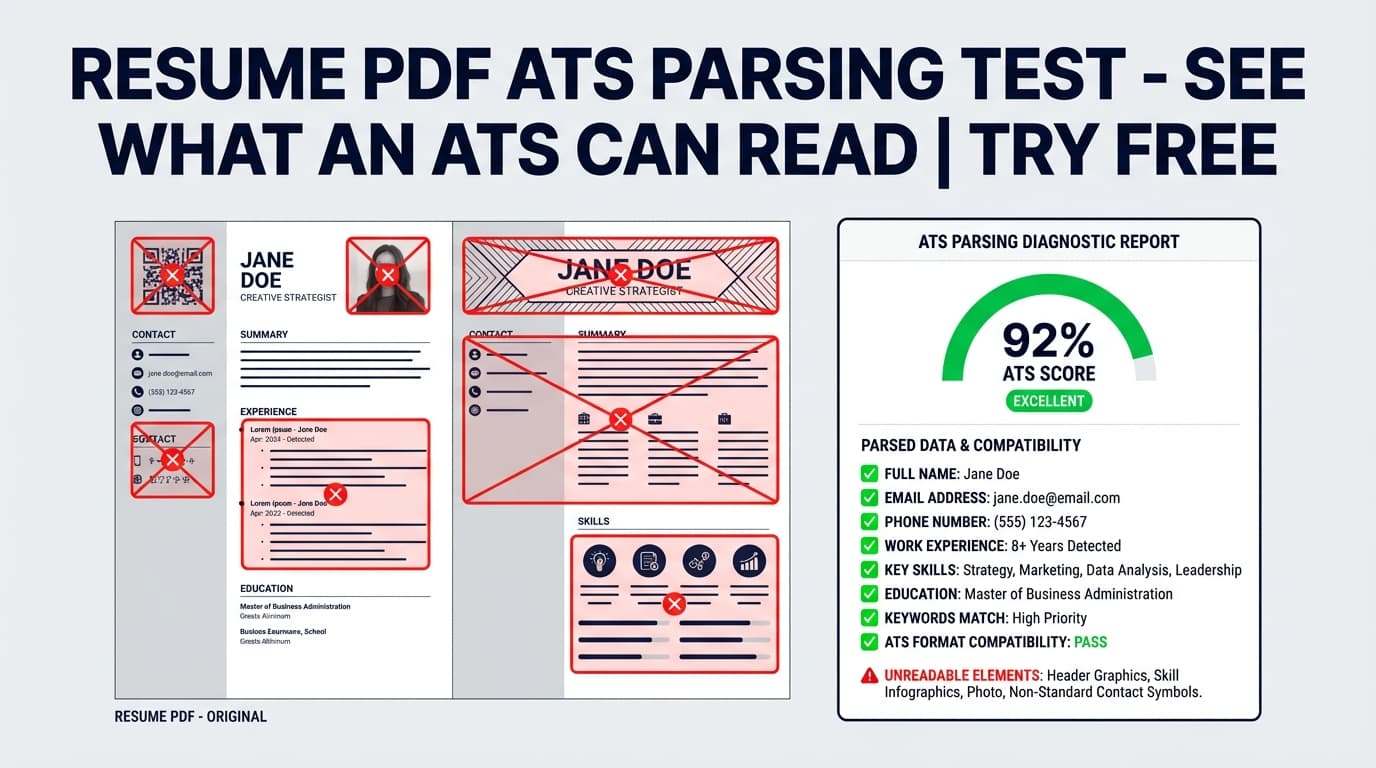
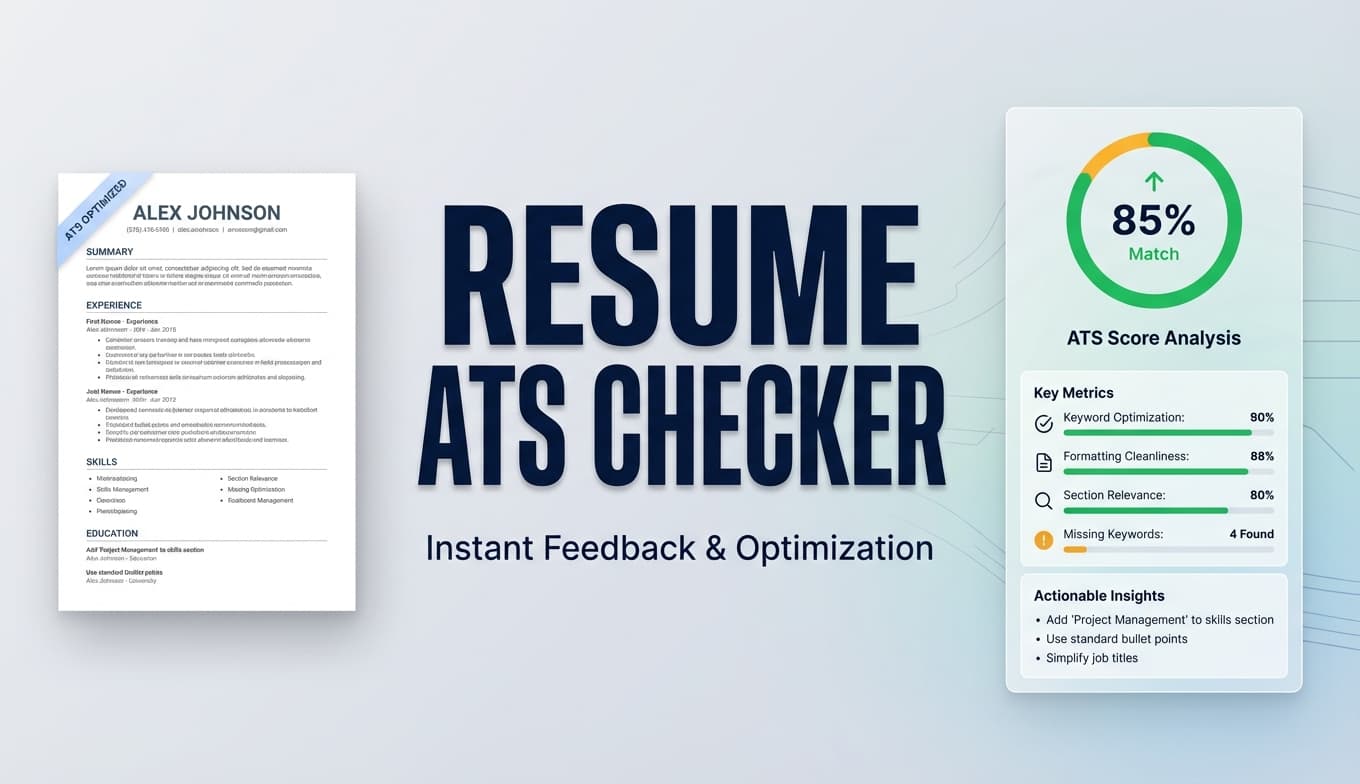
ToolResume Pdf Ats Parsing Test: See What an ATS Can Read From Your Resume PDF
Run a Resume PDF ATS parsing test inside JobShinobi to check ATS readability signals (sections, headings, dates, keyword coverage, and common parsing risks). JobShinobi advertises a 7-day free trial.
 Tool
ToolResume Pdf Ats Readability Checker: Make Sure Your Resume PDF Is ATS-Readable
Check for ATS readability risks in your resume PDF—like columns/tables, inconsistent dates, missing contact info, and keyword gaps—then fix them inside JobShinobi’s resume builder. (Site advertises a 7‑day free trial.)
 Tool
ToolResume Pdf Ats Readability Test: Check Your Resume PDF for ATS Readability Issues
Run an ATS readability test on your JobShinobi resume and the PDF you export—get an ATS Compatibility score, formatting red flags, and actionable fixes. JobShinobi offers $20/month or $199.99/year plans and advertises a 7-day free trial.
 Tool
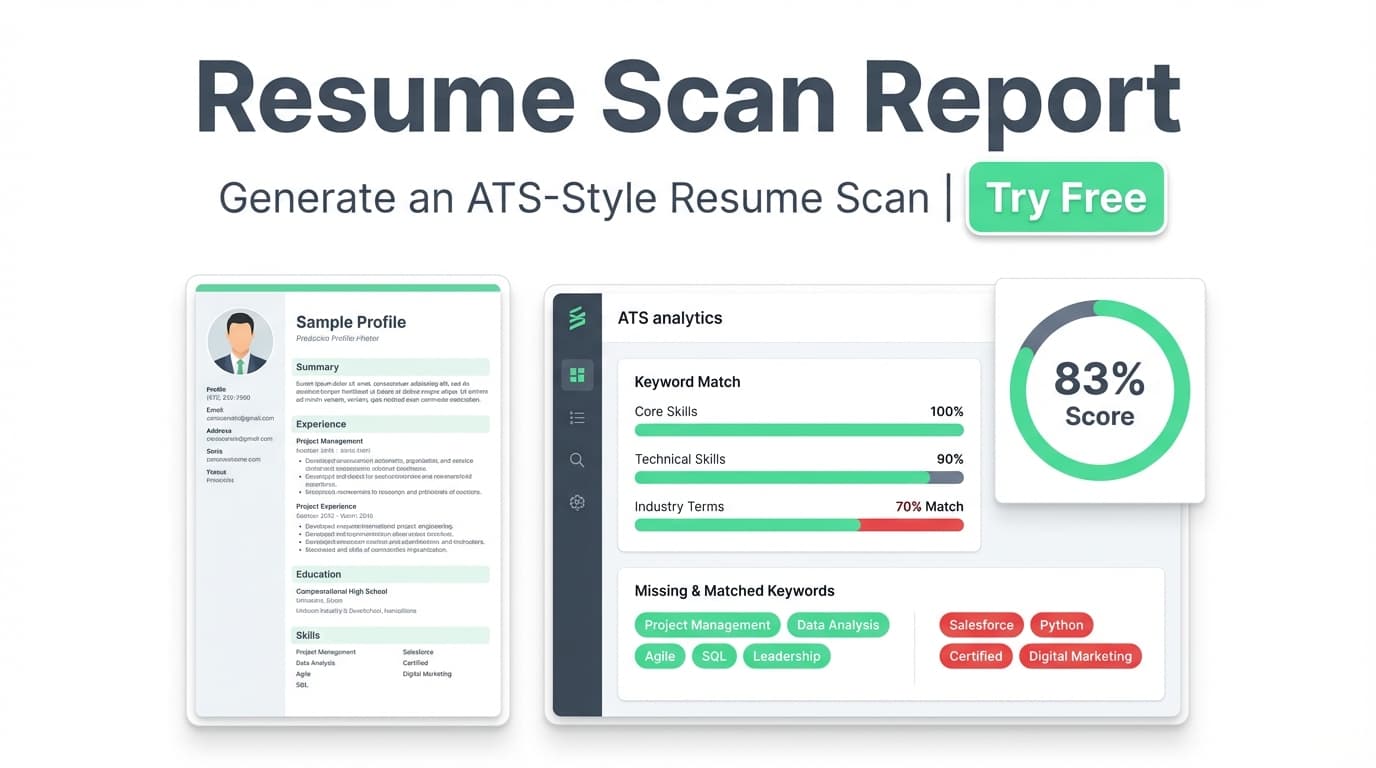
ToolResume Scan Report: Generate a Clear ATS-Style Resume Scan (Score + Fix List)
Generate a Resume Scan Report with an overall score, category breakdown (content, keywords, formatting, completeness, ATS compatibility), and actionable feedback. Includes optional job-specific matching when you add a job URL or description. JobShinobi offers a 7-day free trial and paid plans.
 Tool
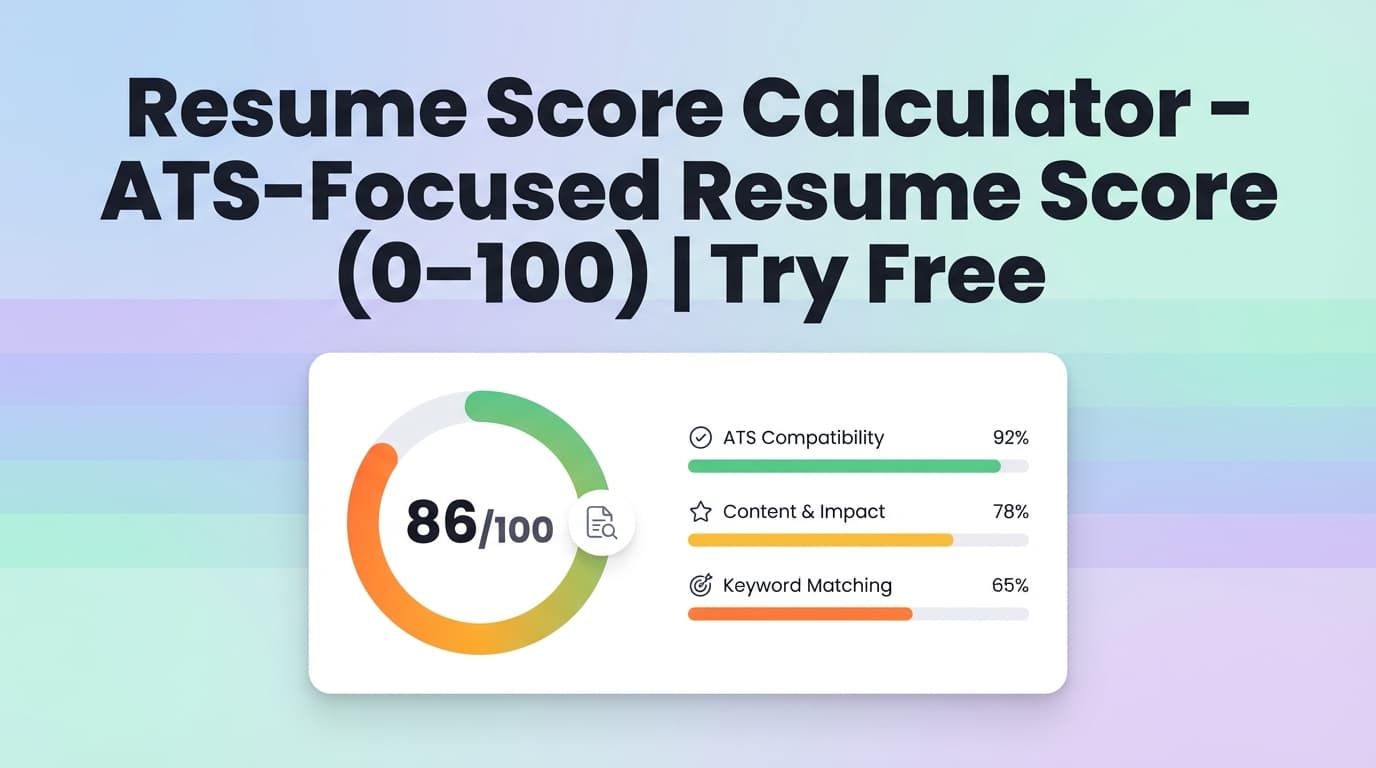
ToolResume Score Calculator: Score Your Resume (0–100) and Fix ATS Issues Faster
Use JobShinobi’s Resume Score Calculator to generate a resume score (0–100) with a breakdown across content, keywords, formatting, completeness, and ATS compatibility—plus strengths, weaknesses, and keyword insights. JobShinobi advertises a 7-day free trial.
 Tool
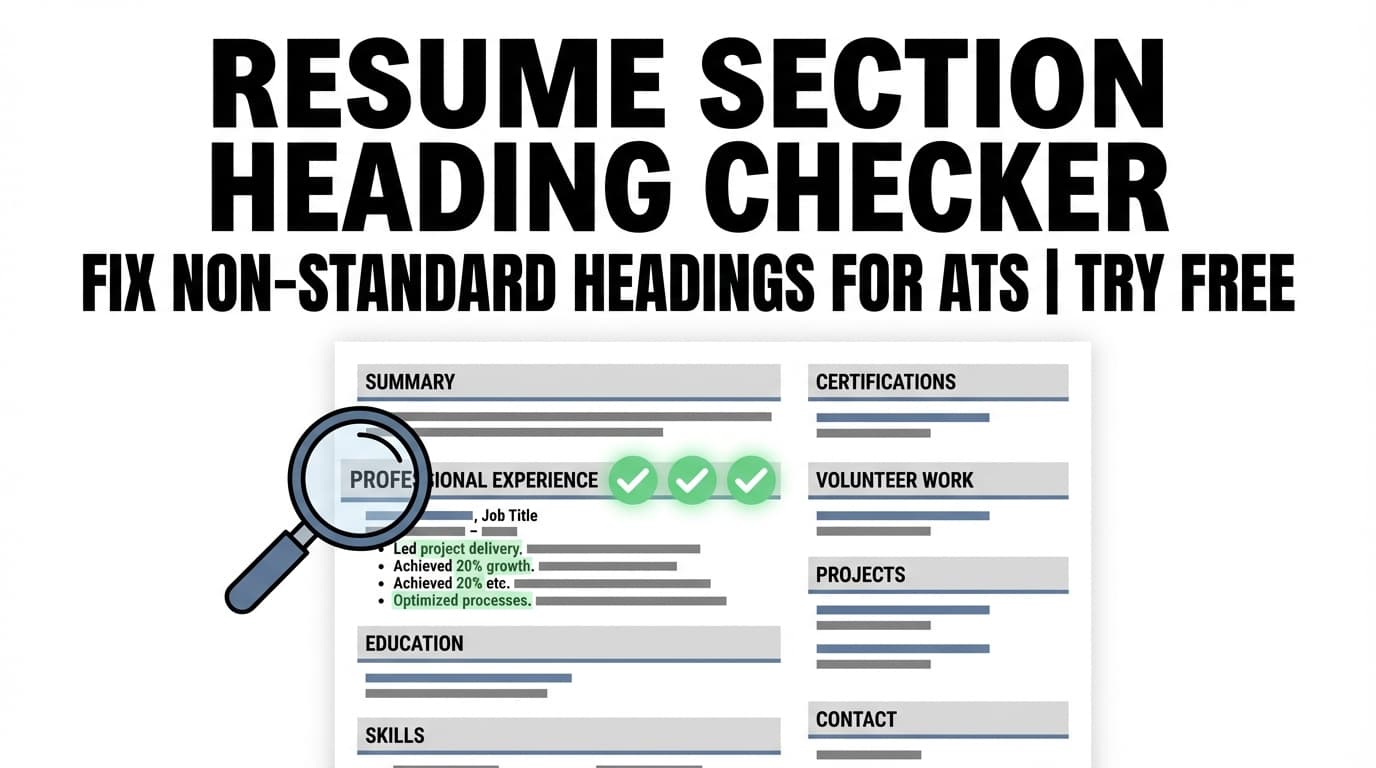
ToolResume Section Heading Checker: Make Your Section Titles ATS-Friendly
Check your resume section headings for ATS-friendly, standard titles (Experience, Education, Skills, etc.). JobShinobi analyzes your resume and flags heading issues and missing sections so ATS can categorize your content correctly.
 Tool
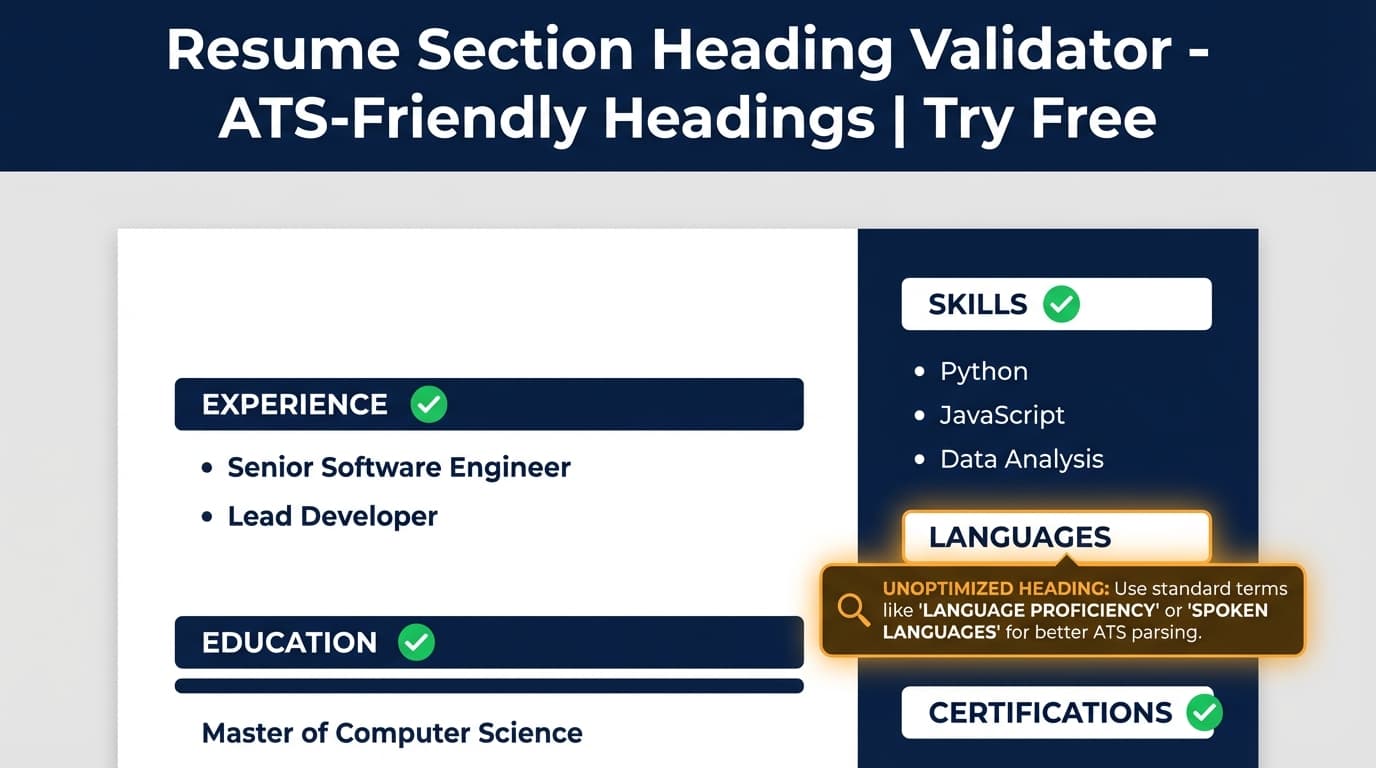
ToolResume Section Heading Validator: Use ATS-Friendly Headings That Get Parsed Correctly
Validate your resume’s section headings for ATS readability. JobShinobi highlights heading-related ATS issues (e.g., non-standard section titles) so recruiters and resume parsers can categorize your Experience, Education, and Skills correctly.
 Tool
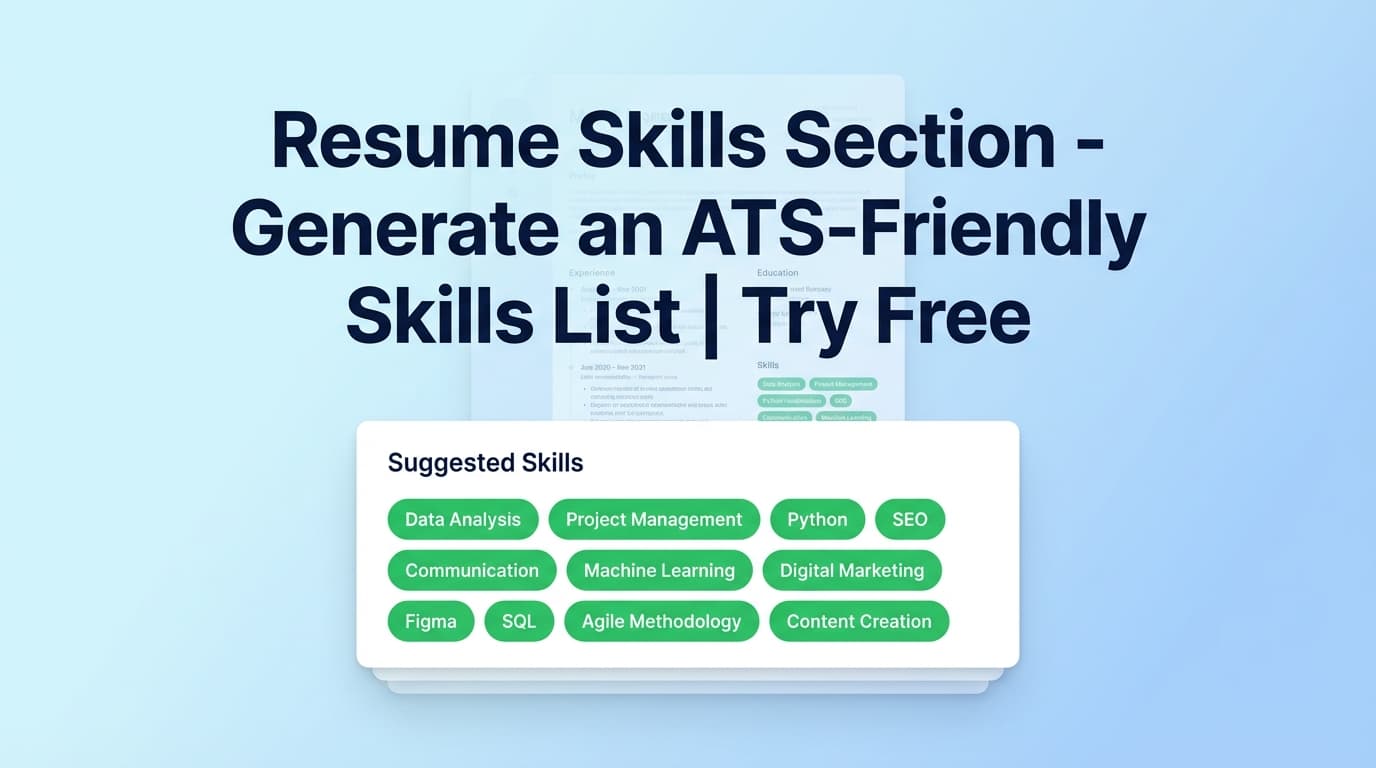
ToolResume Skills Section: Generate a targeted, ATS-friendly skills section
Build a targeted resume Skills section by extracting key skills from a job posting (URL or text), comparing them to your resume, and generating a clean, ATS-friendly skills list you can paste into your resume.
 Tool
ToolResume Summary AI: Generate a Strong Professional Summary (2–3 Sentences)
Create a concise, keyword-aware professional resume summary with JobShinobi’s Resume Summary AI. Generate a 2–3 sentence summary and insert it into your LaTeX resume, then preview as a PDF.
 Tool
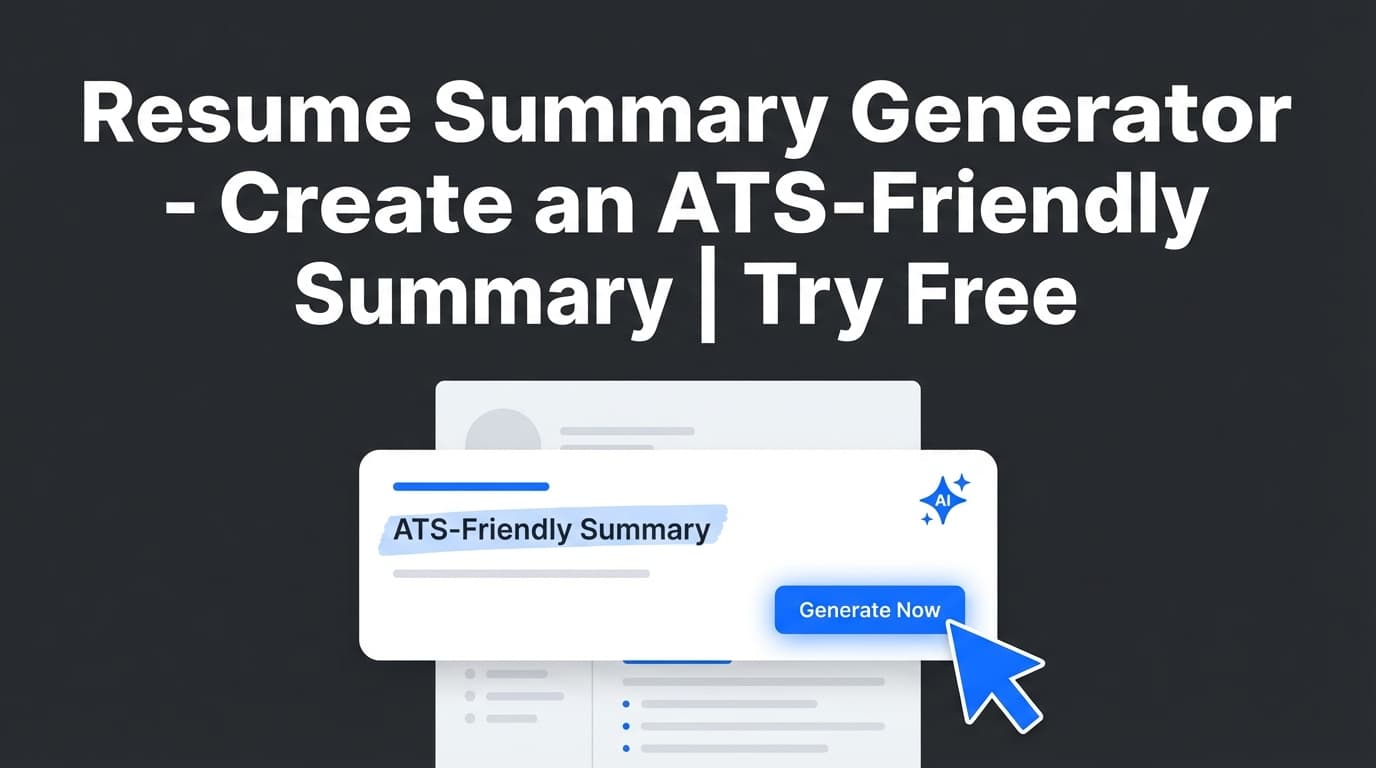
ToolResume Summary Generator: Write a Professional Summary That Fits Your Resume (ATS-Friendly)
Create a tailored resume summary inside JobShinobi’s AI resume builder. Generate a 2–3 sentence professional summary, compile to PDF, and refine with resume analysis and job matching. JobShinobi offers $20/month or $199.99/year plans and advertises a 7-day free trial.
 Tool
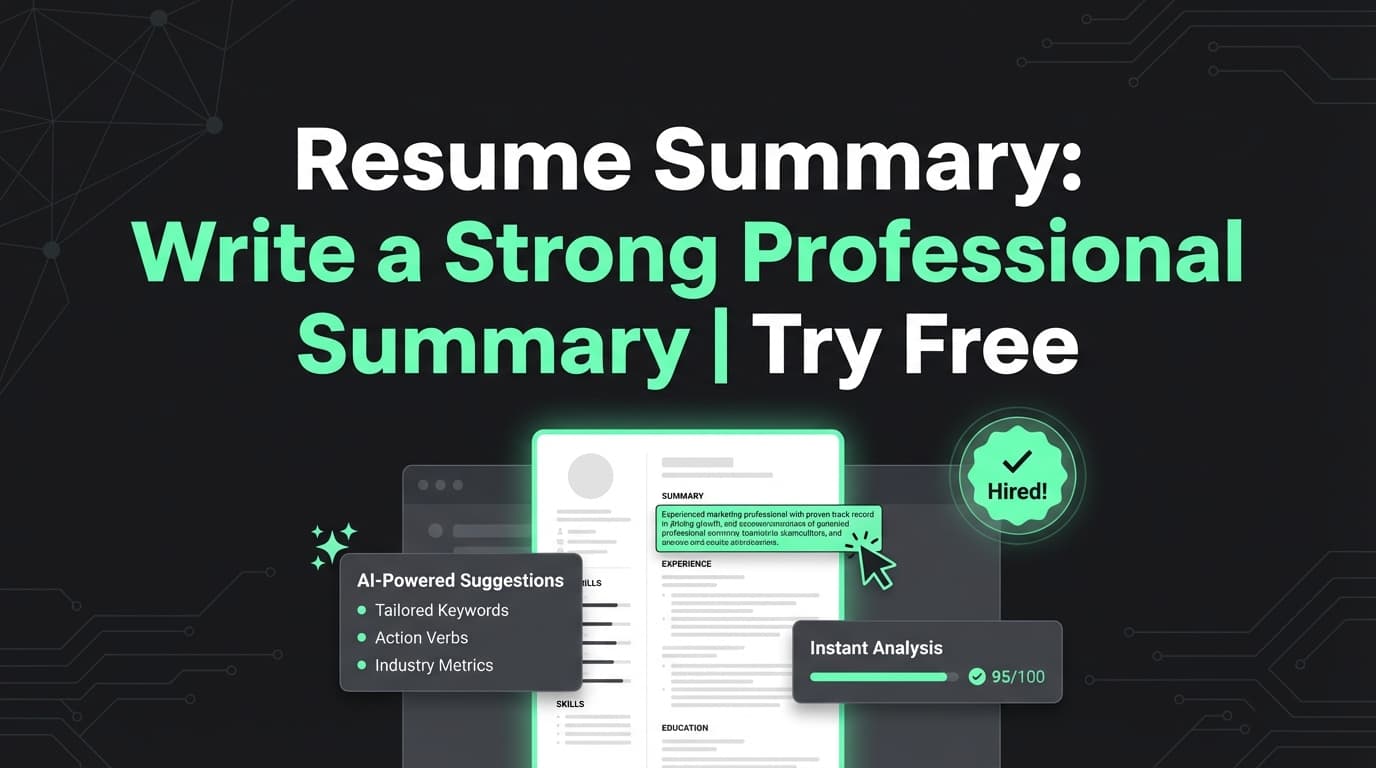
ToolResume Summary: Generate a Clear, Keyword-Rich Summary in Minutes
Generate a 2–3 sentence resume summary tailored to your background and target role—then refine it inside JobShinobi’s LaTeX resume builder with AI assistance.
 Tool
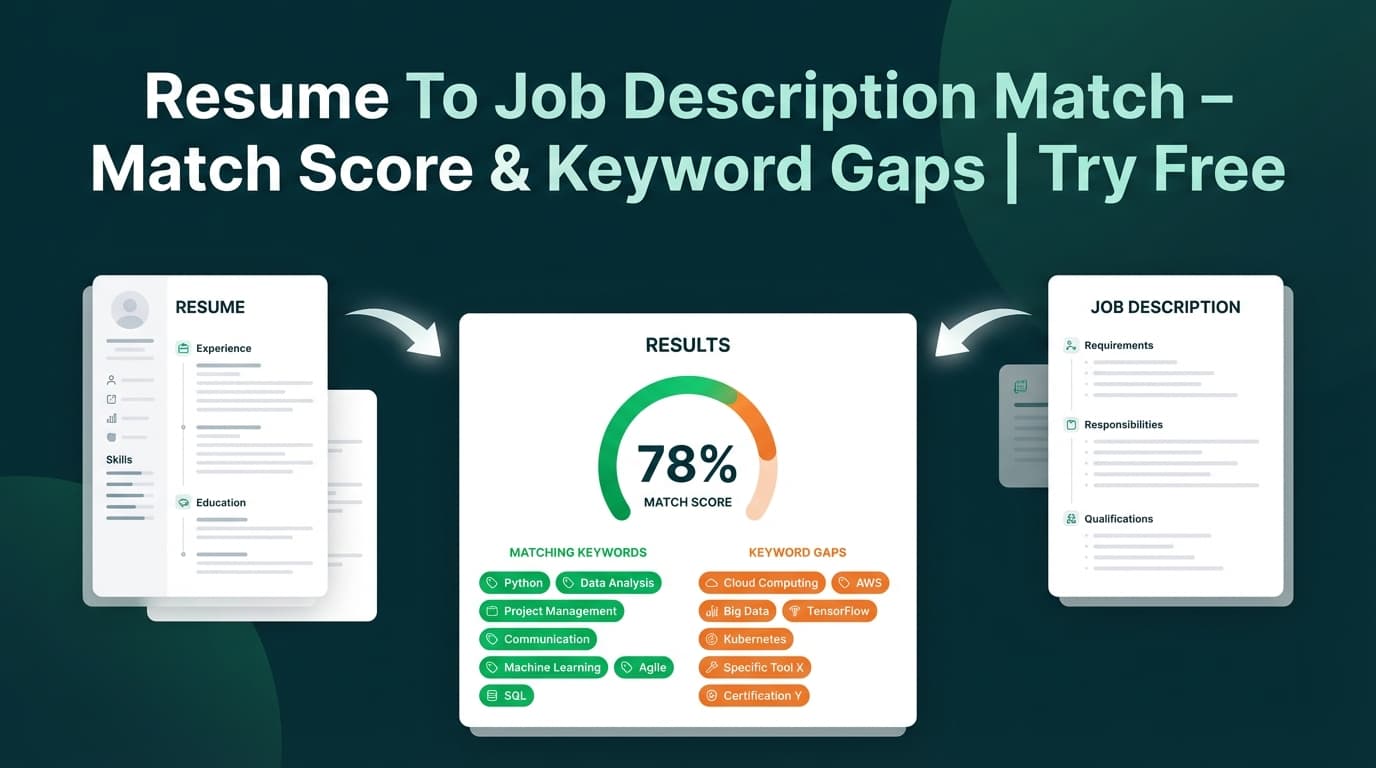
ToolResume To Job Description Match: See Your Match Score (and Exactly What to Fix)
Compare your JobShinobi resume to any job description (URL or text) to get a match score, matching vs missing keywords, and clear tailoring recommendations. JobShinobi offers $20/month or $199.99/year plans and advertises a 7-day free trial.
 Tool
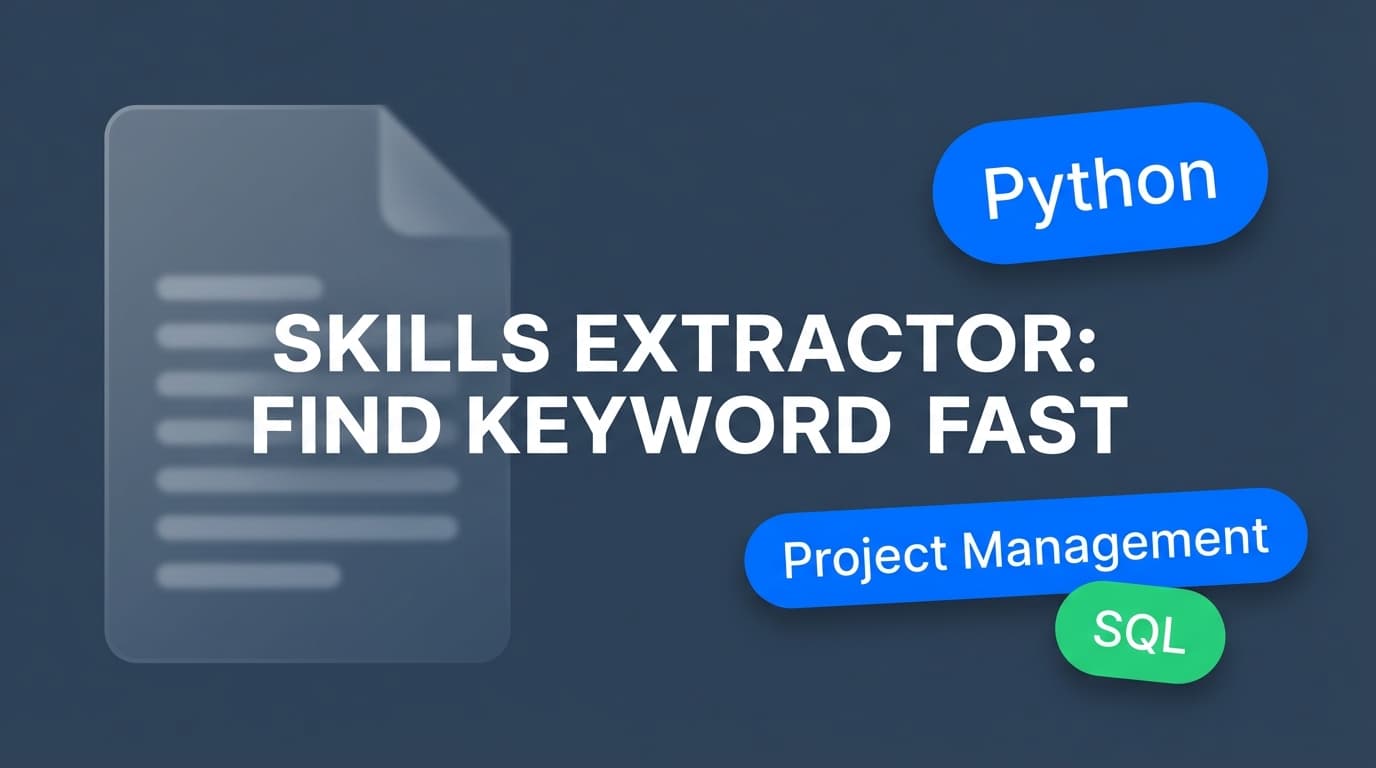
ToolSkills Extractor From Job Description: Turn Any Job Post Into a Skills & Keyword Checklist
Extract key skills, tools, and requirements from any job posting URL or pasted job description text. JobShinobi uses AI to return a clean list of keywords you can use to tailor your resume.
 Tool
ToolSkills Section For Resume: Generate a Skills Section That Matches the Job
Create a targeted, ATS-friendly skills section for your resume inside JobShinobi’s AI resume builder. Generate role-relevant skills, format them in LaTeX, and validate them with resume analysis and job matching. JobShinobi advertises a 7-day free trial; plans are $20/month or $199.99/year.