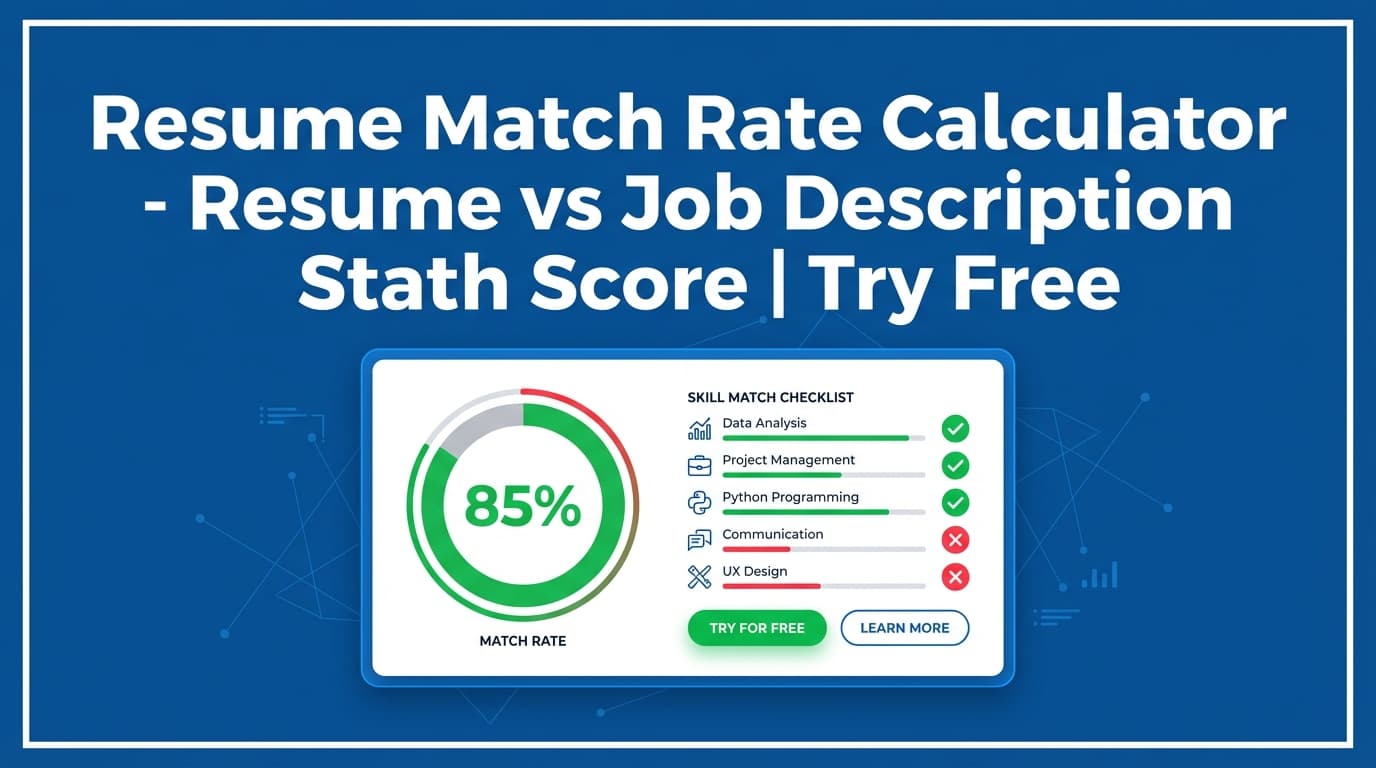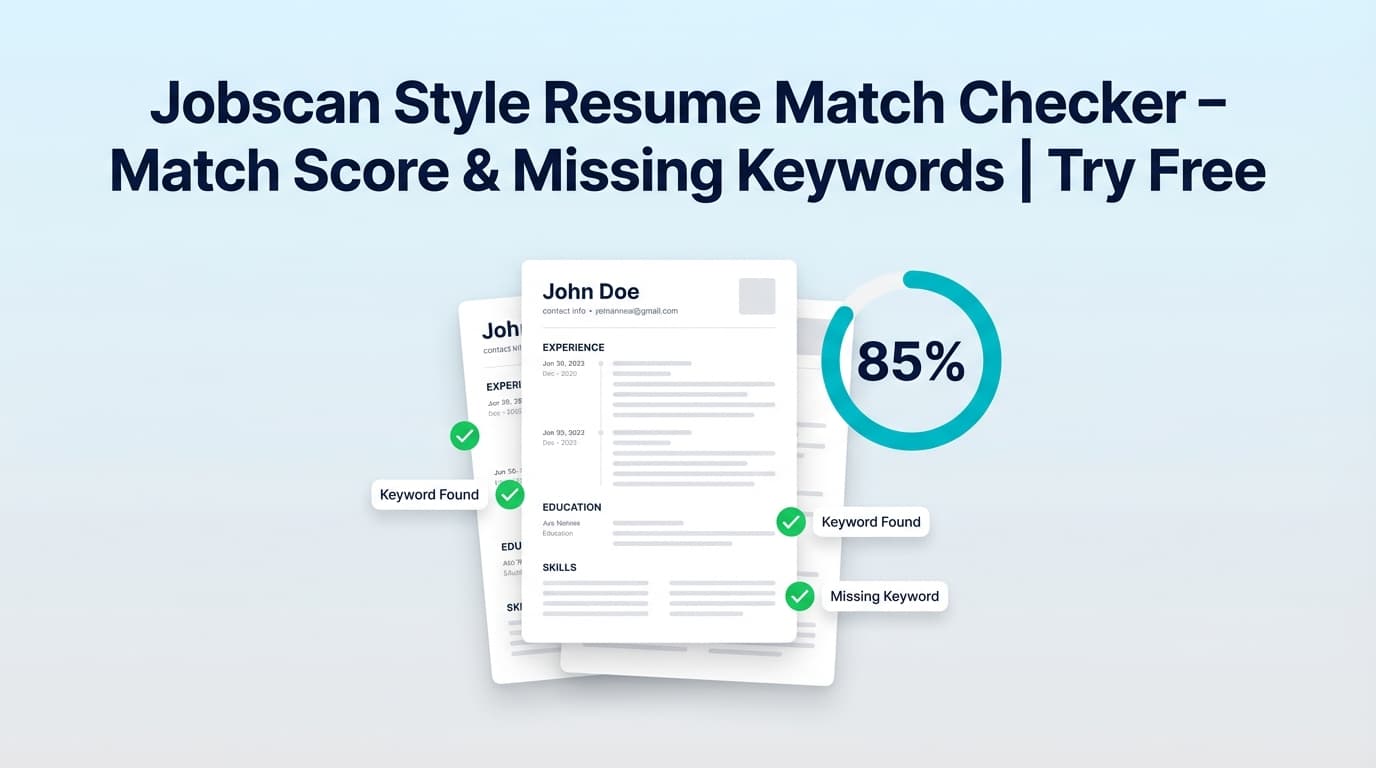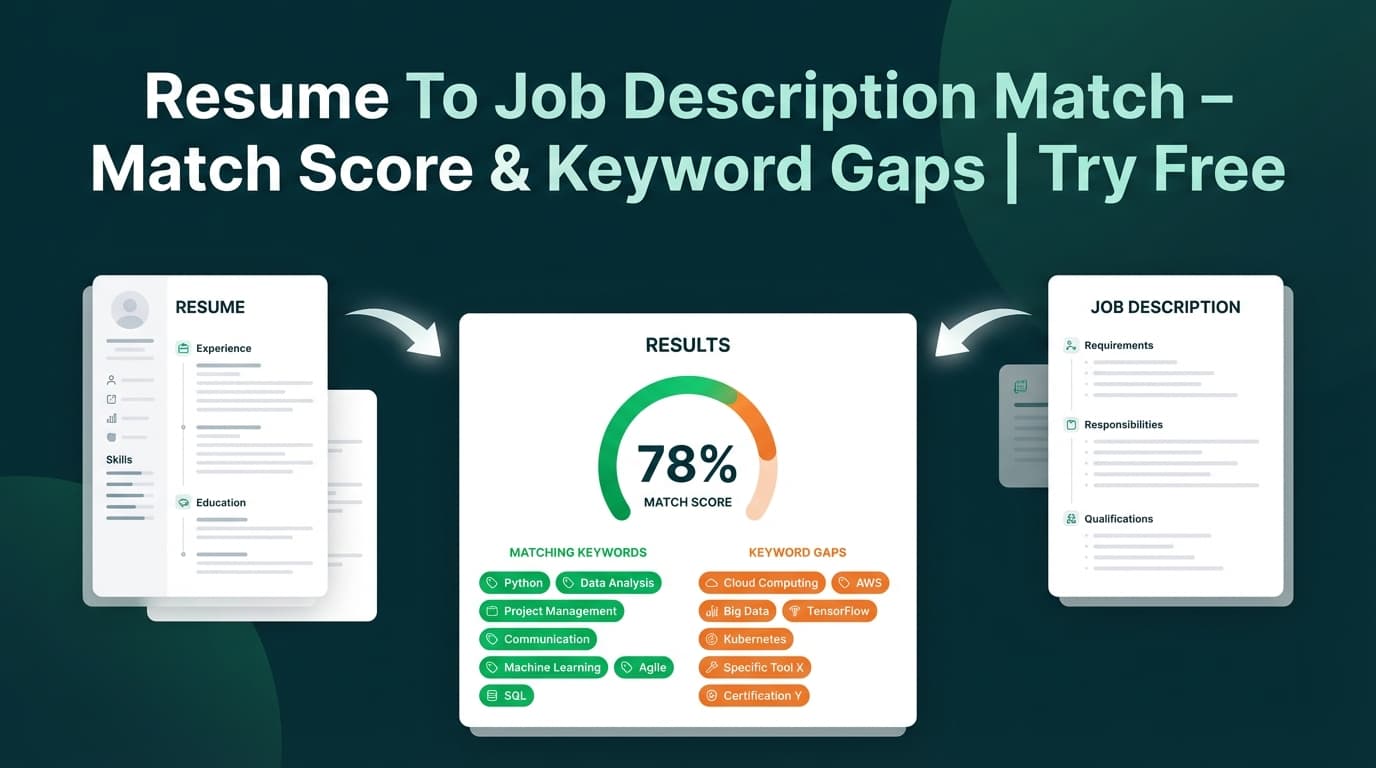
Resume Match Score is JobShinobi’s resume-to-job matching tool. It compares your saved JobShinobi resume to a job posting and returns a 0–100% Job Match Score, plus matching keywords, missing keywords, and recommendations to help you tailor faster.
What is Resume Match Score?
Resume Match Score is built for job seekers who want a clear, job-specific answer to:
- “Does my resume reflect what this job is asking for?”
- “Which keywords am I missing (and which ones am I already covering)?”
- “What should I change before I apply?”
In JobShinobi, you can provide the job posting in two ways:
- Paste a job posting URL (LinkedIn, Indeed, a company careers page, etc.)
- Paste the job description text
JobShinobi then:
- Extracts structured job details (company, position, a short description, requirements, keywords)
- Compares those extracted keywords against your resume text
- Generates a Job Match Score and a set of recommendations (suggestions) you can apply manually in your resume editor
This tool is especially helpful when you’re applying to similar roles that emphasize different stacks (e.g., “Python + Airflow” vs. “Python + Spark”), or when you want to tailor without rewriting your resume from scratch each time.
Accuracy note: “Missing keywords” are based on whether the extracted keyword text appears in your resume text. It’s a strong starting point for tailoring, but it’s not the same as a recruiter’s full evaluation—and it’s not a guarantee of ATS outcomes.
How to Use JobShinobi’s Resume Match Score
Step 1: Sign in and choose a saved resume
Resume Match Score works with resumes stored inside JobShinobi (LaTeX-based resume builder).
- Sign in to JobShinobi.
- Open your resume from your dashboard.
- Go to your resume’s analysis area and open the Job Matching section.
Tip: If you have multiple resume versions, pick the one closest to the role you’re targeting. You’ll get a more meaningful match score and cleaner recommendations.
Step 2: Add the job posting (URL or Text)
In the Job Matching flow, you’ll see a Job Description input with two tabs:
- URL tab: paste the job posting link
- Text tab: paste the full job description
Click Extract Job Details.
What happens behind the scenes:
- If you provide a URL, JobShinobi attempts to fetch the page and convert it into text by stripping HTML tags.
- Then AI extracts the structured fields (company, position, description, requirements, keywords).
Tips for better extraction
- If a URL fails to fetch (some job sites block requests), switch to Text and paste the job description directly.
- Include the sections where keywords live: Requirements, Qualifications, Responsibilities, Tech Stack, Tools, Must-have/Nice-to-have.
Step 3: Review the Resume Match Score + keyword breakdown
Once matching runs, you’ll see:
- Job Match Score (0–100%)
- Matching Keywords (keywords found in both job + resume)
- Missing Keywords (keywords found in the job extraction that are not present in your resume text)
- Recommendations (AI suggestions for how to tailor)
Pro tip: Treat missing keywords like a truthful checklist:
- If you do have experience with a tool/skill but forgot to mention it, add it.
- If you don’t have the skill, don’t force it. Instead, emphasize adjacent experience (e.g., “Airflow” → “workflow orchestration” or similar relevant tools you actually used).
Step 4: Apply suggestions in the editor (manual tailoring)
If you see an Apply Suggestions button, use it to jump back to the resume editor. JobShinobi routes you to your resume editor so you can implement changes.
Important: the tool provides recommendations and a workflow back to editing, but it does not automatically rewrite your resume for you in this matching step. You remain in control of edits.
A quick “10-minute tailor” workflow:
- Add 3–6 missing keywords you can honestly claim (Skills / Projects / Experience bullets)
- Update 1–2 bullets in your most relevant role to mirror the job language
- Re-run matching to confirm improvement
Features of our Resume Match Score tool
Job URL or pasted job description text
You can input a job posting as a link or plain text.
Why it matters: If a site blocks URL fetching, you can still match by pasting the posting directly.
AI job details extraction (company, position, requirements, keywords)
JobShinobi uses AI to extract structured job details from the content.
Why it matters: You don’t have to manually hunt for keywords—especially useful for long postings.
0–100% match score
You get a clear percentage score that reflects alignment for that specific posting.
Why it matters: It turns vague “I think I’m a fit” into a measurable report you can improve.
Keyword gap analysis (matching vs missing)
The tool displays:
- Matching Keywords (already covered)
- Missing Keywords (terms to consider adding)
Why it matters: Keyword gaps are one of the fastest ways to improve job-specific alignment—without rewriting your entire resume.
Recommendations you can act on
Alongside keywords, JobShinobi provides recommendations to help you tailor.
Why it matters: A score alone isn’t actionable; recommendations help you decide what to change next.
Resume Match Score use cases
For high-volume applicants (tailor faster)
When you’re applying to multiple roles, Resume Match Score helps you:
- plug in a posting
- spot gaps immediately
- make focused edits
- re-check alignment before submitting
For career switchers (translate your experience into the job’s language)
If you’re moving into a new domain, job descriptions often use different language than your past roles. Matching helps you identify the terminology you should reflect (when truthful) so recruiters can map your experience faster.
For technical roles with strict stacks
If a posting calls out a specific stack (e.g., React, TypeScript, GraphQL), missing a core term can reduce perceived fit. Match Score makes those omissions obvious so you can address them.
Why choose JobShinobi’s Resume Match Score?
| JobShinobi Resume Match Score | Many “free” match tools |
|---|---|
| URL or Text input for job posting | Often require one format (or paid unlocks for key details) |
| Shows match score + matching keywords + missing keywords + recommendations | Some show a score with limited next steps |
| Works inside an editing workflow (match → return to editor) | Many tools are “scan-only” with less connected editing flow |
| Doesn’t promise guaranteed ATS outcomes | Some tools overpromise “pass ATS” guarantees |
Related tools in JobShinobi
If you’re improving your applications end-to-end, these pair well with Resume Match Score:
- Resume Analysis / Resume Score: Get an overall resume score and detailed feedback (strengths, weaknesses, ATS issues, keyword analysis).
- AI Resume Editor Assistant (Agent): Chat-based editing help inside the resume editor.
- Job Application Tracker: Track applications and export to Excel.
FAQ
Is Resume Match Score really free?
JobShinobi is a paid subscription product ($20/month or $199.99/year). The site advertises a 7-day free trial, so you can try JobShinobi free during the trial period, but it is not positioned as a permanently free tool.
Do I need an account?
Yes. Matching runs on your saved JobShinobi resume, so you must sign in to access your resume and run the match.
Can I upload a PDF or DOCX resume?
Resume Match Score is designed to work with resumes you’ve created/stored in JobShinobi’s resume builder (LaTeX-based). If you don’t have a resume in JobShinobi yet, create one first.
What if the job posting URL won’t work?
Some job sites restrict automated fetching. If the URL extraction fails, use the Text tab and paste the job description directly.
Does a higher match score guarantee interviews or ATS success?
No. The score is a helpful indicator and tailoring guide, but JobShinobi does not guarantee ATS outcomes, interview callbacks, or hiring decisions.
Start using Resume Match Score now
If you want a straightforward way to tailor each application—without guessing which keywords matter—Resume Match Score gives you a job-specific match report and a clear path to improve it.