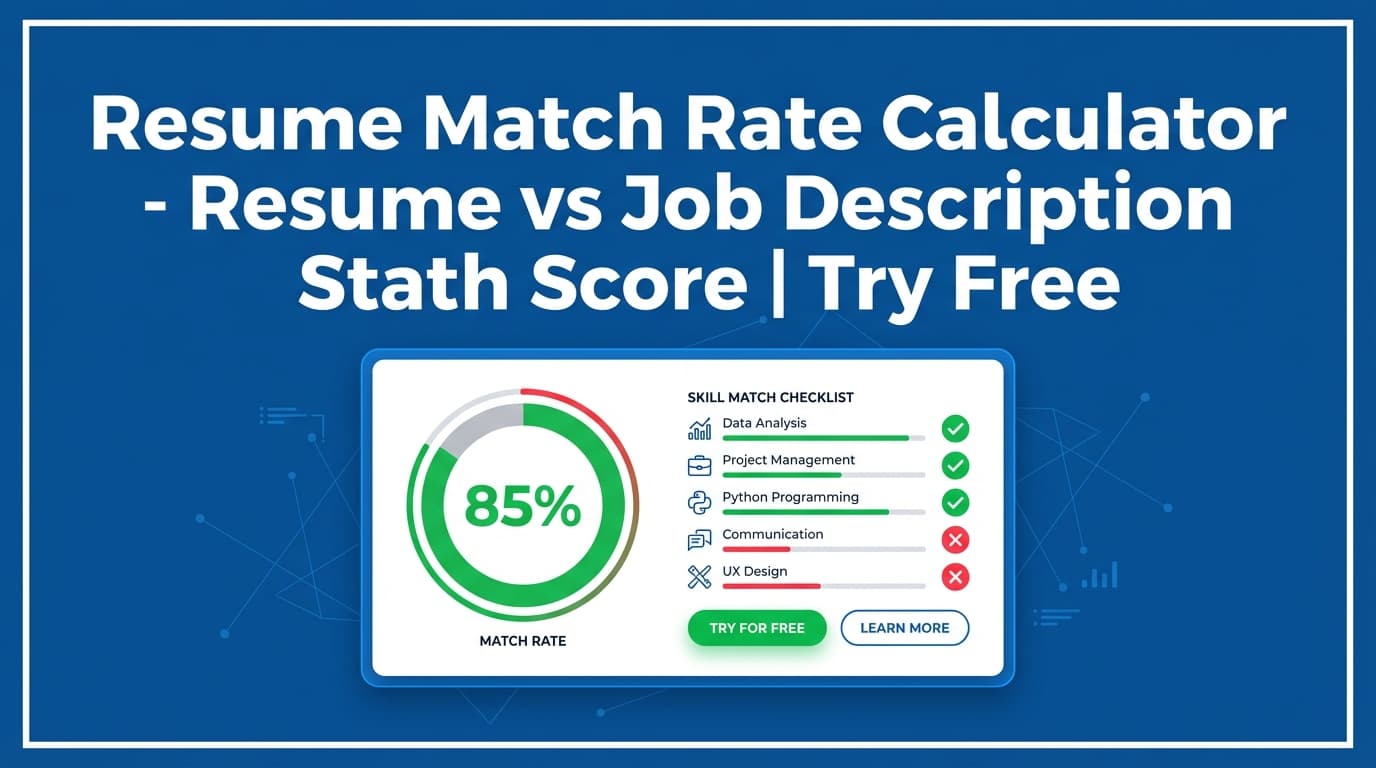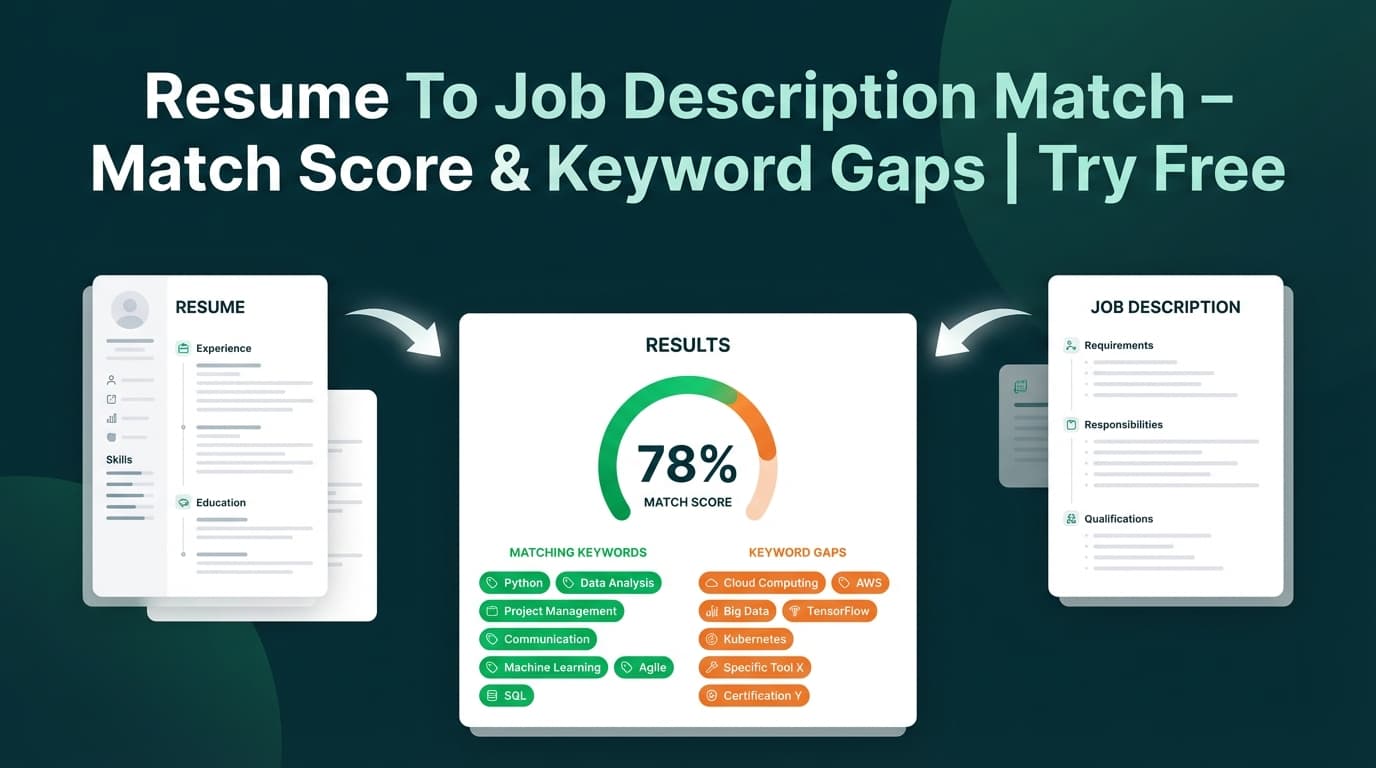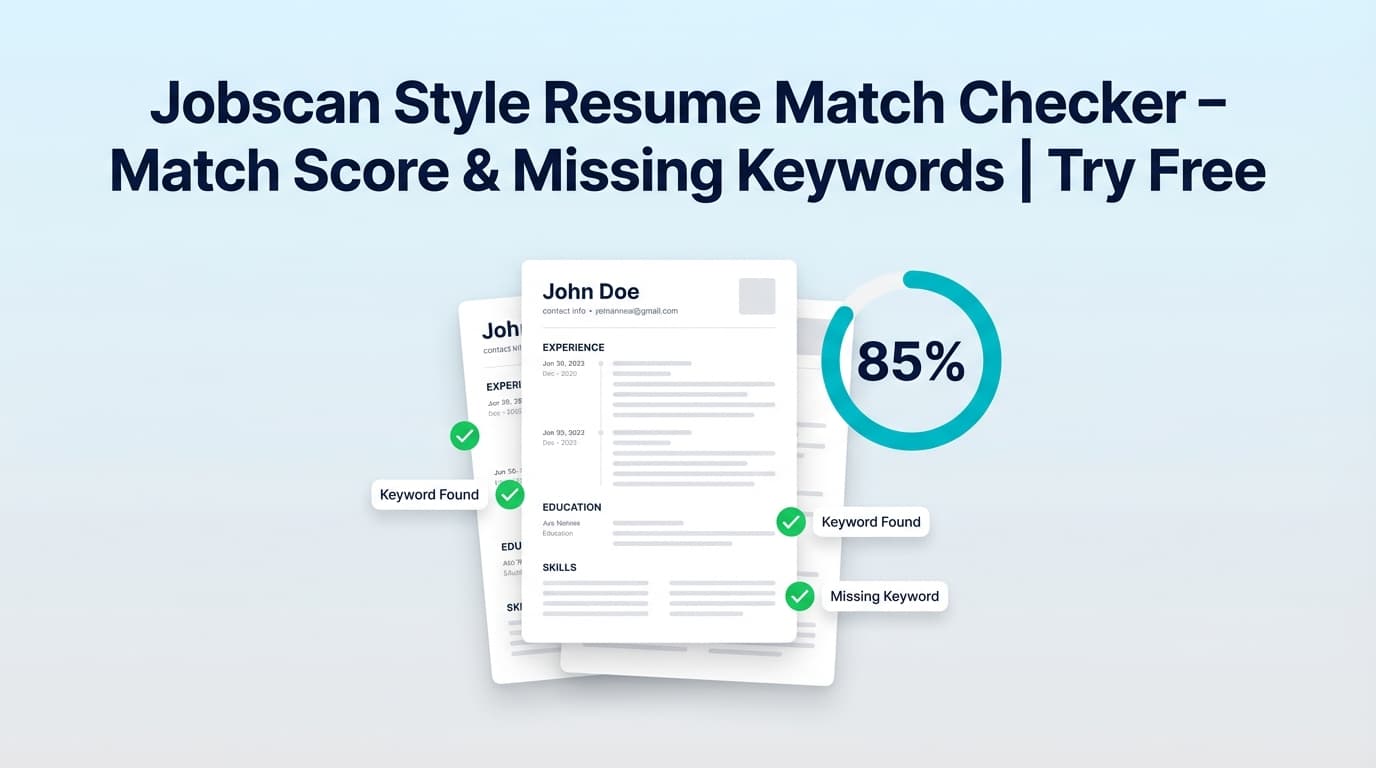
The Jobscan Style Resume Match Checker in JobShinobi compares your saved resume against a specific job posting and returns a match score, matching keywords, missing keywords, and recommendations you can apply in your resume editor.
Try it now → or keep reading for the exact workflow.
What is a Jobscan style resume match checker tool?
A Jobscan-style match checker is a resume-to-job description alignment tool. You provide a job posting, and the tool answers the practical questions job seekers care about:
- How strong is my match (as a percentage)?
- What keywords/skills does this job want that my resume doesn’t mention (yet)?
- What should I change to improve alignment for this specific role?
In JobShinobi, this tool is designed to work with your saved JobShinobi resume (stored as LaTeX source). It also includes an AI-powered step that can extract job details from either:
- a job posting URL, or
- pasted job description text
Then JobShinobi generates a match analysis with an easy-to-scan score and keyword lists—so you can tailor intentionally (without keyword stuffing).
How to Use JobShinobi’s Jobscan Style Resume Match Checker (HowTo)
Step 1: Sign in and open your resume
JobShinobi’s match checker runs against a resume saved in your account.
- Sign in to JobShinobi.
- Go to Resume Builder in your dashboard.
- Open an existing resume or create one from a template.
- Make sure it’s saved so it can be analyzed.
Tip: If you’re creating a new resume, keep standard sections like Experience, Skills, and Education clearly separated. The match tool reads your LaTeX content and identifies sections based on \section{...} headings.
Step 2: Open Resume Analysis and choose “Job Matching”
From your resume, open the Resume Analysis view and select the Job Matching tab.
That’s where you’ll input a job posting and run the comparison.
Step 3: Add the job posting (URL or Text) and extract job details
You can provide the job in two ways:
- URL: Paste a job posting link (LinkedIn, Indeed, company site, etc.).
- Text: Paste the full job description.
Click Extract Job Details.
JobShinobi will extract structured job details (like a short description, requirements, and keywords). You’ll also see a preview of what was extracted.
Tip: If the URL is behind a login wall or loads content dynamically, extraction may fail or be incomplete. In that case, use the Text tab and paste the full posting (including requirements).
Step 4: Run the resume match
After job details are extracted, JobShinobi matches your resume to the job and generates:
- Job Match Score (percentage)
- Matching Keywords (present in your resume)
- Missing Keywords (found in the job’s keyword list but not found in your resume text)
- Recommendations (actionable suggestions to tailor your resume)
Step 5: (Optional) Apply suggestions by editing your resume
Use Apply Suggestions to jump back to the resume editor and implement the changes.
Important: this workflow sends you to the editor—it does not automatically rewrite your resume for you. You stay in control of what gets added and how it’s phrased.
Pro tip: Add keywords where they’re true and supported—ideally inside experience bullets with proof (tools used, scope, results). Don’t paste a keyword list into Skills if you can’t back it up.
Features of Our Jobscan Style Resume Match Checker
Job description input by URL or pasted text
You can start from a job posting link or paste the job description directly.
Why it matters: You don’t need to manually summarize the posting—JobShinobi can extract the essentials and keywords for you.
AI job details extraction (company, role, requirements, keywords)
JobShinobi can extract structured details from the job posting, including a keyword list.
Why it matters: Better inputs create more useful matching outputs—especially when postings are long or messy.
Match score (percentage)
You get a clear match score for how well your resume aligns with that specific job.
Why it matters: It’s a quick sanity check before you apply—and a way to track whether your edits are improving alignment.
Matching vs. missing keyword lists
Your results include:
- present_keywords: keywords found in your resume text
- missing_keywords: keywords from the job’s extracted keyword list that are not found in your resume text
Why it matters: This is the fastest way to spot gaps that can lower relevance in ATS searches and recruiter skims.
Accuracy note: present/missing keywords are determined by text inclusion (case-insensitive) in your resume source. If the job uses a synonym you already have (e.g., “data visualization” vs “dashboarding”), you may want to add the job’s phrasing if it’s truthful.
Tailoring recommendations you can act on
The tool generates a recommendation list such as what to emphasize, where to add context, and how to improve alignment.
Why it matters: A score alone isn’t helpful—recommendations turn the match into a practical checklist.
Analyze a different job without starting over
You can click Analyze Different Job and run another comparison.
Why it matters: Most job seekers apply to multiple roles; fast iteration is the whole point.
Jobscan Style Resume Match Checker Use Cases
For targeted applications (one role you really want)
Use the tool to:
- confirm you’re speaking the job’s language (tools, responsibilities, domain terms)
- find the 5–10 most important missing keywords to incorporate naturally
Example: A “Data Analyst” role lists SQL, Tableau, stakeholder management. Your resume has SQL, but not Tableau or stakeholders—this tool highlights the gaps so you can adjust your Skills + bullets.
For career switchers
If you’re transitioning (e.g., QA → SWE, support → customer success), your experience may be relevant but described differently. Use missing keywords + recommendations to identify:
- which transferable skills to surface
- which project bullets to add or rewrite
For experienced candidates optimizing for ATS + humans
Senior roles often include leadership signals (mentoring, cross-functional, roadmaps). The recommendations help you add the missing story, not just terms.
Why Choose JobShinobi’s Jobscan Style Resume Match Checker?
| JobShinobi | Other tools labeled “free” |
|---|---|
| URL or text job input with extraction | Often requires manual cleanup/copying |
| Shows match score + missing/matching keywords + recommendations | Some tools show keywords but not next steps |
| Works directly with your saved JobShinobi resume | Many tools require repeated uploads and reformatting |
| “Apply Suggestions” takes you back to your editor (you control edits) | Some tools push auto-rewrites you can’t easily audit |
Related Tools
Explore more tools in JobShinobi:
- Resume Analyzer (Score & Feedback): Score your resume and review strengths/weaknesses and ATS-related issues.
- Job Description Extractor: Turn a job URL or pasted text into structured job details and keywords.
- Resume Studio (Editor + Agent mode): Edit LaTeX and preview PDF, with optional AI assistance.
- Job Tracker: Track applications in a dashboard and export to Excel.
FAQ
Is the Jobscan Style Resume Match Checker really free?
JobShinobi is a paid subscription product with plans shown as $20/month or $199.99/year, and the site advertises a 7-day free trial.
So you can try JobShinobi, but it’s not accurate to present this as a permanently free tool.
Do I need an account to use it?
Yes. The match checker runs against a resume saved in your JobShinobi account, so you must be signed in.
Can I use a job URL from LinkedIn/Indeed?
You can try, but some job boards require login or load content dynamically. If extraction doesn’t work well from a URL, paste the full job description text instead.
Does a high match score guarantee I’ll pass ATS or get an interview?
No. The match score is a helpful indicator for keyword and content alignment, but it’s not a guarantee of ATS success, recruiter selection, or interview outcomes.
Start Using the Jobscan Style Resume Match Checker Now
If you want a faster, more confident way to tailor your resume for each application—without guessing which keywords you missed—run a match and use the results as your edit checklist.