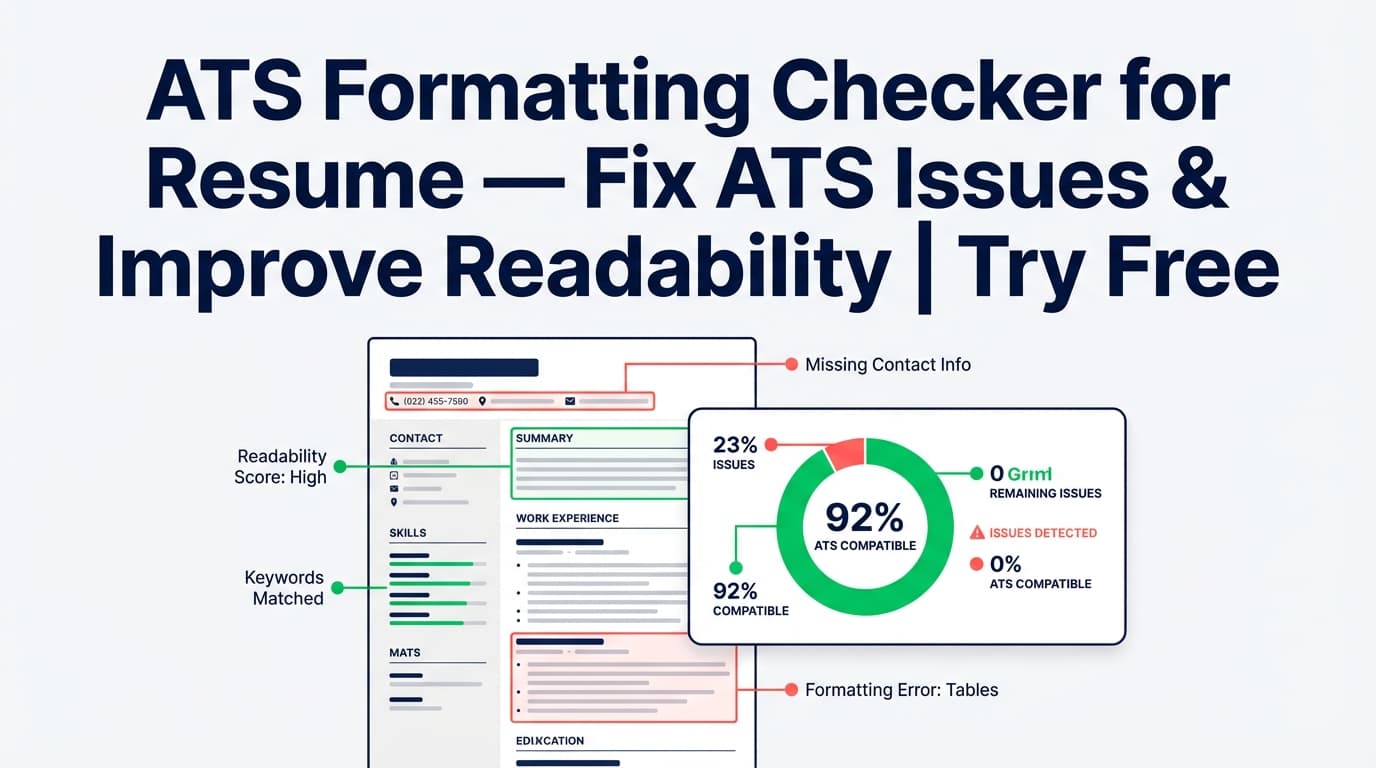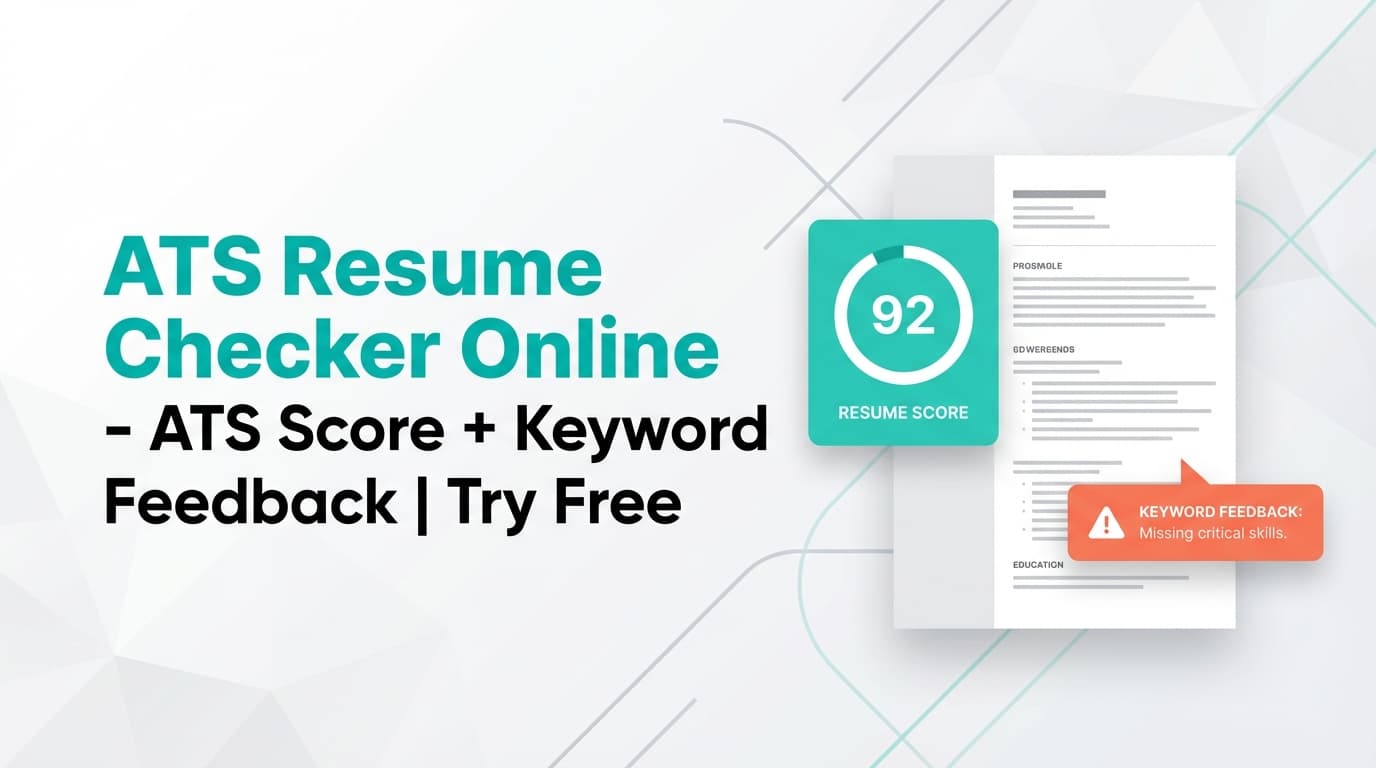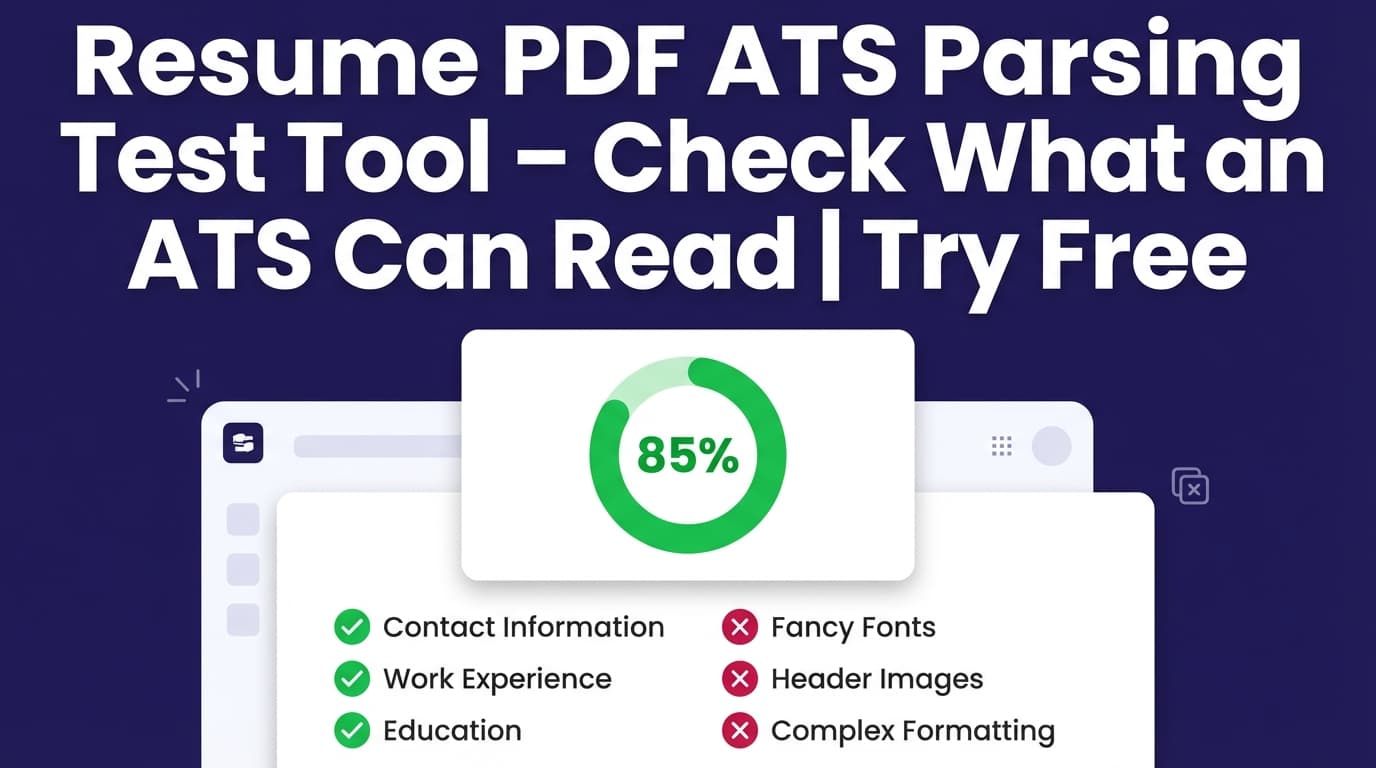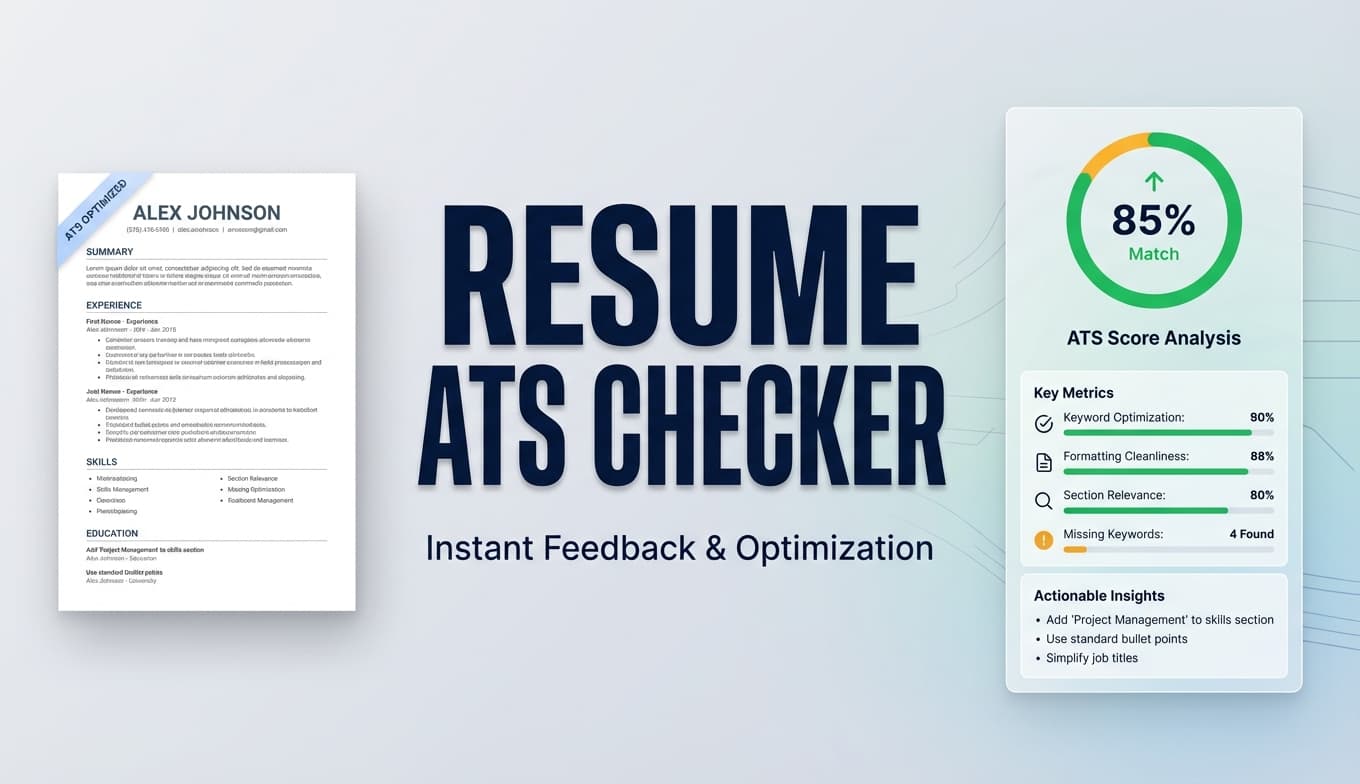
The fastest way to get filtered out is to submit a resume that looks fine to humans but gets parsed in the wrong order (or misses key fields) in an ATS. The Resume Pdf Ats Readability Checker helps you spot common ATS readability risks—then fix them quickly in JobShinobi.
No tool can guarantee you’ll “pass” every ATS. This checker is designed to reduce avoidable parsing risks and improve keyword alignment—so your resume has a better chance of being read correctly.
What is Resume Pdf Ats Readability Checker?
Resume Pdf Ats Readability Checker is JobShinobi’s resume analysis workflow focused on ATS compatibility + readability. It analyzes your resume content (created/edited in JobShinobi’s resume builder) and returns:
- An overall score (/100) and category breakdown:
- Content Quality
- Keywords
- Formatting
- Completeness
- ATS Compatibility
- A list of ATS issues that can hurt parsing (e.g., layout problems, heading issues, special characters)
- Keyword analysis (present keywords, missing keywords, overused keywords, plus additional keyword signals)
- Optional job-specific insights when you include a job description
Who it’s for
- Anyone submitting PDF resumes through job portals
- Job seekers using modern templates and wanting to avoid ATS parsing mistakes
- Candidates tailoring resumes to a specific role and needing keyword gap feedback
What this tool does not claim
This page does not claim JobShinobi uploads and OCR-scans any random PDF from your computer. JobShinobi’s resume workflow is LaTeX-based and compiles to PDF—this checker evaluates ATS readability risks and content quality in that workflow.
How to Use JobShinobi’s Resume Pdf Ats Readability Checker (HowTo)
Step 1: Open the Resume Builder and load your resume
- Sign in to JobShinobi.
- Go to Resume Builder.
- Either:
- start from a template, or
- open an existing saved resume.
Tip: If you’re applying through ATS-heavy portals, keep your layout conservative. Multi-column layouts and table-based formatting are common causes of scrambled parsing.
Step 2: Compile and preview your PDF
In the editor, compile your resume to generate the PDF preview. This helps you validate what recruiters will see.
Quick PDF sanity check (recommended):
- Download the PDF.
- Try selecting text and copy/paste into a plain-text editor.
- If content pastes in a weird order (or key parts disappear), simplify the layout and re-check.
Step 3: Run the ATS readability / resume analysis
Run Resume Analysis to generate:
- Overall score and a clear score breakdown
- Strengths, weaknesses, and missing sections
- Keyword analysis
- ATS issues (the most important part for “readability” problems)
If you change your resume, use Re-analyze to refresh the results.
Pro tip: JobShinobi can return a cached analysis if the resume hasn’t changed since the last analysis. If you want updated feedback, make edits first—then re-run.
Step 4 (Optional): Add a job description for job-specific matching
To tailor your resume for a specific application:
- Add a job posting URL or paste the job description text.
- Extract the job details.
- Run matching to see:
- a job match score
- missing vs present keywords
- recommendations you can apply in the editor
This helps you avoid the “ATS-readable but not relevant” problem.
Features of Our Resume Pdf ATS Readability Checker
ATS Compatibility score + ATS issues list
The analysis includes an ATS score and can surface ATS-risk issues such as:
- Tables or columns detected
- Non-standard headings and heading issues
- Contact info completeness issues
- Date format consistency issues
- Special characters found that can cause parsing problems
Why it matters: ATS failures often happen because of structure and extraction—not because you lack skills.
Score Breakdown across the 5 categories
You’ll see a breakdown for:
- Content Quality
- Keywords
- Formatting
- Completeness
- ATS Compatibility
Why it matters: ATS readability is necessary, but your resume also needs clear impact and strong content to convert into interviews.
Keyword analysis (present, missing, overused)
JobShinobi returns:
- present keywords
- missing keywords
- overused keywords
- additional keyword-related fields (when available), such as density/context signals and skills detected
Why it matters: Keyword gaps are one of the biggest reasons qualified candidates get filtered out.
Job match score + recommendations (optional)
Add a job description to get:
- a match score
- matching keywords
- missing keywords
- recommendations to tailor your resume
Why it matters: You can keep your resume ATS-readable and aligned to the posting’s language.
Resume Pdf ATS Readability Checker Use Cases
For applicants using PDF resumes in ATS portals
Use the checker to catch layout risks early (especially columns/tables), then re-check after simplifying.
Example: If ATS issues mention layout or “problematic elements,” switch to a single-column structure and standard headings.
For career switchers
Use job-specific matching to ensure your resume reflects the new role’s keywords—without rewriting everything.
Example: Switching into Product Management? Add a PM job description and look for missing keywords you can truthfully support (roadmap, stakeholder management, experimentation, metrics, etc.).
For high-volume job seekers
Run one strong baseline resume through the checker, then create job-specific variants using job matching—without breaking ATS readability each time.
Why Choose JobShinobi’s Resume Pdf Ats Readability Checker?
| JobShinobi | Other “Free” Tools |
|---|---|
| ATS-focused analysis with explicit ATS issues + category scoring | Often only a generic score with vague advice |
| Built into a workflow where you can edit → re-check → iterate | Many tools stop at feedback with no implementation path |
| Optional job URL/text extraction + match score + keyword gaps | Some tools don’t support job-specific matching or require manual parsing |
No guarantees: ATS behavior varies across systems and companies. This tool helps you reduce common parsing risks and improve alignment.
Related Tools
Explore more from JobShinobi:
- Resume Builder (LaTeX + PDF preview): Create a structured resume and export to PDF.
- Job Description Extractor: Paste a job URL or job text and extract structured job details.
- Resume-to-Job Match: Get a match score plus missing/present keywords and recommendations.
- Job Tracker + Excel export: Track applications and export to
.xlsx.
FAQ
Is Resume Pdf Ats Readability Checker really free?
JobShinobi is a paid subscription product ($20/month or $199.99/year in the pricing configuration), and the site advertises a 7‑day free trial. This page does not claim an unlimited free plan.
Do I need an account?
Yes. The checker is part of the JobShinobi web app resume workflow, so you’ll need to sign in.
Can I upload any PDF and have it scanned?
This page does not claim JobShinobi uploads and parses arbitrary PDFs from your device. The checker analyzes resumes created/edited in JobShinobi’s resume workflow (LaTeX → compiled PDF).
Will this guarantee I pass an ATS?
No. No tool can guarantee results across all ATS platforms. Use the checker to reduce avoidable parsing issues and strengthen relevance.
What’s the fastest manual test for PDF readability?
Download your PDF, select all text, and paste into a plain-text editor. If the order is scrambled or content is missing, you likely have a layout issue (commonly columns/tables/headers).
Start Using Resume Pdf Ats Readability Checker Now
If you’re applying with a PDF resume, don’t guess whether an ATS can read it. Run the Resume Pdf Ats Readability Checker, fix the flagged ATS issues, and re-check until your structure and keywords are solid.