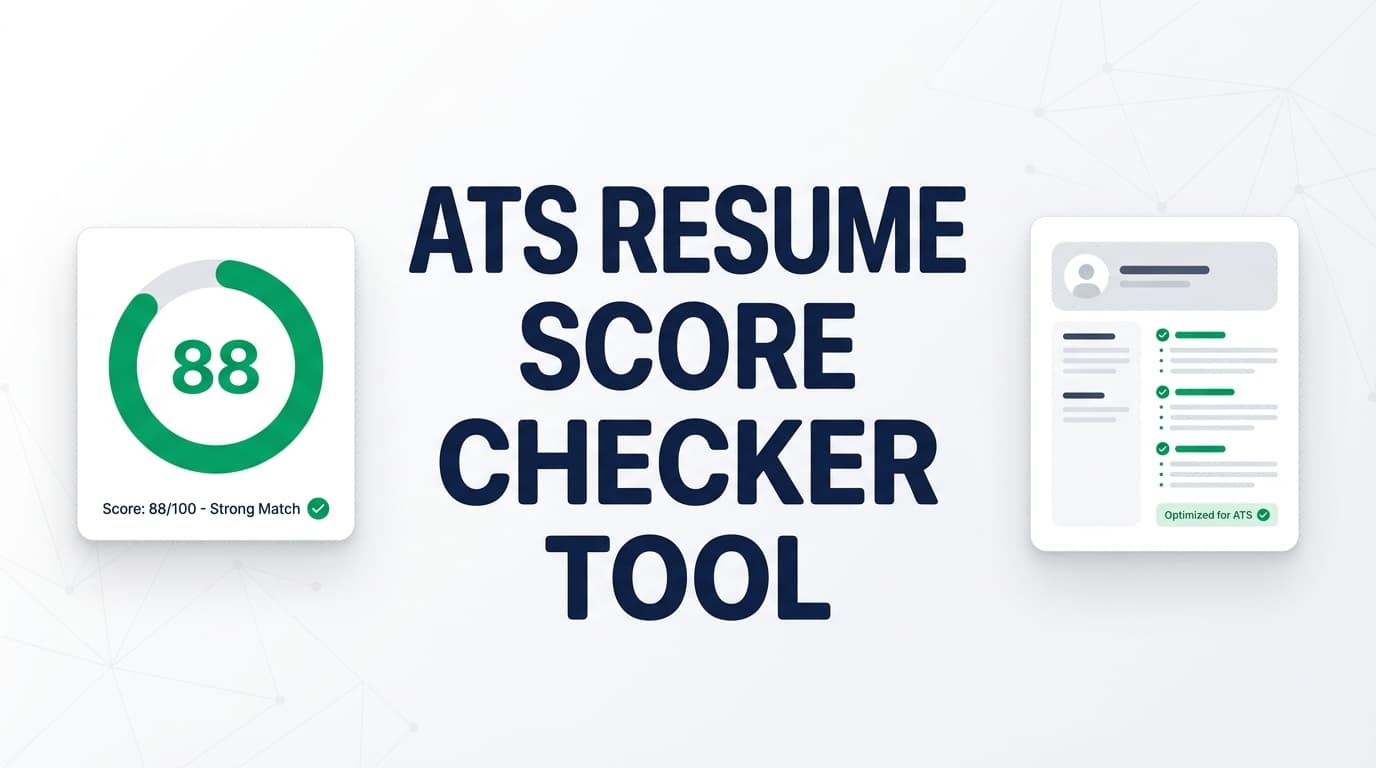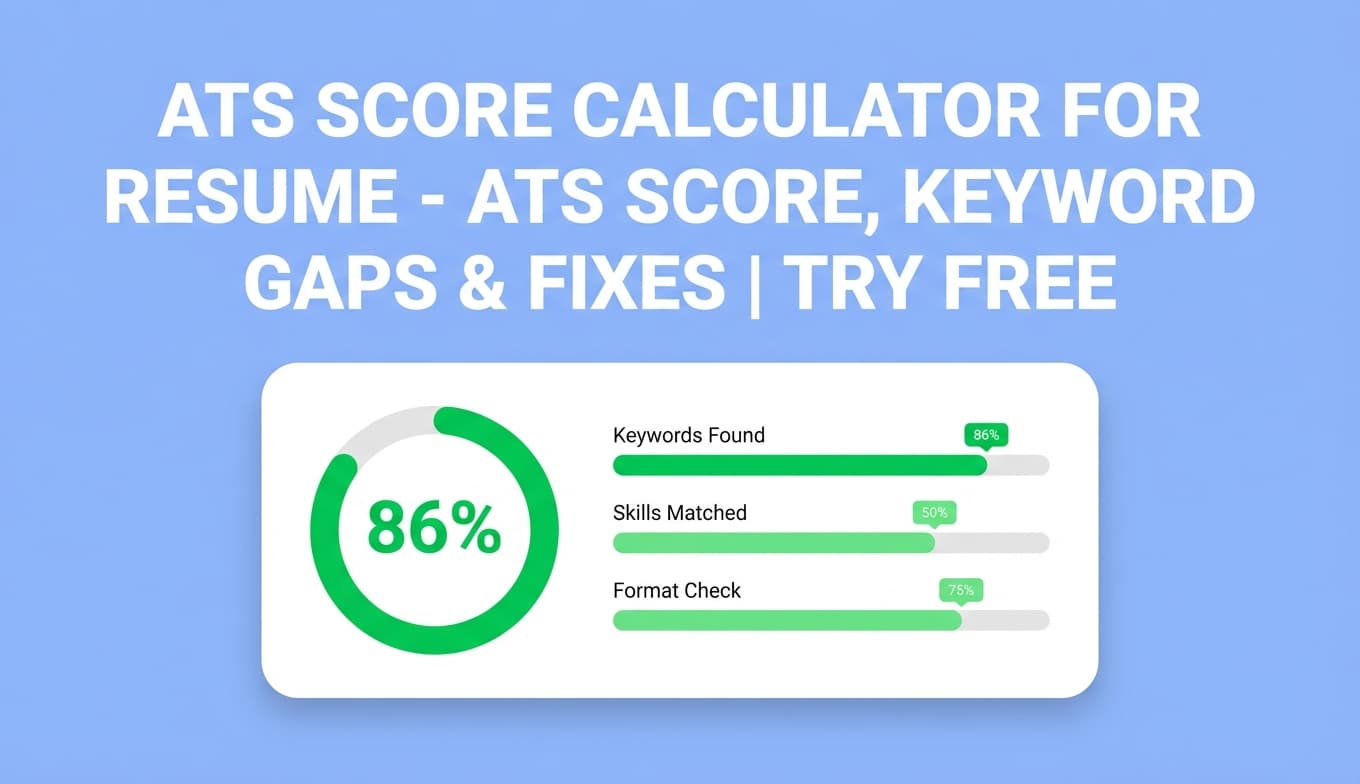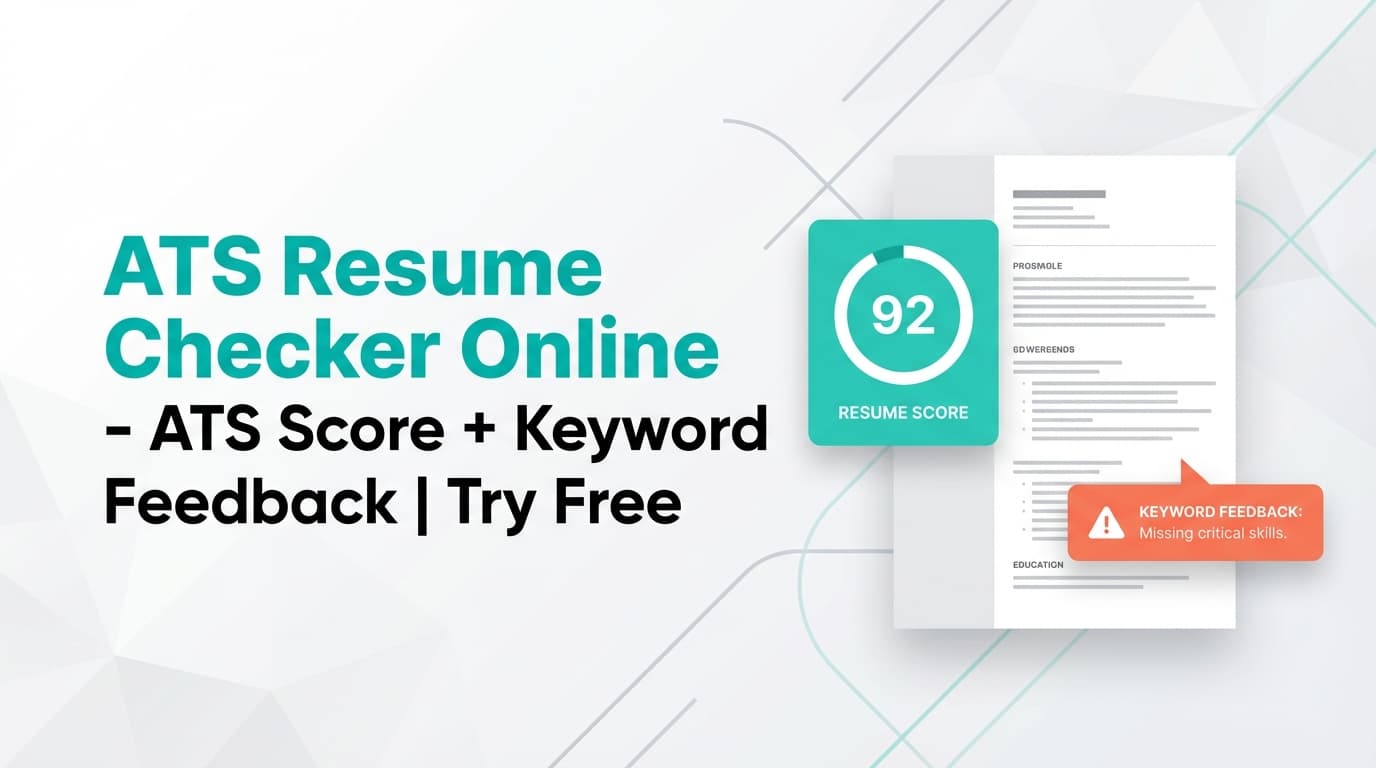
JobShinobi’s ATS Resume Checker analyzes your resume and returns an ATS-focused score (/100) with a breakdown across Content Quality, Keywords, Formatting, Completeness, and ATS Compatibility—plus clear feedback on what to improve.
Try it now → (JobShinobi advertises a 7‑day free trial)
Note on “free”: many people search for a “free ATS resume checker tool online.” JobShinobi is a paid subscription product ($20/month or $199.99/year in the app), and the site advertises a 7‑day free trial—so you can try it free, but it’s not a permanently free tool.
What is an ATS Resume Checker?
An ATS (Applicant Tracking System) resume checker is a tool that reviews your resume for signals that impact how well it’s processed and matched—especially for online applications where an ATS may screen or parse resumes before a recruiter reads them.
JobShinobi’s ATS Resume Checker is built into a resume workflow where you:
- Create/edit your resume (JobShinobi uses a LaTeX-based resume editor with PDF preview)
- Run analysis to get a score and feedback
- Optionally match your resume to a specific job post (URL or pasted text)
- Iterate, then re-check
This tool is for job seekers who want more than generic advice—specifically:
- a measurable score
- keyword and ATS feedback you can act on
- job-specific comparison when you’re tailoring
How to Use JobShinobi’s ATS Resume Checker (Step-by-Step)
Step 1: Sign in and open the Resume Builder
- Sign in to JobShinobi.
- Go to the Resume Builder area.
- Start from a template or open a saved resume.
Tip: If you don’t have a resume in JobShinobi yet, create one from a template first—analysis runs against a saved resume.
Step 2: Save your resume (important)
In the resume editor, click Save.
JobShinobi’s analysis APIs require a resumeId (a saved resume) to run the ATS check. Saving ensures the analyzer pulls the latest resume content.
Step 3: Run “Analyze Resume” to get your ATS score
From the resume editor, use the Analyze Resume action (you’ll see it in the score widget area). JobShinobi generates:
- Overall score (/100)
- A Score Breakdown across:
- Content Quality
- Keywords
- Formatting
- Completeness
- ATS Compatibility
If you open the full report, you’ll also see detailed feedback (strengths, areas to improve, ATS issues, and keyword gap feedback).
Pro tip: JobShinobi can return a cached analysis if your resume hasn’t changed since the last run (to speed things up). If you edited your resume and want fresh results, use Re-analyze.
Step 4 (Optional): Match your resume to a specific job (URL or text)
If you want job-specific ATS/keyword feedback, use Job Matching:
- Open the Job Matching tab.
- Choose one:
- URL (LinkedIn, Indeed, or a company career page), or
- Text (paste the job description)
- Click Extract Job Details.
- Run the match to get a Job Match Score (%), plus:
- Matching keywords found in your resume
- Missing keywords from the job
- Recommendations on how to improve alignment
Step 5: Apply changes in the editor and re-check
Use the analysis feedback to update your resume content, then run analysis again.
Pro tip: Don’t add skills you don’t have. The best “ATS wins” come from adding true keywords backed by proof (tools used, projects delivered, metrics achieved).
Features of Our ATS Resume Checker
ATS score (/100) with clear category breakdown
JobShinobi returns an overall score and a breakdown across:
- Content Quality
- Keywords
- Formatting
- Completeness
- ATS Compatibility
Why it matters: A single score is motivating, but the breakdown shows which lever to pull to improve.
Strengths + Areas to Improve (actionable feedback)
Your report includes:
- Strengths (what your resume does well)
- Areas to improve / weaknesses (what to fix next)
Why it matters: You get prioritized direction instead of vague “rewrite your resume” advice.
ATS Compatibility Issues (common blockers)
JobShinobi can return ATS Compatibility Issues—problems that may reduce parseability or performance in automated systems.
Why it matters: Some issues can hurt you even if your experience is strong, because the ATS/recruiter never sees it clearly.
Keyword feedback (present vs missing)
JobShinobi provides keyword analysis including:
- Keywords present
- Missing keywords
- (In the analyzer response structure, keyword analysis can also include items like overused keywords and other keyword metrics, depending on the analysis output.)
Why it matters: Most ATS-style screening is heavily influenced by match signals. Keyword gaps are one of the fastest improvements—when applied honestly.
Job matching (match score + missing/present keywords)
When you analyze a resume against a job posting, you can get:
- Match score (%)
- Present/missing job keywords
- Tailoring recommendations
- A button/flow to go back to the editor and implement updates
Why it matters: The best ATS resume isn’t “perfect in general”—it’s aligned to the specific role you’re applying for.
Faster iteration with caching
If your resume content hasn’t changed since the last analysis, JobShinobi may return a cached result.
Why it matters: Faster loops while you refine wording and keywords.
ATS Resume Checker Use Cases
For high-volume online applicants
If you’re applying to many roles weekly, use the checker to quickly catch:
- missing core skills/keywords
- incomplete sections
- ATS compatibility issues
Example: Applying to “Customer Success Manager” roles? Run job matching against 2–3 target postings and ensure terms like onboarding, renewals, churn, QBRs, and Salesforce appear naturally where they’re true.
For career switchers
Switchers often have the right skills but the wrong language. Job matching helps you translate your experience into the job’s terms.
Example: Ops → Data Analyst: ensure skills like SQL, dashboards, KPI reporting, and stakeholder communication show up (with proof).
For students and early-career candidates
New grads often under-specify projects, tools, and impact. The ATS checker highlights gaps and missing keywords so your resume reads “complete.”
Why Choose JobShinobi’s ATS Resume Checker?
| JobShinobi ATS Checker | Typical “Free ATS Checker Tool Online” |
|---|---|
| Built into a resume workflow: edit → analyze → re-check | Often scan-only with limited iteration |
| Score + category breakdown (content/keywords/formatting/completeness/ATS) | Often only a generic grade or vague advice |
| Job matching via URL or pasted job text | Sometimes locked behind upsells or not available |
| Resume editing in LaTeX with PDF preview | Many tools only accept uploads and don’t help you rebuild cleanly |
Related Tools
Explore more tools in JobShinobi:
- Resume Builder: Create and edit a LaTeX-based resume with PDF preview.
- Job Description Extractor: Paste a job URL or job text to extract structured job details.
- Resume-to-Job Matching: Get a match score and tailoring recommendations for a specific posting.
- Job Tracker: Track applications in a dashboard (and export to Excel).
FAQ
Is this “free ATS resume checker tool online” actually free?
JobShinobi is not a free product. The app includes paid plans ($20/month or $199.99/year), and the website advertises a 7‑day free trial.
So you can try the ATS resume checker free during the trial, but it’s not a permanently free checker.
Do I need an account to use it?
Yes. The ATS checker runs on resumes saved inside your JobShinobi account.
Can I upload a PDF or DOCX and scan it?
JobShinobi’s resume workflow is LaTeX-based (edit LaTeX → compile to PDF). The ATS analysis runs on the saved resume content in your account rather than a “upload a PDF/DOCX for scanning” flow.
Does JobShinobi guarantee I’ll pass ATS or get interviews?
No. JobShinobi provides scoring, keyword feedback, and recommendations, but it does not guarantee outcomes.
Can I tailor the analysis to a specific job posting?
Yes. You can provide a job URL or paste job description text, extract job details, and run job matching to see missing/present keywords and a match score.
Start Using the ATS Resume Checker Now
If you want a practical ATS score you can iterate on—run your resume through JobShinobi, fix the highest-impact issues, then re-check until your resume is clear, complete, and aligned to the role.