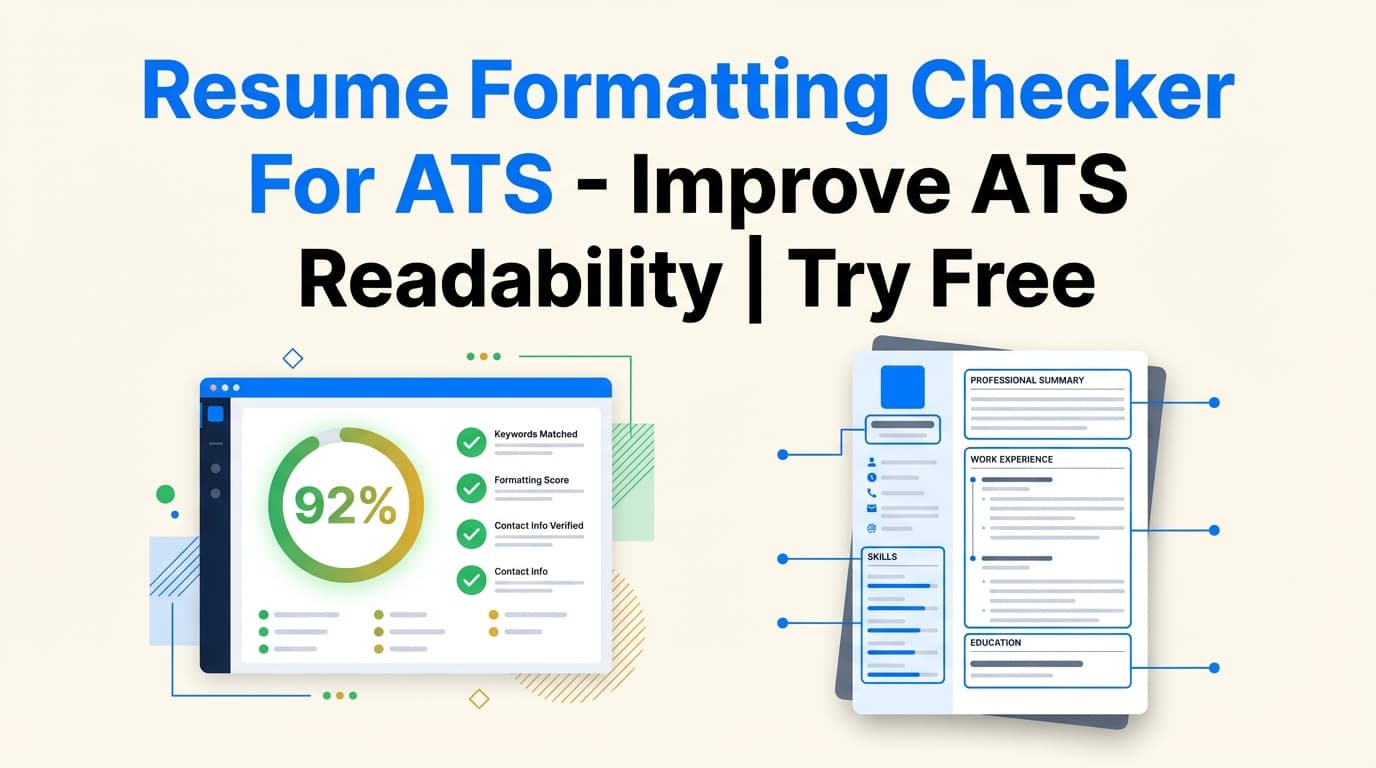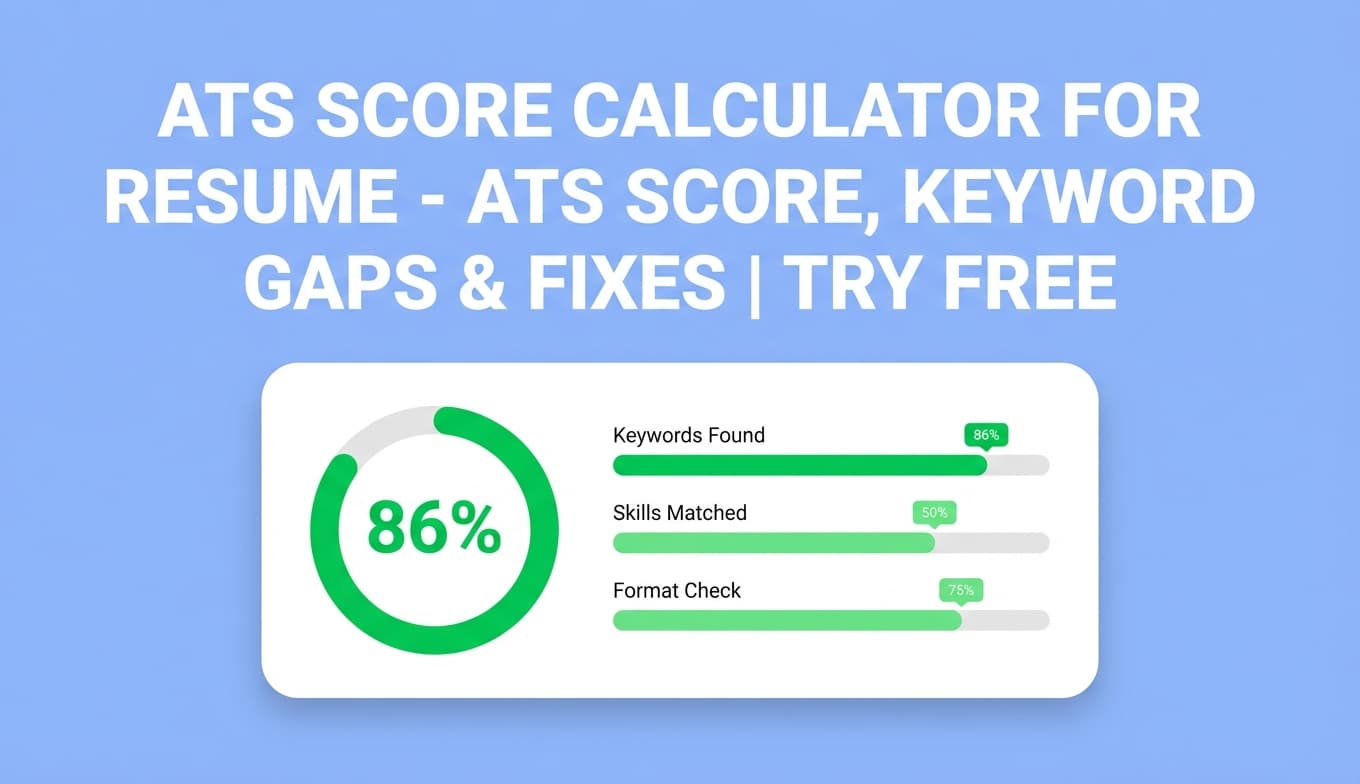
JobShinobi’s Ats Resume Formatting Checker analyzes your resume and highlights formatting and ATS-compatibility issues that can reduce readability—both for applicant tracking systems and for recruiters.
Try it now → to run an ATS-focused formatting check, or keep reading to learn exactly what it checks and how to use it.
What is an ATS resume formatting checker tool?
An ATS resume formatting checker tool evaluates whether your resume is structured in a way that applicant tracking systems can reliably parse and categorize (experience, education, skills, dates, job titles, and so on).
JobShinobi’s checker is built into its resume analysis workflow. When you analyze a resume, you get a score breakdown that includes:
- Formatting score (formatting/readability signals)
- ATS score (ATS compatibility signals)
- ATS issues (specific problems that may cause ATS parsing trouble)
- Supporting feedback such as strengths, weaknesses, missing sections, and keyword analysis
Because JobShinobi is a LaTeX-based resume builder, you can apply fixes cleanly in one place and re-run the checker to confirm improvements.
How to Use JobShinobi’s Ats Resume Formatting Checker
The checker runs on resumes inside JobShinobi (it’s not a “upload any PDF” scanner). You’ll create or open a resume first, then run analysis.
Step 1: Sign in and open Resume Builder
- Sign in to JobShinobi.
- Go to Resume Builder.
- Choose Start from Template or open an existing resume in My Resumes.
Tip: If you’re starting fresh, pick a simple template and get your core sections in place (Experience, Education, Skills). Then run the formatting check to refine.
Step 2: Open Resume Studio and compile your resume (recommended)
In Resume Studio, you can edit your resume and preview the output PDF.
- Open your resume in the editor.
- Click Compile to generate the PDF preview.
Why this matters: ATS checks are about machine-readability, but the PDF preview helps you validate human-readability at the same time (spacing, alignment, section clarity).
Step 3: Run the resume analysis (this triggers the formatting + ATS check)
From the editor toolbar:
- Click Analyze Resume (or click the score widget if a score already exists).
- Open the Resume Analysis Report to review the breakdown.
You’ll see:
- Overall score + category scores (including Formatting and ATS Compatibility)
- Detailed feedback sections (where available)
- A Re-analyze option to refresh after edits
Pro tip: JobShinobi can return a cached analysis when your resume hasn’t changed since the last scan. After you make edits, run Re-analyze to ensure the scores reflect the latest version.
Step 4: Fix flagged formatting / ATS issues and re-check
Use what the report flags to guide edits inside Resume Studio:
- Standardize section structure and headings
- Reduce confusing layout elements
- Improve scannability (clear bullets, consistent dates, readable hierarchy)
Then:
- Compile again to validate the PDF output
- Re-analyze to confirm the formatting score and ATS score improve
Pro tip: Change one category at a time (structure first, then keywords), and re-check after each round. It’s the fastest way to know what actually moved your score.
Features of Our Ats Resume Formatting Checker
Formatting score + ATS score breakdown
JobShinobi provides a category-based breakdown, including:
- Formatting score
- ATS compatibility score
- Plus other supporting categories like content quality, keywords, and completeness
Why it matters: Instead of a single “pass/fail,” you can focus on the exact area hurting your ATS performance.
ATS compatibility issues (actionable problem list)
The analysis can include ATS issues—specific items that may prevent accurate parsing or reduce ATS friendliness.
Why it matters: You get concrete fixes (not just generic “make it ATS-friendly” advice).
Missing sections detection
The report can identify missing sections, which often correlates with weaker ATS parsing and weaker recruiter expectations.
Why it matters: Clear, standard sections help ATS systems categorize your background correctly—and help recruiters scan quickly.
Keyword analysis support (helps beyond formatting)
Alongside formatting signals, JobShinobi analysis can also include keyword feedback (present/missing/overused keywords and additional keyword metrics).
Why it matters: Formatting helps you get parsed; keywords help you get matched and shortlisted.
Built into Resume Studio (edit → compile → re-check)
Because your resume is managed in JobShinobi, your workflow stays tight:
- edit in LaTeX
- compile to PDF
- re-run the checker
- iterate until ready to apply
Why it matters: Many “scanner-only” tools leave you guessing how to implement fixes.
Ats Resume Formatting Checker Tool: Best-Fit Use Cases
For candidates who keep seeing “resume parse” errors in applications
If you’re pasting your resume into ATS forms and fields come out scrambled, the formatting + ATS analysis helps you find the likely cause and clean up structure.
Example: Rework section headings and simplify layout so Experience and dates are parsed reliably.
For technical resumes with dense skills and projects
Engineering/data resumes often cram skills into complex layouts. The checker helps you keep it readable and structured.
Example: Consolidate skills into clear groups and ensure the most relevant skills are easy to spot.
For career switchers who need stronger structure
Switchers often benefit from clearer sections and prioritization so the ATS and recruiter both understand fit quickly.
Example: Add a targeted summary + a clean skills section, then re-check formatting/ATS scores.
Why Choose JobShinobi’s Ats Resume Formatting Checker?
| JobShinobi | Many online ATS checkers |
|---|---|
| Analysis includes Formatting score and ATS score plus structured feedback | Often provide a single generic score or checklist |
| Built into an editor workflow (Resume Studio + compile + re-check) | “Scan-only” experiences that force you to fix issues elsewhere |
| Supports job-specific matching when you want to tailor content | Many tools focus on keywords only or formatting only |
| Uses a LaTeX-based resume workflow designed for consistent structure | File uploads and template conversions can produce inconsistent results |
Related Tools (Inside JobShinobi)
Explore more from JobShinobi:
- Resume Builder (Templates + Resume Studio): Create resumes using LaTeX templates, edit safely, and export a PDF.
- Job Description Extraction: Paste a job URL or job text to extract structured job details.
- Resume-to-Job Matching: Compare your resume to a posting and get match feedback and keyword gaps.
FAQ
Is the ats resume formatting checker tool really free?
JobShinobi is a paid subscription product ($20/month or $199.99/year). The site advertises a 7-day free trial.
To stay accurate: we recommend describing access as “Try free” rather than claiming it’s a permanently free tool.
Do I need to create an account?
Yes. The checker runs on resumes inside JobShinobi, so you need an account to create/open a resume and run analysis.
Can it guarantee my resume will pass every ATS?
No. ATS systems vary by employer and configuration. JobShinobi provides scoring and guidance, but it does not guarantee outcomes or automatically submit applications.
Can I check formatting without a job description?
Yes. You can run general resume analysis (including formatting and ATS compatibility signals) without a job posting. If you add a job later, you can also run job-related matching to tailor content.
Start Using the Ats Resume Formatting Checker Now
If you want an ATS-friendly resume, don’t guess. Run a check, fix what’s flagged, compile a clean PDF, and re-check until your formatting and ATS feedback look solid.