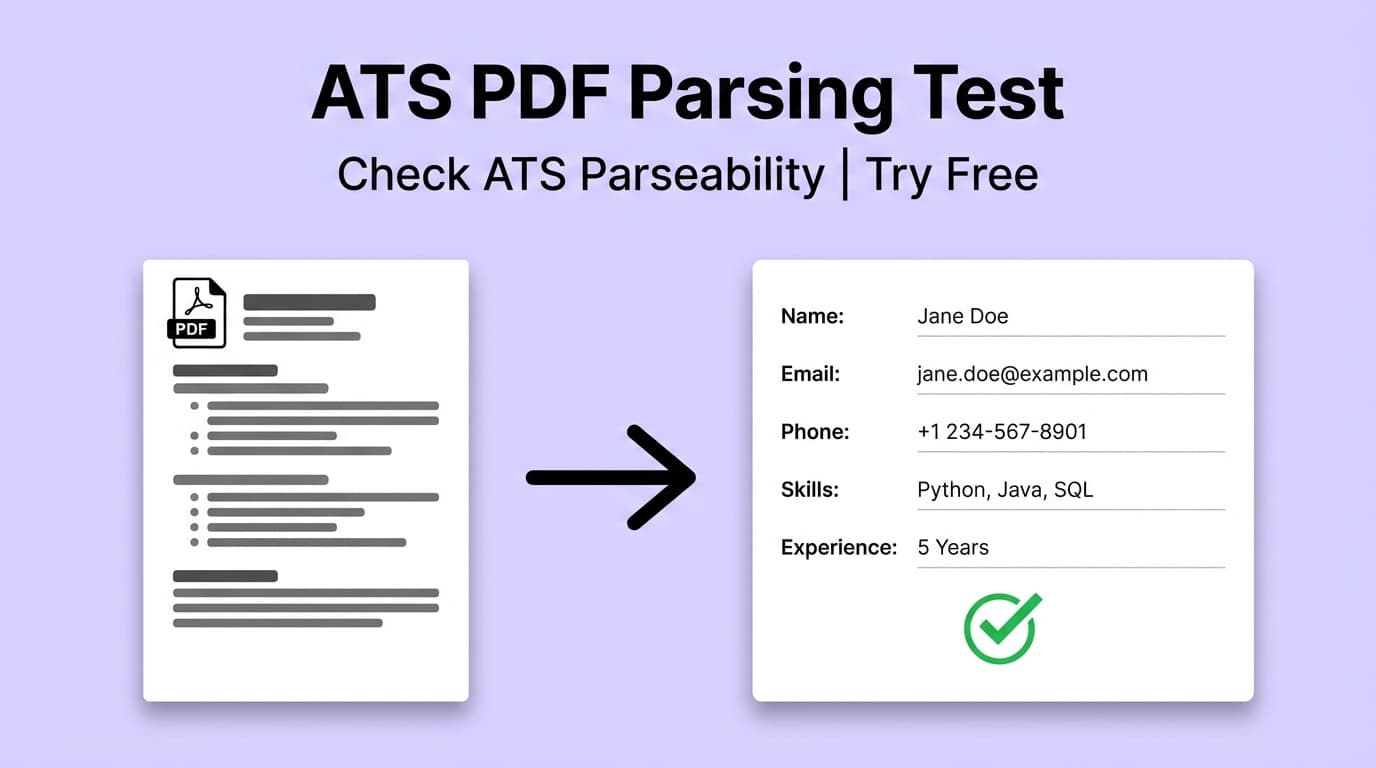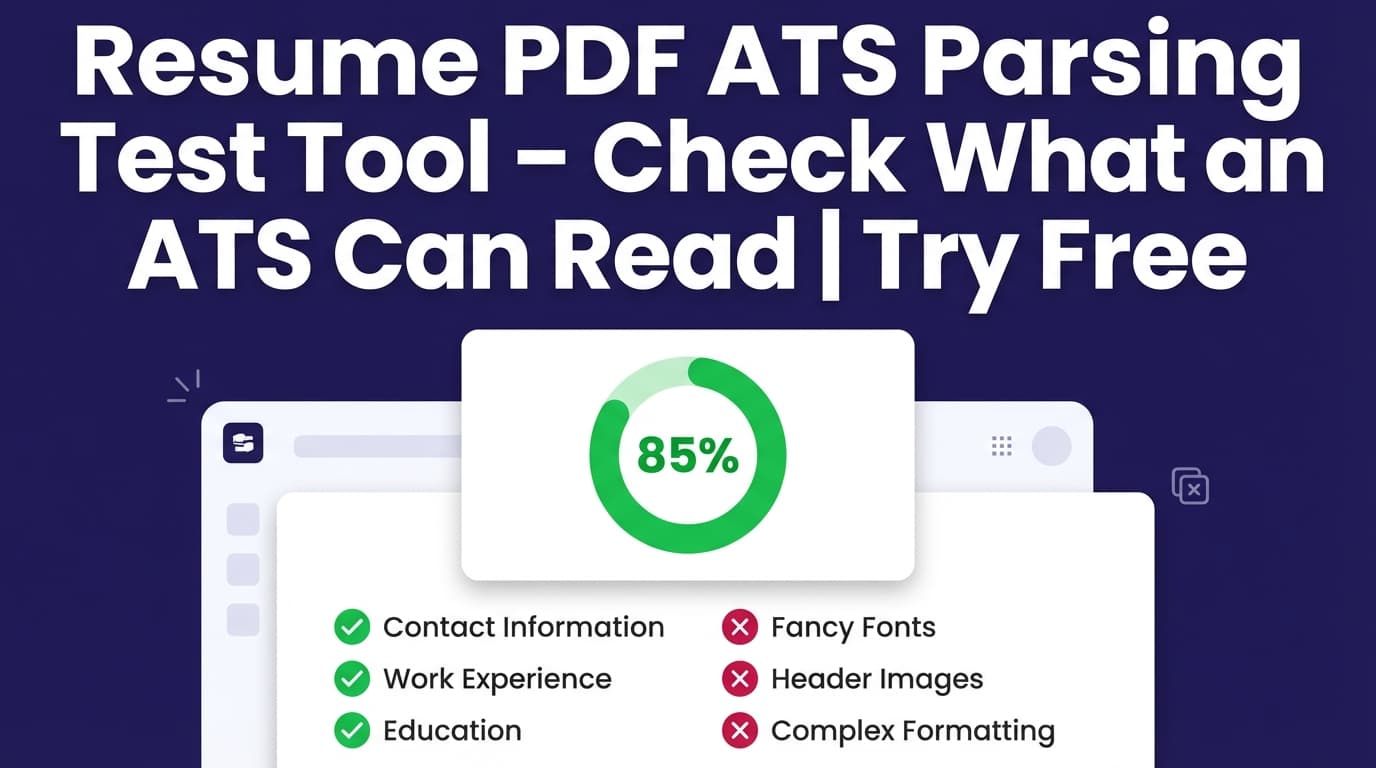
People search for a “free resume PDF ATS parsing test tool” because they want to know one thing: Will an ATS reliably read my resume—or will formatting and structure hide my skills?
JobShinobi helps you create a clean, machine-readable resume PDF (generated from LaTeX) and run a Resume Analysis that includes an ATS score, ATS compatibility issues, and keyword analysis so you can fix problems before you apply.
Important: JobShinobi does not guarantee you’ll “pass ATS” or get interviews. ATS systems vary by company and vendor—this tool provides practical, resume-focused feedback to reduce common parsing and screening risks.
What is a Resume PDF ATS Parsing Test?
An “ATS parsing test” is a way to check whether your resume is:
- Readable as text (not images or tricky layout blocks)
- Structured with standard sections (Experience, Education, Skills)
- Consistent (dates, headings, formatting)
- Keyword-aligned (matches the roles you’re applying for)
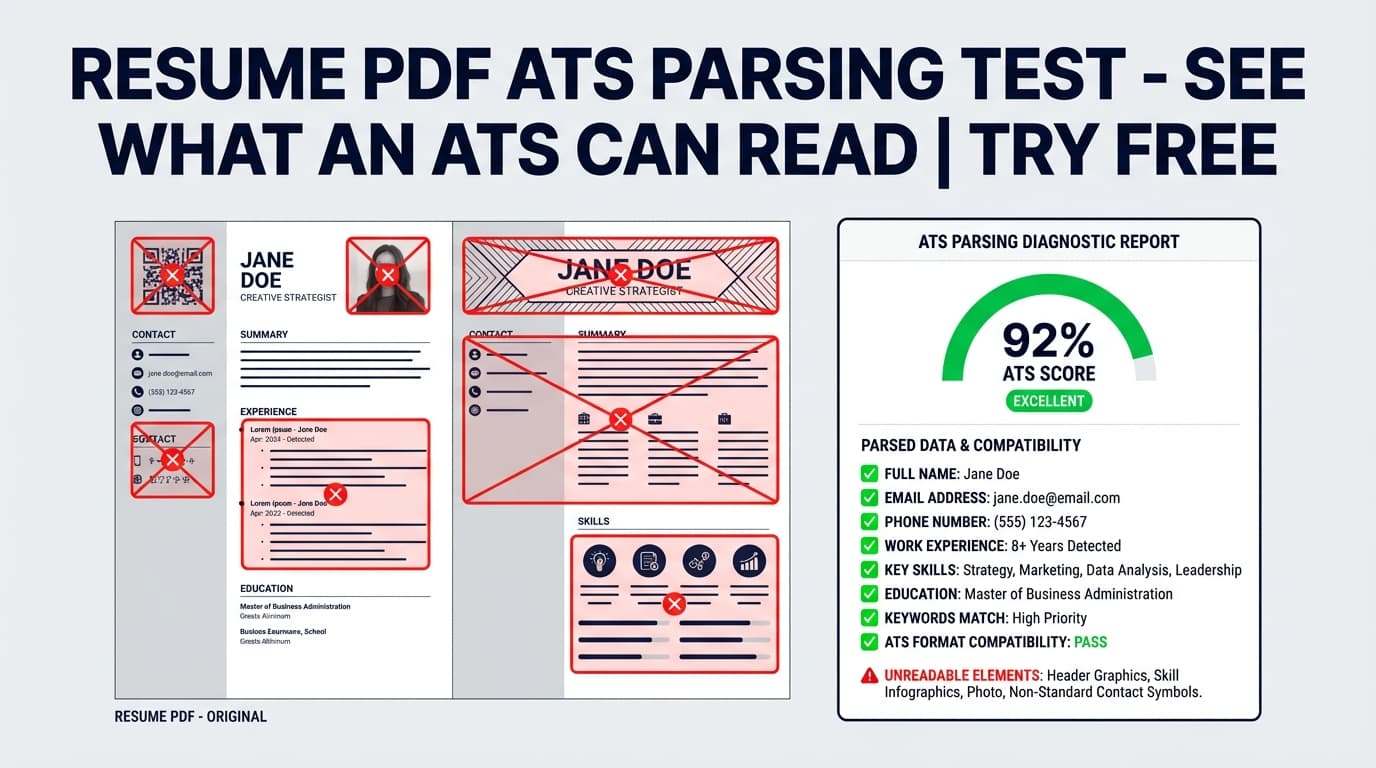
A lot of resumes fail this in subtle ways—especially PDFs created from complex layouts (columns, icons, text boxes, graphics) where copy/paste turns into scrambled text.
What this tool does in JobShinobi (and what it doesn’t)
JobShinobi does:
- Build resumes in a structured, editable LaTeX format
- Compile/export a PDF for applications
- Run AI-powered Resume Analysis that returns:
- Overall score + category scores (including ATS Compatibility)
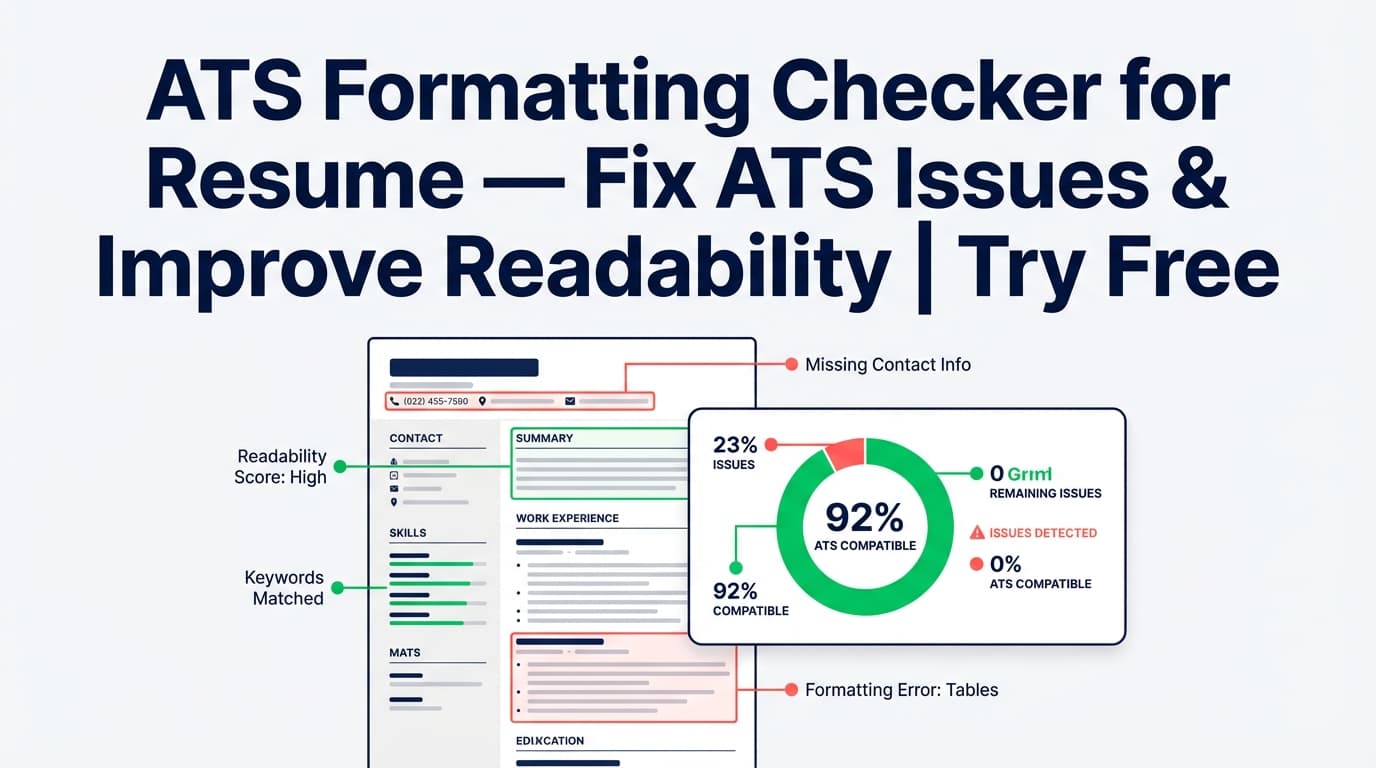
- ATS issues (things likely to confuse automated systems)
- Keyword analysis (present/missing/overused keywords)
- Strengths, weaknesses, and suggestions
- Optionally analyze against a specific job description for job-specific keyword feedback
JobShinobi does not:
- Upload your existing PDF and show a “parser preview” of that file (no PDF upload parser)
- Guarantee results in any specific ATS or job board
- Automatically apply to jobs for you
How to Use JobShinobi’s Resume PDF ATS Parsing Test Tool (Step-by-Step)
Step 1: Sign in and open Resume Studio
- Sign in to JobShinobi (Google sign-in).
- Go to Dashboard → Resume.
- Open an existing resume or start from a template.
- Click into Resume Studio to edit.
Tip: Use clear, standard headings like Experience, Education, Skills, and Projects. (Many ATS workflows depend on recognizable section structure.)
Step 2: Compile your resume into a PDF (the file you’ll submit)
- In Resume Studio, click Compile to generate the PDF preview.
- Review the preview for layout clarity (spacing, dates, headings).
- Click Export PDF when you’re ready.
Tip: If compilation fails, fix the LaTeX errors and compile again. A broken PDF (or partially rendered content) can create real parsing problems.
Step 3: Run the ATS-focused Resume Analysis
JobShinobi analyzes your resume content and gives you a clear breakdown. You can:
- Click the Resume Score widget to open the Resume Analysis Report
- Click Re-analyze after edits
Look specifically for:
- ATS score / ATS Compatibility score
- ATS Compatibility Issues list (actionable fixes)
- Keyword analysis (present vs missing skills)
Pro tip: Treat the ATS issues list like a checklist. Fix the highest-impact issues first (structure, missing sections, inconsistent dates), then iterate on keywords.
Step 4 (Optional): Add a job description for a job-specific parsing test
To get closer to what happens in real screening, run the analysis with the job post you’re targeting:
- In the Resume Analysis Report, choose Analyze for Specific Job
- Paste the job description (responsibilities + requirements)
- Re-run analysis and review missing keywords and suggestions
This is especially useful when you’re applying for multiple roles (e.g., “Data Analyst” vs “Analytics Engineer”) that share skills but differ in terminology.
Features of the Free Resume Pdf Ats Parsing Test Tool (JobShinobi)
ATS Compatibility Score + ATS Issues
You get an ATS-related score and a set of ATS compatibility issues to fix.
Why it matters: Many resumes aren’t rejected for lack of experience—they’re rejected because the system can’t confidently extract or categorize what’s there.
Keyword Analysis (Present / Missing / Overused)
The analysis includes keyword insights such as:
- keywords detected in your resume
- missing keywords (especially when a job description is provided)
- overused keywords (where repetition may hurt clarity)
Why it matters: ATS filters and recruiter searches rely heavily on role terminology and skill keywords. Being qualified isn’t enough if the resume doesn’t say the words employers search for.
Job-Specific Analysis (Paste a Job Description)
Run a job-specific analysis to generate suggestions aligned to a specific posting.
Why it matters: “ATS-friendly” is both format + relevance. A perfectly formatted resume can still underperform if it doesn’t match the language of the job you want.
LaTeX Resume Workflow + PDF Export
JobShinobi’s resume workflow is LaTeX-based and includes a compiled PDF preview and PDF export.
Why it matters: A consistent, structure-first resume format makes it easier to keep headings, dates, and sections clean—reducing avoidable parsing risk.
Use Cases
1) “What will an ATS see when it reads my PDF?”
Use this tool when you want to reduce the chance that your PDF confuses automated systems. Compile your PDF, then use Resume Analysis to identify ATS issues and structural problems.
2) Tailoring your resume for a specific job post
Paste the job description and re-run analysis to uncover keyword gaps you can fix before applying.
3) Diagnosing low response rates
If you’re applying and not hearing back, run a structured pass:
- fix ATS issues
- tighten section clarity
- improve keyword alignment for each role
Why Choose JobShinobi vs Other “Free ATS Parsing Test” Tools?
| JobShinobi | Many free ATS scan tools |
|---|---|
| Structured resume creation + PDF export in one workflow | Often scan-only (you still build elsewhere) |
| ATS issues + keyword analysis + job-specific option | Often generic feedback unless you upgrade |
| Re-analyze as you iterate inside Resume Studio | Upload/scan loop can be slow and inconsistent |
| Designed around resume structure (LaTeX source + PDF output) | Quality varies depending on upload parsing accuracy |
Related Tools in JobShinobi
Explore more features that pair well with an ATS parsing/readability test:
- Job Description Extractor: Paste a job URL or text to extract structured job details.
- Resume-to-Job Matching: Save match results and see missing/present keywords.
- AI Resume Agent (Resume Studio – Agent mode): Chat-based help updating your resume content.
FAQ
Is “Free Resume Pdf Ats Parsing Test” really free?
JobShinobi is a paid subscription product ($20/month or $199.99/year in the app’s plan configuration), and the site advertises a 7-day free trial.
So you shouldn’t expect unlimited free access—but you may be able to try it free during the trial.
Do I need an account?
Yes. You’ll need to sign in to create/manage a resume and run analysis.
Can I upload an existing resume PDF to test parsing?
Not at the moment. JobShinobi’s analysis runs on the resume content you manage inside JobShinobi (LaTeX-based). If you want to test an older resume, you’d need to recreate/paste the content into a JobShinobi resume.
How can I do a quick manual ATS readability check?
A simple sanity check is to open your PDF, select all text, and paste into a plain text editor. If the text is scrambled or key sections disappear, you likely have parsing risk. (This is general advice—not a JobShinobi feature.)
Start Your Resume PDF ATS Parsing Test Now
If you want a practical way to reduce ATS parsing risk, JobShinobi gives you a tight loop: edit → compile PDF → analyze → fix → re-analyze.