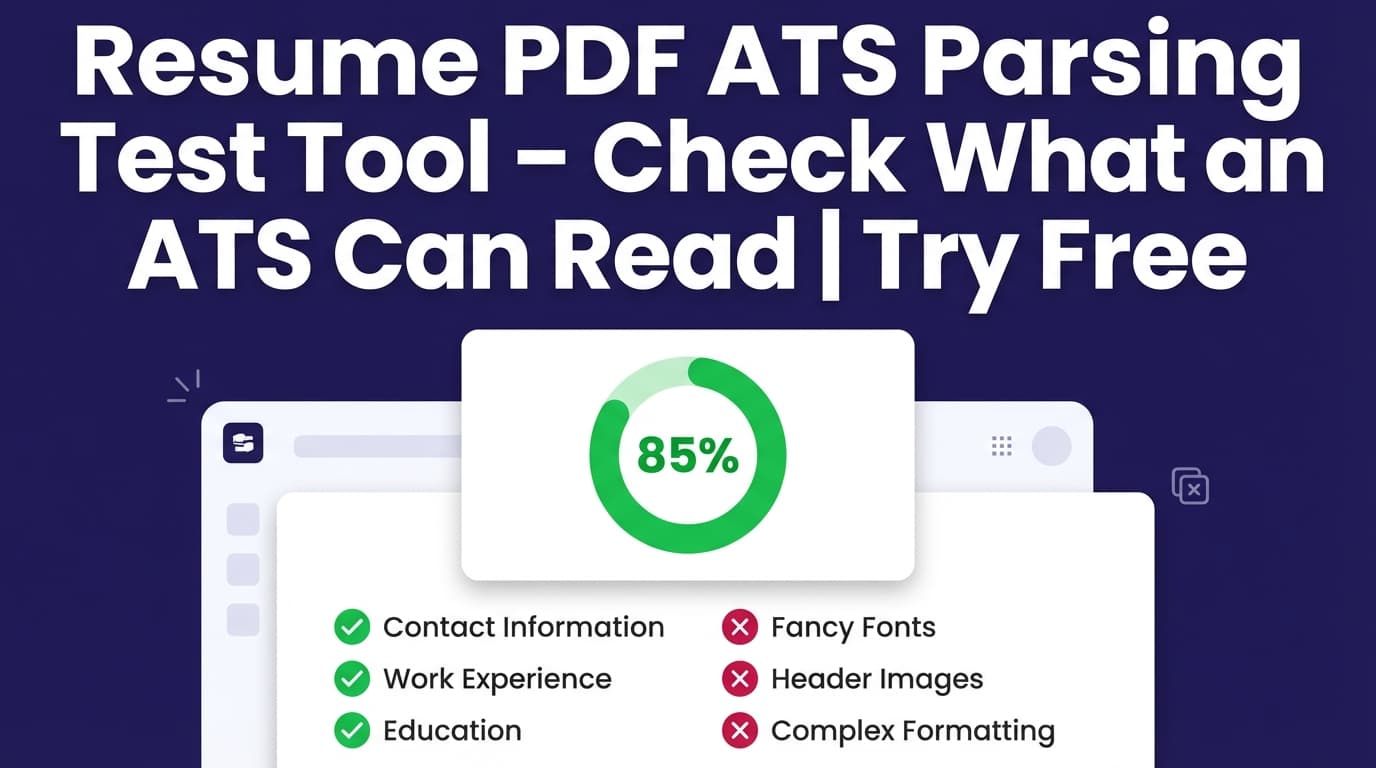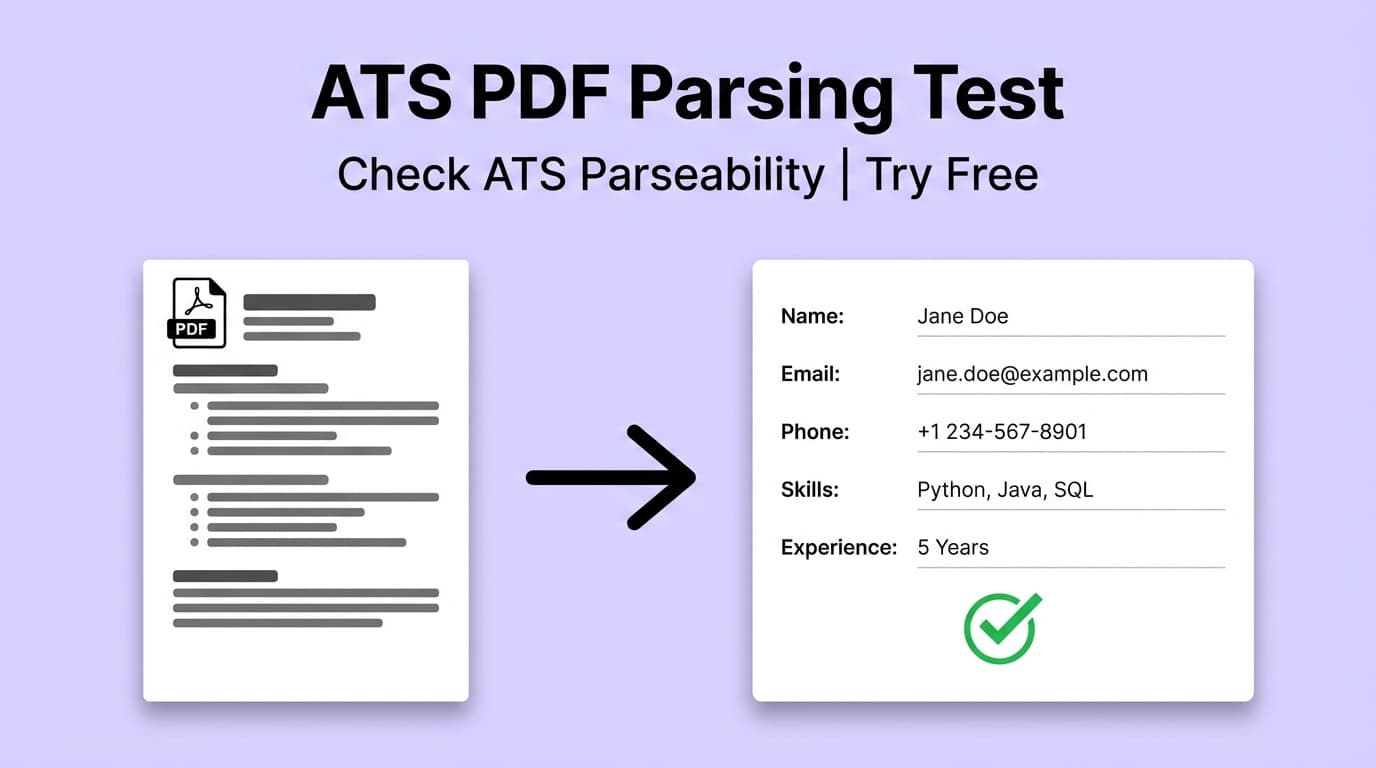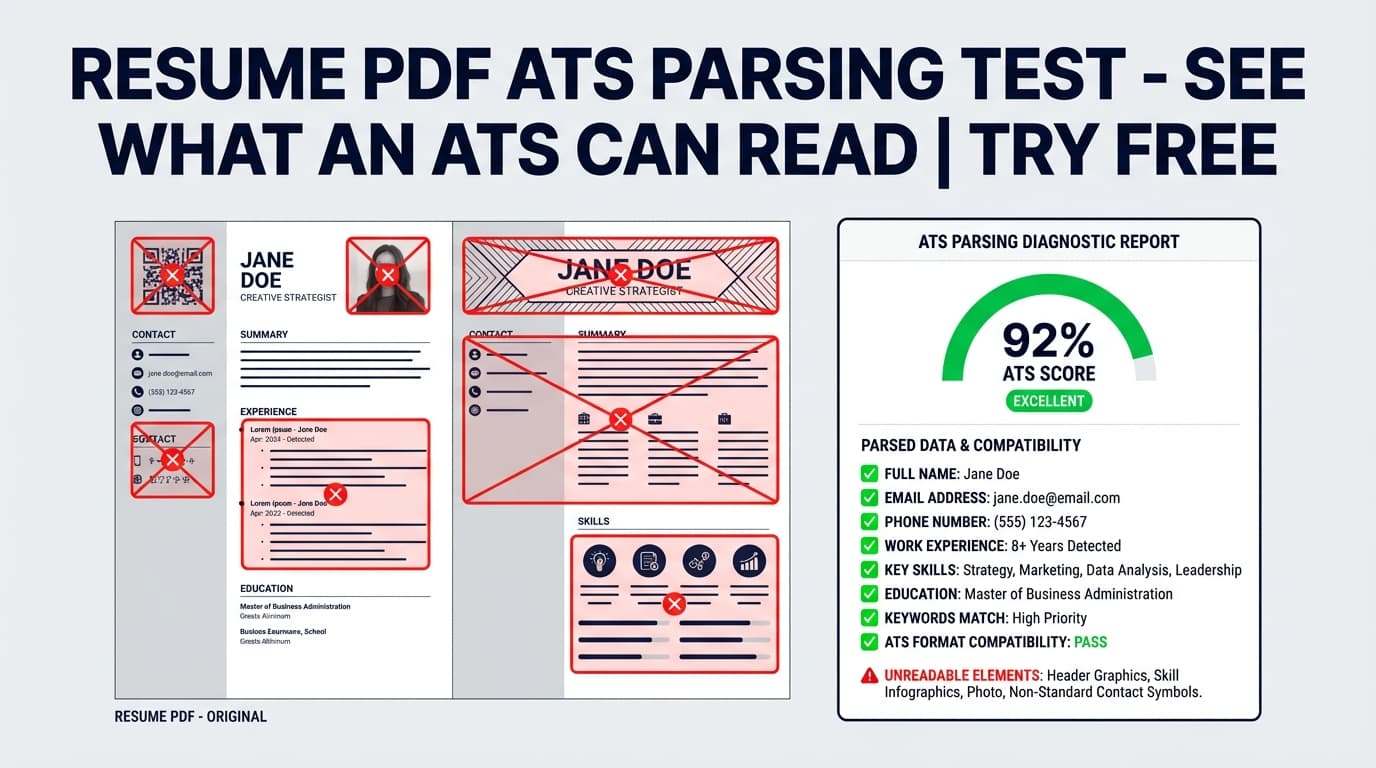
The Resume Pdf Ats Parsing Test helps you find formatting and content signals that can cause ATS systems to misread your resume—then shows you exactly what to fix (ATS issues, headings, dates, and keyword gaps).
What is Resume Pdf Ats Parsing Test?
An “ATS parsing test” answers one practical question: Will a typical applicant tracking system correctly interpret your resume’s structure and text? If sections get scrambled (especially dates, headings, or multi-column layouts), you can lose search visibility—or create a confusing candidate profile in the ATS.
JobShinobi’s approach is a structured workflow:
- You build your resume in JobShinobi’s LaTeX-based Resume Studio.
- You compile and export a PDF (so your formatting is consistent).
- You run Resume Analysis, which includes an ATS Compatibility score and ATS issue detection (plus keyword analysis and content feedback).
Important limitation (so this page is accurate)
This tool is designed around the resumes you create and manage inside JobShinobi. It does not support uploading any arbitrary PDF resume and “parsing” it into fields. The analysis is generated from your resume content in the app (and is intended to reflect how the compiled PDF would be read by automated systems).
How to Use JobShinobi’s Resume Pdf Ats Parsing Test (Step-by-Step)
Step 1: Sign in and open Resume Builder
- Visit Resume Pdf Ats Parsing Test →.
- Sign in with Google to access JobShinobi.
- Open Resume Builder and either:
- Start from a template, or
- Open a saved resume.
Tip: If you want the cleanest ATS behavior, keep your resume layout simple (single-column, predictable section headings).
Step 2: Compile your resume and export the PDF
In Resume Studio:
- Click Compile to generate the PDF preview.
- Click Export PDF to download your resume.
Tip: Re-compile after major edits. JobShinobi’s compile endpoint uses caching for performance, but you should still compile after changes so your PDF reflects the latest version.
Step 3: Run Resume Analysis (ATS-focused scoring + issues)
Run Resume Analysis to generate:
- Overall score (/100)
- Breakdown scores:
- Content Quality
- Keywords
- Formatting
- Completeness
- ATS Compatibility
- Detailed feedback including:
- Strengths and weaknesses
- Keyword analysis (present/missing/overused)
- ATS issues (problems that may prevent correct parsing)
Tip: If your resume hasn’t changed since the last analysis, JobShinobi may return a cached analysis. Make edits and save, then re-analyze to see updated results.
Step 4 (Optional): Add a job description for a job-specific test
To test “ATS parsing + relevance” for a specific role:
- Open Job Matching.
- Paste a job posting URL or the job description text.
- Click Extract Job Details.
This gives you a job-specific output that includes:
- Job match score
- Missing keywords vs matching keywords
- Recommendations you can apply back in the editor
Tip: This is the fastest way to tailor your resume without guessing which keywords matter.
Step 5: Fix issues, then re-test
Go back to Resume Studio and make targeted improvements:
- Fix the flagged ATS issues
- Standardize headings
- Clean up date formatting
- Add missing keywords naturally in bullets and skills
Then repeat:
- Compile → Export PDF
- Re-run analysis (and job match if relevant)
Pro tip: Treat this like a checklist loop. You’ll get better results by iterating in small edits than by rewriting everything at once.
Features of Our Resume Pdf Ats Parsing Test
ATS Compatibility score + ATS issue list
JobShinobi’s Resume Analysis includes an ATS Compatibility score and a list of ATS Compatibility Issues.
Why it matters: This is the core “parsing test” output—clear, actionable problems that can cause missing or scrambled extraction in ATS pipelines.
ATS simulation details (common parsing risks)
JobShinobi’s analysis is built to flag ATS risks such as:
- Tables/columns detected
- Non-standard or inconsistent date formatting
- Heading issues (non-standard headings that ATS may not recognize)
- Special characters that can break parsing
- Contact info completeness issues
Why it matters: These are frequent causes of “my resume parsed wrong” problems, especially when a PDF contains complex layout structures.
Keyword analysis for recruiter search visibility
The tool identifies:
- Keywords present
- Keywords missing
- Overused keywords
- Additional signals like keyword density / contextual usage (when available)
Why it matters: Many ATS workflows behave like keyword search + filters. If you’re missing the job’s key terms, you may never surface—even with perfect formatting.
Job-specific matching (URL or text input)
JobShinobi supports job matching by extracting job details from a URL or pasted text, then producing:
- Match score
- Missing vs present keywords
- Recommendations (and an “Apply Suggestions” path back to the editor)
Why it matters: ATS-readability is step one. Step two is being relevant to the role you’re applying for.
Resume Pdf Ats Parsing Test Use Cases
For applicants who submit PDFs to company portals
If you apply through large ATS systems, your resume often gets parsed into fields.
Use case: Export your PDF from JobShinobi, run analysis, and fix formatting risks (columns, headings, date consistency) before applying.
For applicants tailoring to each job posting
Even a clean resume can underperform if it doesn’t match the job’s vocabulary.
Use case: Paste the job URL/text, extract job details, then use missing keywords + recommendations to tailor your resume quickly.
For job seekers rebuilding after repeated rejections
If you’re getting filtered out early, the problem may be: (1) parsing, (2) keywords, or (3) weak impact.
Use case: Use the score breakdown to identify whether your biggest lever is ATS compatibility, keyword alignment, or bullet strength.
Why Choose JobShinobi’s Resume Pdf Ats Parsing Test?
| JobShinobi | Other “free” ATS parsing tools |
|---|---|
| Built into a LaTeX resume workflow for consistent PDF output | Often depends on whatever layout your uploaded resume uses |
| Provides ATS score + a concrete list of ATS issues to fix | Many tools provide a single score with vague advice |
| Adds job-specific matching from URL or pasted text | Many tools don’t extract job details or make tailoring actionable |
| Designed for iterate-fast workflow: edit → compile → re-test | Iteration is often slow or hidden behind upsells |
Related Tools
Explore more tools inside JobShinobi:
- Resume Builder (Resume Studio): Edit LaTeX and preview your resume as a PDF.
- Resume Analysis: Score your resume and get ATS issues + keyword feedback.
- Job Description Extraction: Paste a URL or text and extract structured job details.
- Resume-to-Job Matching: Get a match score and missing/present keywords.
- Job Tracker + Email Forwarding (Pro feature): Auto-log applications by forwarding job emails (Pro required).
FAQ
Is Resume Pdf Ats Parsing Test really free?
JobShinobi is a paid subscription product ($20/month or $199.99/year in the app configuration). The site advertises a 7-day free trial. Avoid assuming unlimited free access.
Do I need to create an account?
Yes. You sign in with Google to use the Resume Builder and run analysis.
Can I upload a PDF resume I already have and run an ATS parsing test on it?
Not currently. This tool is designed to test resumes created and managed in JobShinobi (and the PDFs exported from them).
Does this guarantee I’ll pass every ATS?
No. Different ATS products parse documents differently, and JobShinobi does not guarantee an ATS “pass.” This tool helps you reduce common parsing risks and improve relevance through clearer structure and keywords.
Start Using Resume Pdf Ats Parsing Test Now
If you want a repeatable way to confirm your resume PDF is ATS-friendly—and to uncover the keyword gaps that stop you from appearing in searches—run your resume through JobShinobi’s parsing-focused analysis and iterate until the ATS issues are resolved.