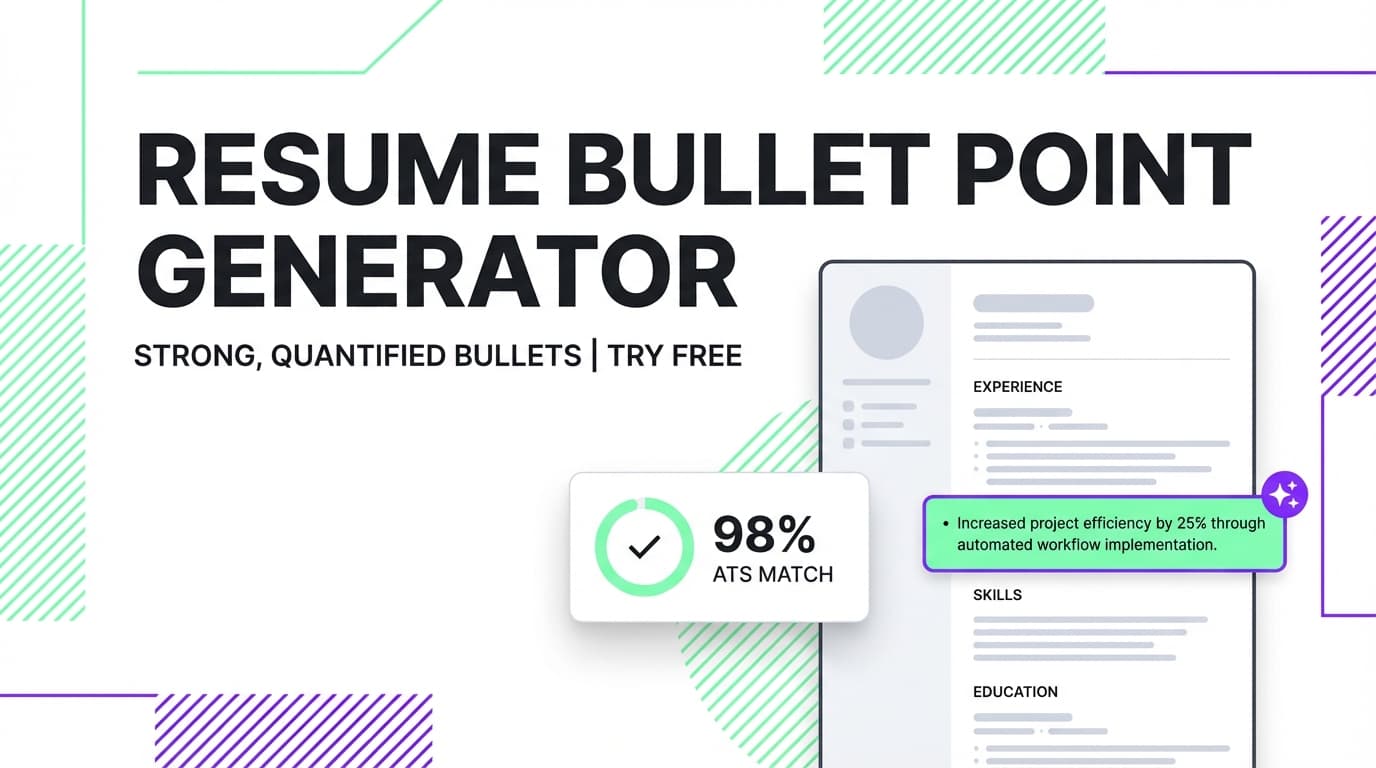
JobShinobi helps you generate, rewrite, and strengthen resume bullet points inside a real resume editor—then checks your work with resume scoring + bullet point quality analysis (metrics, action verbs, clarity).
Try it now → or keep reading for a step-by-step guide and best-practice prompts.
What is a “free resume bullet point generator tool”?
A resume bullet point generator turns rough notes (or weak “responsible for…” lines) into achievement-focused bullets that are easier to scan and more convincing to recruiters.
JobShinobi’s approach is slightly different from standalone “paste text → get bullets” tools:
- You generate bullets in context of your actual resume (LaTeX-based editor + PDF preview).
- You can iterate quickly with the AI Resume Agent (e.g., add metrics, tighten wording, tailor for a role).
- You can validate bullet strength using resume analysis that includes bullet analysis (e.g., how many bullets include metrics and action verbs).
Pricing note (important): JobShinobi is a paid product ($20/month or $199.99/year in the app), and the site advertises a 7‑day free trial. This page does not claim the tool is free forever.
How to Use JobShinobi’s Resume Bullet Point Generator (HowTo)
Step 1: Sign in and open the Resume Editor
- Sign in to JobShinobi (Google OAuth).
- Go to the Resume Builder area and open:
- a saved resume, or
- a template to start fresh.
When you open a resume, JobShinobi loads your latest content (including any saved versions) and shows a PDF preview after compiling.
Tip: If you’re starting from a template, add your real job titles/companies first so the AI can mirror your actual background.
Step 2: Ask the AI Resume Agent to generate or rewrite bullet points
Inside the resume editor, use the AI chat to request bullet points. The AI is designed to help with resume edits and can iterate with you.
High-signal prompts that work well:
- “Rewrite these bullets to be more achievement-focused and ATS-friendly. Keep them truthful and concise: (paste bullets)”
- “Add metrics where possible (use placeholders if needed) and vary the action verbs: (paste bullets)”
- “Summarize my experience in 3 bullet points for this role: (paste role notes + tools + outcomes)”
- “Tailor these bullets for a [target role] by emphasizing the most relevant skills: (paste bullets + role)”
Tip: If you don’t know the exact numbers, ask for placeholders like X%, $X, N stakeholders, N tickets/day—then replace them with real values.
Step 3: Review the PDF preview and Save a version
After updates, review the PDF preview to confirm:
- bullets don’t wrap awkwardly,
- spacing is readable,
- sections still look consistent.
Then click Save to store your resume and create version history (so you can revert later).
Pro tip: Save once after big changes (structure), then again after polishing (final bullets). Versioning makes it easy to compare “v1 vs v2” without losing your best draft.
Step 4: Run Resume Analysis to validate bullet quality
Click Analyze Resume to generate a report with scores and structured feedback—including bullet point analysis.
This helps you quickly catch common bullet problems such as:
- too many bullets without measurable outcomes,
- weak openers (“helped”, “worked on”, “responsible for…”),
- repetitive verbs,
- bullets that read like tasks instead of impact.
Pro tip: Use analysis as a loop:
- generate bullets → 2) analyze → 3) fix the weakest bullets → 4) re-analyze.
Step 5 (Optional): Tailor bullets to a specific job description
If you have a job posting, you can paste the job description (or a URL) to get job-specific feedback.
This is useful for bullet points because it surfaces:
- missing keywords you may want to incorporate (only if they’re true for you),
- role alignment suggestions,
- tailoring opportunities without rewriting your entire resume.
Features of JobShinobi’s Resume Bullet Point Generator
AI bullet generation and rewriting (in-resume context)
Instead of generating bullets in isolation, JobShinobi helps you improve bullets where they live—inside your resume.
Why it matters: Your bullets stay consistent with your experience section formatting and don’t require constant copy/paste cleanup.
Bullet point quality analysis (metrics + action verbs)
JobShinobi’s resume analysis includes bullet analysis that evaluates bullet quality signals (e.g., metrics presence and action-verb usage).
Why it matters: You can prioritize fixes (rewrite the weakest bullets first) instead of guessing what to improve.
Resume scoring with detailed feedback
You get a score breakdown (overall + category scores) and a structured report you can use as a checklist.
Why it matters: Bullet point improvements should move the needle on clarity, impact, and keyword alignment—not just “sound nicer.”
PDF preview via LaTeX compilation
Your resume is compiled for preview so you can see how bullets look on the page.
Why it matters: Great bullets still need to be readable. Preview helps prevent dense walls of text and awkward line breaks.
Model options (Shinobi Swift / Turbo / Pro)
JobShinobi supports multiple AI model choices with different speed/quality tradeoffs.
Why it matters: Use a faster model for brainstorming, then switch to a higher-quality model for final polish.
Resume Bullet Point Generator Use Cases
For software engineers
- Turn implementation details into outcomes:
- “Built X using Y” → “Built X using Y, reducing latency by X% and improving reliability to 99.X%”
For customer success / support
- Showcase scale + business impact:
- “Answered tickets” → “Resolved N tickets/week at X% CSAT, reducing escalations by X%”
For project managers
- Highlight delivery, stakeholders, and results:
- “Managed roadmap” → “Led cross-functional delivery across N teams, shipping N initiatives and improving on-time delivery by X%”
Why Choose JobShinobi vs. Other “Free” Bullet Generators?
| JobShinobi | Other free bullet tools |
|---|---|
| Bullets are generated inside a real resume editor | Often a standalone textbox with generic output |
| Built-in resume scoring + bullet analysis | Usually no validation beyond “here are 5 bullets” |
| PDF preview helps you see readability | Formatting is your problem after copy/paste |
| Version history supports iterative improvements | Hard to track iterations or revert changes |
Related Tools (in JobShinobi)
Explore more JobShinobi features that complement bullet writing:
- Resume Scoring & ATS Feedback: identify weak bullets, missing keywords, and improvement priorities.
- Job Description Extraction: paste a URL or text to extract role requirements and keywords.
- Resume-to-Job Matching: see match score and tailoring suggestions based on a job posting.
- LaTeX Resume Builder: keep formatting consistent and generate a clean PDF.
FAQ
Is this “free resume bullet point generator tool” actually free?
JobShinobi is a paid subscription product ($20/month or $199.99/year) and the site advertises a 7‑day free trial. This page avoids claiming permanent free access.
Do I need an account to use it?
Yes. You’ll need to sign in to use the resume editor and AI features.
Will this guarantee I pass ATS?
No. JobShinobi provides analysis and suggestions to help you improve content and keyword alignment, but it does not guarantee ATS outcomes or interviews.
Can I generate bullet points from scratch?
Yes—if you provide role context (title, company/industry, responsibilities, tools/skills, outcomes). You’ll get better results if you include:
- scope (team size, volume, stakeholders),
- tools/tech (where relevant),
- measurable outcomes (or placeholders you can verify).
Start Using the Resume Bullet Point Generator Now
If you want bullets that are clear, quantified, and readable on the page, JobShinobi gives you a workflow: generate → validate with bullet analysis → iterate → save versions.