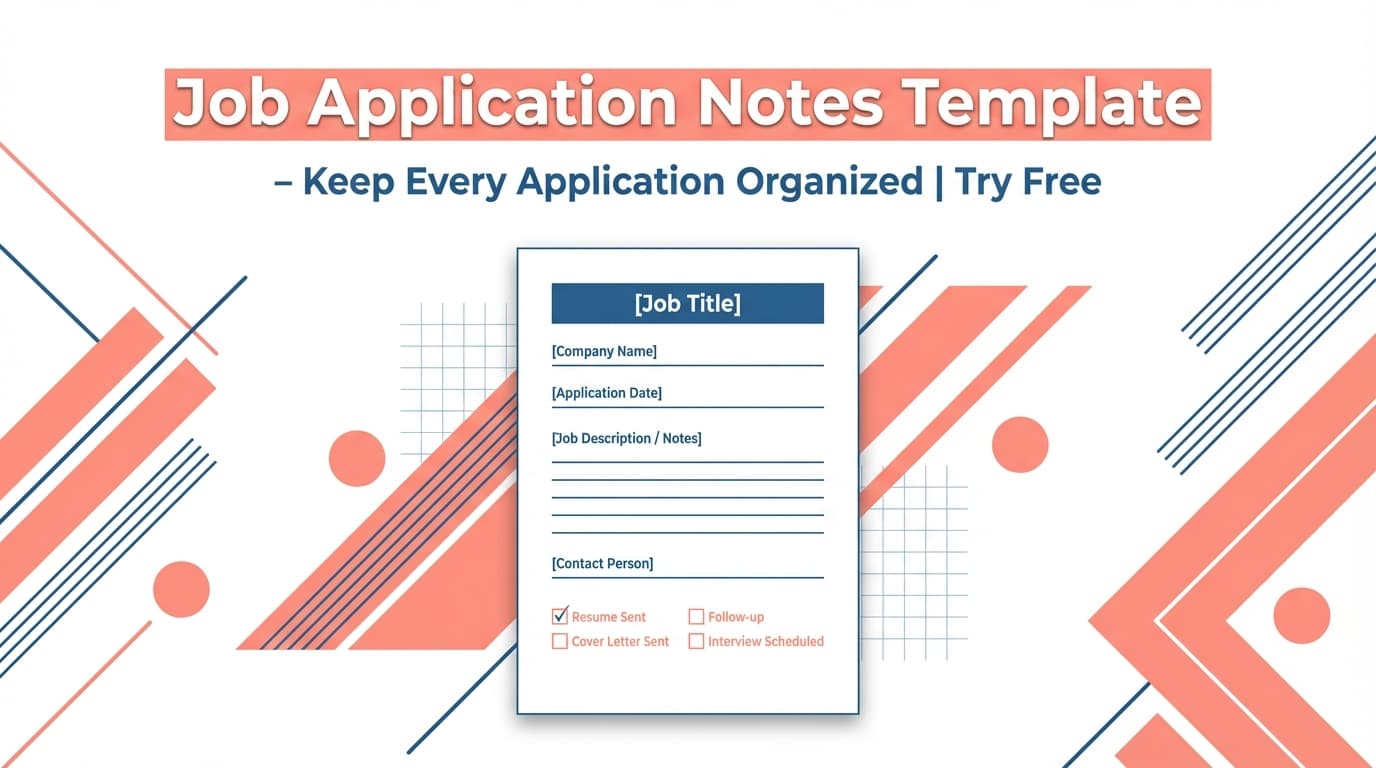
Job applications move fast—confirmation emails, recruiter threads, interview scheduling, and follow-ups. The Job Application Notes Template helps you capture the important details in a consistent format so nothing gets lost.
Try it now → or keep reading to learn how to use the template with your job search.
What is a Job Application Notes Template?
A job application notes template is a repeatable structure you use to record the same key details for every application—like job title, company, status, dates, links, and next steps. The goal is simple: you don’t want important context stuck in random email threads or scattered across different docs.
This is especially useful once you’re applying to multiple roles per week. Without a template, you’ll forget:
- who you spoke with,
- what you liked (or didn’t like) about the role,
- when you should follow up,
- and what stage you’re actually in.
Who this is for
- Active job seekers who want a consistent system for follow-ups and interview prep
- Career switchers tracking multiple role types and companies
- High-volume applicants who need quick notes, not a complex spreadsheet
How to Use JobShinobi’s Job Application Notes Template
Below is a workflow that matches how JobShinobi actually tracks applications today: a dashboard-based job tracker (with Excel export) and optional email-forwarding automation (Pro required).
Step 1: Generate your notes template
Open the tool here: Job Application Notes Template.
Use the output as a copy/paste template for each application. The template is designed to capture details that commonly matter later: follow-up timing, interview prep, and compensation/context.
Tip: Keep your notes short and scannable. Bullet points beat paragraphs when you’re reviewing multiple roles.
Step 2: Fill it in for each application (same structure every time)
Use the template immediately after you apply (or right after you get a confirmation email). At minimum, fill in:
- Company
- Job title
- Status (JobShinobi uses statuses like Applied, Interview, Offer, Rejected, and Other)
- Date applied
- Job link
- Next action (follow-up date, prep task, etc.)
Tip: Add a “Why I’m a fit” section with 2–3 bullet points. This becomes gold when a recruiter calls unexpectedly.
Step 3: Track the application in JobShinobi (manual or email-forwarded)
You have two accurate ways to get this into JobShinobi’s system:
Option A — Add it manually in the Job Application Tracker
- Sign in to JobShinobi (Google login)
- Go to Dashboard → Job Application Tracker
- Click Add Application
- Enter the job title, company, and status
- Save
Your tracker updates in real time, and you can export your applications to an Excel (.xlsx) file whenever you want.
Option B — Forward job emails for automatic tracking (Pro required)
JobShinobi supports email ingestion via forwarding:
- Go to Dashboard → Settings → Email Forwarding
- Copy your unique forwarding email address (ends in
@parse.jobshinobi.com) - Forward job-related emails (application confirmations, interview invites, offer/rejection emails)
JobShinobi will parse the email and log/update the application when it can extract the details.
Pro tip: If you want your personal notes to travel with the email, add a short “My notes:” block at the top of the forwarded email. JobShinobi’s email parser is designed to capture “additional info” when present, but extraction depends on the content of the email.
A Copy/Paste Job Application Notes Template (Recommended)
Use this template as your default “one-page context” for any role:
Core details
- Company:
- Job title:
- Status: (Applied / Interview / Offer / Rejected / Other)
- Date applied:
- Job URL:
- Location (if listed):
- Compensation range (if listed):
Contact + context
- Recruiter / contact name:
- Contact email / LinkedIn:
- Referral (name + relationship):
- Where I found it: (LinkedIn, company site, referral, etc.)
Why this role (quick bullets)
- Fit #1:
- Fit #2:
- Fit #3:
What I learned (screening + interviews)
- Key requirements I heard:
- Team / scope notes:
- Tech stack / tools mentioned:
- Potential concerns / red flags:
Next steps
- Next action:
- Follow-up date:
- Interview date/time (if scheduled):
- Questions to ask them:
Features of Our Job Application Notes Template
Clean, job-tracker-friendly structure
The template focuses on fields job seekers actually reuse: status, links, follow-ups, and interview prep.
Why it matters: You can glance at your notes and immediately know what to do next.
Designed to pair with JobShinobi tracking
JobShinobi includes a Job Application Tracker dashboard and supports email-forwarding-based tracking (Pro required). This template helps you standardize what you capture so your tracker stays consistent.
Why it matters: Consistency improves follow-ups and reduces duplicate effort.
Built for high-volume applications
It’s short enough to fill out in 2–3 minutes, but complete enough to support interview prep later.
Why it matters: You’ll actually use it—even when you’re applying to multiple roles per day.
Job Application Notes Template Use Cases
For high-volume applicants
Use the template to log each role’s link, current status, and follow-up date so you don’t miss opportunities.
For interview prep
Before an interview, review:
- “Why this role”
- “What I learned”
- “Questions to ask”
That’s often enough to sound prepared without scrambling through emails.
For career switchers
Track different role families (e.g., analyst vs. PM vs. ops) and record the requirements you keep seeing—so you can adjust your resume strategy over time.
Why Choose JobShinobi’s Template vs. Random “Free Templates”?
| JobShinobi Template + Tracker | Other Free Templates |
|---|---|
| Pairs with a job tracker dashboard and Excel export | Often just a static doc with no workflow |
| Works with JobShinobi’s email-forwarding tracking (Pro required) | Doesn’t connect to any tracking system |
| Uses practical, repeatable fields for follow-ups + interviews | Often too generic or overly complex |
Related Tools
Explore more from JobShinobi:
- Job Application Tracker: Track applications by job title, company, status, and date; export to Excel.
- Job Description Extraction: Extract structured job details from a URL or pasted description.
- Resume-to-Job Match: See keyword gaps and tailoring suggestions for a specific role.
- AI Resume Analysis: Get a scored breakdown and improvement recommendations.
FAQ
Is this tool really free?
JobShinobi is a paid product with $20/month or $199.99/year plans, and the site advertises a 7-day free trial.
This page provides a template you can use in your workflow, but automated email-forwarding ingestion is Pro-only.
Do I need to create an account?
To use JobShinobi’s dashboard features (like the Job Application Tracker), yes—you’ll need to sign in. If you’re only using the notes template as a copy/paste format in your own system, you can do that independently.
Will JobShinobi store my “notes” inside the tracker?
JobShinobi’s tracker UI focuses on core tracking fields (job title, company, status, date). When you forward emails, the system can extract and save extra context from the email content (for example as “additional info”), and that context may appear in notification emails. If you need guaranteed note storage in a dedicated notes field, don’t assume that from the current UI.
Can JobShinobi apply to jobs for me?
No. JobShinobi helps you track applications and improve your resume workflow, but it does not submit applications to job boards for you.
Start Using the Job Application Notes Template Now
If your job search feels scattered, the fastest fix is a consistent notes system. Generate your template, use it for every application, and track progress in one place.


