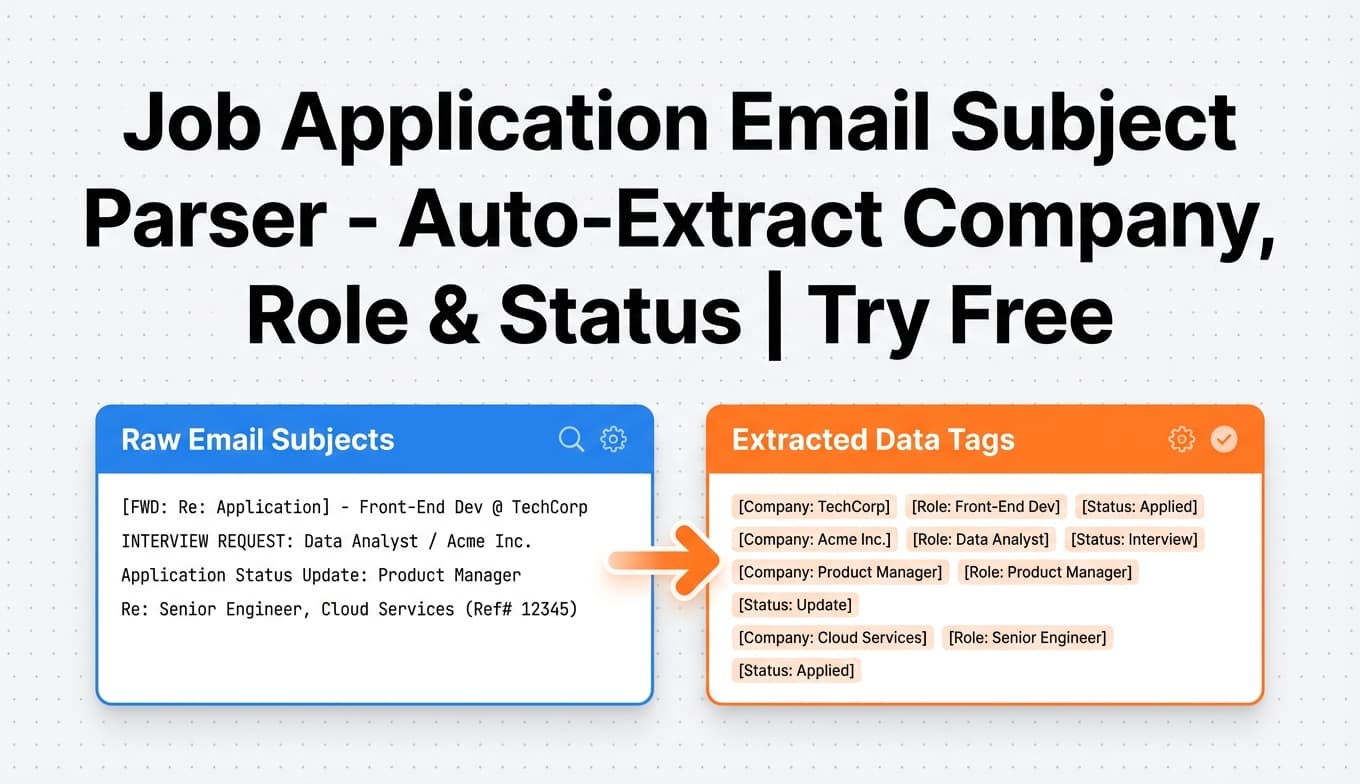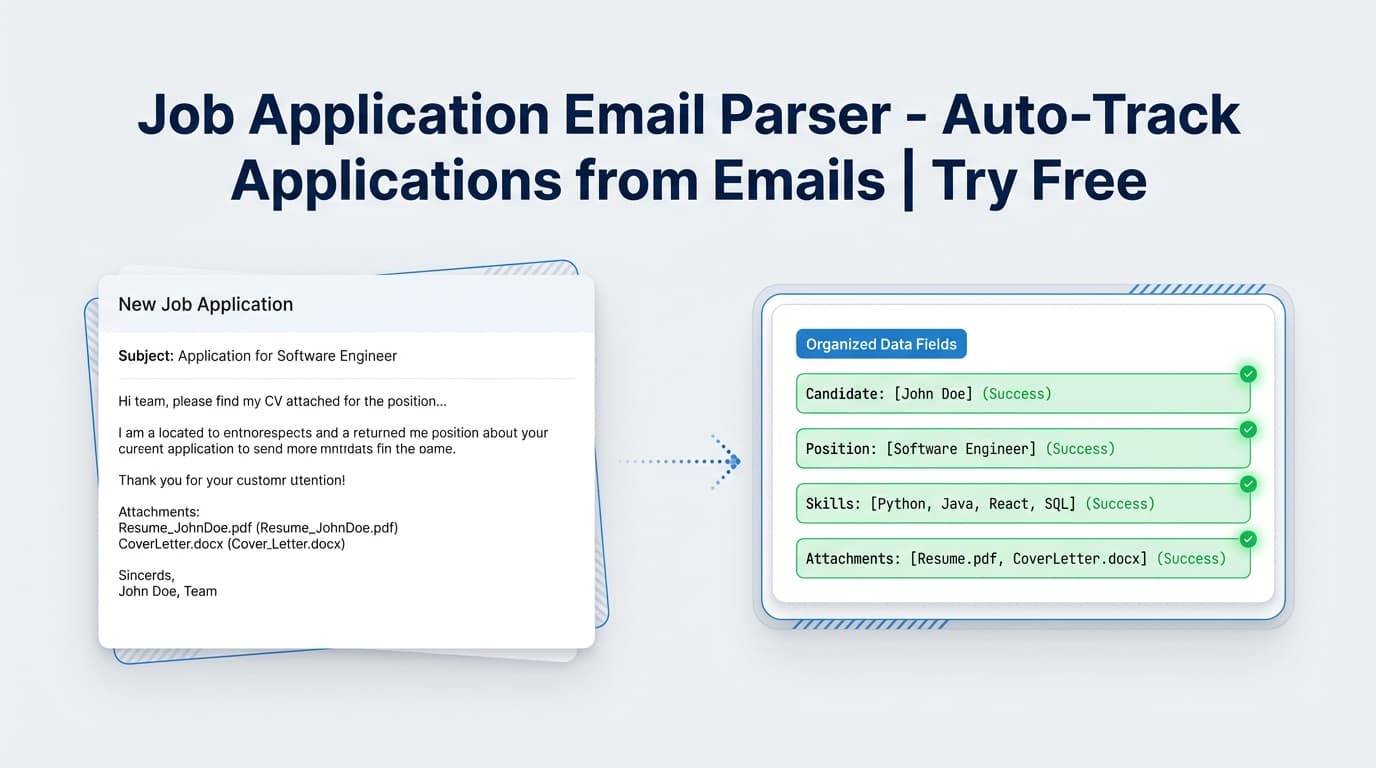
JobShinobi’s Job Application Email Parser turns job-related emails (confirmation, interview invite, rejection, offer) into structured entries in your Job Application Tracker—without manual copy/paste.
Try it now → or keep reading for an exact, step-by-step walkthrough.
What is the Job Application Email Parser?
The Job Application Email Parser is JobShinobi’s email-forwarding workflow for job seekers. Instead of updating a spreadsheet every time you apply or hear back, you simply forward the email to your unique JobShinobi forwarding address. JobShinobi then uses AI to extract job details and creates or updates a job application record in your dashboard.
What the parser extracts (based on actual implementation)
From the forwarded email content, the parser returns a structured object that includes:
- Company (required)
- Job title (required; if not explicitly stated, it’s inferred)
- Status (one of: Applied, Interview, Offer, Rejected, Other)
- Optional fields when present: location, date (YYYY-MM-DD), salary, job URL, and additional info/notes
Create vs. update behavior
If you forward multiple emails in the same hiring process, JobShinobi attempts to avoid duplicates by using fuzzy matching (company + job title similarity). When it finds a strong match, it updates the existing application; otherwise, it creates a new one.
Pricing note (accuracy): Email ingestion is Pro required in JobShinobi. The site advertises a 7-day free trial. Paid plans shown in code are $20/month or $199.99/year.
How to Use JobShinobi’s Job Application Email Parser
Step 1: Sign in to JobShinobi
- Go to JobShinobi and sign in (Google OAuth).
- Open your dashboard.
Tip: If you don’t see a forwarding address yet, continue to Step 2—this is shown in Settings.
Step 2: Start Pro (trial or subscription)
To process forwarded emails, your account must be Pro.
- JobShinobi’s pricing UI states “7-day free trial”
- Plans shown in the app: $20.00/month or $199.99/year
Step 3: Copy your unique forwarding email address
- Navigate to Dashboard → Settings
- Open the Email tab
- Copy “Your Unique Forwarding Email” (it will look like
[email protected])
This is the address JobShinobi uses to identify your account when an email is forwarded in.
Step 4: Forward your job-related email
Forward emails such as:
- Application confirmations (“Thanks for applying…” → typically Applied)
- Interview scheduling (“We’d like to schedule…” → typically Interview)
- Offer emails (“We’re pleased to offer…” → typically Offer)
- Rejections (“We’ve decided to move forward…” → typically Rejected)
Pro tip: Forward the most detailed email in a thread. If the company name and role are clearly stated, the parser is more likely to create a clean job title and to match updates correctly later.
Step 5: Check your Job Application Tracker
Go to Dashboard → Job Tracker to see the new entry.
You’ll see rows with fields like Job Title, Company, Status, and the Date Applied (timestamp). From there you can also:
- Edit any row (fix title/company/status)
- Delete rows you don’t want to keep
- Export your applications to an
.xlsxfile
Features of Our Job Application Email Parser
AI extraction built for job-application emails
The parser is prompted specifically to detect job-application signals and return consistent fields, including a normalized status set (Applied/Interview/Offer/Rejected/Other).
Why it matters: Job emails are messy—different job boards and recruiters format messages differently. AI extraction reduces the “manual cleanup” you’d otherwise do.
Always returns a job title (even when the email is vague)
If the job title isn’t explicitly present, JobShinobi’s parser is designed to infer a reasonable title based on context (or fall back to a “Position at [Company]” style output).
Why it matters: Your tracker remains usable and searchable even for low-detail confirmations.
Duplicate reduction via fuzzy matching (update vs. create)
When you forward multiple emails about the same role, JobShinobi attempts to match existing applications using similarity scoring, then updates status/details on the existing record.
Why it matters: You can forward an interview invite later without needing to hunt down and update the original “Applied” row manually.
Optional success/failure notification emails (when enabled)
JobShinobi can email you when an application is successfully tracked or when parsing fails—controlled by your notification preference.
Why it matters: You get confirmation your forward worked, especially helpful when you’re doing high volume.
Job Application Email Parser Use Cases
For high-volume applicants
If you’re applying to many roles weekly, the hardest part is keeping the tracker accurate after the first few days.
Use case: Forward every “application received” email and build your tracker passively.
For interview-heavy pipelines
Interview loops often generate multiple emails with different subjects and senders.
Use case: Forward interview scheduling emails so your status updates to Interview automatically.
For job seekers who want analytics (without extra work)
A tracker is only valuable if it’s updated. Email-forwarding reduces the effort required to maintain data that feeds your analytics.
Use case: Keep statuses current so metrics like response rate and interview rate reflect reality.
Why Choose JobShinobi’s Job Application Email Parser?
| JobShinobi Email Parser | Other “free” email parser tools |
|---|---|
| Job-seeker-first workflow: parses into a job application tracker | Often built for generic operations (leads, invoices, support) |
| Extracts job-specific fields like status + title + company | Typically requires you to define fields/templates manually |
| Can update existing applications via fuzzy matching | Commonly outputs raw rows and leaves deduping to you |
| No inbox connection required—you forward what you choose | Some solutions ask for mailbox access or complex routing |
Related Tools
Explore more tools from JobShinobi:
- Job Application Tracker: Manage, edit, and export all applications (Excel export supported).
- Resume Builder (LaTeX + PDF): Create resumes with LaTeX source and PDF preview.
- AI Resume Analysis: ATS-focused scoring with structured feedback (cached when unchanged).
- Resume-to-Job Match: Compare a resume to a job description and get tailoring suggestions.
FAQ
Is the Job Application Email Parser really free?
No. JobShinobi is a paid subscription product (plans shown as $20/month or $199.99/year). The marketing/pricing UI advertises a 7-day free trial, but email processing is Pro required.
Do I need to create an account?
Yes. You must sign in to JobShinobi, and your forwarding address is tied to your user account.
Does JobShinobi read my inbox automatically?
No. The workflow is based on emails you forward to your unique forwarding address. JobShinobi does not require you to connect your Gmail/Outlook mailbox for this feature.
What emails should I forward for best results?
Forward messages that clearly include:
- Company name (or recognizable sender domain)
- Position title (if available)
- A clear status signal (“interview,” “offer,” “unfortunately,” etc.)
If the email is extremely generic, the parser may infer a title and may be less likely to match updates later.
What happens if parsing fails?
If JobShinobi can’t extract job application information from the email, it won’t create/update an application. If your email notifications are enabled, JobShinobi can send a failure notification explaining that it couldn’t extract the needed details.
Start Using the Job Application Email Parser Now
Stop losing track of applications in threads, bookmarks, and half-updated spreadsheets. Forward the emails you already receive—and let JobShinobi turn them into a clean, searchable pipeline.