If you’re searching for a free ATS resume scanner tool, you’re likely trying to answer two practical questions:
- Can an ATS accurately read my resume?
- Does my resume match the keywords in the job description?
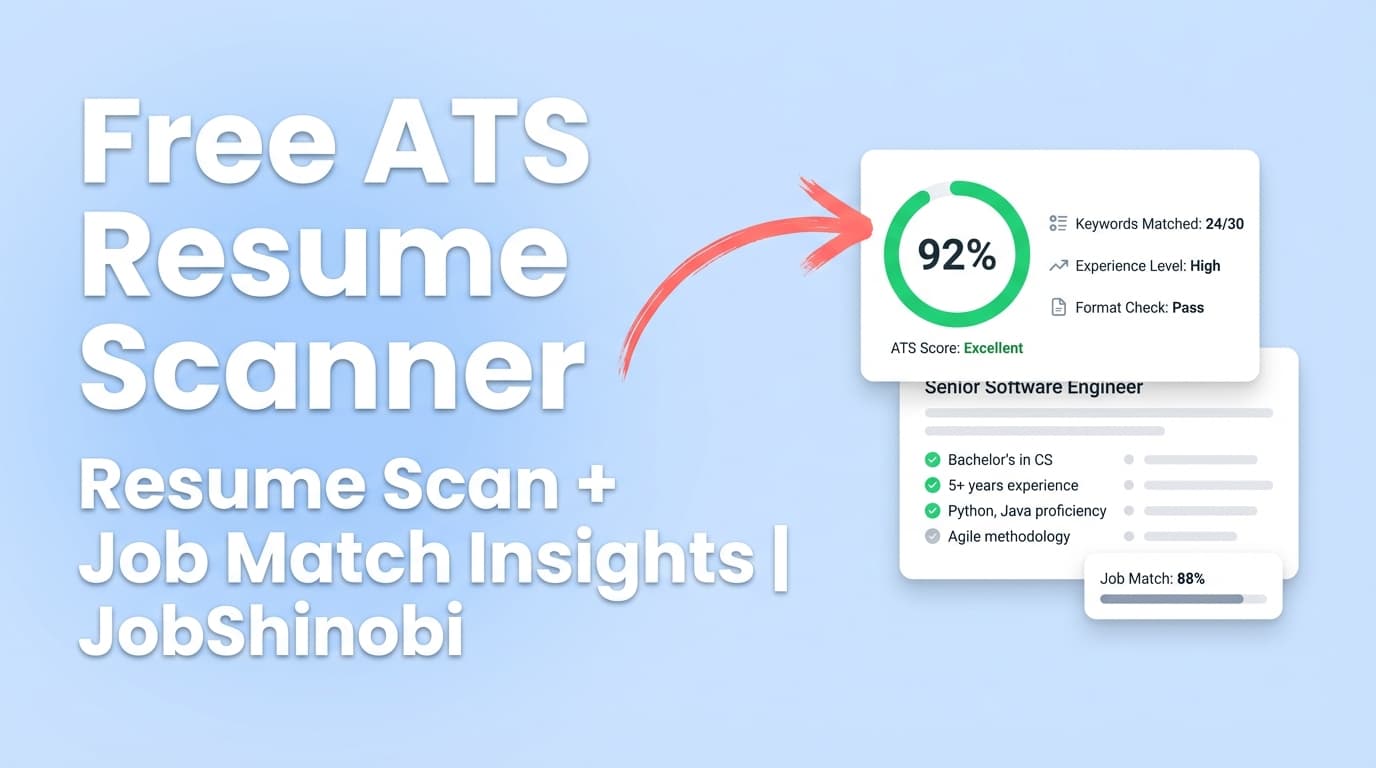
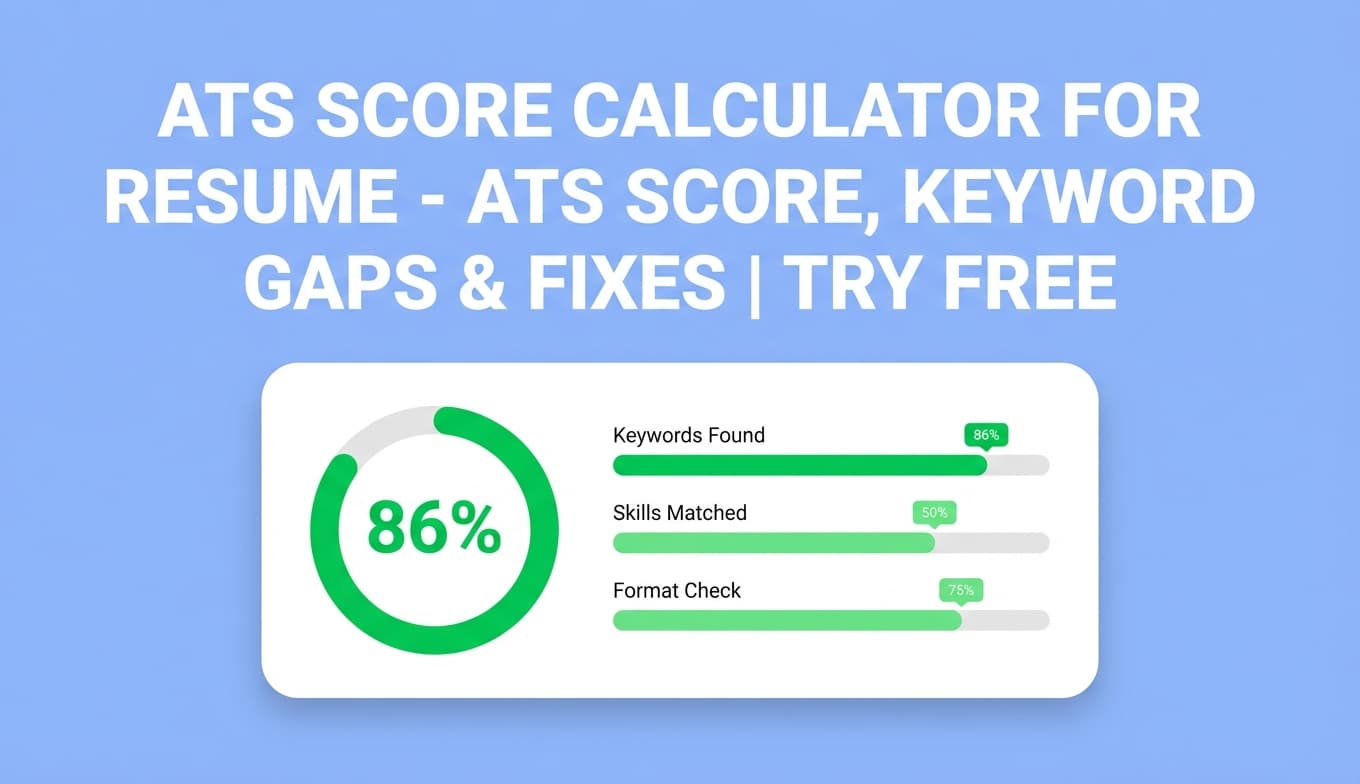
JobShinobi’s ATS Resume Scanner helps you run an ATS-style analysis (scores + feedback) and optionally match your resume to a specific job posting for a job match score, missing keywords, and recommendations.
Try it now →
Note on pricing: JobShinobi is a paid product and the site advertises a 7-day free trial. Plans shown in-app are $20/month or $199.99/year after the trial.
What is an ATS Resume Scanner?
An ATS resume scanner (also called an ATS resume checker) analyzes your resume for issues that commonly affect:
- Parsing/ATS readability (structure, headings, problematic elements)
- Keyword coverage (present vs. missing keywords; avoid overuse/keyword stuffing)
- Content quality (impact, clarity, and role alignment)
- Completeness (missing sections recruiters expect)
JobShinobi’s scanner is part of its resume workflow: you build/edit your resume in JobShinobi (LaTeX-based editor + PDF preview), then run analysis to get a score out of 100 and detailed feedback you can act on.
Important: No tool can guarantee you’ll “pass ATS” or get interviews. ATS behavior varies by employer and system. Use scans as guidance—not as a promise of outcomes.
How to Use JobShinobi’s ATS Resume Scanner
Step 1: Sign in and open your resume
JobShinobi’s analysis runs against a resume saved in your account, so you’ll need to:
- Sign in
- Create a resume from a template or open an existing saved resume
Tip: If you’re starting fresh, pick a template and save your resume first. The analyzer requires a resume ID.
Step 2: Run an ATS scan (general resume analysis)
From the resume editor or resume analysis area, click Analyze Resume.
You’ll get:
- Overall score (/100)
- Score breakdown categories:
- Content Quality
- Keywords
- Formatting
- Completeness
- ATS Compatibility
- Detailed feedback that can include:
- Strengths
- Weaknesses / Areas to improve
- Missing sections
- ATS issues
- Keyword analysis (present, missing, overused; additional metrics may appear depending on analysis depth)
Tip: If you haven’t changed your resume since your last scan, JobShinobi can return a cached analysis for faster results.
Step 3: Add a job description (URL or text) for job-specific matching
Want a more realistic check? Add a job posting and run a job-specific scan:
- Choose Job Matching
- Provide either:
- A job posting URL, or
- The job description text
- Click Extract Job Details (JobShinobi uses AI to extract structured job details)
- Run the match
You’ll get:
- Job Match Score (%)
- Matching keywords found in your resume
- Missing keywords from the job (keywords the posting emphasizes but your resume doesn’t mention)
- Recommendations to improve match
Step 4: Apply improvements in the resume editor and re-check
Use the recommendations as a checklist, then re-run analysis after changes.
Pro tip: Don’t paste keywords blindly. Add keywords where they truthfully belong—inside experience bullets, projects, and skills—so they’re supported by evidence.
Features of JobShinobi’s ATS Resume Scanner
ATS Score + breakdown (not just a single grade)
JobShinobi shows an overall score plus category scores including ATS Compatibility and Keywords, which makes it easier to decide what to fix first.
Why it matters: A resume can be “keyword rich” but still ATS-risky due to formatting or structure.
Keyword analysis: present, missing, and overused terms
The analysis can include:
- Present keywords
- Missing keywords
- Overused keywords
- Additional keyword metrics (when available), such as density and top skills detected
Why it matters: Overuse can make your resume read unnaturally to humans and some screening systems—so it’s useful to see both gaps and repetition.
ATS issues and parsing-focused feedback
The detailed feedback can include an ATS issues list—things that may prevent clean parsing or reduce readability in automated systems.
Why it matters: Common ATS risks include unusual layouts, inconsistent dates, non-standard headings, and other formatting problems.
Job description extraction (URL or text)
Instead of manually copying and cleaning job descriptions, you can provide a URL or paste text and let JobShinobi extract job details.
Why it matters: Faster tailoring with fewer steps—and easier repeat usage across many applications.
Job match scoring + recommendations
Job matching generates a match score and a practical action list (recommendations) based on the job requirements and keywords.
Why it matters: This turns “ATS optimization” into a repeatable workflow for each application.
Common ATS Resume Mistakes (and how the scanner helps)
Even strong candidates get filtered out due to avoidable issues. The scan is especially useful for catching:
- Non-standard section headings (ATS may mis-categorize content)
- Messy layout (multi-column designs can scramble reading order in some parsers)
- Headers/footers for key info (some systems ignore them)
- Keyword stuffing (lots of repeated keywords with no evidence)
- Weak bullets (responsibility-only bullets that don’t show outcomes)
Use the ATS scan + job match view to convert these into concrete edits.
ATS Resume Scanner Use Cases
For high-volume applicants
Run a general scan once to clean up ATS/formatting issues, then run job matching for each target role.
Example: One “base resume” + job-specific keyword tuning for 5 roles/week.
For career switchers
Job matching helps you translate experience into the language the job uses.
Example: “Reporting” becomes “KPI dashboards,” “stakeholder updates,” or “executive summaries” when appropriate.
For students and early-career candidates
Completeness + section feedback helps you build credibility fast.
Example: Add a Projects section with outcomes, tools, and scope if work experience is light.
Why Choose JobShinobi vs. Other “Free ATS Resume Scanner Tools”?
| JobShinobi ATS Resume Scanner | Typical “Free ATS Scanner” |
|---|---|
| Built into a resume editor workflow (edit → analyze → re-check) | Often scan-only, with limited revision workflow |
| Supports job-specific matching (URL or text → extract → match score) | Often copy/paste only, or limited matching |
| Shows score categories (keywords, formatting, completeness, ATS) | Often a single score + generic tips |
| Can reuse cached analysis when resume is unchanged | Re-checks may be slow or gated |
Related Tools in JobShinobi
- Resume Builder (LaTeX + PDF preview): Create and edit resumes with templates and live compilation.
- Job Description Extractor: Paste a URL or job text to extract structured job details.
- Resume-to-Job Matching: Match score + missing/present keywords + recommendations.
- AI Resume Agent (chat-based editor): Get help rewriting and tailoring content inside the editor.
- Job Tracker + Analytics: Track applications and outcomes (interviews/offers) over time.
FAQ
Is JobShinobi’s “Free ATS Resume Scanner” actually free?
JobShinobi is a paid subscription product, and the site advertises a 7-day free trial. Pricing shown in the app is $20/month or $199.99/year after the trial.
So you can try it free, but it’s not a forever-free tool.
Do I need an account to run a scan?
Yes. The scanner runs against a resume saved in your JobShinobi account.
Can I scan my uploaded PDF or DOCX resume?
JobShinobi’s scanner is tied to resumes created/saved inside JobShinobi (LaTeX source + compiled PDF preview). If you have an existing resume, you’ll want to recreate/import the content into JobShinobi’s resume editor first.
Can this guarantee I’ll pass ATS screening?
No. ATS systems vary widely. JobShinobi provides scores and feedback to reduce common risks and improve alignment, but it cannot guarantee outcomes.
What’s the best way to use the match score?
Use match score as a directional signal:
- If your match is low, prioritize missing keywords and role alignment
- If your match is decent, focus on bullet strength and clarity (impact + metrics)
Start Using the ATS Resume Scanner
If you want an ATS scan that goes beyond a generic grade—so you can identify ATS issues, keyword gaps, and get a job match score—JobShinobi’s ATS Resume Scanner is built for that workflow.