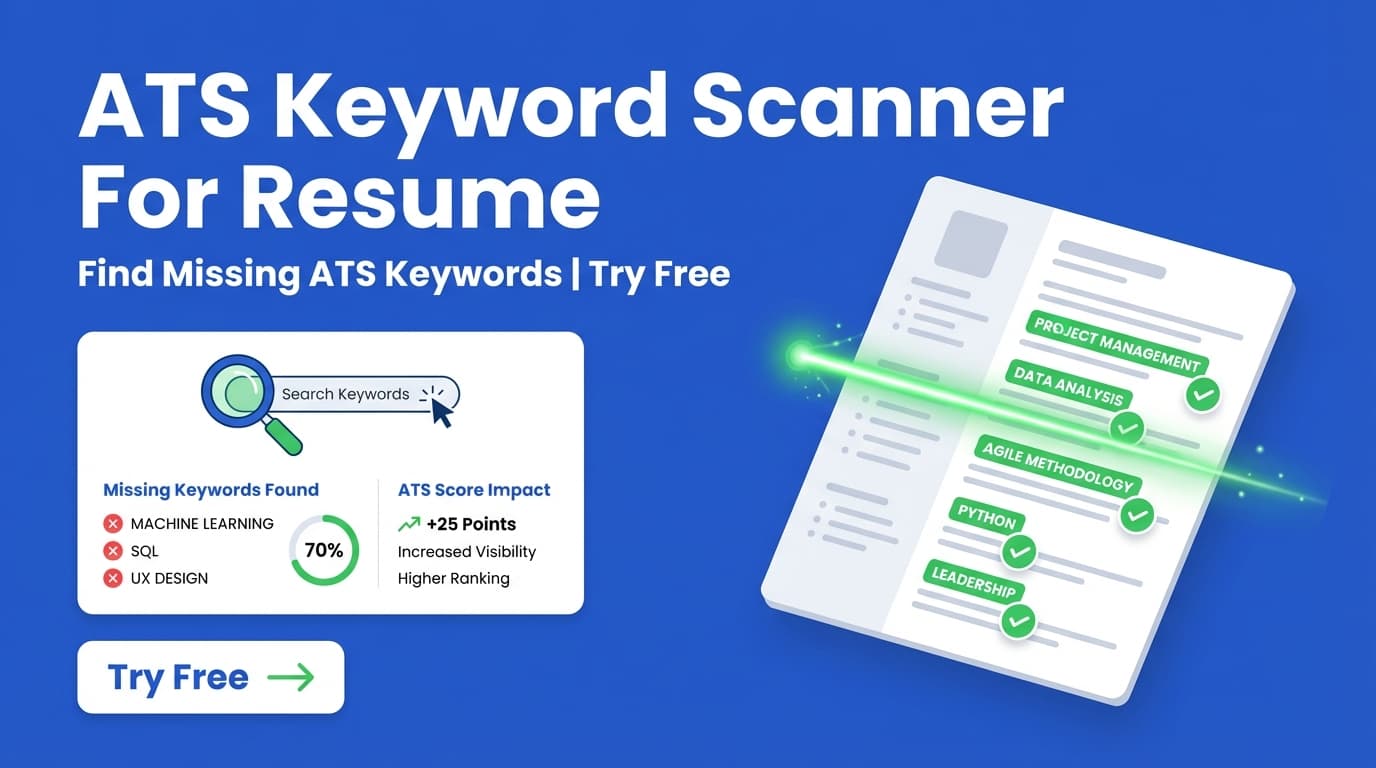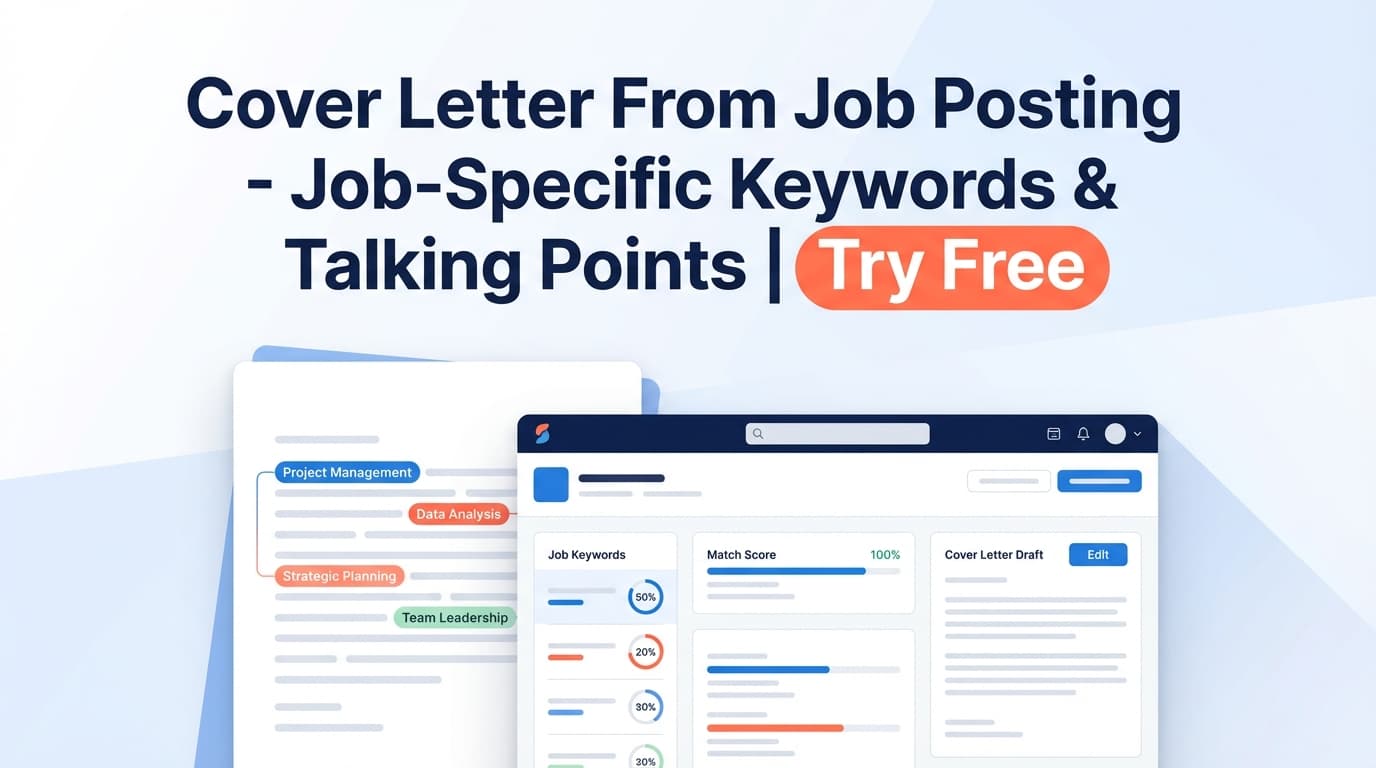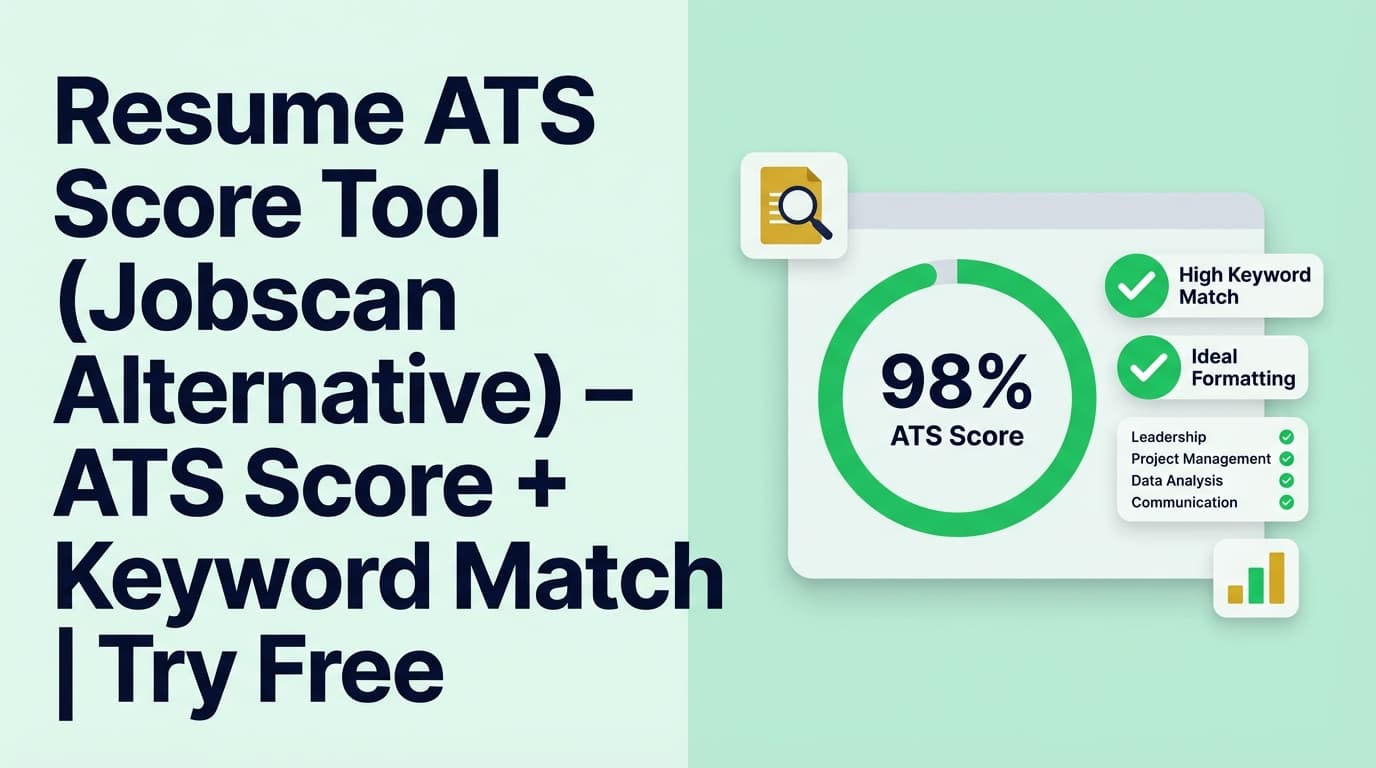
JobShinobi helps you check an ATS-style resume score (0–100), see a category breakdown (content, keywords, formatting, completeness, ATS compatibility), and run job-specific matching to spot missing keywords—without guessing.
What is Resume Ats Score Alternative To Jobscan?
If you’ve used Jobscan, you already know the core workflow: compare your resume to a job description, find missing keywords, and improve your “match” before applying.
JobShinobi offers a similar outcome—resume scoring + keyword feedback + job matching—but inside an end-to-end resume workflow:
- You create/manage your resume in Resume Studio (LaTeX-based editor + PDF preview).
- You run Resume Analysis to get an ATS-style score and detailed feedback.
- You can run Job Matching by pasting a job posting URL or job description text to get a match score, missing/present keywords, and recommendations.
Important: JobShinobi provides analysis and suggestions, but it does not guarantee you’ll “pass ATS,” and it does not submit applications to job boards for you.
How to Use JobShinobi’s Resume ATS Score Tool (HowTo)
Step 1: Sign in and open Resume Studio
- Sign in to JobShinobi.
- Go to your dashboard’s Resume area.
- Open Resume Studio (the editor).
Tip: Analysis runs on a resume stored in JobShinobi, so you’ll want your resume content in the editor first.
Step 2: Create (or open) a resume and save your latest version
- Start from a template or open an existing resume.
- Edit your resume content.
- Click Save to store changes.
Tip: Saving ensures the analyzer can fetch the newest resume content associated with your resume ID.
Step 3: Run “Resume Analysis” to get your ATS-style score
You can trigger analysis from:
- The resume list (button: Analyze Resume), or
- The editor’s score widget / report modal flow.
You’ll receive:
- Overall score /100
- Score breakdown: Content Quality, Keywords, Formatting, Completeness, ATS Compatibility
- Detailed feedback including strengths, weaknesses, missing sections, keyword analysis, and ATS issues
Pro tip: JobShinobi may reuse a cached analysis if your resume hasn’t changed since the last run. If you’ve made edits and want a fresh run, use Re-analyze.
Step 4 (Optional): Match your resume to a job description (Jobscan-style workflow)
To tailor for a specific role:
- Open your resume’s analysis page.
- Go to Job Matching.
- Paste either:
- a job posting URL, or
- the job description text
- Click Extract Job Details (JobShinobi extracts job keywords and requirements).
- Review your results:
- Job Match Score (%)
- Matching Keywords
- Missing Keywords
- Recommendations
- Click Apply Suggestions to jump back into the editor and implement changes.
Tip: Some job sites block automated page fetching or load job posts dynamically. If URL extraction fails, use the Text tab and paste the description.
Features of Our Resume ATS Score Tool (Jobscan Alternative)
ATS-style resume score (0–100) + breakdown categories
JobShinobi scores your resume and shows a breakdown across:
- Content Quality
- Keywords
- Formatting
- Completeness
- ATS Compatibility
Why it matters: You can prioritize improvements instead of making random edits.
Keyword analysis (present / missing / overused)
The analysis includes keyword feedback such as:
- keywords found (present)
- missing keywords
- overused keywords
Why it matters: This supports “keyword alignment” improvements without keyword stuffing.
ATS issue flags + actionable feedback
JobShinobi can return ATS-related issues (and other improvement notes) as part of the detailed feedback.
Why it matters: Many scanners tell you something is wrong; you want to know what to fix next.
Job description extraction (URL or text)
For job matching, JobShinobi extracts structured job details (company, position, requirements, keywords) from:
- a job posting URL, or
- pasted job description text
Why it matters: This speeds up tailoring—especially when you’re applying to multiple roles.
Match score + missing/present keywords + recommendations
JobShinobi generates:
- a match score (%)
- matching vs missing keywords
- recommendations you can apply in editing
Why it matters: This is the practical “Jobscan alternative” loop: tailor → rescan → improve.
Resume ATS Score Tool Use Cases
For job seekers who want a quick “ATS health check”
Run Resume Analysis to catch common problems before you apply, then iterate until your category breakdown improves.
For candidates tailoring per application (high ROI)
Use Job Matching to compare your resume against each posting and:
- add truly relevant missing keywords (where accurate)
- adjust bullets to better reflect role requirements
- re-run the match score after edits
For career switchers who need keyword and section guidance
If you’re changing fields, job matching helps surface the language of the role so your experience reads correctly for that target.
Why Choose JobShinobi’s Resume ATS Score Tool?
| Our Tool | Other Free Tools |
|---|---|
| Integrated workflow (build resume → analyze → match → apply suggestions) | Often “scan-only” without a connected editing loop |
| Job matching supports URL or pasted text | Some tools only support copy/paste or struggle with certain URLs |
| Category-level scoring (keywords + formatting + completeness + ATS compatibility) | Some tools provide one score with limited context |
| Analysis may reuse cached results when unchanged (faster repeat checks) | Re-runs can be slow every time, even without edits |
Related Tools
Explore more from JobShinobi:
- Resume Studio (LaTeX + PDF preview): create and manage resume versions.
- AI Resume Agent (chat editing): request edits and improvements inside the editor.
- Job Application Tracker: manage your applications and export to Excel (email-forwarding automation is Pro-only).
FAQ
Is Resume Ats Score Alternative To Jobscan really free?
JobShinobi is a paid subscription product with plans shown as $20/month or $199.99/year, and the site advertises a 7-day free trial.
If you’re looking specifically for a permanently free plan, don’t assume one is available.
Do I need to create an account?
Yes. You need an account to store your resume and run analysis on it.
Can I upload a PDF or Word doc and scan it?
JobShinobi’s scoring is designed around resumes created/stored in its Resume Studio. If your resume is currently in Word/PDF, you’ll need to move the content into JobShinobi first.
Does this guarantee I’ll pass ATS or get interviews?
No. It provides scoring and recommendations, but outcomes depend on the role, your experience, and the employer’s screening process.
Can I match my resume to a job description like Jobscan?
Yes. JobShinobi supports job matching via a job URL or pasted job description text, returning a match score and missing/present keywords.
Start Using Resume Ats Score Alternative To Jobscan
If you want a resume ATS score tool alternative to Jobscan that also lives inside your resume-building workflow, JobShinobi gives you scoring, keyword feedback, and job matching in one place.