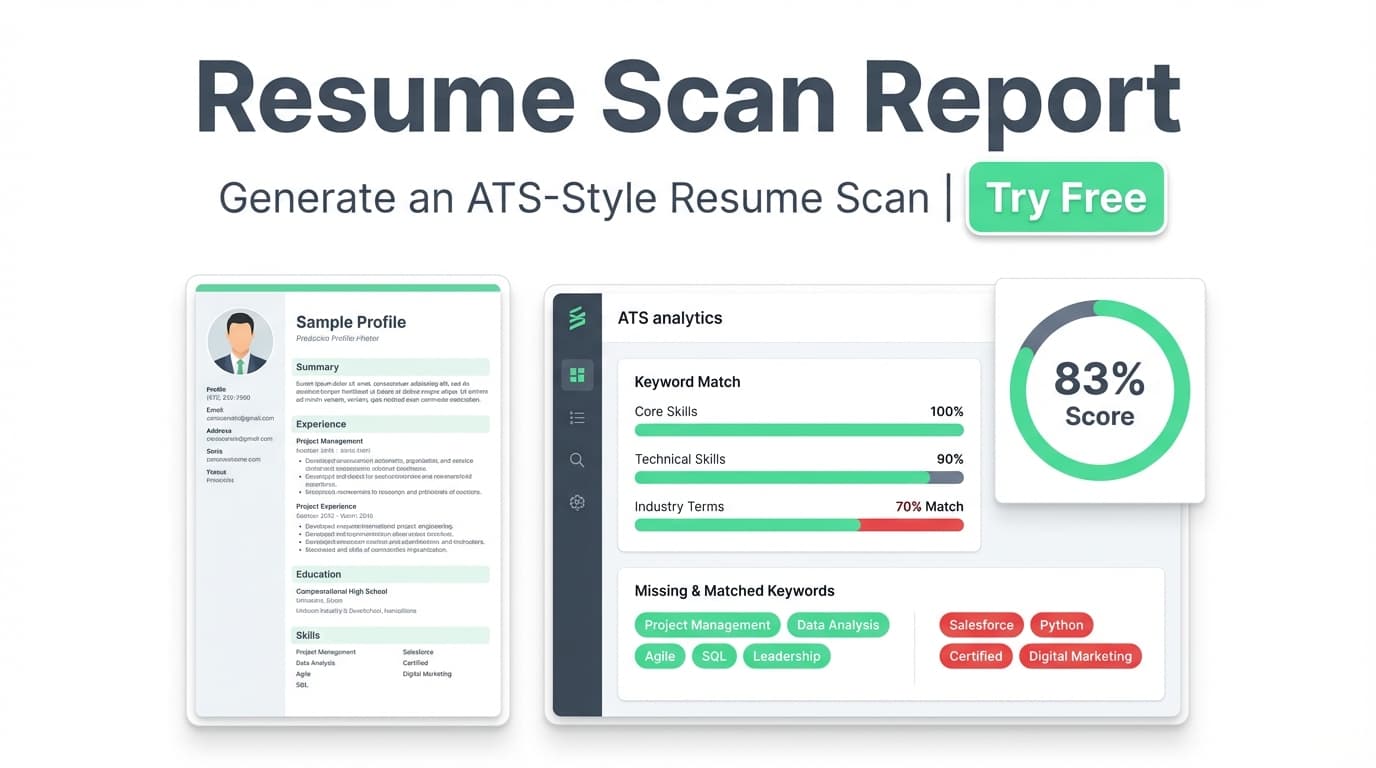
Resume Scan Report generates a structured scan of your resume—an overall score out of 100, category scores, and practical recommendations you can apply right away.
Try it now → or keep reading to see exactly what’s inside the report and how to generate one in minutes.
What is Resume Scan Report?
A Resume Scan Report is a resume “health check” designed to mirror how recruiters and applicant tracking systems (ATS) tend to evaluate resumes: relevance, keyword alignment, structure, and completeness.
Inside JobShinobi, the report is generated from your resume content (built in JobShinobi’s LaTeX-based resume editor). You’ll receive:
- An overall score (0–100)
- A score breakdown across core categories (content, keywords, formatting, completeness, ATS compatibility)
- Detailed feedback such as strengths, weaknesses, missing sections, and keyword signals
If you want to tailor for a specific role, you can also add a job posting (URL or pasted text) to generate job-specific matching—including a match score and missing vs. present keywords.
How to Use JobShinobi’s Resume Scan Report
Step 1: Sign in and open your resume
- Log in to JobShinobi.
- Go to Resume Builder.
- Choose one of the following:
- Start from Template (create a new resume), or
- Open My Resumes (edit an existing resume)
Tip: Because JobShinobi resumes are LaTeX-based, your content stays structured and consistent—which helps make scan feedback easier to act on.
Step 2: Generate your Resume Scan Report (analysis + scores)
From your saved resume, click Analyze Resume.
JobShinobi generates a report that includes:
- Overall Score /100
- Category scores (Content Quality, Keywords, Formatting, Completeness, ATS Compatibility)
- Detailed feedback (strengths, weaknesses, missing sections, keyword insights, ATS issues)
Tip: If your resume hasn’t changed since the last scan, JobShinobi may return a cached analysis. Use Re-analyze when you’ve made updates and want a fresh scan.
Step 3 (Optional): Add a job posting for job-specific matching
If you’re applying to a specific role, run a job-specific scan:
- In the analysis area, open Job Matching.
- Add the job posting using either:
- URL (e.g., LinkedIn, Indeed, a company careers page), or
- Text (paste the full job description)
- Click Extract Job Details.
- JobShinobi generates a Job Match Score and shows:
- Matching keywords already in your resume
- Missing keywords you may want to incorporate (only if you genuinely have the experience)
- Recommendations to improve alignment
Pro tip: Don’t “keyword stuff.” Instead, add keywords by rewriting bullets to reflect real work (tools used, outcomes, scope, metrics).
Features of Our Resume Scan Report Generator Tool
ATS-style score (0–100) + letter-grade style indicator
Your report includes an overall numeric score plus category-level scoring so you can see what’s actually driving the number.
Why it matters: A single score is vague. A breakdown helps you prioritize fixes (keywords vs. content vs. structure).
Category breakdown that’s easy to act on
The report includes category scores such as:
- Content Quality
- Keywords
- Formatting
- Completeness
- ATS Compatibility
Why it matters: You can stop guessing and focus on the category that will most improve your next iteration.
Detailed feedback: strengths, weaknesses, missing sections, and keyword signals
The Resume Scan Report can surface feedback like:
- Strengths and weaknesses
- Missing sections (when applicable)
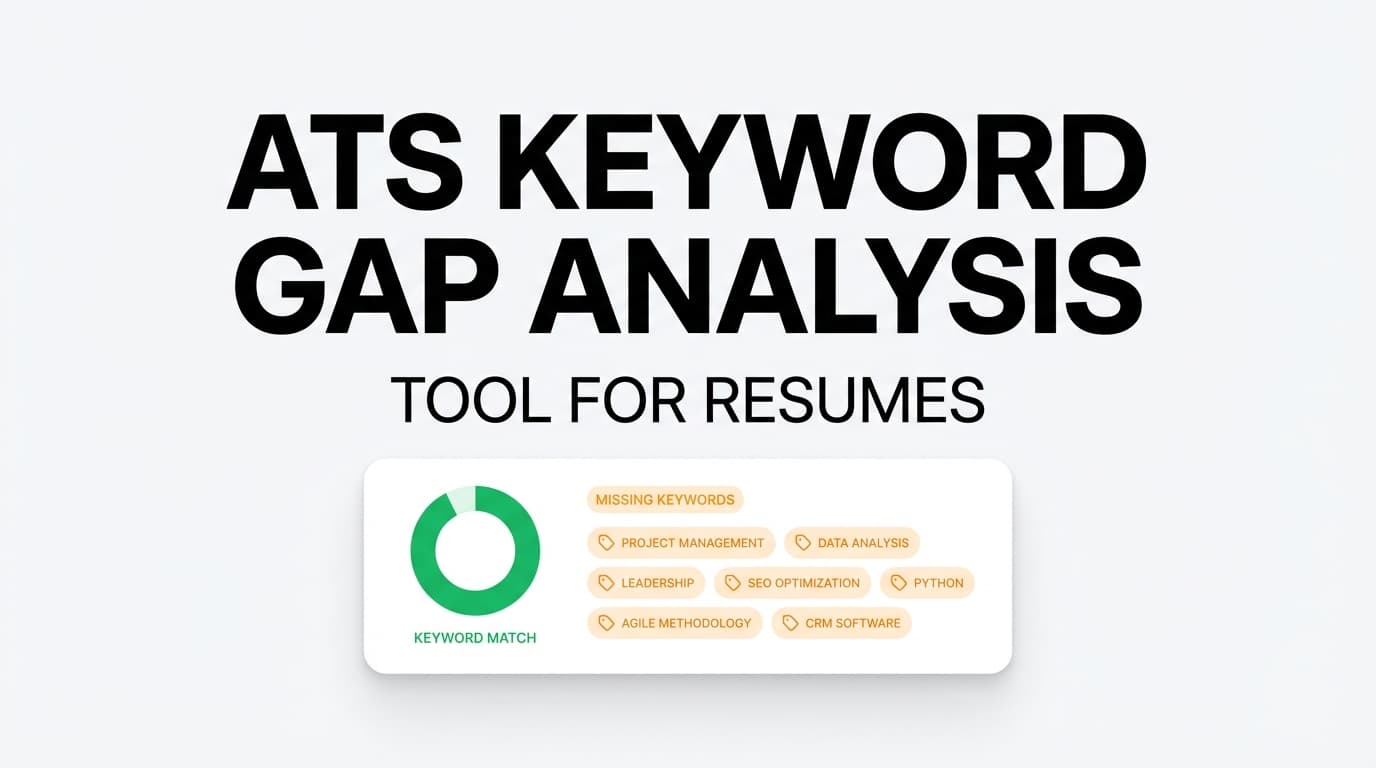
- Keyword-related signals (e.g., present vs. missing vs. potentially overused terms)
- ATS-related issues called out in plain language
Why it matters: You get a checklist you can apply directly in your resume editor.
Optional job matching (URL or pasted job description)
For role-specific tailoring, JobShinobi can extract job details from a URL or text and run a match analysis.
Why it matters: Tailoring usually wins—but only when you tailor efficiently and consistently across applications.
Built into a resume workflow (edit → scan → improve)
After you scan, you can jump back into the editor to apply changes.
Why it matters: Many scanners give advice, but leave you to figure out implementation. JobShinobi is designed for iterate-and-improve.
Resume Scan Report Use Cases
For job seekers applying broadly (general ATS readiness)
Run a scan on your “base resume” to confirm you’re not missing fundamental sections and that your bullet points show impact.
Example: Improve Content Quality by adding outcomes like “reduced cycle time by 22%” or “supported 15+ stakeholder groups.”
For targeted applications (job-specific scan + match score)
Use Job Matching to compare your resume against a role you actually want.
Example: If the job emphasizes “SQL” and “dashboarding,” ensure those terms appear in the context of real projects and measurable results.
For career changers (identify gaps and rewrite for relevance)
A scan helps you spot where your resume reads like your old role instead of the new target role.
Example: Reframe transferable experience using the destination role’s language (e.g., “requirements gathering,” “stakeholder management,” “workflow automation”).
Why Choose JobShinobi’s Resume Scan Report?
| JobShinobi Resume Scan Report | Many basic “free” resume scanners |
|---|---|
| Score + category breakdown + detailed feedback | Often only a single score or generic tips |
| Optional job-specific matching from URL or text | Job matching may be limited or paywalled |
| Designed for iteration inside a resume editor | Advice often lives outside your writing workflow |
| Can reuse prior analysis when resume is unchanged (faster) | You may have to re-run from scratch every time |
Note: No resume tool can guarantee interviews or ATS “passing.” Use scans as guidance, then validate with human judgment and honest experience.
Related Tools (Inside JobShinobi)
Explore more tools from JobShinobi:
- Resume Builder (LaTeX Editor + PDF Preview): Build structured resumes and export to PDF.
- Job Description Extraction: Paste a job URL or text to extract key details for matching.
- Resume-to-Job Matching: Get a match score plus missing vs. present keywords and recommendations.
- Job Tracker + Excel Export: Track applications and export your job list to
.xlsx.
FAQ
Is Resume Scan Report really free?
JobShinobi is a paid product. The site advertises a 7-day free trial, with plans shown as $20/month or $199.99/year.
This page does not claim an always-free tier.
Do I need to create an account?
Yes. Resume analysis and report generation are part of JobShinobi’s logged-in experience.
Can I scan for a specific job posting?
Yes. You can add a job posting using a URL or pasted text, extract job details, and run a job match report with a match score and keyword comparison.
Does this guarantee I’ll pass an ATS or get interviews?
No. A Resume Scan Report helps you improve common ATS/recruiter signals (clarity, relevance, keyword alignment), but it cannot guarantee outcomes.
Will I have to wait every time I re-scan?
Not always. If your resume hasn’t changed since your last scan, JobShinobi may return a cached analysis. You can also re-analyze when you want a fresh report.
Start Using Resume Scan Report Now
If you want a resume scan report you can actually act on—scores, breakdowns, and clear next steps—generate your Resume Scan Report in JobShinobi and iterate quickly.