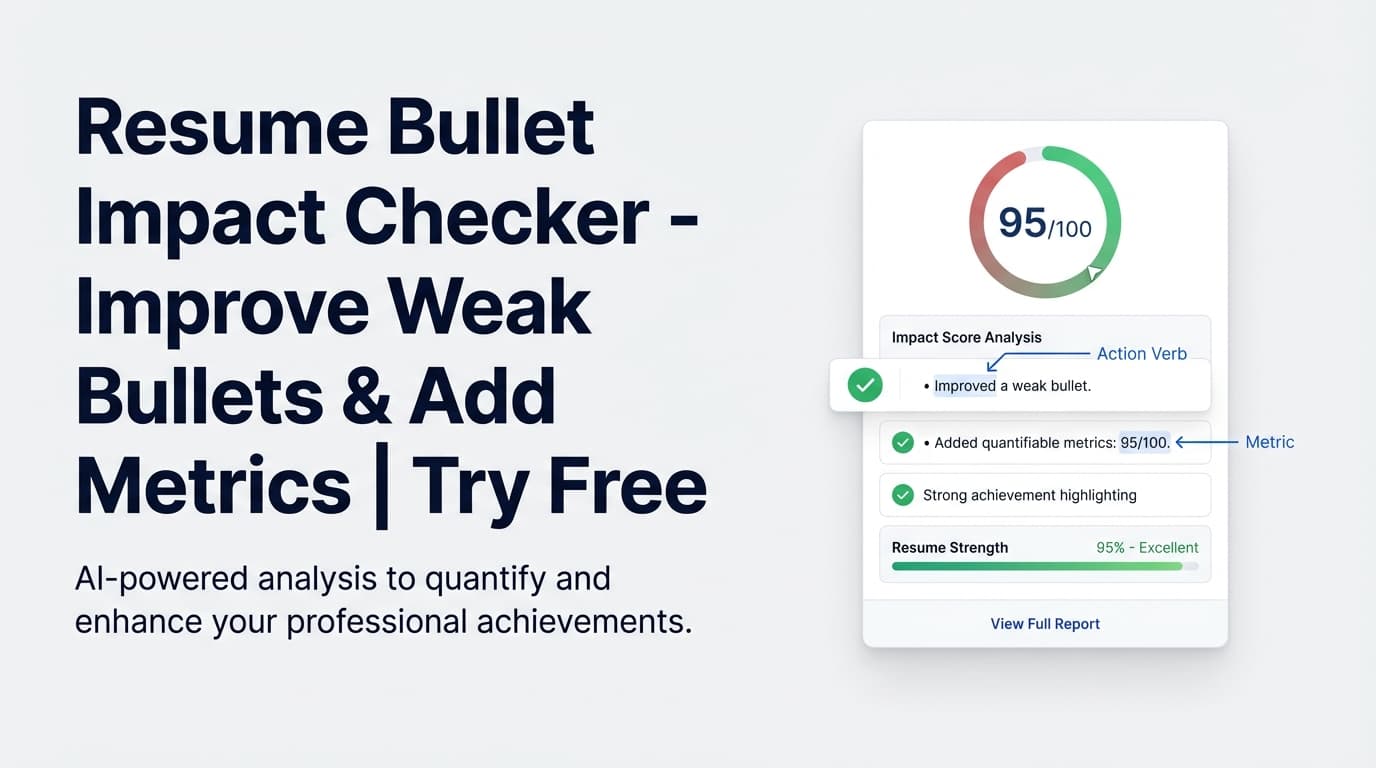
Your resume bullets shouldn’t read like job descriptions. The Resume Bullet Impact Checker helps you spot low-impact bullet points—especially bullets with no metrics or weak action-verb openings—so you can rewrite them into clear, results-driven achievements.
Try it now → or keep reading to learn exactly how it works inside JobShinobi.
What is Resume Bullet Impact Checker?
Resume Bullet Impact Checker is JobShinobi’s bullet-quality analysis workflow that scans your resume content and highlights bullets that are likely to underperform in screening—because they’re vague, unquantified, or start with weak language.
It focuses on two issues that commonly reduce perceived impact:
- Missing metrics (no numbers like %, $, counts, time saved, scale)
- Weak openers (phrases like “responsible for,” “helped,” “worked on,” “assisted with,” etc.)
In JobShinobi, this is part of a broader resume analysis system (scores, feedback, and optional job-specific analysis) so you can improve bullets in context—then re-check after edits.
Who it’s for
- Job seekers whose bullets still feel like “duties”
- Candidates tailoring a resume to a target role and needing clearer proof of impact
- Anyone who wants a faster way to find bullets that need metrics and stronger phrasing
How to Use JobShinobi’s Resume Bullet Impact Checker
This tool is used through JobShinobi’s resume editor + analysis workflow.
Step 1: Open your resume in the JobShinobi editor
- Navigate to your resume inside JobShinobi.
- Open an existing resume or start from a template.
- Confirm your bullet points are present in sections like Experience or Projects.
Tip: The checker is most useful when your bullets are written as bullet items (e.g., \item ...) in LaTeX.
Step 2: Run resume analysis to surface bullet insights
Run JobShinobi’s resume analysis to generate your report (scores + detailed feedback). This can include bullet-focused data such as:
- Total bullet count
- How many bullets include metrics
- How many bullets begin with action verbs
- Examples of weak bullets and suggested rewrites (when available)
Tip: Add a job description for more targeted, job-specific insights.
Step 3: Fix “No metrics” bullets first
A fast priority order that usually improves results quickly:
- Bullets with no metrics
- Bullets that start with weak phrases (“helped,” “worked on,” “responsible for”)
- Bullets that describe tools/tasks but not outcomes
A rewrite template that works across many roles:
Action verb + what you did + how you did it + result + metric/scope
Example:
- Before: “Worked on API performance.”
- After: “Optimized API queries and caching to reduce p95 latency by 40% (800ms → 480ms) for 50K daily users.”
Step 4: Use the AI resume editor assistant to rewrite bullets (optional)
JobShinobi includes an AI resume editing assistant that’s prompted to:
- start bullets with strong action verbs
- quantify impact with metrics whenever possible
- avoid weak bullet phrasing
Use it to rewrite the bullets you flagged, then compile-check the LaTeX and save a version.
Pro tip: If you don’t know the exact metric, quantify scope instead (users impacted, records processed, requests/day, projects shipped, hours saved/week, error rate reduced). “No numbers at all” is often what gets flagged.
Step 5: Re-analyze to validate improvement
After rewriting, re-run analysis to confirm you reduced:
- “No metrics” bullet flags
- weak openers
- overall content issues
Features of Our Resume Bullet Impact Checker
Flags bullets missing metrics
The checker flags bullets that lack measurable impact signals such as %, $, counts, scale (users/customers/projects), or time-based outcomes.
Why it matters: Quantified outcomes help recruiters understand your value in seconds.
Detects weak bullet openings
It identifies low-impact openers such as:
- “responsible for”
- “helped”
- “worked on”
- “assisted with”
- “participated in”
- “involved in”
- “tasked with”
- “handled”
- “managed to”
- “was able to”
- “got to”
Why it matters: Weak phrasing makes your contribution sound vague and reduces perceived ownership.
Provides strong action verb suggestions
JobShinobi includes a strong verb list you can use to rewrite openers, including: Achieved, Architected, Automated, Built, Delivered, Designed, Developed, Drove, Implemented, Improved, Increased, Led, Optimized, Reduced, Scaled, Spearheaded, Streamlined, Transformed (and more).
Why it matters: Strong verbs increase clarity and confidence—especially in Experience bullets.
Works with LaTeX resumes (no copy/paste reformatting)
Because JobShinobi is LaTeX-first, you can iterate on content while preserving clean, ATS-friendly structure and consistent formatting.
Why it matters: You avoid rewriting bullets in one tool and rebuilding formatting in another.
Resume Bullet Impact Checker Use Cases
For software engineers and technical roles
- Turn task bullets into measurable outcomes (latency, uptime, throughput, cost)
- Add scope (requests/day, users, data volume, services migrated)
For business, sales, and marketing roles
- Add measurable performance (revenue influenced, conversion, pipeline, CAC/ROAS)
- Replace “helped” language with ownership + results
For students and early-career candidates
- Quantify scope even without revenue metrics (team size, turnaround time, volume handled)
- Learn what “impact-led” bullet writing looks like and apply it across projects/internships
Why Choose JobShinobi’s Resume Bullet Impact Checker?
| JobShinobi’s Bullet Impact Workflow | Other Free Tools |
|---|---|
| Flags bullets for missing metrics + weak openers | Often focuses on grammar/formatting only |
| Built into a resume editor + scoring workflow | Often requires copy/paste across multiple tools |
| Supports re-checking after edits | No closed loop to confirm improvements |
| Works directly with LaTeX resume content | Some tools force uploads or reformatting |
Related Tools
Explore more tools and workflows in JobShinobi:
- Resume Analysis & Scoring: Score breakdown + detailed feedback across content, keywords, formatting, completeness, and ATS
- Resume-to-Job Matching: Compare your resume to a job description and get match insights
- AI Resume Editor Assistant: Chat-based editing that can rewrite sections and compile-check LaTeX changes
- Job Description Extraction: Turn a job URL or pasted text into structured job details for matching
FAQ
Is Resume Bullet Impact Checker really free?
JobShinobi is a paid subscription product (plans shown in code as $20/month or $199.99/year), and the site advertises a 7-day free trial.
To stay accurate, this page does not claim unlimited free access to all features—use the trial to evaluate fit.
Do I need to create an account?
Yes—JobShinobi is an authenticated resume builder, so you’ll typically need to sign in to use the editor and analysis workflows.
What does it check for?
Primarily:
- bullets with no metrics
- bullets that start with weak phrasing It also provides strong action verb suggestions to improve bullet openings.
Will it guarantee I “pass ATS”?
No. JobShinobi can help improve ATS-friendliness and content quality, but no tool can guarantee outcomes across all ATS and hiring processes.
Start Using Resume Bullet Impact Checker Now
If your bullets still read like responsibilities, you’re leaving interviews on the table. Use JobShinobi’s Resume Bullet Impact Checker workflow to find weak bullets, add measurable outcomes, and rewrite for clearer impact.