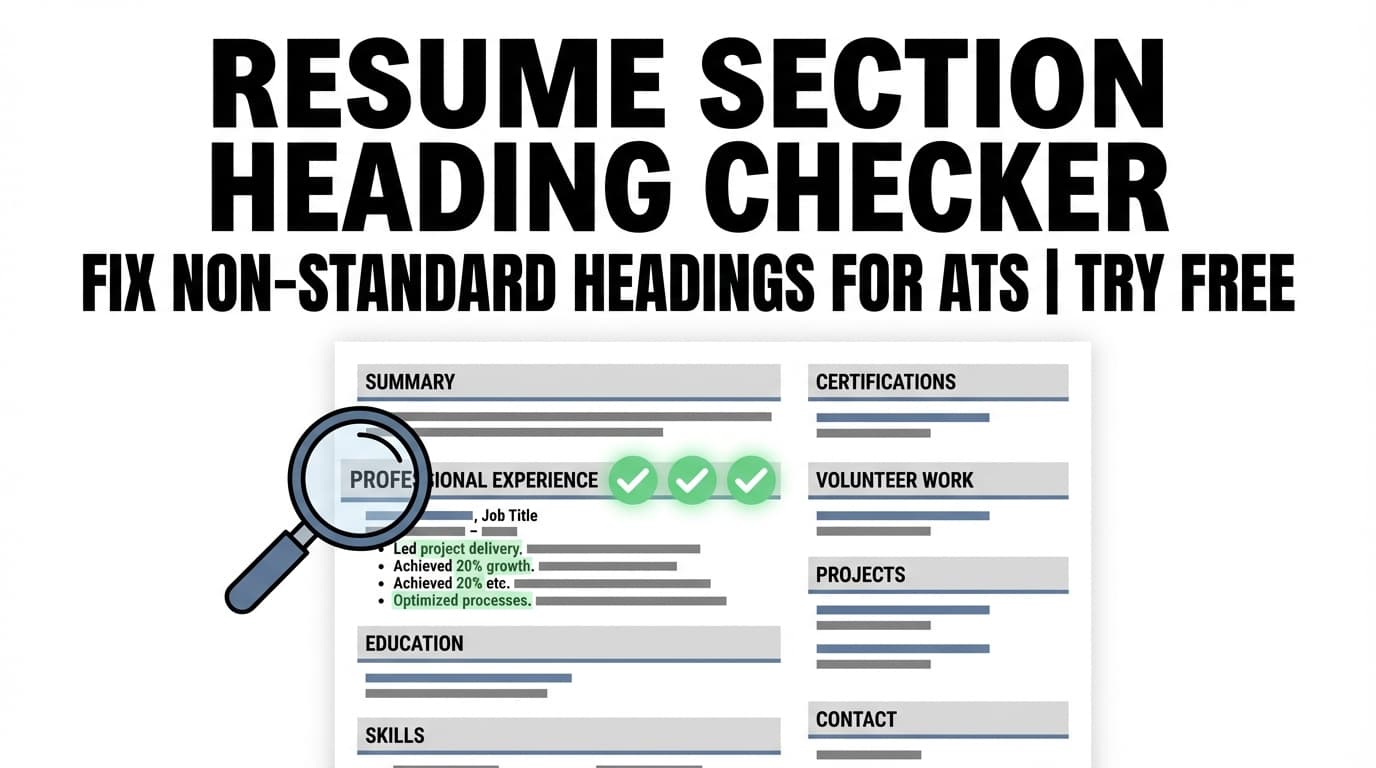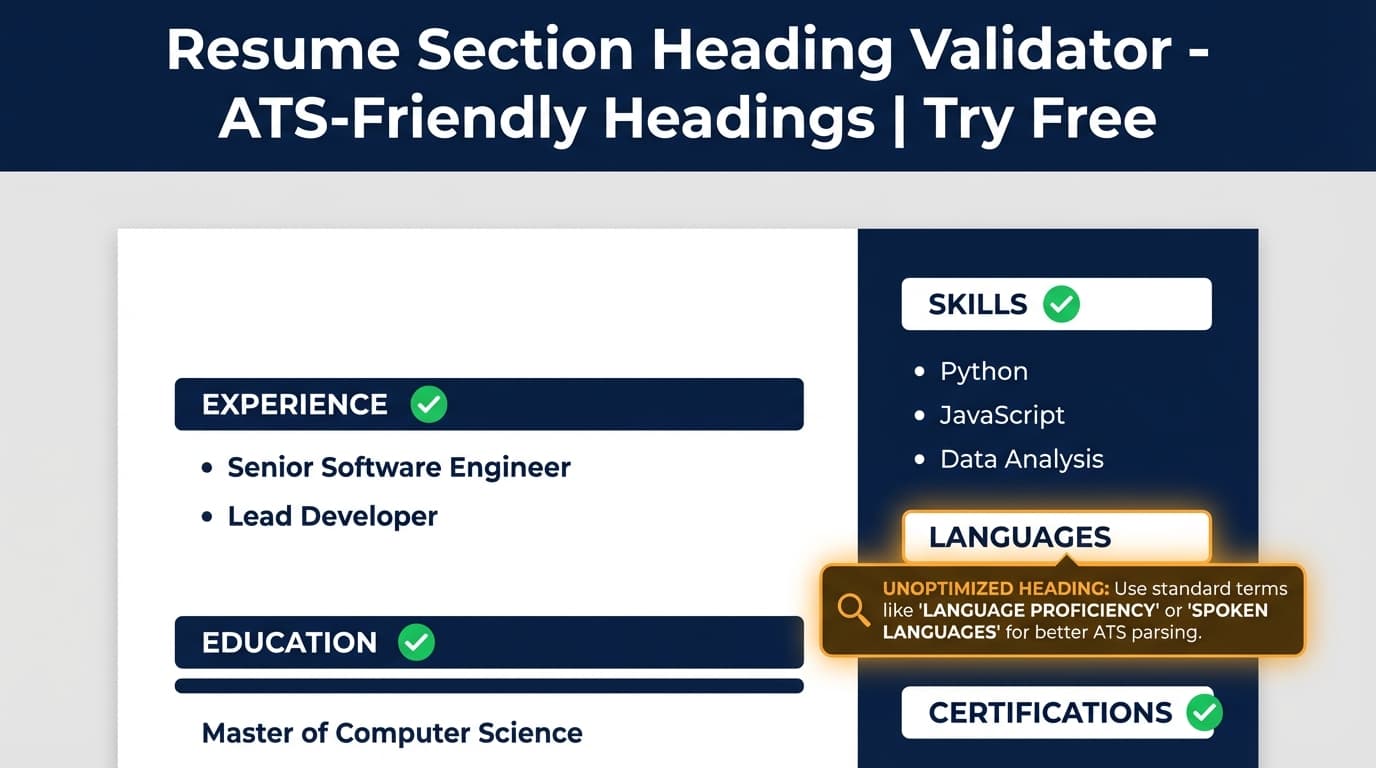
If your resume uses creative headings like “My Journey” or “Professional Background,” an ATS may misclassify (or miss) your Experience section entirely. The Resume Section Heading Validator helps you catch non-standard headings and switch to clearer, ATS-friendly section titles.
Try it now → or read on for the exact workflow inside JobShinobi.
What is Resume Section Heading Validator?
The Resume Section Heading Validator is a targeted ATS check inside JobShinobi’s resume analysis workflow. It reviews your resume content (JobShinobi stores resumes as LaTeX and compiles them to PDF) and looks for section heading patterns that are easy for resume parsers to recognize.
In practical terms, this tool helps you answer questions like:
- “Will an ATS understand that Professional Journey means Work Experience?”
- “Are my sections labeled clearly enough to be categorized as Experience, Education, Skills, Projects, etc.?”
- “Do my headings match the conventions that most ATS systems expect?”
This is especially useful if you:
- Customize section titles for style (and want to keep your resume ATS-friendly)
- Maintain multiple resume versions and want consistent structure
- Use templates and want to sanity-check heading conventions before you apply
Important: This tool improves clarity and parseability, but it does not guarantee interviews or “ATS pass” outcomes—ATS behavior varies by employer and setup.
How to Use JobShinobi’s Resume Section Heading Validator (HowTo)
Step 1: Create (or open) your resume in JobShinobi
- Sign in to JobShinobi (Google OAuth).
- Go to your Resume Builder / Resume Studio.
- Start from a template or open an existing resume.
JobShinobi resumes are edited as LaTeX and compiled to a PDF preview—so you can keep structure consistent while you refine content.
Tip: If you’re testing headings, keep the content the same and only change the section titles. That way you can clearly see what the validator flags.
Step 2: Click Analyze Resume
In the Resume Studio toolbar, click Analyze Resume to run JobShinobi’s resume analysis.
This analysis includes ATS-focused checks that look for structural issues—one of which is whether your resume uses recognizable, standard section headings (like Work Experience / Experience, Education, and Skills).
Tip: If you don’t see a score yet, run analysis once—after that, you can re-analyze whenever you update headings.
Step 3: Open the analysis report and look for heading-related ATS feedback
When your analysis is ready, open the Resume Analysis Report and review the ATS-focused feedback and recommendations.
Heading-related problems usually show up as ATS issues/recommendations such as:
- Non-standard or ambiguous section headings
- Sections that may be harder to categorize (e.g., Experience content not clearly labeled)
- Suggestions to rename headings to conventional labels
Examples of ATS-friendly headings most job seekers should stick to:
- Professional Summary (or Summary)
- Work Experience (or Experience)
- Education
- Skills (or Technical Skills)
- Projects
- Certifications
Tip: Keep headings simple and literal. Save creativity for bullet points and quantified achievements.
Step 4: Update headings in your resume and re-run analysis
- Go back to the editor.
- Rename the headings that were flagged.
- Re-run Analyze Resume to confirm the heading-related issues are gone.
JobShinobi supports re-analysis, so you can quickly iterate until your structure is clean.
Pro tip: After you standardize headings, duplicate the resume version and tailor content for each job. Keep headings consistent across versions to avoid accidental structural regressions.
Features of Our Resume Section Heading Validator
ATS-friendly “standard section headings” check
JobShinobi’s ATS analysis checks whether your resume uses conventional, easily recognized headings (Experience, Education, Skills, etc.) rather than vague or branded labels.
Why it matters: Many parsers use headings as anchors to classify your content. Clear headings make it easier for systems—and recruiters—to find what they need.
Resume parser clarity without copy/paste into random tools
Because the validator runs inside JobShinobi’s resume workflow (LaTeX + PDF compilation + analysis), you don’t have to move your content into multiple external checkers just to test headings.
Why it matters: Copy/pasting into other tools can strip formatting, change line breaks, and create “false” results that don’t reflect your real resume.
Works alongside broader ATS checks (not just headings)
Heading clarity is one of several ATS-readability signals. In the same ATS analysis pass, JobShinobi can also surface other parsing risks (when detected), such as:
- Date format consistency
- Contact information completeness
- Symbols/special characters that may confuse some parsers
- Potential layout complexity (e.g., tables/columns)
Why it matters: Headings can be perfect, but parsing can still fail if the rest of the structure is hard to interpret.
Built for versioned resumes
JobShinobi supports saving resumes and maintaining version history, which makes it easy to keep a “master structure” and test headings across tailored variants.
Why it matters: Many job seekers unknowingly change headings while tailoring and introduce parsing inconsistencies from version to version.
Resume Section Heading Validator Use Cases
For candidates using creative headings
If your resume includes headings like:
- “My Journey”
- “Career Story”
- “Where I’ve Worked”
- “Professional Background”
…this tool helps you translate them into headings that are more consistently recognized (like Work Experience or Experience) without changing your achievements.
Example adjustment
- “Professional Journey” → “Experience”
- “My Toolkit” → “Skills”
- “Academic Background” → “Education”
For technical resumes with multiple sections
Technical candidates often add sections like:
- “Tech Stack”
- “Selected Work”
- “Open Source”
- “Relevant Projects”
That’s fine—but you’ll usually get better ATS outcomes if core sections are still labeled clearly (Experience/Education/Skills) and optional sections use common names (Projects/Certifications) whenever possible.
For career changers who need “hybrid” sections
Career changers sometimes rely on sections like “Transferable Skills” or “Relevant Experience.” The validator helps you keep these while ensuring you still have obvious anchors for ATS categorization.
A safe pattern is:
- Keep Experience, Skills, Education standard
- Add “Relevant Experience” as a subsection or additional section if needed
Why Choose JobShinobi’s Resume Section Heading Validator?
| JobShinobi | Other “Free” Tools |
|---|---|
| Runs inside a resume workflow built on structured LaTeX + PDF preview | Often requires uploading, reformatting, or copy/paste into a separate checker |
| Helps you iterate quickly: analyze → rename headings → re-analyze | Many tools give one-off feedback that’s hard to validate after edits |
| Pairs heading checks with broader ATS-oriented analysis | Some tools only provide generic “use standard headings” advice without context |
Related Tools
Explore more from JobShinobi:
- Resume Analysis Report: Get scores and actionable feedback across content, keywords, formatting, completeness, and ATS-focused issues.
- Job Description Extraction: Paste a job URL or text and extract structured job details.
- Resume-to-Job Matching: Compare your resume against a job description to find missing vs present keywords and tailoring recommendations.
FAQ
Is Resume Section Heading Validator really free?
JobShinobi is a paid subscription product with $20/month or $199.99/year plans, and the site advertises a 7-day free trial. This page does not claim an unlimited free plan.
Do I need an account to use it?
Yes. You’ll need to sign in (Google OAuth) to create/open a resume and run analysis.
Does this guarantee my resume will pass ATS screening?
No. This tool helps reduce one common parsing risk (unclear or non-standard headings), but ATS results depend on the employer’s system and your overall resume content, keywords, and formatting.
What are the safest section headings to use?
In most cases, stick to conventional labels:
- Professional Summary (or Summary)
- Work Experience (or Experience)
- Education
- Skills
- Projects
- Certifications
If you want personality, add it to your bullet points—not your headings.
Start Using Resume Section Heading Validator Now
Small heading changes can make a big difference in how reliably your resume gets categorized by parsers—and how quickly a recruiter can scan it.