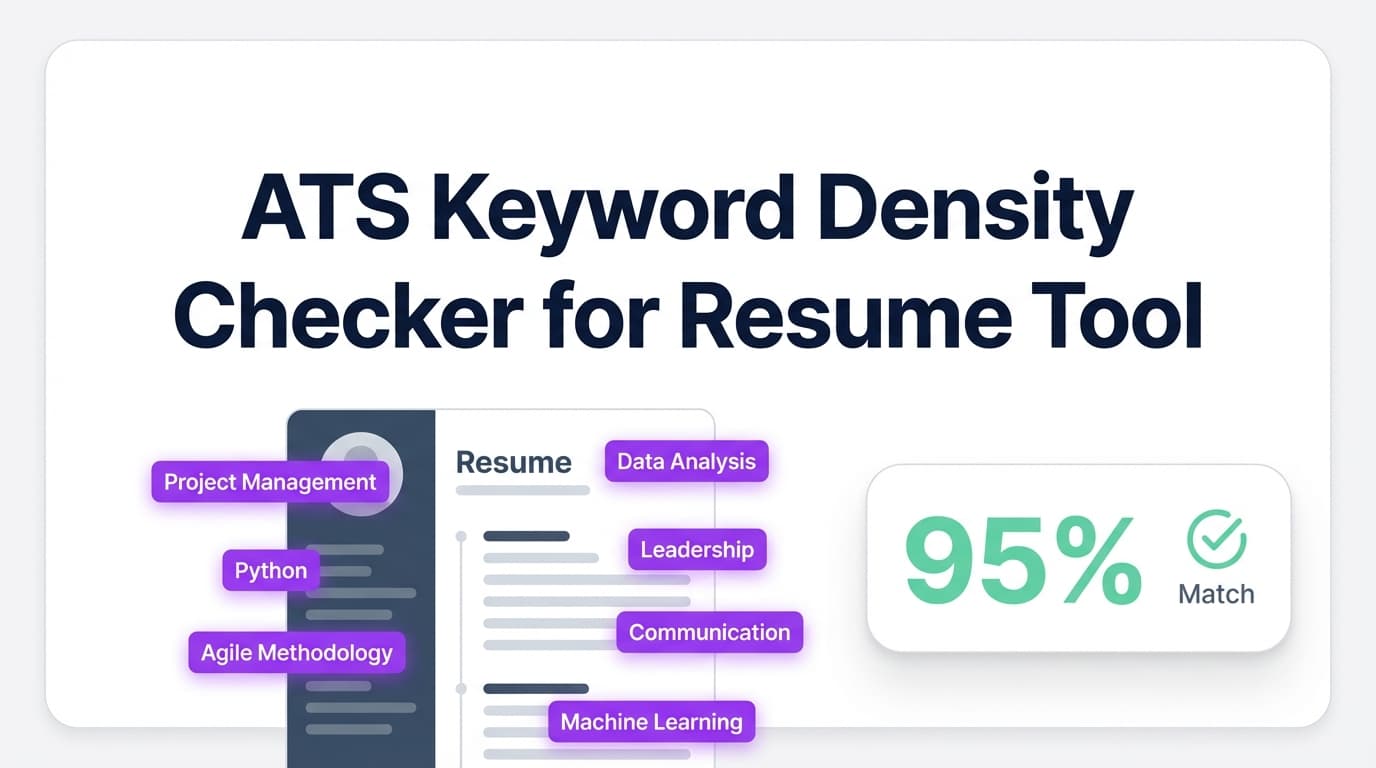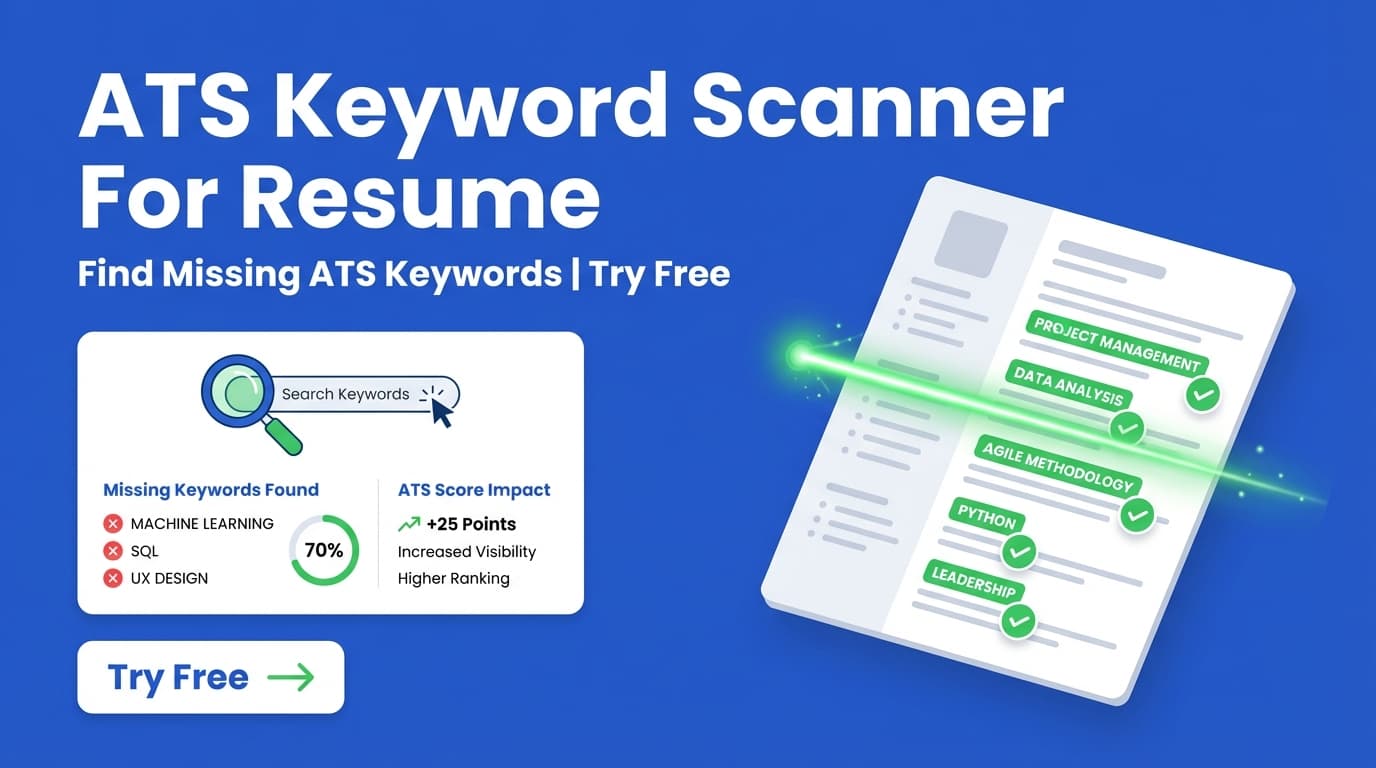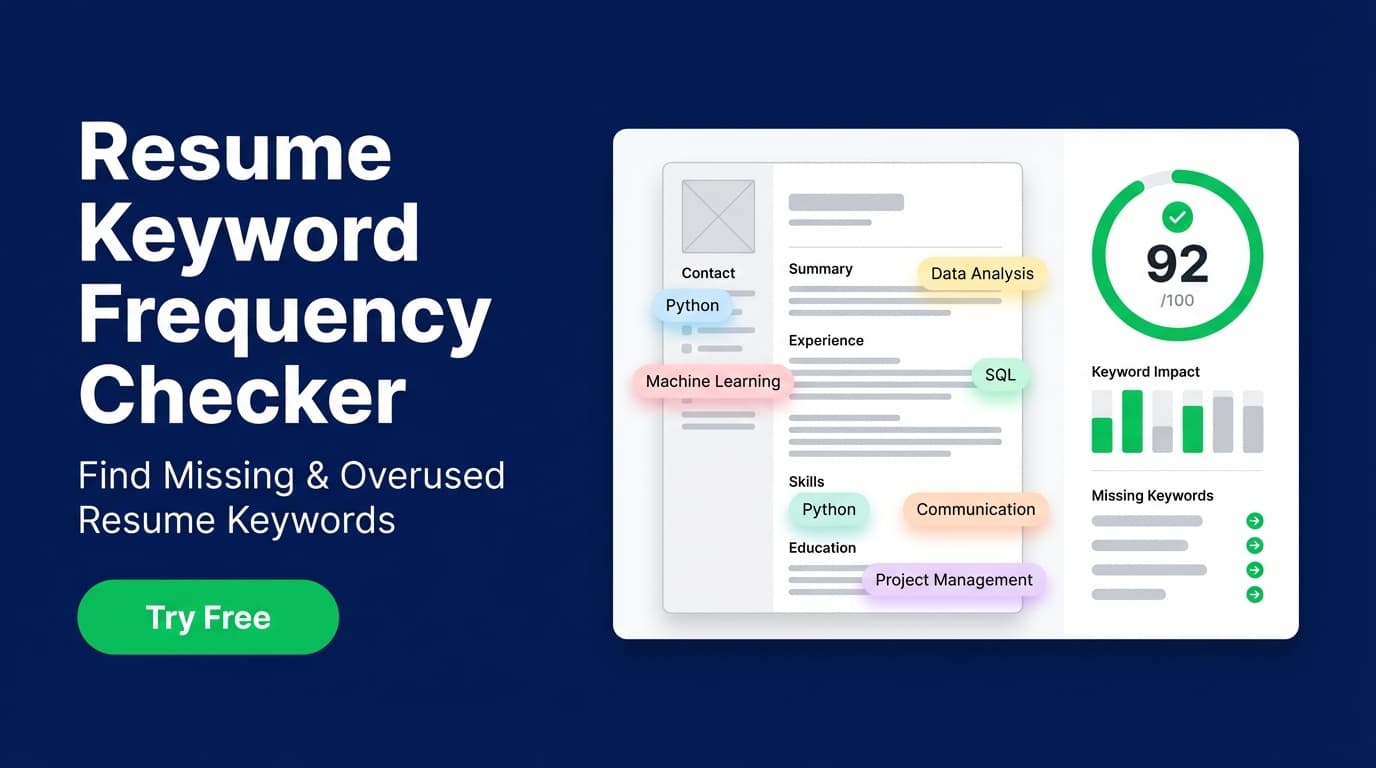
JobShinobi’s Resume Keyword Frequency Checker helps you review keyword usage in your resume—so you can see which job-relevant keywords are present, which are missing, and where you may be over-relying on the same terms.
Try it now → (JobShinobi is a paid product and the site advertises a 7‑day free trial.)
What is a Resume Keyword Frequency Checker?
A resume keyword frequency checker tool is designed to help job seekers understand whether their resume includes the right keywords for the roles they’re applying to—and whether those keywords appear in a natural way (instead of sounding stuffed or repetitive).
In JobShinobi, keyword checking is built into our resume workflow:
- You create/edit your resume in Resume Studio (LaTeX-based editor + PDF preview).
- JobShinobi runs resume analysis and returns keyword-focused feedback, including:
- Matching keywords found in your resume
- Suggested / missing keywords
- Keyword-focused scoring (part of your overall resume score)
- If you add a job description, JobShinobi can run job-specific keyword matching so the results align to that exact posting.
This tool is for you if you’re:
- Applying to ATS-heavy companies and want to reduce keyword gaps
- Tailoring your resume per role (without rewriting from scratch every time)
- Trying to avoid “keyword stuffing” while still covering the required skills
How to Use JobShinobi’s Resume Keyword Frequency Checker
Step 1: Sign in and open Resume Studio
JobShinobi uses Google sign-in. After logging in, go to your resume area and open Resume Studio (the resume editor).
Tip: If you already have a resume, open it in the editor so the analysis can run against your latest content.
Step 2: Add (or edit) your resume content
In Resume Studio, you can:
- Edit your resume’s LaTeX source in the Editor
- Use the Agent mode to get AI help refining content
- Compile to preview the PDF
JobShinobi automatically saves updates in the background, so your analysis reflects your current draft.
Tip: Focus on adding keywords in context (skills + proof). For example, don’t just add “SQL”—add a bullet showing how you used SQL to deliver results.
Step 3: Run keyword checking (resume analysis)
JobShinobi analyzes your resume and shows a score widget. Click the score widget (or choose Analyze Resume when available) to open the Resume Analysis Report.
Inside the report, you’ll see keyword-focused sections such as:
- Matching Keywords (keywords detected)
- Suggested Keywords (keywords you may be missing)
Pro tip: Re-run analysis after meaningful edits. Keyword feedback is most useful when your resume is close to final structure.
Step 4 (Optional): Paste a job description for job-specific keyword matching
If you want the keyword checker results to reflect a specific role, add a job description:
- Open the analysis report and choose Analyze for Specific Job
- Paste the job description text and run analysis
Job-specific analysis helps you:
- Identify keywords that appear in the job post but not in your resume
- See which keywords you already cover
- Get recommendations for how to improve alignment
Pro tip: Paste the full job post (responsibilities + requirements). Keyword extraction is better when the tool has complete context.
Features of Our Resume Keyword Frequency Checker
Keyword match + missing keyword suggestions
JobShinobi highlights keywords it finds and keywords you may want to add—so you can quickly spot gaps without manually scanning your entire resume.
Why it matters: ATS and recruiter screens often depend on role-relevant terms (tools, skills, methodologies). Missing a critical keyword can reduce your chances of being surfaced.
Job-specific analysis (paste a job description)
Add a job description to get tailored keyword matching, not just generic resume feedback.
Why it matters: Keywords vary by company and role level. “Python” might be required in one posting, while another emphasizes “Airflow” or “dbt.”
Resume score breakdown (keywords are part of your score)
JobShinobi generates an overall score and includes keyword scoring as part of the evaluation, alongside formatting, completeness, content quality, and ATS compatibility signals.
Why it matters: Keyword usage is only one part of a strong resume. You don’t want to “optimize keywords” while ignoring structure, clarity, or impact.
Overuse awareness (avoid keyword stuffing)
JobShinobi’s analysis is designed to help you improve alignment without turning your resume into a repetitive list of buzzwords.
Why it matters: Even when an ATS can parse keywords, overly repetitive or unnatural keyword usage can hurt readability for humans—and may not improve real screening outcomes.
Resume Keyword Frequency Checker Use Cases
For job seekers tailoring resumes per application
Use job-specific analysis to quickly identify missing keywords and update:
- Skills section
- Experience bullets
- Project descriptions
Example: If the job stresses “stakeholder management” and “roadmapping,” you can add a bullet that demonstrates those responsibilities (if true).
For career changers translating experience into the “right language”
If you have relevant experience but different titles/terminology, keyword feedback helps you map your work to what employers expect.
Example: You did “internal tooling” work—job posts call it “developer experience (DX)” or “platform engineering.”
For technical candidates balancing skills + proof
Technical resumes often list many tools. Keyword checking helps ensure your most important skills are clearly present—and supported by outcomes.
Example: Don’t just list “Kubernetes.” Add a bullet showing how you used it to improve reliability or deployment speed.
Why Choose JobShinobi’s Keyword Checker vs. Other Tools?
| JobShinobi Resume Keyword Frequency Checker | Other “Free” Keyword Tools |
|---|---|
| Job-specific keyword matching (paste a job description) | Often generic word-frequency counters with no job context |
| Built into a resume editor workflow (edit → analyze → improve) | Often “scan-only” with limited next steps |
| ATS-focused resume analysis beyond keywords | Many tools focus on counts but ignore formatting/structure |
Related Tools (Inside JobShinobi)
If you’re improving your resume for ATS and recruiters, these features pair well with keyword checking:
- Resume Analysis (ATS-focused scoring): Overall scoring + actionable feedback across content, keywords, formatting, completeness, and ATS signals
- Resume-to-Job Matching: Compare your resume to a job description and get recommendations
- Resume Studio (LaTeX resume builder): Edit LaTeX + compile to PDF preview
- Job Application Tracker: Track applications in a dashboard and export to Excel
FAQ
Is the Resume Keyword Frequency Checker really free?
JobShinobi is a paid subscription product (plans shown in code as $20/month or $199.99/year), and the site advertises a 7‑day free trial. We don’t recommend describing it as a permanently free tool.
Do I need to create an account?
Yes. JobShinobi uses Google sign-in, and the keyword checker is part of the authenticated resume workflow.
Does this tool show exact keyword counts?
JobShinobi focuses on keyword analysis for resume optimization (for example, which keywords are present vs. missing and job-alignment insights) rather than acting like a generic “word counter” that only lists raw counts.
Can JobShinobi guarantee I’ll pass ATS?
No. JobShinobi can help you improve keyword coverage and resume quality, but no tool can guarantee ATS outcomes because screening rules and hiring workflows vary by company and role.
Start Using the Resume Keyword Frequency Checker
If you’re applying to roles where ATS and recruiter keyword screens matter, the fastest way to improve alignment is to edit your resume and check keyword gaps against the actual job description—then iterate.