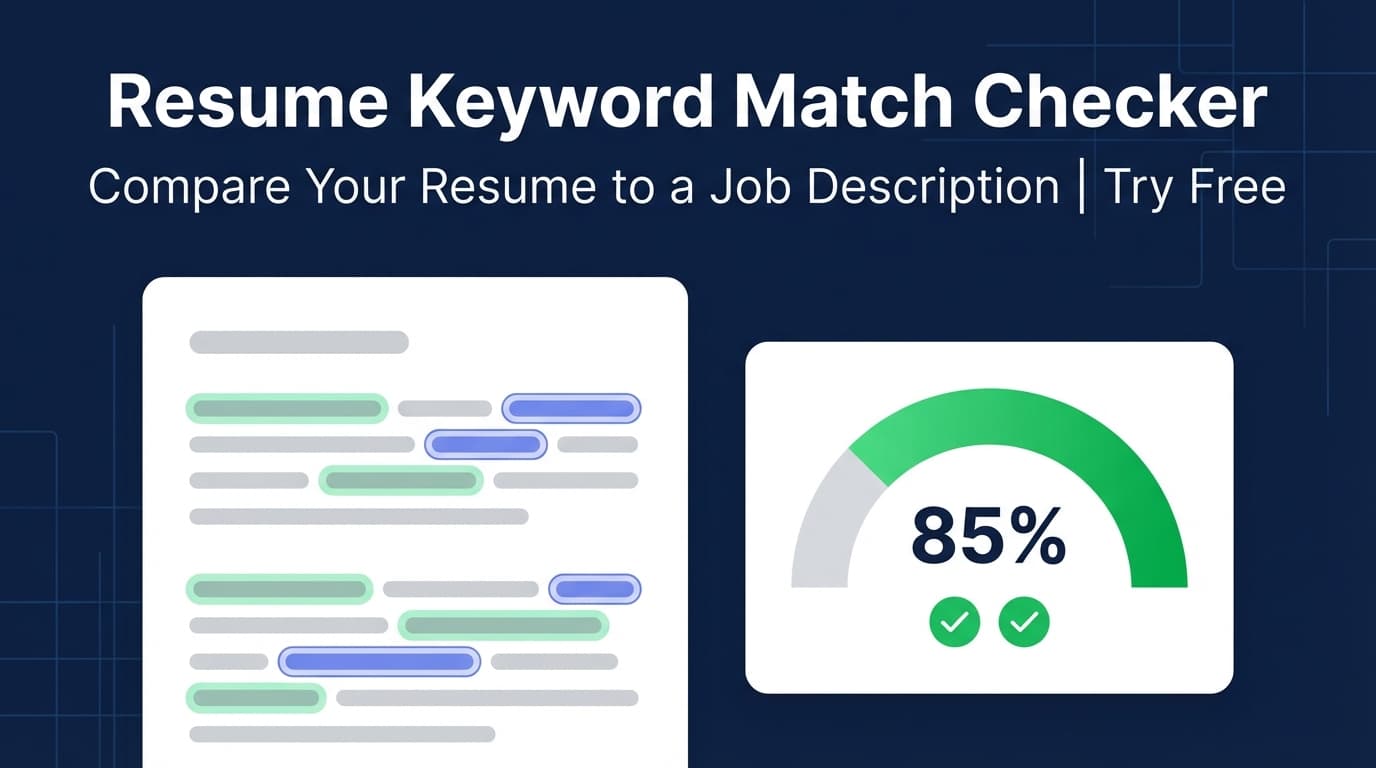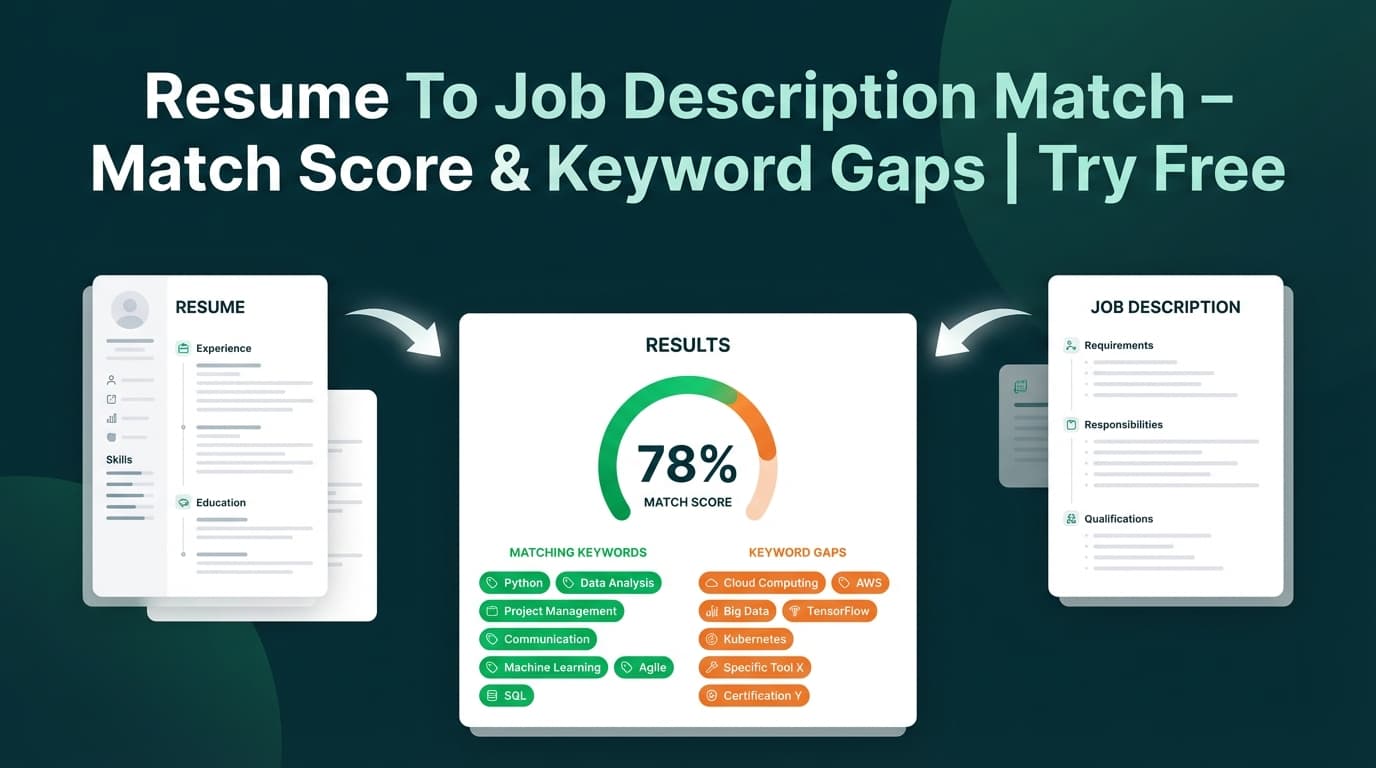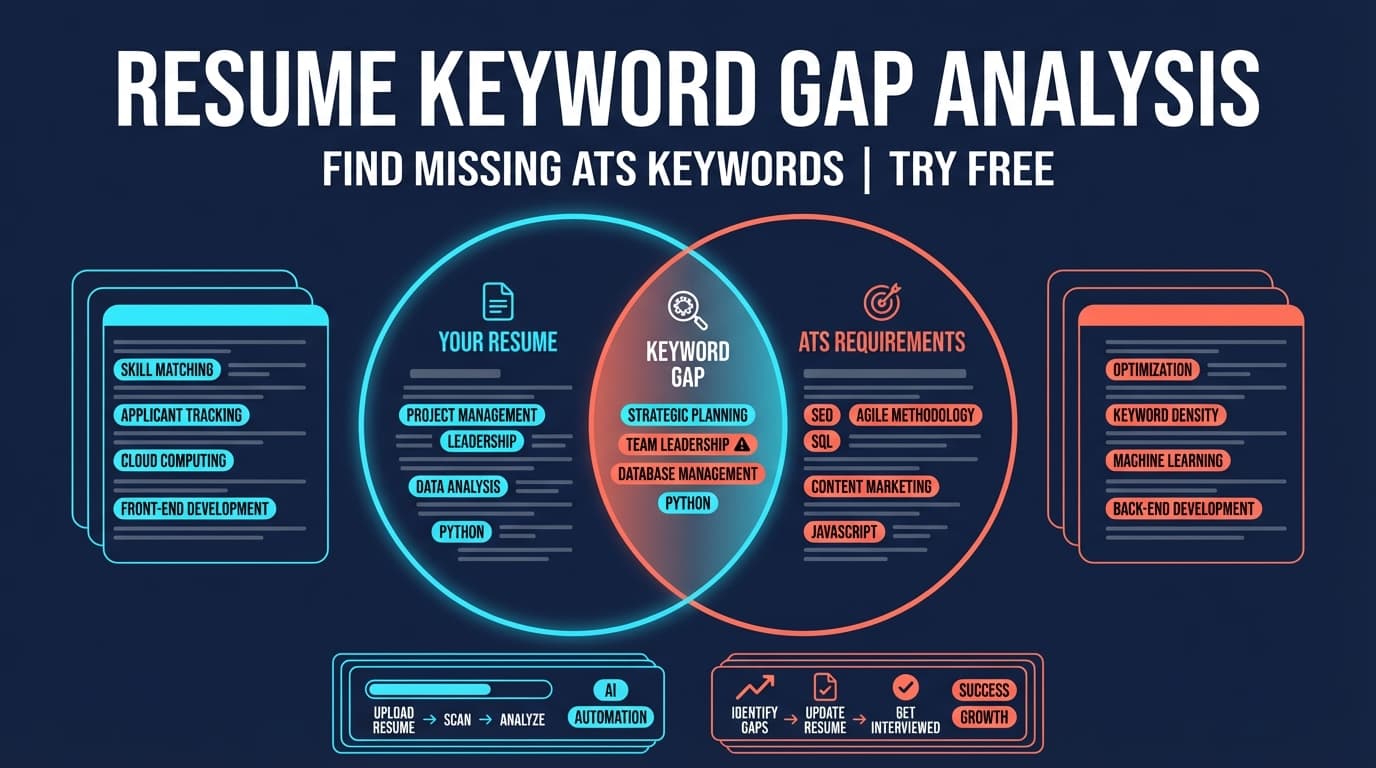
Resume Keyword Gap Analysis compares your resume to a job posting and shows (1) a match score and (2) the keywords you’re missing vs. already using, so you can tailor faster and apply with confidence.
What is Resume Keyword Gap Analysis?
A “keyword gap analysis” is the process of comparing the language in a job description with the language in your resume to identify gaps—especially skills, tools, and role-specific terms that applicant tracking systems (ATS) and recruiters commonly look for.
In JobShinobi, keyword gap analysis is part of a job-specific matching workflow:
- You provide a job posting (either a URL or pasted text).
- JobShinobi extracts structured job details (including a keyword list).
- Your resume is matched to that job, producing:
- a Job Match Score (0–100%)
- Matching Keywords (present in your resume)
- Missing Keywords (in the job keywords list but not found in your resume text)
- Recommendations to improve alignment
This is most useful when you’re applying to multiple roles and want a repeatable way to sanity-check every resume version before you submit.
Pricing note (important): JobShinobi is a paid product and the site advertises a 7-day free trial. Plans shown in code are $20.00/month or $199.99/year.
How to Use JobShinobi’s Resume Keyword Gap Analysis (HowTo)
Step 1: Create (or open) your resume in JobShinobi
To run keyword gap analysis, you’ll need a resume saved in JobShinobi.
- Sign in to JobShinobi.
- Open your resume in Resume Studio (the editor).
- Ensure your latest edits are saved.
Tip: If you’re actively editing, save your changes so the analysis reflects the current version.
Step 2: Open Job Matching
Navigate to the resume analysis area and open the Job Matching tab/section for the resume you want to tailor.
This is where JobShinobi runs job-specific matching and keyword gap analysis.
Step 3: Provide the job posting (URL or pasted text)
JobShinobi supports two input methods:
- URL: paste a job posting link (LinkedIn, Indeed, company careers page, etc.)
- Text: paste the full job description
Then click Extract Job Details.
Tip: If a URL is behind a login/paywall or loads content dynamically, use the Text option and paste the full job description for better results.
Step 4: Review match score + missing vs. matching keywords
After matching, you’ll see:
- Job Match Score (percentage)
- Matching Keywords (keywords JobShinobi detected in your resume)
- Missing Keywords (keywords you may want to add—truthfully)
- Recommendations (practical changes to improve fit)
How keyword gaps are determined (so you interpret results correctly): JobShinobi stores job keywords and checks whether each keyword appears in your resume text (case-insensitive). That means exact phrasing can matter.
- If the job says “React” and your resume says “React.js”, it may still match depending on the extracted keyword.
- If the job says “Amazon Web Services” and your resume only says “AWS”, you may need to include both forms if they’re relevant and accurate.
Step 5: Apply improvements and re-check
Use the recommendations and keyword gaps to update your resume—then run the analysis again.
In JobShinobi you can click Apply Suggestions to jump back into the editor, revise content, and re-run matching for the updated version.
Pro tip: Avoid keyword stuffing. Add keywords where they fit naturally—especially inside impact-driven bullets (Action + Scope + Result).
Features of Our Resume Keyword Gap Analysis Tool
Job posting extraction (URL or text)
Paste a URL or the full job description text. JobShinobi extracts job details and a keyword list you can use for matching.
Why it matters: You don’t have to manually assemble keywords for every job.
Job match score (0–100%)
You get a simple percentage score that reflects how well your resume aligns with the job based on the matching workflow.
Why it matters: It’s a fast signal for whether you’re “close” or missing major requirements.
Missing vs. matching keyword lists
JobShinobi clearly separates:
- Matching Keywords: already present in your resume
- Missing Keywords: present in the job keywords list, not found in your resume text
Why it matters: This is the core “gap analysis” output—clear, actionable, and job-specific.
Recommendations to tailor faster
Alongside keyword gaps, JobShinobi provides recommendations you can implement in your resume.
Why it matters: You’re not stuck with just a list of words—you get guidance on what to change.
Resume Keyword Gap Analysis Use Cases
For applicants tailoring resumes for every job
If you’re applying at volume, it’s easy to miss a critical tool/skill mentioned in a posting. Use keyword gap analysis to quickly catch missing items before you submit.
For career switchers translating experience into the job’s language
Sometimes you’ve done the work, but your resume uses different terminology than the target role. Gap analysis helps you spot language mismatches and rewrite accurately.
For experienced candidates targeting niche roles
Senior roles often include specific domains (security, MLOps, data governance, RevOps) and leadership keywords. A gap check can highlight what to emphasize in bullets and summaries.
Why Choose JobShinobi’s Resume Keyword Gap Analysis?
| JobShinobi | Other “Free” Tools |
|---|---|
| Built into a resume workflow (edit → analyze → apply suggestions → re-check) | Often a one-off scan with no editing loop |
| Accepts job input via URL or pasted text | Some tools only support one input method |
| Outputs match score + missing/matching keywords + recommendations | Many tools only output a keyword list |
| Works with a structured resume editor and PDF export flow | Some tools don’t help you produce the final document |
Related Tools & Features in JobShinobi
Explore more from JobShinobi:
- Resume Analysis (Score & Feedback): Overall score + breakdown (content, keywords, formatting, completeness, ATS).
- Job Description Extraction: Turn a job URL or pasted description into structured job details.
- Resume Studio (LaTeX + PDF): Edit your resume and export a clean PDF.
- Job Tracker: Track applications in a dashboard and export to Excel.
FAQ
Is Resume Keyword Gap Analysis really free?
JobShinobi is a paid product and advertises a 7-day free trial. After that, plans shown in the app are $20/month or $199.99/year.
Do I need to create an account?
Yes. The analysis runs against a resume saved to your account, so you’ll need to sign in to create/open your resume and run the match.
Can I use a job posting URL instead of copying the description?
Yes—JobShinobi supports both URL and Text. If the URL doesn’t parse cleanly, paste the job description text instead.
Does this guarantee I’ll “pass ATS”?
No. Keyword alignment helps, but there’s no guaranteed ATS pass. Use the results to improve relevance and clarity, and keep formatting and content truthful.
What’s the safest way to add missing keywords?
Add keywords only if they reflect your real experience. Good places include:
- Skills (tools/tech you truly know)
- Experience bullets (how you used the skill + impact)
- Summary (only for core themes)
Start Using Resume Keyword Gap Analysis Now
Stop guessing whether your resume “matches” a job. Run a quick keyword gap analysis, update what’s missing (truthfully), and re-check your score before you submit.