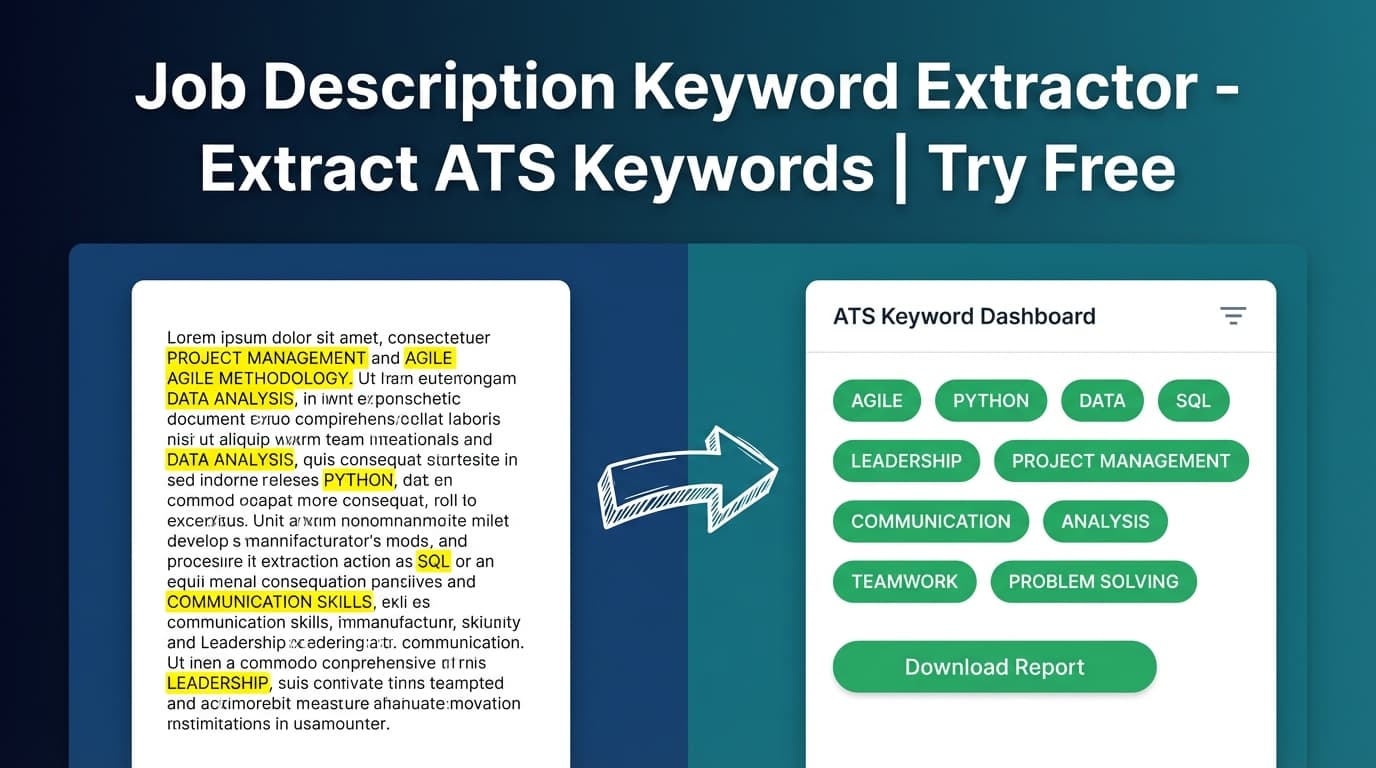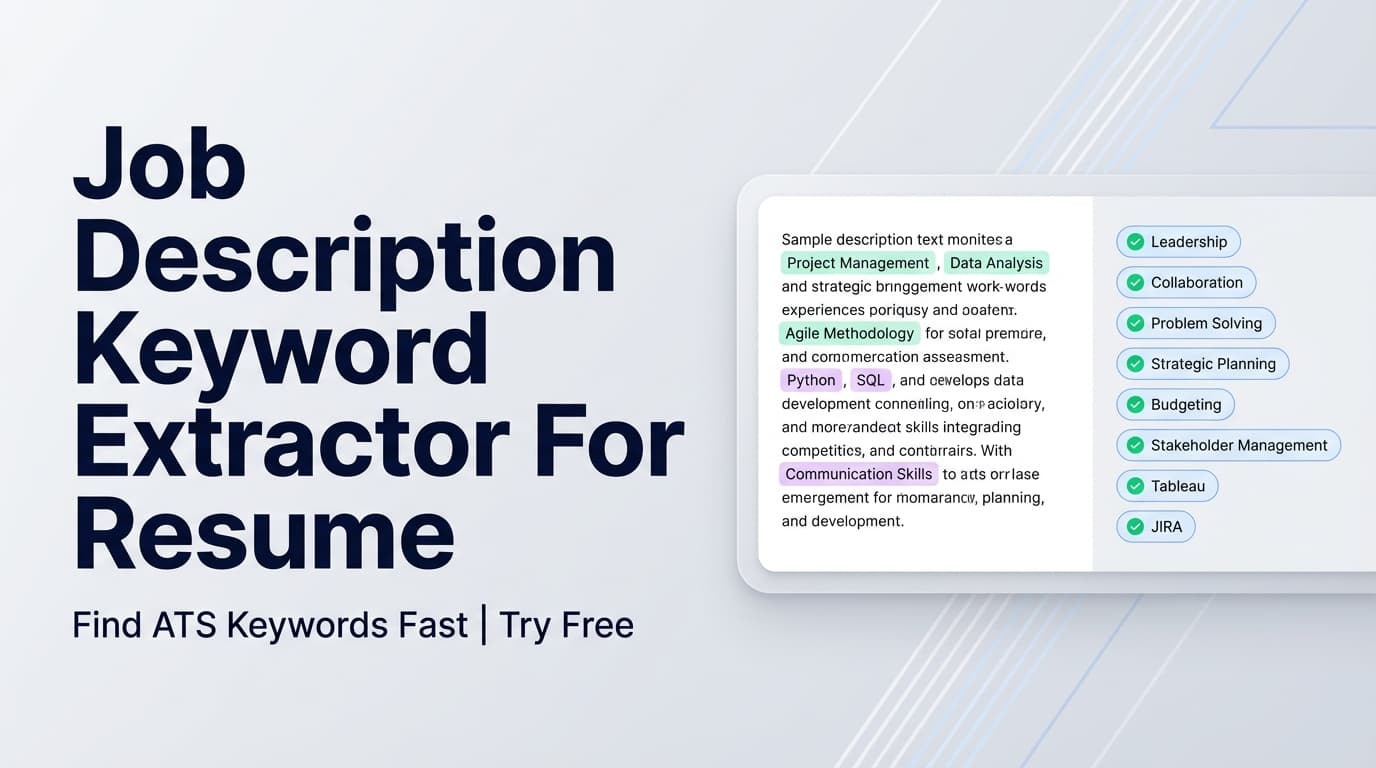
JobShinobi’s Skills Extractor From Job Description pulls the key skills, technologies, and requirements out of a job posting so you can tailor your resume faster—without scanning paragraphs line by line.
What is a Skills Extractor From Job Description tool?
A skills extractor from job description tool analyzes a job posting and identifies the skills and keywords employers explicitly mention—the tools, technologies, qualifications, and role-specific terms that typically show up in requirements sections and screening criteria.
JobShinobi’s version is AI-powered and accepts either:
- a job posting URL (LinkedIn, Indeed, company career pages, etc.), or
- the full job description text (copy/paste).
What you’ll get (output)
When you run the tool, it extracts structured job info, typically including:
- Company (when available)
- Position / job title (when available)
- Brief job description (2–3 sentences)
- Requirements (a list)
- Key Skills & Technologies (keyword list)
That “Key Skills & Technologies” list is your fast checklist for tailoring: what to reflect in your resume (truthfully), and what you might be missing.
Who it’s for
- Job seekers tailoring resumes for each application
- Students / new grads learning what a role expects (and how roles differ)
- Career changers mapping their current skills to a target role’s language
- Anyone optimizing for ATS-style keyword matching (without keyword stuffing)
How to Use JobShinobi’s Skills Extractor From Job Description
Step 1: Open the tool
Go to: Skills Extractor From Job Description
Because the extraction request includes a userId, you’ll typically need to be logged in to use the tool inside JobShinobi.
Step 2: Choose URL or Text
You can extract skills in two ways:
- URL mode: paste the link to the job post.
- Text mode: paste the job description content directly.
Tip: Some job sites restrict automated page fetching. If URL mode fails, switch to Text mode and paste the job description instead.
Step 3: Paste the job post
- In URL mode, paste the full URL (including
https://). - In Text mode, paste the complete job description—especially sections like Requirements, Qualifications, What you’ll do, and Must-have skills.
Tip for best results: Include the requirements block, not just a short summary. The more relevant text you provide, the better the extracted keyword list will be.
Step 4: Click Extract Job Details
Click the button labeled Extract Job Details.
JobShinobi will analyze the posting and show a preview of the extracted job details.
Step 5: Use the keywords as a tailoring checklist
Focus on the Key Skills & Technologies list first. Then review the Requirements list for any must-haves you should address directly in your resume (if you actually have the experience).
Pro tip: Don’t paste keywords blindly into a Skills section. A better approach is:
- Add only the skills you truly have.
- Reinforce the most important ones in Experience bullets (tools + outcomes).
- Mirror the employer’s wording where it’s accurate (e.g., “ETL pipelines” vs “data pipelines”).
Features of Our Skills Extractor From Job Description Tool
URL or pasted-text input
Extract skills from a job posting link or job description text.
Why it matters: If a site blocks URL fetching, you can still extract skills by pasting the text.
Key Skills & Technologies extraction
The tool returns a clear list of keywords focused on technical skills, tools, and qualifications mentioned in the posting.
Why it matters: These are often the terms you need to reflect naturally in your resume to improve alignment.
Structured job details (not just a keyword dump)
You’ll also get structured fields like company, position, a short description, and a requirements list.
Why it matters: Requirements are frequently the real screening checklist—this helps you tailor strategically, not randomly.
Built to pair with resume matching
In JobShinobi, job extraction fits naturally into a broader workflow (resume analysis + resume-to-job matching).
Why it matters: Many standalone “keyword finders” stop at a list; JobShinobi is designed to help you act on the list.
Skills Extractor From Job Description Tool Use Cases
For tailoring one resume to one job (fast)
Example: You’re applying to a “Data Analyst” role and your resume says “data reporting.”
Run the extractor and you might see keywords like:
- SQL, Tableau, dashboards, stakeholder management, A/B testing, data validation
Then tailor by:
- Updating Skills (only what’s true)
- Adding 1–2 bullets that explicitly mention the relevant tools and impact
- Tweaking summary to match the role focus (analytics, reporting, experimentation, etc.)
For building a “common keywords” master list
If you’re applying to several similar roles, run multiple postings through the tool and look for repeated keywords. Those repeated terms often belong in your baseline resume (again, only if accurate).
For spotting skill gaps before you apply
Use the extracted requirements and keywords to quickly see:
- which skills you already have and can demonstrate
- what’s missing (and whether it’s a true dealbreaker)
Why Choose JobShinobi’s Skills Extractor From Job Description?
| JobShinobi Skills Extractor | Other keyword tools (general) |
|---|---|
| Accepts URL or pasted text | Often text-only, or URL parsing is inconsistent |
| Returns skills + requirements + structured job details | Often outputs only a keyword list |
| Designed to connect to resume analysis + matching workflows | Often disconnected from editing/tailoring workflows |
| Honest, practical output you can validate and use | Can be noisy or overly generic |
Related Tools in JobShinobi
If you’re tailoring applications, these pair well with skills extraction:
- Resume Analysis: Get an overall resume score plus keyword and ATS-focused feedback.
- Resume-to-Job Matching: Compare your resume against a job’s extracted keywords to see what’s missing vs present.
- LaTeX Resume Builder + PDF Preview: Edit your resume with a clean, structured format and compile to PDF.
- Job Application Tracker: Track applications in a dashboard and export to Excel.
FAQ
Is this Skills Extractor From Job Description tool free?
JobShinobi is a paid subscription product ($20/month or $199.99/year). The site advertises a 7-day free trial, so you may be able to try the tool during the trial period.
Do I need an account?
Yes—job extraction requests include a userId, so you’ll typically need to sign in to use the tool.
Can I use a LinkedIn/Indeed job URL?
You can try. If the site blocks fetching, switch to Text mode and paste the job description instead.
Does this guarantee I’ll pass ATS?
No. This tool helps you identify relevant keywords and requirements so you can tailor your resume more effectively. ATS outcomes vary by employer and configuration—and your resume still needs accurate, credible content.
Will it extract soft skills too?
The tool is designed to extract key skills and technologies (plus a requirements list). Soft skills may appear in the requirements output if the posting includes them, but the keyword list is primarily aimed at skills/tools/qualifications.
Start Using the Skills Extractor From Job Description Tool Now
Stop guessing what matters in a job post. Extract the skills and requirements in seconds, then tailor your resume with confidence.