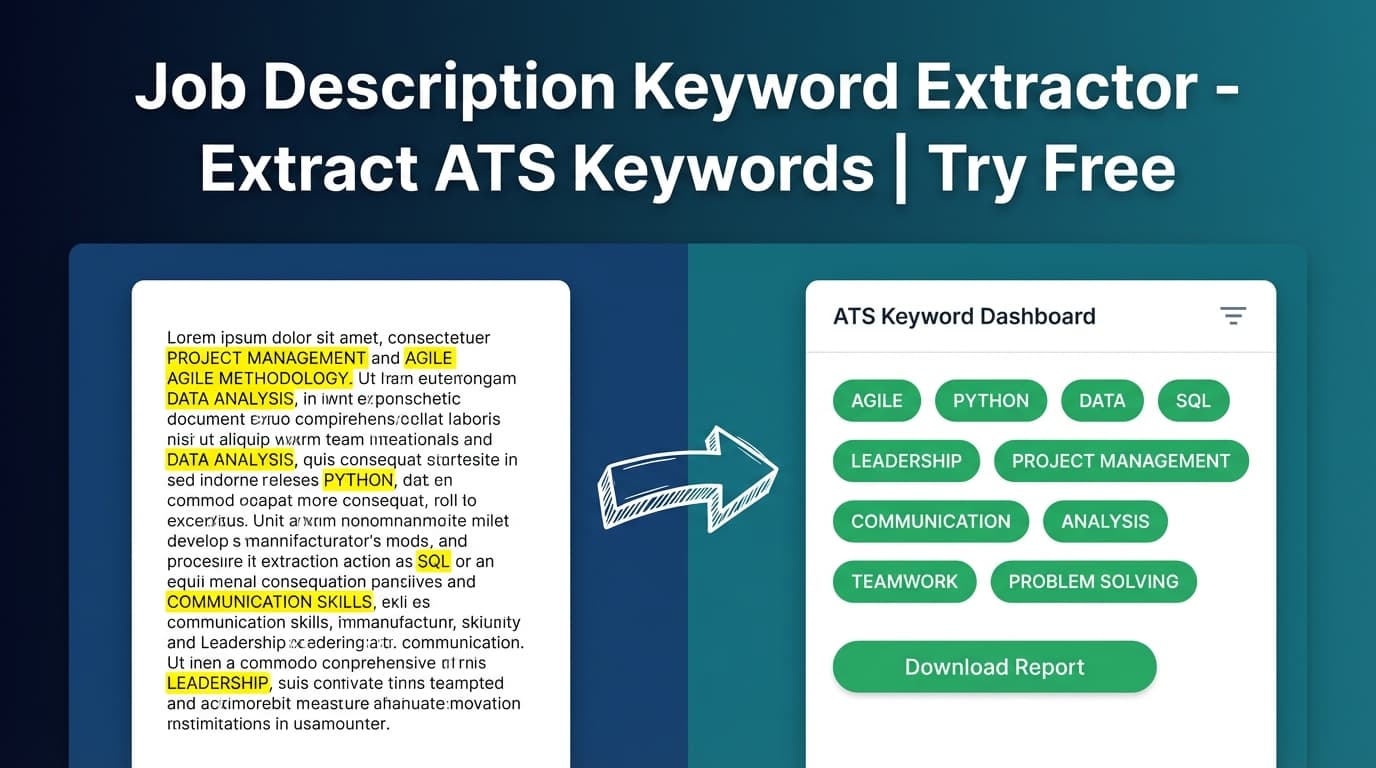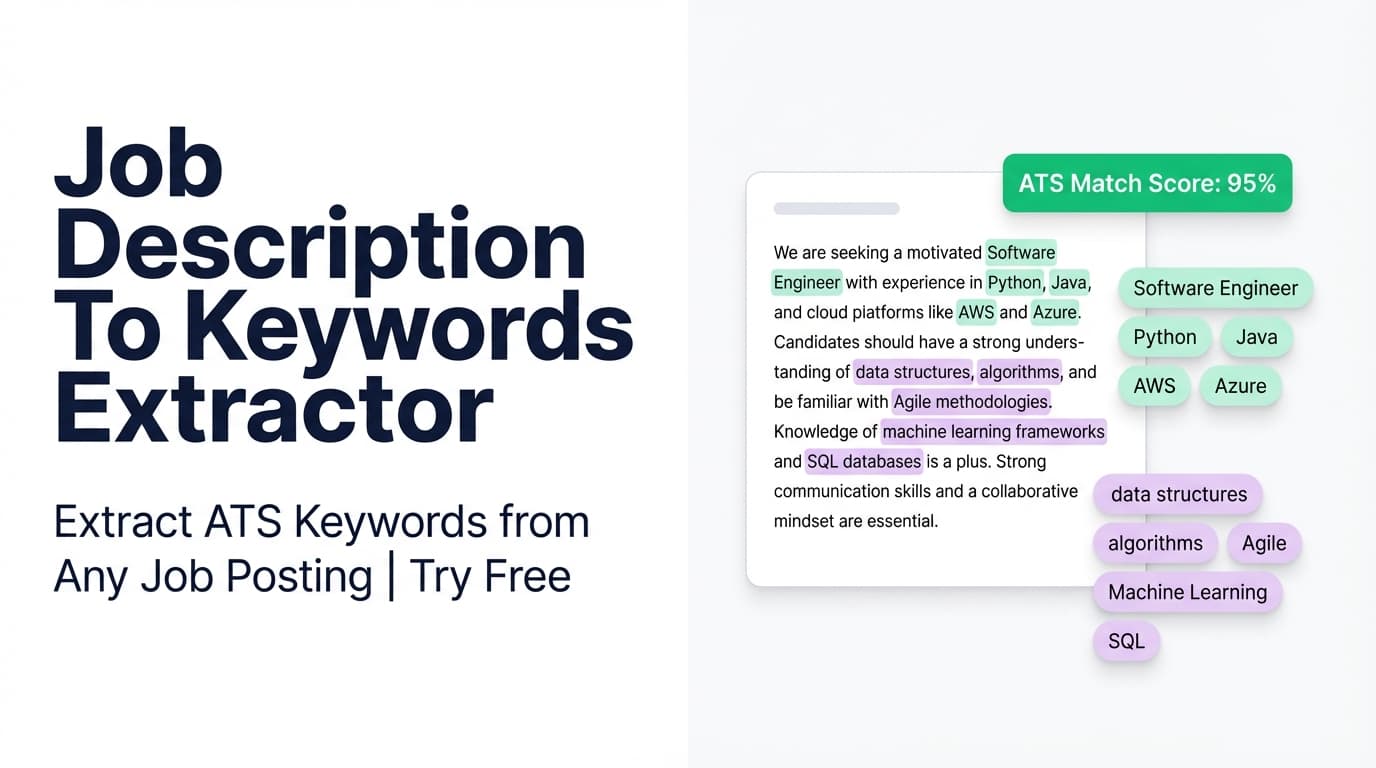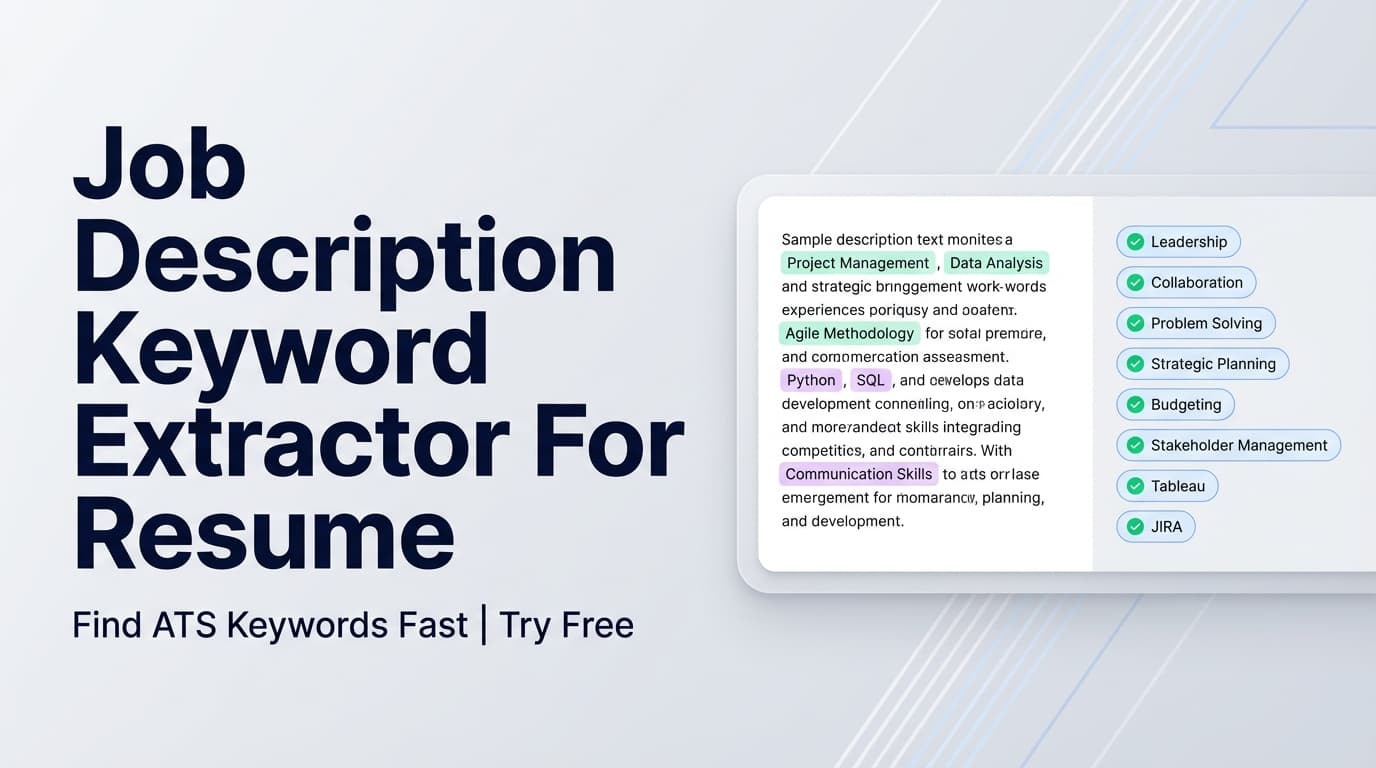
The Job Description Keyword Extractor For Resume pulls Key Skills & Technologies from a job posting (either a URL or pasted text) so you can tailor your resume to the language recruiters and ATS scans are looking for—without guessing.
Try it now → or keep reading for the exact workflow and best practices.
What is a Job Description Keyword Extractor For Resume?
A job description keyword extractor is a tool that analyzes a job posting and returns the most important keywords—usually a mix of:
- hard skills (tools, technologies, platforms)
- role requirements (methods, frameworks, responsibilities)
- job-specific language (titles, domains, compliance terms)
In JobShinobi, this tool is part of the resume + job-matching workflow. You provide a job posting URL or job description text, and JobShinobi extracts structured job details, including a dedicated list labeled “Key Skills & Technologies.”
That keyword list is useful because it helps you:
- quickly identify what the role prioritizes, and
- tailor your resume language to match (truthfully), which can improve relevance in both ATS parsing and recruiter skim-reading.
How to Use JobShinobi’s Job Description Keyword Extractor For Resume (Step-by-Step)
Step 1: Sign in to JobShinobi
This tool runs inside the JobShinobi web app, where your user session provides the userId used for extraction.
Tip: If you’re applying to multiple roles, keep one resume per “target role” and reuse this extractor for each posting.
Step 2: Open the job description input and choose URL or Text
You’ll see a Job Description input with two tabs:
- URL: paste a job posting link (LinkedIn, Indeed, company careers page, etc.)
- Text: paste the full job description content
Best practice: include the entire posting—especially sections like Requirements, Qualifications, and Tech Stack—because those lines tend to contain the keywords ATS filters on.
Step 3: Click Extract Job Details
Click Extract Job Details to run the extraction.
If the input is empty, you’ll be prompted to enter a job URL or description. If extraction succeeds, you’ll see a preview card labeled Job Details Extracted.
Step 4: Review your extracted keywords (Key Skills & Technologies)
JobShinobi displays the extracted items when available:
- Company
- Position
- Description
- Key Skills & Technologies (your keyword list)
This keyword list is the output you’ll use to tailor your resume.
Pro tip: Don’t “keyword stuff.” Instead, place keywords where they naturally belong:
- Skills section: tools/platforms you actually use
- Experience bullets: keyword + action + outcome (proof)
- Projects: tech stack + scope + impact
Step 5 (Optional): Compare extracted keywords to your resume
If you run JobShinobi’s resume-to-job matching workflow, it can categorize keywords as:
- Matching Keywords (present in your resume text)
- Missing Keywords (in the job post but not found in your resume text)
- plus a match score and improvement recommendations
This turns the keyword list into a practical “gap checklist” for resume tailoring.
Features of Our Job Description Keyword Extractor For Resume
URL or text input (flexible job post support)
You can analyze a job via URL or by pasting raw text.
Why it matters: Some job boards are easier to link to; some are easier to copy/paste. You can use whichever is faster.
Extracted “Key Skills & Technologies” list (keyword output)
JobShinobi returns a clear list labeled Key Skills & Technologies.
Why it matters: It’s the fastest way to identify what to mirror in your resume language—especially for technical roles.
Structured job details (company, position, description)
When available, the extractor also returns job context (company and position) along with a short description.
Why it matters: If you’re tailoring multiple applications, context reduces mix-ups (e.g., using the wrong keyword set for the wrong role).
Optional keyword gap view (missing vs present keywords)
When paired with resume matching, JobShinobi can identify which extracted keywords are already present in your resume vs missing.
Why it matters: It prevents over-editing and focuses you on the changes that can actually improve relevance.
Accuracy note: Keyword “missing/present” is determined by whether the keyword text appears in your resume content. You should still validate meaning and fit (e.g., acronyms, synonyms, and truly equivalent experience).
Job Description Keyword Extractor For Resume: Common Use Cases
For tailoring each application (without rewriting everything)
Use the keyword list to adjust:
- your Skills section
- 2–4 high-impact experience bullets
- 1–2 project bullets
Example: If the role emphasizes “ETL,” “dbt,” and “Snowflake,” reflect those terms where you genuinely used them, rather than only writing “data pipelines.”
For technical job seekers (engineering, data, IT, analytics)
Technical postings often include long toolchains and requirements.
This extractor helps you quickly capture keywords like:
- languages/frameworks (Python, React, Java)
- cloud platforms (AWS, GCP, Azure)
- tooling (Docker, Kubernetes, Terraform)
- data stack (SQL, Airflow, dbt)
For career switchers translating experience into target-role language
If your experience is relevant but described differently, extracted keywords help you align phrasing.
Example: “Partnered cross-functionally” may map to “stakeholder management.” The tool highlights the target language, and you update wording where appropriate.
Why Choose JobShinobi’s Keyword Extractor vs Other Tools?
| JobShinobi | Many “free keyword finder” tools |
|---|---|
| Supports URL or pasted text input | Often text-only |
| Returns Key Skills & Technologies in a clean list | Sometimes returns noisy or overly broad keywords |
| Can connect keywords to resume matching (missing vs present) | Often stops at keyword output with no next step |
| Built into a resume workflow (analysis + editing) | Separate tools that don’t integrate with your resume edits |
Related Tools in JobShinobi
If you’re extracting keywords, these tools pair well with it:
- Resume Analysis (ATS feedback): Score your resume and get structured feedback (strengths, weaknesses, ATS issues, keyword analysis).
- Resume-to-Job Matching: Get a match score, missing keywords, and recommendations based on a specific job.
- Resume Editor + PDF Preview (LaTeX): Edit your resume content and export a polished PDF.
FAQ
Is JobShinobi’s Job Description Keyword Extractor For Resume free?
JobShinobi is a paid subscription product ($20/month or $199.99/year in the pricing configuration), and the site advertises a 7-day free trial.
So you can try it free during the trial, but it’s not accurate to call the product “free.”
Do I need an account to extract keywords?
Yes. The extractor runs inside the JobShinobi web app and uses your authenticated userId during processing.
Can I use a job URL (LinkedIn/Indeed/company site)?
Yes—JobShinobi supports extracting job details from a URL or from pasted text.
Does this guarantee I’ll “pass ATS”?
No. JobShinobi helps you identify keywords and tailor faster, but it does not guarantee ATS outcomes and does not automatically submit applications.
What’s the best way to add keywords to a resume?
Use keywords in context:
- Skills section for tools/technologies you truly know
- Experience bullets to demonstrate impact using those skills
- Projects for evidence if your job experience doesn’t clearly show it
Start Using the Job Description Keyword Extractor For Resume
Stop manually hunting keywords line-by-line. Use JobShinobi to extract the Key Skills & Technologies from a job post and turn them into a clear, practical tailoring checklist.