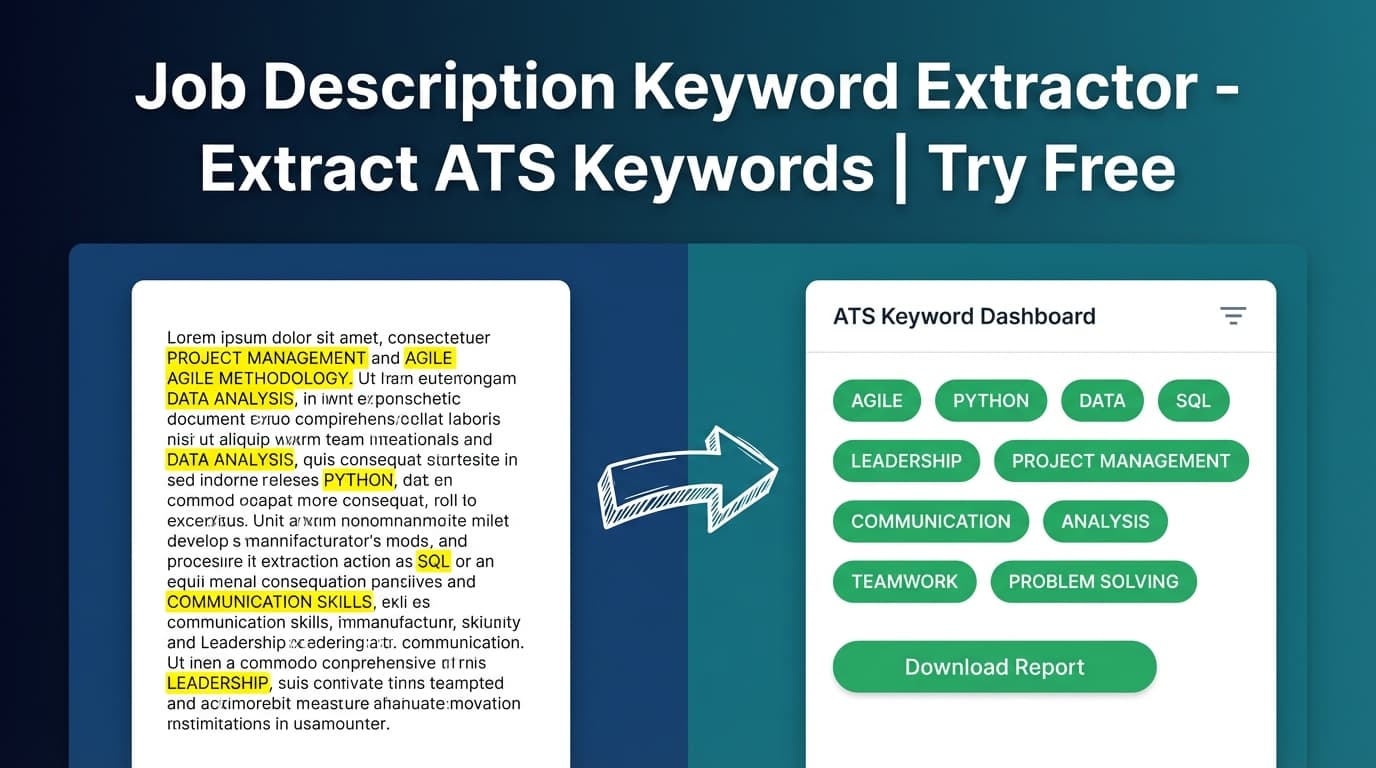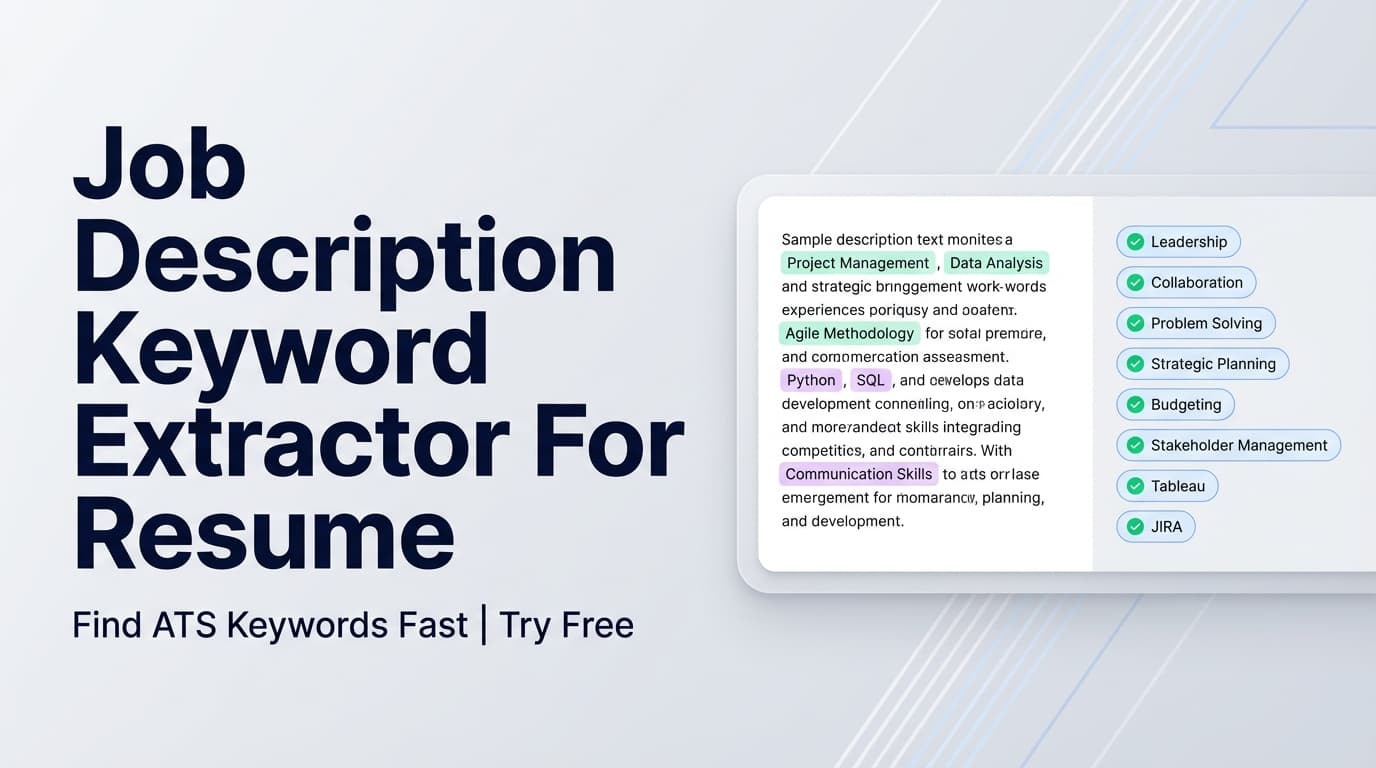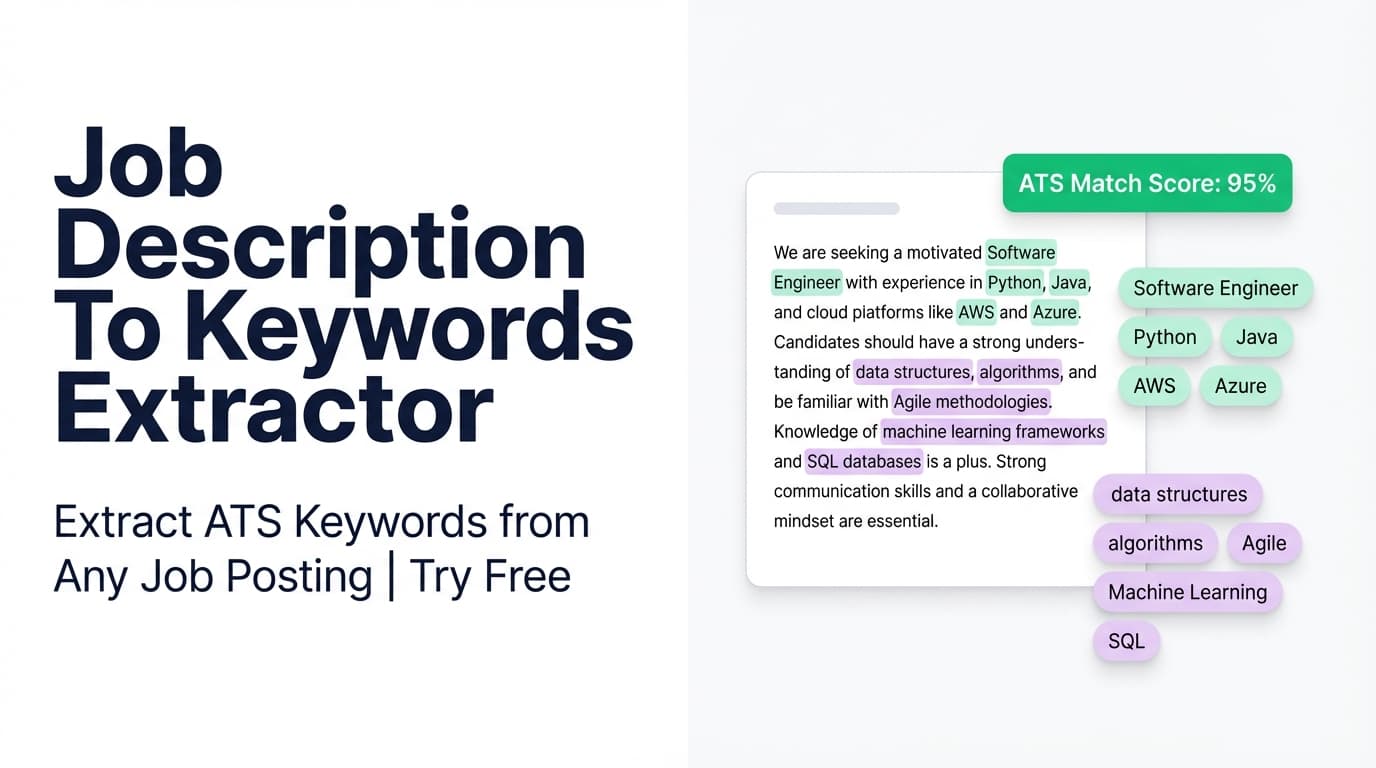
JobShinobi’s Job Description To Keywords Extractor analyzes a job posting and returns a clean list of keywords (skills, tools, and qualifications)—so you can tailor your resume faster and more accurately.
What is Job Description To Keywords Extractor?
A “job description to keywords extractor” is a tool that pulls out the most important terms from a job posting—usually the exact skills and requirements recruiters (and ATS software) expect to see reflected in your resume.
In JobShinobi, this tool is part of the job-posting extraction flow used in the resume analysis experience. You can provide either:
- a Job Posting URL, or
- the full job description text
…and JobShinobi will extract structured fields like:
- Company (when it can be identified)
- Position / job title
- A short description summary
- A list of requirements
- A list of keywords (technical skills, tools, qualifications)
If you’re applying to multiple roles, the biggest time sink is figuring out what this posting emphasizes—and what your resume should mirror (truthfully). This tool makes that step quick.
How to Use JobShinobi’s Job Description To Keywords Extractor
Step 1: Open the tool
Navigate to:
/tools/job-description-to-keywords-extractor-tool
You’ll see two tabs: URL and Text.
Step 2: Add the job posting (URL or Text)
Option A — URL
- Click URL
- Paste a job posting link (LinkedIn, Indeed, or a company careers page)
Tip: If a posting is behind a login wall or loads content dynamically, URL extraction may fail or return incomplete text. In that case, use the Text option instead.
Option B — Text
- Click Text
- Paste the full job description, including:
- responsibilities
- required qualifications
- preferred qualifications
- tools/tech stack mentions
Tip: Don’t paste only the intro paragraph. The “Requirements” section is usually where the highest-signal keywords live.
Step 3: Click Extract Job Details
Click the button labeled:
Extract Job Details
JobShinobi will process the posting and show a preview panel titled Job Details Extracted, including a list of Key Skills & Technologies.
Step 4: Use the keyword list to tailor your resume (the right way)
Once you have the extracted keywords, use them to guide edits like:
- Updating your Skills section with relevant skills you actually have
- Adjusting Experience bullets to include the same tools/terms in context (e.g., “Built ETL pipelines in Python” rather than listing “Python” alone)
- Aligning your Summary and Target Role wording to match the posting’s language
Pro tip: ATS matching improves when keywords appear naturally inside accomplishments (action + tool + impact). Avoid stuffing a long list of keywords into a single “Skills” dump—recruiters can spot that immediately.
Features of Our Job Description To Keywords Extractor
URL or text input (two-tab workflow)
You can extract keywords from either a job posting URL or pasted job description text.
Why it matters: URL is fast when it works; text is reliable when job boards restrict content.
Extracted keyword list (“Key Skills & Technologies”)
The tool returns a keyword list intended to include skills, tools, and qualifications found in the posting.
Why it matters: You get a focused set of terms to tailor against instead of guessing.
Requirements + summary extraction (not only keywords)
Alongside keywords, JobShinobi extracts a requirements list and a short job description summary.
Why it matters: Requirements tell you what to emphasize (and what to de-emphasize) when tailoring.
Built to connect to job matching (next step)
JobShinobi also supports resume-to-job matching that uses:
- a match score
- present keywords
- missing keywords
- recommendations
Why it matters: Keyword extraction is step one; matching and tailoring is how you turn the keywords into a better resume.
Job Description To Keywords Extractor Use Cases
For job seekers tailoring resumes quickly
Use the extracted keywords as a checklist to tailor each application:
- Which tools are explicitly required?
- Which responsibilities are repeated multiple times?
- Which “nice to have” keywords could be a differentiator?
For ATS keyword alignment (without guesswork)
Many ATS systems rely heavily on keyword matching. This tool helps you identify the exact terms used in the job posting—so you can mirror them accurately (when true).
Examples of helpful alignment:
- “CI/CD” vs “continuous integration”
- “data pipelines” vs “ETL”
- “stakeholder management” vs “cross-functional collaboration”
For spotting role patterns across postings
If you extract keywords from 5–10 postings for the same role, you’ll quickly see patterns:
- the most common tools
- the most common responsibilities
- “must-have” vs “nice-to-have” language
That pattern recognition helps you prioritize what to highlight on your resume.
Why Choose JobShinobi’s Job Description To Keywords Extractor?
| JobShinobi | Other “free” keyword tools |
|---|---|
| Supports URL or text input | Often one input type only |
| Extracts keywords + requirements + title/company (when available) | Often keywords only |
| Designed to plug into resume analysis + matching | Often a standalone list with no next step |
| Practical output (keywords shown as clear tags) | Output can be cluttered, overly long, or hidden behind upsells |
Related Tools (Inside JobShinobi)
If you want to go beyond extraction, explore:
- Resume Analysis: Generates resume scoring and keyword feedback (cached when resume hasn’t changed).
- Resume-to-Job Matching: Saves match score, missing keywords, present keywords, and recommendations.
- Resume Builder (LaTeX + PDF preview): Edit in LaTeX, compile to PDF, and keep version history.
- Job Application Tracker: Track applications in a dashboard and export to Excel.
FAQ
Is Job Description To Keywords Extractor really free?
JobShinobi is a paid subscription product with plans shown in the app as $20/month or $199.99/year, and the site advertises a 7-day free trial.
To keep expectations accurate, this page does not claim unlimited free access.
Do I need an account to use it?
In JobShinobi’s implementation, extraction is tied to a userId, so you should expect to sign in to use the tool.
Can I use a LinkedIn or Indeed URL?
You can try. Some sites restrict access or render job content dynamically, which can limit what can be extracted from the URL. If that happens, use the Text tab and paste the job description directly.
What kinds of keywords does it extract?
The tool is designed to extract keywords such as:
- technical skills
- tools and technologies
- qualifications and role-specific terms
Results may vary depending on how clearly the posting is written.
Does this guarantee I’ll pass ATS?
No. This tool helps you identify relevant keywords and requirements, but it does not guarantee ATS outcomes or interviews. The best results come from truthful tailoring: reflect keywords you actually have experience with, and prove them through specific accomplishments.
Start Using Job Description To Keywords Extractor Now
Stop guessing what matters in a job posting. Extract the keywords, understand the requirements, and tailor your resume with confidence—then use JobShinobi’s matching and analysis features to turn that list into measurable improvements.