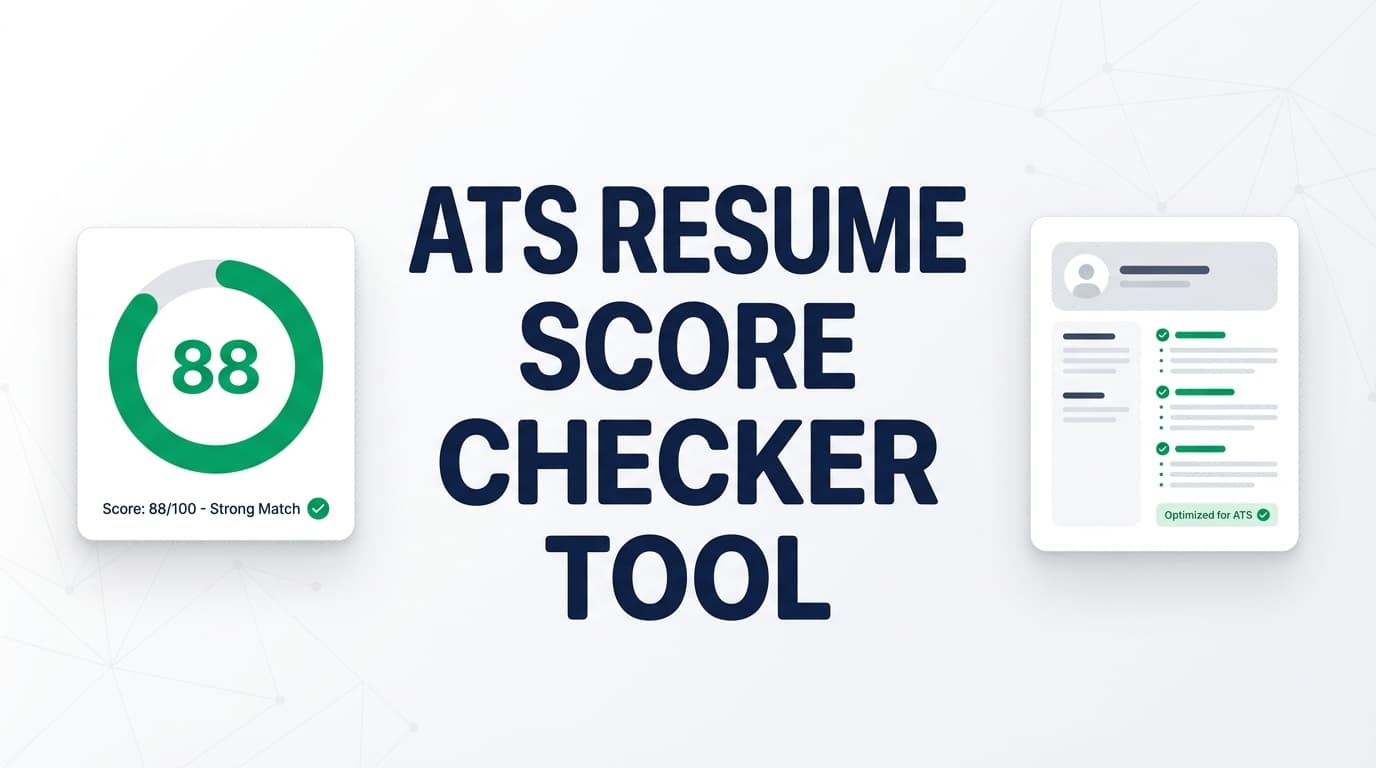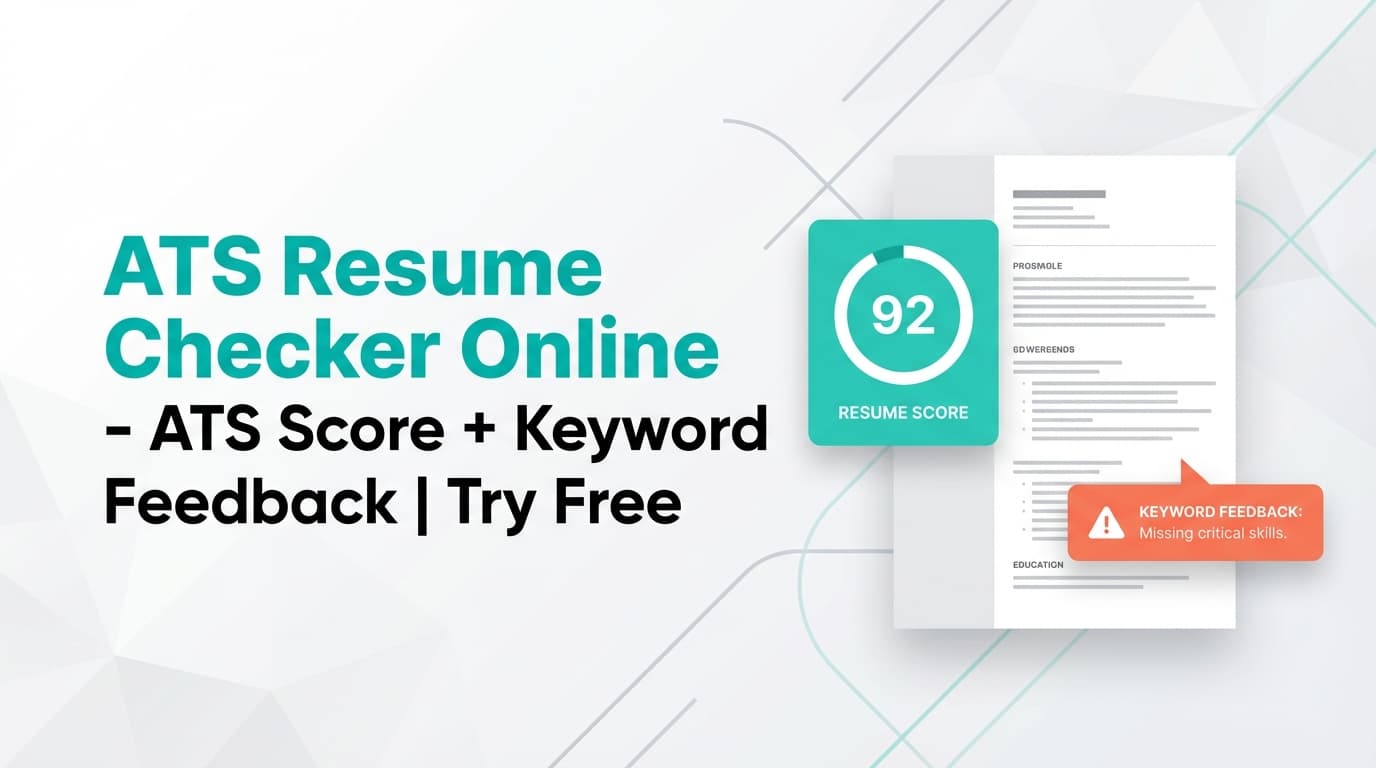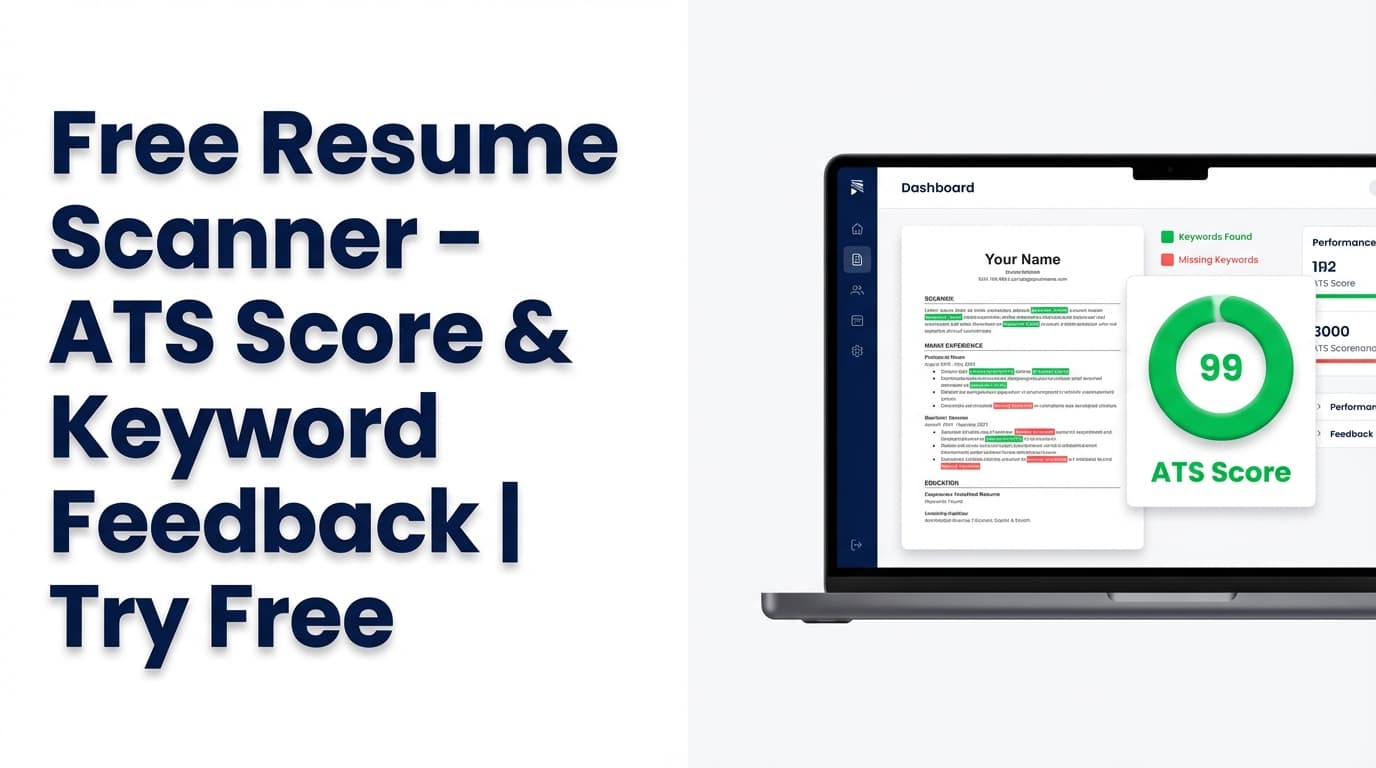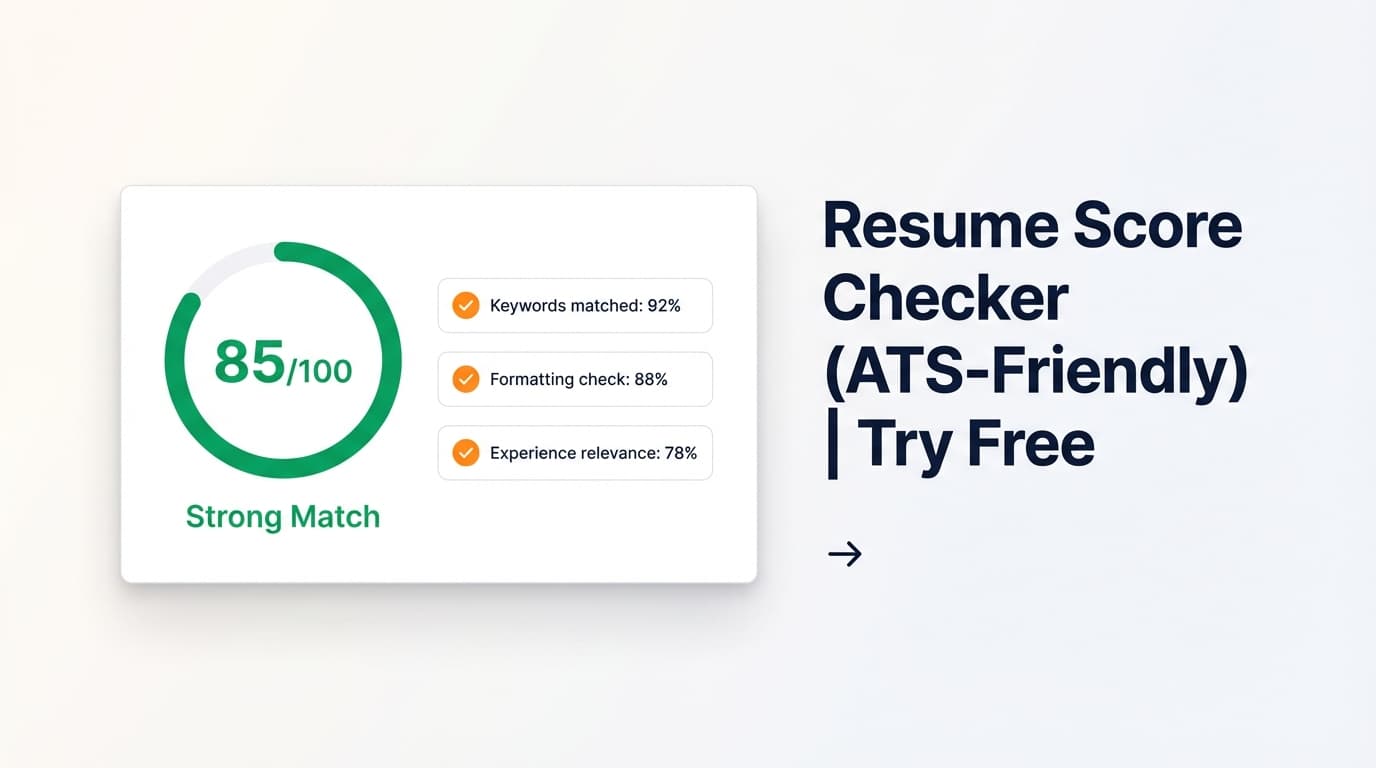
JobShinobi’s Resume Score Checker analyzes your resume and returns an overall score out of 100 plus a clear breakdown across content, keywords, formatting, completeness, and ATS compatibility—so you know exactly what to improve.
Try it now → or keep reading to learn how it works.
Pricing note (accuracy): JobShinobi is a paid subscription product. The site advertises a 7‑day free trial. Plans shown in code are $20.00/month or $199.99/year.
What is a Resume Score Checker Tool?
A resume score checker tool reviews your resume against common ATS and recruiter expectations and returns:
- A single overall score (0–100) for quick benchmarking
- Category scores so you can pinpoint what’s hurting you (keywords vs structure vs completeness)
- Actionable feedback like strengths, weaknesses, missing sections, and ATS issues
JobShinobi’s scoring is built into its Resume Studio, where your resume is maintained as LaTeX source with a compiled PDF preview. That means you can iterate quickly:
- edit your resume → 2) re-analyze → 3) export when ready.
What this tool does (and doesn’t do)
- Does: score your resume, highlight strengths/weaknesses, surface keyword gaps, and provide ATS-focused guidance.
- Does not: guarantee you’ll “pass ATS,” submit applications for you, or integrate with job boards for auto-applying.
How to Use JobShinobi’s Resume Score Checker
Step 1: Open the tool and sign in
- Go to Resume Score Checker.
- Sign in (JobShinobi uses Google OAuth).
Tip: You’ll need an account because the tool analyzes a resume saved to your profile and can store your latest score.
Step 2: Create a resume (or open an existing one) in Resume Studio
From the Resume area in JobShinobi:
- Start from a template, or
- Open one of your saved resumes
Then launch Resume Studio (the editor). You can:
- Edit your resume’s LaTeX source
- Compile and preview the PDF
Tip: If you’re new to LaTeX, start by editing the text inside existing sections like \section{Experience}—you don’t need to “learn LaTeX” to make meaningful changes.
Step 3: Run “Analyze Resume” to get your score
In Resume Studio’s header you’ll see the score widget:
- If you don’t have a score yet, click Analyze Resume
- If you already have a score, click it to open the full report, or click Re-analyze to refresh
You’ll receive:
- Overall score (0–100)
- Category scores:
- Content score
- Keyword score
- Formatting score
- Completeness score
- ATS score
Pro tip: If your resume hasn’t changed since the last analysis, JobShinobi can return a cached result (faster). If you’ve made changes, use Re-analyze for an updated score.
Step 4 (Optional): Add a job description for job-specific matching
Want your score aligned to a specific role?
JobShinobi supports job-specific analysis by using a job description (either:
- a job URL, or
- pasted job description text)
Then it can generate a job match score and show:
- Present keywords (you already have them)
- Missing keywords (gaps to address)
- Recommendations to improve alignment
Pro tip: Only add keywords you can support with real experience. The goal is clarity and relevance—not keyword stuffing.
Step 5: Apply improvements and iterate
After reviewing feedback:
- Edit the resume in Resume Studio
- Compile the PDF preview (to confirm formatting/readability)
- Re-run analysis
This loop is how you turn a vague “my resume feels off” into a measurable improvement process.
Features of Our Resume Score Checker
Overall resume score (0–100) with clear benchmarks
JobShinobi returns a numeric overall score out of 100 (and displays a grade-style label) so you can track improvements across versions.
Why it matters: You can compare different resume drafts objectively—especially when tailoring for multiple roles.
Category breakdown: content, keywords, formatting, completeness, ATS
Instead of one opaque number, JobShinobi breaks your score into key categories:
- Content Quality (impact, action verbs, measurable results)
- Keywords (role-relevant terms and skills)
- Formatting (readability/structure as it would appear in the final PDF)
- Completeness (missing sections and coverage)
- ATS Compatibility (ATS-focused issues to review)
Why it matters: You’ll know what to fix next rather than guessing.
Detailed feedback: strengths, weaknesses, missing sections, ATS issues
The analysis can include structured feedback such as:
- Strengths (what to keep)
- Weaknesses (what to improve)
- Missing sections (what might be absent)
- ATS issues (common ATS-readability pitfalls)
Why it matters: This turns the score into an actionable checklist.
Keyword insights: present, missing, and (when available) overused keywords
JobShinobi’s analysis supports keyword feedback such as:
- present keywords
- missing keywords
- overused keywords (when provided by the analysis)
It can also store additional keyword fields like keyword density, contextual usage score, and top skills detected when available.
Why it matters: Keyword alignment is often the biggest “silent” reason resumes underperform.
Optional job matching + tailoring recommendations
If you run job-specific analysis, JobShinobi can:
- Extract job details from a URL or text
- Compute a match score
- List missing/present keywords
- Provide recommendations and “apply suggestions” workflow back to the editor
Why it matters: A generic resume score is useful—but job-specific matching is what helps you tailor effectively.
Built into Resume Studio (LaTeX editor + PDF preview)
Because analysis is integrated into the editor workflow, you can:
- Edit your resume content
- Compile and preview the PDF
- Re-analyze immediately
Why it matters: Many “free resume score checker tool” sites are upload-only. JobShinobi is built for iteration.
Resume Score Checker Use Cases
For high-volume applicants (multiple roles per week)
Use the score as a fast quality gate:
- Run analysis after each update
- Fix critical weaknesses once
- Keep a stable “baseline” resume version, then tailor selectively
Example: Create a strong general SWE resume, then tailor keywords for Backend vs Full-Stack roles using job-specific matching.
For applicants targeting one competitive role
Use job-specific matching:
- Paste the job URL or job description
- Identify missing keywords and role-specific qualifications
- Rewrite bullets to be more relevant and measurable
Example: For a “Data Analyst” role, ensure SQL, dashboards, stakeholders, and quantified analysis outcomes show up in Experience—not just Skills.
For career changers (pivoting industries)
Use scoring to spot gaps:
- Missing sections (Projects can be crucial)
- Weak summary/objective
- Missing role-specific keywords
Example: If pivoting to Product Management, emphasize cross-functional leadership, prioritization, and outcomes—not only technical tasks.
Why Choose JobShinobi’s Resume Score Checker?
| JobShinobi | Other free resume score checker tools |
|---|---|
| Integrated workflow: edit → analyze → preview PDF | Often upload-only and harder to iterate |
| Score breakdown across content/keywords/formatting/completeness/ATS | Many provide a single score with generic advice |
| Optional job-specific matching from URL or pasted text | Many tools lock job matching behind upsells or don’t support URLs |
| Cached analysis when resume is unchanged (faster repeat checks) | Typically re-runs every time with inconsistent results |
| LaTeX-based resume editing + PDF export | Some tools restrict exports or push templated builders |
Related Tools
Explore more tools from JobShinobi:
- Job Description Extractor: Paste a job URL or job description text and extract structured role details and keywords.
- Resume-to-Job Match Analysis: Get a match score, missing/present keywords, and tailored recommendations.
- Resume Studio (LaTeX Resume Builder): Edit LaTeX and export a polished PDF.
- Job Application Tracker: Track applications in a dashboard and export to Excel (.xlsx).
- Email-forwarding Job Tracking (Pro required): Forward application emails to automatically log job applications (Pro membership required for processing).
FAQ
Is this “Free Resume Score Checker” really free?
JobShinobi is not a free product. The pricing shown in code is $20.00/month or $199.99/year, and the site advertises a 7‑day free trial.
So you can try it free during the trial period, but it’s not accurate to claim it’s free forever.
Do I need to create an account?
Yes. You’ll need to sign in (Google OAuth) so JobShinobi can access your saved resume and return your results.
Can I use this tool to guarantee I’ll pass ATS scans?
No. JobShinobi provides ATS-focused guidance and scoring, but does not guarantee ATS outcomes. ATS behavior varies by company, configuration, and role.
Can I check my resume against a specific job posting?
Yes. You can use job-specific analysis by providing a job URL or job description text, which enables match scoring and keyword gap insights.
Why might my score not change after I re-check?
JobShinobi may return a cached analysis if the resume hasn’t changed since the last run. If you’ve made edits, use Re-analyze after saving changes to generate a fresh analysis.
Start Using the Resume Score Checker Now
If you’re searching for a “free resume score checker tool,” the most effective approach is to run a structured analysis, make targeted improvements, and re-check until your resume is clearly stronger.
Try the Resume Score Checker →
HowTo Schema (On-Page HowTo Structure)
- Sign in to JobShinobi (Google OAuth).
- Open Resume Studio from the Resume section (create from a template or open a saved resume).
- Click Analyze Resume to generate your 0–100 score and category breakdown.
- (Optional) Add a job URL or job description text for job-specific match scoring and keyword gaps.
- Edit your resume, compile preview, then Re-analyze to measure improvement.