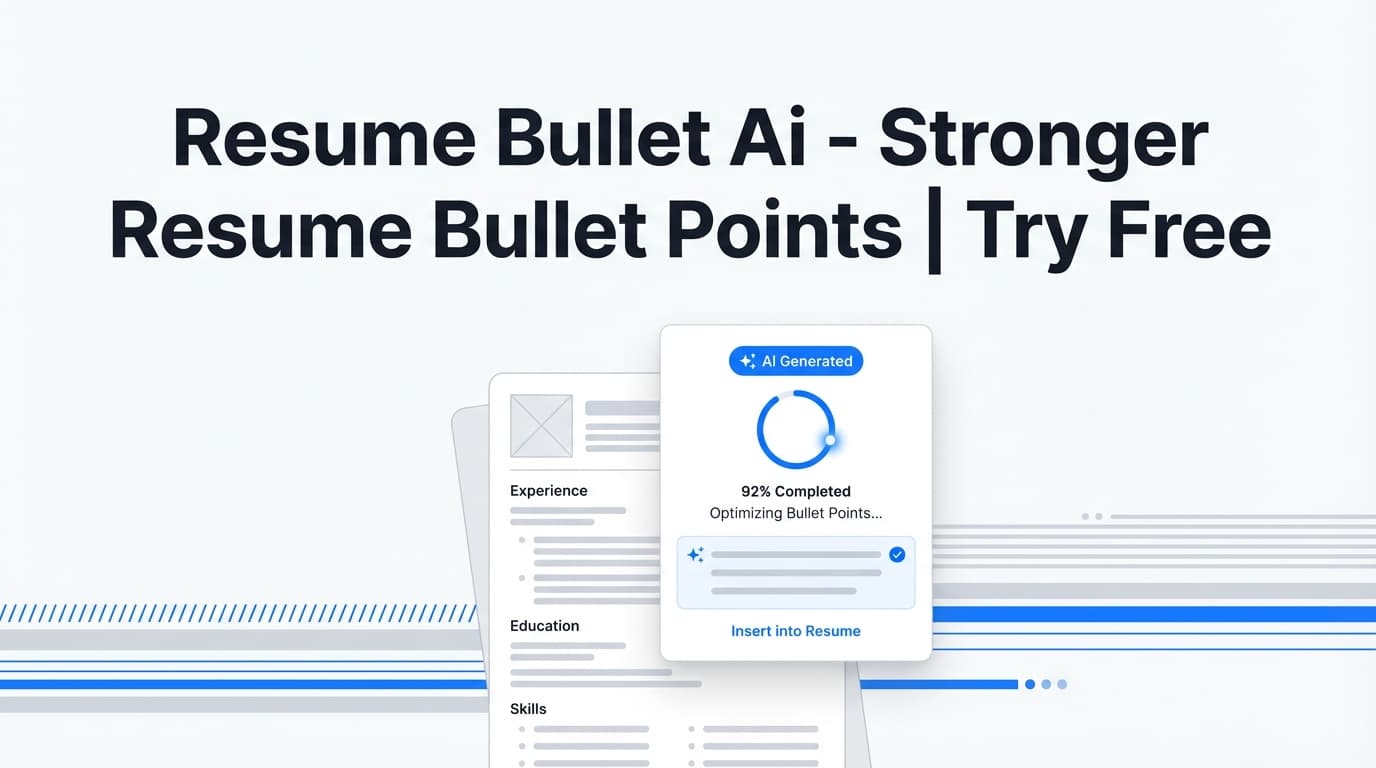
Resume Bullet Ai is JobShinobi’s AI-powered way to rewrite and generate stronger resume bullet points—so your experience reads like outcomes and achievements, not vague responsibilities.
Try it now → (JobShinobi advertises a 7-day free trial) or keep reading to learn exactly how it works.
What is Resume Bullet Ai?
Resume Bullet Ai is a resume bullet generator AI tool built into JobShinobi’s resume workflow. It helps you turn bullets like:
- “Responsible for improving onboarding”
- “Worked on backend development”
- “Helped the team with projects”
…into clearer, stronger, more specific bullets that:
- start with strong action verbs,
- include metrics when possible (%, $, time saved, scale),
- communicate impact/results,
- stay concise and ATS-friendly.
In practice, Resume Bullet Ai shows up in two places inside JobShinobi:
- Resume Analysis: highlights weak bullets and provides “Before → After” rewrites (plus issues it detected).
- AI Resume Assistant (chat): lets you ask for targeted bullet rewrites and variations (the assistant is guided to use STAR-style thinking, action verbs, and quantified impact).
Note: JobShinobi helps you optimize content and clarity, but it does not guarantee ATS outcomes or job offers.
How to Use JobShinobi’s Resume Bullet Ai
Step 1: Create or open a resume
- Sign in to JobShinobi.
- Go to the Resume section.
- Start from a template or open an existing resume you’ve already saved.
Tip: Paste your real bullets first. AI can rewrite and strengthen content—but it can’t invent truthful accomplishments for you.
Step 2: Open the resume editor and compile your draft (optional but recommended)
Inside the resume editor, you can compile your LaTeX resume to preview the PDF.
Why this helps: When your formatting is stable, it’s easier to focus purely on bullet quality.
Step 3: Run Resume Analysis to automatically find weak bullets
From the editor, use the resume scoring/analysis entry point to run Resume Analysis.
JobShinobi analyzes your resume and returns:
- overall score + category breakdown (content, keywords, formatting, completeness, ATS compatibility),
- detailed feedback (strengths/weaknesses/keywords),
- and a bullet analysis section that includes Bullet Point Improvements.
Step 4: Use “Bullet Point Improvements” (Before → After)
In the analysis results, look for Bullet Point Improvements.
You’ll see up to ~5 bullets presented as:
- Before (your original bullet)
- After (an improved rewrite)
- tags describing what was wrong (e.g., “missing metrics”, “too vague”, “unclear impact”)
Copy the “After” version into your resume and repeat analysis as needed.
Pro tip: If you don’t know exact numbers, use ranges only if honest (e.g., “~15%”, “10–15 hours/week saved”). If you truly can’t quantify, add scope (users supported, volume processed, stakeholders, regions, SLA, latency, uptime, conversion).
Step 5 (Optional): Ask the AI Resume Assistant for custom bullet variations
If you want rewrites for a specific bullet (or want multiple options), use the AI Resume Assistant in the editor:
Try prompts like:
- “Rewrite this bullet with a stronger action verb and measurable impact: [paste bullet].”
- “Give me 3 versions: conservative, confident, and metrics-heavy.”
- “Tailor these bullets for a data analyst role and incorporate SQL + dashboards (only if true).”
- “Make these bullets shorter (under 2 lines each) without losing impact.”
Features of Our Resume Bullet Ai
Bullet Point Improvements (Before → After rewrites)
JobShinobi’s Resume Analysis can identify weak bullets and provide concrete rewrites.
Why it matters: You don’t have to guess what’s weak—Resume Bullet Ai surfaces the bullets most likely to drag down clarity and impact.
Impact-focused writing: action verbs + results + metrics
Resume Bullet Ai pushes bullets toward outcomes (what changed, what improved, what you delivered).
Why it matters: Recruiters skim quickly. Result-driven bullets communicate value faster than task lists.
ATS-friendly clarity (without “ATS pass” guarantees)
Resume Bullet Ai emphasizes clear language, standard phrasing, and keyword-friendly wording—without promising ATS results.
Why it matters: ATS and humans both benefit from clarity, but no tool can guarantee screening outcomes.
Works with JobShinobi’s resume workflow (templates + editor + PDF preview)
Because your resume lives in JobShinobi, you can iterate in one place: template → edit → compile preview → analyze → apply improved bullets.
Why it matters: Many bullet generators are “one-off” text boxes. This is built into an end-to-end resume workflow.
Optional AI model selection (inside JobShinobi)
JobShinobi exposes model tiers in-app:
- Shinobi Swift
- Shinobi Turbo
- Shinobi Pro
Why it matters: You can choose faster edits or deeper rewrites depending on what you’re optimizing.
Resume Bullet Ai Use Cases
For software engineers
Turn vague bullets into performance, scale, and reliability outcomes.
Example inputs to provide:
- request volume, latency, uptime, infrastructure scale, deployment frequency, cost reduction, incident reduction.
For project managers
Rewrite bullets to emphasize delivery outcomes, stakeholder alignment, and measurable project impact.
Example inputs:
- budget, timeline improvements, on-time delivery rate, scope, number of teams, risk reduction.
For customer success / support roles
Highlight retention, expansion, response time, CSAT/NPS outcomes, and process improvements.
Example inputs:
- churn reduction, renewal rate, ticket volume, time-to-resolution, onboarding completion rates.
For data analysts
Translate work into measurable business decisions and analytics outcomes.
Example inputs:
- dashboards built, stakeholders served, time saved, data accuracy, reporting cadence, pipeline improvements.
Why Choose JobShinobi’s Resume Bullet Ai?
| Resume Bullet Ai (JobShinobi) | Other “free” bullet generators |
|---|---|
| Finds weak bullets automatically via resume analysis | Often requires you to guess what to rewrite |
| Shows Before → After improvements with issue tags | Often outputs generic bullets with little explanation |
| Fits into an edit → analyze → iterate workflow | Often a one-off generator with no resume context |
| Encourages metrics, impact, and concise bullets | May produce fluffy or overly long bullet text |
| Avoids “guaranteed ATS pass” claims | Some tools over-promise ATS outcomes |
Related Tools in JobShinobi
If you’re improving bullets, these features pair well with Resume Bullet Ai:
- Resume Analysis: scoring + structured feedback (includes bullet improvements).
- Job Description Extractor: paste a URL or text and extract structured job details.
- Resume-to-Job Matching: see missing vs present keywords and tailoring recommendations.
- AI Resume Assistant: chat-based help for rewriting bullets and sections.
- LaTeX Resume Builder + PDF Preview: keep formatting consistent while you improve content.
FAQ
Is Resume Bullet Ai really free?
JobShinobi is a paid subscription product with plans shown in code as $20/month or $199.99/year, and the site advertises a 7-day free trial.
To avoid confusion: this page does not claim a permanent free plan.
Do I need an account?
Yes. Resume Bullet Ai is part of JobShinobi’s resume workflow, so you’ll need to sign in to create/open a resume and run analysis.
Will this guarantee I pass ATS?
No. Resume Bullet Ai helps you write clearer, more keyword-aware bullets, but JobShinobi does not guarantee ATS outcomes or interviews.
Can it generate bullets if I only have responsibilities?
It can help you transform responsibilities into achievement-style bullets, but you’ll get the best results if you add real context (tools used, scope, outcomes, metrics, constraints).
Start Using Resume Bullet Ai Now
If your resume bullets feel generic, Resume Bullet Ai helps you rewrite them into strong, measurable, recruiter-friendly achievements—then test improvements with Resume Analysis.