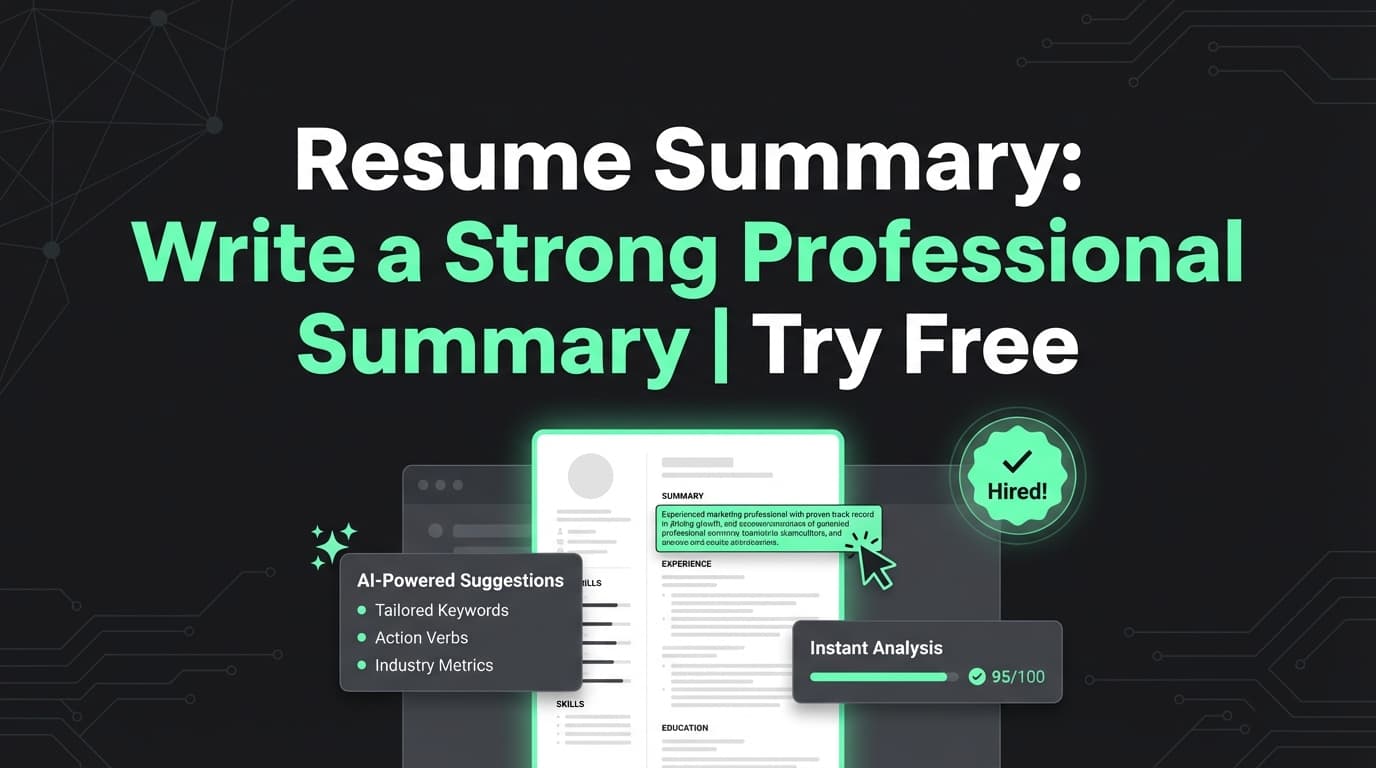
JobShinobi’s Free Resume Summary tool helps you draft a concise 2–3 sentence professional summary you can place at the top of your resume—tailored to your background and the roles you’re applying for.
Try it now → or keep reading for a step-by-step walkthrough, examples, and best practices.
Pricing note (accuracy): JobShinobi is a paid subscription ($20/month or $199.99/year in the product code) and the site advertises a 7-day free trial. Don’t interpret “Free” in the tool name as a permanent free plan.
What is Free Resume Summary?
A resume summary (also called a professional summary) is the short paragraph at the top of your resume that quickly answers:
- Who you are professionally
- What you’re great at
- What roles you’re targeting
- What impact you’ve delivered (ideally with measurable outcomes)
JobShinobi’s Free Resume Summary tool uses JobShinobi’s AI-assisted resume workflow to help you generate summary text that’s:
- Short (usually 2–3 sentences)
- Keyword-aware (so it aligns with common job descriptions)
- Easy to paste into your resume (including LaTeX-based resumes inside JobShinobi)
This is ideal if your current summary is vague (“hard-working team player…”) or if you’re tailoring for a specific target role.
How to Use JobShinobi’s Free Resume Summary Tool
Step 1: Open the Resume Builder and start a resume
- Go to your resume area in JobShinobi (Resume Builder).
- Start from a template or open an existing saved resume.
Tip: If you’re starting fresh, pick a template that already includes a “Professional Summary” / “Summary” area so you have a clear place to insert the text.
Step 2: Use AI assistance to draft the summary
In the resume editor, JobShinobi supports an AI chat assistant that can help write and refine sections (including your summary).
If you see model options, you can choose:
- Shinobi Swift (quick improvements)
- Shinobi Turbo (balanced)
- Shinobi Pro (strong for complex rewrites)
Step 3: Provide inputs that make summaries specific
Paste (or type) the details that improve output quality:
- Current/recent role
- Years of experience (or “entry-level”)
- 6–12 skills (tools + role skills)
- 1–3 achievements (add numbers when possible)
- Target role (what you’re applying to)
Prompt you can copy/paste: “Write a 2–3 sentence resume professional summary for my resume. My background: [role + years], skills: [skills], achievements: [1–3]. Target role: [target role]. Keep it ATS-friendly, specific, and avoid clichés.”
Step 4: Insert it into your resume and preview as a PDF
Add the summary to your resume’s Summary/Professional Summary section and preview your resume.
JobShinobi compiles your LaTeX resume and renders a PDF preview; compilation uses caching (so re-compiles can be faster when content hasn’t changed).
Pro tip: Avoid keyword stuffing. A summary should read naturally to a recruiter.
Step 5 (Optional): Tailor with Job Matching + Resume Analysis
To tailor more precisely:
- Run Resume Analysis to see keyword gaps and improvement areas.
- Use Job Description input (URL or pasted text) + Resume-to-Job Match to find missing keywords and recommendations.
- Update the summary to reflect the most important missing keywords—only if they’re truthful for you.
Features of Our Free Resume Summary Tool
2–3 sentence professional summary format
Designed to fit standard resume conventions and recruiter scanning behavior.
Why it matters: Your summary is the “hook” that frames how the rest of the resume is read.
ATS-friendly keyword awareness (supported by analysis + job match features)
JobShinobi can surface:
- present keywords
- missing keywords
- recommendations for improvement
Why it matters: Recruiters and ATS often search for role-specific language.
Works with JobShinobi’s LaTeX resume workflow + PDF preview
Write your summary once, then verify formatting and spacing in the compiled PDF.
Why it matters: You can keep formatting consistent while iterating quickly.
Model selection for different editing styles
Choose speed vs depth with Shinobi Swift/Turbo/Pro.
Why it matters: Summary writing often takes a few iterations—model choice helps you iterate efficiently.
Free Resume Summary Tool Use Cases
For students & entry-level candidates
Use the summary to clarify direction and strengths even without years of experience.
Example angle: highlight coursework, internships, projects, and technical skills relevant to the role.
For career changers
Translate prior experience into the language of the new role.
Example angle: emphasize transferable skills and outcomes that match the target job’s priorities.
For experienced professionals
Turn a long career into a crisp positioning statement that highlights scope, leadership, and results.
Example angle: “X years… led Y… improved Z by N%…”
Why Choose JobShinobi’s Resume Summary Generator?
| JobShinobi | Other “Free” Resume Summary Generators |
|---|---|
| Built into a full resume workflow (editor + PDF preview) | Often just a standalone textbox |
| Can pair with job matching + keyword feedback | Many don’t explain what keywords you’re missing |
| Versioned iteration via AI chat workflow | Limited iterations or generic outputs |
| Honest pricing: paid plans + advertised 7-day trial | “Free” pages often gate results at the end |
Related Tools
Explore more tools and features from JobShinobi:
- Resume Analysis: Score breakdown + actionable feedback (content/keywords/ATS and more).
- Job Description Extractor: Paste a URL or job text to extract structured job details.
- Resume-to-Job Match: Match score, missing keywords, and recommendations.
- AI Resume Editor Assistant: Chat-based editing to rewrite sections and refine phrasing.
FAQ
Is Free Resume Summary really free?
JobShinobi is not a permanently free product. The product code shows paid plans ($20/month or $199.99/year) and the site advertises a 7-day free trial.
Do I need to create an account?
To use JobShinobi’s resume features and save your work, you should expect to sign in (JobShinobi supports Google OAuth).
Will this guarantee I pass ATS?
No. JobShinobi provides analysis, keyword feedback, and suggestions—but it cannot guarantee ATS outcomes or job offers.
Can I tailor my summary to a specific job post?
Yes—use JobShinobi’s job description input (URL or text) plus resume-to-job matching to identify gaps, then revise your summary accordingly.
Start Using Free Resume Summary Now
If you want a resume summary that’s specific, keyword-aware, and easy to refine with analysis + job matching, build it inside JobShinobi.