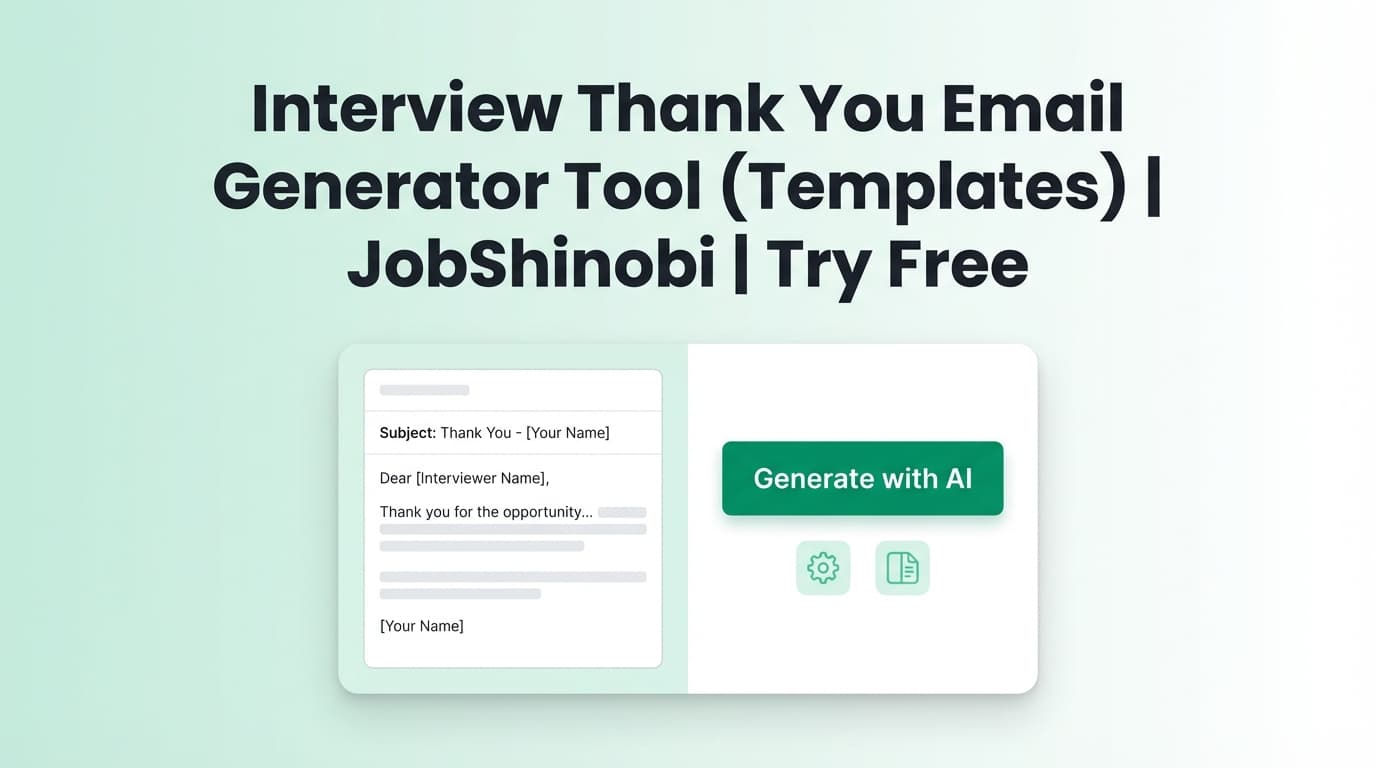
This interview thank you email generator tool helps you write a clear, professional follow‑up in minutes—by choosing the right template, filling in a few details, and sending from your own inbox.
Note: JobShinobi doesn’t send emails for you. This tool page gives you proven templates you can personalize and send via Gmail/Outlook.
What is an Interview Thank You Email?
An interview thank you email is a short message you send after an interview to:
- Thank the interviewer for their time
- Reinforce your fit with a specific detail from the conversation
- Confirm interest and make next steps easy (“Happy to share anything else you need.”)
It’s most effective when it’s specific (mentions a real topic you discussed) and brief (easy to read and reply to).
Best timing: typically within 24 hours of the interview (same day is okay if it’s thoughtful and proofread).
How to Use JobShinobi’s Interview Thank You Email Generator Tool
Step 1: Gather 5 details (2 minutes)
Copy these into a note before you start:
- Interviewer name + pronouns (if known)
- Role title + team
- One topic you discussed (project, challenge, roadmap, customer, metric)
- One proof point from your background (result, example, short story)
- The next step / timeline (if mentioned)
Tip: If you spoke with multiple people, write one unique “topic discussed” per person so your emails don’t feel mass-sent.
Step 2: Choose the scenario that matches your interview
Pick one:
- Recruiter screen / phone screen
- Hiring manager interview
- Technical interview
- Panel interview (send separate notes if possible)
- Follow‑up after no response
Step 3: Paste the template and replace the brackets
Replace only the bracketed fields first (names, company, topic, proof point). Then do a second pass to make the tone sound like you.
Good length: ~90–160 words.
Step 4: Proofread and send
Before sending, check:
- Correct spelling of names and company
- No wrong role title (common mistake when applying to multiple roles)
- One clear closing line that invites next steps
Pro tip: If you promised something (portfolio link, work sample, references), include it—this turns your thank-you into a useful follow‑up.
Templates: Thank You Emails for Common Interview Types
1) Hiring Manager Thank You Email (most common)
Subject line options:
- Thank you — [Role] interview
- Great speaking today — [Role]
- Thank you, [Name] — [Role]
Email: Hi [Name],
Thank you again for your time today. I enjoyed learning more about the [Role] position and especially our conversation about [specific topic].
Based on what you shared, it sounds like the team is focused on [priority / goal]. In my previous work at [Company/Project], I [proof point in one sentence], and I’d be excited to bring that approach to [Company/team].
Thanks again—please let me know if there’s anything else I can share. I’m looking forward to next steps.
Best,
[Your Name]
[Phone] | [LinkedIn/Portfolio]
2) Recruiter Screen / Phone Screen Thank You Email (short)
Subject line options:
- Thank you — [Role]
- Thanks for the call
- Next steps — [Role]
Email: Hi [Name],
Thank you for the call today—appreciate the overview of the [Role] and what the team is looking for. I’m excited about the opportunity, especially [one detail that stood out].
If helpful, here’s [link/work sample] we discussed: [link].
Looking forward to next steps and the timeline when you have it.
Best,
[Your Name]
3) Technical Interview Thank You Email (show you listened)
Subject line options:
- Thank you — [Role] technical interview
- Thanks for the discussion — [topic]
- Great meeting — [Role]
Email: Hi [Name],
Thanks again for today’s interview. I appreciated the chance to dig into [problem/system/topic], especially our discussion about [specific detail or tradeoff].
I’m excited about the role because [tie to their needs]. In my experience, I’ve handled similar work by [proof point], and I’d be glad to apply that at [Company].
Thanks again—I’m looking forward to what’s next.
Best,
[Your Name]
4) Panel Interview Thank You Email (one per interviewer)
Subject line options:
- Thank you — [Role] interview
- Great meeting you — [Role]
- Thank you, [Name]
Email: Hi [Name],
Thank you for meeting with me today. I enjoyed our conversation about [their unique topic], and it helped me understand how the team approaches [area].
I’m especially interested in the role because [connect your interest to what they said]. If I join, I’d be excited to contribute by [specific contribution], building on my experience with [relevant experience].
Thanks again, and I look forward to next steps.
Best,
[Your Name]
5) Follow‑Up Email After No Response (3–5 business days)
Subject line options:
- Following up — [Role] interview
- Checking in — [Role]
- Quick follow‑up — [Role]
Email: Hi [Name],
Hope you’re doing well. I wanted to follow up regarding the [Role] interview on [date]. I’m still very interested—especially after learning about [specific detail].
If there’s an updated timeline for next steps, I’d appreciate any guidance. Happy to provide anything else that would be helpful.
Best,
[Your Name]
Features of This Interview Thank You Email Generator Tool
Scenario-based templates (not one-size-fits-all)
Hiring manager, recruiter, technical, panel, and no-response follow-ups included.
Why it matters: Each situation has a different goal (reinforce fit vs. keep momentum vs. reduce friction).
Simple subject lines that get opened and found later
Clear subjects are easier for interviewers to search and reply to.
Why it matters: Your email competes with internal threads and calendar noise—clarity wins.
Personalization checklist to avoid “generic” thank‑yous
This tool nudges you to include one real detail and one proof point.
Why it matters: Specificity signals attention, interest, and professionalism.
Use Cases
If you’re applying at high volume
Use the template framework to stay consistent without sounding copy-pasted: change the topic + proof point every time.
If you interviewed with multiple people
Send separate notes when possible. Keep 70% consistent, but personalize the “topic discussed” line for each person.
If you’re following up after silence
Use the no-response follow-up to ask for timeline guidance without sounding frustrated.
Why Use JobShinobi Alongside This Tool?
JobShinobi is built for job seekers who want a more organized job search workflow—tracking applications, analyzing resumes, and keeping everything in one place.
| JobShinobi | Many standalone email tools |
|---|---|
| Job search dashboard + application tracking | Often just a single template page |
| Status-based workflow (Applied / Interview / Offer / Rejected) | No system to track where you are |
| Paid plans with an advertised 7‑day free trial | Pricing/limits can be unclear |
Related Tools in JobShinobi
If you want to go beyond the email:
- Job Application Tracker: Log applications and update statuses in a dashboard.
- Email Forwarding Job Tracking (Pro): Forward job-related emails to a unique address so JobShinobi can parse and log applications automatically (Pro required).
- Resume Analysis: Get a structured resume score and feedback (with cached results when your resume hasn’t changed).
- Resume-to-Job Match: Compare your resume to a job description and see keyword gaps and tailoring suggestions.
FAQ
Is this interview thank you email generator tool free?
JobShinobi is a paid subscription product ($20/month or $199.99/year, pricing shown in the app code), and the site advertises a 7‑day free trial. This page provides copy‑paste templates you can use; it doesn’t claim a permanent free plan.
Do I need an account to use the templates?
No—these templates can be copied and used in any email client. An account is required to use JobShinobi’s app features (like the dashboard).
Will JobShinobi send the email automatically?
No. You’ll send your final message from your own email (Gmail/Outlook). JobShinobi does not send interview thank-you emails on your behalf.
Should I email everyone I interviewed with?
If you interviewed with multiple people, it’s usually best to send separate notes when possible (more personal, less “group email” feel). If you only have one contact, send one note to that contact.
Start Writing Your Thank You Email Now
Pick the scenario, fill in the brackets, and send a message that’s specific, concise, and easy to reply to.