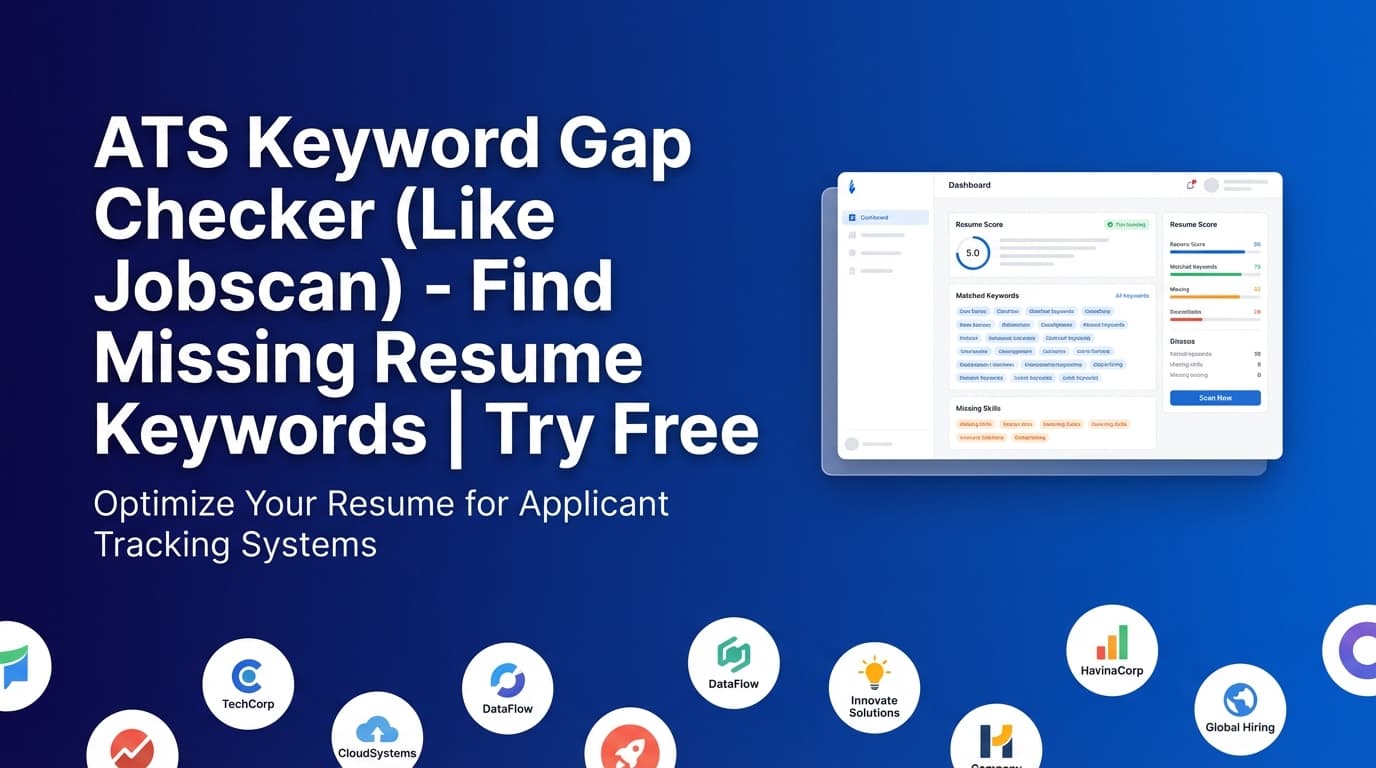
JobShinobi’s ATS Keyword Gap Checker helps you compare your resume against a specific job description and identify which keywords you already match and which keywords you’re missing—similar to tools like Jobscan.
It’s built into JobShinobi’s job matching workflow: you add a job posting (URL or text), JobShinobi extracts key details and keywords, then generates a match score, missing vs. matching keywords, and recommendations you can apply to your resume.
What is an ATS keyword gap checker?
An ATS keyword gap checker is a resume-to-job comparison tool that helps you align your resume with the language used in a job posting—without guessing.
Most ATS (Applicant Tracking Systems) work like search engines: they look for relevant terms (skills, tools, titles, certifications) that appear in the job description and then scan your resume for those same terms.
JobShinobi’s ATS Keyword Gap Checker is designed to answer three practical questions:
- What keywords does this job posting emphasize?
- Which of those keywords appear in my resume already (matching keywords)?
- Which ones don’t appear yet (missing keywords), and what should I change?
Accuracy note (important): In JobShinobi’s implementation, “matching” vs. “missing” keywords are determined by whether the keyword text appears in your resume content (case-insensitive). That means synonyms and close variations may not be counted as matches unless you include the exact phrasing.
How to Use JobShinobi’s ATS Keyword Gap Checker (Step-by-Step)
Step 1: Sign in and choose the resume you want to tailor
To run keyword gap checks, you’ll need a resume inside JobShinobi (created/saved in the resume area).
- Sign in
- Open your resume (or create one)
- Make sure it’s the draft you actually plan to submit
Tip: If you’re applying for multiple roles, keep one “base” resume and tailor a copy per job. Keyword gaps are job-specific.
Step 2: Open the Job Description input (URL or Text)
In the job-matching workflow, you can provide the job posting in two ways:
- URL: paste a job link (LinkedIn, Indeed, company career page, etc.)
- Text: paste the full job description
Then click Extract Job Details.
What happens next: JobShinobi uses AI to extract structured job details (like company, role/position, description, and a keyword list).
Tip: If you paste text, include the “Requirements” / “Qualifications” section—keyword tools rely heavily on that content.
Step 3: Review your ATS keyword gap results
Once the job details are extracted and matched against your resume, you’ll see:
- Job Match Score (0–100%)
- Matching Keywords (keywords found in your resume)
- Missing Keywords (keywords from the job that do not appear in your resume)
- Recommendations (specific suggestions to improve alignment)
Pro tip: Treat “missing keywords” as a checklist for truthful alignment, not “stuffing.” Add only what you can defend with real experience.
Step 4: Apply suggestions in your resume editor
When recommendations are available, use Apply Suggestions to move back into editing and implement changes.
Best practice for ATS + humans:
- Add keywords in Skills only if you’ve used them
- Add keywords in Experience bullets with context (how you used the tool/skill, impact, result)
- Prefer “evidence-based” keywords over generic lists
Features of JobShinobi’s ATS Keyword Gap Checker
Job URL or job description text input
You can analyze a job by pasting a link or the full posting text.
Why it matters: You can tailor to real roles across different job boards and company sites.
AI job details extraction (includes keywords)
JobShinobi extracts job information and a keyword list from your input.
Why it matters: You don’t have to manually pick keywords—especially helpful when postings are long or messy.
Match score (0–100%)
You get an at-a-glance score that reflects how well your resume aligns with the job.
Why it matters: It’s an easy way to compare versions and track improvements as you tailor.
Matching vs. missing keyword lists
The tool breaks keywords into:
- Present keywords (found in resume)
- Missing keywords (not found in resume)
Why it matters: You can prioritize edits that are most likely to increase ATS alignment.
Recommendations (actionable improvements)
Beyond keywords, you get recommendations that help translate gaps into edits you can actually make.
Why it matters: A keyword list is useful, but recommendations speed up the rewrite.
Common Use Cases
For technical roles (engineering, data, IT)
Quickly confirm whether your resume reflects the job’s stack and tooling.
Example gaps you might see:
- Missing tools (e.g., “Terraform”, “Docker”, “Snowflake”)
- Missing role keywords (e.g., “CI/CD”, “observability”, “data modeling”)
For non-technical roles (PM, operations, marketing, sales)
Identify process and outcome language used in the job posting.
Example gaps you might see:
- “stakeholder management”
- “go-to-market”
- “pipeline forecasting”
- “cross-functional collaboration”
For career changers translating experience
Your experience may be relevant, but described in different language. The keyword gap checker helps you mirror employer phrasing (truthfully).
Example:
- Teaching → L&D: “instructional design,” “needs assessment,” “learning objectives”
Why Choose JobShinobi vs. Other Keyword Gap Tools?
| JobShinobi’s ATS Keyword Gap Checker | Other Keyword Tools |
|---|---|
| Works off a saved resume and a job posting (URL or text) | Often require manual keyword picking or extra setup |
| Shows match score + missing vs. matching keywords + recommendations | Some tools only show a score or only show keywords |
| Built into a resume editing workflow (so you can immediately tailor) | Many tools are “scan-only” and leave you to rewrite elsewhere |
| Clear limitations: keyword presence is based on text matches | Some tools imply “ATS certainty” or over-promise outcomes |
Related Tools in JobShinobi
Explore more in JobShinobi:
- Resume Analysis (Score & Feedback): Overall score breakdown plus detailed feedback.
- Job Description Extraction: Turn a URL or pasted text into structured job details (including keywords).
- Resume Editor (LaTeX-based): Edit your resume and export a PDF.
- Job Tracker: Track applications in a dashboard and export to Excel (email-forwarding automation is Pro-gated).
FAQ
Is this “like Jobscan” tool free?
JobShinobi is a paid subscription product ($20/month or $199.99/year in the codebase). The pricing UI advertises a 7-day free trial. Don’t assume unlimited free access.
Do I need an account to use the ATS keyword gap checker?
Yes. JobShinobi’s matching flow uses your account and a saved resume to generate the comparison.
Can I upload a PDF or Word resume?
This tool is built around resumes created/saved inside JobShinobi’s resume workflow. (If you don’t see an upload option in the tool flow, use the resume builder/editor first.)
Why are some keywords flagged missing even though I have the skill?
Because keyword matching relies on whether the keyword text appears in your resume. If you used a synonym or different phrasing, it may still show as “missing.” Add the most accurate phrasing where it truthfully applies.
Will adding missing keywords guarantee I pass ATS?
No. ATS systems vary and no tool can guarantee results. Use keyword gaps to improve alignment, but also focus on strong bullets, clear formatting, and evidence-based claims.
Start Using the ATS Keyword Gap Checker Now
If you want a Jobscan-style keyword gap check—match score, missing vs. matching keywords, and recommendations you can actually apply—JobShinobi’s workflow is built for per-job tailoring.