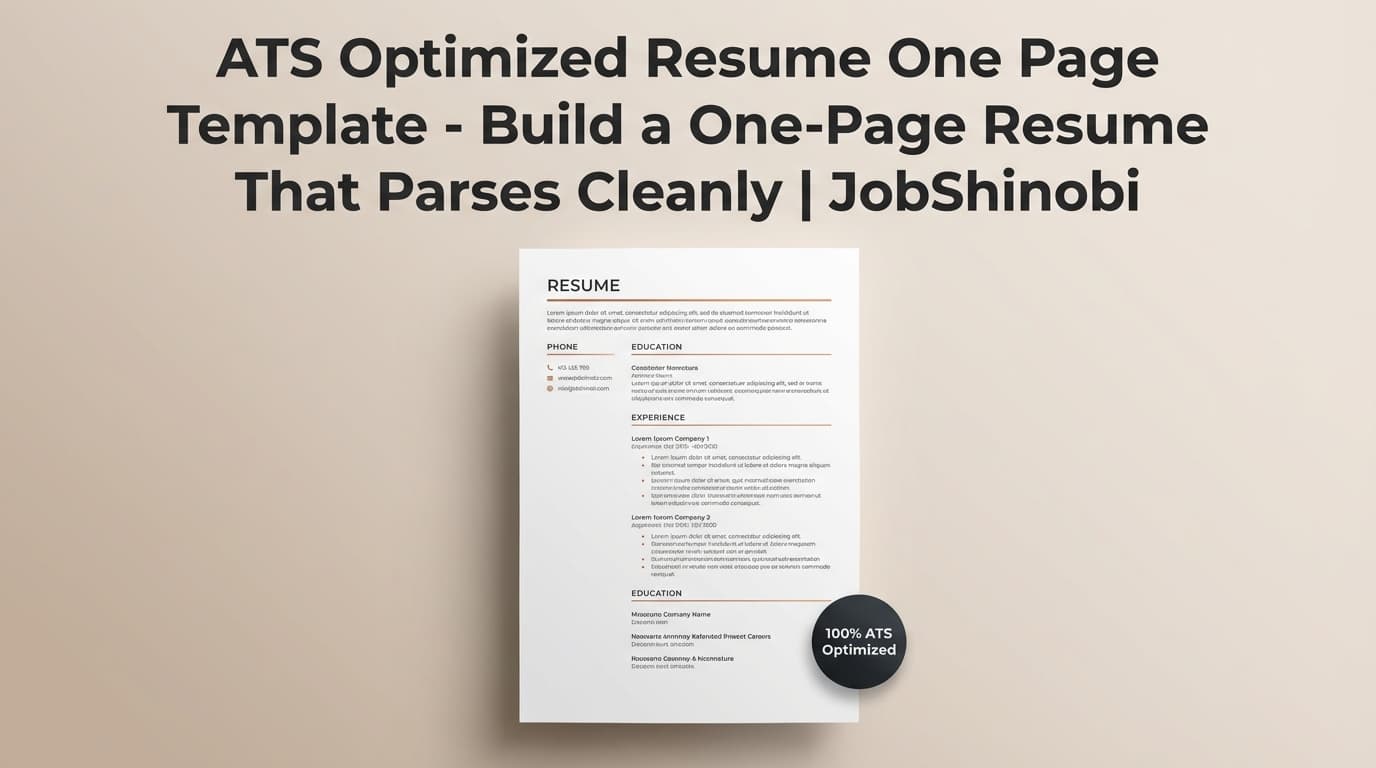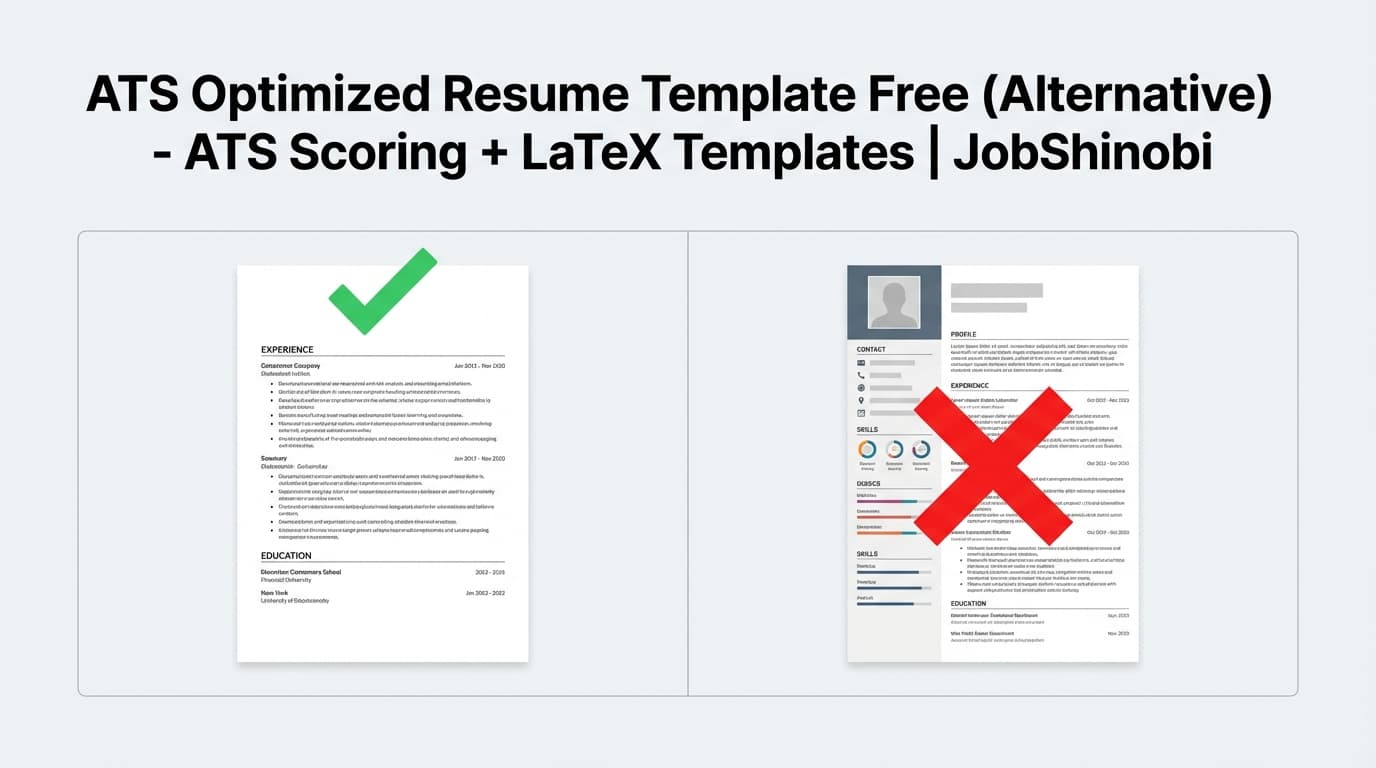
JobShinobi helps you create an ATS optimized resume template you can actually iterate on: start from a LaTeX resume template, edit in a dedicated LaTeX editor, compile a live PDF preview, then run AI Resume Analysis (including ATS and keyword feedback) and resume-to-job matching so your resume aligns with the role you’re applying for.
Instead of downloading a generic template and hoping it “works,” you get a repeatable workflow:
- Template → Edit → PDF preview
- Analyze for ATS + keyword fit
- Match to a job description (URL or text)
- Apply improvements with the streaming AI resume editor
- Save versions as you tailor
Get started: /login
Go to templates: /dashboard/resume
Why Choose JobShinobi for an ATS Optimized Resume Template?
Most “ATS templates” pages focus on layout rules (single column, standard headings, no tables). That’s helpful—but it’s only half of ATS performance.
To get through real screening, you typically need:
- A structure that parses cleanly
- Language that matches the job description (keywords + responsibilities + tools)
- A fast way to tailor multiple versions without breaking formatting
JobShinobi is built around those realities.
LaTeX-first templates (consistent structure you can control)
JobShinobi resumes are stored as LaTeX source and can be started from a built-in template library. LaTeX gives you precise control over formatting and repeatability—useful when you’re tailoring frequently and want your structure to stay stable.
In the Resume Builder, you can:
- Browse templates by category
- Start from a template
- Create and manage multiple resumes (“My Resumes”)
- Duplicate and delete resumes as needed
Start from a template: /dashboard/resume
Live PDF preview via cloud LaTeX compilation
In JobShinobi’s editor, you can compile your LaTeX and see a PDF preview. This matters because “ATS-friendly” isn’t just about what you intend—it’s about what you submit. A real preview reduces surprises and helps you keep the final output clean.
You can also download:
- .tex (LaTeX source)
Resume Analysis (ATS + keyword feedback) you can re-run as you iterate
JobShinobi includes an AI-powered resume analysis endpoint that produces a structured score breakdown and feedback (including ATS and keyword-related signals). It supports:
- Comprehensive analysis
- Enhanced analysis mode (when enabled)
- Returning cached results if your resume hasn’t changed since the last analysis—useful for fast iteration
Resume-to-job matching (job description → match score + missing keywords)
A template alone can’t “optimize for ATS” unless it also helps you align to the specific job.
JobShinobi supports a job matching workflow:
- Paste a job posting URL or job description text
- Extract structured job details
- Generate a match score
- Identify present vs. missing keywords
- Store job analysis results so you can reference them while tailoring
Streaming AI Resume Editor (LaTeX-aware edits + compile-checking workflow)
JobShinobi includes a streaming AI editor designed to work with LaTeX resumes. The AI editing workflow can read your current resume, propose edits, update LaTeX, and compile-check during iteration—so you can tailor faster without losing control of your resume structure.
Version history so you can tailor multiple ATS-optimized versions safely
When you tailor for different roles, you’ll usually want multiple versions:
- Base resume
- Version tailored for Role A
- Version tailored for Role B
- Version tailored for Company X
JobShinobi stores resume versions (including versions tied to AI chat) so you can iterate confidently and keep your best drafts.
What “ATS Optimized Resume Template” Actually Means (and What It Doesn’t)
An ATS optimized resume template generally means a resume layout and structure that helps an Applicant Tracking System:
- Extract text accurately
- Detect standard resume sections
- Associate keywords with experience and skills
It does not guarantee interviews, and it doesn’t replace tailoring. ATS behavior varies by company and system, and recruiters still make the final decisions.
A strong ATS-oriented approach is usually:
- Clean structure
- Standard section headings
- Job-aligned keywords used naturally in context
- Readable, scannable content for humans
JobShinobi is built to support all four through templates, analysis, matching, and iterative editing.
How JobShinobi’s ATS Optimized Resume Template Workflow Works
Step 1: Start from a template in the Resume Builder
Go to the Resume Builder and click Start from Template. Choose a template that fits your role and experience level, then open it in the editor.
- Templates are loaded from JobShinobi’s template library
- You can keep templates and saved resumes separate (Templates vs My Resumes)
Templates dashboard: /dashboard/resume
Step 2: Edit your resume in the LaTeX editor
In the editor, you can work in two modes:
- Code mode (direct LaTeX editing)
- AI mode (chat-based editing)
This workflow is designed so you can maintain a stable resume structure while updating content.
Step 3: Compile and preview the PDF
Click compile to generate a PDF preview. If something breaks, you’ll see compile errors and can fix them before exporting.
Then export:
- Download PDF
- Download .tex
Step 4: Run Resume Analysis to get ATS + keyword guidance
Use Analyze Resume to generate scores and feedback. JobShinobi’s analysis stores results and can reuse cached results when the resume is unchanged—so you can iterate without unnecessary re-analysis.
You’ll get structured feedback such as:
- Overall score + sub-scores (including ATS and keyword scoring)
- Strengths and weaknesses
- Keyword analysis (present, missing, overused)
- ATS issues and recommendations
Step 5: Add a job description (URL or text) and run matching
To tailor for a specific application:
- Paste a job posting URL or the full job description text
- Extract job details (company/position/requirements/keywords when available)
- Run resume-to-job matching
- Review match score + missing keywords and decide what to incorporate (truthfully)
Step 6: Apply improvements with AI editing + save versions
Use the AI editor to make targeted changes like:
- Strengthen bullet impact
- Add missing keyword context where it’s truthful
- Reorder sections for relevance
- Clarify role alignment in summaries and experience
Save versions so you can compare “before vs after” and keep multiple tailored variants.
Key Features for an ATS Optimized Resume Template
| Feature | What It Does | Why It Matters |
|---|---|---|
| Template Library (LaTeX) | Start from structured LaTeX resume templates with categories | Stable structure that’s easy to iterate on |
| LaTeX Resume Editor | Edit LaTeX directly or use AI mode | Full control; no formatting drift from drag-and-drop |
| Cloud LaTeX Compilation + PDF Preview | Generate a live PDF preview from your LaTeX | See the final output before you submit |
| PDF + .tex Export | Download your resume as PDF and LaTeX source | Submit-ready output + editable source |
| AI Resume Analysis | Scores and feedback including ATS + keyword analysis | Clear, actionable improvements (not guesswork) |
| Enhanced Analysis Mode | Optional deeper analysis mode via flag | More depth when you want it |
| Job Description Extraction | Paste a job URL or job text to extract details | Faster tailoring workflow |
| Resume-to-Job Matching | Match score, missing vs present keywords, suggestions | Align resume language to the role |
| Streaming AI Resume Editor | Real-time AI editing workflow for LaTeX resumes | Faster iteration while keeping LaTeX compileable |
| Resume Version History | Stores versions tied to edits and AI conversations | Create multiple tailored variants safely |
ATS Optimized Resume Template Best Practices (Use These With Any Template)
These are common recommendations across ATS guidance pages and job seeker communities; JobShinobi is built to help you apply them consistently through analysis + matching.
Use standard section headings
ATS systems often look for familiar headings. Keep it simple:
- Work Experience / Experience
- Education
- Skills
- Projects
- Certifications (if relevant)
JobShinobi’s match workflow also parses LaTeX sections (e.g., \section{Experience}), so clean headings help your own tailoring workflow stay organized.
Keep layout predictable (avoid structure that scrambles reading order)
Many ATS parsing issues come from layouts that don’t translate cleanly into text extraction.
Good defaults:
- One main reading flow
- Clear separation between entries
- Bullets for accomplishments
Put keywords where they matter: inside Experience bullets (in context)
A “Skills” list helps, but many screeners (and humans) look for keywords used in context:
- tools used
- responsibilities performed
- outcomes delivered
JobShinobi highlights missing keywords during job matching, then you choose how (and whether) to incorporate them truthfully.
Tailor the top third of your resume
A practical approach:
- Adjust summary to match the role
- Reorder skills to mirror the job description
- Update 2–4 strongest experience bullets so they match the posting’s priorities
Iterate with version history (don’t overwrite your best resume)
Tailoring works best when you can compare versions:
- Base resume
- Tailored resume for Job A
- Tailored resume for Job B
JobShinobi’s versioning supports this kind of iteration.
How Job Matching Turns a “Template” into an ATS Optimized Resume (Example Workflow)
Most job seekers do this backwards: they pick a template, write a resume once, then apply everywhere.
A more ATS-aware workflow is:
- Start with a strong base resume
- For each job, generate a match report
- Update only what matters (summary, skills order, most relevant bullets)
- Save a version per role type
Suggested JobShinobi workflow for high-volume applications
- Create a “Base Resume” from a template
- Run Resume Analysis to fix foundational issues first
- For each job:
- Paste job URL or text → extract job details
- Run match analysis → review missing keywords
- Tailor summary + top bullets
- Save a version named after the role/company
This keeps your resume consistent while still being job-aligned.
ATS Optimized Resume Template vs. Downloading a Generic Template
Downloaded template approach (what usually goes wrong)
- You get formatting help, but no role alignment
- You can’t tell which keywords you’re missing
- You end up making dozens of manual edits across multiple versions
- Your formatting drifts as you copy/paste content from other resumes
JobShinobi approach (template + analysis + match + iterate)
- Start from a LaTeX template
- Keep formatting consistent with compile-to-PDF preview
- Analyze ATS + keyword fit
- Match to a specific job description
- Use AI editing to revise quickly
- Save versions to keep tailored variants organized
If your goal is “ATS optimized,” the loop matters as much as the template.
Pricing
JobShinobi offers paid subscriptions via Stripe payment links:
- Monthly: $20.00
- Yearly: $199.99
Pricing page: /subscription
Frequently Asked Questions
What is an ATS optimized resume template?
An ATS optimized resume template is a resume structure designed to be easy for Applicant Tracking Systems to parse (clear headings, predictable layout, readable content). It’s most effective when paired with job-specific tailoring—because ATS screening often depends heavily on keyword alignment.
JobShinobi supports both sides:
- Template-based LaTeX resume creation
- ATS + keyword resume analysis
- Resume-to-job matching and missing keyword feedback
Is a single-column resume better for ATS?
Often, a single main reading flow is easier for systems to parse than complex layouts. The bigger rule is: keep structure predictable and ensure your content extracts cleanly into plain text. JobShinobi helps by letting you maintain a consistent template while you iterate and tailor.
Can ATS read PDF resumes?
Many systems can read PDFs, but parsing reliability varies by ATS and by how the PDF was generated. That’s why it’s important to keep structure clean and check your final output. JobShinobi gives you a compiled PDF preview so you can validate the output you’re submitting.
Is a LaTeX resume ATS-friendly?
It can be—depending on the template structure and the resulting PDF’s text extraction behavior. The safest approach is to keep your resume layout simple and ensure your final exported PDF preserves readable text. JobShinobi is built around a LaTeX workflow with PDF preview so you can validate the final output as you iterate.
Should I use PDF or DOCX for ATS?
Some employers or portals prefer one format over the other; when in doubt, follow the application instructions. JobShinobi supports exporting PDF and .tex (LaTeX source). If a portal specifically requires DOCX, you’ll need a separate workflow outside JobShinobi.
Does JobShinobi include a job description keyword scanner?
JobShinobi supports job description input (URL or text), job detail extraction, and resume-to-job matching that identifies present vs missing keywords and generates a match score and recommendations—so you can tailor your resume based on the job posting.
What is a “good ATS score”?
There isn’t a universal score threshold because different tools and ATS systems measure different signals. Treat scores as a directional guide: focus on clean parsing, clear sections, and strong job-aligned keywords used naturally in experience bullets. JobShinobi’s analysis and matching are designed to help you iterate toward that outcome.
Get Started with JobShinobi Today
If you’re searching for an ATS optimized resume template, don’t settle for a one-time download. Use a workflow you can repeat for every application:
- Start from a LaTeX template
- Preview the final PDF
- Analyze ATS + keyword fit
- Match to the job description
- Tailor and save a version
Sign in to start: /login
Browse templates: /dashboard/resume