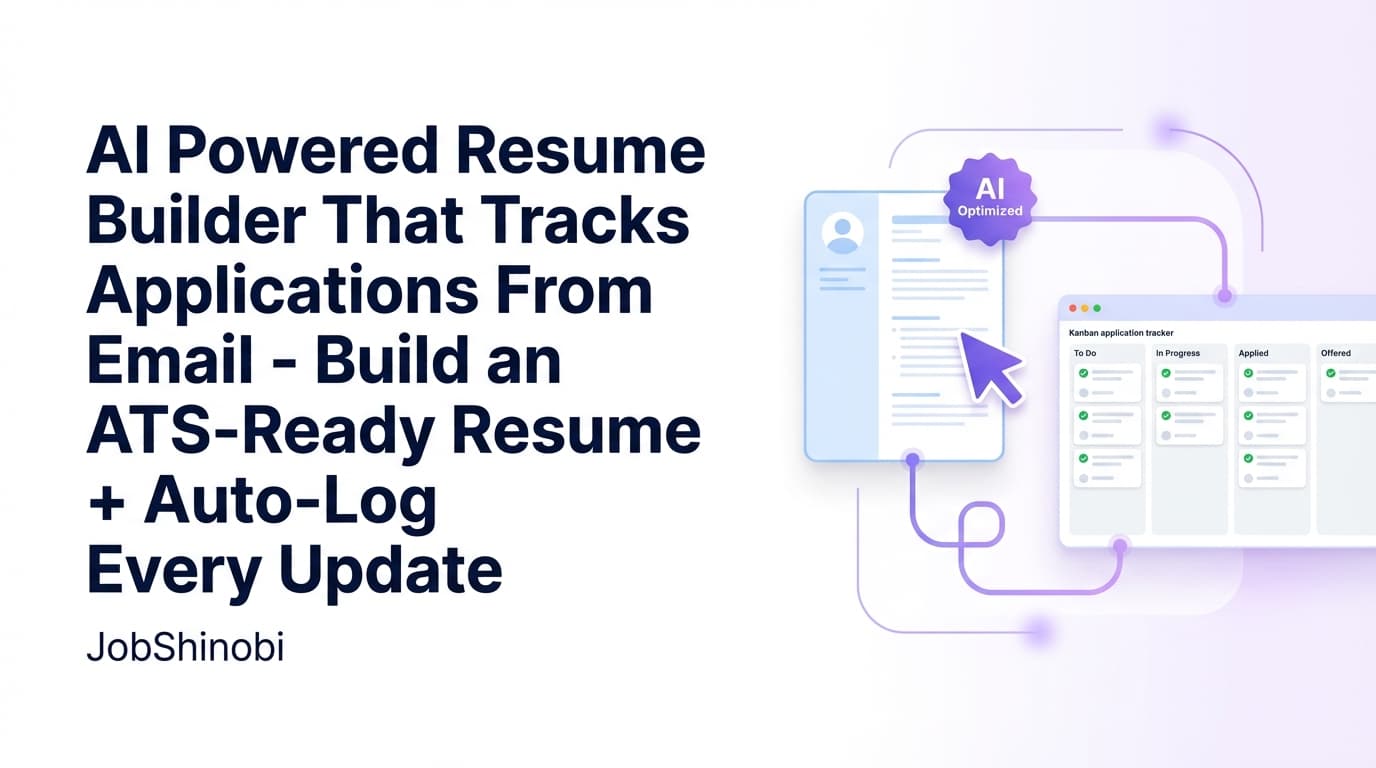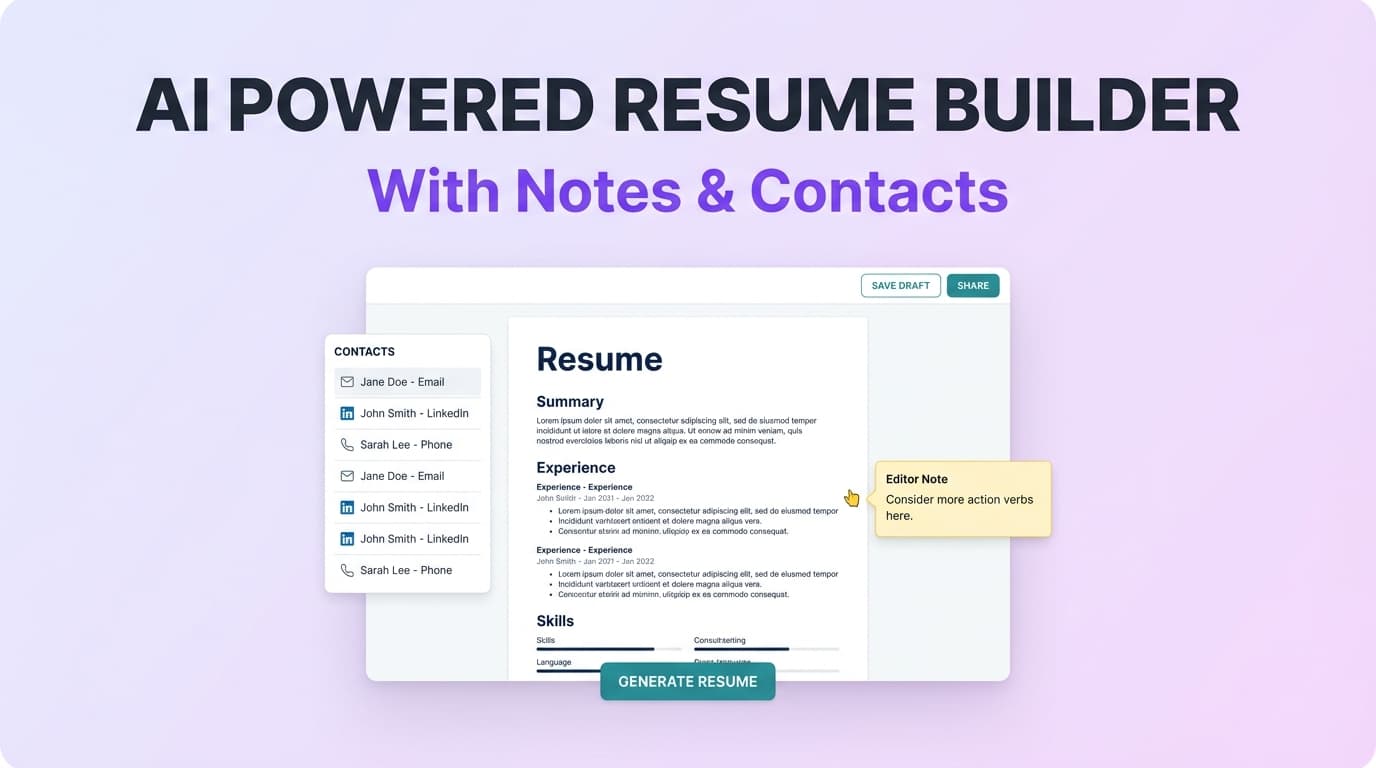
JobShinobi is an AI-powered, LaTeX-based resume builder with built-in resume analysis (ATS + keyword feedback) and a job application tracker that can be updated by forwarding your application emails. If you’re searching for an “ai powered resume builder with notes and contacts,” JobShinobi fits the intent in a specific, practical way:
- Resume “contacts”: JobShinobi analyzes and improves the contact info section of your resume (email/phone/location completeness checks are part of analysis).
- Job-search “notes”: When you forward job-related emails, JobShinobi can extract and store extra context (saved as
additional_info) alongside the application record. - Important limitation (no feature inflation): JobShinobi is not a full contact CRM (no verified UI for recruiter contact cards, call logs, or custom “notes” fields in the tracker UI).
If your goal is to build an ATS-friendly resume and capture application details from email confirmations so you’re not living in spreadsheets, JobShinobi is built for that workflow.
Why Choose JobShinobi for an AI Powered Resume Builder With Notes and Contacts?
Most job seekers end up using multiple tools: one resume builder, one ATS checker, and then a spreadsheet (or a notes app) to track every application. JobShinobi brings the core pieces together:
- LaTeX Resume Builder: Start from a template library and edit a LaTeX resume with a live PDF preview.
- AI Resume Agent (streaming editor): Chat to revise sections, rewrite bullets, and iterate—while the system checks LaTeX compilation.
- Resume Analysis + Keyword/ATS Feedback: Generate scores and structured feedback; results can be cached when your resume hasn’t changed.
- Job Tracker + Email Forwarding Automation: Forward application emails to your unique address; JobShinobi extracts company, role, status, and additional context to log/update your tracker.
What “notes and contacts” means in JobShinobi (transparent scope)
| You want… | What JobShinobi supports today | What it does not claim |
|---|---|---|
| Notes for each application | AI-extracted “additional_info” from forwarded emails (e.g., “interview scheduled,” “next steps,” etc.) | A dedicated “notes” UI field you can freely edit per job inside the tracker (not evidenced) |
| Contacts per application | Email sender data exists in email logs and resume analysis checks your resume contact section | A recruiter/hiring-manager contact database with phone/social fields + reminders (not evidenced) |
This page is optimized for the keyword, but the product claims stay grounded in what’s implemented.
Benefit 1: Build resumes with LaTeX precision (and a real PDF preview)
JobShinobi’s resume builder is LaTeX-first: you’re editing the underlying LaTeX source and generating a PDF preview via compilation. That’s ideal when you care about consistent structure and predictable formatting across versions—especially when you’re tailoring.
What you can do:
- Choose a resume template from the template library (categorized templates, with a
is_premiumattribute in template data). - Edit your resume in a dedicated LaTeX editor.
- Compile and preview a PDF.
- Download PDF and download the .tex source.
Benefit 2: Use an AI Resume Agent that edits your resume (and checks compilation)
JobShinobi includes an AI Resume Agent with streaming responses. Instead of generic “tips,” it supports an editing workflow that can:
- Fetch the latest LaTeX for your resume
- Propose targeted edits (by section or entire document)
- Check compilation so you’re not left with broken LaTeX
You can also select between multiple model tiers (e.g., Shinobi Swift / Shinobi Turbo / Shinobi Pro) exposed in the UI.
Benefit 3: Capture job-search “notes” automatically from forwarded emails
If you’re tired of copying details from “Thank you for applying…” emails into a spreadsheet, JobShinobi’s email-forwarding workflow is built for you.
When you forward emails to your unique JobShinobi forwarding address, the system can extract and store:
- Company
- Job title
- Status (Applied / Interview / Offer / Rejected / Other)
- Optional: location, salary, job URL
- Optional: additional_info (this is the closest equivalent to job-search “notes” that is evidenced)
How JobShinobi’s Resume Builder + “Notes & Contacts” Workflow Works
Step 1: Start a resume from a LaTeX template
- Go to the Resume Builder area.
- Choose a template from the template library.
- Open it in the editor to begin customizing.
Why this matters: you start with a structured format that’s easy to iterate and version.
Step 2: Edit in the LaTeX editor (code + PDF preview)
In the resume editor, you can:
- Modify LaTeX manually
- Compile to refresh the PDF preview
- Save changes to create a version in your resume history
- Download PDF / .tex for sharing and applying
Step 3: Use the AI Resume Agent to rewrite and tailor (streaming)
Ask the agent for specific changes such as:
- “Rewrite my experience bullets to emphasize impact.”
- “Make this section more relevant to a data analyst role.”
- “Reduce repetition and strengthen action verbs.”
Because the workflow is resume-aware and LaTeX-aware, it’s built for producing edits you can actually compile and use.
Step 4: Run AI resume analysis (ATS + keywords + structure)
JobShinobi’s analysis generates structured outputs such as:
- Overall score + category scores (content, keywords, formatting, completeness, ATS)
- Strengths, weaknesses, missing sections
- Keyword analysis (present/missing/overused + density metrics)
- ATS issues list
If your resume hasn’t changed since the last analysis, JobShinobi can return cached results to save time.
Step 5: Add job context (job description → match + suggestions)
You can paste a job URL or job description text to extract structured job details and run resume-to-job matching. JobShinobi can compute:
- Match score
- Present vs missing keywords
- Recommendations and tailored suggestions
Step 6: Forward application emails to auto-update your tracker (job-search “notes”)
Once you have your unique forwarding address, simply forward:
- Application confirmations
- Interview invitations
- Offer/rejection updates
JobShinobi parses the email and logs/updates the job in your tracker—while also capturing extra context in additional_info when it’s present.
Important: Email-forwarding processing is gated to Pro membership.
Key Features for an AI Powered Resume Builder With Notes and Contacts
| Feature | What It Does | Why It Matters |
|---|---|---|
| LaTeX Resume Builder + Templates | Create and manage resumes stored as LaTeX source; start from a template library | Predictable structure, easy iteration, and repeatable formatting |
| PDF Compilation + Preview | Compiles LaTeX and renders a PDF preview | Catch formatting/compilation issues before you apply |
| AI Resume Agent (Streaming) | Chat-based editing that can update sections and verify compilation | Faster tailoring without breaking your resume formatting |
| Resume Analysis (Comprehensive + Enhanced mode) | Generates ATS/keyword/formatting/completeness scoring + structured feedback; supports cached results when unchanged | Helps you prioritize fixes instead of guessing |
| Job Description Extraction + Match | Paste a job URL/text → extract details → run match + missing keywords | Turn job posts into actionable tailoring steps |
| Job Application Tracker (Realtime) | Track applications in a dashboard with realtime updates | Stay organized across dozens (or hundreds) of applications |
| Email Forwarding → Auto Tracking | Forward job emails; AI extracts company/title/status and stores extra context (additional_info, job_url, etc.) |
Reduces manual entry and captures “notes-like” context from emails |
| Export to Excel (.xlsx) | Export job applications to an Excel file | Keep your own backup and reporting workflow |
AI Powered Resume Builder With Notes and Contacts vs. the “Spreadsheet + Notes App” Approach
The manual approach (what breaks first)
Most job seekers start with:
- A resume file (or multiple versions)
- A spreadsheet for tracking applications
- A notes app for interview prep and follow-ups
What usually goes wrong:
- You forget to update statuses (Applied → Interview → Rejected)
- You lose context from emails (“what did they say about next steps?”)
- You can’t quickly see patterns in outcomes across roles/companies
- You keep tweaking your resume without a consistent analysis baseline
JobShinobi’s approach (what’s different)
JobShinobi is built around two connected loops:
- Resume loop: Template → Edit → Compile PDF → AI analysis → AI edits → Version history
- Application loop: Apply → Forward email → Tracker updates → Analytics and export
Instead of trying to be a full-blown personal CRM, JobShinobi focuses on the highest-leverage job search operations:
- Produce a polished resume you can ship quickly (LaTeX + PDF)
- Tailor with AI and validate with analysis
- Reduce tracking overhead by capturing details from emails
Pricing
JobShinobi offers paid subscriptions via Stripe:
- Monthly: $20.00
- Yearly: $199.99
Some automation features—especially email forwarding → application tracking—require Pro membership.
Note: A Stripe customer portal link exists in settings for billing management. (Avoiding any promises beyond what’s implemented.)
Frequently Asked Questions
Does JobShinobi include a recruiter contact tracker?
JobShinobi does not claim a dedicated recruiter/hiring-manager contact tracker with contact cards (phone, LinkedIn, etc.). What it does support is:
- Resume contact info quality checks as part of resume analysis (e.g., completeness issues)
- Email-based application tracking, where sender information exists in email logs and application updates may include extra context extracted from messages
What kind of “notes” does JobShinobi support?
JobShinobi can capture “notes-like” context from forwarded emails as additional_info—for example, details like “interview scheduled,” “next steps,” or other relevant text extracted by the email parser when available.
It does not claim a fully manual notes field in the job tracker UI.
Can JobShinobi tailor my resume to a job description?
Yes. You can input a job URL or job description text for job detail extraction and run a resume-to-job match that produces a match score, missing/present keywords, and recommendations.
Is the AI resume editor instant, or does it stream?
The AI resume editor supports streaming responses, returning incremental output as it generates edits.
Can employers detect AI-written resumes?
Some employers may use tools or heuristics, but “AI detection” isn’t reliable across all contexts. The practical best practice is to use AI to improve clarity and relevance while keeping your resume truthful and specific.
JobShinobi helps by focusing on:
- Concrete bullet quality and structure (analysis + suggestions)
- Job keyword alignment (match + missing keywords)
- A clean, consistent resume format (LaTeX + PDF compilation)
Can I export my job applications?
Yes. The Job Application Tracker includes an Export to Excel (.xlsx) function so you can back up and analyze your applications outside the app.
Does JobShinobi automatically apply to jobs for me?
No. JobShinobi does not claim “auto-apply” behavior or job board integrations that submit applications on your behalf.
Get Started with JobShinobi Today
If you want an ai powered resume builder with notes and contacts—without juggling three separate tools—JobShinobi is designed for an end-to-end workflow:
- Build and manage a LaTeX resume from templates
- Use an AI Resume Agent to edit and tailor (with compilation checks)
- Run ATS + keyword analysis and job matching
- Keep your job search organized with a realtime job tracker
- Forward emails to capture application updates and notes-like context automatically
Next step: Sign in and start your first resume: /login
Then open the Resume Builder: /dashboard/resume and connect your tracker workflow in /dashboard/settings.