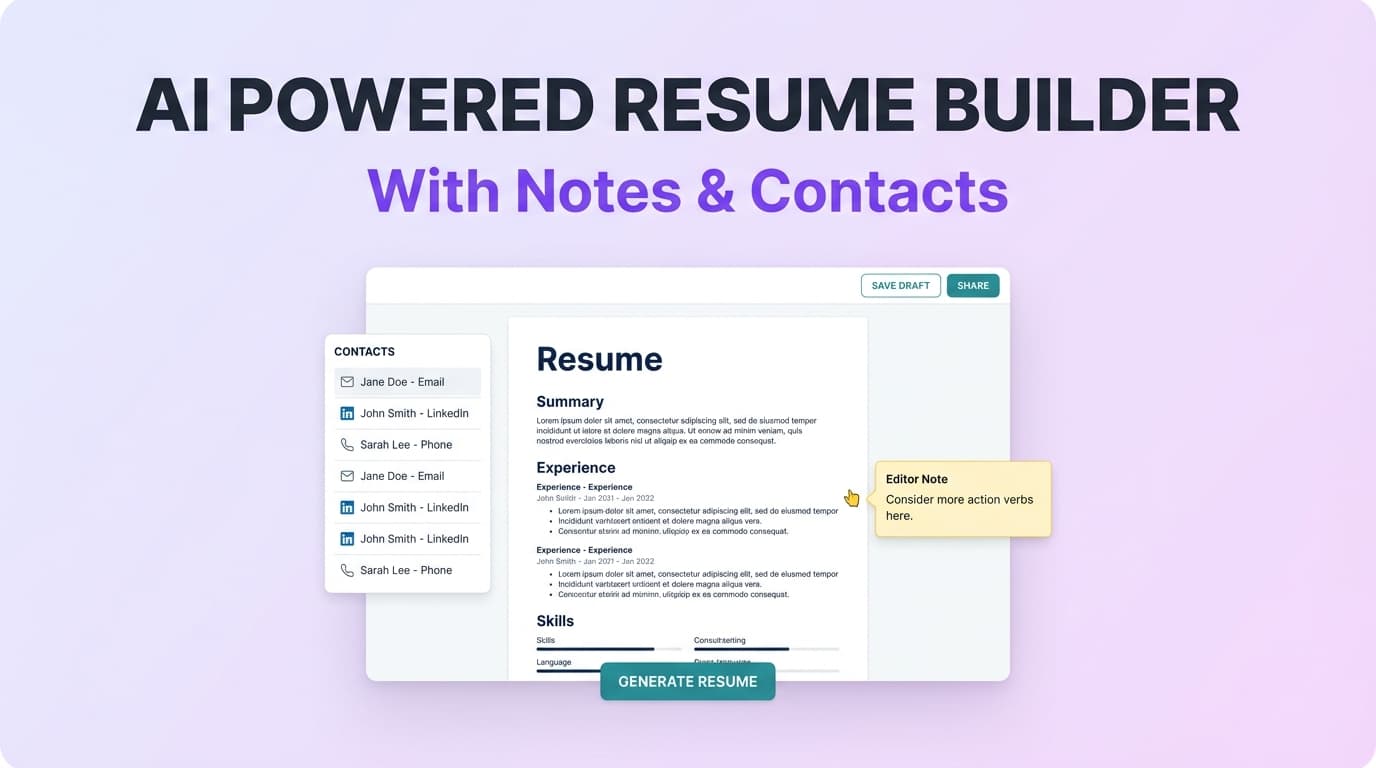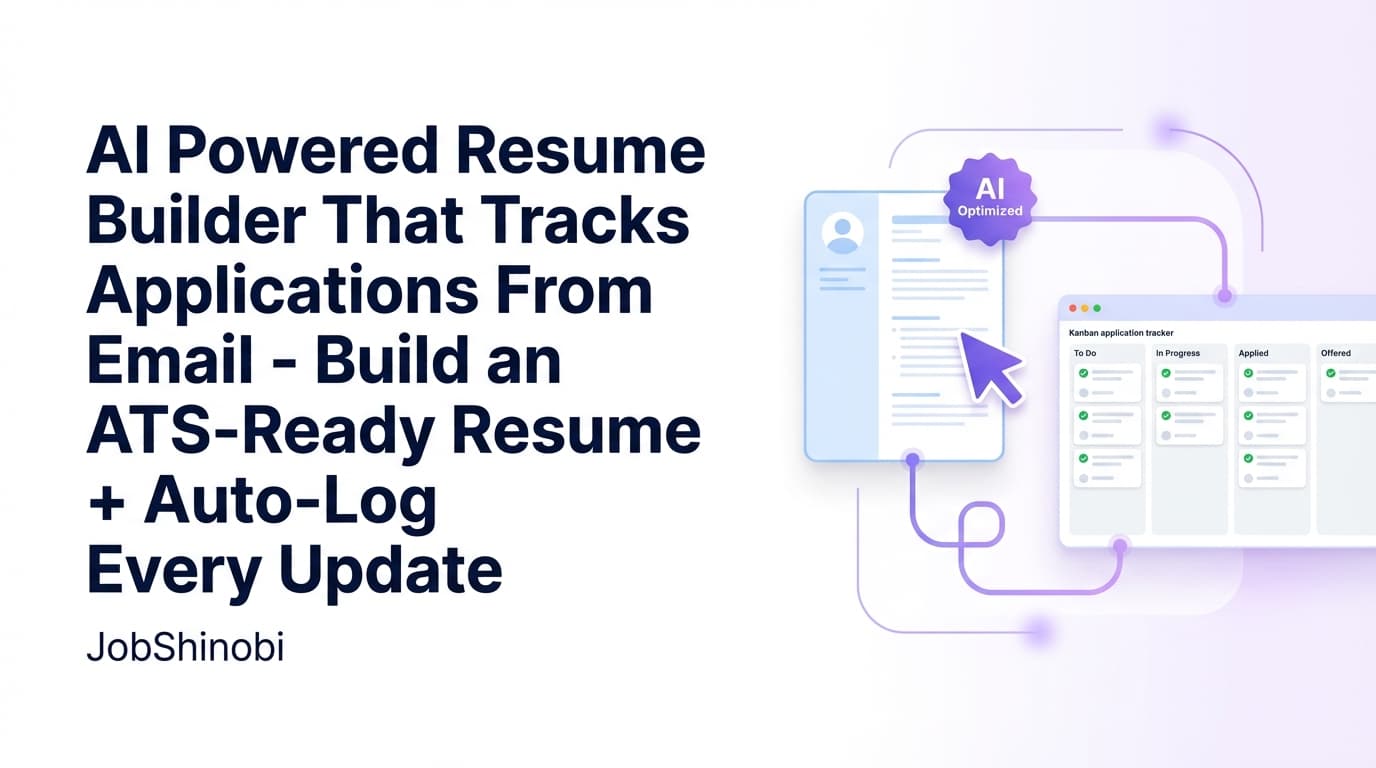
JobShinobi combines two things job seekers usually have to duct-tape together: an AI-powered resume builder and a job application tracker that updates from your email. Build an ATS-ready resume in a LaTeX editor, analyze it for keywords and ATS issues, then forward job emails (application confirmations, interview invites, offers, and rejections) to your unique JobShinobi forwarding address so your tracker stays current—without constant manual data entry.
Important: Email-based application tracking requires a Pro membership (the email processing endpoint is gated). You can still sign in and use the dashboard, but automated email processing is Pro-only.
Why Choose JobShinobi for an AI Powered Resume Builder That Tracks Applications From Email?
Most “AI resume builders” stop at templates and generic bullet suggestions. Most “job trackers” stop at a kanban board and a Chrome extension. JobShinobi is built for the real workflow: apply, get emails, lose track, miss follow-ups, and never learn what’s working.
With JobShinobi, your job search becomes a loop you can actually improve:
- Your resume lives in LaTeX, so structure is explicit and consistent.
- AI analysis is stored so you can track progress and changes over time.
- Forwarded job emails become tracker updates via AI parsing and fuzzy matching, so your dashboard reflects reality.
Built for the email trail you already have
If you apply to 30–200 roles, your inbox becomes the “source of truth”—but it’s scattered across threads, calendar invites, and random notifications. JobShinobi is designed around a simple behavior: forward the email you already received.
Designed to reduce duplicates (not create them)
When you forward an update email (for example, an interview invite after the confirmation), JobShinobi uses fuzzy matching (company/title similarity) to update the most likely existing application instead of creating a duplicate entry.
Resume + tracking + feedback in one product
Instead of bouncing between a resume builder, an ATS checker, and a tracker spreadsheet, JobShinobi keeps your core workflow in one place:
- Resume templates + saved resumes
- LaTeX editor + PDF preview
- AI resume analysis (comprehensive + enhanced mode)
- Job tracker + realtime updates + Excel export
- Email-forwarding ingestion for automatic updates
What “Tracks Applications From Email” Means (In Practice)
JobShinobi doesn’t require you to manually copy fields from your inbox into a spreadsheet. Instead:
- You get a unique JobShinobi forwarding address (on
@parse.jobshinobi.com) once you’re a Pro member. - You forward job-related emails (confirmation, interview scheduling, offer, rejection).
- JobShinobi uses AI to extract structured details (company, job title, status, and optional fields like location, salary, and job URL).
- Your job tracker updates—and the UI is wired for realtime refresh.
This is purpose-built for the long-tail job seeker intent behind searches like: “ai powered resume builder that tracks applications from email”.
How JobShinobi’s Email → Job Tracker Workflow Works
Step 1: Sign in and open your Job Tracker
Sign in with Google and head to the Job Tracker dashboard to view your applications table, statuses, and activity.
What you’ll see in the tracker:
- Job title
- Company
- Status (Applied / Interview / Offer / Rejected / Other)
- Timestamps
- Optional fields if available (location, salary, job URL, additional info)
- Actions to add/edit/delete entries
Step 2: Upgrade to Pro to enable email processing
Automated email ingestion is gated to Pro membership. Once you’re Pro, JobShinobi provisions your forwarding address (used to associate forwarded emails with your account).
Why this matters: The inbound email webhook checks your membership status before processing.
Step 3: Forward your job emails to your unique address
Forward emails like:
- “Thanks for applying…”
- “We’d like to schedule an interview…”
- “We’re moving you forward…”
- “We’ve decided to proceed with other candidates…”
- “Congratulations, we’d like to offer…”
JobShinobi prepares the forwarded email content and parses it with AI into a structured record.
Step 4: JobShinobi creates or updates the right application
JobShinobi will either:
- Create a new application if it can’t find a strong match, or
- Update an existing application using similarity scoring (company weighted more heavily than title)
This is the core difference between “email-powered tracking” and a basic tracker: you’re not doing the reconciliation work.
Step 5: Track in realtime and export when needed
Your dashboard supports:
- Realtime updates (so changes appear without constant refreshing)
- Export to Excel (.xlsx) for sharing, archiving, or importing into other tools
Key Features for an AI Powered Resume Builder That Tracks Applications From Email
| Feature | What It Does | Why It Matters |
|---|---|---|
Unique forwarding address (@parse.jobshinobi.com) |
Lets you forward job emails so JobShinobi can associate them with your account | No more copy/paste from your inbox into a spreadsheet |
| AI email parsing | Extracts company, job title, status, and optional details from forwarded emails | Turns messy email threads into structured tracker updates |
| Fuzzy matching updates | Attempts to match new emails to existing applications (company/title similarity) | Helps reduce duplicates when you forward interview/rejection updates |
| Job Tracker dashboard | Central table to view and manage applications | Keeps your job search organized and actionable |
| Realtime tracker updates | Subscribes to database changes and refreshes the UI | Your tracker stays current while you work |
| Export to Excel (.xlsx) | Downloads your applications table as an Excel file | Easy reporting, backup, or import elsewhere |
| LaTeX resume templates | Start from a template library with categories | Faster setup without fighting formatting |
| LaTeX editor + PDF preview | Edit LaTeX and compile to a PDF preview | Control layout precisely while maintaining a clean structure |
| Download PDF + .tex | Export your resume in both formats | Apply anywhere and keep your source editable |
| AI resume analysis (cached when unchanged) | Scores your resume and returns structured feedback | Faster iteration without re-running the same analysis unnecessarily |
| Enhanced analysis mode | Optional deeper analysis mode (enhancedMode) |
More detailed guidance when you want to go beyond basics |
| Streaming AI resume editor | Chat-based editing that streams responses and can validate LaTeX compilation | Faster edits and fewer broken-resume moments |
| Resume version history | Stores resume versions so changes are recoverable | Safer iteration (especially when tailoring) |
Resume Builder: What You Can Actually Do Inside JobShinobi
JobShinobi is not a “fill in the blanks and hope it exports” builder. It’s a LaTeX-based resume system designed for repeatable iteration.
Start from a template (and keep it consistent)
In the Resume section, you can:
- Browse templates by category
- Create a resume from a selected template
- Save multiple resumes (useful when tailoring for different role families)
Edit in two modes: Code or AI
In the resume editor you can switch between:
- Code mode (manual LaTeX edits)
- AI mode (chat-based edits and suggestions)
Because your resume is stored as LaTeX source, updates remain explicit—your formatting isn’t a mystery.
Preview as a PDF while you work
The editor compiles your LaTeX and shows a PDF preview so you can verify:
- spacing
- line breaks
- section structure
- overall readability
Export what you need for applications
You can download:
- a compiled PDF
- the .tex source
This is especially useful if you want to keep control over formatting long-term.
AI Resume Analysis: Turn “I Think It’s Good” Into Measurable Feedback
JobShinobi includes an AI resume analysis endpoint that returns:
- overall score
- content score
- keyword score
- formatting score
- completeness score
- ATS score
- strengths and improvements
- keyword analysis (present/missing/overused + density-related fields)
- ATS issues
- additional structured analysis objects (including enhanced analysis outputs when enabled)
Cached results when your resume hasn’t changed
If you analyze the same resume without changes, JobShinobi can return the most recent stored analysis rather than re-running it. This helps you iterate faster without repeating identical checks.
Add a job description for job-specific feedback
If you paste a job description (or use job extraction/matching in the product), analysis can incorporate job-specific context so you’re not optimizing in a vacuum.
Email-Based Application Tracking: What Gets Extracted From Forwarded Emails
When you forward emails to JobShinobi, the parser is designed to extract:
- Company
- Job title (always provided; inferred if missing)
- Status: Applied / Interview / Offer / Rejected / Other
- Optional fields when present:
- location
- salary
- job URL
- additional info
- date (normalized)
Common email types that work well
Forward emails like:
- Application confirmation (“We received your application…”)
- Interview scheduling (“Please pick a time…”)
- Next steps (“We’d like to move forward…”)
- Rejection notices (“We’ve decided…”)
- Offer emails (“We’re pleased to offer…”)
What happens if JobShinobi can’t confidently parse the email?
If parsing fails, the system can return an error and (when enabled in your account preferences) send a failure notification—so you know what happened and can try forwarding a different email in the thread.
JobShinobi vs. “Gmail Sync” Job Trackers (and Why Email Forwarding Is Different)
Many trackers advertise “Gmail sync” or “email integration.” That typically means granting the tool direct access to your mailbox via OAuth and scanning messages.
JobShinobi uses a simpler approach:
- You receive a unique forwarding address
- You choose what to forward
- JobShinobi processes only what you send
Benefits of forwarding vs inbox sync
- Control: You decide which emails are included in your tracker.
- Portability: Forwarding works regardless of where you applied—as long as the employer/job board emails you.
- Clean separation: Your job search updates can be routed to a dedicated address without mixing with personal email workflows.
Note: JobShinobi does not claim a direct Gmail integration or mailbox sync. The email-based tracking is implemented via email forwarding + inbound parsing.
JobShinobi vs. Spreadsheets (Excel/Sheets)
A spreadsheet tracker can work—until volume increases.
Where spreadsheets break
- You forget to log applications when you’re applying fast
- You don’t update statuses when replies come in
- You miss follow-ups because dates aren’t consistently recorded
- Duplicates creep in when you apply across multiple platforms
- There’s no feedback loop—just rows
Where JobShinobi adds leverage
- Forwarded emails become updates instead of manual edits
- Statuses are standardized (Applied / Interview / Offer / Rejected / Other)
- Realtime UI updates keep the tracker current
- Export to Excel is still available when you want a spreadsheet snapshot
If your current system is “my inbox + a spreadsheet I update sometimes,” JobShinobi is built to remove the “sometimes.”
JobShinobi vs. Typical AI Resume Builders
Most AI resume builders are optimized for:
- generating bullet points fast
- offering a bunch of templates
- pushing you toward a paywall after you’ve invested time
JobShinobi is optimized for:
- structure you control (LaTeX source)
- analysis you can revisit (stored results)
- editing that doesn’t break formatting (compile checks + PDF preview)
- a job search workflow (tracker + analytics + email-based updates)
Instead of “generate a resume once,” it supports “iterate, tailor, measure, repeat.”
Use Cases (When This Landing Page Keyword Is Exactly What You Need)
1) You apply to a lot of jobs and can’t keep your tracker updated
If your job search pace is high, manual logging becomes the bottleneck. Forwarding emails is faster than maintaining rows.
2) You want one resume system you can tailor without formatting chaos
LaTeX-based resumes help keep layout stable while you tailor content for each role.
3) You want AI feedback, but you don’t want generic advice
JobShinobi analysis returns structured feedback (scores, keywords, ATS issues) and can incorporate job descriptions for context.
4) You want evidence of what’s working
Your tracker + analytics dashboard can help you see trends (like interview conversion) so you can adjust strategy instead of guessing.
Pricing
JobShinobi offers paid subscriptions via Stripe payment links:
- Monthly: $20.00
https://buy.stripe.com/7sYeV61P10GS310eTy0VO02 - Yearly: $199.99
https://buy.stripe.com/6oU9AM0KXexIdFE5iY0VO03
See pricing on the site: View Pricing
Note: Do not assume a trial is included. Trial messaging may appear in UI copy, but trial logic is not verified in the implementation.
Frequently Asked Questions
Is there an AI powered resume builder that tracks applications from email?
Yes—JobShinobi is designed specifically for that combined workflow. You build and manage your resume in a LaTeX-based editor with AI analysis and AI-assisted editing, and you can track applications by forwarding job-related emails to your unique JobShinobi address so the tracker can create or update application records automatically.
Does JobShinobi connect directly to Gmail?
No. JobShinobi does not claim direct Gmail sync. The tracking workflow is based on email forwarding to a unique address associated with your account.
What kinds of emails should I forward to track applications?
Forward emails such as:
- application confirmations
- interview scheduling emails
- rejection notices
- offer emails
JobShinobi’s parser is built around these common patterns and maps them to statuses like Applied, Interview, Offer, Rejected, or Other.
Will forwarding an interview email create a duplicate application entry?
JobShinobi attempts to avoid duplicates by using fuzzy matching (company/title similarity) to find the best existing match and update it. If it can’t find a strong match, it may create a new entry.
Can I export my job tracker to Google Sheets?
JobShinobi exports your tracker to Excel (.xlsx). You can then upload/import that Excel file into Google Sheets if you want, but there is no direct Google Sheets API sync.
Is JobShinobi an ATS resume checker too?
JobShinobi includes AI resume analysis that returns ATS-focused scoring and feedback (including keyword analysis and ATS issues), and it stores analysis results so you can track changes over time.
Do employers know I used an AI resume builder?
JobShinobi does not add a “created by” watermark to your resume content by default in the workflow described here. Ultimately, employers evaluate the resume you submit (PDF), not the tool you used to write it. Focus on clarity, accuracy, and role alignment.
Get Started with JobShinobi Today
If you’re searching for an ai powered resume builder that tracks applications from email, you’re not looking for “another template.” You’re looking for a system that keeps up with your job search.
- Build your resume with LaTeX precision
- Improve it with AI analysis + streaming AI edits
- Keep your tracker updated by forwarding job emails
- Export to Excel when you need reporting or backup
Next step: Visit Pricing to choose Monthly ($20) or Yearly ($199.99), then start tracking applications from your email with your unique forwarding address.