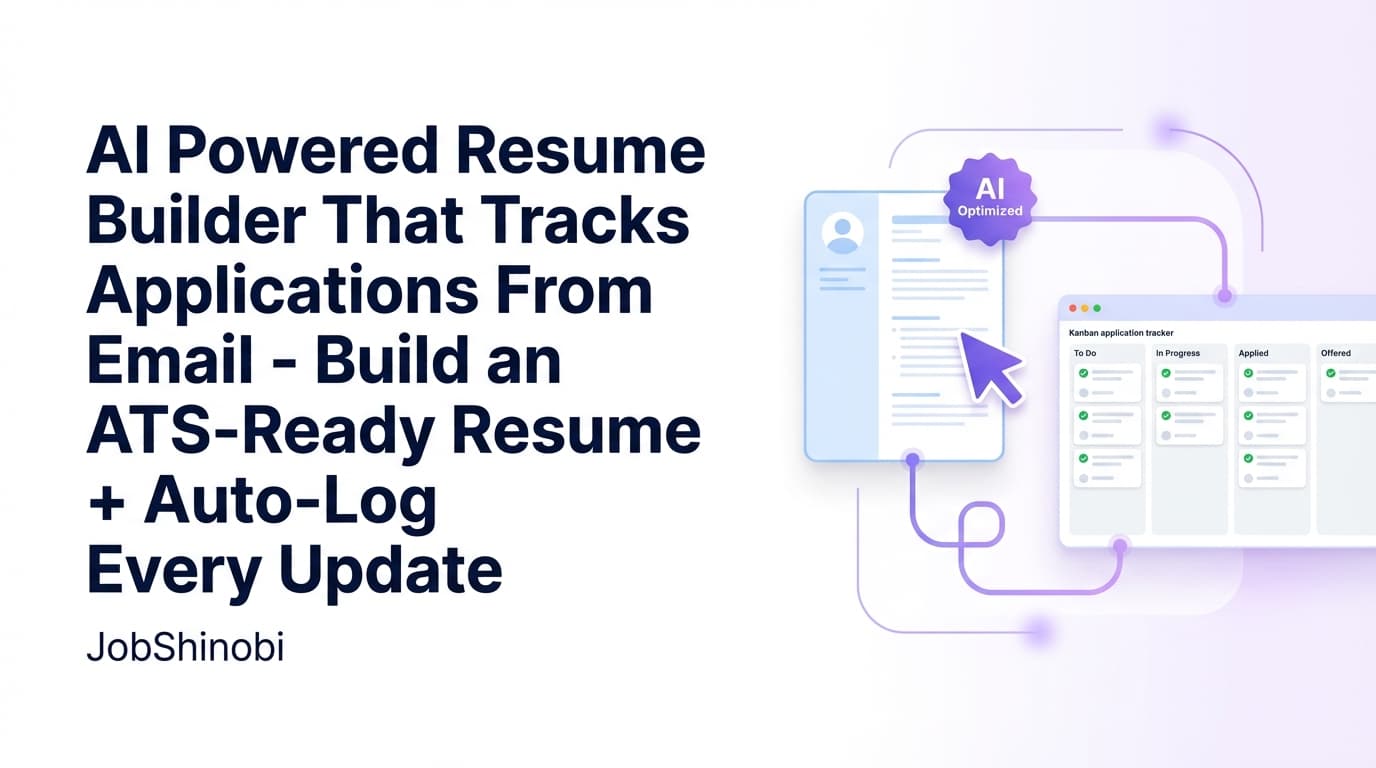
JobShinobi is an AI powered resume builder with an interview tracker designed for job seekers who want one workflow from “write resume” → “tailor to the role” → “track the outcome.” Build a LaTeX-based resume from templates, iterate with an AI streaming editor, run AI analysis and resume-to-job matching, then manage your job applications in a realtime tracker that includes Interview status (plus Applied, Offer, Rejected, and more). You can also forward job-related emails to a dedicated address so JobShinobi can extract details and create/update your application entries automatically (Pro members only).
Why Choose JobShinobi for an AI Powered Resume Builder with Interview Tracker?
Most “resume tools” stop at generating a PDF. Most “trackers” stop at a spreadsheet-like list. JobShinobi connects the two—so your job search stays organized while you iterate on the thing that drives interviews: your resume.
1) A resume builder that’s built for iteration (not just formatting)
JobShinobi’s resume workflow is LaTeX-first. That means your resume is stored as LaTeX source and can be edited repeatedly without fighting formatting drift. You can:
- start from a template in the templates library
- edit in a dedicated LaTeX editor
- preview the PDF via cloud compilation
- download both PDF and .tex exports
- keep a version history of changes (including versions created via AI chat)
If your job search involves tailoring for multiple roles, having a structured editor + version history is the difference between “I think this is the resume I used” and “I know exactly what changed.”
2) AI features that support real job-search decisions
JobShinobi isn’t only “AI writing.” It includes AI workflows that help you decide what to change next:
- Resume analysis (with caching when your resume hasn’t changed)
- Enhanced analysis mode (optional)
- Job description extraction (from job URL or pasted text)
- Resume-to-job matching (match score, missing keywords, suggestions)
Instead of guessing what’s missing, you can see where your resume aligns—and what to tailor for that specific posting.
3) An interview tracker that updates as your pipeline changes
Your interview tracker lives inside the Job Tracker. Each application has a status (including Interview) so you can quickly answer:
- “How many roles are in interview right now?”
- “What’s my response rate and interview conversion?”
- “Which companies are moving forward?”
And because the tracker supports realtime updates, your dashboard stays current as records change.
What “Interview Tracker” Means in JobShinobi
JobShinobi tracks interview progress as a status within your job applications—so your interview stage is part of your pipeline, not a separate tool you have to maintain.
Track Interview as a first-class application status
JobShinobi’s job application records support statuses including:
- Applied
- Interview
- Offer
- Rejected
- Other
So “Interview tracker” in JobShinobi means: you can mark roles as Interview (manually in the tracker or automatically via email parsing when possible), then monitor interview volume and conversion in analytics.
Realtime job tracker updates
The Job Tracker subscribes to realtime database changes, so new applications and updates appear without requiring constant refresh. If you’re actively updating statuses (especially during heavy interview weeks), realtime keeps your tracker from falling out of date.
Export your interview/job pipeline to Excel (.xlsx)
JobShinobi supports exporting job applications to an Excel file (.xlsx). This is useful if you want to:
- create a backup
- share a pipeline with a coach or mentor
- run your own analysis outside the app
How JobShinobi’s Resume Builder Works (LaTeX Templates → PDF Preview → Export)
Step 1: Start from a resume template
Open the Resume dashboard and choose a template from the templates library. Templates are categorized, and resumes are stored with a LaTeX source so you can keep structure consistent across edits.
- Resume hub: /dashboard/resume
Step 2: Edit in LaTeX (with live PDF preview via cloud compilation)
In the editor, you can write and refine your resume as LaTeX, then compile to preview the PDF output. This helps you validate formatting instantly and keep layout stable while you tailor content.
- Resume editor is accessible from your saved resumes and templates flow.
Step 3: Download your resume as PDF or .tex
When you’re ready to submit, you can download:
- resume.pdf
- resume.tex
This is especially helpful if you want a clean PDF for applications while keeping the LaTeX source for future tailoring.
How JobShinobi’s AI-Powered Resume Editing Works (Streaming Agent + Version History)
JobShinobi includes an AI Resume Agent that supports streaming responses and structured editing workflows.
Step 1: Chat with the AI editor (streaming)
In “AI mode,” you can ask for targeted improvements such as:
- rewriting bullets with stronger verbs
- tightening your summary
- tailoring a section for a target role
- clarifying impact and outcomes
Step 2: The AI updates your LaTeX (and can run a compilation check)
The AI editing workflow is built to:
- pull the latest resume content
- apply edits (either section-level or whole-document when needed)
- check compilation to help catch LaTeX errors early
Step 3: Keep versions so you can revert confidently
JobShinobi stores resume versions, including versions created via AI chat. This matters because tailoring often involves tradeoffs (keyword alignment vs. brevity vs. readability). With versions, you can iterate without losing your best draft.
How JobShinobi’s Resume Analysis & Job Matching Works
AI resume analysis (with cached results when unchanged)
JobShinobi includes a resume analysis endpoint that can return cached results when the resume hasn’t changed since the last analysis. That means you can:
- analyze, make changes, analyze again (when needed)
- avoid wasting time re-running identical analysis on an unchanged resume
The analysis supports:
- Comprehensive analysis
- Enhanced analysis mode (optional)
Paste a job description (or job URL) to extract job details
JobShinobi supports job detail extraction from:
- a job URL, or
- pasted job description text
This produces structured job information and feeds into matching.
Resume-to-job matching with saved results
JobShinobi can compute a resume match against a job and save the analysis. You’ll see:
- match score
- present vs missing keywords
- suggestions for tailoring
And when you’re ready, you can apply changes back in the editor.
How JobShinobi’s Email Forwarding Helps Auto-Update Your Tracker (Pro Members)
If you don’t want to manually log every application update, JobShinobi supports a workflow where you forward job-related emails to a dedicated address.
What happens when you forward a job email?
When you forward a job-related email (confirmation, interview invite, update, etc.), JobShinobi can parse the content and extract structured fields such as:
- company
- job title (inferred if not explicit)
- status: Applied / Interview / Offer / Rejected / Other
- optional fields like location, salary, job URL, and additional info
Smart matching to reduce duplicates
If JobShinobi detects that a forwarded email likely matches an existing application (based on similarity of company/title), it can update the existing record instead of creating a duplicate.
Important: email processing requires Pro membership
Email ingestion/processing is restricted to Pro members. If you’re evaluating JobShinobi specifically because you want email-forwarded tracking, plan on using Pro.
Key Features for an AI Powered Resume Builder with Interview Tracker
| Feature | What It Does | Why It Matters |
|---|---|---|
| LaTeX Resume Builder | Create/manage resumes stored as LaTeX source | Keeps structure stable while you tailor content |
| Resume Templates Library | Start from templates organized by category | Faster setup, consistent formatting |
| Cloud PDF Preview (Compile LaTeX) | Compile LaTeX and preview a PDF | Verify layout instantly as you edit |
| Download PDF + .tex | Export your resume in application-ready and source formats | Submit clean PDFs while keeping editable source |
| AI Resume Agent (Streaming) | Chat-based resume editing with streaming responses | Faster iteration and targeted improvements |
| Resume Analysis (Cached) | Runs analysis and returns cached results when unchanged | Avoid repeating the same analysis unnecessarily |
| Enhanced Analysis Mode | Optional deeper analysis mode | More insight when you need it |
| Job Description Extraction | Extract job details from URL or pasted text | Turn messy postings into structured requirements |
| Resume-to-Job Matching | Match score + missing keywords + suggestions | Tailor based on gaps, not guesses |
| Job Application Tracker | Track applications with statuses (Applied/Interview/Offer/Rejected/Other) | Your interview tracker lives in your pipeline |
| Realtime Updates | Job tracker updates as records change | Keeps your dashboard current |
| Export to Excel (.xlsx) | Export your job tracker data | Backup and sharing without manual spreadsheet cleanup |
| Analytics Dashboard | Computes response rate, offer rate, interview conversion | See what’s working across your job search |
AI Powered Resume Builder with Interview Tracker vs. The “3-Tool” Setup (Resume Builder + Spreadsheet + Notes)
Alternative approach: separate tools
A common setup looks like:
- a resume builder (for formatting and PDF export)
- a spreadsheet for tracking applications and interviews
- email threads / notes for updates and context
It works—until volume increases. Then you start losing track of:
- which resume version went to which job
- what keywords you tailored
- which companies are in interview vs. stalled
- how your response rate is trending
JobShinobi approach: one workflow
With JobShinobi, you can keep the workflow connected:
- build and export your resume (PDF + .tex)
- tailor via AI + job match insights
- track the application status (including Interview)
- export the tracker to Excel when needed
- optionally reduce manual logging by forwarding job emails (Pro)
Job Search Analytics (So You Can Improve Outcomes, Not Just Activity)
JobShinobi includes an analytics dashboard built from your tracked applications. It computes metrics such as:
- Response rate (interviews + offers vs total applications)
- Offer rate (offers vs total applications)
- Interview conversion (offers vs interviews)
If you’re applying consistently but not seeing results, analytics helps you diagnose whether the problem is:
- low response rate (resume/targeting issue), or
- low interview-to-offer conversion (interview performance / role fit issue)
Analytics: /dashboard/analytics
Pricing
JobShinobi is a paid subscription product offered via Stripe payment links:
- Monthly: $20.00
- Yearly: $199.99
If you need email-forwarding automation to auto-update your job tracker from emails, note that processing requires Pro membership.
Frequently Asked Questions
Does JobShinobi have an interview tracker?
Yes. JobShinobi includes a job application tracker where you can set application status to Interview (along with Applied, Offer, Rejected, and other statuses). This functions as your interview tracking within the full job-search pipeline.
Is JobShinobi an AI-powered resume builder?
Yes. JobShinobi includes:
- a streaming AI resume editor that can help revise your LaTeX resume, and
- AI resume analysis (including an optional enhanced mode) that produces structured feedback and can return cached results if your resume hasn’t changed.
Can I tailor my resume to a specific job description?
Yes. JobShinobi supports job description extraction (URL or text) and resume-to-job matching so you can identify missing keywords and tailoring opportunities, then apply improvements in the resume editor.
Can JobShinobi automatically update my applications from emails?
JobShinobi supports an email-forwarding workflow where job-related emails can be parsed to extract company/title/status and optional details. This processing is available to Pro members.
Can I export my interview/job tracker to Excel?
Yes. JobShinobi supports exporting job applications to Excel (.xlsx).
Do you offer a weekly plan or a guaranteed free trial?
JobShinobi offers Monthly ($20) and Yearly ($199.99) plans. A weekly plan is not offered, and trial availability should not be assumed unless explicitly presented during checkout.
Can JobShinobi auto-apply to jobs on LinkedIn/Indeed?
No. JobShinobi does not provide auto-apply functionality or job board application automation.
Can I upload a PDF and have JobShinobi extract the resume automatically?
JobShinobi’s resume workflow is LaTeX-based. It does not provide an OCR/image-based pipeline for extracting resume content from PDFs or images.
Get Started with JobShinobi Today
If you’re looking for an AI powered resume builder with an interview tracker that keeps your resume workflow and your application pipeline in sync, JobShinobi is built for that.
- Build with LaTeX templates + PDF preview
- Improve with AI editing + analysis + job matching
- Track interviews and outcomes in a realtime job tracker
- Export your pipeline to Excel
- Forward job emails to auto-update applications (Pro)