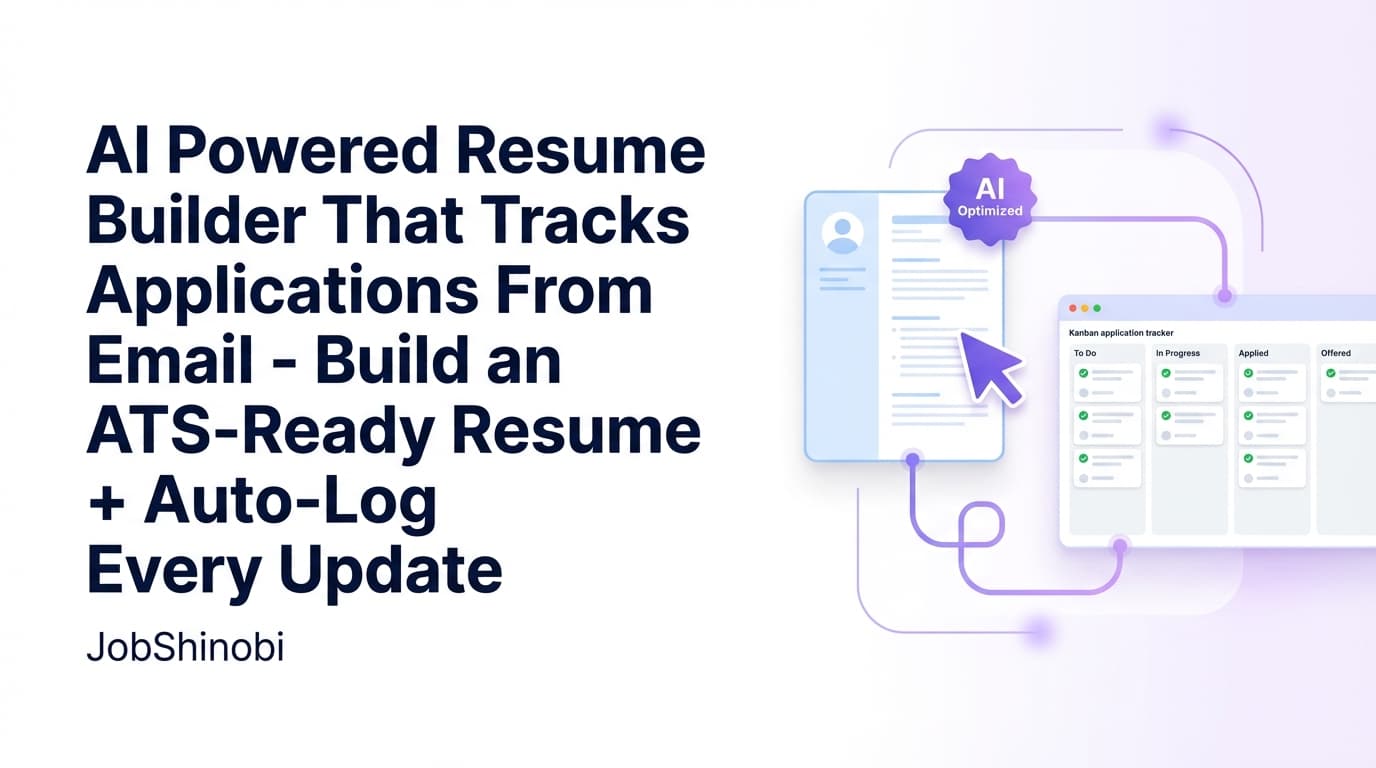
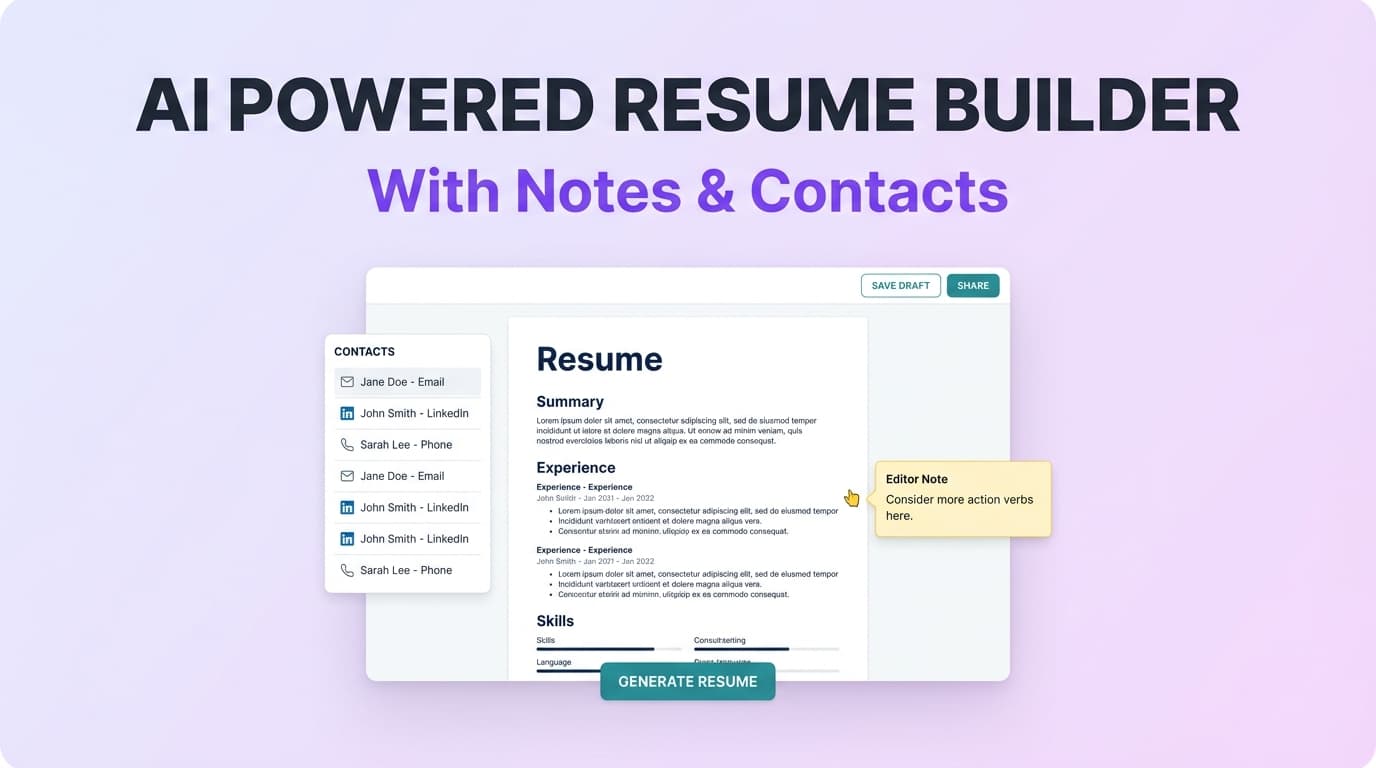
JobShinobi is an AI powered resume builder with a job application tracker built for job seekers who are doing everything right—applying consistently, tailoring resumes, following up—yet still feel stuck managing a messy system of docs, tabs, and spreadsheets.
With JobShinobi, you can:
- Build and edit a LaTeX-based resume (templates, editor, PDF preview)
- Use AI resume analysis (including ATS/keyword feedback) and save results over time
- Paste a job URL or job description for job detail extraction and resume-to-job matching
- Track your pipeline in a realtime job application tracker (and export to Excel .xlsx)
- Optional (Pro): Forward job-related emails to a unique address and let JobShinobi create/update your application records automatically
Get started: /login
See plans: /pricing
Why JobShinobi for an AI Powered Resume Builder with Job Application Tracker?
Most tools either:
- help you write a resume, or
- help you track applications,
…but then leave you to manually connect the two (and remember which resume version you used for which job).
JobShinobi is designed around the real workflow:
Build → Tailor → Apply → Track → Learn → Iterate
And it’s built on concrete, product-backed capabilities:
- A Resume Builder that stores your resume as LaTeX source (
latex_source) - A Resume Editor with cloud compilation + PDF preview, plus downloads for PDF and .tex
- An AI Resume Editor (streaming chat) that can update LaTeX and run compilation checks in the workflow
- An AI Resume Analyzer with two modes (comprehensive + enhanced) and caching when a resume hasn’t changed
- A Job Application Tracker with realtime updates and Excel export
- A unique (Pro) Email Forwarding → Auto-tracking pipeline that parses forwarded emails and updates your tracker
Built for high-volume applicants (and anyone who hates manual tracking)
If you’ve ever:
- applied to 30–100+ roles,
- tailored multiple resume versions,
- lost track of follow-ups,
- or couldn’t remember which resume you sent to which recruiter…
…JobShinobi is made for you.
LaTeX-first: structure stays consistent while content improves
JobShinobi’s resume workflow is LaTeX-based—so your formatting remains consistent while you keep iterating on content, keywords, and clarity.
You can still export a standard PDF for applications, but you keep a “source-of-truth” that’s built for repeated editing.
AI assistance you can actually use in a real job search
JobShinobi’s AI features aren’t just “write a resume.” They’re designed for the parts of job searching that take the most time:
- analyzing and improving resume quality
- matching to job descriptions
- making targeted edits without breaking formatting
- keeping your tracking up to date when emails come in
What You Can Do With JobShinobi (End-to-End)
1) Build a resume from templates
Start in the Resume Builder and choose a template from the template library (with categories). Create a resume, save it, duplicate it for a new role, or manage multiple resumes over time.
Go to: /dashboard/resume
2) Edit in LaTeX (with PDF preview)
Open the editor to:
- edit your LaTeX resume directly
- compile to a PDF preview via cloud compilation
- download your resume as PDF
- download your resume as .tex
This is especially useful when you want precise, consistent formatting across versions.
3) Improve with AI Resume Analysis (comprehensive or enhanced)
Run AI resume analysis to get structured feedback, including:
- score breakdowns (overall and category-level)
- strengths and weaknesses
- keyword analysis (present/missing/overused, density-related fields)
- ATS-related issues and formatting signals
JobShinobi also caches analysis results when the resume hasn’t changed—so you’re not re-running the same analysis unnecessarily.
4) Match your resume to a job description (URL or paste)
When you’re applying to a specific job, you can input:
- a job URL, or
- the job description text
JobShinobi can extract structured job details and run resume-to-job matching—so you can identify keyword gaps and tailoring opportunities.
5) Track your job applications in realtime (and export to Excel)
In the Job Tracker dashboard, you can:
- add/edit/delete applications
- update statuses (Applied, Interview, Offer, Rejected, etc.)
- see updates in realtime
- export your job tracker to Excel (.xlsx)
Go to: /dashboard/job-tracker
6) Optional (Pro): Forward emails to auto-create/update your tracker
Instead of copying details from inbox confirmations into a spreadsheet, Pro users can forward job-related emails to a unique forwarding address. JobShinobi parses the content and creates/updates job application entries—using fuzzy matching to avoid duplicates when possible.
Manage your forwarding settings: /dashboard/settings
Why Choose JobShinobi for This Use Case?
Benefit 1: A job tracker that updates in realtime (not “refresh and hope”)
When you’re applying at volume, your pipeline changes constantly—statuses move, new applications get added, and you need the tracker to stay accurate.
JobShinobi’s Job Tracker supports realtime updates so changes appear without manual refresh. It’s designed for active job seekers who live in their dashboard.
Bonus: Export to Excel (.xlsx) when you need to share progress, back up your work, or analyze offline.
Benefit 2: Resume iterations that don’t destroy formatting
Many resume builders are great until you start making frequent edits for different roles—then formatting drifts, spacing breaks, and you lose confidence in the output.
JobShinobi keeps your resume as LaTeX source and supports PDF compilation preview. That makes it easier to:
- keep a consistent layout
- iterate quickly
- preserve a stable “template + content” system
Benefit 3: AI that supports the tailoring loop (job match + action steps)
JobShinobi supports job-description input (URL or text), extraction, and resume-to-job matching. That means you can:
- identify missing keywords
- compare how your resume aligns to the role
- implement changes in the editor (manual or AI-assisted)
Benefit 4: Email-forwarding automation (Pro) that reduces manual tracking
Job seekers don’t fail because they can’t write a resume—they fail because the job search becomes operationally overwhelming.
Email-forwarding automation is how JobShinobi reduces the most annoying part of job hunting: updating a tracker after every confirmation email.
How JobShinobi’s Email-Forwarding Job Application Tracker Works (Pro)
JobShinobi supports an inbound email workflow designed to automatically log application activity from your inbox.
Step 1: Get your unique forwarding email address
In Settings, you can view your unique forwarding address (formatted like a @parse.jobshinobi.com address).
Go to: /dashboard/settings
Step 2: Forward application-related emails
Forward confirmations, interview scheduling emails, and other job-related updates to that address.
Step 3: JobShinobi parses and updates your tracker
JobShinobi parses key application details from the email content, such as:
- company
- job title
- status (Applied / Interview / Offer / Rejected / Other)
- optional details like location, salary, job URL, additional info (when present)
Step 4: Fuzzy matching helps prevent duplicates
If an email appears to match an existing application (based on similarity of company and job title), JobShinobi can update the existing entry rather than creating a duplicate.
Step 5: You get a cleaner tracker without manual entry
Instead of a spreadsheet and a backlog of “update tracker later,” your job tracking stays current as your inbox updates.
Important: Email processing is gated to Pro membership.
How JobShinobi’s AI Resume Builder Works (Real Workflow)
Step 1: Start from a template (or an existing resume)
From the Resume dashboard, you can:
- start from a template, or
- open an existing resume you’ve saved
This is useful when you want a base resume plus tailored variants.
Step 2: Edit in the Resume Editor (manual or AI mode)
The editor supports:
- direct LaTeX editing
- switching into AI chat mode (streaming) for guided edits
You can keep control of your content while speeding up rewriting and restructuring.
Step 3: Compile and preview your PDF
Compile to generate a PDF preview—so you can verify output while editing.
Step 4: Run resume analysis when you’re ready to evaluate quality
Use AI resume analysis to identify:
- weak bullets
- missing sections
- keyword gaps
- ATS-related issues
If you haven’t changed the resume since your last analysis, cached results can be returned—so you can keep moving.
Step 5: Tailor for a specific job (job description → match analysis)
Paste the job description (or provide a URL), run job extraction + matching, then use your findings to tailor your resume.
Key Features for an AI Powered Resume Builder with Job Application Tracker
| Feature | What It Does | Why It Matters |
|---|---|---|
| Job Application Tracker (dashboard) | Track job applications and statuses in one place | You always know what’s next: follow-ups, interviews, outcomes |
| Realtime updates | Updates job applications in realtime | Keeps your tracker accurate during high-volume applying |
| Export to Excel (.xlsx) | Export applications from the job tracker | Easy backup, reporting, and offline analysis |
| Email Forwarding → Auto tracking (Pro) | Forward job emails; parse and create/update applications | Eliminates manual spreadsheet updates |
| Resume Builder (LaTeX-based) | Create/manage resumes stored as LaTeX source | Stable structure while you iterate on content |
| Templates library (categorized) | Choose templates to start quickly | Faster setup + consistent formatting |
| Resume Editor + PDF preview | Compile and preview PDF during edits | Confidence that output looks right before you apply |
| Download PDF + .tex | Export your resume in application-ready and source formats | Apply easily while retaining editable source |
| Streaming AI Resume Editor (chat) | AI-assisted edits with streaming responses | Faster rewriting and structured editing without losing control |
| Resume Version History | Save versions from manual and chat-based edits | Safely keep multiple iterations and revert when needed |
| AI Resume Analysis (cached) | Scores + structured feedback; cached if resume unchanged | Faster iteration and better decision-making |
| Enhanced analysis mode | Deeper analysis mode when enabled | More detailed insights when you want them |
| Job URL/text extraction | Extract structured job details | Converts messy postings into usable signals |
| Resume-to-job match analysis | Match score + keyword gaps saved | Tailor your resume based on job requirements |
| Job search analytics | Response rate, offer rate, interview conversion, trends | Learn what’s working and adjust your strategy |
AI Powered Resume Builder with Job Application Tracker vs. Spreadsheet + Separate Tools
The spreadsheet approach (what breaks first)
Spreadsheets work… until they don’t.
They usually fail when:
- you start tailoring multiple resume versions
- you lose track of which resume you submitted
- you can’t keep up with status updates
- interview scheduling and recruiter messages stack up
- your tracking becomes incomplete (and your follow-up timing suffers)
The “separate tools” approach (what gets duplicated)
Using one tool for resumes and another for tracking often causes:
- duplicate data entry
- unclear version control
- disconnected job-match insights
- inconsistent process (and missed follow-ups)
What JobShinobi does differently
JobShinobi is designed to keep your workflow connected:
- Build and iterate on resumes in one system (LaTeX + versions)
- Evaluate quality with AI analysis
- Match to job descriptions (URL or text)
- Track applications in a realtime dashboard
- Optional (Pro): let email forwarding update your tracker automatically
- Review performance in analytics
Job Search Analytics: Don’t Guess—Measure
JobShinobi includes an Analytics dashboard that calculates performance signals from your tracked applications, including:
- Response rate (interviews + offers vs total applications)
- Offer rate
- Interview conversion rate (offers vs interviews)
- Monthly application trends (recent months)
- Application status distribution (Applied/Interview/Offer/Rejected)
Go to: /dashboard/analytics
This is useful when you’re trying to answer questions like:
- “Am I applying enough?”
- “Are my interviews converting?”
- “Should I change my targeting, resume, or outreach?”
Use Cases: Who This Page Is For
If you’re applying to multiple roles per week
JobShinobi helps you:
- keep every application organized
- tailor resume versions without losing track
- export your tracker for accountability or coaching
If you need a more structured resume workflow
LaTeX-based editing + PDF compilation preview gives you a stable foundation to iterate on content—especially if you’re tired of formatting issues.
If you want a job tracker that doesn’t require constant manual updates (Pro)
Forwarding emails is a practical way to keep your tracker accurate without turning your job search into a data-entry job.
Pricing
JobShinobi offers paid subscriptions via Stripe:
- Monthly: $20.00
- Yearly: $199.99
View pricing: /pricing
Note: Email-processing automation for forwarded emails requires Pro membership.
Frequently Asked Questions
Is there an AI powered resume builder with a job application tracker?
Yes. JobShinobi combines a LaTeX-based resume builder with AI features (resume analysis, AI-assisted editing, job matching) and a job application tracker with realtime updates and Excel export.
Does JobShinobi automatically track job applications?
You can always track applications manually in the tracker. Additionally, Pro users can use email forwarding so JobShinobi can parse forwarded job emails and create/update application entries.
Can I match my resume to a job description?
Yes. You can provide a job URL or job description text, and JobShinobi supports job detail extraction and resume-to-job match analysis, including keyword gaps.
Can I export my job application tracker?
Yes. JobShinobi supports exporting your job tracker to Excel (.xlsx).
Does JobShinobi integrate with LinkedIn or auto-apply to jobs?
JobShinobi focuses on resume building, analysis, matching, and tracking. It does not claim job board integrations or auto-apply functionality.
Can I sync JobShinobi to Google Sheets?
JobShinobi supports Excel (.xlsx) export. It does not claim a direct Google Sheets integration.
What formats can I download from the resume editor?
You can download your resume as:
- .tex (LaTeX source)
Get Started with JobShinobi Today
If you’re looking for an AI powered resume builder with job application tracker that supports the full job search loop—build, tailor, apply, track, and iterate—JobShinobi gives you a single place to run your process.
- Build structured LaTeX resumes from templates
- Edit with an AI-assisted streaming resume editor
- Analyze resume quality with comprehensive or enhanced AI analysis
- Match to job descriptions (URL or text)
- Track applications in realtime and export to Excel
- Optional (Pro): forward emails to auto-update your job tracker
Start now: /login