If you searched “Jobscan resume scanner vs Canva resume builder”, you’re not alone—and you’re not confused. This is one of those comparisons where the two tools solve different problems:
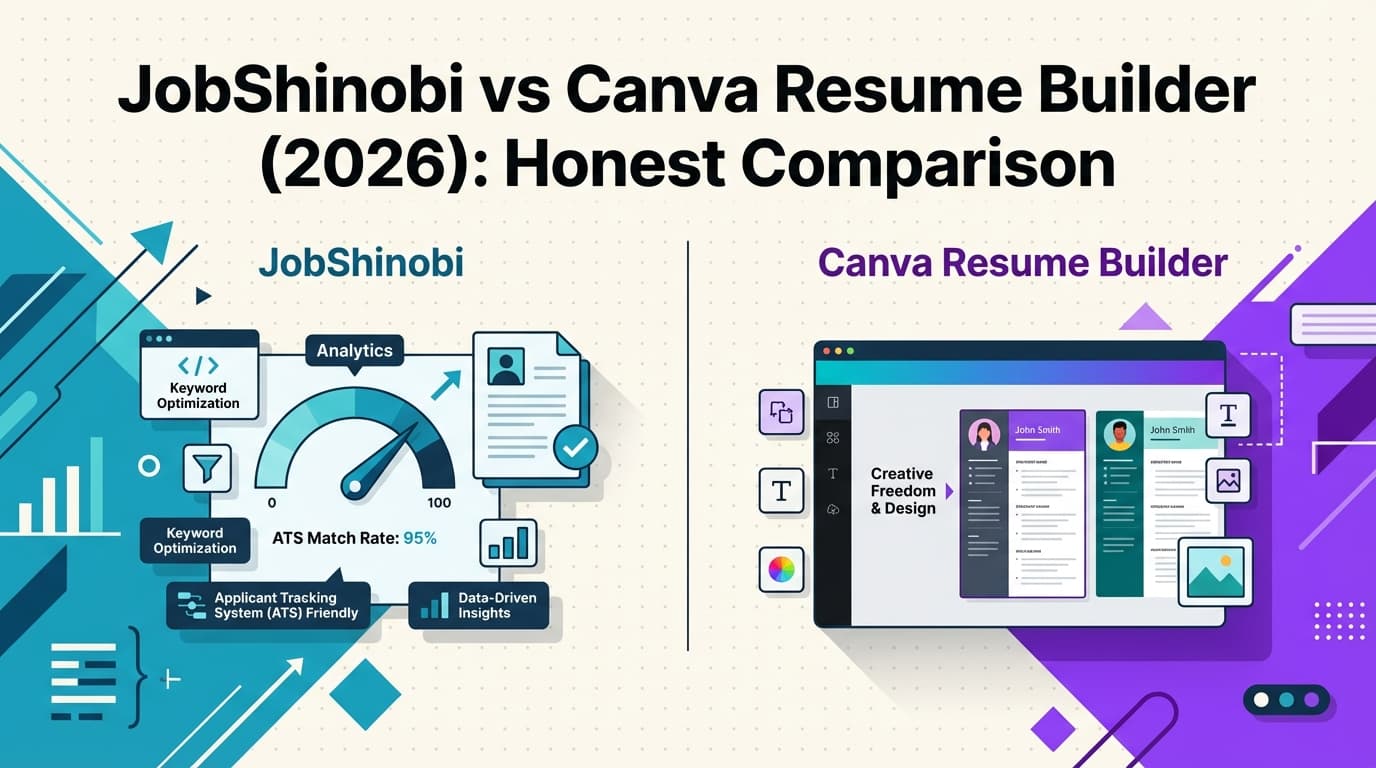
- Jobscan is an ATS-oriented scanner/optimizer (it compares your resume to a job description and gives you a match-style score and keyword feedback).
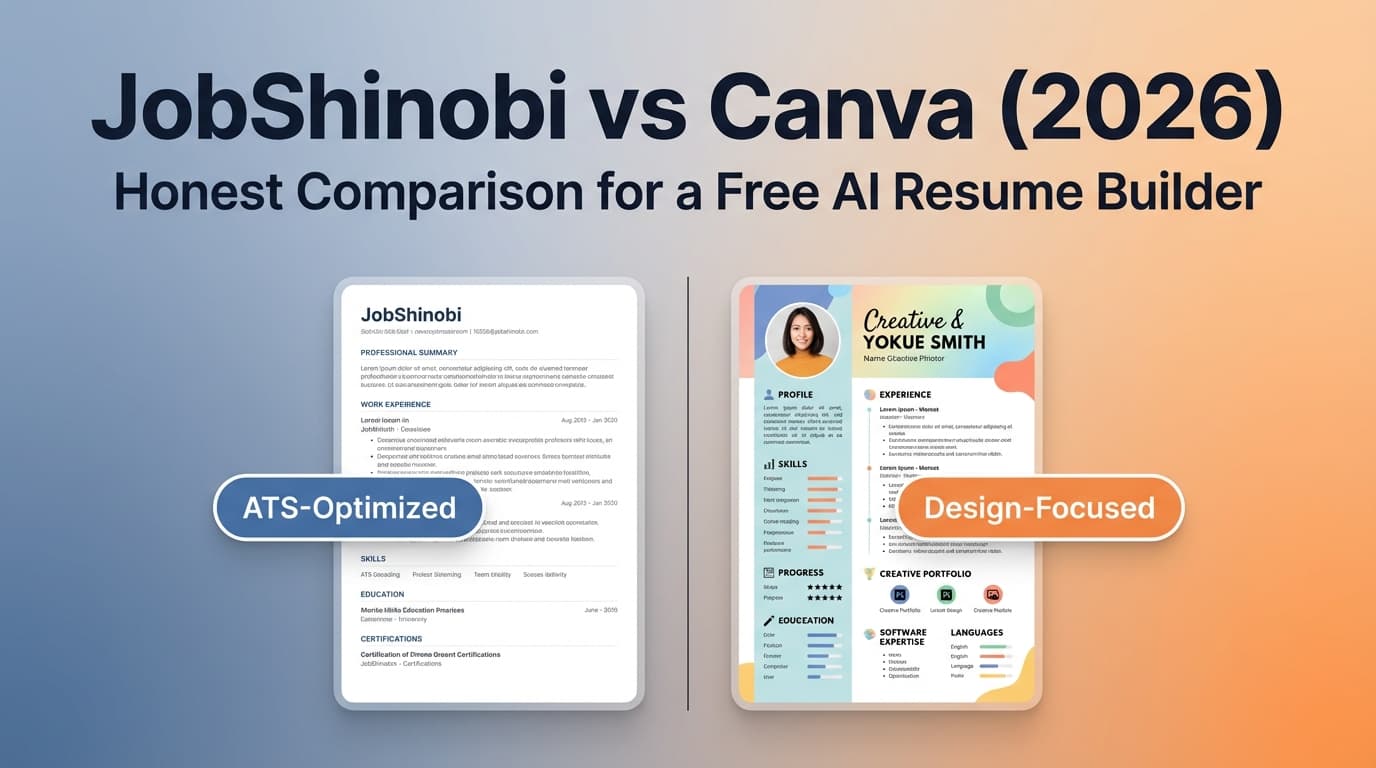
- Canva is a design-first resume builder (templates + drag-and-drop layout for a polished look).
But many job seekers actually need a third piece: a system to tailor resumes repeatedly and track applications without spreadsheets.
That’s where JobShinobi fits: it’s built as an AI resume builder + ATS resume analyzer + job application tracker (including an email-forwarding workflow that can automatically log application emails into your tracker).
Quick Verdict:
- Choose Canva Resume Builder if you want the best design experience, lots of templates, and easy collaboration.
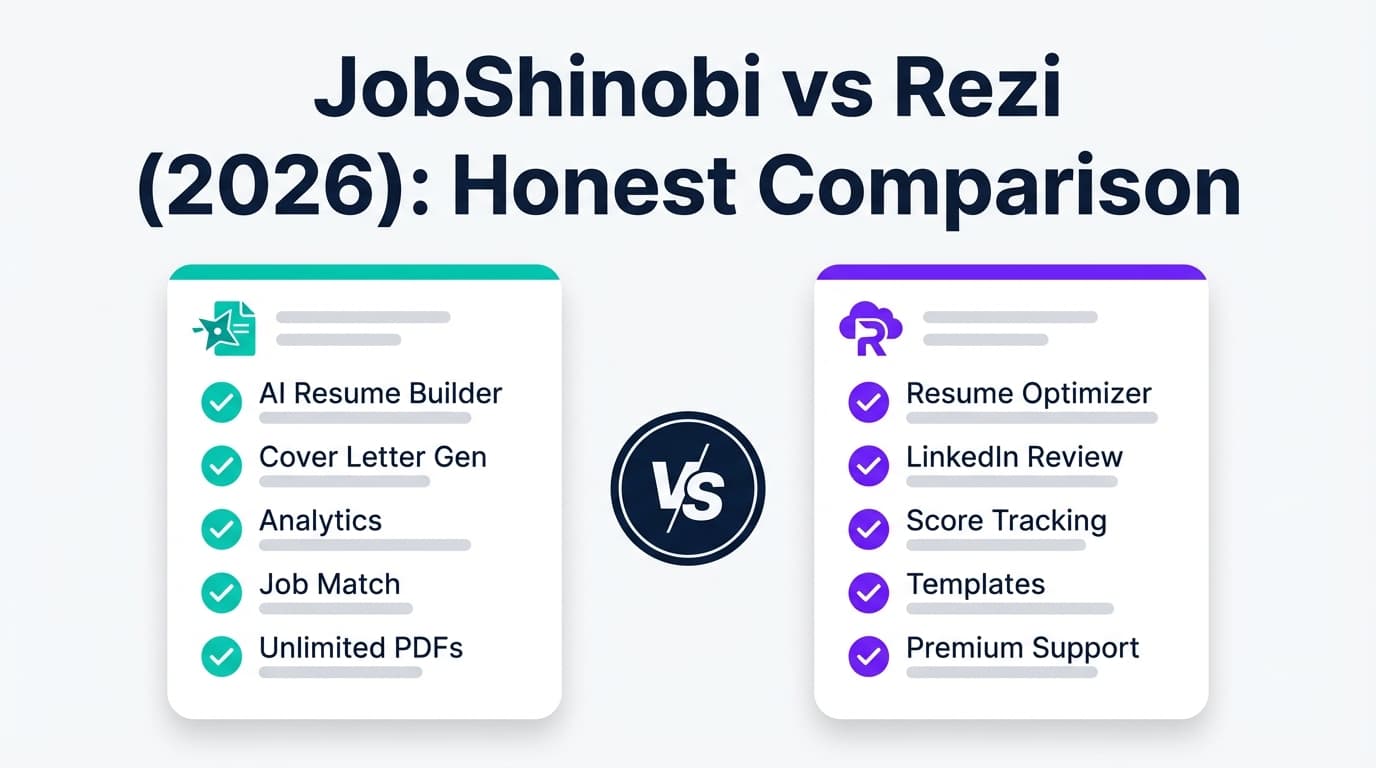
- Choose JobShinobi if you want ATS-focused resume analysis + job-to-resume matching + built-in job application tracking (especially for higher-volume job searches).
TL;DR Comparison
| Feature | JobShinobi | Canva Resume Builder |
|---|---|---|
| What it’s best at | ATS optimization + job matching + tracking | Design flexibility + templates + collaboration |
| ATS scoring / resume analysis | ✅ Yes (structured scoring + feedback) | ❌ Not an ATS scanner |
| Job description → match score / keyword gaps | ✅ Yes | ⚠️ Canva has AI resume content features, but it’s not positioned as a dedicated ATS match scanner |
| Resume creation | ✅ LaTeX-based builder + PDF preview | ✅ Drag-and-drop editor |
| Templates | ✅ Resume templates (LaTeX-based) | ✅ Huge template ecosystem (resume templates + more) |
| Export formats (verified) | ✅ PDF + .tex |
✅ PDF + image formats like JPG/PNG (Canva resume pages also mention JPEG/PNG) |
| Word/DOCX export | ✅ Not the core workflow | ⚠️ Mixed signals: Canva resume pages mention “Word format,” but Canva’s own help docs say DOCX download is for Canva Docs only (not all design types) |
| Collaboration (sharing/editing) | Limited (not a collaboration-first suite) | ✅ Strong: Canva help docs describe sharing a link that lets others edit without sign-in (permissions vary) |
| Job application tracking | ✅ Yes (tracker + analytics + email automation) | ❌ Not a job tracker |
| Starting price | $20/mo (Pro) | Free plan available; Canva Pro pricing varies by region (commonly listed around $12.99/mo or $119.99/yr in third-party summaries) |
| Best for | Serious ATS optimization + organized job search workflow | Design-forward resumes + quick template editing |
Why this keyword exists: Jobscan vs Canva is “scanner vs builder”
What Jobscan is (scanner-first)
Jobscan positions itself around scanning and optimizing your resume against job listings (ATS + recruiter checks). Their plan page snippets commonly reference:
- 5 free resume scans (signup/monthly)
- Paid plans including a $49.95/month option and $89.95 billed every 3 months option (pricing wording appears on Jobscan’s plan pages/snippets and related Jobscan pages)
What Canva is (design-first)
Canva’s resume experience is built around:
- Templates and a visual editor
- Downloading your resume in formats like PDF, JPEG, PNG (this is repeatedly stated in Canva resume-related snippets)
- Sharing and collaboration (core Canva strength)
Where JobShinobi fits
JobShinobi is for job seekers who want:
- A resume that is structured for ATS parsing
- Guidance to tailor the resume to each job (match analysis)
- A way to track applications (including email-forwarding automation)
In other words, if Jobscan is “optimize” and Canva is “design,” JobShinobi is “optimize + manage the entire workflow.”
JobShinobi Overview
JobShinobi is an AI Resume Builder + ATS Resume Analyzer + Job Search Tracker designed for people who are tired of ATS rejections and manual job-search spreadsheets.
Key pillars:
-
Resume building with a structure-first approach
- LaTeX-based templates and editing
- PDF preview via cloud compilation
-
ATS-focused feedback
- Resume scoring with sub-scores (ATS, keywords, formatting, completeness, etc.)
- Keyword analysis and improvement suggestions
-
Job-specific tailoring
- Paste a job description (or URL) → extract requirements → compute match score and missing keywords
-
Job application tracking (including automation)
- Built-in job tracker + analytics dashboard
- Email-forwarding automation: forward job-related emails to a unique address and JobShinobi can extract job details and log them (Pro-gated feature)
Key Strengths
- All-in-one workflow: optimize the resume and track the job search in one place.
- ATS + matching depth: scoring, keyword gaps, job alignment features built in.
- Automation edge: email-forwarding to log applications reduces manual tracking burden.
Limitations (Honest)
- Design flexibility is not the goal: if you want a heavily visual resume, Canva will feel better.
- Learning curve: LaTeX-first editing is powerful but not as beginner-friendly as drag-and-drop.
- Some features are Pro-gated: especially email automation for tracking.
Canva Resume Builder Overview (Verified via Canva help/docs + SERP snippets)
Canva Resume Builder is part of Canva’s larger design platform. It’s widely used because it makes it easy to create something that looks polished quickly.
What Canva clearly emphasizes across resume-related pages/snippets:
- Resume templates you can customize
- Download/export options (frequently PDF, JPEG/PNG)
- Sharing and collaboration
Key Strengths
- Best-in-class design experience: drag-and-drop editing and an enormous template library.
- Collaboration: Canva’s help docs describe collaborative sharing (including editable links).
- Ecosystem advantage: if you already use Canva for portfolios, presentations, social graphics, etc., resumes fit naturally into that workflow.
Limitations (with important nuance)
- Not an ATS “scanner” by default: Canva is primarily a builder, not a job-description match engine like Jobscan.
- ATS risk depends on how you design: many resume experts warn that complex layouts (columns, text boxes, heavy graphics) can cause parsing problems in some ATS. Canva can be used safely if you choose a simpler template and avoid complicated design elements.
- DOCX/Word exporting is unclear for resumes: Canva resume pages may mention “Word format,” but Canva’s own download file type help documentation states DOCX is for Canva Docs only, and DOCX download is not supported for other design types. Practically, you should assume PDF is the most reliable export for Canva resumes unless Canva explicitly shows Word export in your editor for that resume file type.
Feature-by-Feature Comparison
1) ATS optimization & resume scoring
JobShinobi
- Built around ATS feedback: structured scoring + keyword analysis.
- Job-specific match scoring (resume vs job description).
Canva
- Not positioned as an ATS scoring tool.
- You can manually make ATS-friendly choices, but you won’t get a “match report” style workflow out of the box.
Winner: JobShinobi (clear advantage if ATS performance is the priority)
2) Resume creation experience (editing + templates)
JobShinobi
- Structure-first resume building using LaTeX templates
- PDF preview and version history (helpful for iteration across applications)
Canva
- Drag-and-drop design editor
- Very large template library
- Fast to create a visually polished resume
Winner: Depends
- Canva for design speed and template variety
- JobShinobi for structure consistency and ATS-first workflow
3) Job description tailoring (the “Jobscan-style” use case)
JobShinobi
- Paste a job description/URL → extract requirements → see match score and missing keywords.
- Designed for repeatable tailoring (especially if you apply frequently).
Canva
- Canva has AI resume-related features/pages, but it’s not known as a dedicated resume-to-job match scanner like Jobscan.
Winner: JobShinobi
4) Exporting & what recruiters receive
JobShinobi
- Exports a clean PDF (and
.texsource). - Predictable formatting—useful for ATS parsing consistency.
Canva
- Commonly emphasized exports for resumes include PDF, JPEG, PNG.
- Word/DOCX export is not reliably supported for all design types per Canva help docs; treat PDF as the safest Canva resume output.
Winner: Slight edge to JobShinobi for ATS reliability; Canva for broad “design output” flexibility.
5) Job tracking & staying organized
JobShinobi
- Job application tracker (CRUD table) + analytics
- Email-forwarding automation for logging applications (major time saver)
Canva
- Not a job tracker.
Winner: JobShinobi by a wide margin.
6) Collaboration (sharing, feedback, co-editing)
JobShinobi
- Not designed as a collaboration-first tool (more of a personal job search system).
Canva
- Strong collaboration features; Canva help docs describe sharing a link to collaborate, including edit permissions options.
Winner: Canva
Pricing Comparison (Current, with caveats)
Pricing changes frequently and varies by region/currency. Always confirm on the vendor’s pricing page before purchasing.
| Plan | JobShinobi | Canva Resume Builder |
|---|---|---|
| Free | Limited (automation like email processing is Pro-gated) | ✅ Canva Free plan available |
| Paid (individual) | $20.00/month (Pro monthly) | Canva Pro varies by region; commonly cited around $12.99/month |
| Annual | $199.99/year | Commonly cited around $119.99/year (region-dependent) |
| Trial | Marketing references a 7-day free trial | Canva commonly offers trials depending on eligibility/region |
Value Analysis
- Canva is often cheaper for individuals and can be a great deal if you’ll use it beyond resumes (designs, presentations, content).
- JobShinobi can be better value if your pain is ATS performance + tailoring speed + application tracking—because it replaces multiple tools/spreadsheets.
Who Should Choose JobShinobi?
Choose JobShinobi if you:
- Want ATS-focused feedback (scores, keyword gaps, formatting guidance).
- Tailor your resume often and want job description matching built into the workflow.
- Apply to many jobs and need a real tracking system (with analytics).
- Want automation (forward emails → auto-log applications) instead of manual entry.
Who Should Choose Canva Resume Builder?
Choose Canva if you:
- Want the fastest path to a visually polished resume.
- Need lots of templates and design freedom (especially for creative roles).
- Care about collaboration (sharing/editing with others).
- Already live in Canva for other work and want your resume in the same ecosystem.
Switching from Canva to JobShinobi (practical guidance)
- Migration: There’s no one-click import from Canva. Most users copy/paste content into a JobShinobi template (or rebuild sections).
- Learning curve: Moderate (LaTeX-first vs drag-and-drop). Worth it if ATS and iteration speed are your bottlenecks.
- Best workflow for many job seekers: Keep Canva for a “networking/portfolio-style” version, and use JobShinobi for an ATS-optimized application version you can tailor quickly.
FAQ
Is JobShinobi really better than Canva Resume Builder?
They’re built for different outcomes. Canva is better for design, templates, and collaboration. JobShinobi is better for ATS optimization, job-specific matching, and tracking your job search workflow.
Are Canva resumes ATS-friendly?
They can be, but it depends on the template and how it’s built. Many ATS issues come from heavy design elements (columns, text boxes, icons, graphics). If you use Canva, choose a simpler layout and test by copying the PDF text into a plain text editor to see if the reading order makes sense.
Does Canva let you download resumes as Word/DOCX?
Be careful here: Canva resume pages sometimes mention “Word format,” but Canva’s own help documentation for download file types states DOCX is for Canva Docs only and not supported for other design types. In practice, PDF is the safest default unless your specific resume file type in Canva clearly offers Word export.
If I’m comparing Jobscan vs Canva, what’s the closest “all-in-one” pick?
If you want something closer to “Jobscan-level optimization” plus a job search system, JobShinobi is designed for that: ATS scoring, job matching, versioning, and tracking applications in one workflow.
Which is cheaper?
Usually Canva Free is cheapest for basic resumes. For paid plans, Canva Pro is often listed lower than JobShinobi’s $20/month—however, Canva is not a dedicated ATS scanner and doesn’t include JobShinobi’s application tracking automation.