If you’re searching “free AI resume builder vs Canva,” you’re probably stuck between two very different approaches:
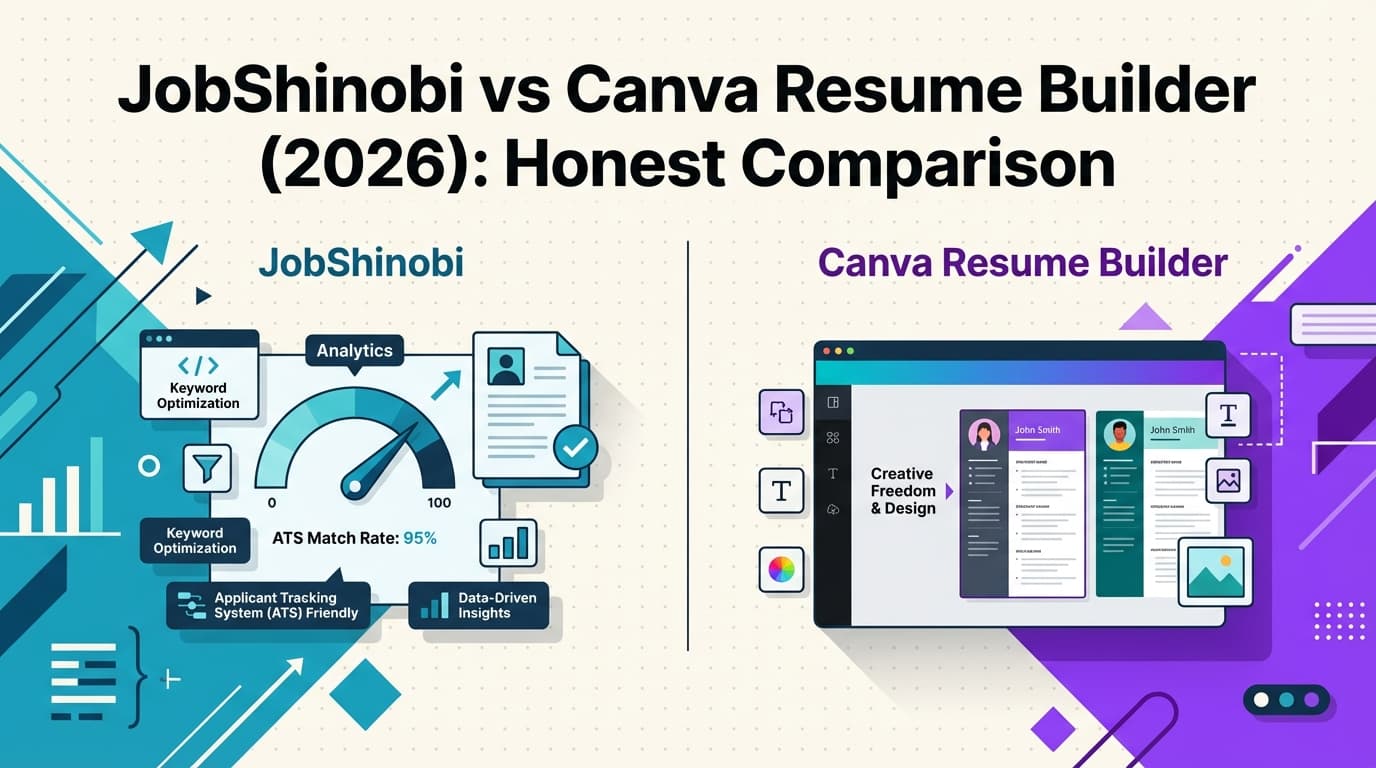
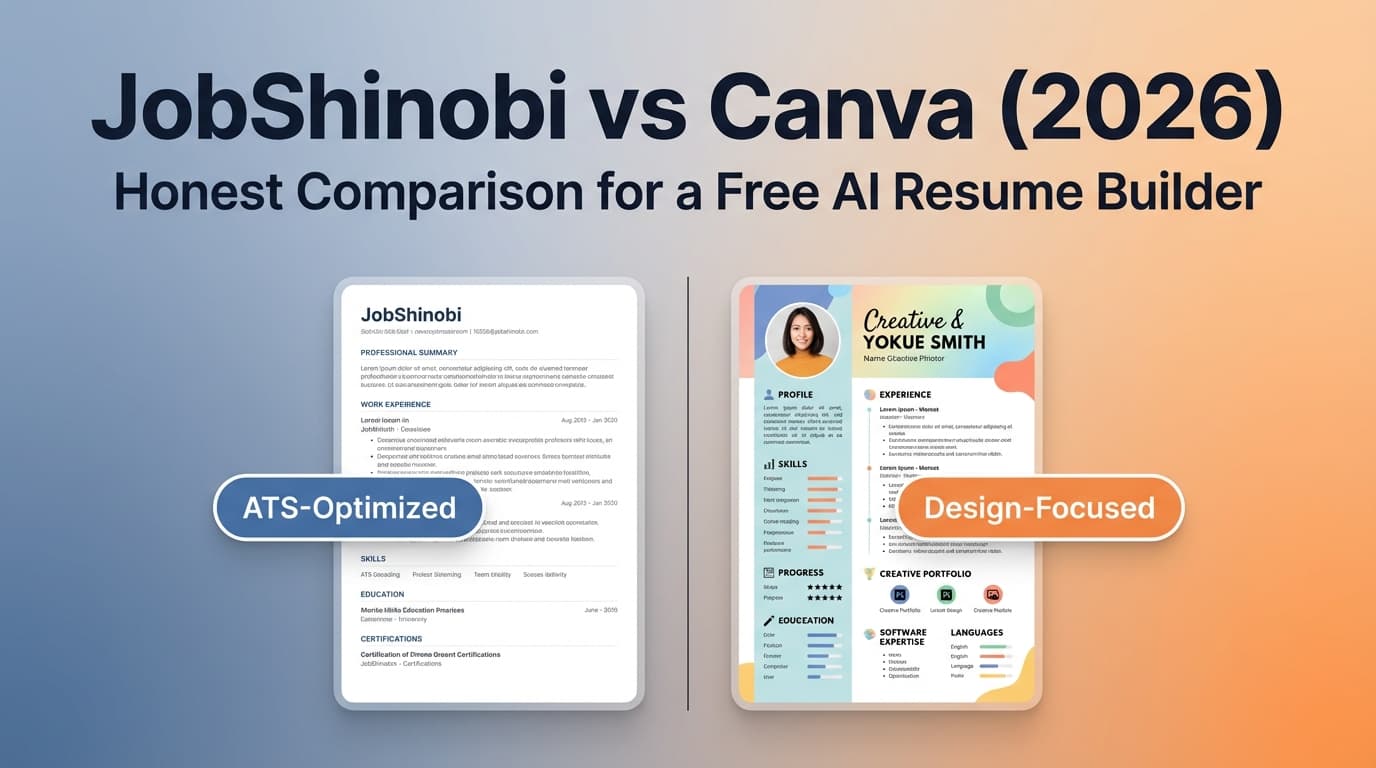
- Canva is a design-first resume builder with a genuinely useful free plan and a massive template library.
- JobShinobi is a job-search-first tool: ATS-focused resume building, resume scoring, job matching, plus a job tracker (including email-forwarding automation on Pro).
Quick Verdict:
- Choose Canva if you want a free, fast way to create a good-looking resume and you’re comfortable manually ensuring it stays ATS-friendly.
- Choose JobShinobi if you want ATS/keyword feedback, job-specific tailoring, resume version history, and (on Pro) automated job tracking by forwarding emails.
Transparency note (important): Direct page analysis of Canva URLs returned HTTP 403 in our tooling, so competitor details below are verified via indexed snippets and third‑party sources (and labeled accordingly). For final confirmation, check Canva’s official pricing/help pages in your browser.
TL;DR Comparison
| Feature | JobShinobi | Canva |
|---|---|---|
| Best “free” option | ⚠️ Limited free tier (some core automation gated) | ✅ Strong free plan for creating resumes |
| Resume style | Structure-first (LaTeX-based) | Design-first (drag-and-drop) |
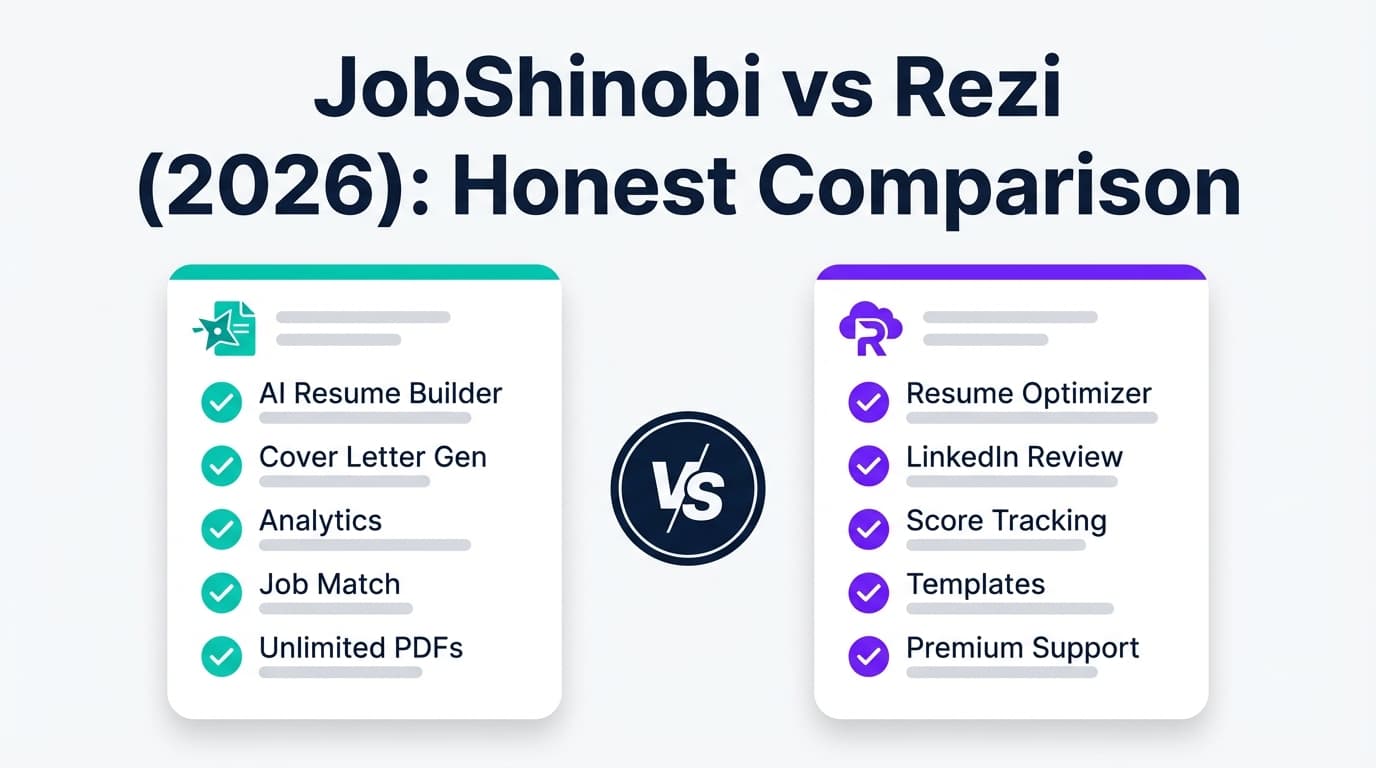
| AI resume writing/editing | ✅ AI Resume Agent (chat-based editing) | ✅ AI writing tools (Magic Write) + AI resume builder marketing |
| ATS/keyword scoring | ✅ Built-in resume scoring + ATS + keyword feedback | ⚠️ Not a dedicated ATS analyzer; ATS success depends on template choices |
| Job-specific tailoring | ✅ Resume-to-job matching + keyword gap analysis | ⚠️ Possible manually, but not positioned as “match scoring” |
| Resume version history | ✅ Versioning + “unlimited undo” workflow | ⚠️ Design version history exists in Canva generally, but not resume-optimization-focused |
| Job application tracker | ✅ Tracker + analytics; email-forwarding automation on Pro | ❌ Not a job tracker |
| Exports | ✅ PDF + .tex |
✅ PDF + other formats; Word export availability can vary by design/account |
| Starting price | $20/month Pro; $199.99/year Pro (7-day free trial marketed) | $0 Free; paid plans available (pricing varies by region) |
| Best for | High-volume job search + ATS optimization | Free resume building + beautiful templates |
JobShinobi Overview
JobShinobi is built around one job-seeker problem: “My resume looks fine, but I’m still getting rejected—likely by ATS or mismatched keywords.” It combines resume building with analysis and job search workflow tools.
Core capabilities (from product documentation):
- Resume builder using LaTeX templates for consistency and predictable formatting.
- Cloud compilation + PDF preview (you edit, compile, and preview quickly).
- AI Resume Agent (chat-based edits with multi-model tiers).
- Resume scoring + ATS/keyword feedback (formatting, completeness, keywords, ATS signals).
- Job description extraction + resume-to-job matching (match score + missing keywords).
- Job application tracker + analytics dashboard (response rate, interview conversion, trends).
- Email-forwarding job tracking automation (Pro): forward job emails; AI extracts company/title/status and updates your tracker automatically.
Key Strengths
- ATS-focused optimization loop: scoring → keyword gaps → tailored updates → re-check.
- Job tracking that reduces manual work: the email-forwarding workflow is a genuine differentiator for high-volume applicants.
Limitations (honest)
- Not “free-first”: the free tier appears limited, and at least some automation (like inbound email processing) is Pro-gated.
- LaTeX can feel unfamiliar: even with templates and AI, users who want drag-and-drop design freedom may prefer Canva.
Canva Overview
Canva is a popular design platform that also functions as a resume builder. It’s widely chosen because it’s easy, fast, and has tons of templates.
Verified via indexed Canva snippets and third-party sources:
- Canva markets resume creation as free (e.g., “creating your resume… is totally free” appears in indexed snippets from Canva resume pages).
- Canva promotes AI features, including Magic Write, described by Canva as powered by OpenAI (also corroborated by OpenAI’s published Canva case study pages indexed on openai.com).
- Canva also markets an AI resume builder experience and includes resume resources and hubs in its ecosystem.
Key Strengths
- Excellent templates and design polish: huge advantage for presentation and speed.
- Free plan is genuinely useful: you can create and export a resume without paying in many cases.
- Great for visual/creative roles: if layout is part of the signal, Canva can help.
Limitations (from common reviews/discussion)
- ATS risk if you pick the wrong template: multi-column layouts, icons, graphics, and text boxes can reduce ATS parsing accuracy. Canva can be ATS-safe, but it’s easy to accidentally make an ATS-fragile resume.
- Not a job-search system: Canva doesn’t include job tracking, application analytics, or resume-to-job match scoring.
Feature-by-Feature Comparison
1) Ease of Use & Editing Experience
JobShinobi:
Designed around a controlled resume structure. You work from templates, edit in a resume editor, and generate a PDF preview via compilation. This is excellent for consistency and repeatability across applications.
Canva:
Drag-and-drop editing is Canva’s superpower. If you want a resume that looks modern quickly—with spacing, typography, and layout control—Canva is usually faster to learn.
Winner: Canva for speed and ease of editing.
If your priority is “make a resume today,” Canva wins.
2) “Free AI Resume Builder” Reality Check
This keyword includes two expectations: AI help and free access.
Canva:
- Strong “free” positioning for resume creation.
- AI writing exists (Magic Write), and Canva markets an AI resume builder flow as well.
- But: AI features can have usage limits by plan (Canva has help-center content about AI access/limits). If you rely heavily on AI rewrites, you may eventually hit plan-based limits.
JobShinobi:
- JobShinobi has AI at the center (AI Resume Agent + analysis + job match).
- But: it’s not positioned as a forever-free resume builder; core features and automation are tied to Pro.
Winner:
- If you mean “free as in $0” → Canva
- If you mean “AI built specifically for resumes + ATS + tailoring” → JobShinobi
3) ATS Friendliness & Resume Parsing
This is the biggest practical difference.
JobShinobi:
JobShinobi’s entire positioning and feature set is ATS-oriented:
- Resume scoring includes ATS/formatting/keyword analysis.
- Job matching checks keyword alignment against a job description.
- LaTeX-based formatting helps keep structure predictable.
Canva:
Canva can produce ATS-friendly resumes if you choose the right template, typically:
- single-column
- standard headings (Experience, Education, Skills)
- minimal graphics/icons But many popular Canva templates are design-heavy, and multiple reviewers caution that design-first resumes can underperform in ATS.
Winner: JobShinobi
If ATS is your pain point, this is where JobShinobi is purpose-built.
4) Tailoring to a Specific Job Description
JobShinobi:
Includes job description extraction + resume-to-job matching, with structured outputs like match score and missing/present keywords (based on product docs).
Canva:
You can tailor in Canva by rewriting sections manually (and you can use AI writing tools to help). But Canva isn’t primarily a “job match scoring” or “keyword gap” product.
Winner: JobShinobi
5) Job Tracking & Application Analytics
JobShinobi:
Includes:
- a job tracker (CRUD + realtime updates + export)
- analytics (response rate, interview conversion, trends)
- email-forwarding automation on Pro: forward job emails and auto-log updates
Canva:
No job application tracker. You’d need a spreadsheet/Notion/another tool.
Winner: JobShinobi
6) Export Formats (PDF, Word, etc.)
JobShinobi:
Exports are straightforward: download PDF and .tex.
Canva:
Canva supports multiple export types. Canva snippets mention downloading in PDF and also reference Word format on at least one indexed resume page snippet—but Word export can be inconsistent depending on the design complexity, account, or Canva’s current UI options. Some third-party tutorials also note limitations/formatting issues when converting Canva designs to DOCX.
Practical takeaway: If you must submit DOCX reliably, test your exact Canva resume export early. If it’s inconsistent, a structure-first workflow like JobShinobi may reduce surprises.
Winner:
- JobShinobi for predictable output
- Canva for variety/flexibility (with conversion caveats)
Pricing Comparison (Current, but verify regionally)
| Plan | JobShinobi | Canva |
|---|---|---|
| Free | Limited free access; Pro gates some automation | Free plan available; Canva markets resume creation as free |
| Monthly paid | $20/month (Pro) | Paid plans available; commonly cited around $12.99/month for Pro (US), but varies |
| Yearly paid | $199.99/year (Pro) | Paid annual options available; commonly cited around $119.99/year for Pro (US), but varies |
| Trial | Markets 7-day free trial | Varies by promotion/region |
Value analysis:
- If you’re on a tight budget and need a resume now, Canva’s free plan is often enough.
- If you’re applying seriously and want ATS feedback + a tracker + job matching, JobShinobi can replace multiple tools.
Who Should Choose JobShinobi?
Choose JobShinobi if you:
- Keep getting rejected and suspect ATS filtering or keyword mismatch
- Want resume scoring + ATS/keyword feedback built in
- Need job-specific tailoring (match score + keyword gaps)
- Are applying to many roles and want tracking + analytics
- Love the idea of forwarding application emails and having your tracker update automatically (Pro)
Who Should Choose Canva?
Choose Canva if you:
- Want a free resume builder with minimal setup
- Prefer drag-and-drop and care about design polish
- Are in a field where visual presentation matters (design, marketing, content)
- Don’t need ATS scoring, match analysis, or job tracking inside the same tool
- Are willing to choose a simple template to reduce ATS risk
Switching from Canva to JobShinobi (What to Expect)
- Migration: There’s no verified “import from Canva” flow. Expect to copy your content (Experience bullets, Projects, Skills) into a JobShinobi template.
- Learning curve: Moderate—LaTeX-style templates and a structured editor are different from Canva’s design canvas.
- Best approach: Rebuild your Canva resume in a clean structure, then use JobShinobi’s analysis + job matching to tailor.
FAQ
Is Canva really a free AI resume builder?
Canva markets resume creation as free, and it offers AI writing tools (like Magic Write). However, AI features may have usage limits by plan, and some templates/assets can be premium.
Are Canva resumes ATS-friendly?
They can be, but it depends heavily on the template and design choices. Simple, single-column resumes with standard headings are safer. Design-heavy elements can reduce parsing accuracy.
Is JobShinobi better than Canva for ATS?
If your goal is ATS optimization (keyword gaps, ATS scoring, job matching), JobShinobi is the more purpose-built choice. Canva is primarily a design platform first.
Which is cheaper: JobShinobi or Canva?
For $0 cost, Canva is usually cheaper because the free plan can be enough to create a resume. JobShinobi’s most valuable job-search automation and analysis features are tied to Pro.
Can I use Canva for design and JobShinobi for ATS?
Yes. Some job seekers draft/design in Canva, then maintain an ATS-safe “application version” elsewhere. Just be careful: what looks great visually can still underperform in ATS if it uses complex layout elements.