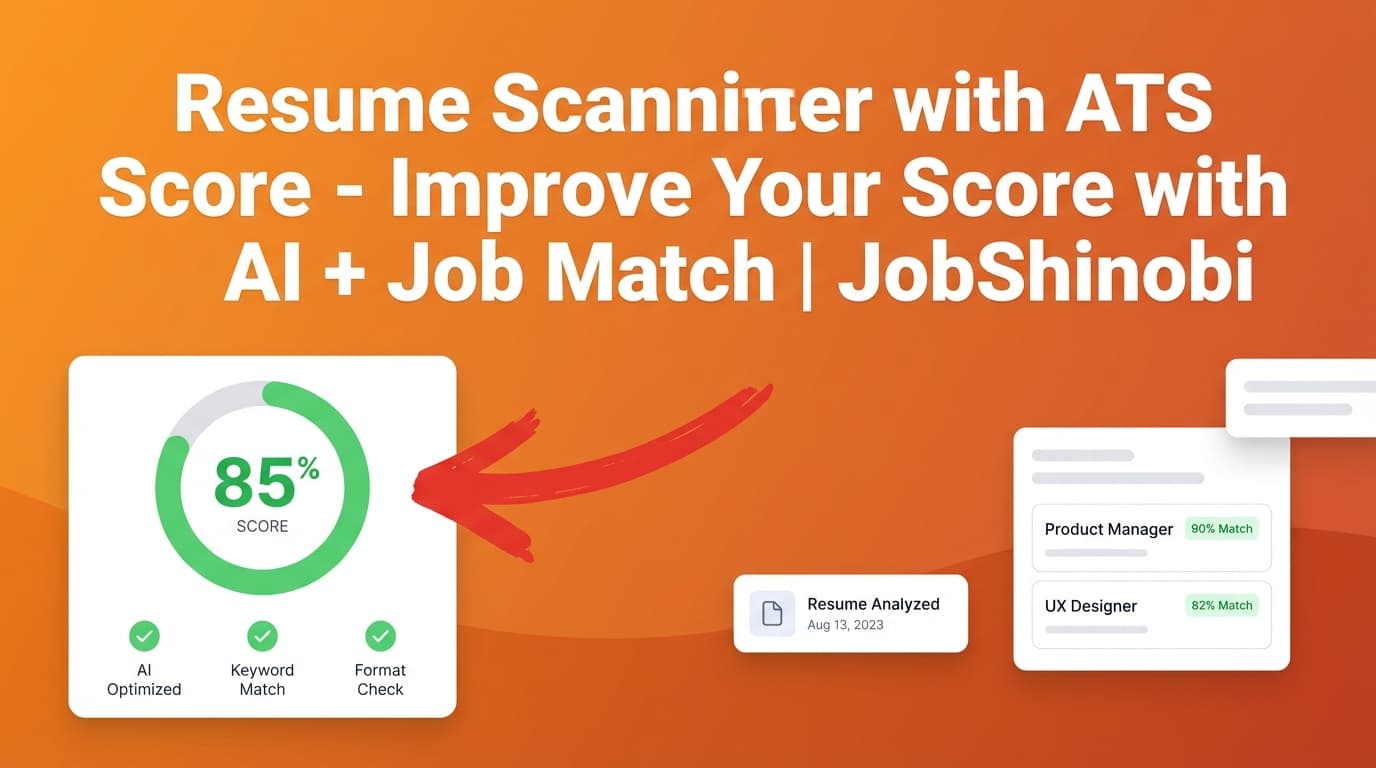
JobShinobi is a resume scanner with ATS score for job seekers who want more than a single number. You’ll get a 0–100 score with a clear breakdown (including an ATS score sub-score), plus keyword and ATS issue insights—and then you can apply improvements directly inside JobShinobi using the Resume AI Editor (streaming chat) and re-run analysis.
If you’re stuck in the loop of: upload → score → guess edits → re-upload, JobShinobi is built to keep the improvement cycle in one workflow:
Build (LaTeX) → Analyze → Match to Job → Apply Suggestions → Re-analyze
Why Choose JobShinobi for a Resume Scanner with ATS Score?
Many ATS score tools focus on “scan and grade.” JobShinobi is designed to help you actually improve what the score is pointing at—content, keywords, completeness, formatting, and ATS-focused issues—without breaking your resume layout.
1) Score breakdowns (not just a single “match rate”)
JobShinobi’s Resume Analysis stores and returns a structured score breakdown, including:
- overall_score
- content_score
- keyword_score
- formatting_score
- completeness_score
- ats_score
That matters because a single score can hide what’s really happening. For example, you might be strong on content but missing critical job keywords—or you might have decent keywords but ATS issues that drag down the ATS portion of the score.
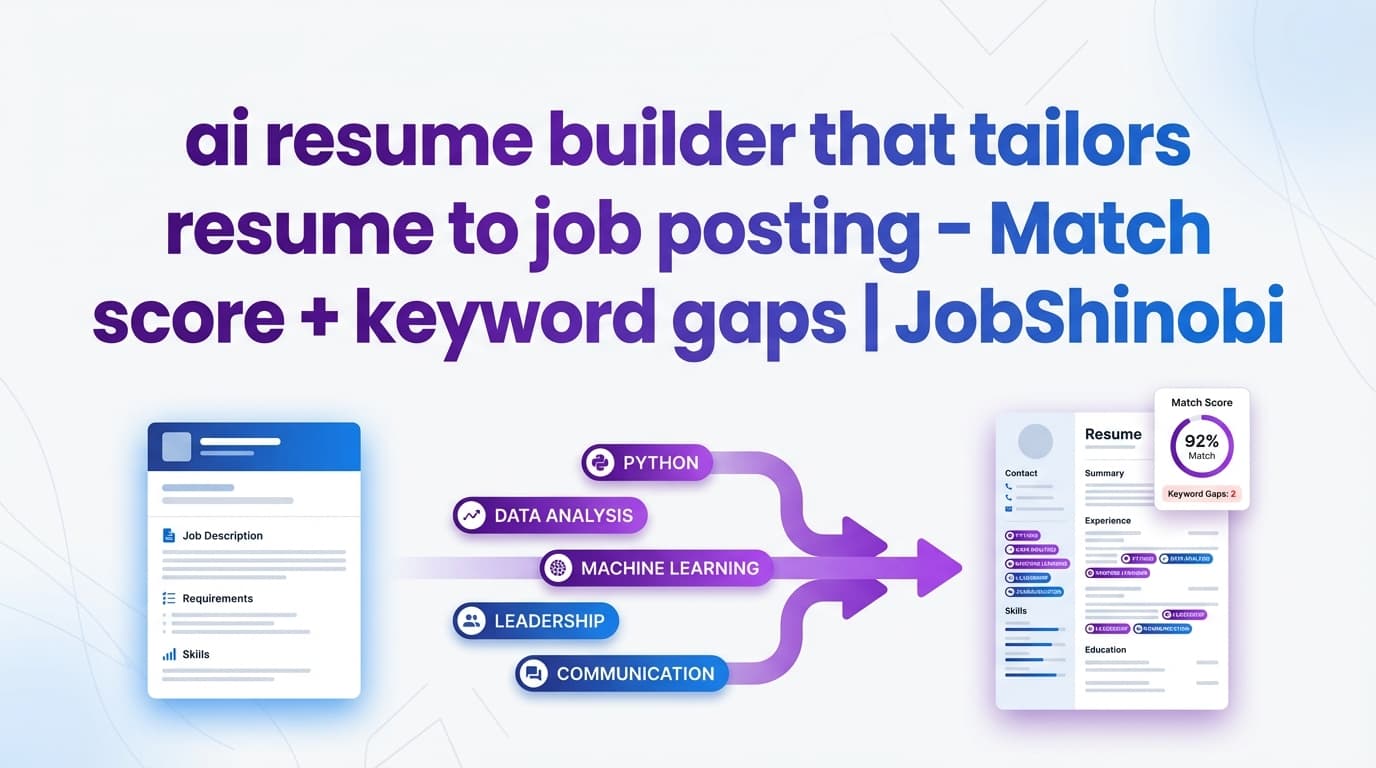
2) Job description matching to find missing vs. present keywords
A resume scanner with ATS score is most useful when it’s job-specific.
JobShinobi supports job matching by letting you:
- Paste a job posting URL or the full job description text
- Extract structured job details (company, position, description, keywords)
- Generate a job match score plus:
- missing_keywords
- present_keywords
- recommendations
This helps you tailor with intention, not keyword stuffing.
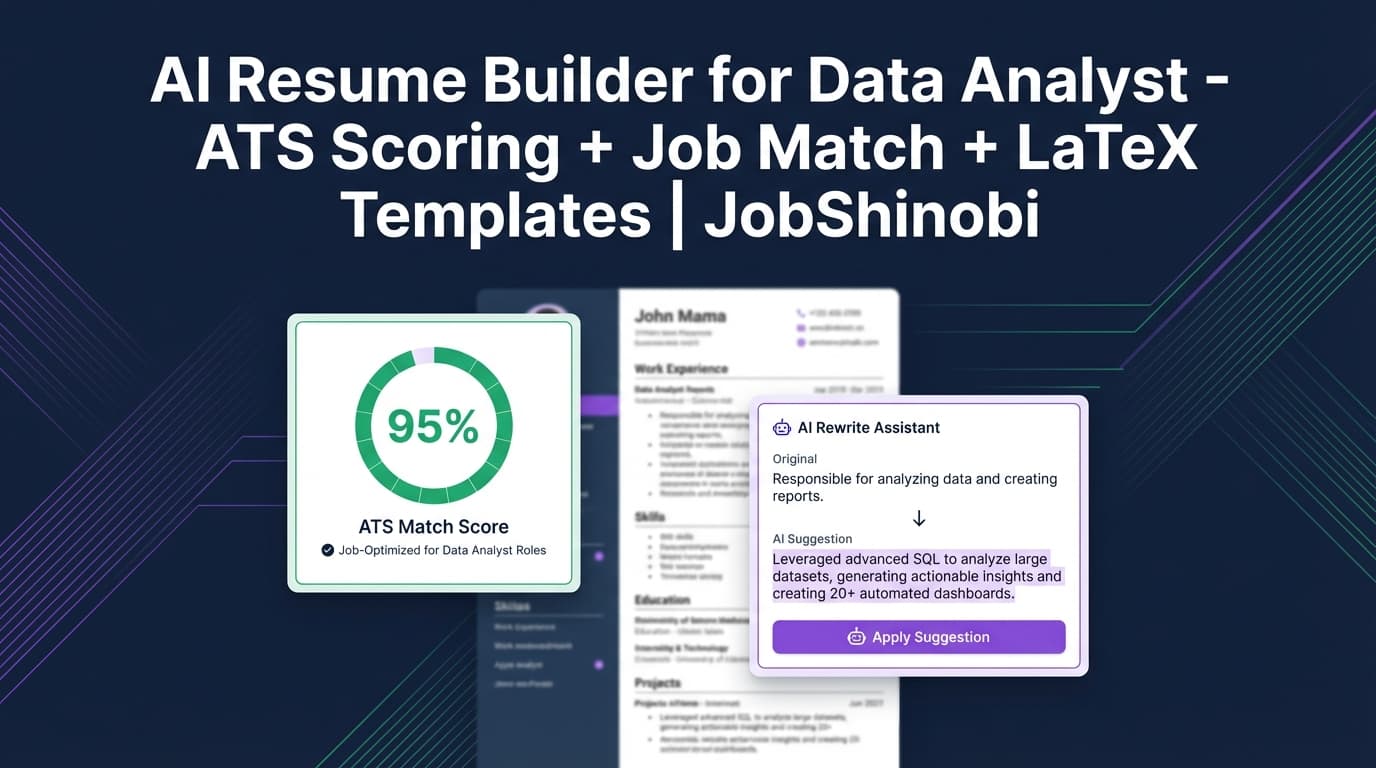
3) Apply improvements faster with the streaming Resume AI Editor
JobShinobi includes a streaming AI resume editor that works directly with your resume content (LaTeX). It’s built for iterative edits like:
- rewrite bullets to show measurable impact
- tighten your summary for a target role
- adjust skills to better match the posting
- fix weak bullets and improve clarity
You can also pick from different AI model tiers inside the product:
- Shinobi Swift
- Shinobi Turbo
- Shinobi Pro
4) LaTeX-based resume builder + PDF preview to keep formatting stable
Formatting mistakes are a common reason job seekers worry about ATS compatibility. JobShinobi uses a LaTeX-first resume workflow with built-in compilation and preview so you can keep a consistent structure while iterating:
- Edit your resume in the editor
- Compile and preview a PDF
- Download your PDF or .tex
This is especially useful when you’re doing multiple iterations (scan → fix → re-scan) and don’t want formatting drift.
5) Bonus: Track your applications after you improve your resume
JobShinobi also includes a Job Tracker dashboard (with realtime updates) so you can keep your job search organized after you optimize your resume.
Internal link: Job Tracker
How JobShinobi’s Resume Scanner with ATS Score Works
Step 1: Create (or open) your resume in the resume dashboard
Go to the resume dashboard, start from a template, or open an existing resume.
Internal link: Resume Dashboard
Step 2: Analyze your resume to generate your ATS score breakdown
Run Resume Analysis to generate a score report. JobShinobi supports:
- Comprehensive analysis
- Enhanced mode (deeper structured analysis)
JobShinobi can also return cached results when your resume hasn’t changed since the last analysis—useful when you’re reviewing results or re-opening the page.
Step 3: (Recommended) Match your resume to a job description
To make the score actionable for a specific job:
- Paste a job URL or job description text
- Extract job details
- Run resume-to-job matching to get:
- match score
- missing keywords vs present keywords
- recommendations
Step 4: Apply changes in the editor (AI or manual), then re-analyze
Open the resume editor and apply improvements:
- use the AI editor (chat) for rewrites and targeted edits
- or manually edit the LaTeX
Then re-run analysis to measure progress.
Internal link: Resume Editor
Key Features for “Resume Scanner with ATS Score” Use Cases
| Feature | What It Does | Why It Matters |
|---|---|---|
| Resume Analysis (0–100 + sub-scores) | Produces overall_score + content/keyword/formatting/completeness/ats sub-scores | You can see what’s actually driving your score |
| ATS issues & keyword analysis | Returns ATS issues plus present/missing/overused keywords and related metrics | Helps you spot gaps without guessing |
| Enhanced Analysis Mode | Adds deeper structured insights (when enabled) | Better prioritization and a clearer improvement plan |
| Job Description Extraction (URL or text) | Extracts job details and keywords from a posting | Faster tailoring and less manual copy/paste chaos |
| Resume-to-Job Match Analysis | Saves match_score, missing_keywords, present_keywords, and recommendations | Lets you tailor for each role and verify alignment |
| Streaming Resume AI Editor | Chat-based editing with live responses that can update your resume | Turns analysis into changes faster |
| LaTeX resume builder + PDF compilation preview | Compile and preview PDF output while keeping structure consistent | Prevents layout drift while iterating |
| Resume version history | Stores versions of resume changes | Lets you experiment and revert confidently |
| Job Tracker + Excel export | Track applications and export to .xlsx | Keeps your job search organized end-to-end |
Resume Scanner with ATS Score vs. “Just a Score Checker”
A lot of ATS tools are optimized for a one-time scan. But real job searching is iterative: you tailor, apply, learn, and repeat.
Typical ATS score tool
- Upload resume
- Get a score
- Get generic suggestions
- Edit elsewhere
- Re-upload
- Repeat
JobShinobi’s integrated workflow
- Build your resume in JobShinobi (LaTeX templates + editor)
- Analyze to get a score breakdown
- Match to a specific job to get missing vs. present keywords
- Apply changes using the AI editor
- Compile to preview output
- Re-analyze to track improvements
This is the difference between “information” and an actual improvement loop.
What a “Good ATS Score” Really Means (And How to Use It)
It’s normal to ask, “Is a 70 ATS score good?” But the better question is: What is the score telling me to improve for this specific role?
Use the ATS score as:
- a signal that you have keyword gaps or formatting/structure issues
- a way to prioritize fixes (keyword alignment vs completeness vs ATS issues)
- a method to compare iterations after you change the resume
Don’t use it as:
- a guarantee of interviews
- a promise that every employer’s ATS will behave identically
JobShinobi helps you focus on what you can control: clarity, role alignment, keyword coverage, and ATS-focused issues.
Common Problems This Resume Scanner with ATS Score Helps You Fix
“My resume matches the job, but I still get rejected.”
Use job matching to identify missing keywords and then strengthen your bullets so the keywords are supported by real experience (not just stuffed into a skills list). Then re-analyze.
“My score is low and I don’t know what to change first.”
Use the sub-scores:
- If keyword_score is low → focus on job match and missing keywords
- If completeness_score is low → add missing sections or details
- If ats_score is low → address ATS issues flagged in the analysis
- If content_score is low → rewrite bullets for impact and clarity
“Every tool gives me a different score.”
That happens. Different scanners weigh things differently. The advantage of JobShinobi is that it doesn’t stop at the score—it gives you a workflow to test changes, re-run analysis, and keep the resume structured.
Pricing
JobShinobi offers paid subscriptions via Stripe:
- Monthly: $20.00
- Yearly: $199.99
Internal link: Sign in to get started
Frequently Asked Questions
What is a resume scanner with ATS score?
A resume scanner with ATS score analyzes your resume and returns a numeric score (often 0–100) along with feedback related to ATS-style screening—commonly including keyword alignment and ATS-focused issues. JobShinobi provides a score breakdown including an ATS score and keyword-related feedback.
Does JobShinobi give an ATS score out of 100?
JobShinobi returns scores including overall_score and component scores (content, keyword, formatting, completeness, ATS). Scores are presented in a /100 style in the UI.
Can I scan my resume against a specific job description?
Yes. JobShinobi supports a job workflow where you can input a job URL or job description text, extract job details, and run a resume-to-job match that includes a match score and keyword gaps.
What does JobShinobi show besides the ATS score?
Depending on the analysis mode, JobShinobi can provide:
- score breakdowns (overall + components)
- strengths/weaknesses and missing sections
- keyword analysis (present/missing/overused + related metrics)
- ATS issues
- job match score + recommendations when you run job matching
Can the AI editor apply the fixes for me?
JobShinobi includes a streaming Resume AI Editor designed to help you edit your resume content and iterate quickly. You can also compile/preview and re-analyze to validate improvements.
Does JobShinobi include job application tracking?
Yes. JobShinobi includes a Job Tracker dashboard where you can manage applications and export them to Excel.
Internal link: Job Tracker
Get Started with JobShinobi Today
If you’re searching for a resume scanner with ATS score, don’t settle for a tool that only grades you. JobShinobi gives you the score breakdown, job matching, and an AI editor so you can apply improvements and re-scan in one place—without losing formatting control.