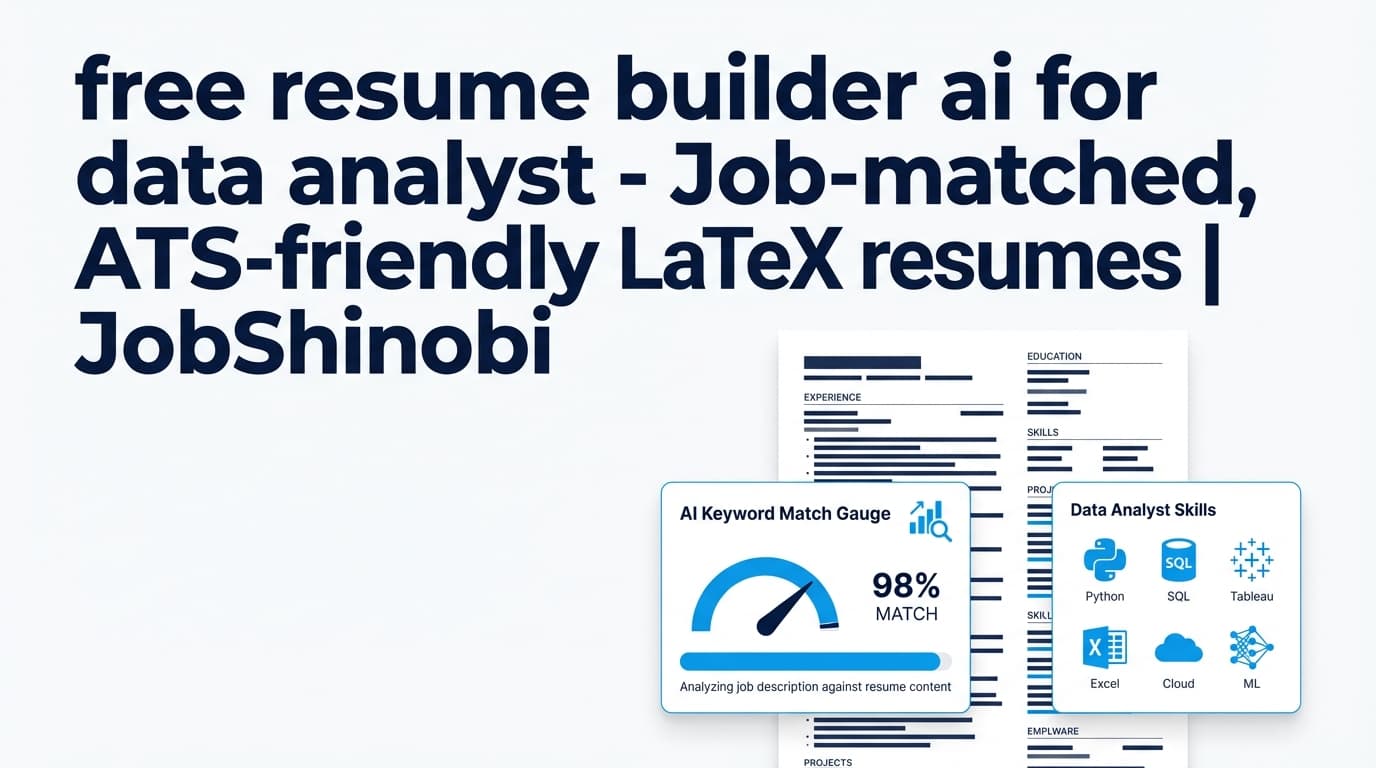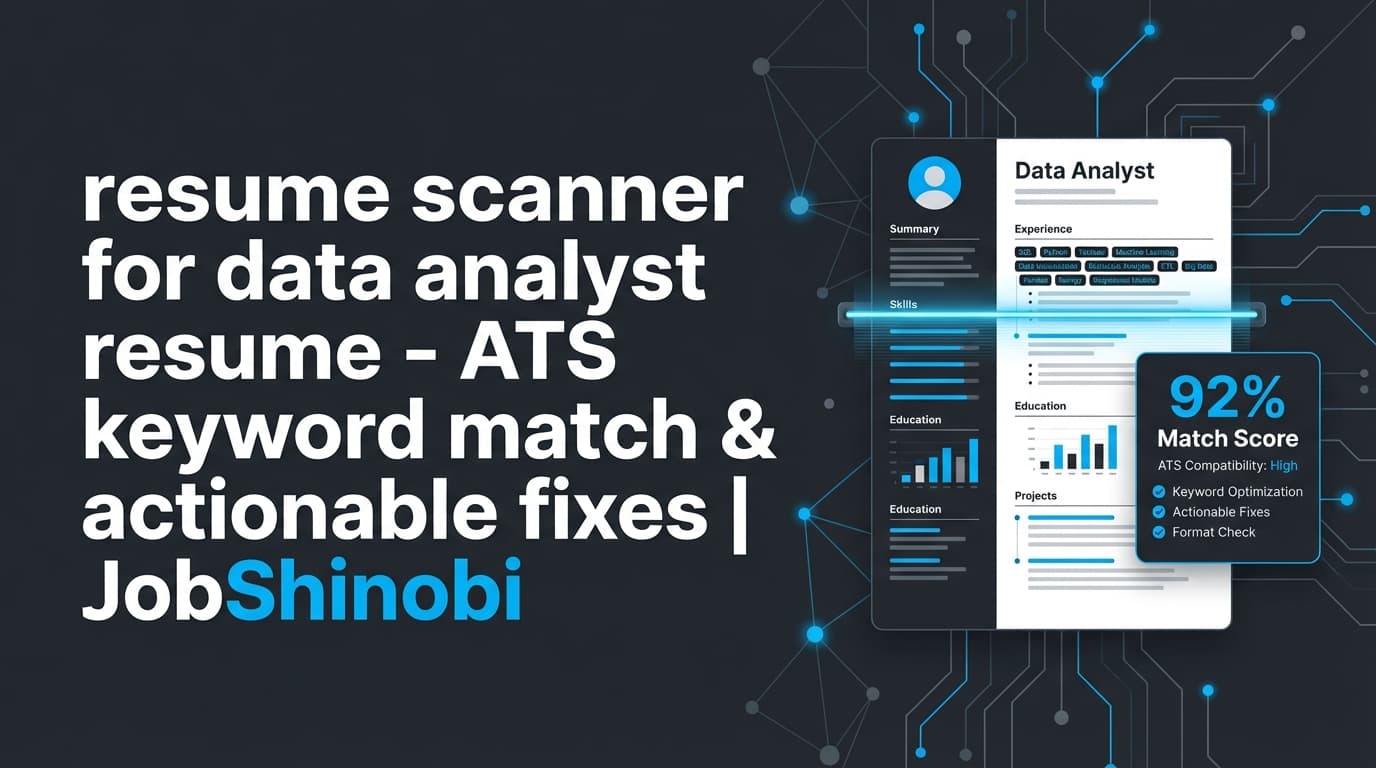
If you’re applying to data analyst roles and not getting callbacks, it’s rarely because you “don’t have the skills.” More often, your resume isn’t showing those skills in the language employers (and applicant tracking systems) can actually parse and match.
JobShinobi is a LaTeX-based resume builder with an AI resume analysis workflow that acts like a resume scanner for data analyst resumes—helping you:
- Get a 0–100 resume score (overall + category scores)
- Surface ATS issues and formatting risks
- Identify missing vs. present keywords (especially when you add a job description)
- Generate recommendations you can apply using an AI streaming resume editor
- Keep clean structure with cloud PDF compilation + preview
- Track applications with a built-in job tracker (including optional email-forwarding automation for Pro members)
Important: JobShinobi analyzes the LaTeX source of resumes you create/manage inside JobShinobi. It does not do PDF/image OCR resume parsing.
Why choose JobShinobi as your data analyst resume scanner?
Most “resume scanners” give you a score… then leave you stuck copying changes across versions, breaking formatting, or guessing what actually matters for analytics roles.
JobShinobi is designed to close that loop: scan → understand → fix → re-check → ship a clean PDF.
1) Built for ATS-parseable structure (LaTeX-first workflow)
Data analyst resumes often include keyword-dense skills (SQL, Excel, Tableau, Power BI, Python) and project-heavy experience. That’s great—until formatting (columns, icons, charts, text boxes) makes ATS parsing unreliable.
JobShinobi resumes are LaTeX-based, so you can keep a clean, consistent structure and then generate a PDF via cloud LaTeX compilation + preview—without manually fighting layout.
What this means for you:
- You’re editing content, not babysitting formatting
- You can keep your resume readable to humans while staying ATS-conscious
- You can export both PDF and .tex when you’re ready to apply
2) Real scoring + category breakdown (not just “tips”)
JobShinobi’s resume analysis returns structured scoring, including:
- overall_score
- content_score
- keyword_score
- formatting_score
- completeness_score
- ats_score
So instead of generic advice like “add more metrics,” you can see which category is dragging you down and prioritize fixes that move the needle.
3) Job-specific keyword matching (URL or paste-in JD)
Data analyst job posts vary wildly:
- Product analytics vs. BI analytics vs. ops analytics
- SQL-heavy roles vs. Python-heavy roles
- Tableau vs. Power BI
- Experimentation/A/B testing vs. reporting dashboards
JobShinobi lets you add a job description (either job URL or job description text) to extract structured job details, then run resume-to-job matching:
- A match score (%)
- present keywords vs. missing keywords
- A list of recommendations to better align your resume to that role
4) Fix faster with an AI resume editor (streaming) + version history
Scanning is only half the battle—editing is where people lose hours.
JobShinobi includes an AI Resume Agent that can help you rewrite bullets, sharpen outcomes, and tailor sections while you stay in control of your LaTeX resume. It streams responses and supports an editing workflow with tool-based steps (like updating sections and checking compilation).
Plus, your work is protected with resume version history (including undo/redo and reverting to saved versions), so you can tailor for one job without losing your “base” resume.
5) Bonus: Track applications (and optionally automate updates via email forwarding)
If you’re applying to data analyst roles at volume, tracking matters. JobShinobi includes:
- A job application tracker (dashboard table)
- Realtime updates
- Export to Excel (.xlsx)
For Pro members, JobShinobi also supports an email-forwarding workflow that can process inbound job-related emails and attempt to associate them with applications (useful for keeping statuses current without spreadsheet chaos).
How JobShinobi’s data analyst resume scanner works
Below is the real workflow you’ll use in the product.
Step 1: Create (or choose) a resume template in the Resume Dashboard
Go to Dashboard → Resume and pick from the template library (templates are categorized), or duplicate an existing resume you’ve already created.
You’ll be working with a resume stored as LaTeX source, which is what JobShinobi analyzes and edits.
CTA: Start here → Sign in to JobShinobi
Step 2: Edit in the LaTeX resume editor + preview the PDF
In the editor, you can:
- Make manual edits to your LaTeX
- Compile and preview a PDF via cloud compilation
- Download the PDF and/or the .tex file when done
This is the foundation: if you can keep structure stable, the scanner feedback becomes much more reliable.
Step 3: Run Resume Analysis (overall + category scores)
Click Analyze Resume to generate an analysis report, including:
- Overall score /100
- Category scores (content, keywords, formatting, completeness, ATS)
- Strengths, weaknesses, missing sections
- ATS issues and structured feedback
If your resume hasn’t changed since the last analysis, JobShinobi can return a cached analysis (useful when you’re iterating carefully and don’t want to rerun identical scans).
Step 4 (highly recommended): Add a job description for job-specific matching
For data analyst roles, the fastest wins usually come from aligning:
- Tools (Tableau vs. Power BI, dbt, Snowflake, BigQuery, Looker, Excel, Python)
- Methods (A/B testing, statistical analysis, forecasting, stakeholder reporting)
- Deliverables (dashboards, KPI definitions, pipeline automation, data quality)
JobShinobi lets you provide a job posting in two ways:
- URL (LinkedIn, Indeed, company page, etc.)
- Text (paste the full job description)
Then it:
- Extracts job details (company, position, keywords)
- Generates a match score
- Lists missing keywords + present keywords
- Produces recommendations
- Lets you click Apply Suggestions to jump back into the editor
Step 5: Use the AI Resume Agent to implement improvements (without losing versions)
Once the scan identifies issues (missing keywords, weak bullets, unclear impact), use the AI chat to request edits like:
- “Rewrite these bullets to show impact and include SQL + Tableau naturally.”
- “Make this project sound like product analytics (metrics, funnel, cohort).”
- “Tailor my summary to match a ‘Business Data Analyst’ role.”
As you iterate, JobShinobi creates versions so you can revert or compare changes.
Key features for a data analyst resume scan (JobShinobi)
| Feature | What it does | Why it matters for data analyst resumes |
|---|---|---|
| Resume Analysis (scores + feedback) | Generates overall and category scores (content, keywords, formatting, completeness, ATS) plus structured feedback | Helps you prioritize improvements (e.g., keyword alignment vs. bullet impact) |
| Job Description extraction (URL or text) | Pulls structured job details + keywords from a posting | Tailors your resume scanner results to the exact role you’re applying for |
| Resume-to-job matching | Produces a match score, present/missing keywords, and recommendations | Data analyst roles vary; matching prevents “generic analyst resume” outcomes |
| AI Resume Agent (streaming) | Helps edit your LaTeX resume through a chat-based workflow | Speeds up rewrites, keyword integration, and bullet tightening |
| LaTeX editor + PDF compile/preview | Compiles LaTeX to PDF (with caching) for preview and export | Maintains clean structure and avoids formatting breakage |
| Resume version history + undo/redo | Saves versions from manual and AI edits | Lets you tailor per job without losing your baseline resume |
| Job Tracker + realtime updates | Track applications in a dashboard UI | Useful for high-volume data analyst applications |
| Export job tracker to Excel (.xlsx) | Downloads your job tracking data to an Excel file | Easy reporting, backup, and sharing |
What a “data analyst resume scanner” should check (and how JobShinobi helps)
If you’re applying for data analyst roles, your resume scanner should help you answer five questions quickly:
1) Does my resume clearly signal “data analyst” in the first 10 seconds?
A strong data analyst resume usually communicates:
- What domain you worked in (product, finance, ops, marketing, healthcare)
- What you did with data (analysis, reporting, experimentation, automation)
- What tools you used (SQL, Excel, Tableau/Power BI, Python/R)
- What business outcomes you improved (revenue, conversion, retention, cost, time)
How JobShinobi helps: Resume analysis highlights strengths/weaknesses and can surface missing sections or low content/completeness scores so you can fix the “story” quickly.
2) Am I missing role-specific keywords from the job description?
A “data analyst” job description might emphasize:
- SQL + data modeling + dashboards
or - Python + experimentation + product metrics
or - BI tooling + stakeholder reporting + KPI design
How JobShinobi helps: Job matching identifies:
- Missing keywords (skills you should add if true)
- Present keywords (what you already have)
- Recommendations to close gaps
Pro tip: Don’t keyword-stuff. The goal is contextual usage—show the keyword inside real work outcomes.
3) Are my bullets written like responsibilities—or achievements?
Weak bullets often look like:
- “Responsible for dashboarding and reporting.”
- “Worked with SQL and Excel.”
Stronger data analyst bullets typically include:
- Action + tool + dataset + metric + outcome
- A measurable result (time saved, revenue impact, accuracy improvement)
- The decision or stakeholder impact (what changed because of your work)
How JobShinobi helps: The analysis can include structured feedback, and the AI Resume Agent can help rewrite bullets in a quantified, outcome-driven format while keeping your LaTeX formatting intact.
4) Does my formatting create ATS risk?
Many ATS issues come from layout complexity (not your experience).
Common risks to avoid:
- Multi-column layouts that scramble parsing
- Icons or graphics replacing text labels
- Tables/text boxes that hide keywords from parsers
- Nonstandard section headers
How JobShinobi helps: Because your resume is LaTeX-based and compiled consistently, you can keep structure predictable. The analysis includes an ATS score and can flag ATS issues in structured feedback.
5) Can I tailor quickly without losing my base resume?
Data analysts often apply to many roles across domains. Tailoring is essential—but rewriting from scratch is a trap.
How JobShinobi helps: Versioning + undo/redo let you:
- Keep a strong baseline resume
- Create job-specific variants safely
- Revert if an edit goes sideways
Data analyst keyword checklist (use this with Job Matching)
Data analyst keywords vary by specialty. When you scan your resume against a job description, look for missing terms in these buckets.
Core technical keywords (common across many data analyst roles)
- SQL
- Excel
- Data visualization
- Dashboard(s)
- Reporting
- Data cleaning
- Data validation / data quality
- Stakeholder communication
- KPI(s) / metrics
BI & dashboard tooling (include what you actually use)
- Tableau
- Power BI
- Looker / Looker Studio
- DAX (Power BI)
- Data modeling
Data platform keywords (role-dependent)
- Snowflake
- BigQuery
- Redshift
- PostgreSQL / MySQL
- ETL / ELT
- dbt
- Data pipelines
Analytics methods (only if you’ve done them)
- A/B testing
- Experiment design
- Cohort analysis
- Funnel analysis
- Forecasting
- Statistical analysis
- Regression
Domain keywords (depends on the job)
- Product analytics (activation, retention, churn, LTV)
- Marketing analytics (CAC, ROAS, attribution)
- Finance analytics (variance analysis, budgeting)
- Ops analytics (throughput, SLA, cost reduction)
How to use this in JobShinobi:
Paste the job description (or URL), run Job Matching, then compare the scanner output to this checklist. Add missing keywords only when they reflect real experience—and integrate them into bullets (not just the skills list).
Example: turning a weak data analyst bullet into an ATS + recruiter-friendly bullet
Before (generic):
“Created dashboards for stakeholders.”
After (stronger):
“Built Tableau dashboards tracking weekly retention and funnel conversion, reducing manual reporting time by 6 hours/week and improving stakeholder decision turnaround.”
Why the second bullet scans better:
- Contains relevant keywords (“Tableau,” “dashboards,” “retention,” “funnel conversion”)
- Shows measurable impact (6 hours/week)
- Describes stakeholder value
How JobShinobi helps:
Use the resume scanner (analysis + job matching) to identify missing keywords, then ask the AI Resume Agent to rewrite bullets while keeping your resume’s LaTeX structure stable.
JobShinobi vs. “generic resume scanners” (especially for data analyst roles)
JobShinobi advantages
- LaTeX-first resume workflow with cloud compilation and preview (stable structure during edits)
- Scoring + structured feedback (overall + multiple category scores)
- Job URL / job description input for job-specific matching
- Missing vs. present keywords + match score
- Streaming AI resume editor to implement changes faster
- Version history + undo/redo to safely tailor variants
- Bonus: job tracker + Excel export, with optional email-forwarding automation for Pro members
Common limitations of generic scanners (what to watch for)
- You get a score but no easy way to apply fixes without breaking formatting
- Keyword advice can encourage stuffing instead of contextual, outcome-based bullets
- Tailoring becomes repetitive without version control
- Some tools focus on uploading formats JobShinobi intentionally doesn’t rely on (JobShinobi analyzes LaTeX resumes managed inside the app)
Pricing
JobShinobi offers paid subscriptions via Stripe:
- Monthly: $20.00
- Yearly: $199.99
Manage your plan via the subscription flow here: /subscription
(And you can start by signing in here: /login)
Note: Do not assume a free trial. JobShinobi’s verified pricing model is paid subscriptions (monthly/yearly).
Frequently asked questions (FAQ)
What is the best resume scanner for a data analyst resume?
The best resume scanner is the one that lets you do two things:
- Check ATS/keyword alignment against a specific job description, and
- Apply improvements quickly without breaking formatting.
JobShinobi combines resume scoring + job matching + an AI resume editor inside a LaTeX-based workflow, so you can scan, fix, re-check, and export a clean PDF.
What are ATS-friendly keywords for data analyst resumes?
It depends on the role, but common ATS keywords for data analyst resumes include:
- SQL, Excel, dashboards, reporting, data visualization
- Tableau or Power BI (whichever the job asks for)
- Data cleaning, data quality, KPI/metrics
- Stakeholder management/communication
JobShinobi’s Job Matching highlights missing vs. present keywords when you add a job description, so you’re not guessing.
How do I tailor my data analyst resume to a job description in JobShinobi?
A practical workflow:
- Create or open your resume in Dashboard → Resume
- Run Resume Analysis to get your baseline scores
- Add the job description (URL or text) and run Job Matching
- Review the match score, missing keywords, and recommendations
- Use the AI Resume Agent to rewrite specific bullets/sections
- Compile and preview the PDF, then export
Does JobShinobi parse PDF resumes?
No. JobShinobi’s resume scanner/analyzer works on the LaTeX resume content you create and manage inside JobShinobi.
Can JobShinobi help with data analyst job application tracking too?
Yes. JobShinobi includes a job application tracker with:
- Dashboard-based tracking
- Realtime updates
- Export to Excel (.xlsx)
Additionally, Pro members can use an email-forwarding workflow that processes inbound job-related emails and attempts to match them to applications.
Will a higher ATS score guarantee interviews?
No resume scanner can guarantee interviews. ATS checks are useful for reducing avoidable problems (missing keywords, unclear role fit, formatting risks), but hiring outcomes still depend on your experience, competition, and recruiter preferences.
JobShinobi is built to make iteration faster and clearer: scan → fix → tailor → export.
Get started with JobShinobi today
If you’re serious about data analyst roles, don’t rely on a generic score alone. Use a resume scanner workflow that helps you identify the right keywords for the job you want and apply improvements quickly—without losing versions or breaking formatting.
- Start by signing in: Go to Login
- Build or open your resume: Resume Dashboard
- Track applications when you apply: Job Tracker