If you searched “free resume builder AI for data analyst”, you probably want one thing: a resume that gets past ATS and earns interviews—without spending days rewriting bullets for every posting.
JobShinobi is a paid product (not a free resume builder). But it’s built for the exact workflow data analysts need:
- A LaTeX-based resume builder (templates + saved resumes)
- Live PDF preview via LaTeX compilation (so formatting stays consistent and ATS-readable)
- AI resume editing with streaming chat (iterate fast without breaking your document)
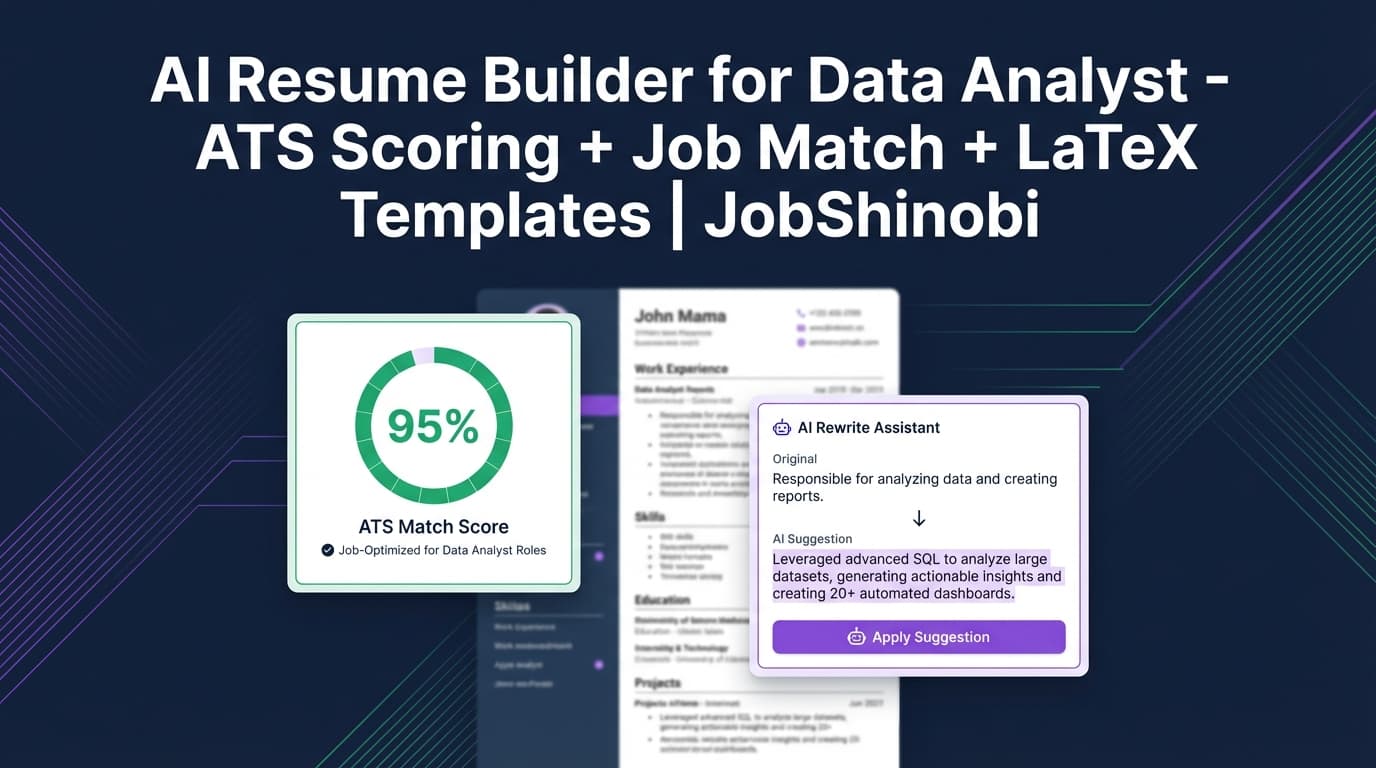
- AI resume analysis with scoring + structured feedback (with cached results if your resume hasn’t changed)
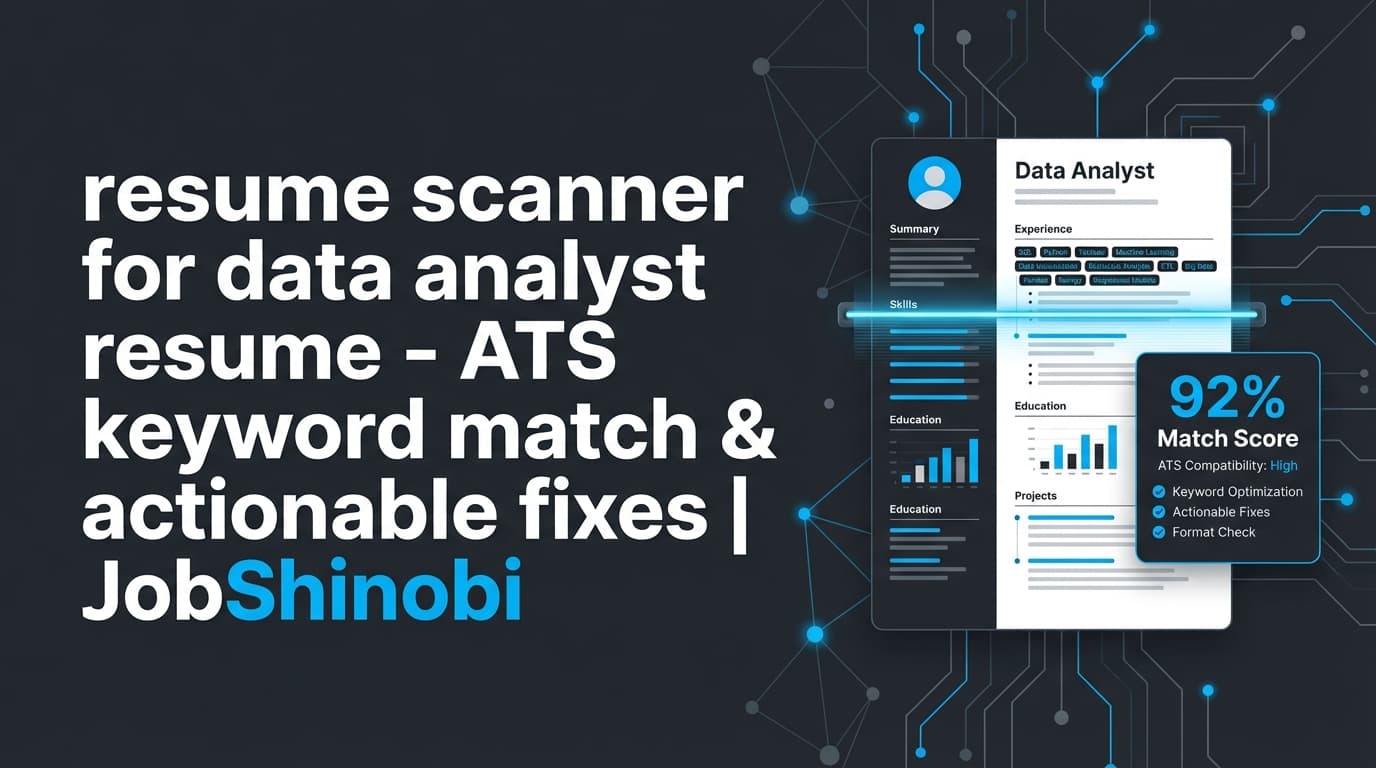
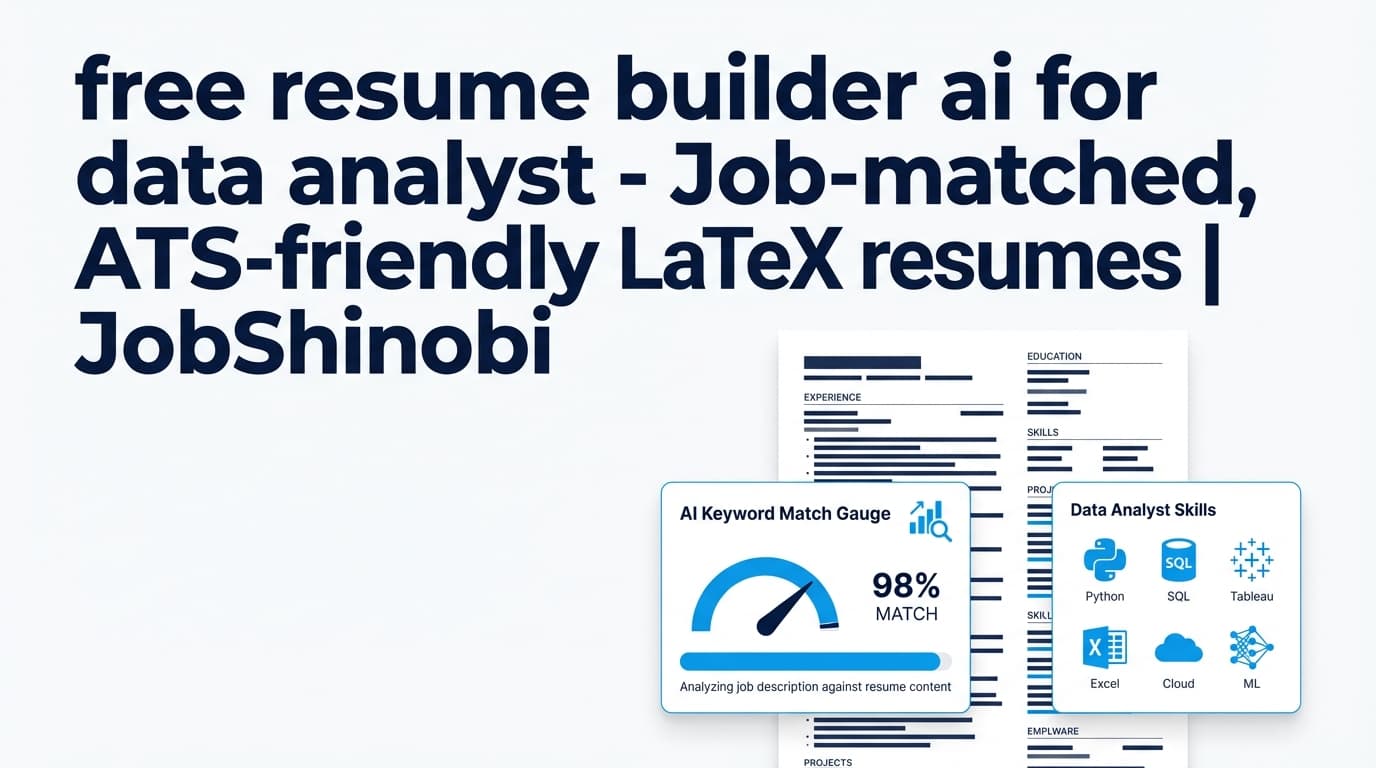
- Job description extraction + resume-to-job matching (missing/present keywords, match score, recommendations)
- A job application tracker with realtime updates and Excel export
- Email forwarding automation (Pro feature) that can parse job-related emails and update your tracker using fuzzy matching
This page is for data analysts who want more than “pretty templates”—you want a system to build, tailor, and track your job search like an analyst.
Why Choose JobShinobi for “free resume builder ai for data analyst” intent?
Most free resume builders focus on layout and generic phrasing. For data analyst roles, that’s rarely enough. Hiring teams (and ATS systems) look for evidence of:
- Technical fit (SQL, Python, Excel, Tableau/Power BI/Looker, data modeling, warehouses)
- Business impact (time saved, revenue lift, improved KPI tracking, reduced churn, better decisions)
- Role alignment (BI vs Product Analytics vs Ops Analytics vs Marketing Analytics)
- Keyword match to the actual job posting (tools, methodologies, domain terms)
JobShinobi is designed around those outcomes—with a resume workflow that keeps formatting stable while you tailor content.
What JobShinobi does (supported)
- Build resumes with LaTeX source and templates
- Compile LaTeX and preview as PDF
- Download PDF and .tex
- Chat with an AI resume editor (streaming) that can update sections and check compilation
- Run resume analysis (comprehensive or enhanced mode) and store results
- Extract job details from a URL or pasted job description
- Create a resume-to-job match analysis (match score, missing/present keywords, recommendations)
- Track job applications in a dashboard, get realtime updates, and export to Excel (.xlsx)
- Use email forwarding (Pro membership required) to parse job-related emails into application updates
What JobShinobi does NOT claim
- No “auto-apply to jobs”
- No LinkedIn/Indeed integrations
- No PDF/OCR “upload your resume and we parse it” pipeline
- No Google Sheets sync (Excel export is supported)
- No verified “7-day free trial” claim on this page
Why LaTeX matters for data analyst resumes (ATS + clarity)
Data analyst candidates are often tempted to “design” their resume—two columns, charts, icons, dense skills blocks. Those formats can look great… and still cause parsing issues.
JobShinobi uses a LaTeX-first approach so your resume is:
- structured
- consistent
- easier to keep ATS-readable while you tailor
And you don’t have to guess if the layout breaks—JobShinobi supports LaTeX compilation + PDF preview so you can validate the final output before submitting.
Why AI tailoring matters for data analyst roles (keyword + impact)
A data analyst resume is evaluated on specifics:
- SQL depth (joins/CTEs/windows, optimization, data quality)
- dashboards and metrics (ownership, adoption, outcomes)
- stakeholder influence (decisions changed, not “made reports”)
- experimentation or forecasting (where relevant)
- tooling stack (BI + warehouse + ETL/ELT)
JobShinobi combines:
- job-match keyword analysis (so you know what to include)
- AI editing (so you can implement changes quickly)
- resume scoring + feedback (so you have quality control as you iterate)
Why Choose JobShinobi for Data Analyst Resumes?
JobShinobi is built around real, implemented capabilities that support high-volume tailoring—without losing control of formatting.
ATS-friendly structure you can trust (LaTeX + compilation preview)
Instead of hoping a Word template parses correctly, you work from:
- a LaTeX template library
- a LaTeX editor
- a compilation-driven PDF preview
This reduces “mystery formatting” that often breaks ATS parsing.
AI resume editor (streaming) designed for iterative improvements
JobShinobi includes a streaming AI chat that’s purpose-built for resume editing workflows. It can:
- work on specific sections (Experience, Projects, Skills)
- update LaTeX while preserving structure
- perform a compilation check workflow to reduce broken output
You can also select between AI model tiers in the UI:
- Shinobi Swift (google/gemini-3-flash-preview)
- Shinobi Turbo (google/gemini-3-pro-preview)
- Shinobi Pro (anthropic/claude-opus-4.5)
Resume analysis that can be re-run without wasting time
Resume analysis supports:
- Comprehensive analysis
- Enhanced analysis (via an
enhancedModeflag)
If your resume hasn’t changed since the last analysis, JobShinobi can return cached results. That’s ideal when you’re checking a version, making edits, and re-checking repeatedly during a job search sprint.
Job description extraction + resume-to-job matching
For data analysts, keyword alignment isn’t optional—it’s the difference between “qualified” and “screened out.”
JobShinobi supports:
- extracting job details from a URL or pasted text
- saving a job match analysis including:
- match score
- missing keywords
- present keywords
- recommendations
Version history for multiple “analyst flavors”
Analyst roles vary dramatically. With JobShinobi, you can maintain versions for:
- BI / Reporting Analyst
- Product Analyst
- Operations Analyst
- Marketing Analyst
- Analytics Engineer-adjacent roles
Instead of overwriting your one “main resume,” you can keep multiple tailored versions and revert when needed.
Track applications in the same product (with realtime + Excel export)
JobShinobi includes a job tracker that supports:
- add/edit/delete applications
- realtime updates
- export to Excel (.xlsx) for your own analysis
And for Pro members, email forwarding can automate updates by parsing job-related emails and associating them to existing applications via fuzzy matching.
How JobShinobi’s Resume Builder + AI Works
Step 1: Start from a LaTeX template (or open a saved resume)
Open the Resume area and:
- choose a template from the template library, or
- open a saved resume you’ve already created
Data analyst tip: choose a template that supports clear sectioning for:
- Skills/Tools
- Experience (impact-driven bullets)
- Projects (especially for early-career/pivot candidates)
- Education/Certifications
Step 2: Edit your resume (manual LaTeX or AI chat)
JobShinobi supports:
- direct editing in a LaTeX editor
- AI-assisted edits via streaming chat
Use AI chat to request targeted improvements like:
- “Rewrite these bullets to quantify impact and clarify tooling.”
- “Tailor my Skills section to emphasize SQL + Tableau + stakeholder reporting.”
- “Add a Projects section for a dashboard + cohort analysis project.”
Step 3: Compile and preview the PDF
Compile your LaTeX and preview your resume as a PDF so you can confirm:
- clean, readable layout
- consistent spacing
- no broken section formatting
Step 4: Download PDF and/or .tex
When ready:
- download a PDF for applications
- download .tex for portability and long-term control
Step 5: Run Resume Analysis (comprehensive or enhanced)
Run AI resume analysis to get:
- an overall score and category scores
- strengths/weaknesses
- keyword feedback and ATS-related issues
- additional structured analysis outputs (where available)
If your resume hasn’t changed, JobShinobi can return cached analysis results to save time.
Step 6: Match your resume to the job description
Paste a job description (or use a URL), then generate a resume-to-job match analysis that can include:
- match score
- missing vs present keywords
- recommendations you can implement in the editor
Key Features for “free resume builder ai for data analyst” Use Case
| Feature | What It Does | Why It Matters (Data Analyst) |
|---|---|---|
| LaTeX Resume Builder | Create and manage resumes stored as LaTeX source | Stable formatting and structure for ATS parsing |
| Template Library | Start from organized template categories | Faster setup for analyst-friendly layouts |
| PDF Compilation + Preview | Compile LaTeX and preview the result | Validate formatting before you submit |
| Download PDF + Download .tex | Export final resume artifacts | Easy applications + portable source |
| AI Resume Editor (Streaming Chat) | Iterative editing with model selection | Faster tailoring without breaking layout |
| Resume Analysis (Comprehensive / Enhanced) | Scoring + structured feedback | Repeatable QA while iterating per job |
| Cached Analysis | Returns previous results if resume unchanged | Saves time during repeated edits |
| Job Description Extraction (URL or text) | Extract structured job details | Faster targeting of required tools/keywords |
| Resume-to-Job Matching | Match score + missing/present keywords + recommendations | Removes guesswork from tailoring |
| Resume Version History | Store multiple versions + revert | Maintain separate resumes for different analyst roles |
| Job Tracker (Realtime) | Track applications in a dashboard | Stay organized at scale |
| Excel Export (.xlsx) | Export job applications data | Analyze your pipeline like an analyst |
| Email Forwarding Automation (Pro) | Parse forwarded emails into tracker updates | Less manual tracking; uses fuzzy matching to update existing apps |
Data Analyst Resume Blueprint (what to include, how to tailor)
Below is a practical blueprint you can implement with JobShinobi (template + AI edits + match analysis).
1) Skills/Tools section: mirror the job description precisely (without stuffing)
ATS systems and recruiters expect recognizable terms. For data analyst roles, common categories include:
Core analysis
- SQL (joins, CTEs, window functions)
- Excel (Power Query, pivot tables, advanced formulas)
- Python (pandas, numpy) or R (depending on roles)
BI / reporting
- Tableau / Power BI / Looker
- dashboard ownership, KPI definitions, stakeholder reporting
Warehousing / modeling (role-dependent)
- Snowflake / BigQuery / Redshift
- dbt, dimensional modeling, data quality checks
Statistics / experimentation (role-dependent)
- hypothesis testing, A/B testing, causal inference basics
- forecasting methods (where relevant)
How JobShinobi helps
- Job match highlights missing vs present keywords
- AI chat can reorganize skills to reflect what the posting emphasizes (e.g., SQL-first roles vs BI-first roles)
Example (ATS-friendly skills phrasing)
- “SQL (CTEs, window functions), Tableau dashboards, Python (pandas) analysis, Excel (Power Query), KPI design, stakeholder reporting”
2) Experience section: convert “tasks” into analyst outcomes
Analyst resumes get rejected when bullets read like job descriptions:
- “Created dashboards”
- “Analyzed data”
- “Provided insights”
Instead, use a repeatable format:
- Action + What + How (tooling) + Outcome (metric)
Before
- “Built dashboards for stakeholders.”
After
- “Built Tableau dashboards for weekly retention reporting using SQL data models, reducing manual reporting by 6 hours/week and improving churn visibility for leadership.”
How JobShinobi helps
- AI chat can rewrite bullets to include:
- metrics
- clarity of tooling
- stakeholder context
- Resume analysis can flag weak bullets and missing impact signals
3) Projects section: prove skills (especially for entry-level / pivots)
Projects are most persuasive when they show:
- dataset source
- method
- tool stack
- deliverable (dashboard, analysis, model)
- what you learned or improved
Example project bullet set
- “Modeled retail transactions in SQL and built a Power BI dashboard for weekly margin analysis; surfaced top 3 drivers of margin decline and proposed pricing test hypotheses.”
- “Built a cohort analysis in Python (pandas) to identify retention drop-offs; summarized findings for non-technical stakeholders with recommended next steps.”
How JobShinobi helps
- Templates can include Projects sections
- AI chat can structure projects into ATS-friendly bullets
- Job match can ensure your projects include the job’s key tools/keywords
4) Tailor by analyst type (BI vs Product vs Ops)
Different “data analyst” postings are effectively different jobs.
BI / Reporting Analyst
- dashboards, KPI definitions, stakeholder reporting cadence, data quality
Product Analyst
- funnels, cohorts, activation/retention, experimentation, metrics definitions
Ops Analyst
- forecasting, planning, cost/time reduction, process optimization
Marketing Analyst
- attribution concepts, channel performance, CAC/LTV language (role-dependent)
How JobShinobi helps
- Run job extraction + match to identify which language the posting prioritizes
- Maintain separate resume versions for each role type
“free resume builder ai for data analyst” vs. Alternative Approaches
JobShinobi vs. a typical free resume builder
Typical free builder strengths
- quick templates
- basic guided entry
Typical free builder gaps for data analysts
- weak job-description matching
- limited iterative QA (you’re guessing if it’s “good enough”)
- hard to maintain multiple tailored versions cleanly
JobShinobi strengths
- LaTeX-based structure + PDF preview
- AI analysis (comprehensive/enhanced) with caching
- job description extraction + match scoring
- version history for multiple analyst resumes
If your top priority is “free,” a free builder may still be the right first step. If your priority is tailoring + ATS quality control + repeatable iteration, JobShinobi is built for that.
JobShinobi vs. using ChatGPT alone
ChatGPT alone
- can draft bullets
- can summarize experience
Common problems
- copy/paste overhead
- formatting drift
- no integrated compilation/preview loop
- no built-in match analysis or stored scoring history in your workflow
JobShinobi
- AI editing is integrated into a resume builder workflow
- can help keep your LaTeX resume consistent while iterating
- stores analyses and supports cached re-checks when unchanged
JobShinobi vs. Overleaf for LaTeX resumes
Overleaf is great for LaTeX editing, but JobShinobi adds:
- resume-specific templates and management
- AI resume editing + analysis
- job description extraction + match analysis
- job tracking + Excel export
- (Pro) email forwarding automation for tracking updates
Pricing
JobShinobi offers paid subscriptions via Stripe payment links:
-
Monthly: $20.00
https://buy.stripe.com/7sYeV61P10GS310eTy0VO02 -
Yearly: $199.99
https://buy.stripe.com/6oU9AM0KXexIdFE5iY0VO03
Note: This page does not claim a free tier or a verified trial. If you need a completely free resume builder, JobShinobi may not be the right fit.
Frequently Asked Questions
Is JobShinobi a free resume builder AI for data analysts?
No. JobShinobi is not positioned here as a free tool. It offers Monthly ($20) and Yearly ($199.99) plans via Stripe payment links.
Can JobShinobi help me tailor my resume to a specific data analyst job description?
Yes. JobShinobi supports job description extraction (URL or pasted text) and resume-to-job matching, including match score, missing/present keywords, and recommendations you can apply in your edits.
Does JobShinobi provide ATS-style scoring and resume feedback?
Yes. JobShinobi supports AI resume analysis (comprehensive and enhanced modes) and stores results. If your resume hasn’t changed since the last analysis, it can return cached results.
Can I export my data analyst resume as a PDF?
Yes. JobShinobi compiles LaTeX and supports PDF download, plus .tex download.
Do I need to know LaTeX?
JobShinobi is LaTeX-based, so you’ll be working with structured source rather than drag-and-drop blocks. The template workflow, editor, PDF preview, and AI editing help are designed to make LaTeX resumes practical for job seekers.
Can employers detect AI-written resumes?
Employers typically judge the resume’s quality and credibility. Regardless of tool, you should ensure your resume is accurate and truthful—especially around metrics, tools used, and scope of work. JobShinobi’s AI features are designed to help you edit and improve your resume, but the final responsibility is yours.
Can JobShinobi auto-apply to jobs or integrate with LinkedIn/Indeed?
No. JobShinobi does not claim auto-apply functionality or job board integrations.
Does JobShinobi sync to Google Sheets?
No. JobShinobi supports exporting your job tracker to Excel (.xlsx), but does not claim direct Google Sheets integration.
How does the email-forwarding job tracking work?
With Pro membership, you get a unique forwarding address. You forward job-related emails (confirmation, interview updates, etc.), and JobShinobi parses them and attempts to update the right application using fuzzy matching on company/title.
Get Started with JobShinobi Today
If you’re serious about landing a data analyst role, your resume needs to be ATS-readable, job-matched, and iterated fast—without losing your best version.
- Log in: /login
- Open Resume Builder: /dashboard/resume
- Edit in the LaTeX editor: /dashboard/resume/editor
- Track applications: /dashboard/job-tracker
- See your job-search analytics: /dashboard/analytics
- Manage email forwarding + billing: /dashboard/settings
- Plans: /subscription