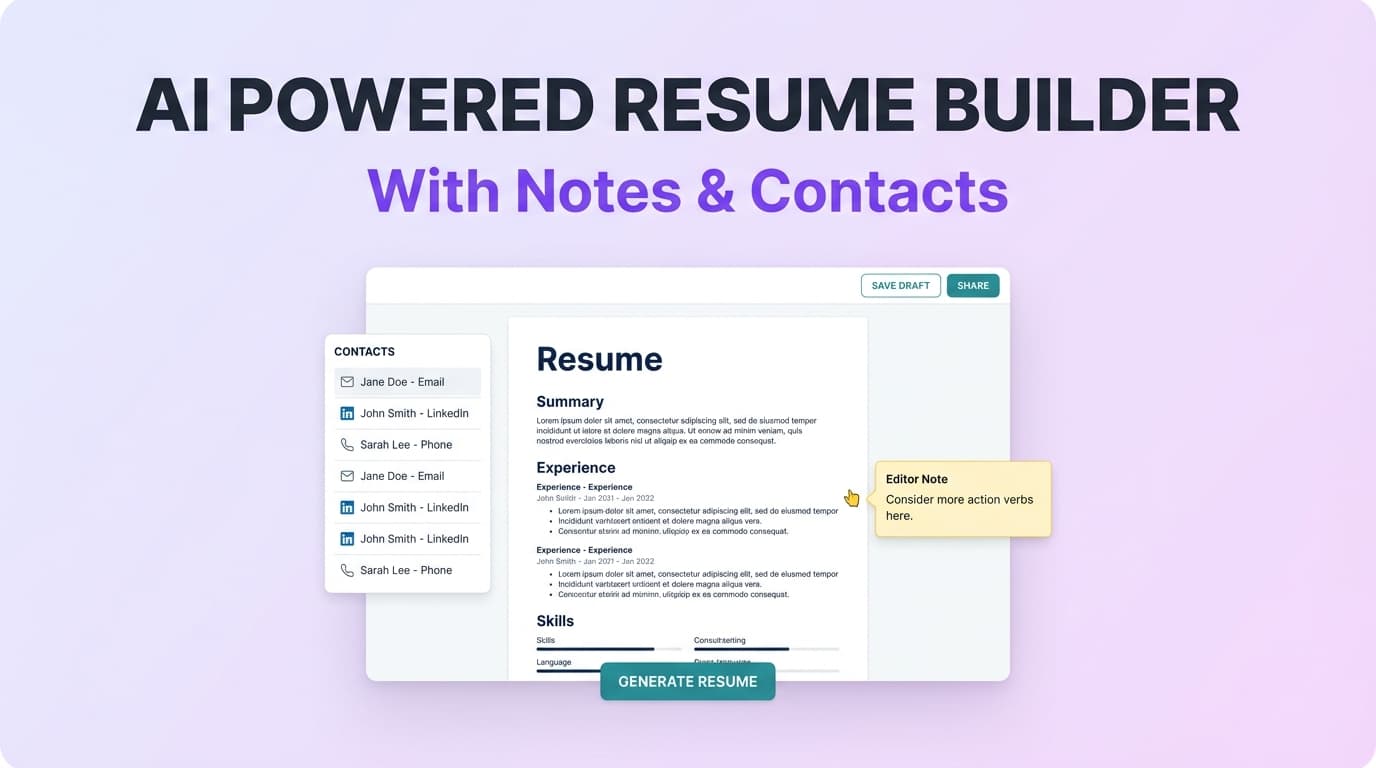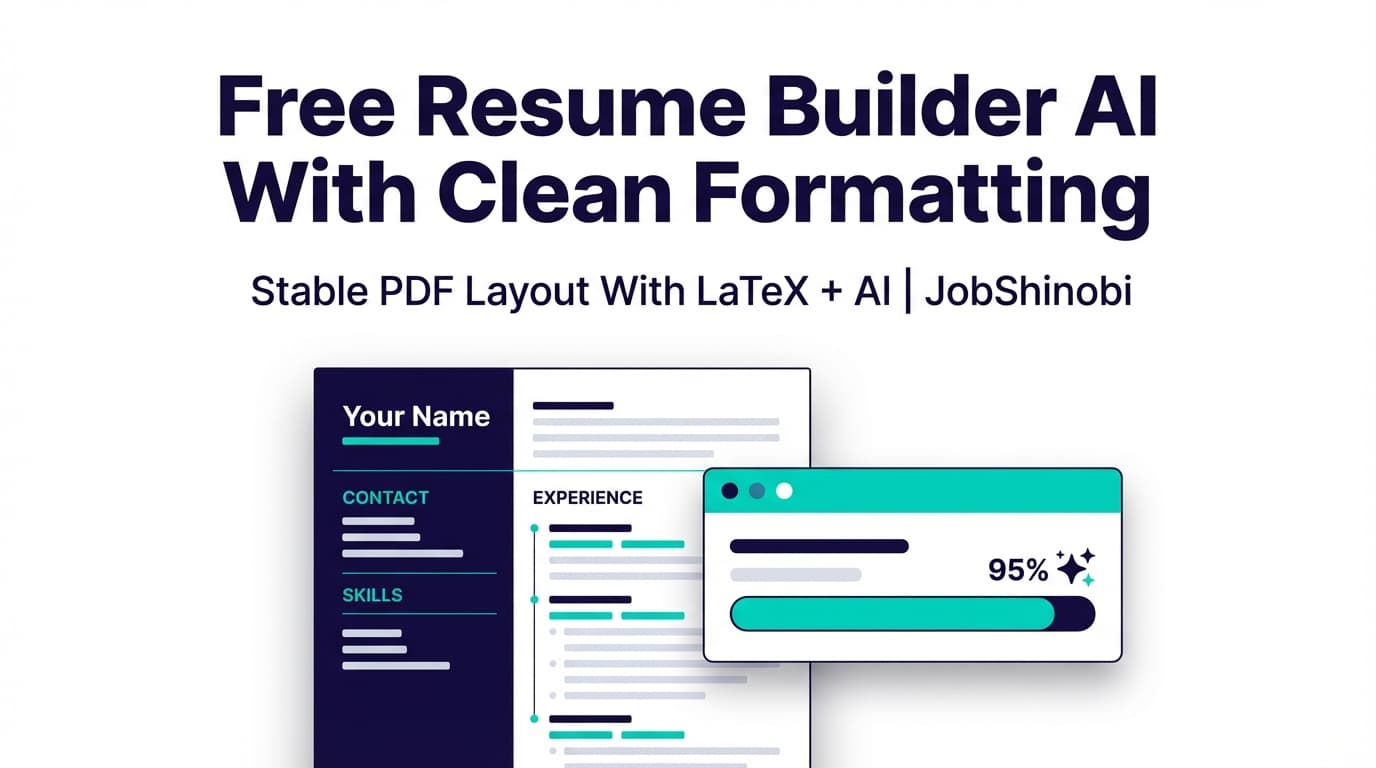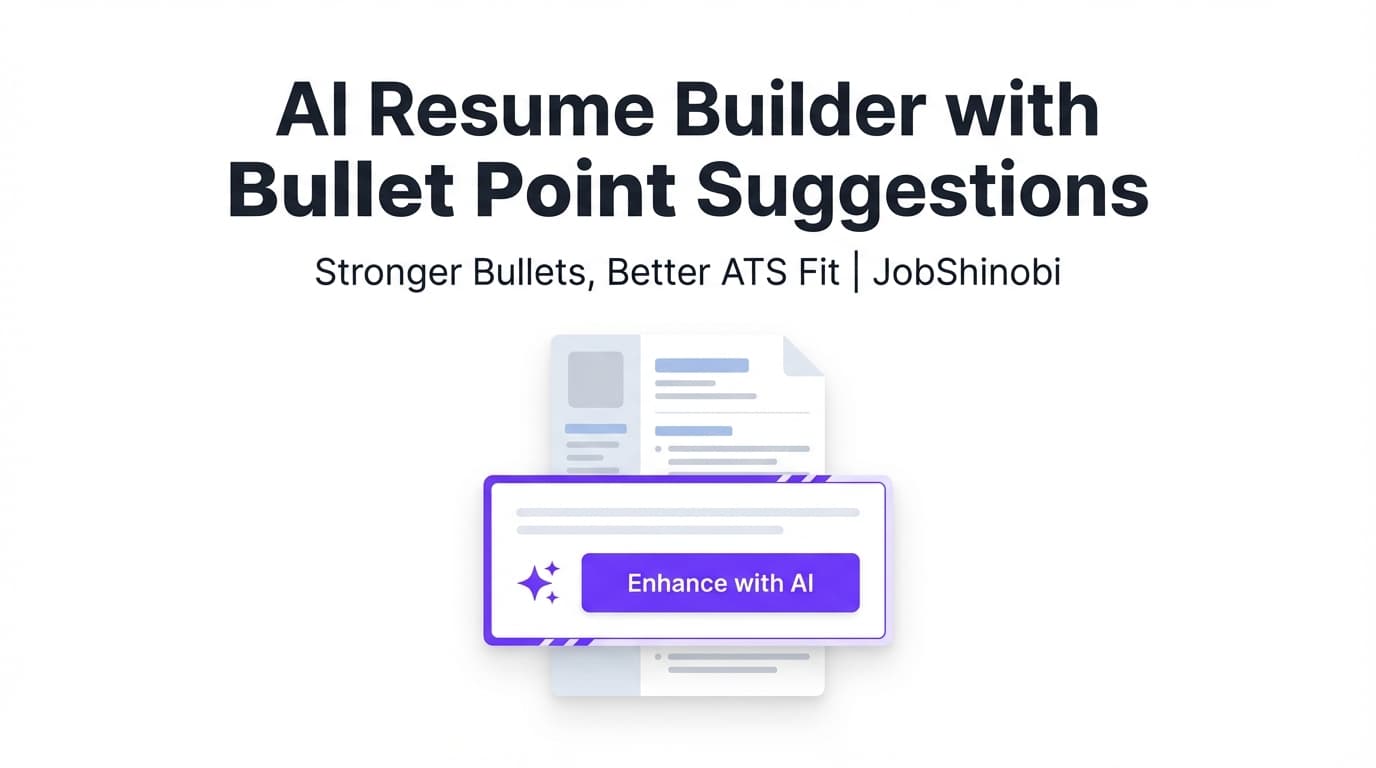
JobShinobi is an AI resume builder with bullet point suggestions built for job seekers who want stronger bullets and a resume that stays clean for ATS parsing. Write in LaTeX, preview a compiled PDF, and use AI to generate bullet point improvements (with before/after rewrites), keyword suggestions, and ATS-focused analysis—all while keeping your resume structure consistent.
Best for: high-volume applicants, career switchers, and anyone who knows their experience is solid but their bullets aren’t selling the impact.
Why Choose JobShinobi for AI Bullet Point Suggestions?
Most “bullet generators” give you generic lines that don’t match your actual resume—or they rewrite in a way that breaks formatting.
JobShinobi is different: it’s a resume workflow (templates → editing → PDF preview → analysis → iterate) where bullet suggestions are tied to your real resume content.
Here’s what you can do inside JobShinobi that directly supports bullet point suggestions:
- Resume Analysis Report that includes:
- section-level scoring (overall + content/keyword/formatting/completeness/ATS)
- keyword analysis (present, missing, overused)
- ATS issues
- bullet analysis with weak bullets and improved versions (before/after)
- AI Resume Editor (chat-based, streaming) that can revise your LaTeX resume while keeping it compilable
- Job-specific analysis when you paste a job description for tailoring feedback
- LaTeX compilation + PDF preview so you can immediately see how your bullets look in a real resume layout
Bullet suggestions that don’t stop at “rewrite this”
JobShinobi can surface weak bullets and show:
- the original bullet (before)
- an improved version (after)
- the issues detected (so you know why it changed)
That means you’re not just copying AI output—you’re improving the quality of your resume writing over time.
Your resume stays structured (LaTeX-first)
If you’ve ever had a resume tool mess up spacing, alignment, or sections after edits, you know the pain.
JobShinobi is LaTeX-based and includes:
- template starting points
- a LaTeX editor
- cloud compilation to generate a PDF preview
- downloads for PDF and .tex
Suggestions can be job-specific (not generic)
You can paste a job description to get job-specific analysis. This helps you spot:
- missing keywords that belong in your bullets
- overused keywords that may read like stuffing
- role alignment gaps
How JobShinobi’s Bullet Point Suggestions Work
Step 1: Start from a template (LaTeX resume templates library)
Go to the Resume Builder and choose a template to start your resume. JobShinobi pulls templates from its templates library and opens your resume in the editor.
Outcome: you’re not starting from a blank page, and your bullets land in a clean structure from day one.
Step 2: Write (or paste) your experience in LaTeX
Add your roles, projects, and accomplishments. Don’t worry if the bullets are rough—JobShinobi is built for iteration.
Tip: include specifics when you can (tools, scope, results). Strong inputs produce stronger bullet point suggestions.
Step 3: Compile and preview the PDF
Compile your LaTeX and preview the PDF output. This matters because great bullets still need to scan well.
Outcome: you see the resume like a recruiter will see it.
Step 4: Run Resume Analysis (and get bullet improvements)
Analyze your resume to get a structured report, including:
- overall score and category scores
- strengths and improvement areas
- keyword analysis (present/missing/overused)
- ATS issues
- bullet point improvements with before/after suggestions
You can re-run analysis as you iterate. If your resume hasn’t changed, JobShinobi can return cached analysis results (so you don’t wait unnecessarily).
Step 5 (Optional): Paste a job description for job-specific bullet suggestions
Want bullets that match a specific posting?
Add a job description to your analysis to get tailored feedback based on the role requirements.
Outcome: bullet improvements + keyword suggestions grounded in an actual job target.
Step 6: Use the AI Resume Editor to apply changes (streaming edits)
Prefer conversational editing?
Use JobShinobi’s AI resume editor (streaming chat) to request changes like:
- “Rewrite these bullets to be more quantified.”
- “Turn this responsibility into an achievement bullet.”
- “Make these bullets tighter and ATS-friendly.”
- “Tailor my experience for a frontend role.”
Because the editor works in a tool-driven workflow, JobShinobi can update your LaTeX resume and check that it still compiles.
Key Features for “AI Resume Builder with Bullet Point Suggestions”
| Feature | What It Does | Why It Matters |
|---|---|---|
| Bullet Point Improvements (Before/After) | Flags weak bullets and provides improved versions, plus issues detected | You get actionable suggestions, not vague advice |
| Resume Score + Category Scores | Scores overall + content/keywords/formatting/completeness/ATS | Helps you prioritize what to fix first |
| Keyword Analysis | Shows present, missing, and overused keywords | Makes tailoring measurable without guessing |
| Job-Specific Analysis (Paste JD) | Runs analysis using a job description for role-specific feedback | Bullet suggestions become relevant to a real posting |
| LaTeX Editor + PDF Preview | Edit LaTeX and compile to a PDF preview | Keeps formatting consistent and reviewable |
| AI Resume Editor (Streaming Chat) | Conversational editing that can update resume content | Faster iterations when you’re polishing bullets |
| Resume Version History (Undo/Redo + Revert) | Saves versions and supports reverting changes | You can experiment with bullet rewrites safely |
| Download PDF + .tex | Export your resume output formats | Share PDF with employers and keep source control |
What “Bullet Point Suggestions” Look Like in Practice
When you use an AI resume builder with bullet point suggestions, you usually want one of these outcomes:
1) “Make my bullet more impactful”
You have a bullet like:
- “Worked on improving the dashboard.”
You want it to become more specific, scoped, and outcome-oriented:
- Impact-focused rewrite
- Better verbs
- Clearer “what changed” and “why it mattered”
- Metrics if available (or prompts to add them)
JobShinobi supports this through:
- bullet improvements in the analysis report
- AI chat-based editing when you want to workshop bullets iteratively
2) “Help me quantify this bullet”
Quantification is hard because your metrics might be:
- approximate
- internal-only
- scattered across systems
JobShinobi can help you restructure bullets so metrics fit naturally (and don’t read forced). If you don’t have numbers, the goal is to write bullets that still show scale:
- volume (“weekly”, “monthly”, “high-volume”)
- scope (“cross-functional”, “multi-team”, “end-to-end”)
- constraints (“under deadline”, “reduced incidents”, “improved time-to-X”)
3) “Tailor my bullets to this job description”
This is where many tools fall short: they rewrite everything, you lose your voice, and the resume becomes generic.
With JobShinobi’s job-specific analysis, you can:
- identify missing keywords that should appear in your bullets (not just in Skills)
- avoid overusing the same keywords across multiple bullets
- iterate with AI chat to apply changes while keeping the resume compilable
AI Resume Builder with Bullet Point Suggestions vs. Generic Bullet Generators
Many competing pages for “resume bullet generator” focus on quick one-off generation.
That’s useful—until you need to:
- keep consistent formatting
- tailor bullets to a specific job
- avoid keyword stuffing
- maintain a clean, recruiter-readable PDF
- iterate without losing previous versions
JobShinobi is built for the full loop:
- build your resume in a structured format (LaTeX)
- preview it as a PDF
- analyze it for ATS + keywords + bullets
- use AI editing to implement improvements
- revert or iterate using version history
If you’re applying seriously (or repeatedly), the workflow matters as much as the bullet suggestions.
How to Get Better Results from Bullet Suggestions (Quick Checklist)
Use this checklist before you accept any AI bullet point suggestions:
- Does the bullet start with a clear action verb?
- Does it show outcomes, not just tasks?
- Does it include scope (users, revenue, volume, performance, time saved)?
- Does it match the job description keywords naturally (without awkward repetition)?
- Would you be comfortable explaining it in an interview?
JobShinobi supports this by pairing suggestions (AI) with visibility (PDF preview) and validation (analysis report).
Pricing
JobShinobi offers paid subscriptions via Stripe:
- Monthly: $20.00
- Yearly: $199.99
Some automation features (like email forwarding + parsing for job tracking) require an active Pro membership.
Link: /subscription
(Plans are sold via Stripe payment links; some parts of the in-app subscription page may be updated over time.)
Frequently Asked Questions
Do employers know I used an AI resume builder?
Employers typically don’t get a “this was written by AI” flag from a resume file itself. What they can notice is writing that feels generic, repetitive, or inaccurate.
JobShinobi helps reduce that risk by:
- letting you iterate and preview the final PDF
- showing before/after bullet improvements (so you can keep what’s true and remove fluff)
- pairing bullet suggestions with keyword + ATS analysis so edits stay purposeful
How do I use JobShinobi for bullet point suggestions?
A practical workflow:
- Create a resume from a template in /dashboard/resume
- Open it in the editor and compile a PDF preview
- Click Analyze Resume to generate the report
- Review Bullet Point Improvements (before/after suggestions)
- Use the AI resume editor chat to apply or refine changes
- Re-analyze after edits to confirm improvements
Can I tailor bullet point suggestions to a specific job posting?
Yes. JobShinobi supports job-specific analysis when you paste a job description, producing feedback aligned to that role (including keyword guidance and suggestions you can apply to bullets).
Will JobShinobi parse my existing PDF resume?
JobShinobi’s resume workflow is LaTeX-based and is designed around editing and analyzing LaTeX resume content. There’s no verified feature for image/PDF OCR resume parsing.
Does JobShinobi help with ATS keywords?
Yes. Resume analysis includes keyword feedback such as:
- keywords present
- missing keywords
- overused keywords
- ATS issues
You can also run analysis with a job description to make the keyword guidance job-specific.
Can I download my resume?
Yes—JobShinobi supports downloading your compiled PDF and your .tex source.
Does JobShinobi auto-apply to jobs or connect to LinkedIn/Indeed?
No. There’s no supported feature for auto-applying to jobs or job-board integrations.
Get Started with JobShinobi Today
If you’re searching for an AI resume builder with bullet point suggestions, you probably don’t need more generic templates—you need a workflow that helps you improve what you already did and present it clearly.
- Build your resume in LaTeX
- Preview a clean PDF
- Get bullet point improvements (before/after)
- Identify missing keywords
- Iterate safely with version history
Start here: /dashboard/resume
Or manage subscription here: /subscription