Applicant Tracking Systems (ATS) aren’t niche anymore: MIT Career Advising notes that about 99% of Fortune 500 companies use some form of ATS. (Source: MIT CAPD) That means resume “readability” isn’t just about what looks good to humans—it’s also about what gets parsed correctly by software.
So, should you use tables in an ATS resume?
For most job seekers applying through online portals at scale, the safest answer is:
Avoid tables (and anything table-like) unless you’ve tested that your exact resume parses correctly.
Not because tables are always unreadable—but because they’re not reliably readable across ATS platforms, file formats, and application workflows. “Not reliably” is exactly the problem when your goal is consistent callbacks.
In this guide, you’ll learn:
- Why tables can scramble your resume in ATS parsing (and when they might be OK)
- A simple decision framework: when to avoid tables vs. when to risk them
- How to run quick “parsing tests” before you apply
- ATS-safe alternatives that still look clean (skills grids, two-column vibes, aligned dates, etc.)
- Common mistakes (including “invisible tables” and header tables)
- Tools you can use to validate formatting and keyword alignment
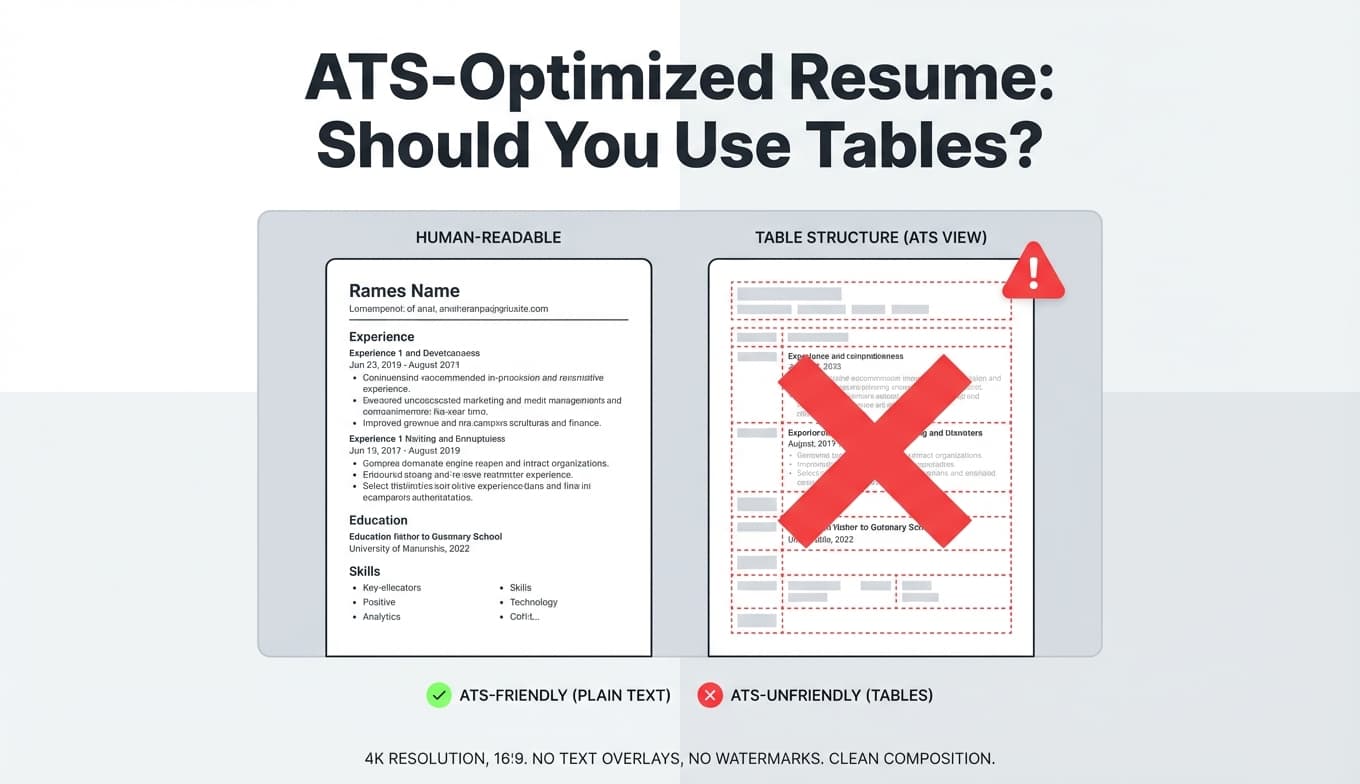
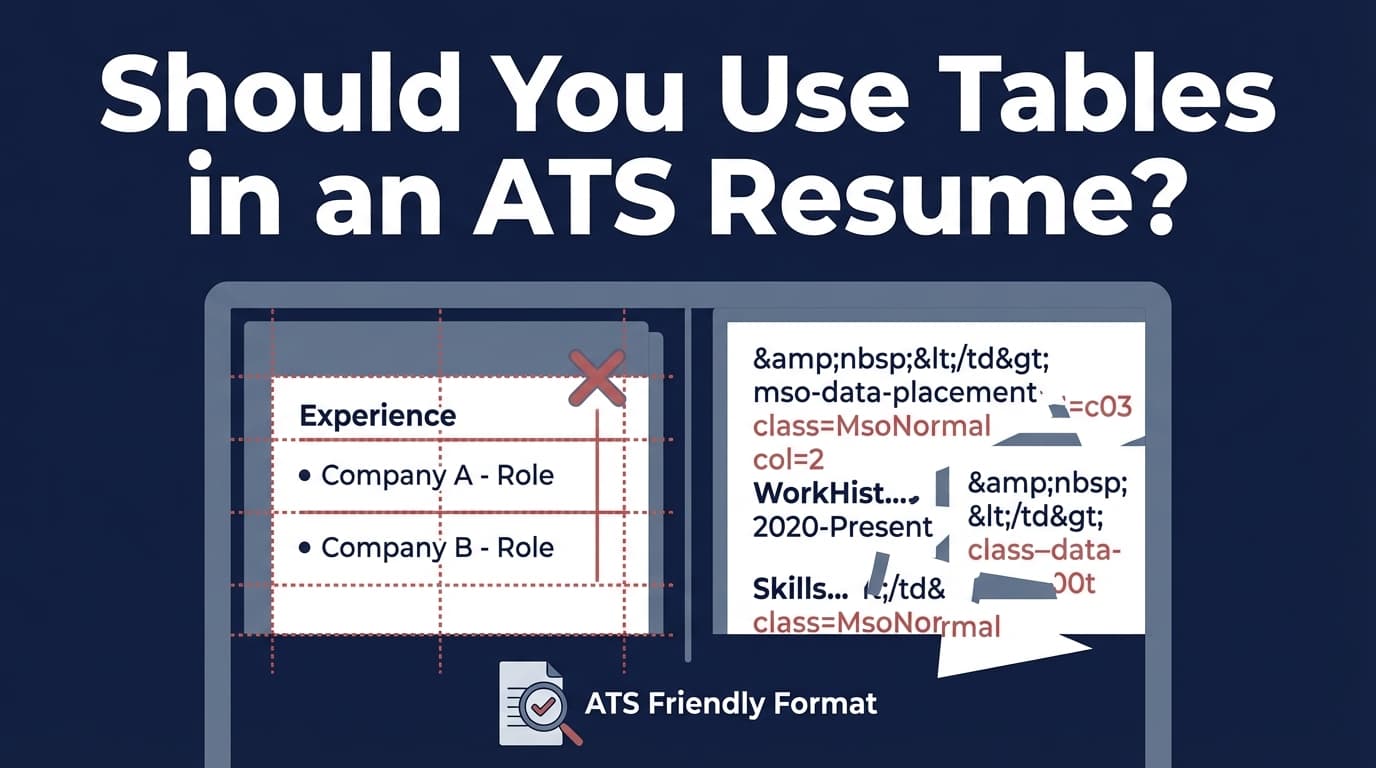
What does “ATS can’t read tables” actually mean?
When people say an ATS “can’t read” tables, they usually mean one of these issues happens during parsing:
-
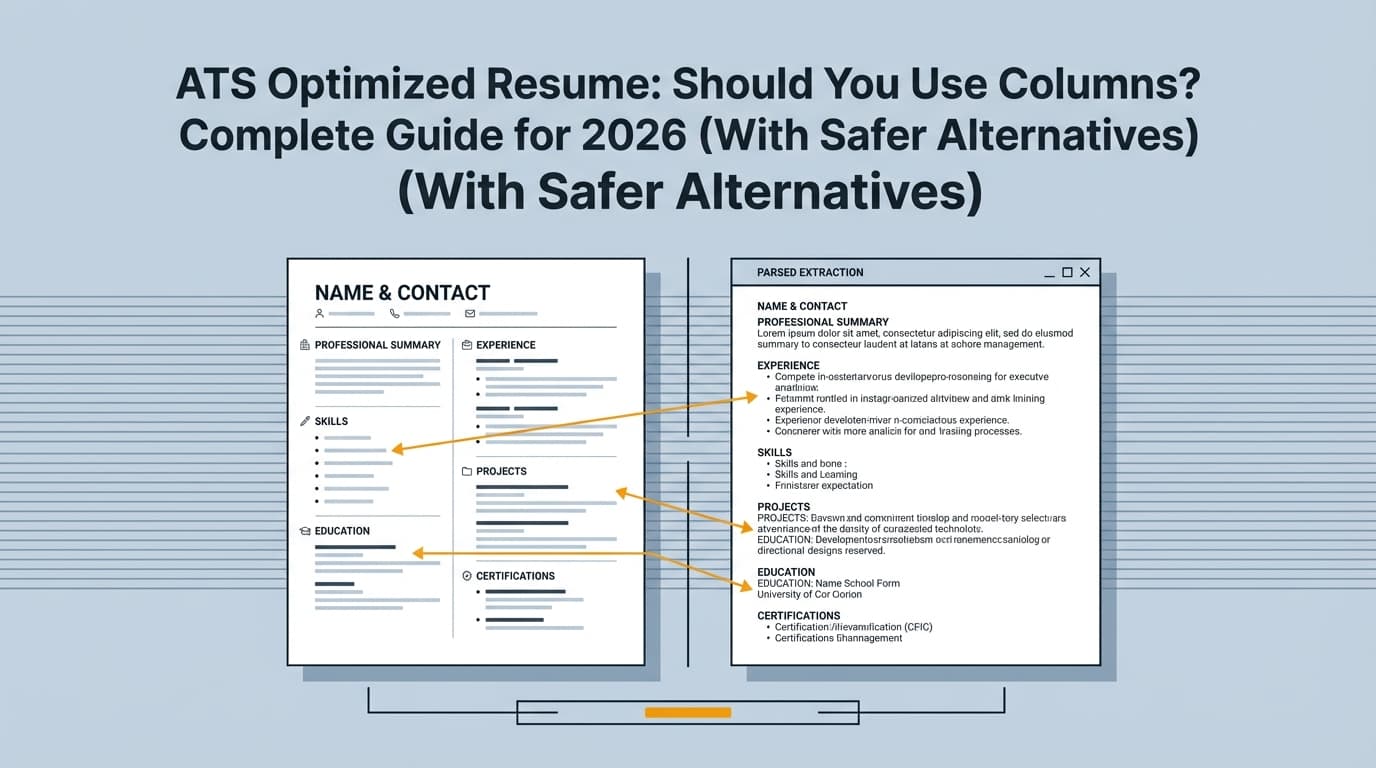
Reading order breaks
The ATS extracts text in an unexpected sequence (e.g., it reads across the page left-to-right and merges columns). The University of Minnesota Duluth career center explicitly warns: “ATS reads left to right across the page even with tables and columns.” (Source: UMD Career Center) -
Content gets skipped
Some table cells (especially in headers/footers or text boxes) may be ignored, leaving missing skills, missing dates, or missing job titles. -
Labels get detached from values
Example: Your table shows “Skills | Python, SQL, Tableau” but the ATS extracts only “Python, SQL, Tableau” without “Skills,” or breaks them into separate fragments that don’t map cleanly to a section. -
Auto-fill forms get messy
Even if the ATS stores your resume, the application workflow may include a “resume-to-form” step (common in job portals). Tables often cause the form fields to populate incorrectly.
Bottom line: Tables are a layout tool for humans. ATS parsing is a text extraction problem. Those goals conflict.
Why this matters more in 2026 (and not less)
A few trends make formatting reliability more important, not less:
- ATS adoption remains extremely high at large employers. Workday states: “more than 98% of Fortune 500 companies use” an ATS. (Source: Workday)
- ATS usage is broadening beyond giant companies. Select Software Reviews reports:
- 70% of large companies use an ATS
- 20% of small and mid-sized businesses use an ATS (Source: SelectSoftwareReviews)
- Recruiters increasingly rely on systems and automation. Select Software Reviews also reports 75% of recruiters use an ATS or another tech-driven recruiting tool. (Source: SelectSoftwareReviews)
- The ATS market itself continues to grow: a MarketsandMarkets press release distributed via PR Newswire projects the ATS market growing from about USD 3.28B in 2025 to USD 4.88B by 2030 (CAGR ~8.2%). (Source: PR Newswire / MarketsandMarkets)
Practical implication: You don’t need a resume that might parse. You need one that parses consistently across systems.
Quick answer: Should you use tables in an ATS resume?
The “risk management” answer (recommended)
If you’re applying through portals (Workday, Taleo, iCIMS, Greenhouse, Lever, etc.) and want maximum compatibility:
- Don’t use tables for:
- Contact info layout
- Skills “grids”
- Two-column designs (often built with tables)
- Sidebars
- Anything that could reorder or hide text
When tables might be acceptable (higher risk)
You might use a very simple table if all are true:
- You are submitting to one specific employer workflow (not mass applying)
- You can test how it parses in that workflow (or a realistic parser test)
- The table contains non-critical info (not job titles, dates, or required skills)
- You have a plain-text backup version ready
Even then, many university career centers still recommend avoiding tables entirely to reduce risk. Columbia Career Education advises using simple formatting and to avoid headers, footers, tables, templates and similar elements. (Source: Columbia Career Education)
A simple decision framework (use this before you redesign anything)
Use this quick matrix:
You should avoid tables if…
- You’re applying to multiple companies and don’t know their ATS
- You’re using Word tables to align dates/locations
- Your resume has two columns (often implemented as tables)
- Your skills section is a grid of boxes/cells
- You use tables in the header (common for contact info)
- You’ve ever seen your resume autofill forms incorrectly
Tables may be worth testing if…
- You’re in a design-heavy field and submitting a resume as a design sample (but see the two-version strategy below)
- You’re emailing directly to a human (still not guaranteed, but ATS risk is lower)
- You’re using a very controlled workflow and can validate parsing output
Why tables break ATS parsing (the mechanics, in plain English)
Most ATS parsing is some combination of:
- Extracting text from the file (PDF/DOCX)
- Inferring structure (“This looks like Experience,” “These look like dates”)
- Normalizing into fields (company, title, start/end, skills, education)
Tables complicate all three steps because they introduce:
- Cell boundaries (which may not map cleanly to reading order)
- Multiple text containers at the same vertical position
- Hidden structure (a table can visually look like columns while the underlying document is a grid)
That’s why advice varies online: some systems handle some tables, some don’t—and even the same ATS can behave differently depending on:
- Whether the resume is PDF vs DOCX
- Whether the PDF is text-based vs scanned/image-based
- The specific parsing engine version/configuration
- The application portal’s “resume-to-form” step
Tables vs. columns vs. text boxes: what’s the real difference?
These are all “high-risk formatting,” but for slightly different reasons:
- Tables: text is segmented into cells; extraction order can scramble
- Columns: often implemented as tables or complex layout containers; reading order issues
- Text boxes/sidebars: content may not be read at all or may be read out of order
- Headers/footers: many parsers treat these as metadata regions and may ignore them (Columbia Career Education explicitly cautions against headers/footers). (Source: Columbia Career Education)
If you only remember one rule:
If your resume relies on layout containers instead of plain text flow, you’re increasing parsing risk.
How to know if tables are harming your resume (fast tests)
You don’t have to guess. Run at least one of these tests before you apply widely.
Test 1: The “plain-text paste” test (30 seconds)
- Open your resume.
- Select all text.
- Paste into a plain-text editor (Notepad on Windows, TextEdit in plain-text mode on Mac).
What you want to see:
- Your contact info appears correctly
- Experience entries stay in order
- Job titles don’t merge with unrelated text
- Dates don’t float randomly
- Skills remain readable and grouped logically
Red flags:
- Skills appear scattered throughout
- Your right column prints in the middle of your experience bullets
- Your section headings disappear or reorder
This test doesn’t perfectly simulate every ATS, but it’s a great “cheap signal” that your structure is fragile.
Test 2: The application autofill preview test
Many portals show a “parsed resume” preview or auto-filled fields. If you can preview:
- Check job titles, employers, dates, locations, and skills.
- If those are wrong, a recruiter may see a broken candidate profile even if the PDF looks fine.
Test 3: Use multiple parsers (cross-validation)
Because results differ, run your resume through more than one parser/scanner if possible, especially if you’re experimenting with formatting.
ATS-safe alternatives to tables (that still look clean)
You can usually get the visual benefit of tables without the parsing risk.
Alternative 1: Use a single-column layout with strategic whitespace
Instead of a two-column table, do:
- A single column
- Short lines
- Clear headings
- Consistent spacing
This is boring—but “boring” parses well. MIT CAPD emphasizes being careful with elements like tables and fancy graphics because they may be distorted, ignored, or erased by ATS. (Source: MIT CAPD)
Alternative 2: Replace a skills table with a “skills list” that still scans quickly
Instead of (table/grid):
- Python | SQL | Tableau
- Excel | Power BI | dbt
Use (ATS-friendly): Skills: Python, SQL, Tableau, Excel, Power BI, dbt
Or grouped:
Skills
- Analytics: SQL, Tableau, Power BI
- Programming: Python, pandas
- Tools: Excel, dbt, Git
Alternative 3: Align dates without tables
Common reason people use tables: aligning dates on the right.
Try one of these:
- Put dates on the same line after a separator:
Company — Title | Jan 2022 – Present
- Or put dates on the next line:
Title, Company
Jan 2022 – Present | City, ST
Alternative 4: Use “dot leaders” sparingly (and test)
Some people use dot leaders to align content. These can work, but always run the paste test to confirm the text stays readable.
Alternative 5: Two versions: “ATS version” + “designed version”
If you’re in UX/design/branding:
- Submit an ATS-safe resume through portals
- Provide a designed PDF as a portfolio artifact or via a link
This avoids gambling your application on parsing.
Step-by-step: How to convert a table-based resume into an ATS-friendly resume
Step 1: Identify where tables exist (including “invisible” ones)
Places tables hide:
- Contact header (name + links aligned)
- Skills grid
- Two-column resume templates
- Sidebar layouts
- Certifications in a grid
Pro tip: In Word, click into areas that seem “snappy” like a grid—often it’s a table even if borders aren’t visible.
Step 2: Rebuild contact info as plain text (no table, no header)
Good (ATS-safe):
First Last | City, ST | phone | email | LinkedIn URL | Portfolio URL
Keep it in the body at the top, not inside a header region (Columbia advises avoiding headers/footers). (Source: Columbia Career Education)
Step 3: Rebuild skills as labeled lines (optimize for keyword matching)
- Use the exact terminology from job descriptions where truthful
- Avoid keyword stuffing—keep it readable
Example:
- Skills: SQL (PostgreSQL), Python (pandas), Tableau, dbt, Excel (PivotTables), stakeholder management
Step 4: Rebuild experience with consistent patterns
Use a consistent structure ATS can infer:
Company, City, ST
Job Title | Start – End
- Achievement bullet (metric + impact + scope)
- Achievement bullet
Step 5: Run tests (paste test + at least one parser)
If your resume survives those tests, you’ve reduced risk significantly.
Best practices specifically for tables (if you insist on using them)
If you must use a table, treat it like an experiment and reduce blast radius:
-
Keep it tiny and non-critical
Don’t put your job titles, dates, or key skills in it. -
Avoid merged cells
Merged cells often cause extraction weirdness. -
Avoid nesting tables
Some templates nest tables inside tables (especially for two-column layouts). -
Avoid tables in headers/footers
That’s compounding two high-risk moves. -
Validate using multiple tests
If one parser gets it wrong, assume some ATS will too.
Common mistakes to avoid (these are table-adjacent traps)
Mistake 1: “Invisible tables” from templates
Many “ATS-friendly templates” use invisible tables to create a clean look. Sometimes it works; sometimes it catastrophically scrambles data.
Fix: Use plain text formatting and spacing instead.
Mistake 2: Putting keywords in a skills grid
If the ATS fails to read that grid, you may lose the very keywords needed to match the job.
Fix: Put critical skills in a simple Skills section.
Mistake 3: Using Canva-style layouts (often built on complex structure)
Even when exported as PDF, these can behave like images or complex positioning.
Fix: Use a simpler layout for applications, keep the designed version separately.
Mistake 4: Assuming “modern ATS can read anything now”
Some ATS are better than they used to be. The problem is variance: you don’t control which system you’ll encounter.
Fix: Optimize for consistency.
Tools to help with ATS-safe formatting (and table risk)
You don’t need a dozen tools—but using one workflow consistently helps.
JobShinobi (resume analysis + tailoring workflow)
If you want a workflow focused on ATS outcomes (formatting + keywords), JobShinobi supports:
- Building resumes in LaTeX and compiling to a PDF in-app
- AI resume analysis that returns ATS-focused scoring and feedback
- Job description extraction (from a URL or pasted text) and resume-to-job matching to identify keyword gaps
- An AI resume editing agent to help rewrite and iterate your resume content
Pricing note (accuracy): JobShinobi Pro is $20/month or $199.99/year. The pricing UI mentions a “7-day free trial,” but trial mechanics aren’t clearly verifiable from billing logic alone—so treat that as “check the pricing page for current terms.” (Source: JobShinobi product constraints)
Internal links:
- Learn more: JobShinobi home
- Pricing: JobShinobi pricing
Plain-text editor (free)
Notepad/TextEdit paste test is still one of the fastest “format sanity checks.”
Application portal preview (free)
If the ATS shows a parsed preview, treat it as the closest thing to “ground truth.”
Key takeaways
- Should you use tables in an ATS resume? Usually no, because tables aren’t reliably parsed across systems.
- If you insist on tables, limit them to non-critical info and test parsing before applying widely.
- Most “table benefits” (alignment, neat skills layout) can be replaced with ATS-safe single-column formatting.
- Use a quick validation workflow: paste test + portal preview + at least one parser/scanner.
- ATS usage is widespread: MIT CAPD cites ~99% of Fortune 500 using ATS, and Workday cites >98%—so compatibility is worth optimizing. (Sources: MIT CAPD, Workday)
FAQ (People Also Ask)
Does ATS detect tables?
ATS typically doesn’t “detect” tables like a human does—it extracts text. The issue is that tables often cause wrong reading order, missing text, or mis-grouped fields. If you see scrambled output in a paste test or portal preview, the table is hurting you.
Are Word tables ATS friendly?
Sometimes—but not reliably. Word tables are a common cause of parsing issues because content is segmented into cells. If you use a Word table (even borderless), run a paste test and check an application preview.
Can ATS read tables in a PDF?
Some can, some can’t, and even “can” may mean “reads in the wrong order.” PDFs can preserve visual layout while making text extraction trickier depending on how the PDF was created. If tables are inside a PDF, test the exact file you submit.
Does ATS recognize columns?
Some ATS handle columns better than others, but many career centers still advise avoiding columns because they can be read left-to-right across the page. The University of Minnesota Duluth explicitly warns that ATS may read across the page even with tables and columns. (Source: UMD Career Center)
What is the best resume layout for ATS?
A single-column, clearly labeled resume with standard headings (Experience, Education, Skills), consistent date formatting, and no complex layout containers (tables, text boxes, headers/footers). Columbia Career Education specifically recommends simple formatting and avoiding headers/footers/tables/templates. (Source: Columbia Career Education)
If I’m applying for design roles, can I use tables to make it look better?
You can—but it’s a risk if you’re applying through ATS portals. A safer strategy is to keep two versions:
- An ATS-safe resume for online applications
- A designed resume as a portfolio artifact or shared directly with humans
What’s the fastest way to check if tables broke my resume?
Copy/paste your resume into a plain-text editor. If experience entries reorder, headings vanish, or skills scatter, remove tables and retest.
Sources (for further reading)
- MIT Career Advising: “Make your resume* ATS-friendly” — notes ~99% Fortune 500 use ATS and cautions about tables/text boxes/graphics (capd.mit.edu)
- Workday: “What is an Applicant Tracking System?” — states >98% of Fortune 500 use an ATS (workday.com)
- Columbia Career Education: “Optimizing Your Resume for Applicant Tracking Systems” — advises avoiding headers/footers/tables/templates (careereducation.columbia.edu)
- University of Minnesota Duluth: “Applicant Tracking System (ATS) Tips” — warns ATS may read left-to-right even with tables/columns (career.d.umn.edu)
- Select Software Reviews: “Applicant Tracking System Statistics” — ATS adoption stats (selectsoftwarereviews.com)
- PR Newswire / MarketsandMarkets: ATS market growth figures (prnewswire.com)
- Let’s Eat, Grandma: “Your Guide to an ATS-Friendly Resume Format” (letseatgrandma.com)
- Ohio Northern University PDF: “A Guide to Adapting Your Resume for the Applicant Tracking System” (my.onu.edu)