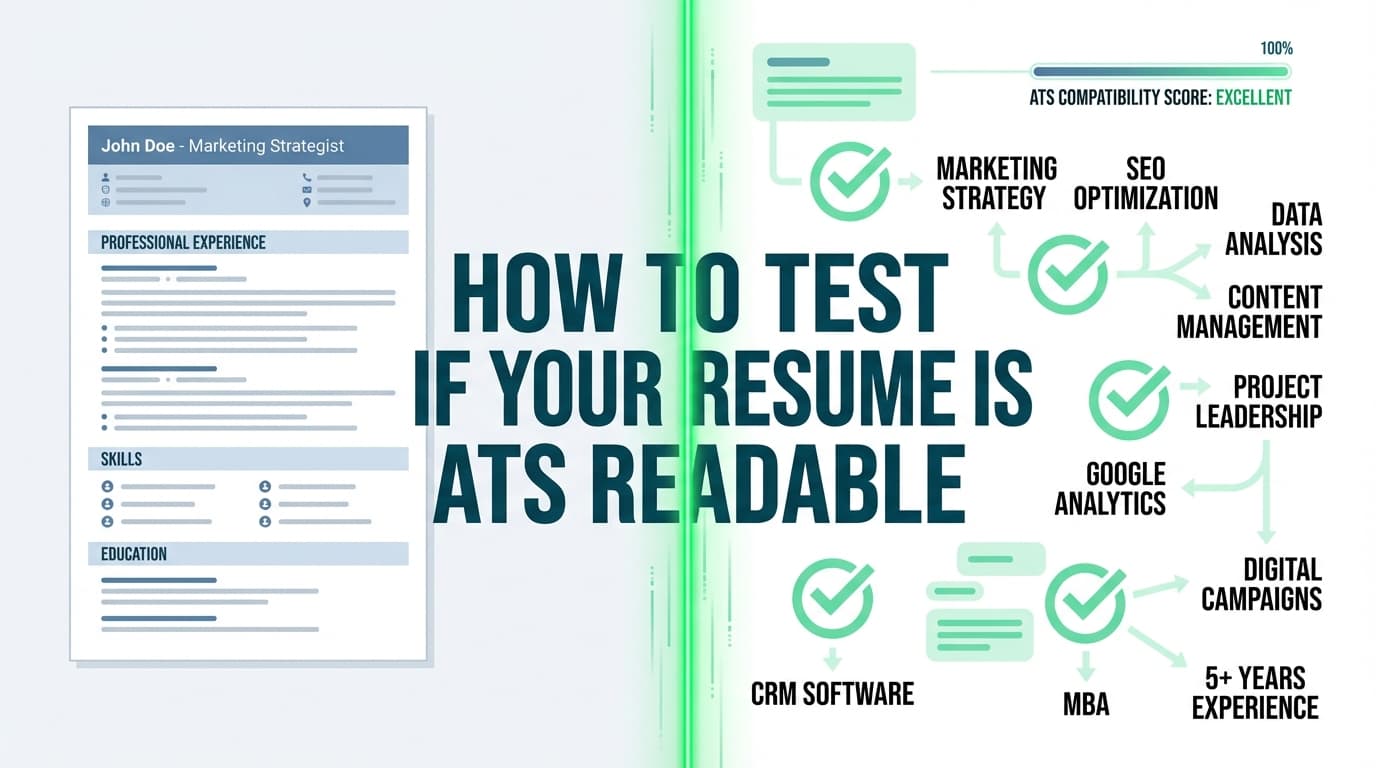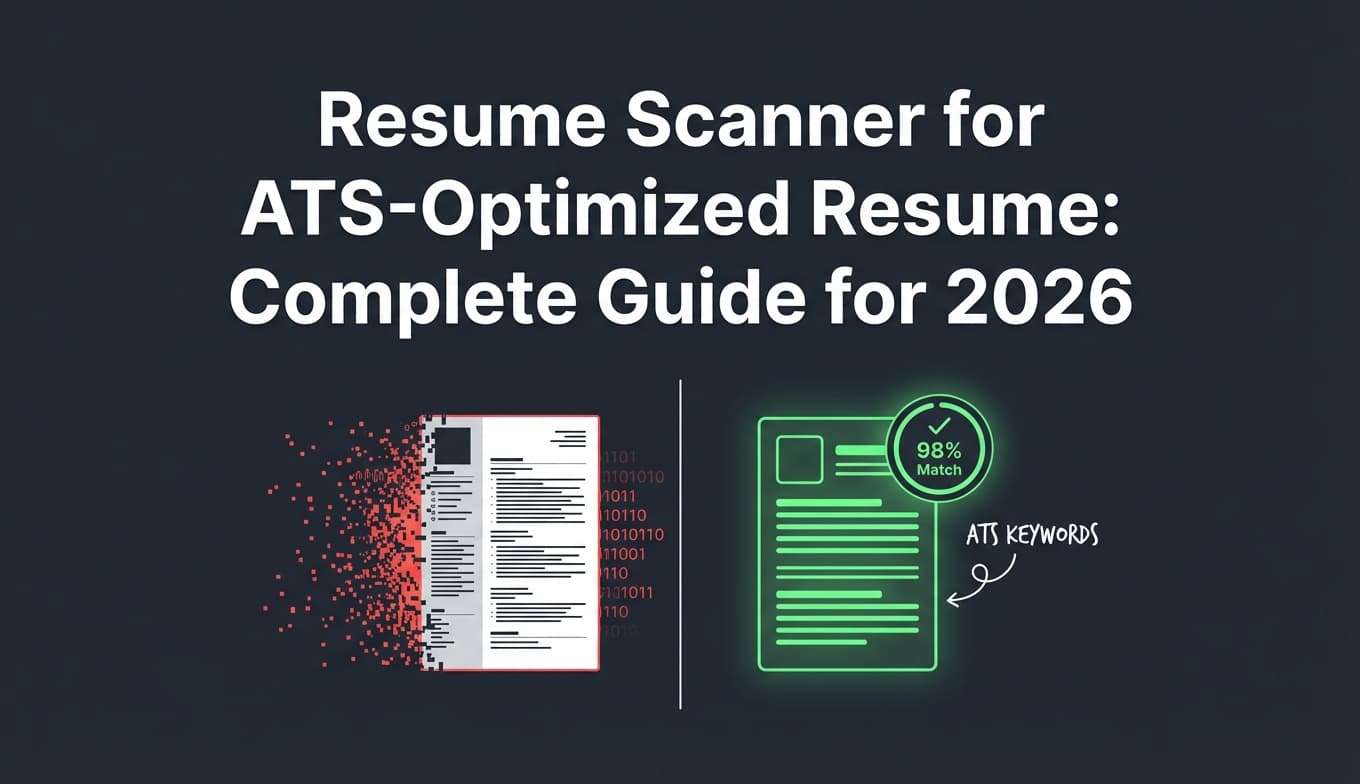
If you’ve ever uploaded your resume to a scanner and thought, “Cool—so I’m ATS-safe now,” you’re not alone. The problem is that “ATS” isn’t one system—and a resume scanner can’t reliably predict how every employer’s setup will parse, rank, and display your resume.
At the same time, resume scanners aren’t useless. Used the right way, they can help you catch the issues that really do cause problems across many applicant tracking systems—especially parsing errors and keyword gaps.
In this guide, you’ll learn:
- What a resume scanner can (and can’t) test across different ATS platforms
- Why two scanners can give you wildly different scores for the same resume
- A practical, repeatable “3-layer test” to validate your resume for real ATS variability
- ATS-friendly formatting rules that hold up across systems (with examples)
- Tools to help (including when it makes sense to use JobShinobi)
Quick answer: Does a resume scanner work for all ATS?
No—resume scanners do not work for all ATS in a literal sense. There are hundreds of ATS configurations, parsing engines, job-specific workflows, and employer-specific scoring rules.
But yes—in a practical sense, a good scanner can still help because many ATS problems are caused by common issues that show up across systems, such as:
- content that doesn’t parse cleanly (columns/tables/text boxes/icons)
- missing keywords and skill phrases from the job description
- confusing headings or nonstandard section labels
- unclear dates, locations, or job titles that break autofill
Think of a resume scanner like a lint tool for code: it catches common mistakes, but it can’t guarantee your program will run flawlessly in every environment.
What is a resume scanner (and what is it actually “scanning”)?
A “resume scanner” (sometimes called an ATS resume checker or resume keyword scanner) typically does some combination of:
-
Parsing simulation
- Attempts to extract contact info, work history, skills, education, etc.
- Flags formatting elements that often break parsing (tables, columns, headers/footers, graphics)
-
Keyword and match analysis
- Compares your resume to a specific job description
- Highlights missing skills/keywords/phrases
-
Heuristic scoring
- Produces an “ATS score” or “match rate”
- Often includes checks like length, repetition, verb variety, measurable impact, section completeness
What it is not
A scanner is usually not:
- the employer’s exact ATS parsing engine
- the employer’s exact ranking algorithm
- the employer’s exact workflow (knockout questions, recruiter filters, internal referrals, etc.)
That’s why a scanner can be helpful—and still wrong.
Why the same resume can “work” in one ATS but fail in another
When job seekers say “ATS,” they’re often lumping together multiple layers:
Layer 1: File handling (upload + conversion)
Some systems convert your file (PDF/DOCX) into an internal format. If that conversion goes badly, parsing suffers.
Real-world constraint example: Greenhouse notes resume parsing can fail for file size issues—specifically, it “can’t parse resumes larger than 2.5MB.” Source: Greenhouse Support docs. (High confidence)
https://support.greenhouse.io/hc/en-us/articles/200989175-Unsuccessful-resume-parse
Layer 2: Parsing (turning your resume into structured fields)
This is the autofill step where a system tries to identify:
- your name
- email/phone
- job titles/companies
- dates
- skills, etc.
Parsing quality varies by:
- ATS vendor
- resume format (PDF vs DOCX)
- template complexity
- fonts/encoding
- whether your content is in tables/columns/text boxes
Layer 3: Search, filtering, and ranking (what humans do with ATS)
Many ATS are primarily databases + workflows. Recruiters can:
- search by keyword
- filter by location, job title, clearance, degree
- review answers to screening questions
- apply internal rubrics
A scanner rarely knows the employer’s exact configuration here.
Why this matters in 2026 (and why the “ATS myth” debate doesn’t help you)
There’s a lot of noise online:
- “ATS automatically rejects everyone!”
- “ATS doesn’t scan resumes at all!”
- “You can beat ATS with tricks!”
Reality is more nuanced:
-
Many employers do use automated tools in hiring. The U.S. EEOC hearing transcript notes: “By some estimates, as many as 83% of employers and up to 99% of Fortune 500 companies now use some form of automated tool…” (High confidence; primary government source)
https://www.eeoc.gov/meetings/meeting-january-31-2023-navigating-employment-discrimination-ai-and-automated-systems-new/transcript -
MIT Career Advising similarly states “about 99% of Fortune 500 companies use some form of ATS…” (High confidence; corroborates the same “~99%” theme)
https://capd.mit.edu/resources/make-your-resume-ats-friendly/
So yes, optimizing for machine readability is rational. But you still need to optimize for humans too—because someone ultimately has to want to interview you.
Human reality check: The Ladders eye-tracking study (2018) found an average initial resume screen of 7.4 seconds. (High confidence; primary PDF)
https://www.theladders.com/static/images/basicSite/pdfs/TheLadders-EyeTracking-StudyC2.pdf
How to use a resume scanner the right way: The “3-layer ATS test”
If you want a process that holds up across different ATS platforms, stop asking “Does this scanner work for all ATS?” and start running this repeatable test:
Test 1: The Parse Test (can systems extract your info cleanly?)
Goal: Make sure your resume can be turned into clean text + sections without scrambling.
Do this:
-
Copy/paste test
- Open your PDF
- Select all → copy → paste into a plain text editor (Notepad/TextEdit)
- If the content pastes in a weird order, your ATS parse may also scramble it
-
Autofill test (best proxy for real ATS parsing)
- Apply to a low-stakes role (or a sandbox account if available)
- Upload resume and see what fields autofill
- If job titles, dates, or company names end up in the wrong place, fix your formatting
-
Scanner parse preview
- Use a resume scanner that shows parsed sections (not just a score)
- Look for missing headers, merged roles, or broken dates
Pass criteria: Your resume content stays in logical order, headings map correctly, and dates/companies don’t get scrambled.
Test 2: The Match Test (are you aligned to this job description?)
Goal: Ensure the resume reflects the employer’s language—without keyword stuffing.
Do this:
-
Extract the job’s:
- required skills (tools, platforms, certifications)
- responsibilities (verbs + outcomes)
- core domain terms (e.g., “stakeholder management,” “ETL,” “forecasting,” “incident response”)
-
Ensure you have:
- the exact phrases where appropriate (e.g., “SQL” and “Structured Query Language” if you see both patterns used)
- proof in context (bullets showing you used the skills)
Pass criteria: Your resume naturally includes the job’s critical skill phrases and supporting evidence.
Test 3: The Human Scan Test (does it make sense in 7–10 seconds?)
Goal: Make sure your resume reads cleanly to a recruiter skimming fast.
Do this:
- Print it or view at 100%
- Ask: “Can I immediately see job title fit, core skills, and impact?”
Pass criteria: Clear headings, strong top-third content, and quantified outcomes.
So why do resume scanner scores vary so much?
Resume scanners often differ because of:
-
Different keyword weighting
- One tool may weight “skills section” heavily
- Another may weight “experience bullets” more
-
Different parsing rules
- Some assume tables = bad
- Some can handle tables sometimes—but that still doesn’t mean your target employer’s ATS will
-
Different assumptions about ATS
- Some treat ATS as a keyword filter
- Others treat ATS as a parsing database
- Both can be true depending on employer configuration
Actionable takeaway: Don’t chase a universal “90+ ATS score.” Chase:
- clean parsing
- strong job relevance
- clear human readability
ATS formatting rules that are “most likely to work” across systems (with examples)
No formatting rule is universal. But the guidelines below are widely recommended by career services offices and align with how parsing generally works.
1) Use a single-column layout for maximum safety
Multi-column layouts can paste in the wrong order in plain text, which is a strong warning sign.
MIT specifically warns to be careful with elements like tables/graphics that may be distorted or ignored by ATS. (High confidence)
https://capd.mit.edu/resources/make-your-resume-ats-friendly/
Safer pattern:
- One column
- Left-aligned dates/locations
- Clear section headings
2) Avoid text boxes, headers/footers, and heavy graphics
Why:
- Some parsers ignore text in headers/footers
- Text boxes can be treated like images or separate layers
- Icons can break text extraction or replace words with unreadable characters
If you want a “designed” look: Use spacing, bold, and consistent typography—not shapes.
3) Use standard headings
Use headings ATS systems and humans both recognize:
- Summary
- Skills
- Experience / Work Experience
- Education
- Certifications (if applicable)
- Projects (if applicable)
Avoid overly cute headings like:
- “Where I’ve made magic”
- “My journey”
- “Toolbox”
4) Use consistent date formatting
Pick one format and stick to it:
Jan 2022 – Mar 2024or01/2022 – 03/2024
Inconsistent date patterns can confuse parsers and humans.
5) Keep fonts readable and text-based
Use common fonts and avoid excessive special characters.
Example: A resume that “passes” one scanner but parses badly in real life
Problem version (common)
- Two-column layout
- Skills in a table
- Company names on the right column
- Dates in a text box
Symptoms:
- Copy/paste into plain text shows:
- dates out of order
- skills mixed into experience bullets
- missing company names
Fix version (ATS-safe)
- One-column layout
- Skills as a simple bullet list
- Company / title / dates on separate lines
Result: Even if a scanner score doesn’t jump dramatically, your parsing reliability usually improves—which is the bigger win.
PDF vs DOCX: Which works better across ATS?
There is no single universal answer. Some ATS parse DOCX more consistently; many modern ATS parse PDFs well—if the PDF is text-based and clean.
Here’s what’s useful (and sourced):
- CNBC reports TopResume research: out of 1,000 resumes, 43% were submitted in an “incompatible file type” through an ATS. (Medium–High confidence; secondary reporting of TopResume research)
https://www.cnbc.com/2019/02/28/resume-how-yours-can-beat-the-applicant-tracking-system.html
Practical rule:
- If the application portal explicitly recommends DOCX, use DOCX.
- If PDF is allowed and your PDF is text-based (not a scanned image), PDF can be fine.
- If your PDF copy/paste test fails, switch to DOCX or rebuild formatting.
Important edge case: Never upload a scanned image of a resume unless the portal explicitly supports OCR (many don’t). If the ATS can’t extract text, it can’t parse.
What a resume scanner can realistically help you do (and what it can’t)
A resume scanner can help you:
- spot keyword gaps vs a job description
- catch obvious formatting risks
- ensure you included critical sections (skills, experience, education)
- improve bullet strength (impact, clarity, metrics)
A resume scanner can’t guarantee:
- how your resume ranks in a specific employer’s ATS
- how a recruiter uses filters/search
- how knockout questions affect your outcome
- whether an internal referral bypasses typical review flow
Best mindset: scanners reduce risk; they don’t remove uncertainty.
Common mistakes that make people think “ATS rejected me” (when it wasn’t just ATS)
Mistake 1: You’re optimizing for “ATS score,” not job fit
If you apply to 50 roles with one generic resume, you might get low response—even if parsing is perfect.
Fix:
- Build 2–3 “base resumes” per role family (e.g., Data Analyst vs BI Analyst vs Analytics Engineer)
- Tailor keywords + top bullets per posting
Mistake 2: Keyword stuffing (and hiding keywords)
Some job seekers paste the job description in white text to “beat ATS.”
That can backfire because:
- a human can spot it
- systems can strip formatting and reveal it
- it’s not evidence-based experience
If you want keywords, earn them:
- add a Skills section
- add bullets that demonstrate use
- add relevant tools under each role
Mistake 3: Your resume parses, but the application autofill is wrong
If your job titles/dates import incorrectly, your application may become inconsistent—even if your attached resume looks fine.
Fix:
- Run the autofill test and adjust formatting.
Mistake 4: Your resume is readable, but your application answers disqualify you
Knockout questions (work authorization, location, shift, salary expectations) can filter you out before resume review.
Fix:
- Track which answers correlate with rejections (and apply to better-fit roles).
Best practices: How to get value from a resume scanner without overtrusting it
-
Use scanners for comparison, not validation
- “Did this change improve keyword alignment and clarity?”
- Not: “Am I guaranteed to pass?”
-
Prioritize parse issues over score
- A 65 score with clean parsing can beat an 85 score with scrambled autofill.
-
Tailor the top third
- Summary + first 2–3 bullets matter most for humans skimming quickly (see Ladders 7.4 seconds study).
-
Match keywords and context
- If you list “SQL” but never mention what you did with it, you’re weaker for both ATS search and recruiters.
-
Use multiple signals
- Scanner results
- copy/paste test
- autofill test
- recruiter-friendly formatting
Tools to help with “resume scanner does it work for all ats?”
Below are tools in the category, plus what they’re best used for. (No tool here can promise compatibility with all ATS.)
JobShinobi (ATS-focused resume analysis + tailoring workflow)
JobShinobi is useful when you want to:
- build a resume in LaTeX (clean, structured formatting) and compile it to PDF inside the app
- run AI resume analysis with ATS-focused scoring and detailed feedback
- compare your resume against a job description using resume-to-job matching to identify keyword gaps and tailoring suggestions
It also includes a job application tracker, including an email-forwarding workflow that can automatically log job applications from forwarded emails (this feature requires Pro).
Pricing (verified): JobShinobi Pro is $20/month or $199.99/year. The pricing page mentions a “7-day free trial,” but trial mechanics are not clearly verifiable from product code, so treat the trial as “mentioned” rather than guaranteed.
(Internal links you might use on your site: /pricing, /dashboard/resume)
Resume Worded (scanner-style feedback)
Good for:
- quick scan feedback and a structured checklist style report
University career center guidelines (MIT, UVA, etc.)
Good for:
- conservative formatting rules that tend to be ATS-safe across many systems
Example (MIT):
https://capd.mit.edu/resources/make-your-resume-ats-friendly/
Greenhouse support docs (ATS-specific parsing constraints)
Good for:
- understanding real operational limits (like file size constraints)
https://support.greenhouse.io/hc/en-us/articles/200989175-Unsuccessful-resume-parse
Unique angle: “Stop trying to pass ‘the ATS’—instead, validate the failure modes”
The question “does it work for all ATS?” assumes:
- there is one ATS behavior
- there is one scoring model
- there is one parsing engine
A better approach is to treat ATS compatibility as risk management. You’re trying to prevent three common failure modes:
- Your resume can’t be parsed into clean fields
- Your resume doesn’t match the job language
- Your resume doesn’t communicate impact fast to humans
That’s exactly why the 3-layer test (Parse → Match → Human) is more reliable than chasing a single scanner score.
Key takeaways
- Resume scanners don’t work for all ATS because ATS platforms and employer configurations vary widely.
- You can use scanners effectively by focusing on parsing reliability and job-specific keyword alignment, not a universal score.
- Use the 3-layer ATS test: Parse Test → Match Test → Human Scan Test.
- Validate with real-world proxies: copy/paste test and application autofill test.
- Optimize for both machines and people—because humans still make hiring decisions, often quickly (Ladders: 7.4 seconds average initial screen).
FAQ (People Also Ask)
Are all ATS scanners the same?
No. Scanners use different parsing rules and different scoring models, so the same resume can get different results. Use them as comparison tools, not universal validators.
Are ATS scanners accurate?
They’re partly accurate:
- Accurate at catching common formatting/parsing risks and keyword gaps
- Not accurate as a guarantee of how a specific employer’s ATS will rank you
A good scanner result should be treated as “lower risk,” not “passed.”
Why can’t ATS read my resume?
Common reasons:
- multi-column layouts scramble reading order
- tables/text boxes/icons interfere with text extraction
- header/footer contact info gets ignored
- the file is too large or corrupted (example: Greenhouse parsing limit of 2.5MB)
https://support.greenhouse.io/hc/en-us/articles/200989175-Unsuccessful-resume-parse
Is a 70% ATS score good?
There’s no universal “good” score because scores are tool-specific. A better benchmark is:
- your resume parses cleanly
- you match the job’s key requirements
- a human can understand your fit quickly
Which is better for ATS: PDF or DOCX?
It depends on the employer system and how your file is built. If your PDF copy/paste test preserves order and your autofill is correct, PDF can be fine. If parsing is scrambled, try DOCX or simplify formatting. CNBC also reported TopResume research that 43% of 1,000 resumes were submitted in an incompatible file type—so file format choices do matter.
https://www.cnbc.com/2019/02/28/resume-how-yours-can-beat-the-applicant-tracking-system.html
Can ATS read scanned documents?
Often, no. A scanned resume may be an image without selectable text. Unless the employer system runs OCR reliably, it can fail to extract your content. Always upload a text-based PDF or DOCX when possible.