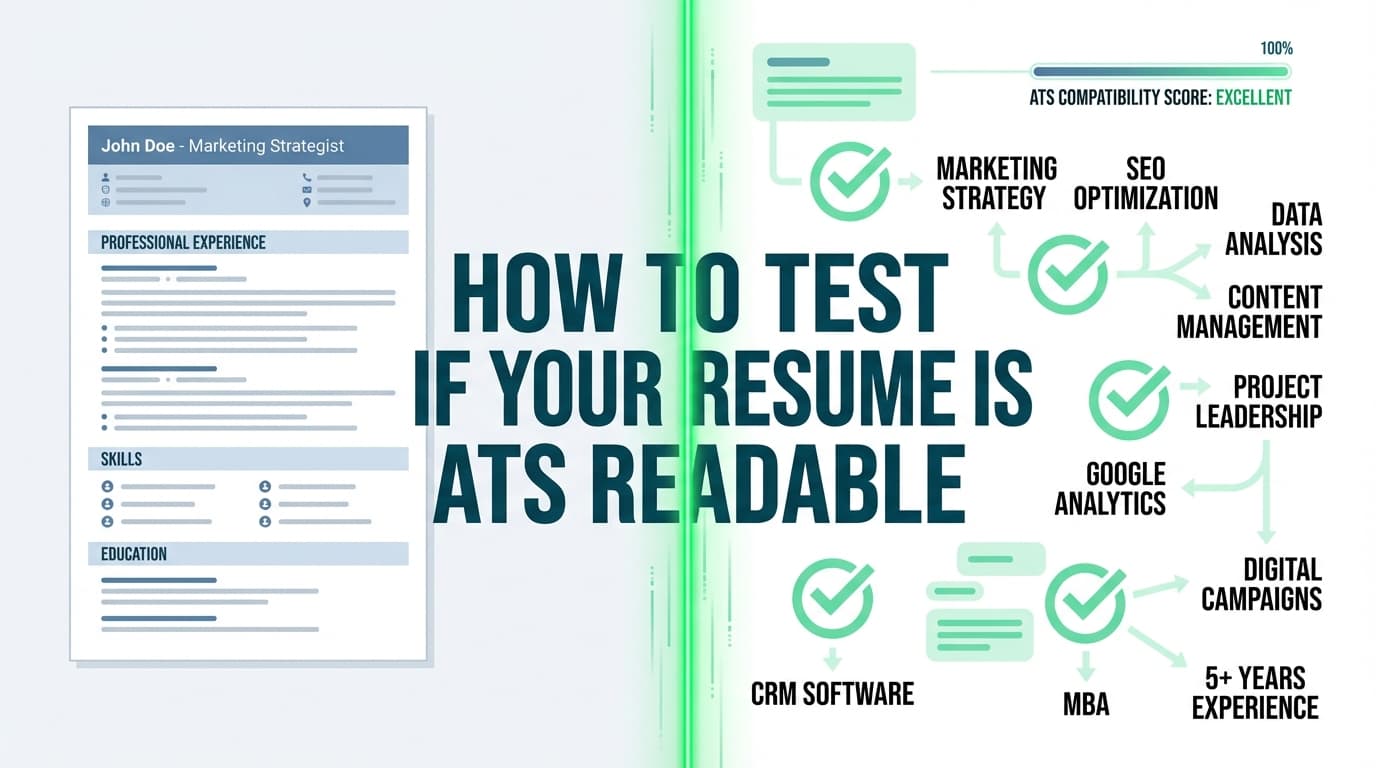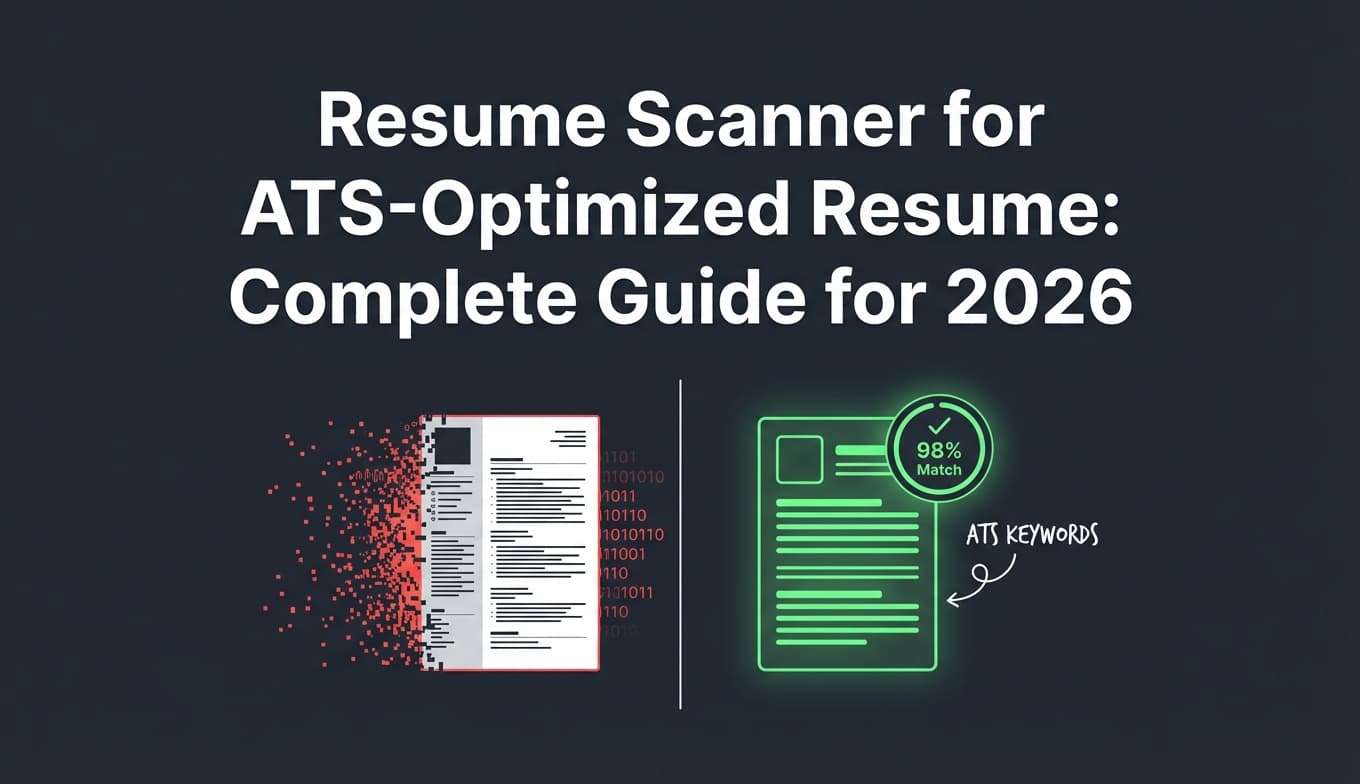
If you’re applying a lot and hearing nothing back, it’s easy to assume “the ATS is auto-rejecting me.” The reality is more nuanced—but testing your resume the right way can still uncover real problems: broken parsing, missing keywords, and formatting that turns your experience into gibberish when imported into an application form.
One reason this matters: Jobscan reports that 98.4% of Fortune 500 companies use an ATS (492 out of 500). (Source: Jobscan; High confidence as a direct published claim on their site: https://www.jobscan.co/blog/8-things-you-need-to-know-about-applicant-tracking-systems/)
And even if an ATS isn’t “rejecting” you automatically, you still have to pass the human skim. The Ladders’ eye-tracking study is widely cited for finding that recruiters spend about 7.4 seconds on an initial resume review. (Source: The Ladders PDF; Medium confidence—credible primary document but often summarized and debated: https://www.theladders.com/static/images/basicSite/pdfs/TheLadders-EyeTracking-StudyC2.pdf)
In this guide, you’ll learn:
- How to run an ATS “parsing test” that catches broken layouts fast (no paid tool required)
- How to use ATS scanners correctly (and why different scanners give different scores)
- A step-by-step QA checklist to iterate quickly without keyword stuffing or overfitting to a single score
What does it mean to “test your resume in an ATS scanner”?
Testing your resume in an ATS scanner usually means two different checks:
-
Parseability (Can the system read your resume accurately?)
This is about structure: sections, dates, job titles, bullet points, skills. -
Match quality (Does your resume match this job?)
This is about keywords and role alignment: skills, tools, titles, certifications, domain terms.
Most online “ATS scanners” blend both into one score. That’s useful—but it can also be misleading if you don’t know what the score is actually measuring.
Key idea: A good ATS test is not one scan. It’s a small QA process you repeat as you tailor.
Why ATS testing matters in 2026 (and what ATS stats actually suggest)
A few data points that help set expectations:
- ATS usage is extremely common at large companies. Jobscan reports 98.4% of Fortune 500 companies use an ATS (492/500). (Jobscan; High confidence: https://www.jobscan.co/blog/8-things-you-need-to-know-about-applicant-tracking-systems/)
- Oracle states that “as of 2019, 99% of the Fortune 500 companies used an ATS” (Oracle; Medium confidence—credible vendor source, but vendor-authored: https://www.oracle.com/human-capital-management/recruiting/what-is-applicant-tracking-system/)
- SelectSoftwareReviews summarizes market stats including 70% of large companies using ATS, 20% of small/mid-sized businesses using ATS, and 75% of recruiters using ATS or similar tools. (SelectSoftwareReviews; Medium confidence—secondary compilation, verify if citing formally matters for your use: https://www.selectsoftwarereviews.com/blog/applicant-tracking-system-statistics)
- Jobvite also repeats the Fortune 500 stat (that 99% use an ATS) in an ATS FAQ-style guide. (Jobvite; Medium confidence as vendor content: https://www.jobvite.com/blog/applicant-tracking-system/)
- Recruiter attention is limited—The Ladders’ eye-tracking research is commonly cited for 7.4 seconds average skim time. (The Ladders; Medium confidence: https://www.theladders.com/static/images/basicSite/pdfs/TheLadders-EyeTracking-StudyC2.pdf)
What these stats do not prove: that “the ATS automatically rejects 75% of applicants” or that you can “hack” your way to interviews with a perfect score.
What they do support: ATS-aware formatting and job-specific keyword alignment are worth testing—especially for high-volume online applications.
How to test your resume in an ATS scanner: Step-by-step (the workflow that actually works)
Here’s the process I recommend if you want results without spiraling into endless tweaks.
Step 0: Create a clean “baseline resume” (before you scan anything)
Before you test, create a version of your resume you can always return to:
- One-column layout
- Standard headings (“Work Experience,” “Education,” “Skills”)
- No icons, no text boxes, no fancy shapes
- Consistent date format (e.g.,
MM/YYYYorMonth YYYY)
This matters because scanners can’t diagnose your resume if the underlying structure is chaotic.
Pro tip: Keep two files:
- Baseline resume (clean, general)
- Targeted resume (tailored to each role)
Step 1: Run a manual ATS parsing test (fastest way to catch formatting failures)
This is the most overlooked step—and it’s often more valuable than your first paid scan.
The plain-text export test (recommended by MIT)
MIT Career Advising recommends testing scannability by saving your resume as a plain text (.txt) file to see what survives when formatting is removed. (MIT; High confidence as direct guidance: https://capd.mit.edu/resources/make-your-resume-ats-friendly/)
How to do it
- Open your resume
- Save or export as
.txt - Open the
.txtfile and look for:- Missing or scrambled section headings
- Dates detaching from jobs
- Bullet points turning into symbols/garbage
- Columns collapsing into nonsense
- Contact info disappearing (or moving to the bottom)
What “good” looks like:
Even without formatting, your resume should still read in the correct order:
Name → contact → summary → skills → experience → education.
What “bad” looks like:
Your right column appears before your left column, or your dates bunch at the bottom, or bullets become random characters.
The copy/paste test (ATS form simulation)
Do this too:
- Copy your entire resume text
- Paste into:
- Google Docs / Word (to check weird spacing)
- A plain text editor (Notepad/TextEdit)
- Confirm bullets, spacing, and order stay readable
If your resume fails this step, don’t trust any ATS score yet. Fix structure first.
Step 2: Test in a real application portal (the “autofill reality check”)
Online scanners simulate ATS behavior. But many problems show up only when you upload into an actual system.
How to do it safely
- Start an application on a company career site (Workday / Taleo / iCIMS / Greenhouse are common)
- Upload your resume
- Look at the autofilled fields (experience, dates, job titles)
Red flags
- Employer name and job title swapped
- Dates missing or misread
- Bullets flattened into one paragraph
- Skills section not captured
Pro tip: If the application offers “autofill from LinkedIn,” compare the structure it builds from LinkedIn vs. what it extracted from your resume. If LinkedIn looks cleaner, your resume formatting may be the issue.
Step 3: Use 2–3 ATS scanners (because any single score can mislead you)
Different scanners weigh things differently:
- Some are keyword-heavy
- Some penalize formatting more aggressively
- Some are designed to upsell resume writing services
Your goal isn’t “get 100%.” Your goal is to catch issues that consistently appear across tools.
A practical scanner testing routine
Pick:
- 1 keyword-match scanner
- 1 formatting/parsing-focused checker
- 1 “second opinion” tool (optional)
Run the same resume + the same job description through each.
What you’re looking for
- Repeated missing keywords (same gaps across tools)
- Repeated formatting warnings (tables, columns, unusual bullets)
- Section detection problems (education not recognized, skills not parsed)
Step 4: Interpret the results correctly (how to avoid overfitting)
ATS scanners often flag:
- Missing skills (keyword gaps)
- Low “match rate”
- Formatting risks
- Weak verbs / low impact bullets
Here’s how to interpret without tanking readability:
1) Keyword gaps: add, don’t stuff
If you’re missing a keyword that you truly have experience with, add it in a credible place:
- Skills section (for tools/tech)
- A bullet point (for demonstrated use)
- Project descriptions (for applied context)
Bad fix (keyword stuffing):
“Python, Python, Python… data analysis, data analysis…”
Good fix (proof):
“Built a Python pipeline to automate monthly revenue reporting, reducing manual analysis time by 30%.”
If you want deeper reading on why stuffing backfires, Jobscan explicitly warns about “keyword stuffing” as a trap. (Jobscan result in SERPs; Medium confidence without deep page extraction here, but consistent with widely published advice: https://www.jobscan.co/)
2) Formatting flags: fix the root cause
Common ATS-unfriendly elements include:
- Multi-column layouts
- Tables
- Text boxes
- Headers/footers that contain critical info
Santa Clara University’s career center specifically warns that standard section labels like “Work Experience,” “Education,” “Skills,” and “Certifications” are universally recognized by ATS, and custom headings may not parse correctly. (SCU; High confidence as direct guidance: https://www.scu.edu/careercenter/toolkit/job-scan-common-ats-resume-formatting-mistakes/)
3) Score changes: watch for diminishing returns
If you go from 35% → 65% with a few smart edits, great. If you’re spending hours chasing 65% → 78% by adding marginal keywords, you may be sacrificing clarity for a number.
Step 5: Re-test using a simple QA checklist (so you iterate fast)
Use this checklist each time you tailor:
Parsing & structure
- One-column layout
- Standard headings (“Work Experience,” “Education,” “Skills”)
- Dates consistently formatted
- No critical info in headers/footers
- Bullets copy/paste cleanly into plain text
Keyword alignment
- Resume includes the exact job title (if accurate)
- Top tools/skills from the job description appear naturally
- Acronyms + long-form included where relevant (e.g., “Search Engine Optimization (SEO)”)
Human readability
- First half of page shows role fit fast (summary + core skills)
- Bullets lead with outcomes + metrics where possible
- No wall-of-text paragraphs
A worked example: testing + fixing a resume based on an ATS scan
Let’s say the job description repeatedly mentions:
- “SQL”
- “Tableau”
- “A/B testing”
- “stakeholder management”
- “dashboarding”
And your resume currently has:
- “data analysis”
- “reporting”
- “visualizations”
Step A: Confirm if gaps are real
Ask: Did I actually do these things?
If yes, add them where they belong.
Step B: Add keywords with proof (before/after bullets)
Before
- “Created reports for leadership.”
After (ATS + human-friendly)
- “Built weekly KPI dashboards in Tableau and wrote SQL queries to monitor funnel conversion; shared insights with Sales Ops and Marketing stakeholders.”
Notice what changed:
- Keywords added: Tableau, SQL, dashboards, stakeholders
- Still reads naturally
- Demonstrates impact and context
Step C: Re-run your tests
- Plain-text test: confirm the bullet stays intact
- Scanner: confirm gaps decreased
- Portal upload: confirm experience parses properly
File format: PDF vs DOCX (what to do when you’re not sure)
You’ll see conflicting advice online because ATS capabilities vary.
- TopResume argues PDF isn’t always compatible with all ATS software and discusses file type considerations. (TopResume; Medium confidence as a resume-service publisher: https://topresume.com/career-advice/what-is-an-ats-resume)
- Resume Worded states ATS can read PDFs, but warns that compatibility depends on more than file type alone. (Resume Worded; Medium confidence as a tool provider: https://resumeworded.com/resume-scanner)
Practical rule
- If the posting specifies a format: follow it.
- If you’re applying through a portal and it accepts both:
- Use DOCX if you’ve seen parsing issues before in that portal.
- Use PDF if your PDF is text-based (not scanned) and you’ve verified clean parsing via the portal upload test.
Non-negotiable: Never upload an image-based resume (scanned PDF, PNG, JPG) unless explicitly requested.
Common mistakes to avoid when testing your resume in an ATS scanner
Mistake 1: Trusting one scanner score as “truth”
Different scanners measure different things. Your goal is consistent signals.
Fix: Use 2–3 tools + the portal autofill test.
Mistake 2: “Fixing” everything the scanner flags
Some scanners will recommend changes that make your resume worse (longer, repetitive, less specific).
Fix: Only implement:
- Parsing fixes (high priority)
- Keyword additions you can prove (high priority)
- Readability improvements (high priority)
Ignore:
- Fake filler skills
- Buzzword padding
- Over-optimizing for 100%
Mistake 3: Keyword stuffing
Keyword stuffing can make your resume look spammy to humans—and may not help in systems that use weighted relevance.
Fix: Add keywords in context (projects, bullets, skills list), not as random piles of nouns.
Mistake 4: Using unusual section titles
Creative headings can confuse parsing.
Fix: Use standard headings. SCU explicitly recommends universally recognized headings like “Work Experience,” “Education,” “Skills,” and “Certifications.” (SCU; High confidence: https://www.scu.edu/careercenter/toolkit/job-scan-common-ats-resume-formatting-mistakes/)
Mistake 5: Testing formatting on a different file than the one you submit
If you test a DOCX but submit a PDF, you didn’t actually test what you shipped.
Fix: Always test the exact file you’ll upload.
Tools that can help you test your resume (honest overview)
A few categories of tools can help:
1) ATS scanners / resume checkers
- Resume Worded: Offers a “free ATS resume scan” positioning and provides feedback across criteria. (Resume Worded; Medium confidence as self-described tool: https://resumeworded.com/resume-scanner)
- Kickresume ATS Resume Checker: Positions itself as an ATS scan simulator and claims usage by “8M+ job seekers.” (Kickresume; Low–Medium confidence—marketing claim on their page: https://www.kickresume.com/en/ats-resume-checker/)
2) Career center guidance (great for formatting rules)
- MIT Career Advising: Recommends a plain-text test and ATS-friendly formatting. (MIT; High confidence: https://capd.mit.edu/resources/make-your-resume-ats-friendly/)
- Santa Clara University Career Center: Lists common ATS formatting mistakes and emphasizes standard headings. (SCU; High confidence: https://www.scu.edu/careercenter/toolkit/job-scan-common-ats-resume-formatting-mistakes/)
3) Job-specific matching + resume analysis (where JobShinobi fits)
If you want a workflow that combines resume scoring + job matching + editing, JobShinobi is designed for ATS-focused resume optimization:
- Build your resume in a LaTeX-based editor and compile it to PDF
- Run an AI resume analysis that returns scoring + detailed feedback
- Paste a job description or URL and generate a resume-to-job match analysis (keywords present/missing)
Pricing note (accuracy matters): JobShinobi is a paid subscription. JobShinobi Pro is $20/month or $199.99/year. The pricing page marketing mentions a 7-day free trial, but trial enforcement details aren’t confirmed in code—so treat it as “mentioned,” not guaranteed.
(If you want to explore it, link it naturally from your site: /resume-analyzer and /pricing.)
A “3-lens” ATS testing framework (unique angle you can reuse forever)
Most people only do Lens #2 and wonder why results are inconsistent.
Lens #1: Parsing (structure and extraction)
- Plain-text test (.txt)
- Copy/paste test
- Portal autofill test
Lens #2: Relevance (keywords and fit)
- Scanner match report
- Compare your skills list to job requirements
- Confirm your title/level aligns (e.g., “Data Analyst” vs “Senior Analytics Engineer”)
Lens #3: Human skim (clarity in under 10 seconds)
Tie back to recruiter skim behavior research (Ladders’ 7.4-second figure is a useful heuristic even if debated). (The Ladders; Medium confidence: https://www.theladders.com/static/images/basicSite/pdfs/TheLadders-EyeTracking-StudyC2.pdf)
If your resume passes all 3 lenses, you’re in a strong position.
Key takeaways
- ATS testing should include parsing tests + portal autofill checks, not just a single online score.
- Use 2–3 scanners to find consistent gaps and avoid chasing one tool’s scoring model.
- Fix structure first, then add verifiable keywords, then re-test the exact file you’ll submit.
- Standard headings and simple formatting reduce parsing errors (MIT + SCU both emphasize ATS-friendly structure).
FAQ (People Also Ask + real job seeker questions)
Is there a way to test my resume on an ATS?
Yes. The most reliable approach is:
- Export your resume to plain text and verify it reads in the correct order (MIT recommends a plain-text test: https://capd.mit.edu/resources/make-your-resume-ats-friendly/).
- Upload it into a real application portal and review what autofills.
- Use 2–3 ATS scanners to cross-check keywords and formatting warnings.
Is a 70% ATS score good?
It depends on what the score measures. Many scanners blend formatting + keyword match into one number. A “good” score is one where:
- Your resume parses cleanly
- The top job requirements appear naturally in your resume
- You still look credible and readable to a recruiter
Treat the score as a diagnostic tool—not a pass/fail grade.
Are ATS checkers reliable?
They’re useful for finding patterns (missing keywords, formatting risks), but they don’t replicate every employer’s ATS configuration. That’s why you should validate with the portal autofill test and compare results across multiple scanners.
What are the most common ATS resume formatting mistakes?
Common issues include:
- Multi-column layouts that scramble reading order
- Non-standard section headings
- Tables/text boxes that don’t export cleanly SCU’s checklist is a good reference point for formatting pitfalls and standard headings. (SCU: https://www.scu.edu/careercenter/toolkit/job-scan-common-ats-resume-formatting-mistakes/)
Should I submit a PDF or DOCX to get through ATS?
Follow the job posting instructions first. If both are accepted:
- Choose DOCX when you want maximum parsing safety in strict portals
- Choose PDF when it’s text-based and you’ve verified clean parsing via an upload/autofill test
Sources discuss tradeoffs and variability across ATS setups (TopResume: https://topresume.com/career-advice/what-is-an-ats-resume; Resume Worded: https://resumeworded.com/resume-scanner).
Can ATS read tables and columns?
Sometimes—but they can also break parsing, especially if the system reads left-to-right in unexpected ways. The safest choice for consistent parsing is a one-column layout with standard headings.