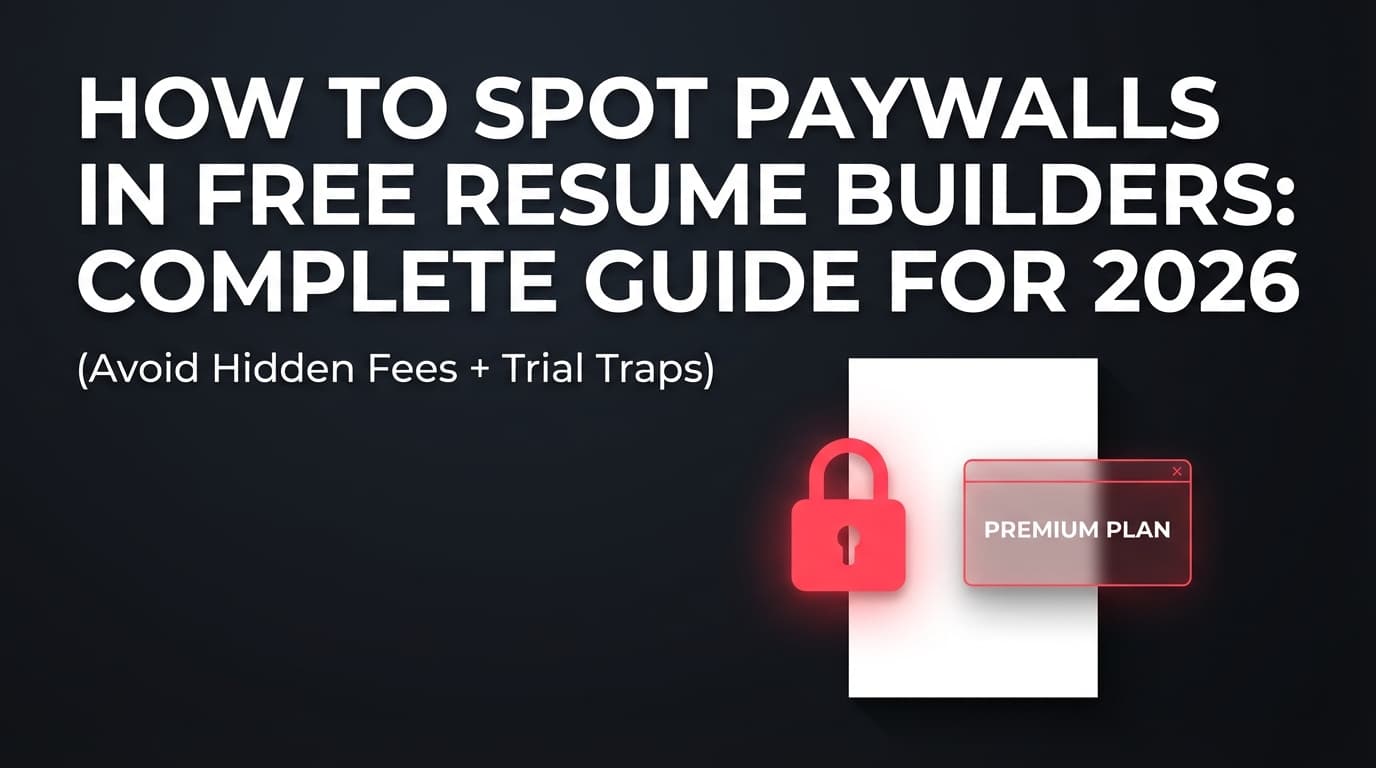
If you’ve ever spent an hour polishing a resume in a “free” builder—only to find the Download PDF button locked behind a checkout screen—you already know the pattern.
And it’s not just a resume-builder problem. Subscription “dark patterns” (design choices that push you into subscriptions or make it hard to cancel) have become common enough that the U.S. Federal Trade Commission (FTC) has published guidance and reports warning about them. (Source: FTC staff report, Bringing Dark Patterns to Light, 2022: https://www.ftc.gov/system/files/ftc_gov/pdf/P214800+Dark+Patterns+Report+9.14.2022+-+FINAL.pdf)
Meanwhile, recruiters skim fast—about 7.4 seconds in an eye-tracking study cited by HR Dive (which references TheLadders’ research). That means you don’t have time to wrestle with a tool that won’t let you export cleanly. (Source: HR Dive, 2018: https://www.hrdive.com/news/eye-tracking-study-shows-recruiters-look-at-resumes-for-7-seconds/541582/)
In this guide, you’ll learn:
- A 5-minute “Paywall Test” to run before you type your real info
- The most common paywall patterns (download locks, watermarks, “trial traps,” template gating)
- How to read pricing + checkout pages so you don’t get surprised by auto-renewals
- A practical checklist to choose a builder that matches your budget and risk tolerance
What counts as a “paywall” in a free resume builder?
A paywall is any point where the tool blocks the outcome you actually need—usually a usable, professional resume file—unless you pay.
In resume builders, paywalls typically show up as:
- Download paywalls: You can build/edit for free, but must pay to download PDF/DOCX.
- Watermark paywalls: You can download, but the resume includes branding unless you pay.
- Format paywalls: Free export is TXT (plain text) or low-quality, while PDF/DOCX is paid.
- Template/section paywalls: The good templates, multi-page resumes, or key sections are “Premium.”
- Trial traps: A low-cost trial unlocks downloads, but auto-renews unless you cancel.
- Cancellation friction: Canceling is intentionally confusing or buried.
Important nuance: A paywall isn’t automatically “bad.” Businesses need revenue. The problem is surprise paywalls—when the tool markets “free” but only reveals the real cost after you’ve invested time.
Why paywalls matter more in 2026 than they used to
1) Your time cost is real
Resume builders are sticky by design: you enter personal history, fine-tune bullets, tweak formatting, and then you’re “committed.”
So a surprise paywall isn’t a $10 annoyance—it’s a time tax and a stress spike at the worst moment (usually right before an application deadline).
2) Subscription dark patterns are widely recognized
The FTC has documented “dark patterns” including designs that can trap consumers into subscriptions or make cancellation harder than sign-up. (FTC staff report, 2022: https://www.ftc.gov/system/files/ftc_gov/pdf/P214800+Dark+Patterns+Report+9.14.2022+-+FINAL.pdf)
In 2024, the FTC also announced results from a review with international partners (ICPEN/GPEN) looking at dark patterns in subscription services and privacy disclosures. (Source: FTC press release: https://www.ftc.gov/news-events/news/press-releases/2024/07/ftc-icpen-gpen-announce-results-review-use-dark-patterns-affecting-subscription-services-privacy)
TechCrunch’s summary of that review reported findings such as missing cancellation info and unclear trial end dates across many subscription experiences. (Source: TechCrunch, 2024 — Medium confidence because it’s a secondary summary: https://techcrunch.com/2024/07/10/ftc-study-finds-dark-patterns-used-by-a-majority-of-subscription-apps-and-websites/)
3) ATS usage is widespread (so export quality matters)
If your “free” builder only exports something weird (watermarked PDF, image-based PDF, odd formatting), you may hurt your ATS parsing outcomes.
Multiple recruiting sources report high ATS adoption (e.g., SelectSoftwareReviews summarizes stats like 70% of large companies use an ATS and broader recruiter usage). (Source: https://www.selectsoftwarereviews.com/blog/applicant-tracking-system-statistics — Medium confidence, because it’s a compilation of stats, but widely echoed across the industry.)
The 5-minute Paywall Test (do this before you type your real resume)
This is the fastest way to spot paywalls early—before you’ve donated your time and data.
Step 1: Don’t start with your real info (use “dummy data”)
Create a fake resume with:
- One job
- 2–3 bullets
- One education entry
- 3 skills
This prevents you from getting emotionally invested.
Step 2: Find the export options immediately
Before editing anything, hunt for:
- Download PDF
- Download DOCX/Word
- Export
- Share link
- ATS export
Red flag: If you can’t find export options until the final step, that’s often deliberate.
Step 3: Click “Download” early (even if your resume is empty)
Try downloading immediately.
What you’re looking for:
- Does it force account creation first?
- Does it show pricing only at download time?
- Does it offer “free” download but only as TXT / low-quality?
Step 4: Check what “free” actually means on the pricing page
Look for fine print like:
- “Free to build, pay to download”
- “Basic plan: download with watermark”
- “Trial unlocks premium exports”
Step 5: Screenshot the checkout/trial terms (if any)
If they push a trial, capture:
- Price today
- Auto-renewal price
- Billing cycle (monthly vs every 4 weeks)
- How to cancel
Why: if something goes wrong later, documentation helps.
How to spot paywalls in free resume builders: Step-by-step (the full system)
Step 1: Identify the “real goal” the tool might paywall
Most people think they need a “resume builder.” What they actually need is one (or more) of these outcomes:
- A clean PDF that looks professional
- A DOCX they can edit later
- A plain-text version for ATS copy/paste fields
- A resume they can reuse without rebuilding from scratch
Paywalls often target the highest-value outcome: PDF/DOCX export.
Pro tip: If a builder is vague about export formats, assume the good formats may be gated.
Step 2: Learn the 7 most common paywall patterns (with examples)
Paywall Pattern #1: “Build for free, pay to download”
This is the classic.
What it looks like:
- The builder markets “free resume builder”
- You can edit everything
- The last step blocks PDF export behind checkout
How to detect early:
- Search the site for “download” + “free”
- Check FAQs for “Can I download my resume for free?”
Paywall Pattern #2: Watermarking the resume
You can download—technically—but the output includes branding.
Why it matters:
- A watermark can look unprofessional
- It can interfere with readability
- It can raise “this was generated” flags (fair or not)
What users ask (real-world): People routinely ask whether it’s okay to submit a watermarked resume—because they get trapped there.
(Example search results show recurring discussions on Reddit/Quora about watermarking resumes.)
Pro tip: If the tool shows “Remove watermark” anywhere, treat that as a paid feature until proven otherwise.
Paywall Pattern #3: “Free export” is only TXT (plain text)
Some builders allow free download—but only as a text file with no formatting.
When it’s acceptable:
- You’re applying through a form that wants plain text
- You’re going to paste into a Word/Google Docs template yourself
When it’s a problem:
- You need a polished PDF for email submissions
- You want consistent formatting across applications
Paywall Pattern #4: Template gating (“Premium templates”)
You start with a template that looks great, then you discover:
- That template is Premium
- Or key formatting elements are Premium
- Or you can’t download using that template without upgrading
Detection trick: Switch templates before writing content. If half the templates are locked, the best one you pick may become a trap later.
Paywall Pattern #5: Section gating (projects, publications, multi-page)
If you need:
- Projects
- Certifications
- Publications
- Portfolio links
- Multi-page resumes
…watch for “Upgrade to add section.”
Paywall Pattern #6: Trial traps (cheap trial → expensive auto-renewal)
This is where people get burned.
For example, Resume.io publicly lists a $2.95 7‑day trial on its pricing page, and its help documentation explains that the trial can convert into a paid subscription unless canceled. (Sources: https://resume.io/pricing and https://help.resume.io/article/28-how-does-billing-work)
-
Stat (High confidence): Resume.io shows a $2.95 7-day trial on its pricing page.
Source: https://resume.io/pricing -
Stat (High confidence): Resume.io’s billing FAQ describes how billing works, including trial behavior and subscription options.
Source: https://help.resume.io/article/28-how-does-billing-work
This isn’t about picking on one brand—it’s a clear, verifiable example of the pattern so you know what to look for elsewhere.
What to look for on any checkout page:
- “Auto-renews”
- “Billed every 4 weeks” (note: every 4 weeks ≠ monthly)
- “Cancel anytime” without clear steps
- Tiny gray text under the big price
Paywall Pattern #7: Cancellation friction (“easy to sign up, hard to cancel”)
If the site:
- Requires chat/email to cancel
- Hides cancel behind multiple menus
- Doesn’t clearly state cancellation steps
…treat that as a risk signal.
Reality check: Some companies do offer clear cancellation instructions. For example, Resume.io has a dedicated cancellation page in search results (“Cancel Your Subscription in 30 seconds”). The point is: check whether cancellation is documented before you pay.
Step 3: Use the “Pricing Page Forensics” method (10 things to scan)
Open the pricing page and scan for these items:
- Does “Free” mean “free to build” or “free to export”?
- What export formats are included in free vs paid? (PDF, DOCX, TXT)
- Is watermark removal paid?
- Are templates labeled “Premium”?
- Is the trial clearly disclosed? price + length + renewal
- Is billing monthly or every 4 weeks?
- Is there a refund policy? (and is it easy to find?)
- Are there “one-time payments,” or only subscription?
- Are taxes/fees mentioned?
- Is cancellation explained in plain language?
Pro tip: If a pricing page is heavy on marketing and light on specifics, assume there are specifics you won’t like.
Step 4: Run the “Export Quality Test” (because paywalls aren’t the only problem)
Even if the tool is truly free, you still need export quality.
Download the resume and verify:
A) Is the PDF text selectable?
Try highlighting a bullet point. If you can’t select text, it might be an image-based export.
B) Does it copy/paste cleanly?
Copy a section into a plain text editor. If spacing collapses or characters break, that’s a risk.
C) Does it stay one page (if intended)?
Some builders create weird spacing that adds a second page.
D) Does it include hidden junk?
Headers/footers, branding, or stray icons.
Step 5: Check privacy + data control (the hidden “cost” of free)
Sometimes “free” is funded by data collection or aggressive upsells.
You don’t need to become a privacy lawyer—just check:
Quick privacy checklist
- Can you use the tool without entering a phone number?
- Can you delete your account?
- Do they say they share data with “partners” for marketing?
- Is there a “Do Not Sell/Share My Personal Information” link (where relevant)?
Practical tip: Keep a “master resume” in Google Docs or Word. Use builders for formatting, not as the single source of truth.
Step 6: Recognize the “fake free” language patterns
Watch for copy like:
- “Free to create”
- “Start for free”
- “Try before you buy”
- “No commitment”
None of that guarantees free export.
Translation table:
- “Start for free” → often means editing is free
- “Try before you buy” → often means download is paid
- “No commitment” → may still be auto-renewing trial
Step 7: Decide what you actually want: truly free vs transparent paid
There are three legitimate paths:
Path A: Truly free + minimal risk
Best when you’re on a tight budget and want zero billing surprises.
Tradeoff: fewer advanced features.
Path B: Paid but transparent
Best when you value:
- Better editing experience
- Strong export options
- Support
- Extra tools (analysis, tracking, etc.)
Tradeoff: you pay—but ideally you know the price up front.
Path C: DIY (templates in Docs/Word)
Best when you want maximum control and reusability.
Tradeoff: more manual formatting work.
A practical “Paywall Risk Score” you can use (0–10)
Score each builder you try:
+2 points each (higher risk)
- Download formats aren’t clearly stated
- Pricing is only shown at the final export step
- Trial terms are in tiny text
- Subscription cycle is confusing (e.g., “every 4 weeks” without explanation)
- Cancellation instructions are unclear
+1 point each
- Watermark removal is paid
- Many templates are locked
- Free export is TXT only
- Must create an account before testing export
- Aggressive popups during editing
Interpretation:
- 0–2: Low risk (still test export quality)
- 3–5: Medium risk (proceed with dummy data only)
- 6–10: High risk (expect a trap; consider alternatives)
Common mistakes to avoid (that cause the most “I got paywalled” frustration)
Mistake 1: Writing your full resume before checking export
Fix: Always run the 5-minute Paywall Test first.
Mistake 2: Assuming “free” means “free PDF”
Fix: Verify export formats on pricing/FAQ pages.
Mistake 3: Starting a trial without documenting renewal terms
Fix: Screenshot the checkout terms and set a calendar reminder to cancel early.
Mistake 4: Using a watermarked resume to meet a deadline
Fix: Keep a backup resume template in Google Docs so you can pivot fast.
Mistake 5: Letting one tool become your only copy of your resume
Fix: Maintain a master resume outside the builder.
Tools that can help (honest options, with what to watch for)
Because pricing and policies change, treat these as starting points and run the checklist on each.
Option 1: Google Docs / Microsoft Word templates (DIY)
Good for: maximum control, no surprise billing
Watch for: columns/tables/icons that can reduce ATS readability if misused
Option 2: Open-source resume builders (often “no paywall” by design)
Good for: transparency, community-driven tools
Watch for: hosting/security if you’re using a random hosted instance; consider reputable sources
Option 3: Paid tools with upfront pricing (no “gotcha” at download time)
If you’re okay paying to avoid the “free but paywalled” cycle, look for products that state pricing clearly.
JobShinobi (transparent paid option when you want more than a builder)
JobShinobi is a job-search tool that includes:
- A LaTeX resume editor with PDF compilation + preview
- AI resume analysis (ATS-focused scoring + feedback)
- Job-to-resume matching to help tailor your resume to a job description
- A job application tracker, including an email-forwarding workflow that can automatically log applications (this automation is Pro-gated)
Pricing (High confidence): JobShinobi Pro is $20/month or $199.99/year.
The site’s marketing mentions a 7-day free trial, but trial mechanics are not fully verified in code—so treat the trial as “check at checkout.”
Internal link: /subscription
(If you just want something that’s free, JobShinobi isn’t positioned as “free forever”—it’s a paid subscription, which can be preferable specifically because it’s explicit.)
A “No-Surprise Resume Builder” checklist (copy/paste)
Before committing to any resume builder, confirm:
- I can download a PDF without paying or I understand the exact price to download.
- The export is not watermarked (or I’m okay with watermarking).
- I can export to DOCX or I can easily reuse the content elsewhere.
- The pricing page clearly states trial length + renewal cost (if a trial exists).
- Cancellation steps are explained on a help/FAQ page.
- I have a master copy of my resume saved in Docs/Word.
- I tested the PDF: selectable text, clean copy/paste, correct page count.
Key takeaways
- The fastest way to avoid surprise paywalls is the 5-minute Paywall Test: use dummy data, click download early, and read export terms before investing time.
- The most common traps are download paywalls, watermarks, and trial auto-renewals.
- “Free” often means “free to type,” not “free to export.”
- Maintain a master resume outside any builder so you can switch tools instantly if you get paywalled.
- If you’re paying, prefer tools that state pricing up front (e.g., JobShinobi Pro is $20/month or $199.99/year, with trial language that should be verified at checkout).
FAQ (People Also Ask–style questions)
Is there a free resume builder with no hidden fees?
Yes—some tools genuinely allow free PDF downloads, but you should verify by running the Paywall Test: click download early, confirm watermark status, and read the pricing/FAQ pages before you commit.
Are free resume builders truly free?
Some are, but many are “free to build” and paid to export. The key is whether you can download a usable PDF/DOCX without paying or without a watermark.
How do I know if the download is paywalled before I finish my resume?
Try downloading immediately with dummy content (or even an empty resume). If the tool only reveals pricing at the final step, that’s a strong signal you’ll hit a paywall later.
What’s the most common resume builder paywall?
The most common is PDF download gating—you can edit for free, but you must pay to export a professional file.
Is it okay to submit a resume with a watermark?
It’s risky. A watermark can look unprofessional and may reduce readability. If you’re stuck, use a backup Google Docs/Word resume instead of sending a watermarked PDF.
Why do some resume builders charge after a “$2.95 trial”?
Some builders use low-cost trials that auto-renew into a subscription unless you cancel. Always read the renewal price and billing cycle on the checkout page and set a reminder to cancel early if you don’t want to continue.
How can I cancel a resume builder subscription safely?
Before subscribing, confirm there’s a clear cancellation help article. After subscribing, take screenshots of confirmation emails and cancellation confirmation screens, and keep records in case you need to dispute billing.
Will an ATS reject my resume because of builder formatting?
An ATS usually won’t “auto-reject” just because of formatting, but messy layouts, graphics, and odd PDFs can reduce parsing quality. Prioritize clean structure and test your exported file (selectable text, clean copy/paste).
What’s safer: a free resume builder or a paid one?
Neither is automatically safer. “Safe” means: transparent pricing, clear cancellation, clean exports, and good data practices. Some paid tools are more transparent; some free tools are genuinely free and simple. Use the checklist.
If I want transparency, what should I look for in a paid tool?
Up-front pricing (no surprise at download), clear cancellation documentation, and exports that work. For example, JobShinobi clearly lists Pro pricing ($20/month or $199.99/year) and includes resume-building and analysis features; its marketing mentions a 7-day trial, which should be verified at checkout.