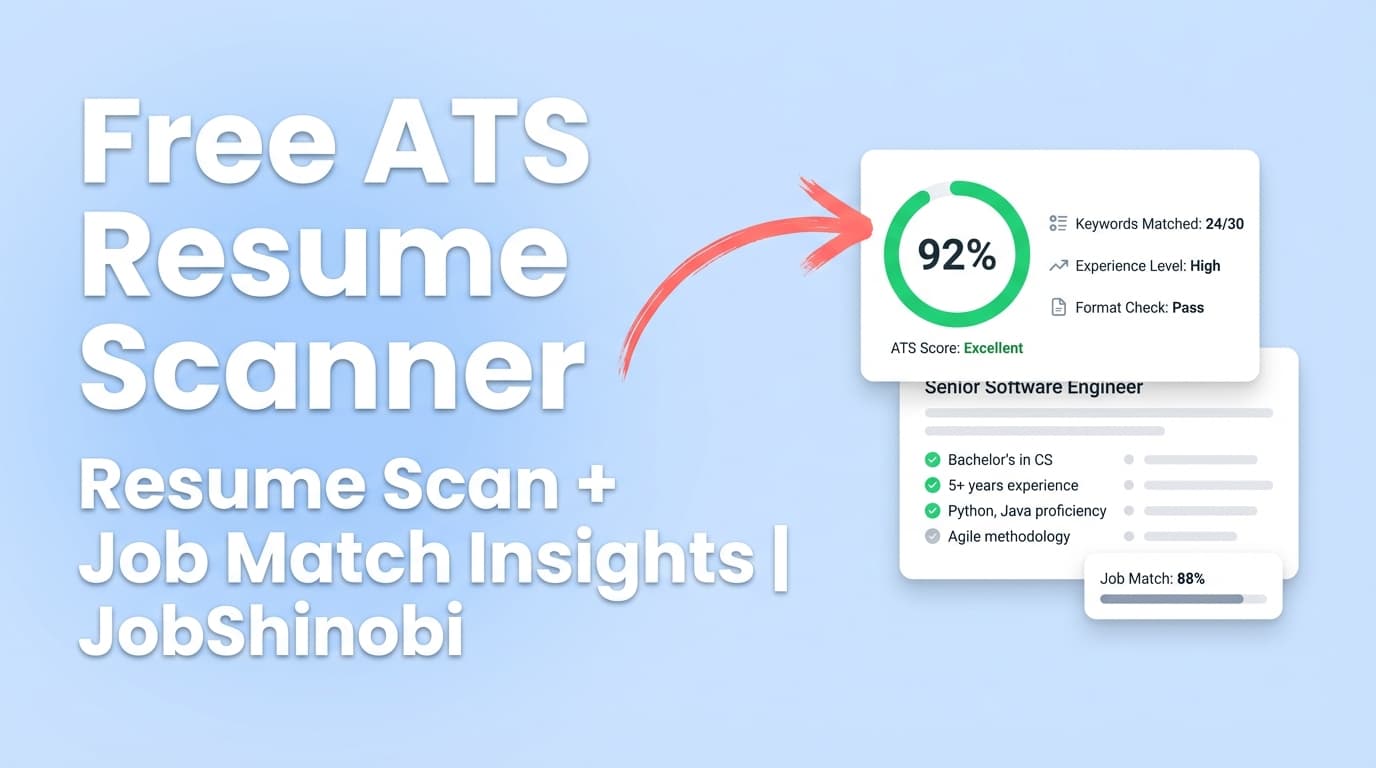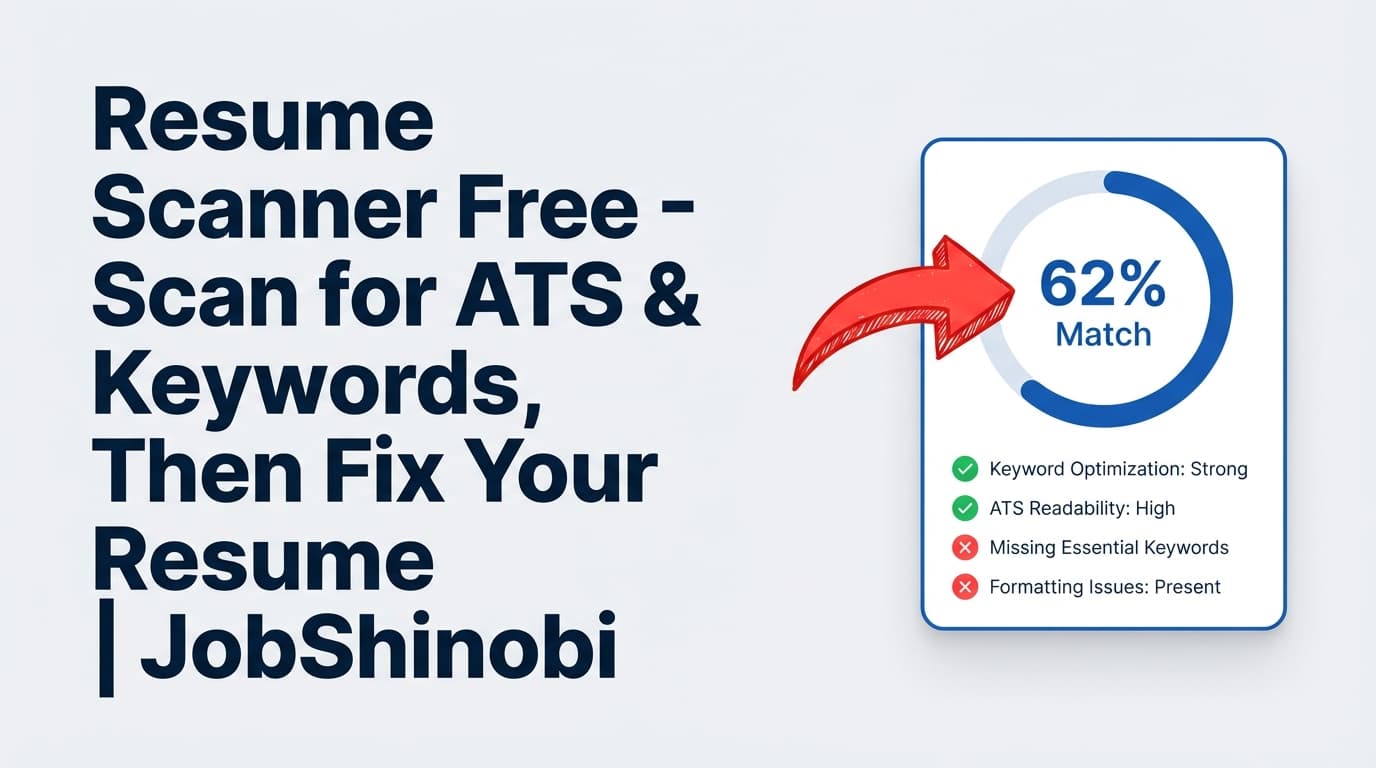
Searching “resume scanner free” usually means you want one thing: a fast reality check that tells you whether your resume is likely to be skipped because of ATS parsing issues or missing keywords from the job posting.
JobShinobi is built for the next step most “free resume scanners” don’t solve well: scan → edit → re-scan → keep versions. Instead of getting a score and then bouncing between tools, you can analyze your resume, match it to a job description, and apply improvements directly inside a LaTeX-based resume builder with a PDF preview compilation workflow.
Pricing note (important for “free” searches): JobShinobi is a paid subscription product with Monthly ($20.00) and Yearly ($199.99) plans. This page addresses “free resume scanner” intent by being transparent about what JobShinobi does and when it’s worth paying for a scanner + editor workflow.
Why Choose JobShinobi for a “Resume Scanner Free” Use Case?
Most people don’t just want a resume “score.” They want a resume that:
- parses cleanly,
- matches the job description, and
- is easy to tailor without breaking formatting.
JobShinobi focuses on exactly that workflow:
- Build your resume in LaTeX (templates + editor).
- Run AI resume analysis (comprehensive or enhanced mode).
- Match your resume to a job description or job URL (job extraction + match).
- Apply changes using the AI Resume Agent (streaming editor) or manual editing.
- Compile and preview PDF to verify formatting.
- Save versions so you can keep tailored variants per job.
You’re not stuck with “advice-only” scan results
A common frustration with a “resume scanner free online” tool is that it gives you recommendations—but your actual resume lives elsewhere. JobShinobi keeps your resume in the product as LaTeX source, so implementing feedback is part of the same flow.
You can tailor per job without losing your baseline resume
Tailoring is repetitive. JobShinobi supports resume version history so you can keep:
- a strong “base” resume, and
- multiple job-specific variants (without copy/paste chaos).
It’s more than a scanner: track applications and outcomes
If you’re applying to many roles (which is why most people search for a free scanner), JobShinobi also includes:
- a Job Application Tracker with realtime updates
- Excel (.xlsx) export
- a Job Search Analytics dashboard (response rate, interview conversion, trends)
- Pro feature: email forwarding + parsing to automatically log application updates (requires a paid subscription)
What a “Resume Scanner” Should Do (and What Most Free Scanners Miss)
A good resume scanner typically has two jobs:
1) ATS readability / parsing readiness
This is about whether your resume can be interpreted consistently when converted into plain text and structured fields. If your content is hard to extract cleanly, keyword matching and recruiter review both suffer.
2) Job-description keyword alignment
This is about whether your resume includes the skills, tools, and role language that appear in the job posting—in a way that fits your experience.
Where many free tools fall short is the implementation step:
- they show you missing keywords,
- but don’t give you a clean way to apply changes,
- and don’t help you manage multiple tailored versions.
JobShinobi is designed to cover scanning and implementation in one workflow.
Why “Resume Scanner Free” Is a Popular Search (High Intent)
People search “resume scanner free” because they’re usually in one of these situations:
- You’re applying and not hearing back. You want to confirm you’re not being filtered out early.
- You’re switching roles or industries. You suspect you’re missing critical keywords or framing.
- You’re applying at scale. You need a fast repeatable process to tailor your resume per posting.
- You don’t trust a single score. You want actionable output you can verify and iterate.
JobShinobi is most valuable when you’re in the “apply → iterate → apply again” loop and need a system—not just a one-off scan.
How JobShinobi’s Resume Scanner Workflow Works
JobShinobi’s “scanner” experience comes from two capabilities that work together:
- Resume Analysis (AI scoring + feedback)
- Resume-to-Job Matching (job description extraction + match + keyword gaps)
Step 1: Create (or update) your resume in the LaTeX Resume Builder
- Sign in with Google.
- Open the Resume dashboard.
- Choose a resume template from the template library.
- Edit your resume content in the LaTeX editor.
Because the resume is stored as LaTeX source, your structure and formatting are controlled and consistent—especially helpful when you tailor repeatedly.
Step 2: Run Resume Analysis (scan your resume)
JobShinobi supports two analysis modes:
- Comprehensive analysis
- Enhanced analysis (enabled via an
enhancedModeoption)
The analysis results are stored and can be returned from cache if your resume hasn’t changed since the last run. That makes the scan → edit → re-scan loop faster.
What leads to better results here is not chasing a perfect number—it’s using the feedback to make your resume:
- clearer,
- more aligned with your target role,
- and more consistent in structure.
Step 3: Extract a job description (paste text or use a job URL)
When you’re tailoring for a specific job, JobShinobi can extract job details from:
- a job description you paste, or
- a job URL you provide
This produces structured job data you can use for matching.
Step 4: Run Resume-to-Job Matching (keyword gaps + match insights)
Job matching generates:
- a match score
- missing keywords and present keywords
- recommendations / tailored suggestions based on the job content
This is the part many job seekers actually need when they search “resume keyword scanner free”: not just generic resume advice, but posting-specific alignment.
Step 5: Apply improvements with the AI Resume Agent (streaming) or manual editing
JobShinobi includes a streaming AI Resume Agent that can:
- fetch your latest resume content
- make targeted section edits
- update your LaTeX
- run compilation checks to catch LaTeX issues
You can also manually edit your LaTeX directly if you prefer full control.
Step 6: Compile and preview your PDF (verify output before applying)
After edits, compile your LaTeX to generate a PDF preview. This step matters because “scanner improvements” aren’t helpful if they break layout or readability.
You can also download:
- .tex source
Step 7: Save versions and keep tailored variants organized
Resume changes are versioned so you can keep multiple tailored variants (by company, role, industry) while preserving a strong baseline resume.
Key Features for the “Resume Scanner Free” Use Case
| Feature | What It Does | Why It Matters |
|---|---|---|
| Resume Analysis (Comprehensive / Enhanced) | Produces structured scoring + feedback from your LaTeX resume | A scanner should give actionable guidance—not just a grade |
| Cached analysis results | Returns the last analysis if the resume is unchanged | Faster iteration when you’re testing adjustments |
| Job description extraction (URL or text) | Turns a posting into structured job details | Makes tailoring more accurate and consistent |
| Resume-to-job match score | Identifies missing vs present keywords and recommendations | Helps you align to each job without keyword guessing |
| LaTeX Resume Builder + template library | Create/manage resumes as LaTeX source | Stable formatting and easy iteration across versions |
| AI Resume Agent (streaming) | Chat-based edits to your resume content | Apply scan feedback faster than manual rewriting |
| LaTeX compile + PDF preview | Checks that your resume renders cleanly | Confirms changes didn’t break output before you apply |
| Resume version history | Stores versions from edits and AI changes | Keeps your tailored variants organized |
| Job Tracker (realtime) + Excel export | Track applications and export to .xlsx |
Helps you manage volume and patterns beyond a resume scan |
| Pro email forwarding + parsing | Forward job emails; JobShinobi extracts and logs details | Reduces manual tracking when you’re applying a lot |
How JobShinobi Helps You “Pass ATS” Without Making Risky Claims
It’s tempting for resume scanners to promise outcomes (“beat the ATS,” “guaranteed pass rate,” “get hired”). Real hiring systems vary widely, and no tool can guarantee results.
JobShinobi focuses on what it can control and verify inside the product:
ATS-friendly structure through LaTeX-based resumes
With a LaTeX workflow:
- your structure is explicit,
- your formatting is consistent,
- and you can compile/preview exactly what you’ll submit.
Job-specific keyword alignment (not generic guessing)
Instead of “add more keywords,” JobShinobi helps you compare your resume against:
- a specific job description (pasted), or
- a job URL
…and then identify what’s missing and what’s already present.
Iteration that doesn’t destroy your formatting
Many job seekers avoid tailoring because it’s slow and breaks formatting. JobShinobi’s editor + compile preview + version history makes iterative tailoring manageable.
How to Use JobShinobi as Your Resume Keyword Scanner (Practical Checklist)
If your goal is “scan my resume for keywords for free,” you’re likely trying to do this process:
A) Choose the job you’re applying to
- Copy/paste the job description, or use the job URL.
B) Run job extraction + resume match
Look for:
- missing keywords that are genuinely relevant to your experience
- role-specific tools/skills you should mention (if true)
- unclear or under-specified experience areas
C) Apply changes in the editor (don’t keyword-stuff)
Use the AI editor or manual editing to:
- incorporate missing keywords where they are accurate
- rewrite bullets to be more concrete and role-aligned
- keep the resume readable to humans (not only scanners)
D) Compile and preview PDF
Confirm:
- the resume is clean and readable
- sections are consistent
- spacing is not broken
E) Re-run analysis (and keep the best version)
Use version history to preserve:
- your baseline resume
- your tailored resume for the specific posting
This is the difference between “a resume scanner” and “a resume system.”
Resume Scanner Free vs. Alternative Approaches (Spreadsheets, Generic Checklists, and One-Off Tools)
Alternative approach #1: Generic ATS resume checklist
Pros
- Free
- Fast
Cons
- Doesn’t tell you what’s missing for a specific job posting
- Doesn’t quantify gaps or prioritize changes
- Doesn’t help you implement changes quickly
Where JobShinobi wins
- job-specific matching + actionable recommendations + a built-in editor
Alternative approach #2: Manually compare resume vs job description
Pros
- Accurate when done carefully
- No tools needed
Cons
- Ensure you don’t miss synonyms and role phrasing
- Time-consuming at scale
- Hard to keep versions organized across many applications
Where JobShinobi wins
- structured extraction + match score + version history
Alternative approach #3: Use a free scanner, then edit elsewhere
Pros
- You can get a quick scan at no cost
Cons
- Tool switching: copy/paste between scanner and editor
- Version confusion across different jobs
- Formatting drift or broken layouts over time
Where JobShinobi wins
- scan + edit + compile preview in one place
What Makes JobShinobi Different from Typical “Free Resume Scanner” Pages
Most “resume scanner free” pages are optimized for the scan moment. JobShinobi is optimized for what happens next: tailoring and managing the job search.
1) The resume is stored as LaTeX (not an afterthought)
Your resume exists as:
- a resume record with
latex_source - version history (latest versions can be loaded automatically)
This is why JobShinobi can support:
- consistent formatting across edits
- compilation checks
- controlled, section-level edits through the AI agent
2) The AI editor is a workflow tool, not just “chat”
The AI Resume Agent is designed to:
- fetch your current resume first
- apply targeted edits
- compile to verify output
That’s more useful than generic “rewrite my resume” prompts because it’s tied to your actual resume document.
3) You can connect resume improvements to real job-search outcomes
JobShinobi includes:
- job tracking
- analytics
So you’re not only improving your resume—you’re measuring your job search.
Pricing
JobShinobi offers paid subscriptions via Stripe payment links:
- Monthly: $20.00
- Yearly: $199.99
If you came here looking for a resume scanner free, the honest decision is:
- If you only need a one-time scan and cost is the only factor, a free tool might be enough.
- If you need a repeatable system to tailor quickly (match → edit → preview → version), JobShinobi is built for that workflow.
Tip: Start by thinking about volume. If you’re tailoring for multiple applications per week, workflow speed and version control become more valuable than “free.”
Frequently Asked Questions
Where can I scan my resume for free?
There are resume scanners in search results that offer free scans. If you need completely free, choose a tool that clearly states its free usage limits and output.
JobShinobi is not positioned as a fully free scanner. It’s designed as a resume analysis + job match + editing workflow so you can implement improvements and manage versions.
Is JobShinobi a free resume scanner?
No. JobShinobi is a paid subscription product with:
- Monthly ($20.00)
- Yearly ($199.99)
This page targets “resume scanner free” because it’s common search language, but JobShinobi’s value is the full workflow: analyze, match, edit, compile preview, and version.
Can JobShinobi scan a PDF resume I upload?
JobShinobi’s resume workflow is LaTeX-based. The core experience is creating and editing a resume as LaTeX source in the editor (using templates). It does not claim PDF/image OCR scanning as a feature.
Can I scan my resume against a job description?
Yes. JobShinobi supports:
- extracting job details from a job description or job URL
- running resume-to-job matching to find missing/present keywords and alignment gaps
What do employers use to “scan resumes”?
Many employers use Applicant Tracking Systems (ATS) that:
- parse resume text
- index candidates
- help recruiters filter/search by skills, titles, and keywords
Different ATS setups can behave differently. A scanner is best used as a diagnostic tool to improve clarity and alignment—not as a guarantee of outcomes.
Is a 70% ATS score good?
Scores vary by tool and methodology. A better approach is:
- use the score to identify which areas are weak (keywords, formatting, completeness)
- improve those areas
- confirm your resume still reads well to humans
JobShinobi’s analysis and matching are most useful when they lead to specific, truthful improvements you can implement in the editor.
Can ATS read LaTeX resumes?
What matters is the final document output (usually PDF) and how cleanly it can be parsed to text. JobShinobi’s workflow lets you:
- edit the resume in LaTeX
- compile and preview the final PDF output
That helps you verify formatting and consistency before you apply.
Does JobShinobi help with job tracking too?
Yes. JobShinobi includes:
- a job application tracker (with realtime updates)
- Excel export
- job search analytics
Additionally, Pro users can use email forwarding + parsing to automatically log application updates from forwarded emails.
Get Started with JobShinobi Today
If you’re searching “resume scanner free” because you’re tired of guessing what’s wrong, JobShinobi gives you a complete workflow:
- Build a LaTeX resume from templates
- Analyze your resume (comprehensive or enhanced mode)
- Match it to a job description or job URL
- Apply fixes with the AI Resume Agent or manual editor
- Compile and preview PDF output
- Save versions for every tailored application
- Track applications and export to Excel
Next step: Sign in to start building and scanning your resume: /login