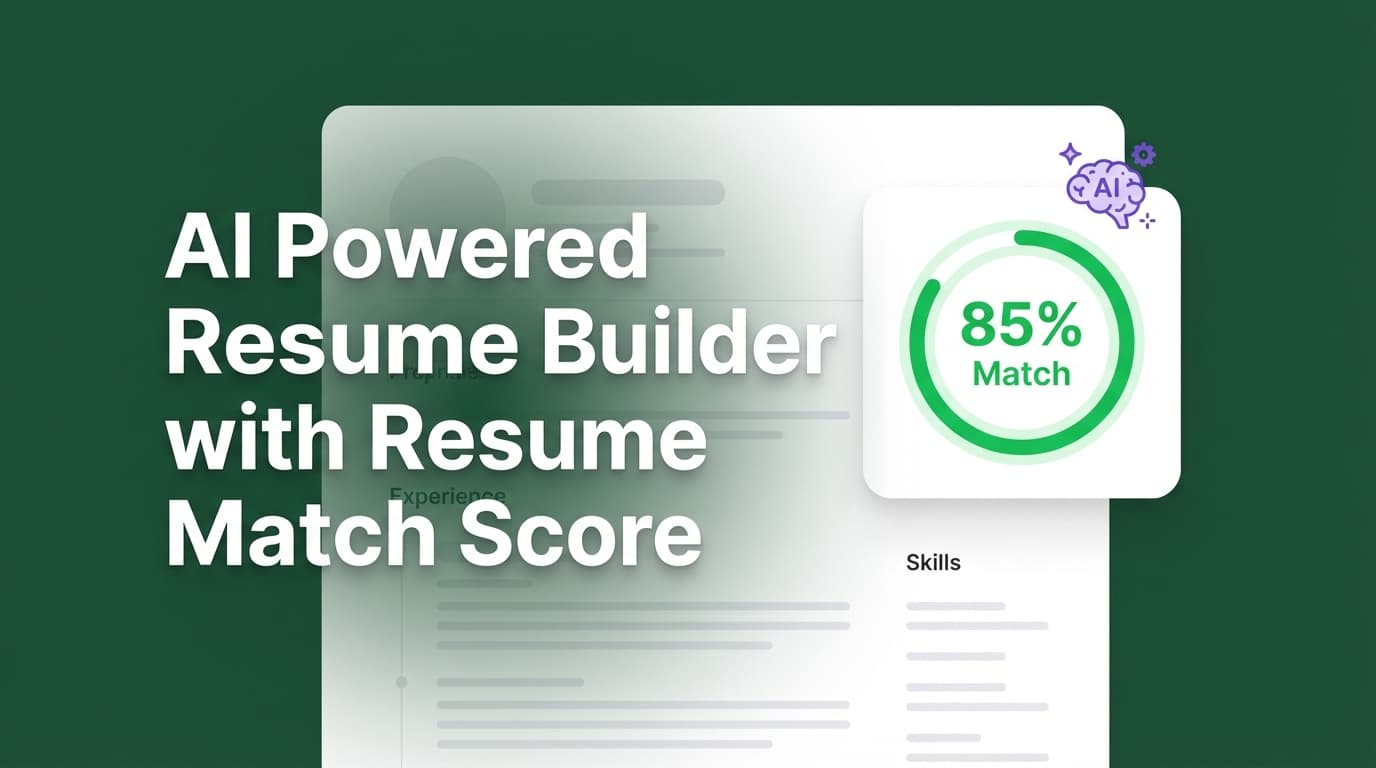
JobShinobi is an AI powered resume builder with a resume match score designed for one specific outcome: helping you tailor the right resume for the right job—without guessing.
Instead of vague “your resume needs work” feedback, JobShinobi compares your resume to a job description and returns:
- a Job Match Score (%)
- Matching Keywords (already in your resume)
- Missing Keywords (in the job post but not in your resume)
- Recommendations to improve fit
Then you can open your resume in JobShinobi’s LaTeX-based Resume Studio, apply changes, preview the PDF, and export your resume when you’re ready to apply.
Primary CTA: Sign in to JobShinobi
Secondary CTA: Jump straight to your resume workspace: /dashboard/resume
What “Resume Match Score” Actually Means (and Why JobShinobi Makes It Actionable)
A “resume match score” (sometimes called a job match score or match rate) is a simple way to quantify how closely your resume aligns with a specific job description.
The problem with many match-score tools is not the score itself—it’s what happens next:
- You see a number… and still don’t know what to change.
- You get a list of keywords… but no workflow to apply them.
- You tailor for one job… and accidentally ruin the version you liked for another role.
JobShinobi solves the workflow:
- Build and manage resumes (stored as LaTeX source)
- Run resume analysis (overall scoring + detailed feedback)
- Run job matching (resume match score + keyword gaps + recommendations)
- Edit with AI or manual controls (streaming AI editor + LaTeX editor)
- Keep version history so you can revert, reuse, and iterate safely
- Export as PDF or
.texanytime
Why Choose JobShinobi for an AI Powered Resume Builder With Resume Match Score?
JobShinobi isn’t just a scanner. It’s a resume-building and tailoring system built around real job-seeker behavior: applying to multiple roles, iterating quickly, and needing clean versions.
1) Job Match Score + keyword gaps (in plain English)
When you run Job Matching, JobShinobi returns structured results you can act on immediately:
- Job Match Score (percentage)
- Matching Keywords
- Missing Keywords
- Recommendations (tailoring suggestions)
This is ideal if you’re optimizing for ATS keyword alignment and trying to keep your resume readable for humans.
2) Job description input that fits how you apply
JobShinobi supports job description intake in two ways:
- Paste a job posting URL, or
- Paste the job description text
JobShinobi then extracts job details and keywords and uses them for matching.
3) LaTeX resume builder (structure-first)
Your resume is stored as LaTeX source, which gives you:
- consistent structure while you iterate content
- a clean editing workflow for technical and non-technical users
- reliable export options (PDF +
.tex)
You’re not fighting formatting every time you tailor.
4) PDF preview + exports built into the workflow
JobShinobi compiles your LaTeX and lets you:
- preview the rendered resume (PDF)
- download PDF
- download
.tex
This is especially useful when you’re making frequent small changes for different roles.
5) AI resume editor with streaming responses + tool-driven workflow
JobShinobi includes an AI Resume Editor that streams responses and supports structured editing workflows (like editing sections and updating the resume). This means you can iterate quickly without waiting for long “one-shot” outputs.
JobShinobi also exposes multiple AI model tiers:
- Shinobi Swift
- Shinobi Turbo
- Shinobi Pro
6) Resume version history you can actually use
Tailoring creates “resume drift.” One week later, you don’t know which version you sent to which company.
JobShinobi saves resume versions so you can:
- keep multiple tailored variants
- revert if a change makes your resume worse
- iterate safely without losing your baseline resume
7) Bonus: Job tracking (with realtime updates + Excel export)
If you’re applying seriously, the resume is only half the problem—the other half is staying organized.
JobShinobi includes a Job Tracker that supports:
- tracking applications in a dashboard
- realtime updates (when records change)
- export to Excel (
.xlsx)
And if you want automation: JobShinobi also supports email forwarding → automatic job application tracking (email processing requires Pro membership).
How JobShinobi’s Resume Match Score Works (Real Product Workflow)
Step 1: Sign in
Go to /login and sign in with Google.
Step 2: Create a resume (or pick up where you left off)
In your resume dashboard (/dashboard/resume), you can:
- start from a template
- manage multiple resumes
- duplicate or delete resumes as needed
Your resume content is stored as LaTeX source, which supports fast iteration and clean exports.
Step 3: Run overall resume analysis (optional but recommended)
JobShinobi supports AI resume analysis with:
- overall scoring (e.g., overall/content/keyword/formatting/completeness/ATS-related scoring categories)
- detailed feedback (strengths, weaknesses, keyword analysis, ATS-related issues)
If your resume needs foundational fixes (structure, clarity, completeness), do that first—then match to a job.
Step 4: Add a job description (URL or pasted text)
In Job Matching, paste either:
- Job posting URL (from a job board or company career site), or
- Job description text
JobShinobi extracts job details and identifies keywords/requirements for matching.
Step 5: Get your Job Match Score + keyword breakdown
JobShinobi returns:
- Job Match Score (%)
- Matching Keywords (already present)
- Missing Keywords (you may want to add—if truthful and relevant)
- Recommendations (what to adjust to improve alignment)
This is the heart of an AI powered resume builder with resume match score: not just grading, but guidance.
Step 6: Apply changes in Resume Studio (AI or manual)
You can tailor your resume in two main ways:
- Manual editing in the LaTeX editor (fast for precise control)
- AI editing via the streaming AI chat (helpful for rewriting bullets, clarifying impact, and adjusting wording)
As you edit, JobShinobi keeps versions so you can revert if needed.
Step 7: Re-run job matching to measure improvement
After edits, run Job Matching again and confirm:
- your match score improved
- your missing keywords list shrank
- your resume still reads naturally and truthfully
Step 8: Export your final resume
When you’re ready to apply, export:
.tex
Key Features for an AI Powered Resume Builder With Resume Match Score
| Feature | What It Does | Why It Matters |
|---|---|---|
| Job Match Score (percentage) | Compares your resume to a job description and returns a match score | Gives you a measurable way to see if tailoring is moving in the right direction |
| Matching vs. Missing Keywords | Splits job keywords into present vs missing | Makes tailoring practical: you know what to keep and what to consider adding |
| Recommendations | Provides suggestions to improve alignment | Saves time vs guessing how to rewrite your resume |
| Job Description Input (URL or text) | Lets you paste a posting link or full text | Fits real job search behavior—use the posting you’re applying to |
| Resume Analysis (scores + detailed feedback) | Scores and analyzes your resume beyond a single metric | Helps fix baseline issues before job-specific tailoring |
| LaTeX Resume Builder | Stores resumes as LaTeX source and supports templates | Keeps structure consistent across iterations |
PDF Preview + PDF / .tex download |
Compile and export the resume | Lets you ship polished applications quickly |
| Streaming AI Resume Editor | Chat-based, streaming AI edits with structured workflows | Faster iteration and clearer control over changes |
| Resume version history | Saves versions as you edit | Lets you keep multiple tailored variants safely |
| Job Tracker + Excel export | Track applications and export .xlsx |
Helps you stay organized and measure outcomes |
| Email forwarding automation (Pro) | Forward job emails; system parses and updates your tracker | Reduces manual data entry when applying at volume |
JobShinobi vs. Typical “Match Score” Tools (What You Get Beyond a Number)
Many job match score tools focus on one moment: “upload resume → paste job → get score.”
JobShinobi is designed for what happens after the score.
Where many match-score tools stop
Common pain points job seekers run into:
- The tool identifies missing keywords but doesn’t provide a clean way to apply changes.
- The editing experience breaks formatting (or forces you into a rigid template).
- You lose track of which version you used for which role.
- You get stuck in an endless loop of “optimize score” without clarity.
Where JobShinobi goes further
JobShinobi combines:
- Resume building (templates + LaTeX source)
- Job matching (match score + keywords + recommendations)
- Editing (manual + streaming AI editor)
- Version history
- Export controls
- Job tracking
If you’re applying to multiple roles, you need more than a score—you need a system.
Use Cases: Who Benefits Most From a Resume Match Score Workflow?
High-volume applicants (10–100+ applications/month)
If you’re applying at scale, the bottleneck is tailoring.
JobShinobi helps you:
- quickly identify missing keywords
- make targeted edits instead of rewriting everything
- keep versions so you don’t lose your baseline resume
- track applications and export your tracker to Excel
Career switchers (translating experience into the job’s language)
Career switchers often have the skills but not the job-post phrasing.
Keyword and recommendation outputs help you:
- spot what the posting emphasizes
- reflect that language truthfully in your experience bullets
- reduce mismatch without pretending to have experience you don’t have
People applying to multiple role types (multiple resume variants)
If you apply to more than one role family (e.g., Product + Ops, Data Analyst + BI Developer), versioning matters.
JobShinobi helps you maintain:
- Resume A: “role family 1” baseline
- Resume B: “role family 2” baseline
- Tailored variants per job, without overwriting your best version
Resume-focused job seekers who want clean exports
If you care about document quality and consistency:
- LaTeX storage + compilation preview
- PDF and
.texdownloads
This supports polished output and repeatable iteration.
A Practical Example Workflow (You Can Copy/Paste This Into Your Job Search Routine)
Use this repeatable loop for each role you apply to:
- Pick your best baseline resume (the one that reflects your real experience accurately)
- Paste the job description (URL or text)
- Review:
- Job Match Score
- Matching Keywords
- Missing Keywords
- Recommendations
- Make only the highest-impact edits:
- update a Skills line (only if true)
- adjust a bullet to include the correct technology or responsibility wording (only if true)
- reorder sections if it improves relevance
- Re-run Job Matching to confirm improvements
- Export PDF
- Apply
- Save/label the version so you can reuse it for similar roles
This is how to use a resume match score as a tool, not a trap.
Pricing
JobShinobi offers paid subscriptions via Stripe:
- Monthly: $20.00
Checkout link: https://buy.stripe.com/7sYeV61P10GS310eTy0VO02 - Yearly: $199.99
Checkout link: https://buy.stripe.com/6oU9AM0KXexIdFE5iY0VO03
Important note: Some automation features are membership-gated. For example, email-based job application tracking automation requires Pro membership (email processing is blocked for non-Pro users).
Frequently Asked Questions
What is an “AI powered resume builder with resume match score”?
It’s a resume tool that not only helps you build/edit a resume, but also compares your resume to a job description and returns a match score plus actionable outputs (like missing keywords and recommendations). JobShinobi provides a match score, keyword breakdown, and a workflow to apply changes in the resume editor.
How does JobShinobi calculate the resume match score?
JobShinobi matches your resume content against extracted job details and keywords from the job description. It then returns a Job Match Score (%) along with:
- present keywords
- missing keywords
- recommendations
Can I paste a job posting URL instead of the whole job description?
Yes. JobShinobi supports job description input via URL or text, then extracts job details for matching.
Does JobShinobi automatically apply changes to my resume?
JobShinobi provides recommendations and an “apply suggestions” workflow that routes you back to the resume editor. You control what gets changed and what stays—especially important for keeping your resume truthful and readable.
Can I export my resume after tailoring?
Yes. JobShinobi supports:
- PDF download
.texdownload
Does JobShinobi support OCR or parsing resumes from images/PDF uploads?
No. JobShinobi’s resume workflow is built around creating and editing resumes stored as LaTeX source.
Is job tracking included?
JobShinobi includes a job tracker dashboard and supports exporting your tracker to Excel (.xlsx). It also supports email-forwarding automation that can create/update applications from inbound emails (email processing requires Pro membership).
Does a higher match score guarantee interviews?
No tool can guarantee interviews. A match score is best used as a directional signal for keyword alignment and relevance—not as a promise. JobShinobi helps you identify gaps and tailor efficiently, but outcomes still depend on your experience, the market, and the role.
Get Started With JobShinobi Today
If you’re searching for an AI powered resume builder with resume match score because you’re tired of guessing what recruiters and ATS are looking for, JobShinobi gives you a clearer path:
- Build a structured resume (LaTeX-based)
- Match it to a job description
- See your match score + missing keywords
- Apply recommendations in Resume Studio
- Export and apply with confidence
- Track applications in the Job Tracker (and export to Excel)
Start here: Sign in