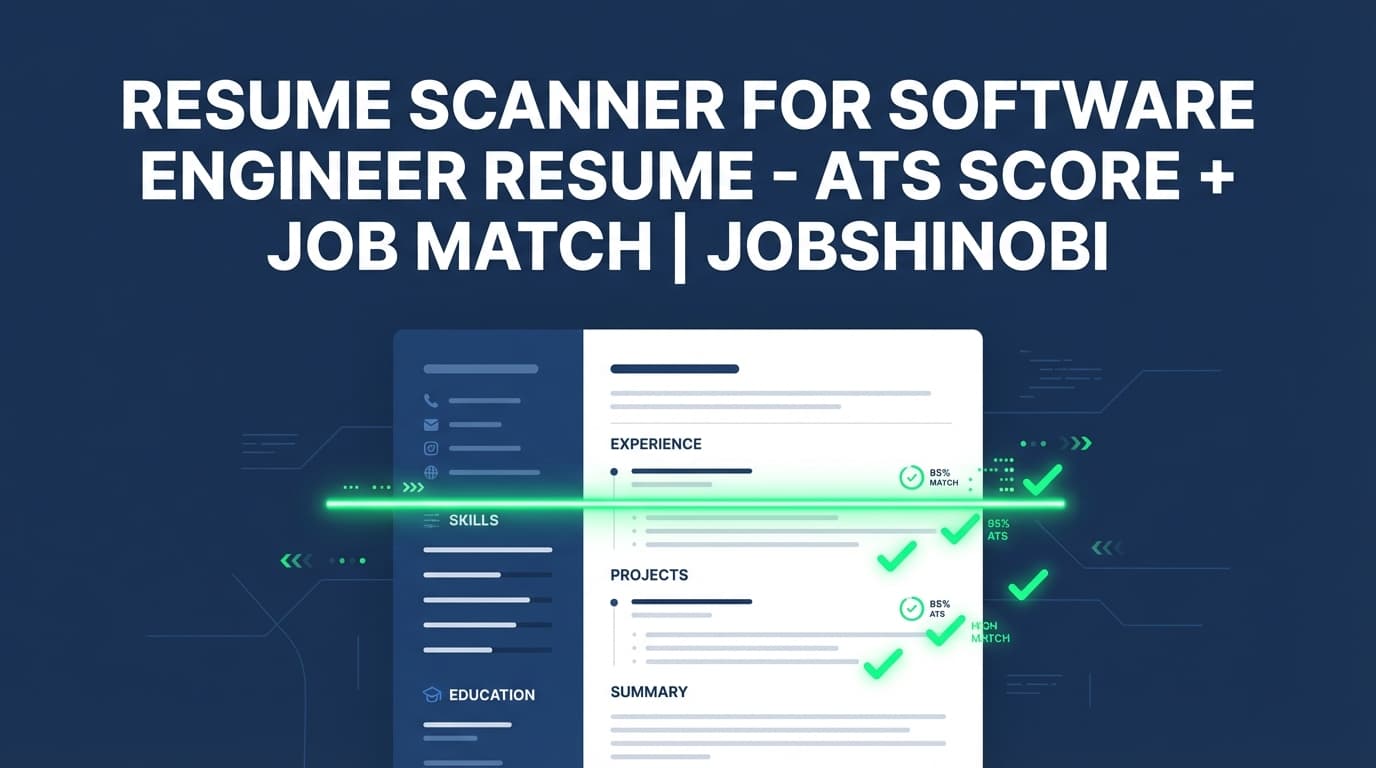
JobShinobi is a LaTeX-first resume builder with an AI-powered resume scanner that helps software engineers identify what’s holding their resume back: missing keywords, weak bullets, ATS issues, and role misalignment. Instead of guessing, you get a 0–100 resume score plus detailed feedback you can apply directly in your resume editor—then re-scan to confirm improvements.
If you’re applying to SWE roles and thinking “my resume is solid, why am I not getting interviews?”, this is the workflow JobShinobi was built for:
Build a structured resume → scan it → match it to a job description → iterate safely with version history → export PDF
Primary use case: resume scanner for software engineer resume (backend, frontend, full-stack, platform, DevOps, data-adjacent engineering).
Next step: Open /dashboard/resume and run Analyze Resume on your current resume.
Why Choose JobShinobi for Software Engineer Resume Scanning?
A lot of resume scanners produce generic advice. JobShinobi is built around the reality of software engineer applications: you tailor often, you need measurable feedback, and you can’t afford formatting regressions when you’re iterating quickly.
Built for iteration: score → fix → re-score (with caching when unchanged)
JobShinobi’s resume analysis generates:
- an overall score (0–100),
- category scores for content, keywords, formatting, completeness, and ATS,
- structured feedback like strengths, weaknesses, missing sections, ATS issues,
- keyword lists (e.g., present / missing / overused terms).
If your resume hasn’t changed since the last scan, JobShinobi can return cached results—useful when you’re reviewing prior feedback or comparing versions without re-running analysis unnecessarily.
Job-specific match scoring for tailoring to SWE postings
Software engineer resumes fail more often from misalignment than from “bad resumes.” You might be strong, but your resume doesn’t speak the posting’s language.
JobShinobi supports resume-to-job matching:
- paste a job description (or provide a URL for job detail extraction),
- get a match score,
- see missing vs present keywords,
- review recommendations,
- then apply changes in your editor and re-check.
LaTeX-based resume builder + PDF preview (structure without surprises)
JobShinobi stores resumes as LaTeX source and compiles them for preview. That means you can:
- keep sections consistent (Experience, Projects, Skills, Education),
- avoid layout “drift” while tailoring,
- validate formatting in a live PDF preview before you export.
Streaming Resume AI Editor (agent-style edits) when you want help rewriting
When you want hands-on help improving bullets, summaries, or structure, JobShinobi includes a streaming Resume AI editor that can propose changes and update LaTeX through an editing workflow—then compile to confirm the result.
You can also pick between model tiers in the UI:
- Shinobi Swift
- Shinobi Turbo
- Shinobi Pro
How JobShinobi’s Resume Scanner Works (Software Engineer Workflow)
Step 1: Create or open your resume (LaTeX-based)
Go to /dashboard/resume and either:
- start from a resume template, or
- open an existing resume you’ve already created in JobShinobi.
Your resume is stored as LaTeX, which gives you precise control over structure and formatting.
Step 2: Edit with PDF preview and compile checks
In the resume editor, you can:
- edit LaTeX manually,
- compile and preview your PDF,
- export your resume as PDF and download the .tex source.
This is especially useful for SWE resumes where readability and clean hierarchy matters (skills taxonomy, project bullets, dates, and titles).
Step 3: Run “Analyze Resume” to scan for ATS + keyword + content issues
Click Analyze Resume to generate:
- overall score (0–100),
- category scores: content_score, keyword_score, formatting_score, completeness_score, ats_score,
- detailed feedback including strengths, weaknesses, missing sections, ATS issues,
- keyword analysis including present_keywords, missing_keywords, overused_keywords,
- deeper breakdown objects when available (e.g., section_scores, bullet_analysis, ats_analysis, length_analysis, benchmarking, role_alignment).
Step 4: (Optional but powerful) Add a job description and run job matching
For software engineering roles, the fastest way to improve outcomes is to tailor to the posting you’re applying to.
JobShinobi lets you:
- paste a job URL or job description text,
- extract structured job details (company, position, requirements/keywords),
- run resume matching to produce:
- match_score
- missing_keywords
- present_keywords
- recommendations
Step 5: Apply suggestions and re-scan
Once you apply improvements in the editor (manually or via Resume AI), re-run analysis to validate the change and keep momentum.
Key Features for a Software Engineer Resume Scan
| Feature | What It Does | Why It Matters for SWE Resumes |
|---|---|---|
| Resume score (0–100) | Gives you an overall score plus category scores | Prioritize fixes (keywords vs content vs formatting/ATS) instead of guessing |
| Keyword analysis | Returns missing, present, and overused keywords | Helps align with SWE job postings without mindless keyword stuffing |
| ATS issues | Flags ATS-related issues detected in analysis | Reduces avoidable screening risks |
| Job description matching | Calculates match score + keyword gaps + recommendations | Tailor for backend/frontend/platform roles with measurable feedback |
| Job detail extraction (URL or text) | Extracts structured job data from a URL or pasted text | Faster tailoring when you’re applying at volume |
| LaTeX resume builder + templates | Build a resume using LaTeX templates in-app | Strong structure control for technical resumes |
| Compile + PDF preview | Compiles LaTeX and shows a PDF preview | Validate formatting before you submit |
| Export PDF + download .tex | Export resume outputs (PDF and LaTeX source) | Useful for applications and archiving your “source of truth” |
| Streaming Resume AI editor | Chat-like editor that can update LaTeX and validate via compilation checks | Speed up rewrites and restructuring when you’re iterating quickly |
| Version history | Resume changes are versioned (manual saves and chat updates) | Tailor confidently without losing the best prior version |
What a Great Software Engineer Resume Scanner Should Catch (and How JobShinobi Helps)
Software engineer resumes are evaluated differently than many other roles. Recruiters and hiring managers look for proof you can ship, improve systems, and work with constraints—while the ATS looks for parseable structure and relevant terms.
Below are the most common “silent failure” points for SWE resumes, and how to address them using JobShinobi.
1) Keyword mismatch (you’re qualified, but your resume doesn’t say it)
Two candidates may have done the same work, but one uses the job’s wording:
- “distributed systems” vs “microservices”
- “observability” vs “monitoring” (Prometheus, Grafana, OpenTelemetry)
- “CI/CD” vs “GitHub Actions” / “Jenkins” / “ArgoCD”
- “cloud” vs “AWS (ECS, Lambda, SQS, RDS, CloudWatch)”
- “frontend performance” vs “bundle optimization, Lighthouse, Core Web Vitals”
JobShinobi’s keyword analysis + job matching helps you identify missing terms that are relevant to that posting, then add them where they’re true (skills section, project bullets, or experience bullets).
2) Bullets without measurable outcomes (responsibilities ≠ impact)
SWE bullets often read like a ticket list:
- “Worked on backend services”
- “Implemented features”
- “Fixed bugs”
A strong resume scanner should push you toward impact and constraints:
- performance (latency, throughput)
- reliability (error rate, SLOs)
- cost (cloud spend reductions)
- scale (DAU/MAU, QPS, data volume)
- developer velocity (build time, deploy frequency, incident reduction)
JobShinobi analysis can include bullet analysis (when available in the report data), giving you a more direct signal that your bullets need rewriting or quantification.
3) Structure and ATS readability problems (especially for complex layouts)
SWE resumes commonly include dense sections: skills matrices, projects, open-source, publications, certifications.
JobShinobi provides:
- formatting_score
- ats_score
- ATS issues feedback
And because you’re working in a LaTeX editor with PDF compilation, you can keep the resume visually clean while maintaining consistent structure.
4) Role alignment issues (backend vs frontend vs platform)
A backend posting doesn’t evaluate the same resume as a frontend posting. You may be strong overall but poorly aligned.
JobShinobi can include role_alignment data (when provided in analysis output) and supports job-specific scans to help you tailor emphasis:
- backend: APIs, data stores, performance, reliability, security
- frontend: UX, accessibility, performance profiling, TypeScript
- platform/devops: infra-as-code, CI/CD, observability, incident response
5) “Tailoring fatigue” (you stop tailoring because it’s too much work)
Most engineers don’t want to rewrite the whole resume for each job. You want a repeatable loop.
JobShinobi supports a practical workflow:
- baseline scan
- job match scan
- apply changes (manual or Resume AI)
- re-scan
- save a version and move on
How to Use JobShinobi to Tailor a Software Engineer Resume (Step-by-Step)
Step 1: Run a baseline scan
Open your resume and click Analyze Resume.
Look first at:
- keyword_score (alignment)
- content_score (impact and substance)
- ats_score / formatting_score (structure and readability)
Step 2: Add the job description (URL or text)
Go to job matching and input either:
- the job posting URL, or
- the job description text.
JobShinobi extracts job details and keywords, then produces a match analysis.
Step 3: Fix the highest-leverage gaps
Focus on changes that improve match without bloating your resume:
Where to add keywords (ethically):
- Skills section: concrete tools and technologies you actually used
- Experience bullets: only if the bullet remains truthful and specific
- Projects: ideal for including stacks, architecture patterns, tooling
What to avoid:
- copying entire keyword lists into a skills dump
- adding technologies you can’t discuss in an interview
- “keyword stuffing” a single bullet with 8 tools
Step 4: Use Resume AI when you want faster rewrites
In Agent mode, you can ask for help like:
- “Make these bullets more quantified without exaggerating.”
- “Rewrite my project bullets for a backend role.”
- “Improve my summary for platform engineering.”
Then compile and preview the PDF to ensure formatting is still clean.
Step 5: Re-scan and save a version
Re-run analysis and compare:
- overall score changes,
- keyword improvements (missing → present),
- ATS issues reduced.
Save a version so you can revert if needed.
Resume Scanner for Software Engineer Resume vs. Other Approaches
Versus a generic resume checklist
Checklists don’t adapt to each posting—and software engineer postings vary wildly. JobShinobi adds job-specific matching and scoring so you can tailor with feedback rather than intuition.
Versus editing a PDF in place
PDF editors are fine for polishing, but tailoring becomes painful and easy to break. JobShinobi keeps your “source of truth” in LaTeX, gives you PDF preview, and supports version history, which is much more iteration-friendly.
Versus copying keywords blindly
Many resume scanners encourage “add everything.” For engineering resumes, that can backfire: you look less credible to humans. JobShinobi helps you identify gaps, but you still control what you add—and where it belongs (skills vs experience vs projects).
Bonus: Track Applications While You Iterate (Job Tracker + Export)
If you’re applying at volume, resume improvements are only half the battle—you also need to track where you applied, responses, and outcomes.
JobShinobi includes a job application tracker where you can:
- view and manage applications in a dashboard,
- get realtime updates in the tracker,
- export your job applications to Excel (.xlsx).
There’s also an email-ingestion workflow that can update application records from forwarded emails (this processing is gated for Pro members).
Related: /dashboard/job-tracker
Pricing
JobShinobi offers paid subscriptions via Stripe:
- Monthly: $20.00
- Yearly: $199.99
See details on /pricing.
Frequently Asked Questions
Can JobShinobi scan a software engineer resume against a specific job description?
Yes. JobShinobi supports job-specific matching: provide a job URL or paste the job description text, and you’ll get a match score, missing vs present keywords, and recommendations to improve alignment.
What does JobShinobi’s resume scanner output?
JobShinobi generates an overall 0–100 score plus category scores (content, keywords, formatting, completeness, ATS). It also returns structured feedback such as strengths, weaknesses, missing sections, ATS issues, and keyword lists (present, missing, overused). Analysis may also include deeper breakdown objects like section scores, bullet analysis, ATS analysis, length analysis, benchmarking, and role alignment when available in the report.
Do I upload a PDF to scan my resume?
JobShinobi’s resume workflow is LaTeX-based: you build and edit your resume as LaTeX, compile for PDF preview, and export as PDF. It is not an OCR/PDF-image scanning tool.
Can I export my resume after I scan it?
Yes. You can export your resume as a PDF, and you can also download the .tex source.
Will JobShinobi re-run the same scan every time?
Not always. If your resume hasn’t changed since the last analysis, JobShinobi can return cached analysis results. You can also re-analyze whenever you make updates.
Is this only for software engineers?
JobShinobi can be used for many roles, but it’s especially useful for technical resumes because it combines: (1) structured LaTeX editing and (2) job-specific keyword/match feedback for tailoring.
Get Started with JobShinobi Today
Stop guessing why your software engineer resume isn’t converting. Use a workflow that’s built for iteration:
Create your resume (LaTeX) → Analyze Resume (0–100 score) → Match to the job description → Apply fixes → Re-scan → Export PDF
- Build or open a resume: /dashboard/resume
- View plans: /pricing


