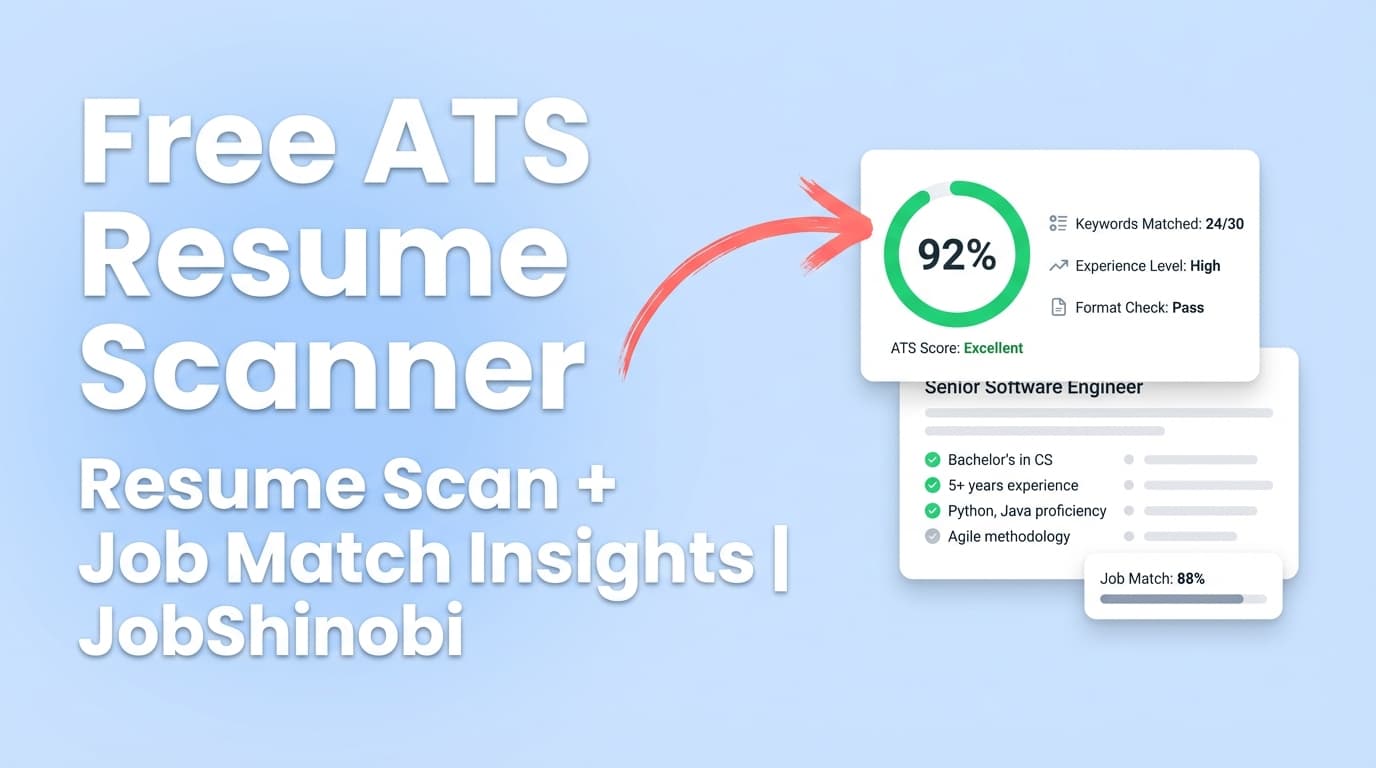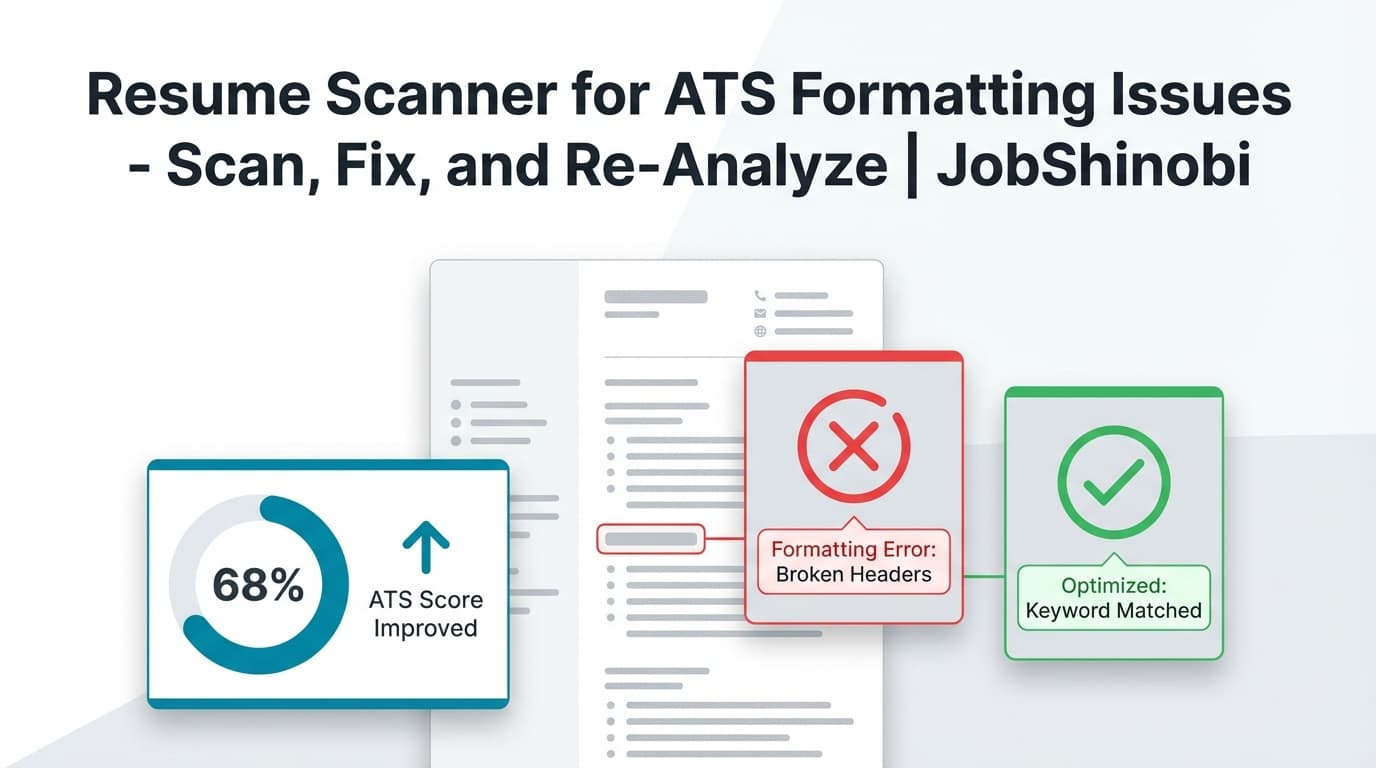
JobShinobi is a resume scanner for ATS formatting issues built for one job-seeker problem: “My resume looks fine to me… so why does it keep getting filtered out?”
Inside JobShinobi, you can create and manage a LaTeX-based resume, run an AI Resume Analysis that includes formatting_score and ats_score, review ATS issues and keyword insights, then fix problems directly in the editor (with PDF preview and version history) and re-analyze until you’re confident.
This is not an “upload a PDF screenshot and we OCR it” scanner. JobShinobi analyzes the resume content you manage in the app (stored as LaTeX), which gives you a fast scan → fix → re-scan workflow.
CTA: Sign in with Google → open Resumes → run Analyze Resume.
Why Choose JobShinobi for ATS Formatting Issue Scans?
Most resume scanners tell you what’s wrong and stop there. JobShinobi is built to help you find issues, fix them, and prove the fix worked—using the same tool.
1) You get scores that explicitly include formatting + ATS
JobShinobi’s resume analysis returns a structured score breakdown, including:
- overall_score
- content_score
- keyword_score
- formatting_score
- completeness_score
- ats_score
That matters if you’re specifically searching for ATS formatting issues, because “keywords” can be fine while formatting/structure is the real blocker.
2) You get a list of ATS issues—not just a vague “be ATS-friendly”
In the analysis response, JobShinobi can include ats_issues alongside strengths, weaknesses, missing sections, and keyword analysis (present/missing/overused keywords, density, top skills detected).
So you’re not guessing which edits actually address ATS-readability.
3) Fix issues in a LaTeX resume editor with PDF preview
JobShinobi resumes are stored as LaTeX source and compiled to a PDF preview. That gives you:
- consistent structure (important for ATS readability)
- tight control over spacing, headings, and bullets
- the ability to validate changes immediately via preview + re-analysis
You can also download your resume as:
- .tex (LaTeX source)
4) Faster iteration with cached re-analysis
If your resume hasn’t changed since the last analysis, JobShinobi can return cached analysis results instead of re-running the full scan—useful when you’re iterating quickly and validating formatting changes.
5) Optional job-specific checks (job description → match analysis)
Formatting is one side of the ATS equation. The other is job relevance.
JobShinobi supports:
- Job Description extraction from a URL or pasted text
- Resume-to-job matching analysis (match score, missing vs present keywords, recommendations)
- A workflow to apply suggestions by jumping back into the editor
What Counts as “ATS Formatting Issues” (and why scanners flag them)
“ATS formatting issues” usually means your information doesn’t parse cleanly into fields, or the document’s structure is hard for an ATS (and recruiters) to interpret.
Common problems job seekers try to catch with a resume scanner for ATS formatting issues include:
Layout & structure problems
- Sections are unclear or inconsistent (e.g., “Work History” vs “Experience” vs “Professional Background” used unpredictably)
- Dates and locations are inconsistent (ATS may misread timelines)
- Headings don’t clearly separate sections
- Content order becomes confusing when “parsed” into plain text
Bullet & readability problems
- Bullet indentation varies wildly across roles
- Bullets are overly dense (hard for recruiters and automated scoring heuristics)
- Weak bullets (no action + impact) that reduce content strength even if formatting is fine
Missing or inconsistent sections
- Skills section missing (or buried)
- Education missing or unclear
- Projects / certifications included without predictable structure
Keyword presentation problems (not “formatting,” but frequently intertwined)
- Skills exist, but not where ATS and recruiters expect them (e.g., only in a paragraph)
- Overuse of repeated keywords (keyword stuffing signals)
- Missing job-specific keywords that hurt match scoring
JobShinobi is built to surface these issues through analysis fields (scores, ATS issues, keyword analysis, and optional enhanced analysis objects) and give you a place to fix them.
How JobShinobi Works as a Resume Scanner for ATS Formatting Issues
Step 1: Sign in and open the Resume dashboard
Go to: /login → then open /dashboard/resume
From there you can create and manage resumes (stored with latex_source) and work from the template library.
Step 2: Compile to preview your resume (PDF) while keeping clean structure
JobShinobi compiles your LaTeX and generates a PDF preview so you can verify the resume looks right while keeping the underlying content consistent.
This is particularly useful when you’re “cleaning up” formatting issues—because you can maintain structure while polishing presentation.
Step 3: Run Resume Analysis (Comprehensive or Enhanced)
JobShinobi supports two analysis modes:
- Comprehensive analysis
- Enhanced analysis mode (enabled via an
enhancedModeflag)
The analysis can include scores, suggestions, strengths/weaknesses, keyword analysis, and ATS-focused issues. Results are stored (and can be cached when unchanged).
Step 4: Fix issues immediately (manual editing or AI Resume Agent)
Once you see the scan results, you can fix your resume in the same place:
- Manual LaTeX editing in the resume editor
- AI Resume Agent (streaming chat) that can help with editing workflows and validate changes (including LaTeX compilation checks)
Every meaningful change can be saved into resume version history, so you can test formatting changes without fear of losing your “good” version.
Step 5: Re-analyze to confirm the formatting problem is resolved
Use Re-analyze to validate that formatting_score / ats_score and ATS issues improved after your edits.
Because JobShinobi can return cached analysis when the resume hasn’t changed, the workflow encourages quick iteration: adjust → re-check → adjust again.
Key Features for ATS Formatting Issue Scans (JobShinobi-specific)
| Feature | What It Does | Why It Matters for ATS Formatting Issues |
|---|---|---|
| Resume Analysis API (stored results + caching) | Generates structured scoring and feedback; returns cached results when resume hasn’t changed | Enables rapid “scan → fix → scan” cycles |
| formatting_score + ats_score | Provides explicit scoring categories | Helps you separate formatting/ATS readability issues from pure keyword gaps |
| ats_issues list | Returns ATS-related issues as structured feedback | Makes the scan actionable beyond a generic score |
| Enhanced analysis mode | May return deeper objects like action queues, semantic keyword analysis, impact analysis, and more | Useful when you want prioritized fixes, not just notes |
| LaTeX resume builder + templates | Create/manage resumes as LaTeX (latex_source) with a template library |
Consistent structure reduces common ATS parsing risks |
| PDF preview via LaTeX compilation | Compiles your LaTeX and previews the resulting PDF | Lets you polish while staying structurally consistent |
| AI Resume Agent (streaming) | Chat-based editing with tool-driven workflows, including LaTeX compilation checks | Faster fixes—especially when adjusting bullets and section structure |
| Resume version history | Saves versions from manual edits and AI chat edits | Safe experimentation with formatting changes |
| Job description extraction (URL or text) | Extract structured job details from a URL or pasted description | Enables job-specific tailoring after formatting is stable |
| Resume-to-job matching | Computes match score, missing/present keywords, and recommendations | Prevents “format-only optimization” that still misses job relevance |
What You Can (and Can’t) Expect From This Type of ATS Formatting Scanner
A trustworthy resume scanner for ATS formatting issues should be clear about limits.
What JobShinobi does well
- Evaluates your resume content with structured scoring (including formatting_score and ats_score)
- Provides ATS-focused feedback including ATS issues
- Supports job-specific analysis when you add a job description
- Gives you the editor + AI workflow to implement fixes quickly
- Makes iteration safe with version history and re-analysis
What JobShinobi does NOT claim to do
- No OCR / image-based parsing (e.g., scanning screenshots or image PDFs)
- No “auto-apply to jobs” or job board integrations
- No promise that a score “guarantees” interviews (ATS tools can only estimate and guide)
A Practical “ATS Formatting Issues” Fix Checklist (Use This With JobShinobi Scans)
Use this checklist to turn scan results into real changes.
A) Structure: make the resume predictable
In JobShinobi:
- Run Analyze Resume
- Review weaknesses + missing sections + ATS issues
- Make your structure consistent (headings and ordering)
Checklist:
- Clear, standard section headings (Experience, Skills, Education)
- Consistent date formatting across roles
- Consistent job title/company formatting per entry
B) Bullets: improve readability and impact without breaking layout
In JobShinobi:
- Use the AI Resume Agent to rewrite bullets for action + measurable results
- Confirm bullet formatting stays consistent in the compiled PDF preview
Checklist:
- Bullets start with strong verbs
- Each bullet states scope + impact (numbers where possible)
- Avoid walls of text (dense paragraphs reduce readability)
C) ATS score is stable? Add job-specific matching
Once formatting is stable, don’t stop at “looks ATS-friendly.”
In JobShinobi:
- Add a job posting via Job Description Input (URL or text)
- Run match analysis to see missing/present keywords
- Apply suggestions by jumping back into the editor
Checklist:
- Missing keywords are addressed naturally (skills + experience bullets)
- Avoid keyword stuffing (overused keywords can appear in analysis)
- Ensure keywords exist in context, not just a dumped list
JobShinobi vs. Other Resume Scanners for ATS Formatting Issues
Many top-ranking pages for ATS scanners lean heavily on “free scan” messaging. JobShinobi focuses on a different advantage: tight iteration and control.
Where many scanners stop short
- You upload → you get a score → you’re left guessing how to fix formatting without breaking everything
- The tool is disconnected from the editing environment
- Re-checking is slow, or the feedback is too generic to implement confidently
What JobShinobi gives you instead
- A builder/editor environment (LaTeX-based) designed for consistent structure
- Analysis that includes formatting_score + ats_score + ATS issues
- An AI resume editor to implement changes quickly
- Version history so you can revert if a formatting experiment makes things worse
- Job matching so you’re not only “ATS-friendly,” but also job-relevant
If your primary pain is ATS formatting issues, the key is not just scanning—it’s being able to fix and validate improvements quickly.
Optional: After You Fix Formatting, Track Your Job Search in One Place
JobShinobi also includes a Job Application Tracker so you can keep momentum after your resume is clean:
- Track job applications in a dashboard
- Get realtime updates
- Export your job tracker to Excel (.xlsx)
- View job search analytics (response rate, conversion trends)
Links:
- Job tracker: /dashboard/job-tracker
- Analytics: /dashboard/analytics
Pricing
JobShinobi offers paid subscriptions via Stripe payment links:
- Monthly: $20.00
- Yearly: $199.99
Account/billing settings are available in: /dashboard/settings.
Frequently Asked Questions
How to check if resume format is ATS-friendly?
Run a resume analysis that explicitly covers formatting and ATS-readability, then implement changes and re-check. In JobShinobi, the most reliable workflow is:
- open your resume in /dashboard/resume
- run Analyze Resume to review formatting_score, ats_score, and ATS issues
- fix issues in the editor (or with the AI Resume Agent)
- re-analyze to confirm improvements
What are common ATS formatting issues that scanners flag?
Common issues include inconsistent headings, confusing structure, hard-to-read date formatting, and bullet/section inconsistencies that reduce parse clarity and readability. These often show up as lower formatting/ATS-related scores and “ATS issues” feedback.
Can JobShinobi scan a PDF I already have?
JobShinobi is designed to analyze the resume content you manage in the app (LaTeX-based workflow) and does not claim image/OCR parsing of scanned resumes.
Does JobShinobi only check formatting, or does it check keywords too?
It does both. Resume analysis includes keyword-focused feedback, and you can also run job-specific matching by extracting a job description (URL or text) and generating a match analysis with missing/present keywords.
How do I fix what the scan finds?
You can fix issues directly in JobShinobi:
- edit your resume in the LaTeX editor with PDF preview
- use the streaming AI Resume Agent to rewrite bullets, restructure sections, and validate changes
- rely on version history to roll back if needed
Will re-scanning take a long time every time I tweak formatting?
JobShinobi can return cached analysis when the resume hasn’t changed since the last analysis. When you do change content, you can re-analyze using the built-in controls (e.g., “Re-analyze”).
Get Started with JobShinobi Today
If you’re searching for a resume scanner for ATS formatting issues, don’t settle for a score you can’t act on. JobShinobi gives you a scan you can iterate on—plus the editor and AI tools to fix problems quickly.
- Start here: /login
- Go to: /dashboard/resume
- Click: Analyze Resume