JobShinobi combines two workflows that usually live in separate tools: a job application tracker and an ATS-focused resume scoring system. Track every role you apply to, keep statuses up to date (including via email-forwarded updates for Pro members), and use AI-powered resume analysis to spot ATS compatibility issues, missing keywords, and **actionable improvements—then apply changes directly in a LaTeX resume editor with PDF preview.
If you’re juggling dozens of applications and tweaking your resume for each job, this is the “single dashboard” approach: log the application → measure resume fit → tailor → repeat.
Why Choose JobShinobi for a Job Application Tracker with ATS Resume Score?
Most “job trackers” help you stay organized, but they don’t help you improve your resume. Most “ATS score” tools help you score a resume, but they don’t help you manage a real job pipeline.
JobShinobi is built to connect the dots:
- Job Application Tracker: manage applications in a dashboard, get realtime updates, and export to Excel.
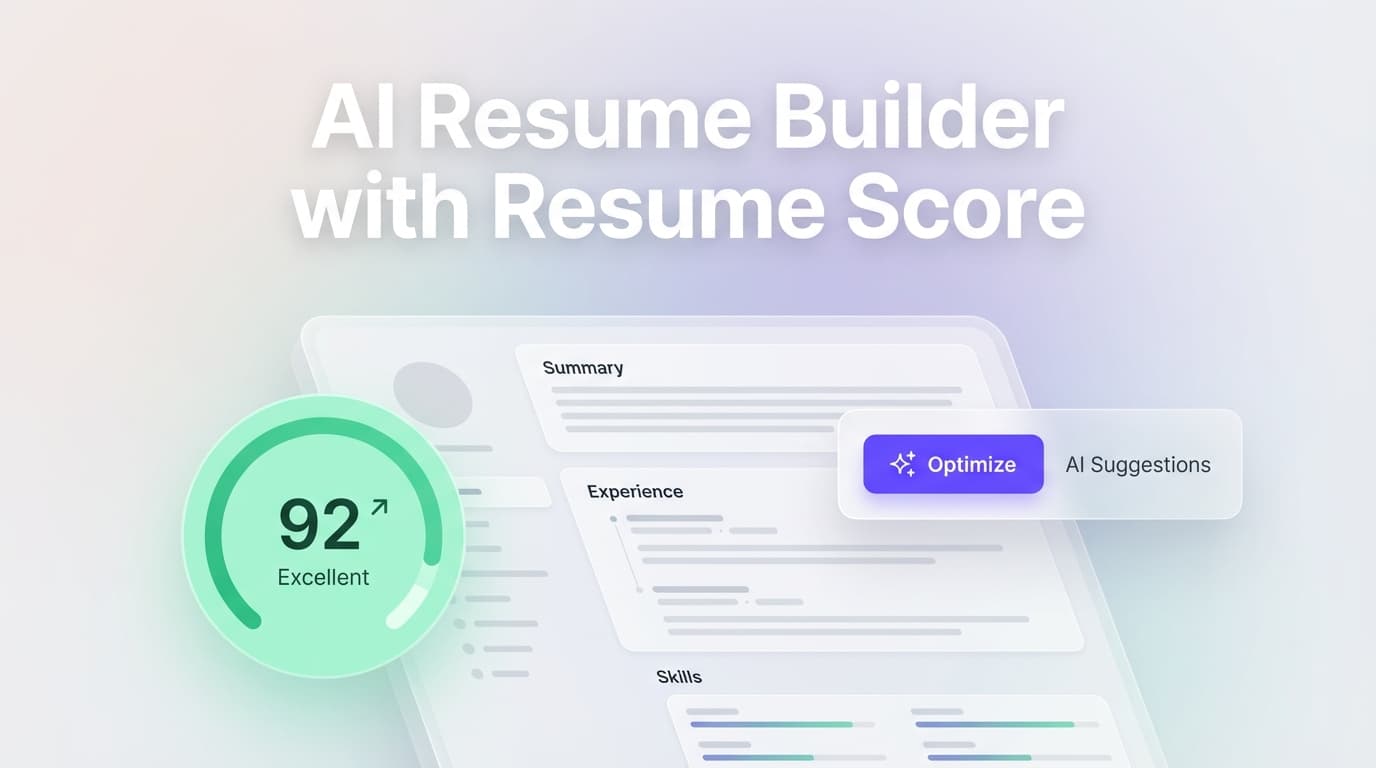
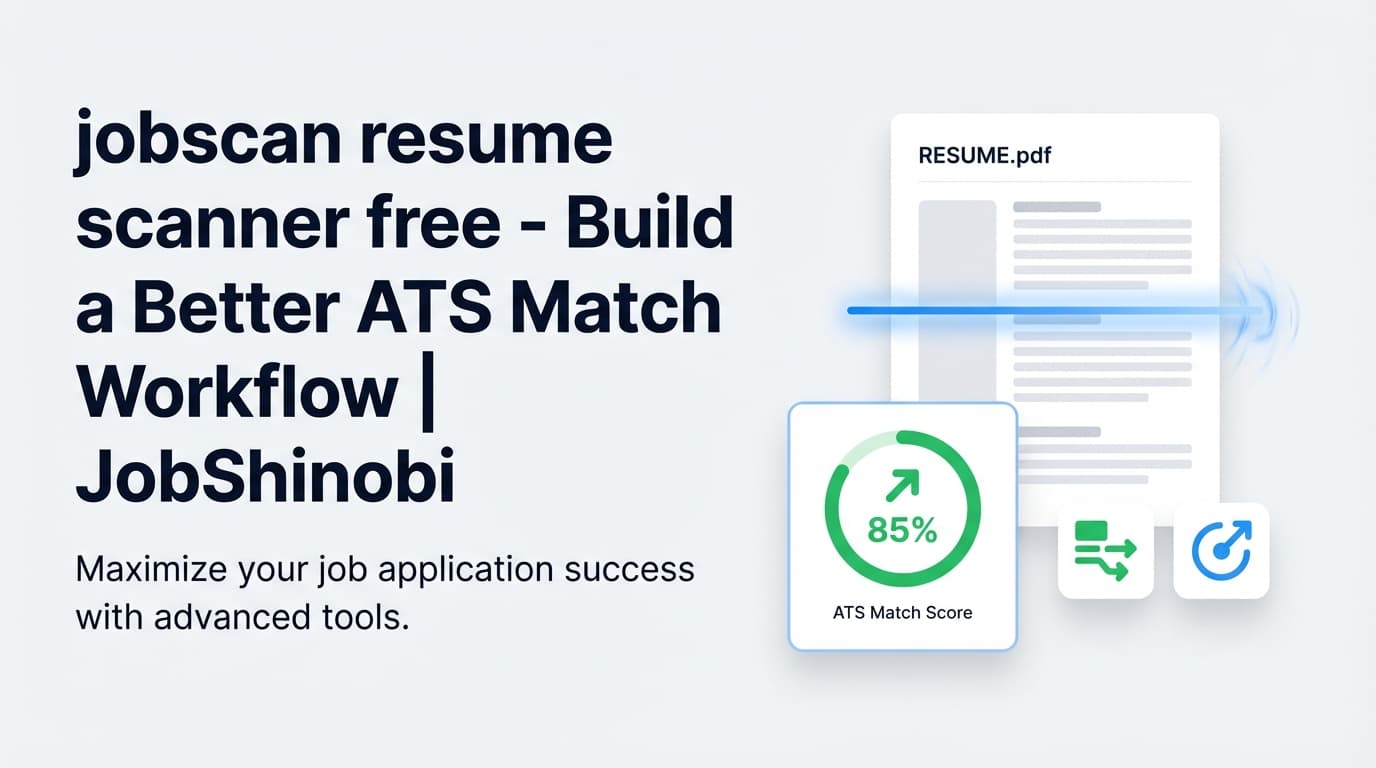
- Resume Score + ATS/Keyword Feedback: analyze your LaTeX resume and get an overall score plus ATS-specific feedback, strengths/weaknesses, and keyword analysis.
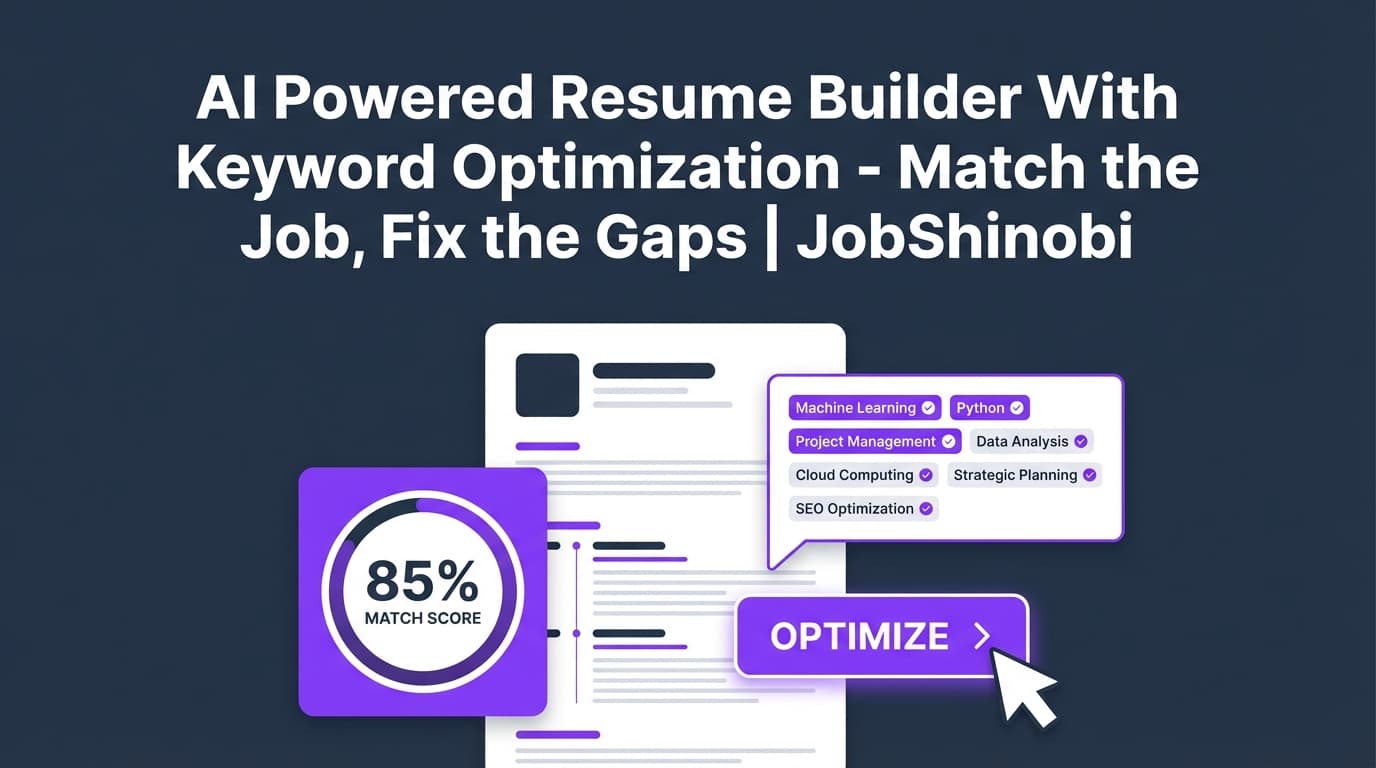
- Job Description → Match Score: paste a job URL or job description, extract key requirements, and see where your resume aligns or misses.
- AI Resume Editor (Streaming): talk to an AI agent that can edit your LaTeX resume, check compilation, and help you implement improvements without breaking formatting.
Built for high-volume job searching (without spreadsheet chaos)
When you’re applying broadly, the hard part isn’t just remembering where you applied—it’s knowing which resume changes actually move the needle.
JobShinobi helps you:
- Keep an accurate pipeline (Applied → Interview → Offer → Rejected).
- Measure what you’re sending (resume score + ATS/keyword issues).
- Tailor faster (job matching + AI editing + version history).
Designed around a resume format that stays consistent
JobShinobi’s resume workflow is LaTeX-based, so you can keep structure consistent while making targeted edits—then compile to PDF preview. This is especially helpful when you’re iterating quickly and don’t want formatting drift.
How JobShinobi’s Job Application Tracker + ATS Resume Score Works
Step 1: Sign in and open your dashboard
Sign in with Google and access your dashboard where your Job Tracker, Resume Builder, and Analytics live.
Go here: /login
Step 2: Track applications (manual entry + realtime updates)
In Job Application Tracker, you can:
- Add a job (job title, company, status)
- Edit or delete entries anytime
- See top-line stats (applications, interviews, offers, companies)
- Watch the table update in realtime as your data changes (powered by database realtime subscriptions)
Go here: /dashboard/job-tracker
Step 3: (Pro) Forward job emails to auto-update your tracker
If you’re a Pro member, JobShinobi assigns you a unique forwarding email address. Forward job-related emails (application confirmations, interview scheduling emails, rejections) and JobShinobi will attempt to parse them and create or update the matching application.
- The system uses AI extraction + fuzzy matching to update existing records when the company/title are similar (instead of duplicating).
- You can still manually edit anything in the tracker afterward.
You’ll find your unique forwarding address in Settings.
Step 4: Build or import your LaTeX resume from templates
In Resume Builder, you can start from a template library and save multiple resumes. Each resume is stored as LaTeX, and you can manage multiple versions.
Go here: /dashboard/resume
Step 5: Get an ATS-focused resume score + keyword insights
Run resume analysis to generate:
- Overall score (/100)
- ATS score (/100)
- Section scores and structured feedback
- Keyword analysis (present keywords, missing keywords, overused keywords, density/contextual signals)
- ATS compatibility issues list
This analysis can be cached and reused when the resume hasn’t changed, so you don’t waste time rerunning the same scan.
Step 6: Paste a job description (or job URL) and get a match score
For role-specific tailoring:
- Paste a job description (or a job URL)
- Extract structured requirements and keywords
- Generate a match score + recommendations + missing keywords list
- Apply suggestions by jumping back into the editor
Step 7: Implement fixes with the AI Resume Agent (streaming) + version history
When you’re ready to make changes:
- Use the AI chat to request edits to specific sections (experience bullets, skills, summary, etc.)
- The AI workflow can update your LaTeX and run compilation checks
- Save versions and revert anytime (version history)
Key Features for a Job Application Tracker with ATS Resume Score
| Feature | What It Does | Why It Matters |
|---|---|---|
| Job Application Tracker dashboard | Track job title, company, status, and application date | Keeps your pipeline accurate so you can follow up and stay consistent |
| Realtime tracker updates | Updates job tracker table in realtime | Your dashboard stays current without manual refresh |
| Email forwarding (Pro) | Forward job emails to a unique address; system parses + creates/updates applications | Reduces manual data entry and keeps statuses current |
| Export to Excel (.xlsx) | Download your tracker data to an Excel file | Easy reporting, backups, sharing with a coach, or personal review |
| LaTeX Resume Builder + templates | Create and manage resumes stored as LaTeX | Structured resumes that are easier to iterate without layout drift |
| Resume score (/100) + ATS score (/100) | AI analysis generates overall + ATS-specific scoring | Fast feedback loop for improving ATS compatibility and clarity |
| Keyword analysis (present/missing/overused) | Finds keyword gaps and keyword usage issues | Helps you tailor to job requirements without guessing |
| ATS compatibility issues list | Flags problems that may impact automated parsing | Focuses your edits on issues that can block screening |
| Job description extraction | Paste a job URL or text to extract job details | Turns messy postings into structured requirements/keywords |
| Resume-to-job match analysis | Generates match score + recommendations and stores analysis | Helps you tailor each application strategically |
| AI Resume Agent (streaming) | Chat-based LaTeX edits with compilation checks | Implement improvements faster without breaking your resume |
| Analytics dashboard | Response rate, offer rate, interview conversion + trends | See what’s working and where your pipeline is leaking |
What You Can Track (and What You Can Improve)
Track: your job search pipeline
JobShinobi’s tracker is optimized for the things you actually need when applying at volume:
- Job Title
- Company
- Status (Applied / Interview / Offer / Rejected / other statuses you use)
- Date Applied
- Optional fields that can be populated via email parsing (when available): job URL, location, salary, additional notes
When you’re applying across multiple boards and company portals, consistency matters more than perfection—JobShinobi gives you a clean, editable source of truth.
Improve: ATS compatibility + job-specific keyword alignment
Your resume score in JobShinobi isn’t just a vanity number. It’s supported by structured feedback that calls out:
- ATS issues (format/structure risks)
- Strengths and weaknesses
- Missing sections
- Keyword gaps and keyword usage problems
- Role alignment and benchmarking signals (when available in analysis output)
Then you can immediately implement those changes in the editor—without copying feedback between tools.
Deep Dive: Job Application Tracker (Dashboard + Realtime + Excel Export)
A clean tracker you’ll actually keep updated
A tracker only works if you keep using it. JobShinobi keeps job tracking lightweight:
- Quick add/edit flows
- Status badges for scanning your pipeline
- Summary cards (total applications, interviews, offers, companies)
Realtime updates (so your tracker stays “live”)
The Job Tracker subscribes to database changes so that inserts/updates/deletes reflect immediately—useful if you’re updating entries frequently or working across sessions.
Export to Excel (.xlsx) when you need portability
Exporting your job applications is built-in. Whether you want a backup, want to run your own analysis, or want to share your history with a mentor, you can export your tracker as an Excel file.
Deep Dive: Email Forwarding → Automatic Application Updates (Pro)
How email-forwarded tracking works
Instead of manually logging every “Thanks for applying” email:
- JobShinobi assigns you a unique forwarding email address (visible in Settings).
- You forward job-related emails to that address.
- The backend attempts to parse the email and extract job application details (company, job title, status, etc.).
- The system attempts to match the email to an existing application using fuzzy matching and updates it when appropriate.
What kinds of emails are most useful
Email-forwarding is especially helpful for:
- Application confirmation emails
- Interview scheduling emails
- Rejection emails
- “Next steps” emails that indicate status changes
Important: Email forwarding requires Pro
Email ingestion and processing is gated to Pro membership. If you want the “forward emails → auto-update tracker” workflow, you’ll need a paid plan (see Pricing).
Deep Dive: ATS Resume Score + Keyword Analysis (What You Get)
When you analyze your resume in JobShinobi, you get structured outputs designed for action—not just a single grade.
Core scores
- Overall score (/100)
- ATS score (/100)
- Supporting scores like content, keyword, formatting, and completeness
Keyword analysis (the practical part)
You’ll see:
- Present keywords (terms your resume already includes)
- Missing keywords (terms relevant to the target role / job description that aren’t present)
- Overused keywords (terms that may be repeated excessively)
- Additional keyword signals (density/contextual usage, top skills detected when available)
This is the fastest way to stop guessing and start tailoring intentionally.
ATS compatibility issues
You’ll also receive a list of ATS compatibility issues—items that may reduce parseability or cause automated screening problems.
JobShinobi keeps this grounded in actionable feedback: identify the issues, then fix them directly in your LaTeX source and re-analyze.
Cached results when your resume hasn’t changed
If your resume content is unchanged since the last analysis, JobShinobi can return cached analysis results. That means faster iteration when you’re focusing on job matching rather than rewriting the resume again.
Deep Dive: Resume-to-Job Match (From Job Description to Action Plan)
A generic “ATS score” isn’t enough if you’re applying to different roles.
JobShinobi supports a role-specific workflow:
Paste a job URL or job description text
You can provide:
- A job posting URL, or
- The full job description text
Extract structured job details
The system extracts structured job details (requirements, keywords, role details). This helps turn messy postings into a consistent set of signals you can work from.
Get match score + missing keywords + recommendations
Job match analysis can provide:
- A match score
- Missing keywords (based on whether they appear in your resume content)
- Recommendations and tailored suggestions
Then you can go implement the changes in your editor.
AI Resume Editing (Streaming) — Tailor Without Breaking Formatting
JobShinobi includes a streaming AI chat experience designed specifically for LaTeX resumes.
What makes this different from a generic chatbot
Instead of pasting your resume into ChatGPT and hoping formatting survives, JobShinobi’s AI editor is integrated with your resume source:
- Pulls your latest resume LaTeX
- Makes edits in specific sections
- Updates saved versions
- Can run a compilation check (so you can catch broken LaTeX early)
Use cases that matter during applications
- Rewrite bullets to be more specific and metrics-driven
- Add missing keywords naturally (without keyword stuffing)
- Tighten a summary for a specific target role
- Reorder sections for a given role
- Create a tailored version for each job and keep versions organized
Job Application Tracker with ATS Resume Score vs. “Spreadsheet + Separate ATS Scanner”
| Approach | What Usually Happens | Where JobShinobi Helps |
|---|---|---|
| Spreadsheet tracker | You forget to update statuses; entries get messy; no consistent workflow | Built-in tracker UI, statuses, and realtime updates |
| Separate ATS score tool | You copy/paste feedback; edits get lost; formatting breaks | Resume analysis + LaTeX editor + AI editing in one workflow |
| Manually logging email updates | You miss rejections/interview invites or forget to log them | Pro email forwarding can create/update applications from emails |
| Tailoring per job | You do it inconsistently or too slowly | Job extraction + match analysis + apply suggestions loop |
| Measuring progress | You “feel” stuck but don’t know why | Analytics dashboard (response rate, offer rate, interview conversion) |
If you’re applying seriously, the advantage isn’t “more features.” It’s fewer context switches: track → score → tailor → iterate in one place.
How to Use This Workflow to Get More Interviews (Practical Playbook)
1) Treat your tracker like a pipeline, not a list
Use statuses consistently:
- Applied
- Interview
- Offer
- Rejected
This powers your analytics and helps you spot bottlenecks (e.g., many applications, few interviews).
2) Use resume scoring to fix global issues first
Before tailoring to every job, fix issues that hurt every application:
- ATS compatibility issues
- Missing sections you consistently need
- Weak bullet structure patterns
3) Use job matching to tailor only what matters
For each high-priority role:
- Paste the job description
- Review missing keywords and recommendations
- Apply changes with the AI editor
- Save a dedicated version for that role
4) Re-analyze after meaningful edits (not after every tiny change)
Because analysis can be cached when unchanged, it’s best to:
- Make a “batch” of edits
- Re-score
- Repeat
5) Review analytics weekly to adjust strategy
Look at:
- Response rate (interviews + offers per application)
- Offer rate (offers per application)
- Interview conversion (offers per interview)
Then adjust your approach: targeting, tailoring depth, resume positioning, and application volume.
Pricing
JobShinobi offers paid subscriptions via Stripe:
- Monthly: $20.00
- Yearly: $199.99
Email forwarding automation for job tracking requires Pro membership.
Note: There is a /subscription page, but direct plan purchase links are configured as Stripe payment links.
- Monthly payment link:
https://buy.stripe.com/7sYeV61P10GS310eTy0VO02 - Yearly payment link:
https://buy.stripe.com/6oU9AM0KXexIdFE5iY0VO03
Frequently Asked Questions
What does “ATS resume score” mean in JobShinobi?
JobShinobi’s resume analysis includes an overall score and an ATS score, plus structured feedback like ATS compatibility issues and keyword analysis (present, missing, overused keywords). The goal is to give you actionable signals you can implement directly in your resume.
Can JobShinobi match my resume to a job description?
Yes. You can paste a job description (or a job URL) and run a resume-to-job match workflow that extracts job details and returns match insights like missing keywords and recommendations. You can then apply changes in the editor.
Does JobShinobi automatically track my job applications?
JobShinobi supports a manual job tracker, and Pro members can use email forwarding so JobShinobi can attempt to parse job-related emails and create/update applications automatically. You can still edit entries manually anytime.
Where do I find my email forwarding address?
In your dashboard Settings, JobShinobi displays your unique forwarding email address that you can copy and use for forwarding job-related emails (Pro feature).
Can I export my job application tracker?
Yes. You can export your tracked job applications to an Excel (.xlsx) file.
Is a 70% ATS score “good”?
ATS scores are best used as a directional signal, not a guarantee. A “good” score depends on the role, the job description, and how the employer screens candidates. In practice, aim to:
- Fix any major ATS compatibility issues
- Close obvious keyword gaps for your target role
- Keep the resume readable for humans (not just optimized for a score)
JobShinobi is designed to help you improve the underlying resume quality (issues + keywords + structure), not just chase a number.
Do I need to use LaTeX to use JobShinobi?
JobShinobi’s resume builder and editor are LaTeX-based. If you want a workflow where resume structure stays consistent while you iterate quickly and compile a clean PDF preview, LaTeX is a strong fit.
Does JobShinobi integrate with Google Sheets?
No direct Google Sheets sync is supported. JobShinobi supports exporting to Excel (.xlsx).
Get Started with JobShinobi Today
If you’re tired of juggling a spreadsheet, a job tracker, and a separate ATS score tool—JobShinobi is built to unify the workflow:
- Track applications in a real pipeline
- Score your resume with ATS and keyword insights
- Tailor faster with job matching + AI LaTeX editing
- Measure progress with job search analytics
Next step: Sign in and start tracking + scoring from one dashboard.
/login
References (implementation + SERP research)
- Resume analysis endpoint (scores, ATS issues, keyword analysis, caching):
src/app/api/resume/analyze/route.ts - Job tracker (CRUD, realtime updates, Excel export):
src/app/dashboard/job-tracker/page.tsx - Email forwarding ingestion + fuzzy matching (Pro-gated):
src/app/api/webhooks/sendgrid/route.ts - Job extraction API (URL or text):
src/app/api/job/extract/route.ts - Resume-to-job match API (match score, missing/present keywords, recommendations):
src/app/api/resume/match/route.ts - Pricing plan sources (Stripe payment links):
src/app/constants/plans.ts - Competitor page depth used for word count benchmark:
https://cultivatedculture.com/resume-scanner/(analyzed word count: 4,867)