JobShinobi is an AI powered resume builder with keyword optimization for job seekers who want more than generic “add these buzzwords” advice.
You can:
- Build and edit resumes in a LaTeX-based resume editor (stable formatting, ATS-friendly structure)
- Run Resume Analysis (with comprehensive + enhanced modes) to get structured feedback, scores, and keyword insights
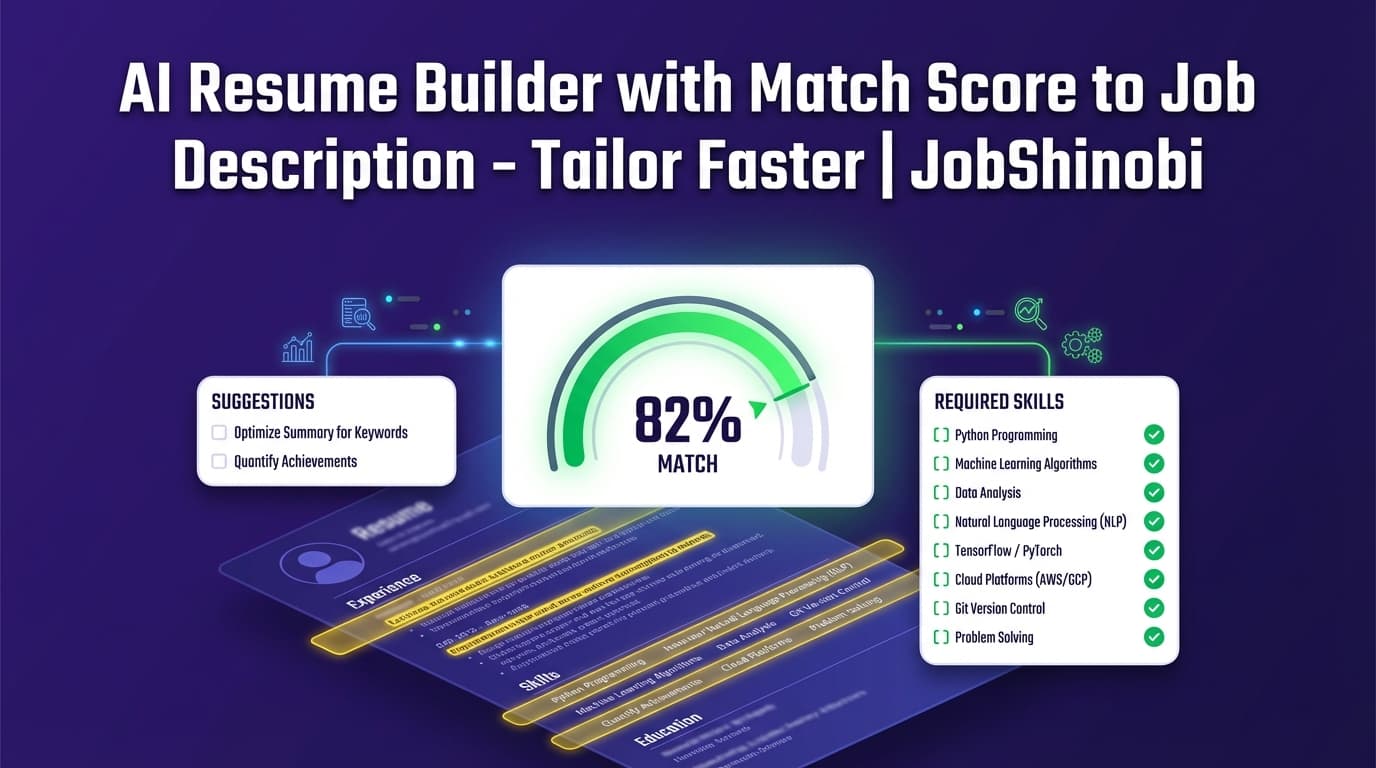
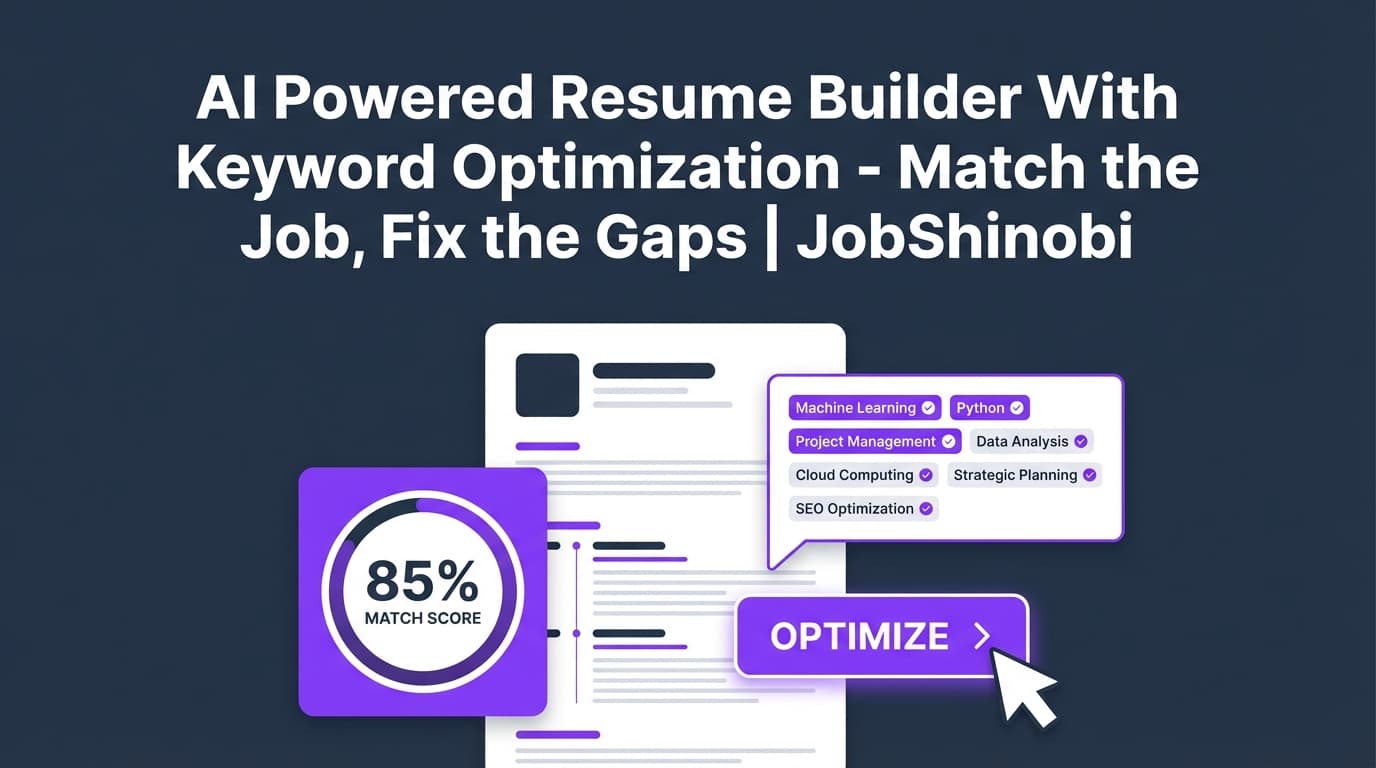
- Paste a job URL or job description and run resume-to-job matching to see present keywords vs. missing keywords and a match score
- Use a streaming AI Resume Agent to apply improvements while keeping resume version history so you can revert anytime
- Track applications in a job tracker and export to Excel (.xlsx)
Start here: Sign in → open your Resume Dashboard.
Why JobShinobi for “keyword optimization” (not keyword stuffing)?
Most resume tools treat keyword optimization like a checkbox: “here’s a list—good luck.” JobShinobi is built around a tighter loop:
- Extract job requirements (from a URL or pasted description)
- Match your resume to that job (missing vs. present keywords + match score)
- Apply changes directly to your resume content in-editor (AI Agent or manual edits)
- Analyze again (and reuse cached analysis if your resume hasn’t changed)
That’s what turns “keyword optimization” into a repeatable system you can run for every application—without losing formatting or overwriting your best version.
What makes JobShinobi different (and specific to how it works)
LaTeX-first resume building (structure that stays consistent)
JobShinobi resumes are stored as LaTeX source and compiled to a PDF preview. This matters because keyword optimization usually involves lots of edits—and edits are exactly when formatting breaks in typical doc workflows.
With JobShinobi you can:
- Start from a template library (templates are organized by category)
- Edit the underlying LaTeX source (or use AI to propose edits)
- Compile and preview the output PDF
- Download both PDF and .tex (source)
Keyword optimization that’s job-specific (resume ↔ job matching)
Instead of guessing which phrases matter, JobShinobi supports a job-matching workflow:
- You provide a job URL or paste the job text
- JobShinobi extracts structured job details (company, position, requirements, keywords)
- It calculates a match score
- It classifies keywords as:
- Present keywords (already in your resume)
- Missing keywords (from the job, not found in your resume)
This is the cleanest way to optimize keywords without blindly stuffing a skills section.
AI Resume Agent (streaming) + version history (iterate without fear)
JobShinobi includes a streaming AI resume editor you can use to:
- Rewrite bullets to better reflect the job requirements
- Improve clarity and impact (without changing your claims)
- Add missing keywords where they naturally belong (experience bullets, projects, skills)
And because JobShinobi keeps resume versions, you can tailor aggressively and still revert to your strongest baseline any time.
Resume analysis that can be cached when nothing changed
If you analyze the same resume again without changes, JobShinobi can return the cached analysis (instead of re-running the whole process). That makes iterative work faster and keeps your workflow focused on actual edits.
How JobShinobi’s AI keyword optimization workflow works
Step 1: Create or open a resume
Go to your Resume Dashboard and either:
- Create a resume from a template, or
- Open an existing resume you’ve already built
If you’re tailoring for multiple roles, a practical approach is to duplicate a resume first so you maintain:
- One “baseline” resume
- Multiple tailored variants
Step 2: Edit in the LaTeX resume editor + preview the PDF
Open the editor: /dashboard/resume/editor
Inside the editor you can:
- Edit the resume content
- Compile to generate an updated PDF preview
- Download PDF and
.texwhen ready
This is the “formatting guardrail” that makes keyword optimization safer—your edits stay inside a consistent structure.
Step 3: Run Resume Analysis (comprehensive or enhanced)
JobShinobi’s Resume Analysis can produce a score breakdown including:
- Overall score
- Content score
- Keyword score
- Formatting score
- Completeness score
- ATS score
It can also provide structured feedback including keyword-related insights (for example, missing keywords / present keywords / overused keywords and related signals when available in the analysis).
Use it to answer:
- “Is my resume missing core sections?”
- “Are my bullets too vague?”
- “Do I have keyword coverage for the role I’m targeting?”
- “Did my edits actually improve the resume?”
Step 4: Add a job description (URL or text) and run job matching
In JobShinobi, job extraction supports:
- Job URL (LinkedIn, Indeed, company page, etc.)
- Pasted job description text
Then JobShinobi can:
- Extract job details
- Compare the job’s keywords to your resume’s content
- Save a job analysis (including match score, missing/present keywords, recommendations)
This gives you a concrete plan for keyword optimization: fill the gaps that matter for this job, not generic keyword lists.
Step 5: Apply changes (AI Agent or manual edits), then re-check
Use the AI Resume Agent to make changes, or edit manually.
Best practice:
- Add missing keywords only if they are true for your experience
- Place them in context (bullets/projects) instead of “keyword dumping”
- Re-run analysis after significant edits
- Save versions as you go so you can revert
Key features for an AI powered resume builder with keyword optimization
| Feature | What It Does (in JobShinobi) | Why It Matters for Keyword Optimization |
|---|---|---|
| Resume templates library (LaTeX-based) | Start from categorized templates stored in the template library | You can tailor content without rebuilding structure every time |
| LaTeX resume editor + PDF preview | Edit LaTeX, compile to a previewable PDF | Prevents “format drift” while iterating keywords and bullets |
| Resume Analysis (comprehensive + enhanced modes) | Produces structured scores + detailed feedback; can return cached analysis if unchanged | Lets you measure whether keyword/content edits improved the resume |
| Resume-to-job matching | Extract job details from URL/text, then compute match score + missing/present keywords | Converts “keyword optimization” into a job-specific gap list |
| Streaming AI Resume Agent | Chat-based edits that update your resume content | Faster iteration when you need to tailor for many postings |
| Resume version history | Saves versions so you can revert to earlier iterations | Tailor hard without risking your best version |
| Download exports | Download PDF and .tex | Keep a clean deliverable (PDF) and your source for future tailoring |
| Job tracker (dashboard) | Track job applications with realtime updates | Helps you manage high-volume applying alongside tailored resumes |
| Export job tracker to Excel | Export applications to .xlsx |
Easy reporting and backup outside the app |
| Email forwarding → tracker updates (Pro) | Pro members can forward job emails for automatic parsing + updates | Reduces manual tracking work while you focus on tailoring |
Keyword optimization, explained clearly (so you don’t overdo it)
Keyword optimization works best when you treat keywords as evidence, not decoration.
Where keywords should live (the “high-signal zones”)
For ATS + human reviewers, the most credible places to include job keywords are:
- Experience bullets (best place—shows you actually did it)
- Projects (especially for technical roles)
- Skills section (good as an index, but weaker without proof)
- Summary (use sparingly—should match the rest of the resume)
JobShinobi helps you identify missing keywords via job matching, then apply them where they naturally fit.
What to avoid: keyword stuffing and “hidden text” hacks
A lot of job seekers fall into traps like:
- Repeating keywords unnaturally
- Copy/pasting job descriptions into a resume
- Trying “hidden text” hacks
Those tactics can harm readability and credibility. JobShinobi’s approach is built around contextual alignment: identify what’s missing, then rewrite or expand content to truthfully cover it.
A realistic “keyword optimization” workflow (example you can copy)
Scenario: You’re applying to a Backend Engineer role
The job description repeatedly emphasizes:
- REST APIs
- PostgreSQL
- Observability (logging/metrics/tracing)
- Performance optimization
- Ownership and reliability
Use JobShinobi like this
- Open your baseline resume in the editor
- Go to job matching and paste the job URL or job description text
- Review:
- Match score
- Missing keywords
- Present keywords
- Use the AI Resume Agent to update one role and one project:
- Add a bullet that demonstrates performance work (latency, throughput, cost, uptime)
- Add observability tooling you actually used (metrics, logs, tracing)
- Adjust skill labels to match the job description wording (e.g., “PostgreSQL” vs “SQL” if accurate)
- Compile the PDF and ensure it still reads cleanly
- Save the tailored version (so you keep your baseline intact)
- Re-run Resume Analysis to check score movement and feedback
This produces a tailored resume that’s keyword-aligned and believable.
JobShinobi vs. typical keyword-optimization tools
If you’ve used “keyword scanner” tools before…
Many tools can tell you what’s missing, but you still have to:
- Copy/paste content into another editor
- Fix formatting after AI rewrites
- Track multiple versions manually
With JobShinobi, the workflow stays connected
JobShinobi combines:
- Resume building (LaTeX editor + PDF compilation)
- Analysis (scores + structured feedback)
- Job matching (missing vs. present keywords + match score)
- AI editing (streaming agent) + version history
- Job tracking (plus Excel export)
If you’re applying to many roles, having those pieces in one place makes tailoring faster—and easier to repeat without losing your best resume.
Use JobShinobi beyond resumes: track applications while you tailor
Keyword optimization only works if you can keep up with your pipeline.
JobShinobi includes a job tracker that helps you:
- Log applications
- Update statuses
- See realtime updates in the dashboard
- Export your job tracker to Excel (.xlsx)
For Pro members, there’s also an email-forwarding workflow that can parse inbound job-related emails and update application records automatically (helpful when you’re applying at volume).
Explore: Job Tracker
Pricing
JobShinobi offers paid subscriptions via Stripe:
- Monthly: $20.00
- Yearly: $199.99
To start, sign in and choose a plan when you’re ready: Login
Frequently Asked Questions
What does “AI powered resume builder with keyword optimization” mean in JobShinobi?
In JobShinobi, it means you can:
- Build and edit a resume in a LaTeX-based editor (with PDF compilation)
- Analyze your resume with structured scoring (including keyword-related scoring)
- Match your resume to a job description to find missing vs. present keywords
- Use an AI Resume Agent to apply changes directly to your resume content
- Keep versions so you can revert and maintain tailored variants
Can I compare my resume to a job posting and see missing keywords?
Yes. JobShinobi supports job matching against a job URL or pasted job description. The job analysis includes a match score and lists of missing keywords and present keywords.
Does JobShinobi support PDF upload and automatic resume parsing (OCR)?
No. JobShinobi does not provide an OCR/image-based pipeline for parsing an existing PDF or image resume. The intended workflow is to create/edit your resume in the LaTeX editor and then run analysis + job matching.
Can JobShinobi auto-apply to jobs on LinkedIn or Indeed?
No. JobShinobi does not integrate with job boards for auto-apply.
What file types can I export?
From the resume editor, you can download:
- .tex (LaTeX source)
From the job tracker, you can export applications to:
- Excel (.xlsx)
Does JobShinobi keep resume version history?
Yes. JobShinobi stores resume versions so you can keep iterations and revert to previous versions—useful when you’re tailoring for multiple roles.
Can I optimize for a specific target role?
Yes. You can run Resume Analysis and also run job-specific matching by providing a job description (URL or text). This helps you tailor content and keyword coverage for that role.
Get started with JobShinobi today
If you want an AI powered resume builder with keyword optimization that’s built around an end-to-end workflow (match → identify gaps → apply edits → keep versions), JobShinobi is designed for exactly that.
Next step: Sign in → open your Resume Dashboard and run your first job match.