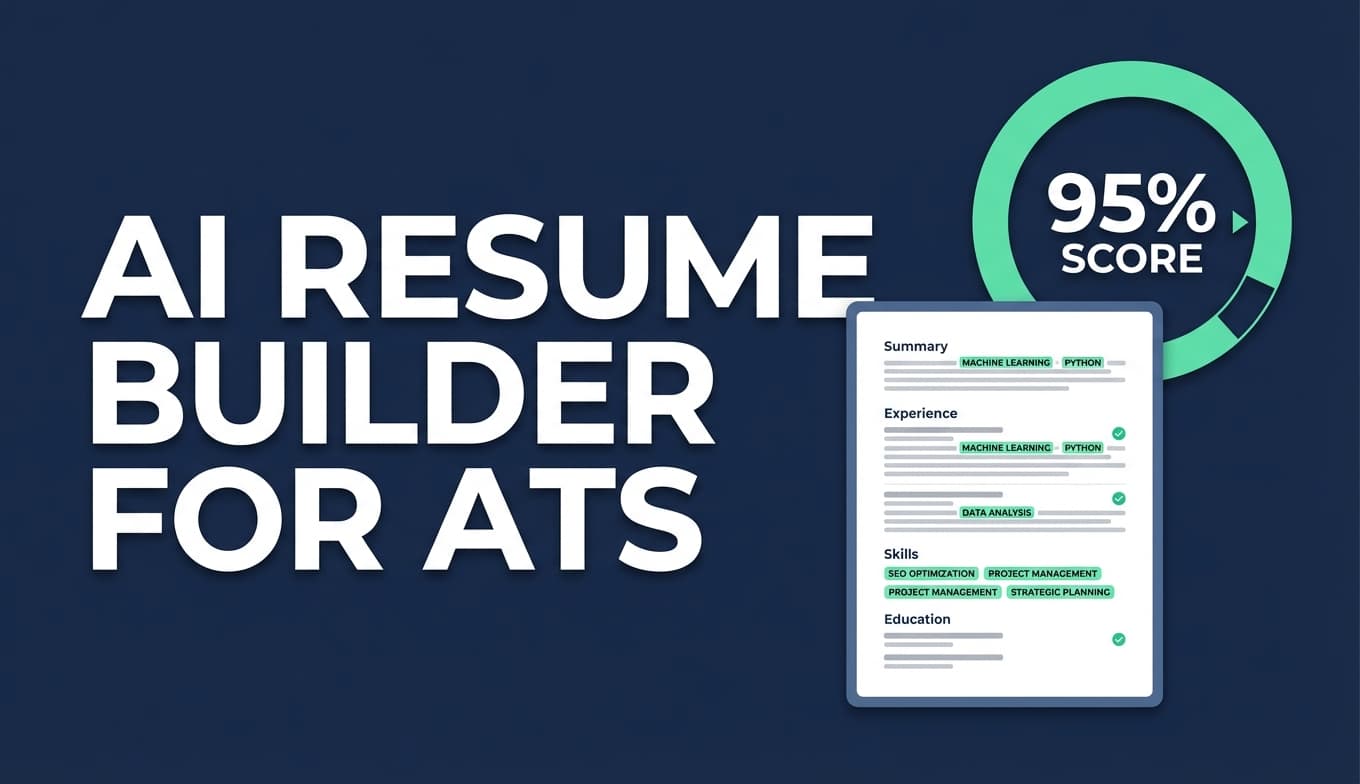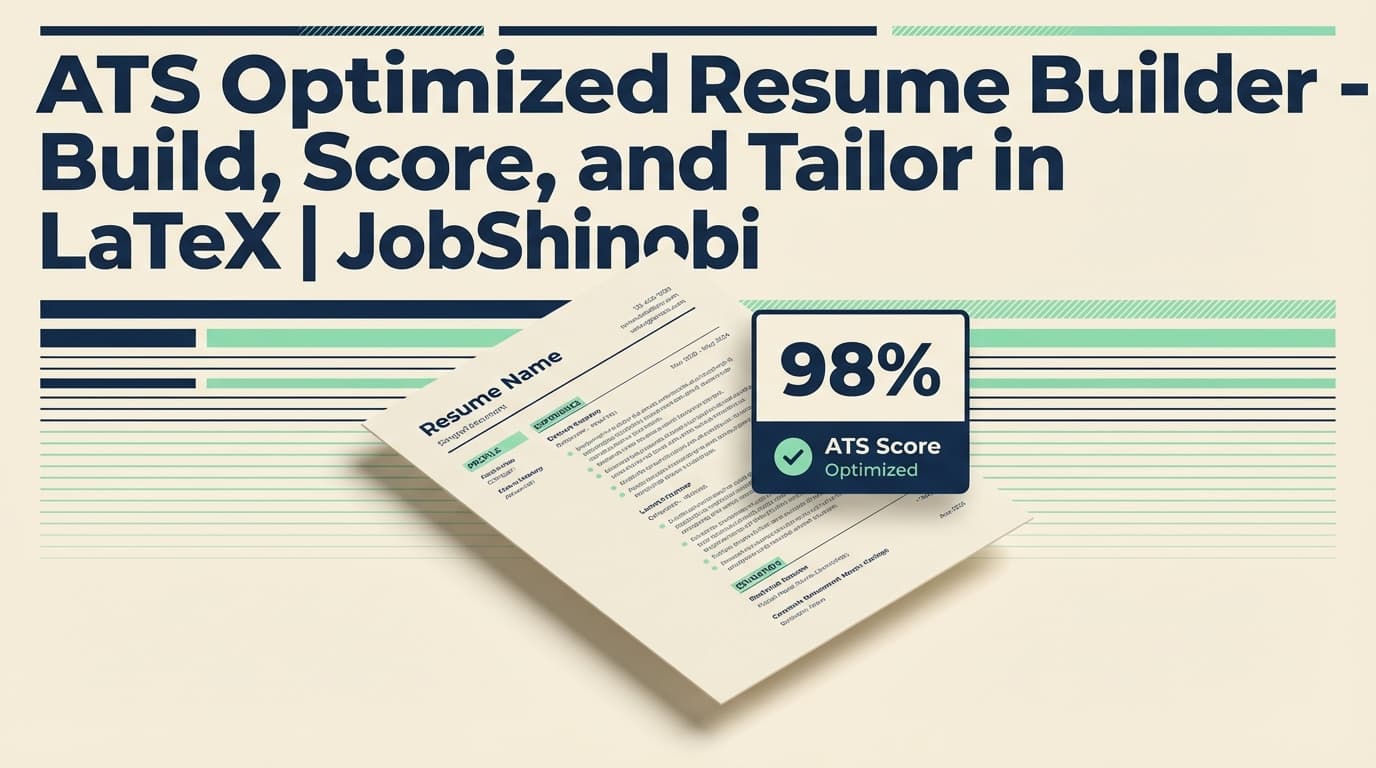
JobShinobi is an ATS optimized resume builder built around a LaTeX-first workflow: pick a template, edit with AI or code, generate a PDF preview, and run an ATS-style analysis that highlights missing keywords, overused keywords, ATS issues, and score breakdowns—then tailor your resume against a specific job description with match insights you can actually act on.
If you’re tired of guessing why your resume isn’t getting callbacks, JobShinobi gives you a repeatable system: Build → Compile → Score → Match → Improve → Version.
Why choose JobShinobi as your ATS optimized resume builder?
Most “ATS-friendly” resume tools stop at templates. JobShinobi goes further: it’s designed for people who want both format safety and job-specific keyword alignment, without losing control of structure.
1) LaTeX-based resumes for consistent structure (template-driven)
JobShinobi’s resume builder stores your resume as LaTeX source and lets you start from a template library with categories. That matters because ATS issues often come from layout inconsistencies and formatting hacks that don’t convert cleanly when exported.
With JobShinobi you can:
- Start from a LaTeX resume template
- Maintain a predictable structure as you iterate
- Save and manage multiple resume versions over time
This workflow is especially helpful if you apply to multiple roles and need multiple tailored variants (e.g., “Backend SWE,” “Data Engineer,” “ML Engineer”).
2) AI resume scoring with ATS + keyword signals (with caching)
JobShinobi includes a resume analysis endpoint that can run:
- Comprehensive analysis
- Enhanced analysis mode (additional deep-dive objects)
The output isn’t a vague “looks good!” summary. The analysis is stored (so you can track progress) and can be cached when your resume hasn’t changed—meaning you don’t waste time re-running the same scan.
What you get from analysis includes:
- Overall score and sub-scores (content, keyword, formatting, completeness, ATS)
- Strengths, weaknesses, missing sections
- Keyword analysis: present / missing / overused, plus additional fields like keyword density, contextual usage score, industry coverage, and top skills detected
- ATS issues and structured ATS analysis objects
Important: ATS “scores” are not an official ATS metric. JobShinobi provides a structured heuristic analysis to guide improvements—your results will still depend on the employer’s ATS and recruiter preferences.
3) Tailor your resume to a job description (match score + recommendations)
JobShinobi supports a resume-to-job workflow where you provide job data (including a job description and keywords), and it returns:
- A match score
- Present keywords vs missing keywords
- Recommendations and tailored suggestions (e.g., added/removed keywords, reordered sections)
This is the difference between “ATS friendly” and ATS relevant: you’re not only formatting correctly—you’re aligning to what the posting actually asks for.
4) Streaming AI resume editor (chat) + LaTeX compilation checks
JobShinobi includes a streaming Resume AI editor that can:
- Pull your latest resume LaTeX (including versions)
- Make targeted edits using an editing tool workflow
- Run a LaTeX compilation check during the process
You also get branded model choices (speed/quality tradeoffs), including:
- Shinobi Swift (Gemini Flash)
- Shinobi Turbo (Gemini Pro)
- Shinobi Pro (Claude Opus)
5) Built-in job tracking (optional, but a real differentiator)
JobShinobi isn’t only a resume tool. It also includes a job tracker so you can manage the “after you click apply” part:
- Track applications in a dashboard
- Get realtime updates in the tracker
- Export your job tracker to Excel (.xlsx)
And if you’re on a paid plan, JobShinobi supports an email-forwarding workflow that can parse job-related emails and create/update application records.
What “ATS optimized” actually means (and how JobShinobi approaches it)
When people search for an ATS optimized resume builder, they usually mean two things:
- Parsing-safe formatting: the ATS can correctly extract your contact info, job titles, companies, dates, and skills.
- Relevance matching: your resume contains the terms and skills the job posting is looking for—without awkward keyword stuffing.
JobShinobi is built to support both:
- Formatting: a structured, template-driven LaTeX resume workflow + PDF output
- Relevance: resume analysis + keyword gap insights + job match workflow + AI-assisted edits
How JobShinobi’s ATS optimized resume builder works
Step 1: Choose a resume template (LaTeX-based)
Go to the Resume Builder and start from a template. Templates are fetched from the template catalog and can be organized by category.
Result: you begin with a clean structure you can iterate on without layout drift.
Step 2: Edit your resume (AI mode or code mode)
Inside the editor you can work in two modes:
- AI mode: use the AI chat to request changes, rewrites, and improvements
- Code mode: edit LaTeX directly (full control)
This is ideal for job seekers who want both convenience (AI) and control (source-based editing).
Step 3: Compile a PDF preview (and fix errors early)
As you edit, you can compile and preview your resume as a PDF. If something breaks, you’ll see compile errors—before you submit applications.
You can also download:
- .tex source
Step 4: Run resume analysis (ATS + keyword insights)
Trigger analysis to get score breakdowns and structured feedback such as:
- ATS issues
- Missing sections
- Keyword opportunities (missing / present / overused)
- Detailed score objects (section scores, bullet analysis, ATS analysis, length analysis, benchmarking, role alignment)
- Optional enhanced analysis objects in enhanced mode
Because results are stored, you can track improvements over time—and because caching is supported, repeated runs on an unchanged resume can return quickly.
Step 5: Match your resume to a specific job description
For real ATS optimization, run a job match:
- Provide job description data and keywords
- Receive match score + keyword coverage and recommendations
- Apply changes (create a tailored version)
Step 6: Save versions and iterate (without losing your best draft)
JobShinobi supports resume version history so you can:
- Save a version before tailoring for a role
- Create role-specific variants
- Keep a timeline of changes you can revert back to later
Key features for an ATS optimized resume builder (JobShinobi)
| Feature | What It Does | Why It Matters for ATS optimization |
|---|---|---|
| LaTeX resume templates | Start from structured LaTeX templates and maintain consistent layout | Reduces layout-related parsing risk and keeps structure stable |
| PDF preview via LaTeX compilation | Generates a previewable PDF and surfaces compile issues | Helps you avoid broken exports and formatting surprises |
| Resume analysis (comprehensive + enhanced mode) | Generates score breakdowns, ATS issues, and keyword insights | Gives specific, actionable improvements instead of generic advice |
| Keyword analysis (present/missing/overused) | Identifies keyword gaps and overuse | Helps you match the posting without keyword stuffing |
| Additional keyword fields | Tracks keyword density, contextual usage score, industry coverage, top skills detected | Moves beyond “add more keywords” into more meaningful alignment signals |
| Resume-to-job match | Produces match score, missing/present keywords, and recommendations | Job-specific optimization (where most people win/lose interviews) |
| Streaming AI resume editor | Chat-based resume editing with streaming updates and tool-driven edits | Faster iteration, less manual rewriting |
| Model selection (Shinobi Swift/Turbo/Pro) | Choose model tiers for edits and analysis | Control speed vs depth based on your workflow |
| Version history | Saves resume versions over time | Tailor safely without overwriting your baseline resume |
| Job tracker + Excel export | Track applications and export to .xlsx | Keeps your job search organized while you iterate resume versions |
ATS optimized resume builder: what to optimize (checklist)
Use this checklist as you build in JobShinobi:
Formatting & structure checks (ATS parsing safety)
- Use a clear, consistent structure (template-driven layout helps)
- Keep section headings standard (e.g., Experience, Education, Skills, Projects)
- Avoid overly complex layout tricks that can scramble parsing (tables/columns/graphics can be risky depending on the system)
JobShinobi’s approach:
- Start from a LaTeX template
- Compile and preview the PDF frequently
- Use analysis feedback to flag ATS issues
Keyword alignment checks (ATS relevance)
- Identify repeated terms in the job description (tools, skills, role keywords)
- Confirm your resume includes them where they truthfully apply
- Avoid repeating the same keyword unnaturally (keyword stuffing)
JobShinobi’s approach:
- Resume analysis reports present/missing/overused keywords
- Matching workflow compares your resume to job data and produces match score + recommendations
- AI editor helps rewrite bullet points to incorporate relevant keywords naturally
Content quality checks (what humans care about)
Even if the ATS parses your resume, a recruiter still reads it. Strong ATS optimization should never sacrifice clarity.
JobShinobi’s analysis includes content-oriented signals (e.g., strengths/weaknesses, bullet analysis objects), and the AI editor can help you:
- Improve bullet specificity
- Use stronger verbs
- Add measurable impact where appropriate
JobShinobi vs. common alternatives
JobShinobi vs. “template-only” resume builders
Template-only tools can help with clean layout, but they often don’t help you answer:
- “Which keywords am I missing for this posting?”
- “Which keywords am I overusing?”
- “How close am I to the job requirements?”
- “What should I change first?”
JobShinobi is built to connect: template + analysis + job match + versioning so you can tailor quickly without losing control of your base resume.
JobShinobi vs. ATS checkers that don’t let you fix the source
Some scanners tell you what’s wrong, but don’t make it easy to implement changes cleanly—especially when formatting breaks during export.
JobShinobi keeps your resume in LaTeX source, with:
- A real editor
- PDF compilation/preview
- AI-assisted edits
- Saved versions
So you can move from “feedback” to “improved resume” without juggling multiple tools.
JobShinobi vs. manual tailoring (copy/paste + guessing)
Manual tailoring often leads to:
- Untracked versions (“which file did I submit?”)
- Broken formatting during last-minute edits
- Keyword stuffing or missed keywords
- Burnout from rewriting
JobShinobi makes tailoring a repeatable workflow: analyze → match → apply suggestions → save a tailored version.
Pricing
JobShinobi offers paid subscriptions via Stripe:
- Monthly: $20.00
- Yearly: $199.99
You can choose a plan and sign in to start building your ATS optimized resume.
Frequently asked questions
What is an ATS optimized resume builder?
An ATS optimized resume builder helps you create a resume that:
- is easier for applicant tracking systems to parse, and
- aligns your keywords and experience with a specific job posting.
JobShinobi supports this with a LaTeX template workflow, PDF preview, AI resume analysis (including ATS and keyword insights), and job-description matching.
Is a PDF okay for ATS?
Often yes—many systems can parse text-based PDFs well, but results can vary by ATS and by how the PDF was generated. A key point is to ensure the PDF is text-based (not scanned) and that layout isn’t overly complex.
JobShinobi generates PDFs from LaTeX and lets you preview the final output so you can verify structure and readability before submitting.
Is a single-column resume better for ATS?
A single-column layout is generally “safer” for parsing consistency across systems. Multi-column layouts, tables, and graphics can cause fields to extract incorrectly in some ATS parsers.
JobShinobi’s template-driven approach helps you keep structure predictable, and its analysis can surface ATS issues so you can adjust.
Does JobShinobi provide an ATS score?
Yes. JobShinobi’s resume analysis provides an ATS score plus additional score breakdowns (overall, content, keyword, formatting, completeness) and structured feedback (ATS issues, keyword insights, and more).
Reminder: ATS scores are heuristic indicators—real employer systems differ.
Can JobShinobi tell me which keywords I’m missing?
Yes. Resume analysis can return keyword insights including missing keywords, present keywords, and overused keywords, plus additional keyword fields like keyword density and contextual usage score.
If you also run the job match workflow with job data/keywords, you’ll get a clearer job-specific view of present vs missing terms plus recommendations.
Can I tailor my resume to a specific job description?
Yes. JobShinobi supports a resume-to-job workflow that produces a match score and recommendations based on provided job data (description, requirements, keywords).
A practical approach is:
- run a baseline analysis,
- run job match for a target role,
- apply edits in the AI editor,
- save a version for that role.
Can I download my resume?
Yes. In the resume editor you can download:
- a PDF
- the .tex source file
Do you support resume version history?
Yes. JobShinobi stores resume versions so you can keep multiple iterations and revert when needed—especially useful when you tailor different versions for different job postings.
Do you integrate with LinkedIn or auto-apply to jobs?
No. JobShinobi does not claim job board integrations or auto-apply functionality. It focuses on building, analyzing, tailoring, and managing your job search workflow.
Do you support Google Sheets export?
No direct Google Sheets sync is supported. JobShinobi supports exporting your job tracker to Excel (.xlsx).
Get started with an ATS optimized resume builder that’s built for iteration
If you want more than a template—if you want a workflow you can repeat for every posting—JobShinobi is built for you:
- Start from a LaTeX resume template
- Edit with AI or code
- Preview the final PDF
- Run ATS + keyword analysis
- Match against a job description
- Save versions for each role
Want to stay organized while you apply? Use the built-in tracker: Go to Job Tracker →