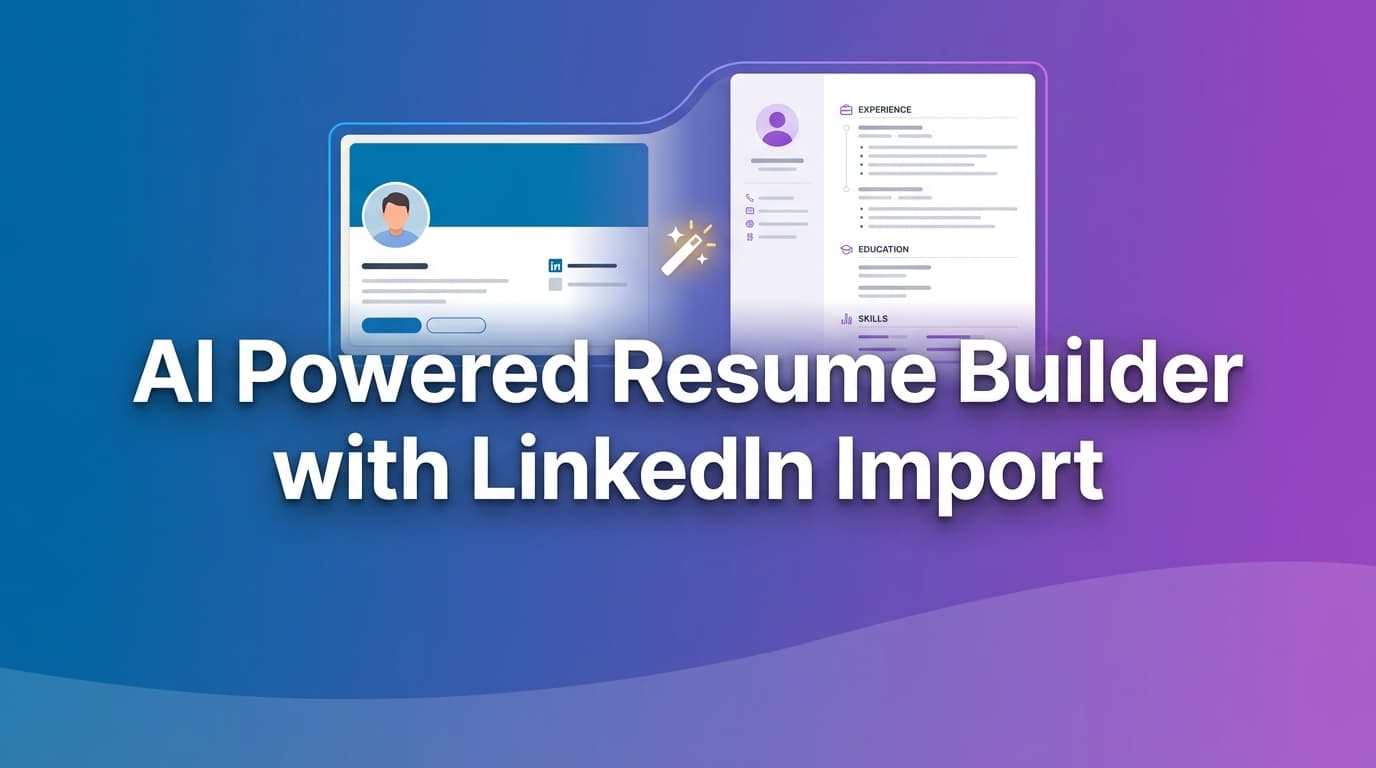
If you’re searching for an ai powered resume builder with LinkedIn import, you probably want the fastest path from “my LinkedIn is up to date” to “my resume is interview-ready.”
JobShinobi is built for that exact moment—when you have the raw material (your LinkedIn experience), but you need:
- A clean, consistent resume format that won’t break when you edit it
- AI help that can actually rewrite and improve the resume (not just give generic advice)
- Clear feedback on ATS readiness, keywords, and job match
- A repeatable way to tailor multiple versions without losing your best work
A quick, important note about “LinkedIn import”
JobShinobi does not currently support one-click LinkedIn import (no LinkedIn OAuth, no “paste your profile URL and we auto-fill,” no automatic parsing of LinkedIn exports).
What JobShinobi does support is the workflow most job seekers end up needing anyway:
- Start from a professional resume template
- Transfer your LinkedIn content manually (copy/paste)
- Use the AI Resume Agent (streaming editor) to rewrite, tighten, quantify, and tailor your content
- Run ATS/keyword analysis and job matching
- Export a clean PDF (and optionally download the LaTeX source)
If your priority is truly “one-click LinkedIn import,” you may prefer another tool. If your priority is “get a better resume that passes ATS and matches the job,” JobShinobi is designed for the outcome—not just the import.
Primary CTA: Sign in with Google to start your resume
Why Choose JobShinobi for This “LinkedIn → Resume” Use Case?
Most LinkedIn-import resume builders focus on speed: “get content on the page.”
JobShinobi focuses on what gets interviews: structure + tailoring + iteration.
1) LaTeX-based resume templates (clean structure, consistent output)
Your LinkedIn profile is not a resume. It’s usually too long, too narrative, and not built for skimming.
JobShinobi starts you with a template library and a LaTeX-first resume format, which helps keep your resume:
- readable and consistent
- easier to edit without layout drift
- stable across multiple tailored versions
You can compile and preview your resume as a PDF while you edit, so you know what recruiters will see.
2) An AI Resume Agent that edits your actual resume (streaming)
JobShinobi includes an AI-powered resume editor with streaming responses. You can ask it to:
- rewrite a section (e.g., summary, experience bullets, projects)
- add metrics and impact framing (based on what you provide)
- tailor wording to a target role
- restructure sections and reduce verbosity
- keep the resume compilable as it changes
This is especially useful when your starting point is LinkedIn content—because LinkedIn tends to be:
- responsibility-heavy instead of outcomes-heavy
- repetitive across roles (“worked with cross-functional teams…”)
- missing the right keywords for a specific job description
3) ATS scoring + keyword feedback + job matching (so you know what to fix)
JobShinobi goes beyond “looks good” and gives you actionable analysis:
- overall resume score plus category scores (content, keywords, formatting, completeness, ATS)
- strengths and improvement areas
- keywords found vs. missing keywords
- job description extraction + resume-to-job matching (match score and suggestions)
That means you can turn a “LinkedIn draft” into a job-specific resume with a clear plan: what to add, what to remove, what to rewrite, and what keywords you’re missing.
4) Version history for fast tailoring (without fear)
Tailoring is where most people break their resume: they overwrite a good base version, then forget what worked.
JobShinobi saves resume versions (including AI-driven updates), so you can:
- keep a clean “Base Resume”
- create a “Resume for Role A” and “Resume for Role B”
- revert or compare edits when something doesn’t work
5) A job tracker that fits the same high-volume workflow (optional, but powerful)
JobShinobi also includes a job tracker designed for people applying at scale:
- track applications in a dashboard
- realtime updates in the job tracker
- export applications to Excel (.xlsx)
- Pro feature: email-forwarding automation to extract job application details from forwarded emails (AI parsing + fuzzy matching)
This is not generic “resume builder fluff.” It’s for the reality of job searching: once your resume is ready, you still need a system to handle volume.
How JobShinobi’s “LinkedIn Import” Alternative Works
Step 1: Start from a resume template (no blank page)
Open the Resume Builder and choose Start from Template. This loads a resume template so you can immediately begin shaping your content.
Recommended approach: choose a template that fits your target role and seniority, then keep your first iteration simple: Summary → Experience → Skills → Education (Projects optional).
Step 2: Bring in your LinkedIn content (manual transfer)
Since JobShinobi doesn’t do one-click import, you’ll transfer the right pieces from LinkedIn:
Copy from LinkedIn:
- role titles + company names
- dates (month/year)
- 3–6 strongest achievements per role
- tech stack / tools / skills you actually used
- projects (if they support your target role)
Then convert LinkedIn-style writing into resume-style writing:
- reduce long paragraphs
- convert responsibilities into achievement bullets
- add metrics (when accurate and defensible)
Tip: If you have a LinkedIn “Save to PDF” export, use it as a reference document to speed up copy/paste—but JobShinobi does not automatically parse or import it.
Step 3: Use AI to rewrite your resume into an ATS-ready format
Switch to AI mode and give the agent a clear instruction. Examples:
- “Rewrite my summary for a Data Analyst role. Keep it 2–3 lines. Focus on SQL, dashboards, stakeholder insights.”
- “Turn this LinkedIn paragraph into 3 resume bullets with measurable impact. Ask me for metrics if missing.”
- “Make my experience bullets more results-oriented and reduce repetition across roles.”
Because the AI editor can update the resume content directly, you’re not stuck manually reformatting every suggestion.
Step 4: Compile and preview your PDF as you iterate
JobShinobi compiles your LaTeX resume and generates a PDF preview. This helps you catch:
- spacing issues
- section balance (too much experience vs skills)
- overly dense bullet blocks
- inconsistent formatting
Step 5: Run Resume Analysis (standard or enhanced)
Run resume analysis to get structured feedback:
- ATS score and formatting feedback
- keyword gaps (present vs missing)
- strengths and weaknesses
- recommendations and improvements
JobShinobi can also return cached results when the resume hasn’t changed, so you’re not wasting time re-running identical analyses.
Step 6: Match to a job description (and tailor the resume)
Paste a job description (or provide job text/URL). JobShinobi can:
- extract job details
- create a match analysis (match score, missing keywords, recommendations)
- help you tailor the resume without guessing
Step 7: Export your resume
Download:
- .tex (LaTeX source)
This is ideal if you want a stable, controllable resume format that doesn’t get messy as you tailor.
CTA: Start building your resume in JobShinobi
Key Features for the “LinkedIn → Resume” Workflow
| Feature | What It Does | Why It Matters When Starting From LinkedIn |
|---|---|---|
| Template library (LaTeX-based) | Start from a structured resume template with categories | Avoids “LinkedIn content pasted into chaos” |
| LaTeX editor + PDF compilation preview | Edit LaTeX and compile a PDF preview | Keeps formatting consistent and professional |
| AI Resume Agent (streaming) | Chat-based editor that can update resume content and check compilation | Turns LinkedIn-style writing into resume-ready bullets fast |
| Resume analysis (standard + enhanced) | Scores and feedback across ATS, keywords, formatting, completeness | Replaces guesswork with a clear improvement plan |
| Job description extraction | Extract structured job details from a URL or pasted text | Faster tailoring and keyword targeting |
| Resume-to-job matching | Generates match score, missing keywords, and suggestions | Helps you align your resume to each role |
| Resume version history | Stores versions from manual edits and AI changes | Tailor multiple versions without losing your best base |
| Job tracker dashboard | Track applications with realtime updates + Excel export | Supports high-volume applying |
| Email-forwarding automation (Pro) | Forward job emails to auto-create/update applications (AI parsing + fuzzy match) | Reduces manual tracking and status updates |
What JobShinobi Supports vs. One-Click LinkedIn Import Tools
Many competitors win clicks by promising “LinkedIn import.” That’s real search intent—people want speed.
JobShinobi is transparent:
JobShinobi supports
- building resumes from templates
- manual copy/paste transfer of LinkedIn content
- AI editing that updates your resume content
- PDF compilation preview
- resume scoring + keyword feedback + ATS-related issues
- job description matching and tailoring suggestions
- resume versions/history
- job tracking + Excel export
- Pro automation: email-forwarding job tracking with AI parsing
JobShinobi does not support
- one-click LinkedIn import
- “paste LinkedIn URL and we auto-fill your resume”
- LinkedIn OAuth integration
- automatic parsing/OCR of LinkedIn PDF exports
If you’re evaluating tools honestly: JobShinobi is best for people who care more about building a resume that performs than a resume that imports.
Why “Import” Isn’t the Hard Part (And What Actually Gets Interviews)
Here’s the pattern most job seekers run into:
- They import LinkedIn → get a long, generic resume
- They apply → don’t get callbacks
- They realize they need to tailor for each job posting
- The tool doesn’t help much beyond basic edits
JobShinobi is built around steps 3 and 4:
- resume-to-job matching
- missing keyword identification
- AI rewriting with a stable resume format
- version control so you can tailor safely
That’s what makes the difference when you’re applying to competitive roles.
AI Powered Resume Builder With LinkedIn Import vs. DIY (Google Docs / Word / Spreadsheets)
The DIY approach is familiar—but fragile
Copy/pasting from LinkedIn into Word or Google Docs is common. The problem is:
- formatting drifts across versions
- tailoring becomes messy and inconsistent
- you can’t easily track what changed between versions
- keyword/ATS feedback is manual (or you end up using multiple tools)
JobShinobi gives you a single workflow
- A stable resume format (LaTeX template + PDF compilation)
- AI editing in the same place you write
- ATS/keyword analysis and job matching tied to your resume content
- Resume version history for safe tailoring
If you’re applying to 20, 50, or 200 jobs, the workflow matters as much as the resume.
Pricing
JobShinobi offers paid subscriptions via Stripe:
- Monthly: $20.00
- Yearly: $199.99
Manage subscription: /subscription
Note: Some automation features (like email-forwarding job parsing) require Pro membership.
Frequently Asked Questions
Does JobShinobi have one-click LinkedIn import?
No. JobShinobi does not offer one-click LinkedIn import or LinkedIn profile URL import. You can still use JobShinobi by manually transferring your LinkedIn content (copy/paste) into a resume template, then using AI tools to rewrite and tailor.
Can JobShinobi turn my LinkedIn “About” section into a resume summary?
Yes—manually paste your “About” text into your draft and ask the AI Resume Agent to rewrite it into a 2–3 line resume summary tailored to your target role.
Can I upload my LinkedIn PDF export and have JobShinobi parse it?
No. JobShinobi does not support automatic parsing/OCR of LinkedIn PDF exports. You can use the PDF as a reference for manual copy/paste.
Does JobShinobi provide ATS and keyword feedback?
Yes. JobShinobi includes resume analysis with category scoring (including ATS-related scoring) and keyword feedback (present vs missing keywords), plus job matching when you provide a job description.
Can JobShinobi match my resume to a job description?
Yes. You can paste a job description (or job text/URL) and get a match analysis, missing keywords, and tailored recommendations.
What file types can I export from JobShinobi?
JobShinobi supports exporting your resume as PDF and downloading the .tex (LaTeX source).
What happened to LinkedIn’s resume builder?
LinkedIn’s product experience changes over time and varies by region/account. If you want a dedicated resume workflow, JobShinobi focuses on the full loop: build → tailor → analyze → track applications.
Get Started with JobShinobi Today
If you want an ai powered resume builder with LinkedIn import, you’re asking for speed. JobShinobi gives you speed where it counts: rewriting, tailoring, scoring, and iterating—so your resume actually performs.
- Start from a template
- Paste your LinkedIn experience
- Use AI to rewrite and tailor
- Analyze for ATS + keywords
- Match to a job description
- Export a clean PDF and keep versions for every job you apply to
Start now: Sign in with Google