If you’re searching for a free resume builder AI for tech jobs, you’re usually trying to solve a very specific problem:
- You’re applying to Software Engineer / Data / DevOps / Product / QA roles.
- Your resume needs to be ATS-readable and credible to a human reviewer.
- You need an efficient way to tailor your resume to each job posting without breaking formatting.
JobShinobi is a LaTeX-based resume builder with:
- a PDF preview workflow (LaTeX compile + preview)
- AI resume analysis (comprehensive + enhanced modes)
- resume-to-job matching (job description extraction + keyword gaps)
- a streaming AI resume editor that can revise your LaTeX resume and validate changes
- resume version history so you can safely create role-specific variations
Transparency: JobShinobi is a paid subscription product (Monthly $20, Yearly $199.99). This page targets the “free” query because it’s a common starting point for tech job seekers—and we’ll help you make the right choice based on what you actually need.
Get started: Sign in with Google
Why Choose JobShinobi for “Free Resume Builder AI for Tech Jobs” Intent?
Most “free AI resume builders” are great at getting you started, but weak at helping you finish:
- they produce generic bullets,
- they don’t show clear keyword gaps,
- they hide exports behind paywalls,
- or the formatting collapses once you begin tailoring at volume.
JobShinobi is designed around what tech candidates actually do: build a clean baseline resume, then create targeted variants for different roles and job descriptions.
1) LaTeX-based resumes that stay stable while you iterate
Tech resumes often include dense sections (skills, projects, experience, leadership, publications). JobShinobi stores your resume as LaTeX source and compiles it to a PDF preview, so your layout stays consistent as you revise.
You can:
- start from a template library
- edit the LaTeX directly
- preview a compiled PDF
- download PDF or
.texwhen you’re ready
2) AI resume analysis that’s built for action (not vague advice)
JobShinobi’s analysis returns structured scoring and feedback you can use:
- overall score
- content score
- keyword score
- formatting score
- completeness score
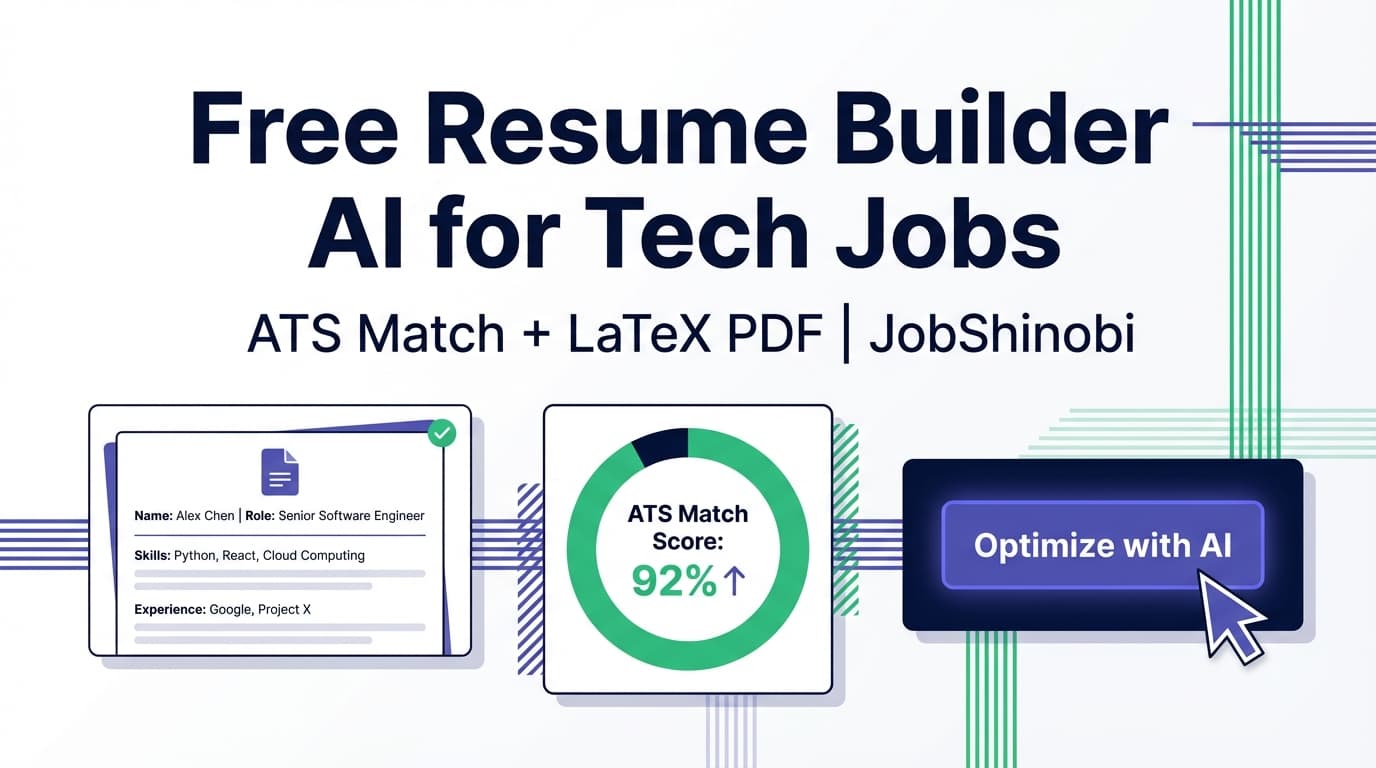
- ATS score
You can run comprehensive analysis or an enhanced mode (which can include deeper objects like semantic keywords, impact analysis, career progression, and an action queue).
3) Match your resume to the job posting (URL or pasted text)
For tech roles, the difference between “qualified” and “interviewed” is often alignment: the same experience framed with the right keywords and scope.
JobShinobi supports:
- job description extraction (from URL or pasted JD text)
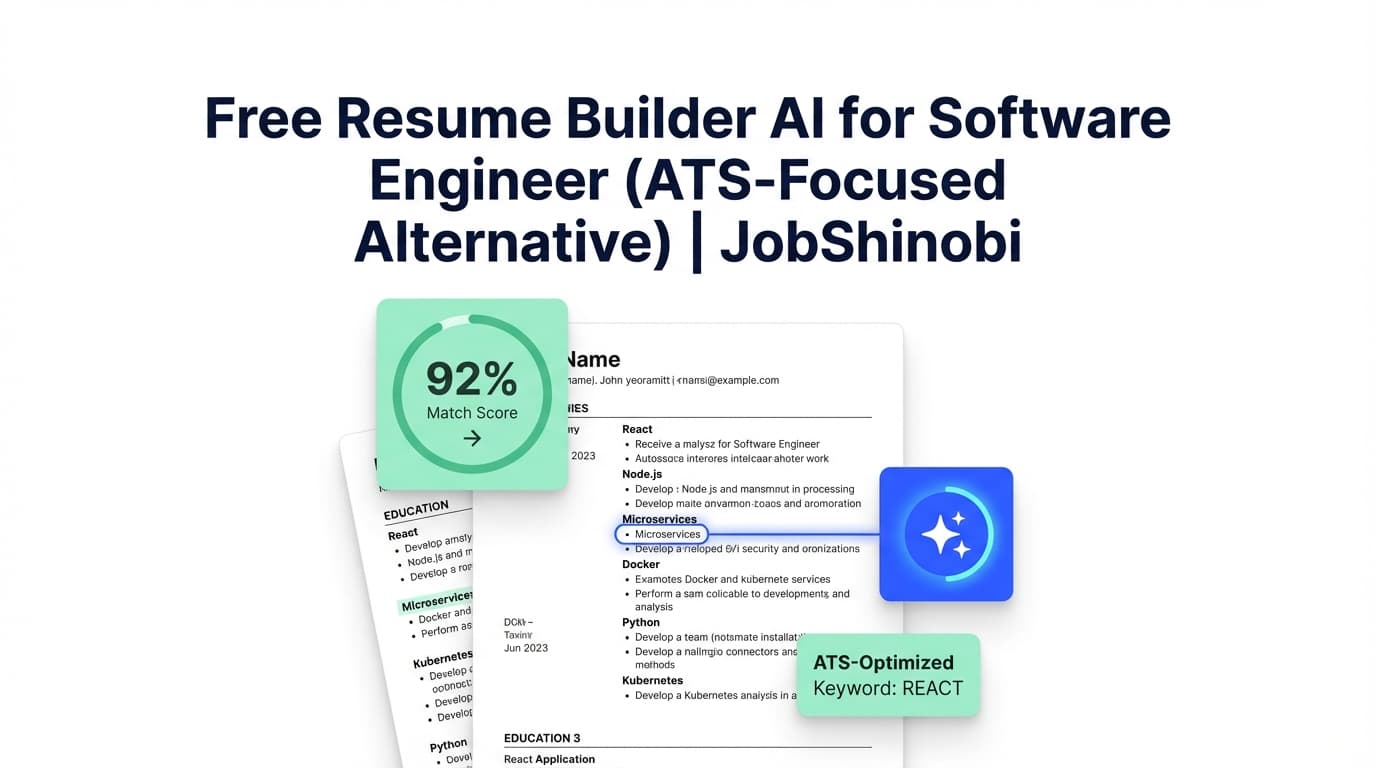
- resume-to-job match analysis (including missing vs present keywords)
4) Streamed AI editing + compile checks (so changes don’t silently break)
JobShinobi includes a streaming AI resume editor that works with your LaTeX resume content. The workflow can update your resume and perform a compilation check to help keep edits valid.
5) Version history for every targeted resume
When you tailor for multiple companies and roles, you need more than “undo.” You need recoverable versions.
JobShinobi saves resume versions and supports undo/redo behaviors in the editor experience—so you can:
- keep a baseline resume
- create job-specific variants
- revert if an experiment isn’t working
How JobShinobi’s Resume Workflow Works
Step 1: Start from a LaTeX template (or open a saved resume)
Inside the dashboard:
- Choose Start from Template to pick a resume template from the library
- Or open My Resumes to continue editing a saved resume
- Duplicate an existing resume to create a role-specific version (e.g., “Backend SWE – FinTech”)
This is ideal when you’re applying to multiple tracks (backend vs platform vs ML vs data engineering).
Step 2: Edit in Code mode or AI mode
JobShinobi supports two ways to edit:
- Code editing (direct LaTeX control)
- AI chat editing (streaming) for fast iteration
Example tech prompts that translate well into resume improvements:
- “Rewrite these bullets to emphasize reliability, scale, and measurable impact.”
- “Tailor my skills section to a backend role (Java, PostgreSQL, distributed systems).”
- “Make my project bullets more outcome-driven without exaggerating.”
- “Tighten my summary to 2 lines for a Senior Data Analyst role.”
Step 3: Compile + preview the PDF (before you send it)
JobShinobi compiles LaTeX and displays a PDF preview so you can verify:
- spacing
- section hierarchy
- bullet consistency
- one-page fit (or controlled multi-page if appropriate)
You can download:
.texsource
Step 4: Run AI resume analysis (comprehensive or enhanced)
When you analyze your resume, JobShinobi can return:
- a structured score breakdown (overall/content/keyword/formatting/completeness/ATS)
- strengths, weaknesses, missing sections
- keyword analysis (present/missing/overused + density-related fields)
- ATS issues
- optional enhanced analysis objects (when enabled)
Efficiency detail: if your resume hasn’t changed since the last analysis, the system can return a cached analysis result—helpful when you’re iterating in small steps.
Step 5: Match against a job description (URL or text) and tailor
In the analysis flow, you can provide a job description:
- paste the job description text, or
- use a job URL to extract structured details
Then JobShinobi compares your resume to that job and helps you identify:
- which keywords you already cover
- which keywords are missing
- how to tailor content to close gaps
Step 6: Save a version per role/company (and keep your baseline intact)
A practical system for tech job searching looks like this:
- Baseline SWE Resume
- Backend SWE (FinTech)
- Platform / SRE
- Data Engineer
- Startup Full-Stack
- Enterprise Java
JobShinobi’s versioning makes it easy to maintain these without losing track of what changed.
Key Features for Tech Job Seekers
| Feature | What It Does | Why It Matters for Tech Jobs |
|---|---|---|
| LaTeX resume templates library | Start from structured resume templates | Stable formatting for dense skills/projects/experience |
| LaTeX editor + PDF preview | Compile LaTeX and preview the actual PDF | Prevent layout surprises before applying |
Download PDF + download .tex |
Export your resume outputs | Portability + offline control when needed |
| Streaming AI resume editor | Chat-based editing with streamed responses | Faster rewriting and restructuring while keeping your format consistent |
| AI resume analysis (comprehensive) | Structured resume scoring + actionable feedback | Identify ATS, keyword, and content issues holding you back |
| AI resume analysis (enhanced mode) | Deeper analysis objects (when enabled) | More advanced insights for competitive roles |
| Job description extraction | Use a job URL or paste job text | Faster tailoring workflow (less manual copying) |
| Resume-to-job match analysis | Present vs missing keywords; role alignment fields | Target the JD without keyword stuffing |
| Resume version history | Save versions tied to edits | Build multiple tech-role variants safely |
| Job application tracker | Track applications in a dashboard | Stay organized when applying at volume |
| Realtime updates in tracker | Updates sync in real-time | Always see the current state of your pipeline |
| Export tracker to Excel (.xlsx) | Download your applications as an Excel file | Reporting, backups, personal analytics |
| Email forwarding → auto tracking (Pro required) | Forward job emails; system extracts details and updates applications | Reduce manual tracking effort from confirmations/interviews/rejections |
What “Free AI Resume Builder” Usually Means (And How to Evaluate It)
If you truly need something free, it helps to define what “free” should include:
A genuinely useful “free” resume tool should let you:
- export to a usable format (PDF/Doc) without surprise paywalls
- tailor to a job description (keyword gaps)
- keep formatting stable while editing
- iterate across versions
Many free tools handle only the first step (creating a resume), but not the workflow tech candidates need (tailoring, matching, and repeatability).
JobShinobi’s approach: it focuses on the full cycle—build → preview → analyze → match → revise → version—so you can repeat it across dozens of applications.
Free Resume Builder AI for Tech Jobs vs. Common Alternatives
This isn’t about “one tool is best for everyone”—it’s about picking the right workflow for your constraints.
If you need totally free
You may prefer an open-source resume builder (great for simple creation), but you’ll typically miss:
- ATS/keyword analysis
- job description match feedback
- guided editing workflows
- a resume tailoring loop
If you need ATS + job-match tailoring
Tools in this space typically emphasize:
- ATS checks
- keyword gap analysis
- match scores
JobShinobi’s differentiator for tech workflows: LaTeX-first structure + PDF compile preview + AI analysis + job match + versioning—so tailoring doesn’t degrade formatting and you can maintain multiple role-specific variants.
If you’re applying at volume and hate tracking
Many job seekers end up back in spreadsheets. JobShinobi includes:
- a job tracker
- realtime updates
- Excel export
- and a Pro-only automation: forward job-related emails to your unique forwarding address so application records can be created/updated automatically from those emails.
That’s a workflow advantage when you’re juggling dozens of applications and status updates.
How JobShinobi’s Email Forwarding Auto-Tracking Works (Pro)
If you choose to use it, the workflow is simple:
Step 1: Get your unique forwarding email
In Settings, JobShinobi shows your unique forwarding email address.
Step 2: Forward job-related emails to it
Forward:
- application confirmations
- recruiter follow-ups
- interview scheduling emails
- rejections / updates
Step 3: JobShinobi parses and updates your job tracker
Behind the scenes, the system:
- extracts structured application details (company, job title, status, optional fields like location/salary/job URL)
- uses fuzzy matching (company weighted more heavily than title) to update an existing record instead of duplicating it when it’s clearly the same application
- logs the processed email for reference
This feature is gated to Pro membership.
CTA: Track applications in your dashboard
Pricing
JobShinobi offers paid subscriptions via Stripe:
- Monthly: $20.00
- Yearly: $199.99
Stripe payment links:
- Monthly: https://buy.stripe.com/7sYeV61P10GS310eTy0VO02
- Yearly: https://buy.stripe.com/6oU9AM0KXexIdFE5iY0VO03
Note: A “free trial” is mentioned in some UI copy, but there is no verified trial implementation in the evidenced backend. This page does not claim a free trial.
Frequently Asked Questions
Is there a completely free AI resume builder for tech jobs?
Yes—there are tools marketed as free, and some open-source builders are genuinely free for creation. The tradeoff is usually that free tools don’t provide the full job-winning loop: ATS/keyword analysis + job description matching + safe versioning + stable formatting.
JobShinobi is a paid product (Monthly $20 / Yearly $199.99). If you’re applying seriously to tech roles, the value is in the repeatable workflow: analyze → match → revise → version.
Can JobShinobi help me tailor my resume to a specific Software Engineer job description?
Yes. You can provide a job description (paste text or use a URL), run match analysis (including missing vs present keywords), and then apply edits using the AI editor or manual LaTeX edits.
Does JobShinobi provide ATS resume scoring?
Yes. JobShinobi supports AI resume analysis with structured score categories including ATS-related scoring and ATS issues. It also supports an enhanced analysis mode.
Will JobShinobi break my formatting when I tailor for different jobs?
JobShinobi is LaTeX-first and includes a compile + PDF preview flow. That’s specifically intended to reduce formatting surprises while you iterate.
Can I download my resume as a PDF?
Yes. You can download the compiled PDF and also download the .tex source.
Does JobShinobi sync directly to Google Sheets?
No. There is an Excel (.xlsx) export for the job tracker, but no verified Google Sheets integration.
Does JobShinobi auto-apply to jobs on LinkedIn or Indeed?
No. There are no verified job board integrations or auto-apply features.
Do employers know if my resume was made with AI?
Most employers evaluate outcomes: clarity, credibility, role alignment, and consistency. AI can hurt you if it creates vague or inflated claims. A safer approach is using AI to refine your real experience into clearer bullets, then validating against the job description and keeping versions you can stand behind.
Get Started with JobShinobi Today
If you searched for free resume builder AI for tech jobs, you’re likely trying to move fast—without wasting time on tools that don’t convert into interviews.
JobShinobi is built for tech candidates who want a repeatable system:
- Build with LaTeX templates
- Preview a compiled PDF
- Run ATS + keyword analysis
- Match to job descriptions (URL or text)
- Tailor safely with AI editing and version history
- Track applications (and optionally automate tracking via email forwarding with Pro)
Start now: Sign in with Google